2019 NISSAN SENTRA lock
[x] Cancel search: lockPage 99 of 461
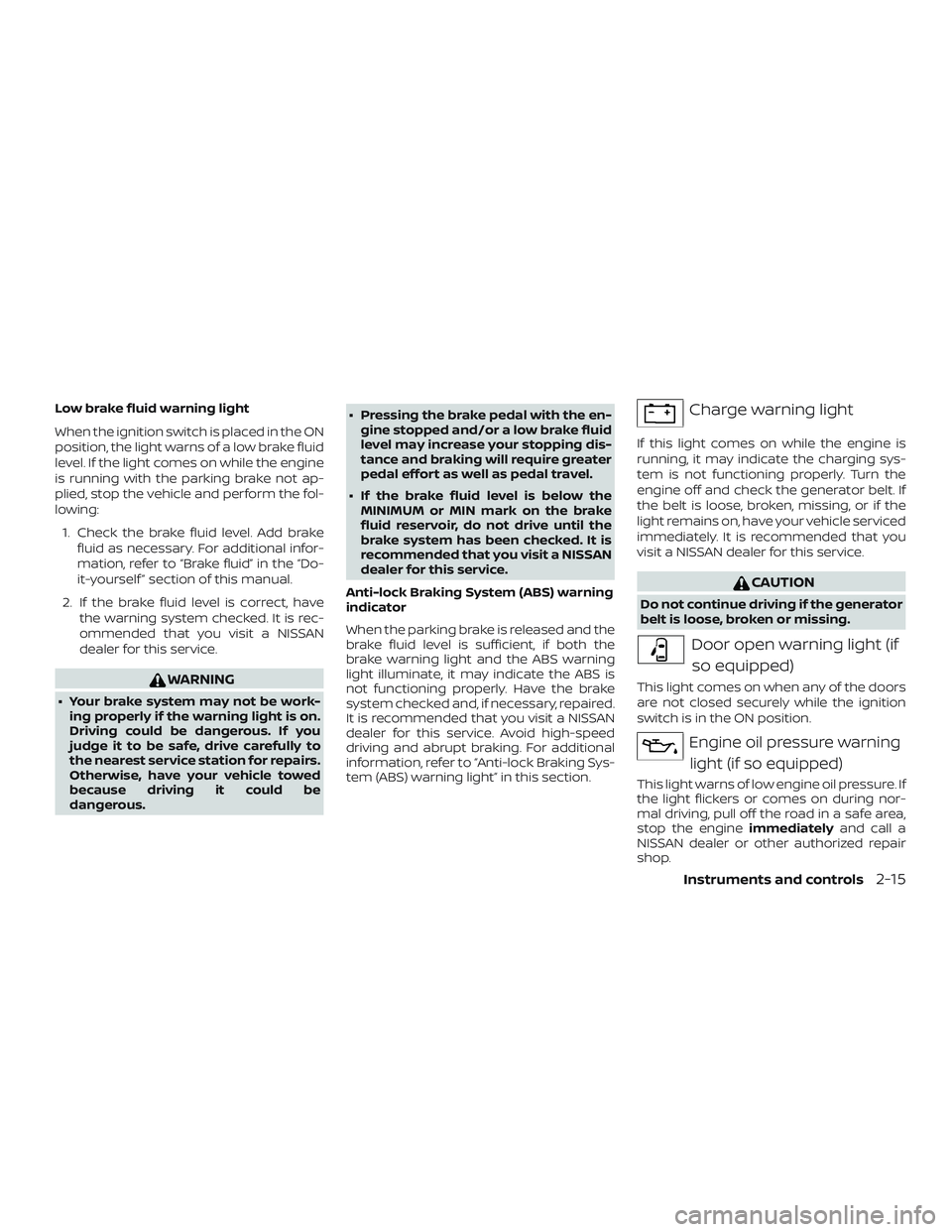
Low brake fluid warning light
When the ignition switch is placed in the ON
position, the light warns of a low brake fluid
level. If the light comes on while the engine
is running with the parking brake not ap-
plied, stop the vehicle and perform the fol-
lowing:1. Check the brake fluid level. Add brake fluid as necessary. For additional infor-
mation, refer to “Brake fluid” in the “Do-
it-yourself ” section of this manual.
2. If the brake fluid level is correct, have the warning system checked. It is rec-
ommended that you visit a NISSAN
dealer for this service.
WARNING
∙ Your brake system may not be work-ing properly if the warning light is on.
Driving could be dangerous. If you
judge it to be safe, drive carefully to
the nearest service station for repairs.
Otherwise, have your vehicle towed
because driving it could be
dangerous. ∙ Pressing the brake pedal with the en-
gine stopped and/or a low brake fluid
level may increase your stopping dis-
tance and braking will require greater
pedal effort as well as pedal travel.
∙ If the brake fluid level is below the MINIMUM or MIN mark on the brake
fluid reservoir, do not drive until the
brake system has been checked. It is
recommended that you visit a NISSAN
dealer for this service.
Anti-lock Braking System (ABS) warning
indicator
When the parking brake is released and the
brake fluid level is sufficient, if both the
brake warning light and the ABS warning
light illuminate, it may indicate the ABS is
not functioning properly. Have the brake
system checked and, if necessary, repaired.
It is recommended that you visit a NISSAN
dealer for this service. Avoid high-speed
driving and abrupt braking. For additional
information, refer to “Anti-lock Braking Sys-
tem (ABS) warning light” in this section.
Charge warning light
If this light comes on while the engine is
running, it may indicate the charging sys-
tem is not functioning properly. Turn the
engine off and check the generator belt. If
the belt is loose, broken, missing, or if the
light remains on, have your vehicle serviced
immediately. It is recommended that you
visit a NISSAN dealer for this service.
CAUTION
Do not continue driving if the generator
belt is loose, broken or missing.
Door open warning light (if so equipped)
This light comes on when any of the doors
are not closed securely while the ignition
switch is in the ON position.
Engine oil pressure warning light (if so equipped)
This light warns of low engine oil pressure. If
the light flickers or comes on during nor-
mal driving, pull off the road in a safe area,
stop the engine immediatelyand call a
NISSAN dealer or other authorized repair
shop.
Instruments and controls2-15
Page 102 of 461
Low windshield-washerfluid warning light (if so
equipped)
This light comes on when the windshield-
washer fluid is at a low level. Add
windshield-washer fluid as necessary. For
additional information, refer to “Windshield-
washer fluid” in the “Do-it-yourself ” section
of this manual.
Master warning light (if soequipped)
When the ignition switch is in the ON posi-
tion, the master warning light illuminates if
any of the following are displayed on the
vehicle information display:
∙ No key warning
∙ Low washer fluid warning
∙ Parking brake release warning
∙ Door open warning
∙ Loose fuel cap warning
∙ Check tire pressure warning
∙ Emergency brake warning
∙ Lock warning
∙ I-Key system warning ∙ Headlight system warning
∙ ITS warning
∙ Shipping mode warning
∙ Low oil pressure warning
For additional information, refer to “Vehicle
information display” in this section.
NISSAN Intelligent Key® warning light (if so
equipped)
Af ter the ignition switch is placed in the ON
position, this light comes on for about
2 seconds and then turns off. This light illu-
minates or blinks as follows:
∙ The light blinks in yellow when the door is closed with the Intelligent Key lef t out-
side the vehicle and the ignition switch
in the ACC or ON position. Make sure
that the Intelligent Key is inside the ve-
hicle.
∙ The light blinks in green when the Intel- ligent Key battery is running out of
power. Replace the battery with a new
one. For additional information, refer to
“Battery” in the “Do-it-yourself ” section
of this manual. ∙ The light illuminates in yellow when it
warns of a malfunction with the electri-
cal steering lock system or the Intelli-
gent Key system.
If the warning light illuminates in yellow
while the engine is stopped, it may be im-
possible to free the steering lock or to start
the engine. If the light comes on while the
engine is running, you can drive the vehicle.
However in these cases, have the vehicle
checked and repaired as soon as possible.
It is recommended that you visit a NISSAN
dealer for this service.
For additional information, refer to “NISSAN
Intelligent Key®” in the “Pre-driving checks
and adjustments” section of this manual.
orPower steering warning light
WARNING
∙ If the engine is not running or is turned off while driving, the power as-
sist for the steering will not work.
Steering will be harder to operate.
2-18Instruments and controls
Page 103 of 461
∙ When the power steering warninglight illuminates with the engine run-
ning, there will be no power assist for
the steering. You will still have control
of the vehicle but the steering will be
harder to operate. Have the power
steering system checked. It is recom-
mended that you visit a NISSAN dealer
for this service.
When the ignition switch is placed in the ON
position, the power steering warning light
illuminates. Af ter starting the engine, the
power steering warning light turns off. This
indicates the power steering system is op-
erational.
If the power steering warning light illumi-
nates while the engine is running, it may
indicate the power steering system is not
functioning properly and may need servic-
ing. Have the power steering system
checked. It is recommended that you visit a
NISSAN dealer for this service.
When the power steering warning light illu-
minates with the engine running, there will
be no power assist for the steering but you
will still have control of the vehicle. At this
time, greater steering effort is required to
operate the steering wheel, especially in
sharp turns and at low speeds. For additional information, refer to “Power
steering” in the “Starting and driving” sec-
tion of this manual.
Seat belt warning light and
chime
The light and chime remind you to fasten
your seat belts. The light illuminates when-
ever the ignition switch is placed in the ON
or START position and remains illuminated
until the driver’s seat belt is fastened. At the
same time, the chime sounds for about
6 seconds unless the driver’s seat belt is
securely fastened.
The seat belt warning light may also illumi-
nate if the front passenger’s seat belt is not
fastened when the front passenger’s seat
is occupied. For 7 seconds af ter the ignition
switch is placed in the ON position, the sys-
tem does not activate the warning light for
the front passenger.
For additional information, refer to “Seat
belts” in the “Safety—Seats, seat belts and
supplemental restraint system” section of
this manual.
Shif t P (Park) warning light(if so equipped)
This light blinks red and the key reminder
chime sounds if the shif t lever is in any
position other than P (Park) and the ignition
switch is in the OFF position. Return the
shif t lever to P (Park) with the ignition
switch in the OFF position and the light will
turn off. Place the ignition switch in the
LOCK position and the chime will turn off.
For additional information, refer to “NISSAN
Intelligent Key®” in the “Pre-driving checks
and adjustments” section of this manual.
Supplemental air bagwarning light
When the ignition switch is placed in the ON
or START position, the supplemental air
bag warning light illuminates for about
7 seconds and then turns off. This means
the system is operational.
If any of the following conditions occur, the
front air bag, side air bag, curtain air bag,
and pretensioner seat belt systems need
servicing.
∙ The supplemental air bag warning light remains on af ter approximately 7 sec-
onds.
Instruments and controls2-19
Page 104 of 461
∙ The supplemental air bag warning lightflashes intermittently.
∙ The supplemental air bag warning light does not come on at all.
It is recommended that you visit a NISSAN
dealer for these services. Unless checked
and repaired, the supplemental restraint
system (air bag system) and/or the preten-
sioners may not function properly. For ad-
ditional information, refer to “Supplemental
restraint system (SRS)” in the “Safety—
Seats, seat belts and supplemental re-
straint system” section of this manual.
WARNING
If the supplemental air bag warning
light is on, it could mean that the front
air bag, side air bag, curtain air bag sys-
tems and/or pretensioner systems will
not operate in an accident. To help
avoid injury to yourself or others, have
your vehicle checked as soon as pos-
sible. It is recommended that you visit a
NISSAN dealer for this service.
INDICATOR LIGHTS
For additional information, refer to “Vehicle
information display” in this section.
Continuously Variable Transmission (CVT)
position indicator light
(CVT models) (if so
equipped)
When the ignition switch is placed in the ON
position, this indicator light shows the shif t
lever position. For additional information,
refer to “Driving the vehicle” in the “Starting
and driving” section of this manual.
Cruise indicator light (if soequipped)
The light comes on when the cruise control
ON/OFF switch is pushed. The light goes
out when the ON/OFF switch is pushed
again. When the cruise indicator light
comes on, the cruise control system is op-
erational. For additional information, refer
to “Cruise control” in the “Starting and driv-
ing” section of this manual.
ECO mode indicator light (if so equipped)
This light comes on when the ECO mode
has been selected. For additional informa-
tion, refer to “ECO mode switch” in the
“Starting and driving” section of this
manual.
Engine start operationindicator light (if so
equipped)
For vehicles equipped with push-button ig-
nition this indicator illuminates when the
ignition switch is in the LOCK, OFF, ACC or
ON position with the shif t lever in the P
(Park) position.
Continuously Variable Transmission
(CVT) models: This indicator means that
the engine will start by pushing the push-
button ignition switch with the brake pedal
depressed.
Manual transmission models: This indi-
cator means that the engine will start by
pushing the ignition switch with the clutch
and the brake pedal depressed
2-20Instruments and controls
Page 106 of 461

The MIL may stop blinking and come on
steady. Have the vehicle inspected. It is rec-
ommended that you visit a NISSAN dealer
for this service. You do not need to have
your vehicle towed to the dealer.
CAUTION
Continued vehicle operation without
having the emission control system
checked and repaired as necessary
could lead to poor driveability, reduced
fuel economy, and possible damage to
the emission control system.
Overdrive OFF indicatorlight (if so equipped)
The overdrive OFF indicator light illumi-
nates when the overdrive OFF mode is se-
lected.
For additional information, refer to “Driving
the vehicle” in the “Starting and driving” sec-
tion of this manual.
Security indicator light
For vehicles without Intelligent Key: This
light blinks whenever the ignition switch is
placed in the LOCK, OFF or ACC position. For vehicles with Intelligent Key: This light
blinks when the ignition switch is placed in
the LOCK position with the key removed
from the ignition switch.
The blinking security indicator light indi-
cates that the security systems equipped
on the vehicle are operational.
For additional information, refer to “Security
systems” in this section.
Side light and headlight
indicator light (green)
The side light and headlight indicator light
illuminates when the side light or headlight
position is selected. For additional informa-
tion, refer to “Headlight and turn signal
switch” in this section.
Slip indicator light
This indicator will blink when the Vehicle
Dynamic Control (VDC) system is operat-
ing, thus alerting that the vehicle is nearing
its traction limits. The road surface may be
slippery.
SPORT mode indicatorlight (if so equipped)
This light illuminates and then turns off
when the ignition switch is placed in the ON
position, and when the SPORT mode is se-
lected.
For additional information, refer to “SPORT
mode switch” in the “Starting and driving”
section of this manual.
Turn signal/hazard indicator lights
The appropriate light flashes when the turn
signal switch is activated.
Both lights flash when the hazard switch is
turned on.
Vehicle Dynamic Control(VDC) OFF indicator light
This indicator light comes on when the
VDC OFF switch is pushed to off. This indi-
cates the VDC system has been turned off.
Push the VDC OFF switch again or restart
the engine and the system will operate
normally. For additional information, refer
to “Vehicle Dynamic Control (VDC) system”
in the “Starting and driving” section of this
manual.
2-22Instruments and controls
Page 107 of 461
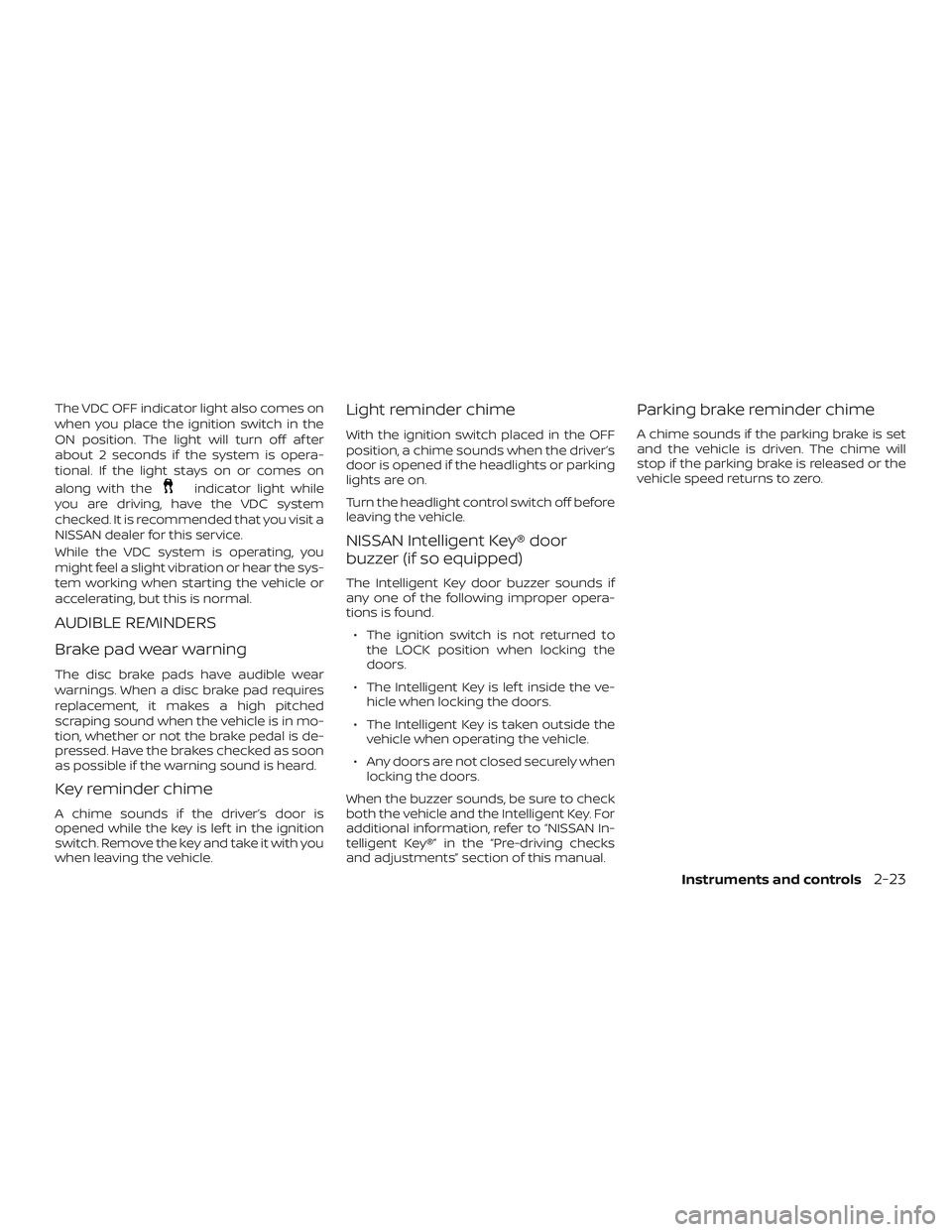
The VDC OFF indicator light also comes on
when you place the ignition switch in the
ON position. The light will turn off af ter
about 2 seconds if the system is opera-
tional. If the light stays on or comes on
along with the
indicator light while
you are driving, have the VDC system
checked. It is recommended that you visit a
NISSAN dealer for this service.
While the VDC system is operating, you
might feel a slight vibration or hear the sys-
tem working when starting the vehicle or
accelerating, but this is normal.
AUDIBLE REMINDERS
Brake pad wear warning
The disc brake pads have audible wear
warnings. When a disc brake pad requires
replacement, it makes a high pitched
scraping sound when the vehicle is in mo-
tion, whether or not the brake pedal is de-
pressed. Have the brakes checked as soon
as possible if the warning sound is heard.
Key reminder chime
A chime sounds if the driver’s door is
opened while the key is lef t in the ignition
switch. Remove the key and take it with you
when leaving the vehicle.
Light reminder chime
With the ignition switch placed in the OFF
position, a chime sounds when the driver’s
door is opened if the headlights or parking
lights are on.
Turn the headlight control switch off before
leaving the vehicle.
NISSAN Intelligent Key® door
buzzer (if so equipped)
The Intelligent Key door buzzer sounds if
any one of the following improper opera-
tions is found.
∙ The ignition switch is not returned to the LOCK position when locking the
doors.
∙ The Intelligent Key is lef t inside the ve- hicle when locking the doors.
∙ The Intelligent Key is taken outside the vehicle when operating the vehicle.
∙ Any doors are not closed securely when locking the doors.
When the buzzer sounds, be sure to check
both the vehicle and the Intelligent Key. For
additional information, refer to “NISSAN In-
telligent Key®” in the “Pre-driving checks
and adjustments” section of this manual.
Parking brake reminder chime
A chime sounds if the parking brake is set
and the vehicle is driven. The chime will
stop if the parking brake is released or the
vehicle speed returns to zero.
Instruments and controls2-23
Page 109 of 461
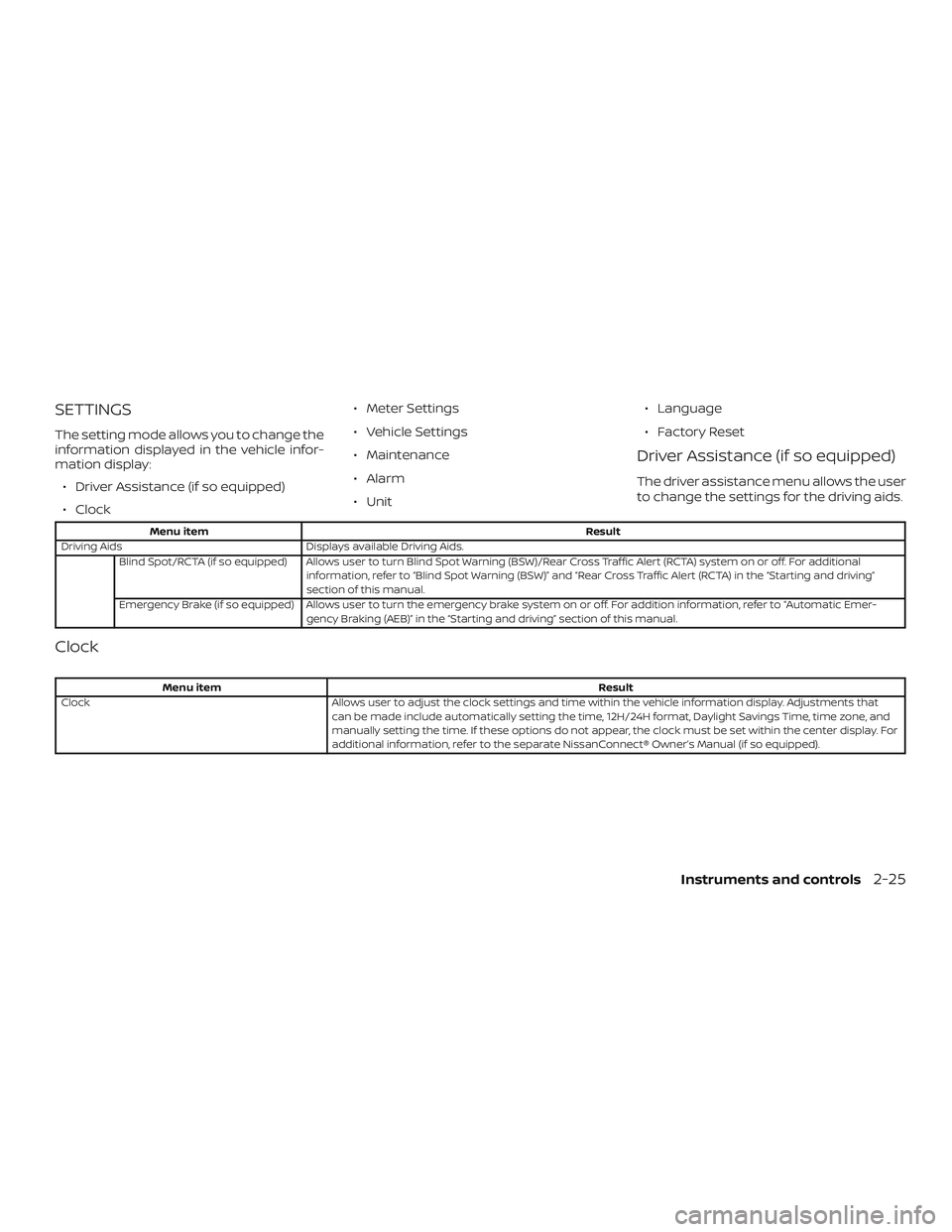
SETTINGS
The setting mode allows you to change the
information displayed in the vehicle infor-
mation display:∙ Driver Assistance (if so equipped)
∙ Clock ∙ Meter Settings
∙ Vehicle Settings
∙ Maintenance
∙ Alarm
∙ Unit
∙ Language
∙ Factory Reset
Driver Assistance (if so equipped)
The driver assistance menu allows the user
to change the settings for the driving aids.
Menu item
Result
Driving Aids Displays available Driving Aids.
Blind Spot/RCTA (if so equipped) Allows user to turn Blind Spot Warning (BSW)/Rear Cross Traffic Alert (RCTA) system on or off. For additional information, refer to “Blind Spot Warning (BSW)” and “Rear Cross Traffic Alert (RCTA) in the “Starting and driving”
section of this manual.
Emergency Brake (if so equipped) Allows user to turn the emergency brake system on or off. For addition information, refer to “Automatic Emer- gency Braking (AEB)” in the “Starting and driving” section of this manual.
Clock
Menu item Result
Clock Allows user to adjust the clock settings and time within the vehicle information display. Adjustments that
can be made include automatically setting the time, 12H/24H format, Daylight Savings Time, time zone, and
manually setting the time. If these options do not appear, the clock must be set within the center display. For
additional information, refer to the separate NissanConnect® Owner’s Manual (if so equipped).
Instruments and controls2-25
Page 111 of 461
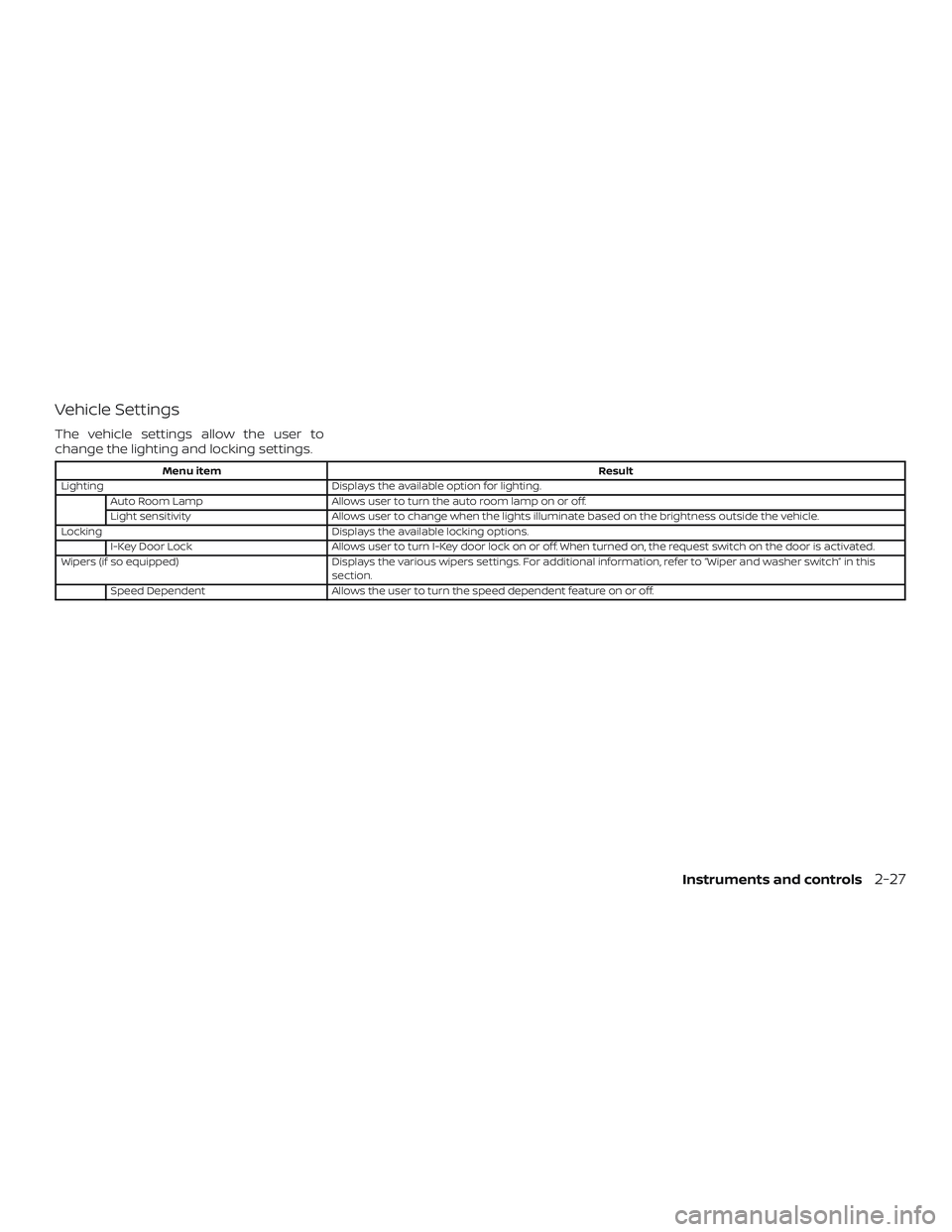
Vehicle Settings
The vehicle settings allow the user to
change the lighting and locking settings.
Menu itemResult
Lighting Displays the available option for lighting.
Auto Room Lamp Allows user to turn the auto room lamp on or off.
Light sensitivity Allows user to change when the lights illuminate based on the brightness outside the vehicle.
Locking Displays the available locking options.
I-Key Door Lock Allows user to turn I-Key door lock on or off. When turned on, the request switch on the door is activated.
Wipers (if so equipped) Displays the various wipers settings. For additional information, refer to “Wiper and washer switch” in this
section.
Speed Dependent Allows the user to turn the speed dependent feature on or off.
Instruments and controls2-27