Page 7 of 372
SiriusXM® services
require a subscrip-
tion af ter trial pe-
riod and are sold
separately or as a
package. The sat-
ellite service is
available only in
the 48 contiguous
USA and DC.
SiriusXM® satellite
service is also
available in
Canada; see
www.siriusxm.ca.
© Nissan Mexicana, S. A. de C. V.
All rights reserved. No part of this
Manual may be reproduced or stored in a
retrieval system, or transmitted in any
form, or by any means, electronic, me-
chanical, photocopying, recording or oth-
erwise, without the prior written permis-
sion of Nissan Mexicana, S. A. de C. V.
Page 47 of 372
should illuminate. If this light is not illu-
minated refer to passenger air
bag and status lightŽ in this section.
Have the system checked. It is recom-
mended that you visit a NISSAN dealer
for this service.
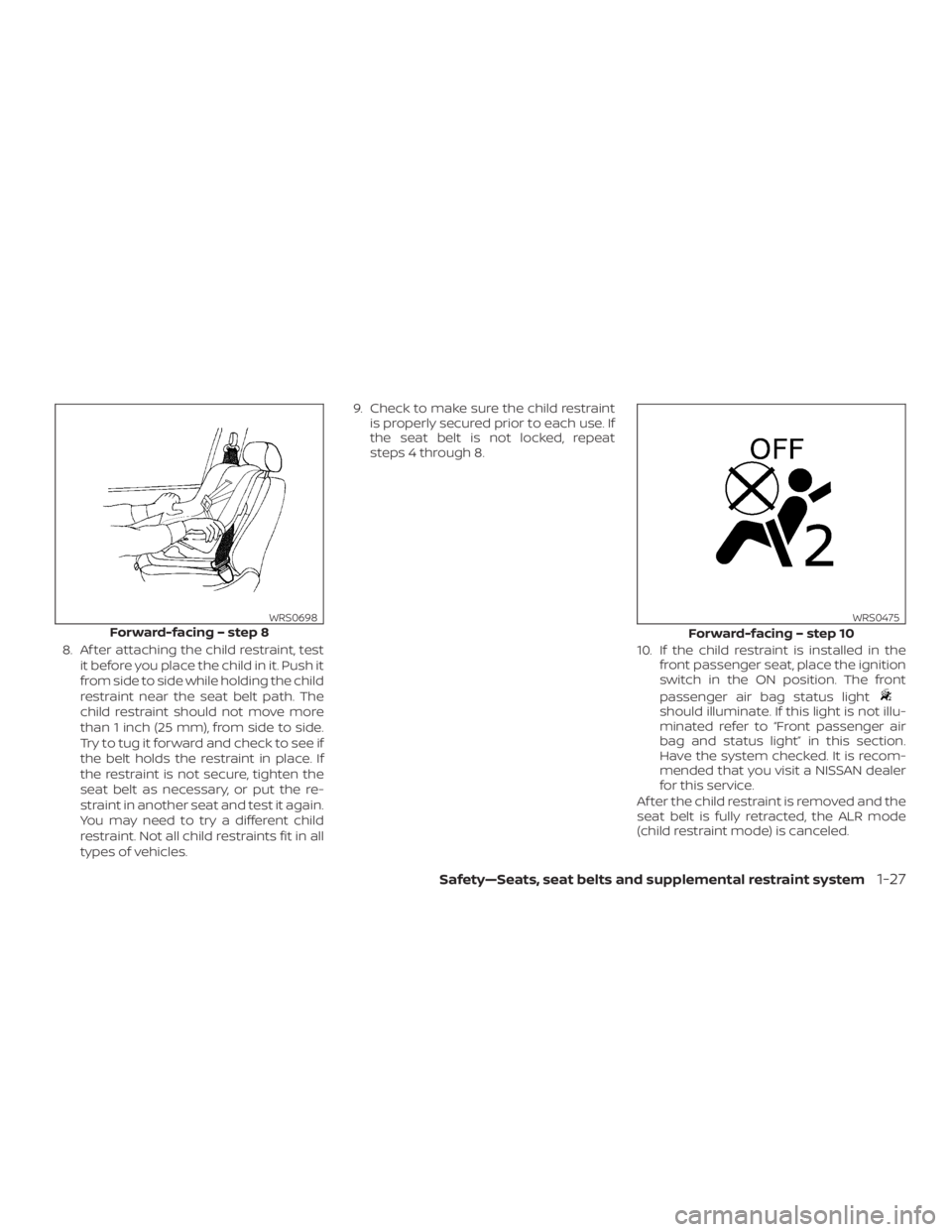
Af ter the child restraint is removed and the
seat belt is fully retracted, the ALR mode
(child restraint mode) is canceled.
Page 63 of 372
, located in the me-
ter and gauges area of the instrument
panel, will be illuminated (blinking or
steadily lit). Have the system checked. It is
recommended that you visit a NISSAN
dealer for this service.
Normal operation
In order for the occupant classification
sensor system to classif y the front passen-
ger based on weight, please follow the pre-
cautions and steps outlined below:
Precautions
∙ Make sure that there are no objects
weighing over 9.1 lbs. (4 kg) hanging on
the seat or placed in the seatback
pocket.
∙ Make sure that an object is not pressing
against the rear of the seatback.
∙ Make sure that the front passenger
seat or seatback is not forced back
against an object on the seat or floor
behind it.
∙ Make sure that there is no object placed
under the front passenger seat.Steps
1. Adjust the seat as outlined in the “Seats”
section of this manual. Sit upright, lean-
ing against the seatback, and centered
on the seat cushion with your feet com-
fortably extended to the floor.
2. Make sure there are no objects on your
lap.
3. Fasten the seat belt as outlined in the
“Seat belts” section of this manual.
Front passenger seat belt buckle sta-
tus is monitored by the occupant clas-
sification system, and is used as an in-
put to determine occupancy status. So,
it is highly recommended that the front
passenger fasten their seat belt.
4. Remain in this position for 30 seconds
allowing the system to classif y the
front passenger before the vehicle is
put into motion.
5. Ensure proper classification by check-
ing the front passenger air bag status
light.
Safety—Seats, seat belts and supplemental restraint system1-43
Page 70 of 372
in the instrument panel,
monitors the circuits for the air bag sys-
tems, pretensioner(s) and all related wiring.
When the ignition switch is placed in the ON
position, the supplemental air bag warning
light illuminates for about 7 seconds and
then turns off. This means the system is
operational.If any of the following conditions occur, the
front air bag, side air bag, curtain air bag
and pretensioner systems need servicing:
� The supplemental air bag warning light
remains on af ter approximately 7 sec-
onds.
� The supplemental air bag warning light
flashes intermittently.
� The supplemental air bag warning light
does not come on at all.
Under these conditions, the front air bag,
side air bag, curtain air bag or pretensioner
systems may not operate properly. They
must be checked and repaired. It is recom-
mended that you visit a NISSAN dealer for
this service.
LRS0100
1-50Safety—Seats, seat belts and supplemental restraint system
Page 79 of 372
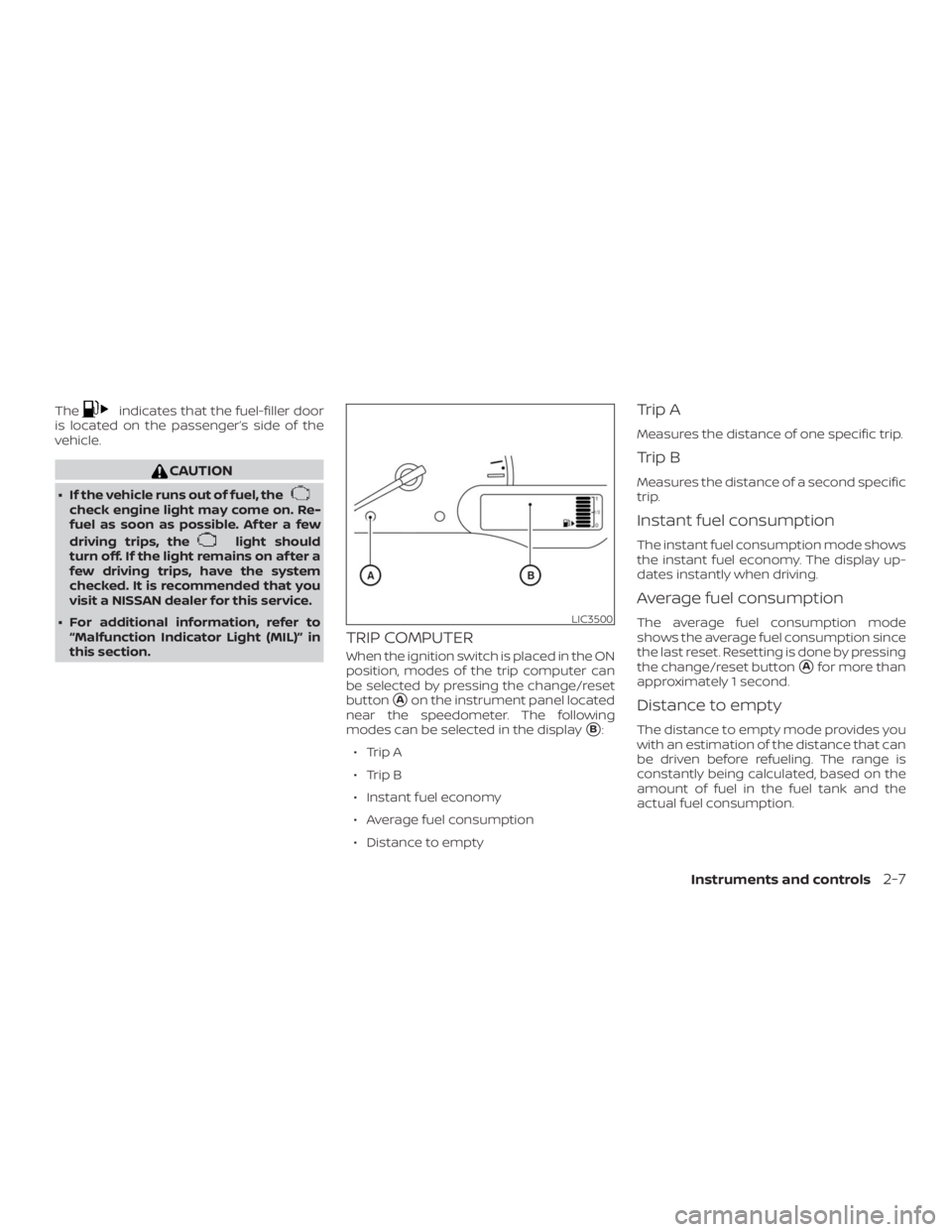
indicates that the fuel-filler door
is located on the side of the
vehicle.
check engine light may come on. Re-
fuel as soon as possible. Af ter a few
driving trips, the
light should
turn off. If the light remains on af ter a
few driving trips, have the system
checked. It is recommended that you
visit a NISSAN dealer for this service.
� For additional information, refer to
Indicator Light (MIL)Ž in
this section.
TRIP COMPUTER
When the ignition switch is placed in the ON
position, modes of the trip computer can
be selected by pressing the change/reset
button
�Aon the instrument panel located
near the speedometer. The following
modes can be selected in the display
�B:
∙ Trip A
∙ Trip B
∙ Instant fuel economy
∙ Average fuel consumption
∙ Distance to empty
Trip A
Measures the distance of one specific trip.
Trip B
Measures the distance of a second specific
trip.
Instant fuel consumption
The instant fuel consumption mode shows
the instant fuel economy. The display up-
dates instantly when driving.
Average fuel consumption
The average fuel consumption mode
shows the average fuel consumption since
the last reset. Resetting is done by pressing
the change/reset button
�Afor more than
approximately 1 second.
Distance to empty
The distance to empty mode provides you
with an estimation of the distance that can
be driven before refueling. The range is
constantly being calculated, based on the
amount of fuel in the fuel tank and the
actual fuel consumption.
LIC3500
Page 81 of 372
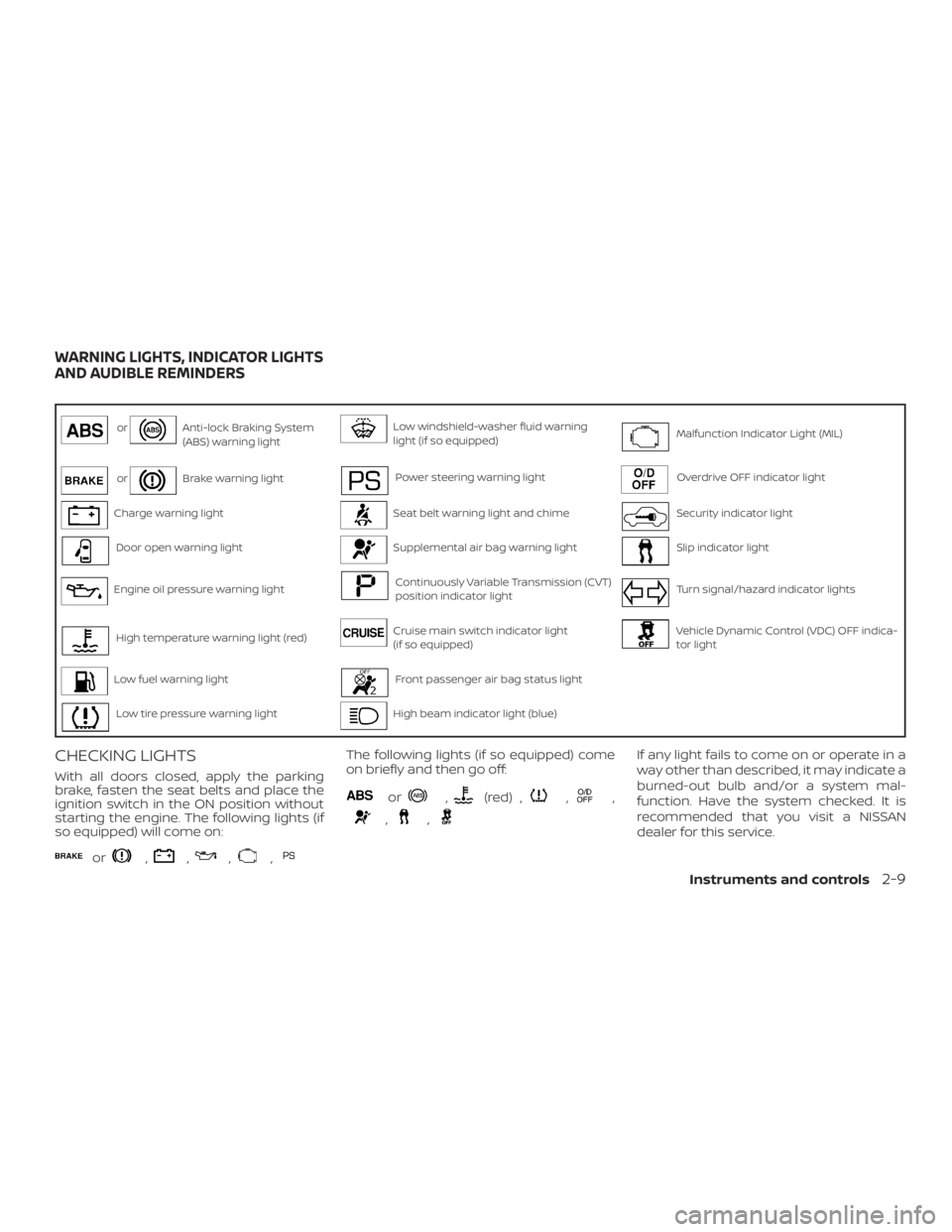
Anti-lock Braking System
(ABS) warning lightLow windshield-washer fluid warning
light (if so equipped)Malfunction Indicator Light (MIL)
orBrake warning lightPower steering warning lightOverdrive OFF indicator light
Charge warning lightSeat belt warning light and chimeSecurity indicator light
Door open warning lightSupplemental air bag warning lightSlip indicator light
Engine oil pressure warning lightContinuously Variable Transmission (CVT)
position indicator lightTurn signal/hazard indicator lights
High temperature warning light (red)Cruise main switch indicator light
(if so equipped)Vehicle Dynamic Control (VDC) OFF indica-
tor light
Low fuel warning lightFront passenger air bag status light
Low tire pressure warning lightHigh beam indicator light (blue)
CHECKING LIGHTS
With all doors closed, apply the parking
brake, fasten the seat belts and place the
ignition switch in the ON position without
starting the engine. The following lights (if
so equipped) will come on:
or,,,,
The following lights (if so equipped) come
on briefly and then go off:
or,(red) ,,,
,,
If any light fails to come on or operate in a
way other than described, it may indicate a
burned-out bulb and/or a system mal-
function. Have the system checked. It is
recommended that you visit a NISSAN
dealer for this service.
WARNING LIGHTS, INDICATOR LIGHTS
AND AUDIBLE REMINDERS
Instruments and controls2-9
Page 82 of 372
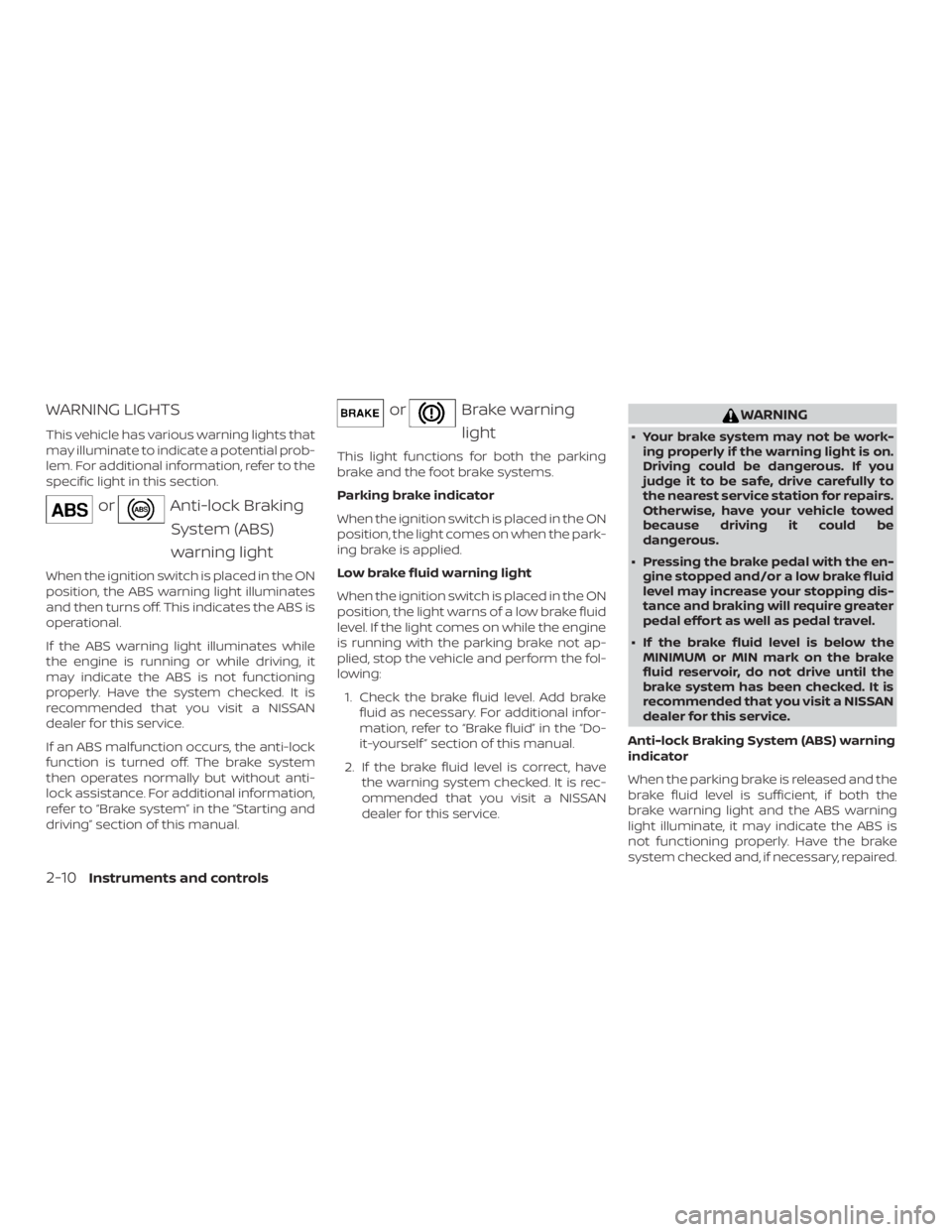
orAnti-lock Braking
System (ABS)
warning light
When the ignition switch is placed in the ON
position, the ABS warning light illuminates
and then turns off. This indicates the ABS is
operational.
If the ABS warning light illuminates while
the engine is running or while driving, it
may indicate the ABS is not functioning
properly. Have the system checked. It is
recommended that you visit a NISSAN
dealer for this service.
If an ABS malfunction occurs, the anti-lock
function is turned off. The brake system
then operates normally but without anti-
lock assistance. For additional information,
refer to systemŽ in the and
drivingŽ section of this manual.
orBrake warning
light
This light functions for both the parking
brake and the foot brake systems.
Parking brake indicator
When the ignition switch is placed in the ON
position, the light comes on when the park-
ing brake is applied.
Low brake fluid warning light
When the ignition switch is placed in the ON
position, the light warns of a low brake fluid
level. If the light comes on while the engine
is running with the parking brake not ap-
plied, stop the vehicle and perform the fol-
lowing:
1. Check the brake fluid level. Add brake
fluid as necessary. For additional infor-
mation, refer to “Brake fluid” in the “Do-
it-yourself ” section of this manual.
2. If the brake fluid level is correct, have
the warning system checked. It is rec-
ommended that you visit a NISSAN
dealer for this service.
Page 83 of 372
Charge warning light
If this light comes on while the engine is
running, it may indicate the charging sys-
tem is not functioning properly. Turn the
engine off and check the generator belt. If
the belt is loose, broken, missing, or if the
light remains on, have the system checked.
It is recommended that you visit a NISSAN
dealer for this service.
Engine oil pressure
warning light
This light warns of low engine oil pressure. If
the light flickers or comes on during nor-
mal driving, pull off the road in a safe area,
stop the engineimmediatelyand call a
NISSAN dealer or other authorized repair
shop.
The engine oil pressure warning light is
not designed to indicate a low oil level.
Use the dipstick to check the oil level. For
additional information, refer to “Engine oil”
in the “Do-it-yourself ” section of this
manual.