orSEEK/TRACK but-
tons to skip backward or forward one
track.
Press and hold the
orSEEK/TRACK buttons for 1.5 seconds while
a track is playing to reverse or fast forward
the track being played. The track plays at
an increased speed while reversing or fast
forwarding. When the button is released,
the track returns to normal play speed.
(RPT) REPEAT
When the RPT button is pressed while a
track is being played, the play pattern can
be changed as follows:
Repeat Off→1 Track Repeat→All Repeat→
Repeat Off
1 Track Repeat: the current track will be
repeated.
All Repeat: all songs in the current list are
repeated.
Repeat Off: no repeat play pattern is ap-
plied.(RDM) RANDOM
When the RDM button is pressed while a
track is being played, the play pattern can
be changed as follows:
Shuffle Off→Track Shuffle→Album Shuffle
→Shuffle Off
Track Shuffle: the tracks in the current list
will be played randomly.
Album Shuffle: the albums in the current list
will be played randomly.
Shuffle Off: no random play pattern is ap-
plied.
BACK button is pressed, it
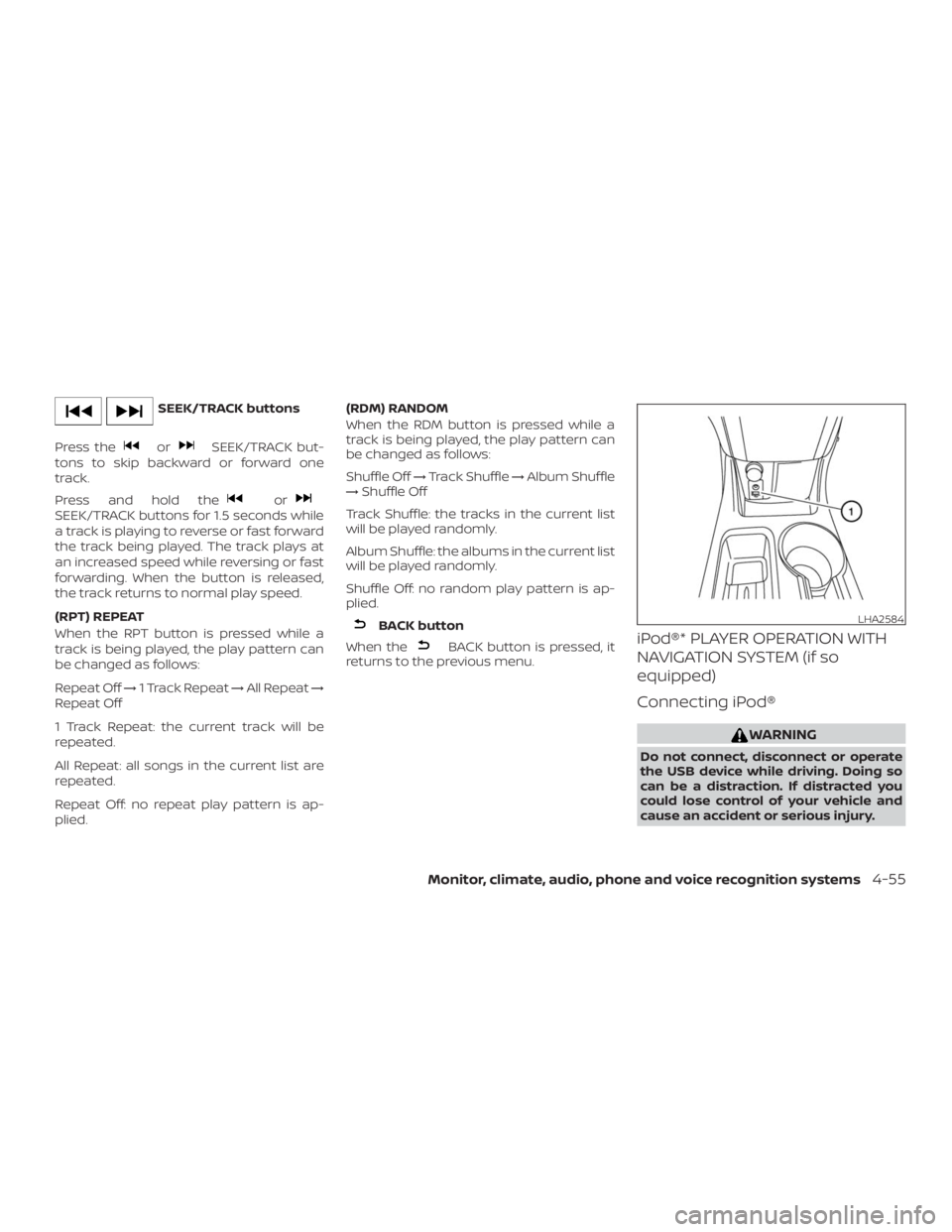
returns to the previous menu.iPod®* PLAYER OPERATION WITH
NAVIGATION SYSTEM (if so
equipped)
Connecting iPod®