2019 MERCEDES-BENZ GLC SUV USB port
[x] Cancel search: USB portPage 435 of 673
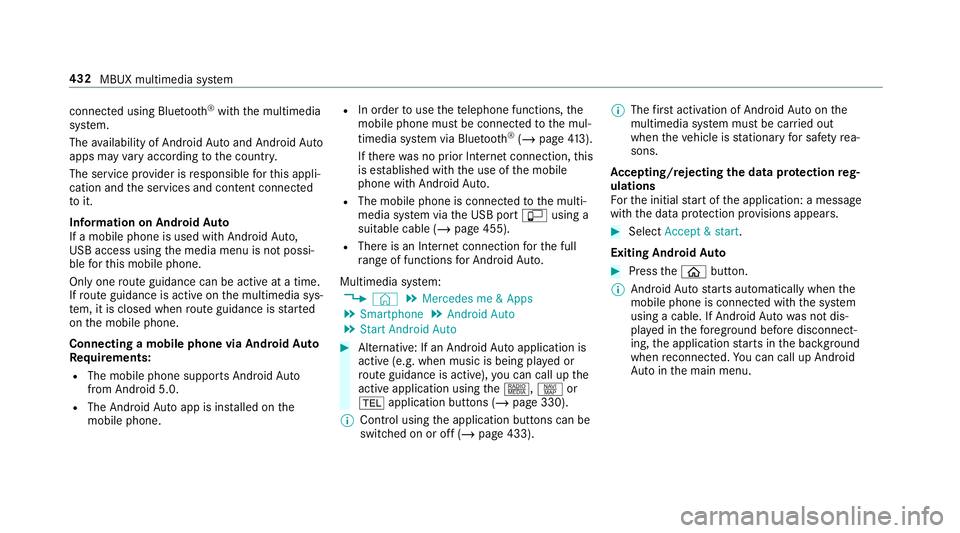
connected using Blu
etoo th®
with the multimedia
sy stem.
The availability of Android Autoand Android Auto
apps may vary according tothe count ry.
The service pr ovider is responsible forth is appli‐
cation and the services and conte nt connected
to it.
Information on Android Auto
If a mobile phone is used with Android Auto,
USB access using the media menu is not possi‐
ble forth is mobile phone.
Only one route guidance can be active at a time.
If ro ute guidance is active on the multimedia sys‐
te m, it is closed when route guidance is star ted
on the mobile phone.
Connecting a mobile phone via Android Auto
Requ irements:
R The mobile phone supports Android Auto
from Android 5.0.
R The Android Autoapp is ins talled on the
mobile phone. R
In order touse thete lephone functions, the
mobile phone must be connected tothe mul‐
timedia sy stem via Blue tooth®
(/ page 413).
If th ere was no prior Internet connection, this
is es tablished with the use of the mobile
phone with Android Auto.
R The mobile phone is connected tothe multi‐
media sy stem via the USB port çusing a
suitable cable (/ page 455).
R There is an Internet connection forth e full
ra nge of functions for Android Auto.
Multimedia sy stem:
4 © 5
Mercedes me & Apps
5 Smartphone 5
Android Auto
5 Start Android Auto #
Alternative: If an Android Autoapplication is
active (e.g. when music is being pla yed or
ro ute guidance is active), you can call up the
active application using the|, zor
% application buttons (/ page 330).
% Control using the application buttons can be
switched on or off (/ page 433). %
The firs t acti vation of Android Autoon the
multimedia sy stem must be car ried out
when theve hicle is stationary for saf etyre a‐
sons.
Ac cepting/rejecting the data pr otection reg‐
ulations
Fo rth e initial start of the application: a message
with the data pr otection pr ovisions appears. #
Select Accept & start .
Exiting Android Auto #
Press theò button.
% Android Autostarts automatically when the
mobile phone is connected with the sy stem
using a cable. If Android Autowa s not dis‐
pla yed in thefo re ground before disconnect‐
ing, the application starts in the bac kground
when reconnected. You can call up Android
Au tointhe main menu. 432
MBUX multimedia sy stem
Page 455 of 673
The multimedia sy
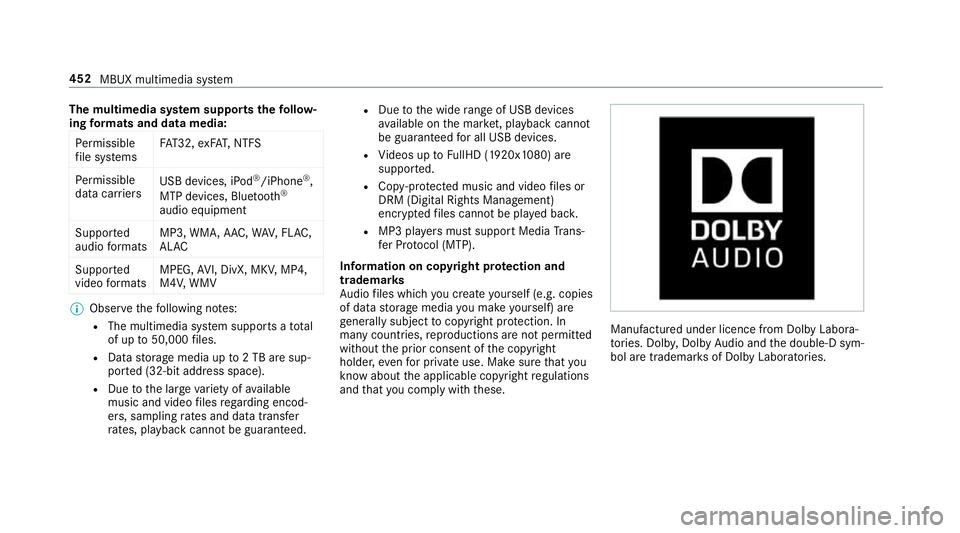
stem supports thefo llow‐
ing form ats and data media:
Pe rm issible
fi le sy stems FA
T32, exFA T,NTFS
Pe rm issible
data car riers USB devices, iPod
®
/iPhone ®
,
MTP devices, Blue tooth®
audio equipment
Suppor ted
audio form ats MP3, WMA, AAC,
WAV,FLAC,
AL AC
Suppor ted
video form ats MPEG,
AVI, DivX, MKV, MP4,
M4V, WMV %
Obser vethefo llowing no tes:
R The multimedia sy stem supports a total
of up to50,000 files.
R Data storage media up to2 TB are sup‐
por ted (32‑bit address space).
R Due tothe large variet y of available
music and video files rega rding encod‐
ers, sampling rates and data transfer
ra tes, playback cannot be guaranteed. R
Due tothe wide range of USB devices
av ailable on the mar ket, pl ayback cann ot
be guaranteed for all USB devices.
R Videos up toFullHD (1920x1080) are
suppor ted.
R Cop y-pr otected music and video files or
DRM (Digital Rights Management)
enc rypte dfiles cannot be pla yed bac k.
R MP3 pla yers must support Media Trans‐
fe r Pr otocol (MTP).
In fo rm ation on copy right pr otection and
tradema rks
Au dio files which you create yourself (e.g. copies
of data storage media you make yourself) are
ge neral lysubject tocopyright pr otection. In
many count ries, reproductions are not permitted
without the prior consent of the copyright
holder, evenfo r private use. Make sure that you
know about the applicable copyright regulations
and that you co mply wi th th ese. Manufactured under licence from Dolby Labora‐
to
ries. Dolb y,Dol byAudio and the double-D sym‐
bol are trademar ksof Dolby Laboratories. 452
MBUX multimedia sy stem
Page 458 of 673
Connecting
the data storage medium tothe
mu ltimedia sy stem Connecting USB devices
* NO
TEDama gecaused byhigh temp era‐
tures High
temp eratures can damage USB devices. #
Remo vethe USB device af ter use and
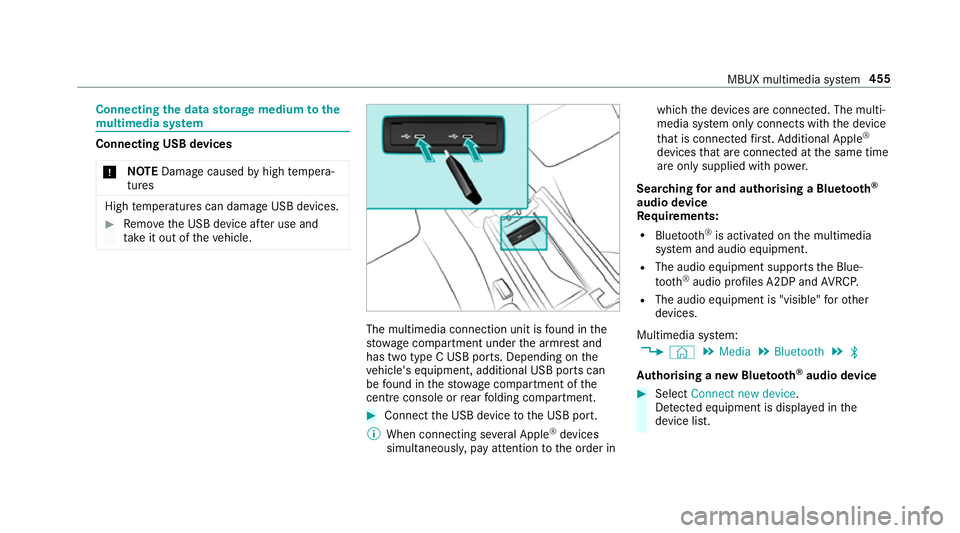
ta ke it out of theve hicle. The multimedia connection unit is
found in the
stow age compartment under the armrest and
has two type C USB ports. Depending on the
ve hicle's equipment, additional USB ports can
be found in thestow age compartment of the
centre console or rear folding compartment. #
Connect the USB device tothe USB port.
% When connecting se veral Apple ®
devices
simultaneousl y,pay attention tothe order in which
the devices are connected. The multi‐
media sy stem only connects with the device
th at is connec tedfirs t. Ad ditional Apple ®
devices that are connec ted at the same time
are only supplied with po wer.
Sear ching for and authorising a Blue tooth ®
audio device
Requ irements:
R Blue tooth ®
is activated on the multimedia
sy stem and audio equipment.
R The audio equipment supports the Blue‐
tooth ®
audio profiles A2DP and AVRC P.
R The audio equipment is "visible" forot her
devices.
Multimedia sy stem:
4 © 5
Media 5
Bluetooth 5
ª
Au thorising a new Blu etoo th®
audio device #
Select Connect new device .
De tected equipment is displ ayed in the
device list. MBUX multimedia sy
stem 455
Page 633 of 673
Car
wash
see Care
Car wash (care) ....................................... 483
Car-to-X-Communication Displaying hazard warnings ................ .397
Overview ............................................. 396
Sending hazard warnings .................... .397
Care .......................................................... 491
Air-water duct ...................................... 482
Car wash ............................................. 483
Carpet .................................................4 91
Deco rative foil .................................... .487
Displ ay................................................. 491
Exterior lighting ................................... 489
High-pressure cleaner ......................... 484
Matt finish ........................................... 486
Pa int wo rk ............................................ 486
Plastic trim .......................................... 491
Re alwo od/trim elements .................... 491
Re versing camera ................................ 489
Ro of lining ...........................................4 91
Seat belt .............................................. 491
Seat co ver ........................................... 491
Sensors ............................................... 489
Ta ilpipes .............................................. 489 Tr
ailer hit ch......................................... 489
Wa shing byhand ................................. 485
Wheels/rims ....................................... 489
Wi ndo ws .............................................. 489
Wi per blades .......................................4 89
Carpet (Care) ............................................ 491
Changing gears ........................................ 191
Manually ..............................................1 91
Changing hub caps .................................. 531
Changing the lights
Driving abroad (symm etrical low
beam) ................................................... 141
Cha rging
Bat tery (vehicle) .................................. 506
USB port .............................................. 137
Chassis Damping characteristics ...................... 24 2
DY NA MIC BODY CONTROL .................. 24 2
Chassis le vel (AIR BODY CONT ROL)
Setting ................................................ .244
Child saf ety lock
Ac tivating/deactivating (multimedia
sy stem) ............................................... 358 Re
ar door .............................................. .71
Re ar side wind ows................................. 73
Child seat App rova l categories .............................. .56
At tach ing (no tes) ................................... 55
Basic instructions ..................................49
Fr ont passenger seat (no tes) ................. 70
Fr ont passenger seat (without auto‐
matic airbag shutoff) ............................. 69
ISOFIX/i-Size (fitting) ............................62
No tes on risks and dangers ...................50
Re commended child restra int sys‐
te ms ...................................................... 53
Seats suita blefor belt-secu redch ild
re stra int sy stems ................................... 65
Seats suitable for i‑Size child
re stra int sy stems ................................... 61
Seats suitable for ISOFIX child
re stra int sy stems ................................... 58
Securing on the front passenger seat ....70
Secu ring on there ar seat ...................... 68
To pTe ther ..............................................64
Child ren
Av oiding dangers in theve hicle .............50
Basic instructions .................................. 49 630
Index
Page 635 of 673

Del
eting .............................................. .420
Deleting favo urites .............................. .421
Downloading (from mobile phone) ....... 41 8
Importing ............................................. 419
Importing (o verview) ............................ 419
Information .......................................... 41 8
Making a call ........................................4 19
Na me form at ........................................ 419
Options ................................................ 420
Saving as a favo urite .......................... .420
Selecting options for suggestions ........ 420
St oring .................................................4 19
Con venience closing ................................. 91
Con venience opening ................................ 90
Coolant (engine) Check le vel .......................................... 481
No tes ................................................... 547
Cooling see Climate control
Copyright .................................................. .32
Cornering light ........................................ .145
Cross Traf fic Alert .................................. .265 Crosswind Assist
Function/no tes .................................... 215
Cruise control .......................................... 222
Ac tivating ............................................ 224
Buttons ................................................ 224
Calling up a speed ............................... 224
Deactivating ........................................ 224
Fu nction .............................................. 222
Re quirements ...................................... 224
Selecting ............................................ .224
Setting a speed ................................... 224
St oring a speed ................................... 224
Sy stem limitations ...............................2 22
Cup holder Rear .................................................... .133
Cup holder in the centre console
ins talling/ removing (auto matic
transmission) ....................................... 13 2 D
Damage de tection (pa rked vehicle) .......207
Dash cam Starting/ending a video recording ...... 409 Dashboard
see Co ckpit
Dashboard lighting see Instrument lighting
Dashcam Configuring the settings ....................... 41 0
Del eting a video recording ................... 409
Selecting a USB device ....................... 408
Data acquisition Vehicle .................................................. 30
Data import/export ................................ 359
Fu nction/no tes ................................... 359
Importing/exporting ........................... 359
Data storage
Electronic control units ........................ .30
Online services ...................................... 31
Ve hicle .................................................. 30
Date Setting the time and date automati‐
cally ..................................................... 354
Deactivating the ala rm(ATA ).................. 101
Deale rship
see Qualified speciali stwo rkshop 632
Index
Page 667 of 673
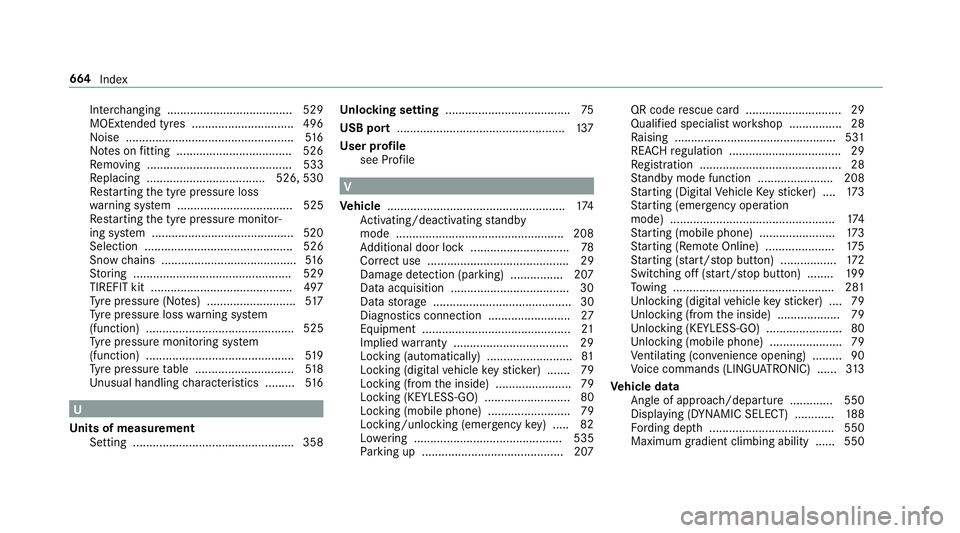
Inter
changing ...................................... 529
MOExtended tyres .............................. .496
Noise ................................................... 516
No tes on fitting ................................... 526
Re moving ............................................ 533
Re placing .................................... 526, 530
Re starting the tyre pressure loss
wa rning sy stem ................................... 525
Re starting the tyre pressure monitor‐
ing sy stem ...........................................5 20
Selection ............................................. 526
Snow chains ........................................ .516
St oring ................................................ 529
TIREFIT kit ...........................................4 97
Ty re pressure (N otes) ........................... 517
Ty re pressure loss warning sy stem
(function) ............................................. 525
Ty re pressure monitoring sy stem
(function) ............................................. 519
Ty re pressure table .............................. 51 8
Un usual handling characteristics ........ .516 U
Un its of measurement
Setting ................................................ .358 Un
locking setting ...................................... 75
USB port ...................................................1 37
User profile see Profile V
Ve hicle ...................................................... 174
Ac tivating/deactivating standby
mode .................................................. .208
Ad ditional door lock .............................. 78
Cor rect use ........................................... 29
Dama gedetection (pa rking) ................ 207
Data acquisition .................................... 30
Data storage .......................................... 30
Diagnostics connection .........................27
Equipment ............................................. 21
Implied warranty .................................. .29
Locking (auto matically) ......................... .81
Locking (digital vehicle keyst icke r) ....... 79
Locking (from the inside) ....................... 79
Locking (KEYLESS-GO) .......................... 80
Locking (mobile phone) .........................79
Locking/unlocking (emergency key) .... .82
Lo we ring ............................................. 535
Pa rking up .......................................... .207 QR code
rescue card ............................. 29
Qualifi ed specialist workshop ................28
Ra ising ................................................ .531
REA CHregulation ..................................29
Re gistration ...........................................28
St andby mode function ...................... .208
St arting (Digital Vehicle Keyst icke r) .... 173
St arting (eme rgency operation
mode) .................................................. 174
St arting (mobile phone) ...................... .173
St arting (Remo teOnline) ..................... 175
St arting (s tart/s top button) .................1 72
Switching off (s tart/s top button) ........ 19 9
To wing ................................................ .281
Un locking (digital vehicle keyst icke r) .... 79
Un locking (from the inside) ...................79
Un locking (KEYLESS-GO) ...................... .80
Un locking (mobile phone) ...................... 79
Ve ntilating (co nvenience opening) ......... 90
Vo ice commands (LINGU ATRO NIC) ...... 313
Ve hicle data
Angle of app roach/departure ............ .550
Displ aying (DYNAMIC SELECT) ............ 188
Fo rding dep th...................................... 550
Maximum gradient climbing ability ...... 550 664
Index