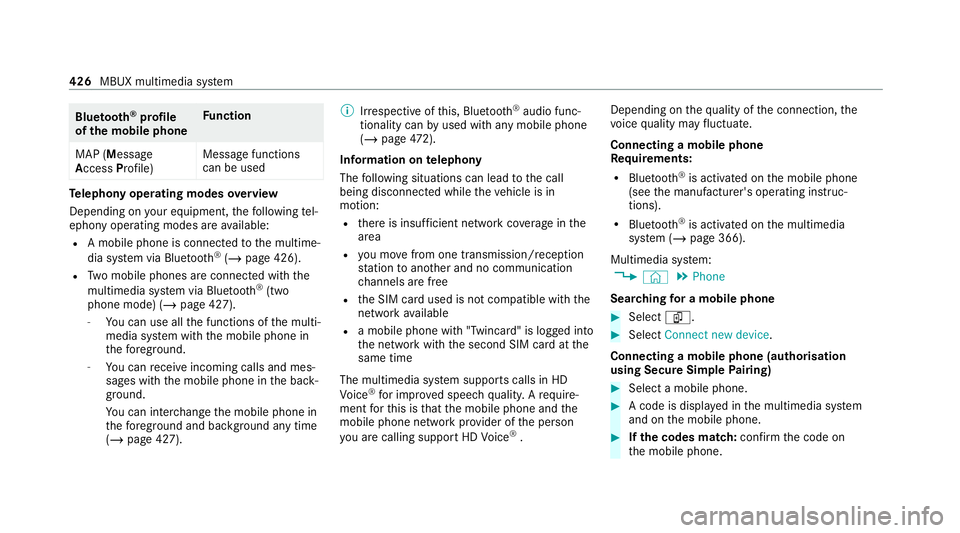
Blue
tooth ®
profile
of the mobile phone Fu
nction
MAP (Message
Access Profile) Message functions
can be used Te
lephony operating modes overview
Depending on your equipment, thefo llowing tel‐
ephony operating modes are available:
R A mobile phone is connec tedto the multime‐
dia sy stem via Blue tooth®
(/ page 426).
R Two mobile phones are connected with the
multimedia sy stem via Blue tooth®
(two
phone mode) (/ page 427).
- You can use all the functions of the multi‐
media sy stem with the mobile phone in
th efo re ground.
- You can recei veincoming calls and mes‐
sages with the mobile phone in the back‐
ground.
Yo u can inter change the mobile phone in
th efo re ground and bac kground any time
(/ page 427). %
Irre spective of this, Blue tooth®
audio func‐
tionality can byused with any mobile phone
(/ page 472).
Infor mation on telephony
The following situations can lead tothe call
being disconnected while theve hicle is in
motion:
R there is insuf ficient network co verage inthe
area
R you mo vefrom one transmission/reception
st ation toano ther and no communication
ch annels are free
R the SIM card used is not compatible with the
network available
R a mobile phone with "Twincard" is logged into
th e network with the second SIM card at the
same time
The multimedia sy stem supports calls in HD
Vo ice ®
for impr oved speech qualit y.Arequ ire‐
ment forth is is that the mobile phone and the
mobile phone network pr ovider of the person
yo u are calling suppo rtHD Voice ®
. Depending on
thequ ality of the connection, the
vo ice quality may fluctuate.
Connecting a mobile phone
Requ irements:
R Blue tooth ®
is activated on the mobile phone
(see the manufacturer's operating instruc‐
tions).
R Blue tooth ®
is activated on the multimedia
sy stem (/ page 366).
Multimedia sy stem:
4 © 5
Phone
Sear ching for a mobile phone #
Select í. #
Select Connect new device .
Connecting a mobile phone (authorisation
using Secu reSimple Pairing) #
Select a mobile phone. #
A code is displa yed in the multimedia sy stem
and on the mobile phone. #
Ifth e codes match: confirm the code on
th e mobile phone. 426
MBUX multimedia sy stem
Mounting dimensions (trailer hitch) ..... 563
No tes (trailer hitch) ............................. 563
Overhang dimension (trailer hitch) ...... 563
To ngue weight .................................... .565
To wing capacity (trailer operation) ...... 564
Ve hicle identification plate .................. 550
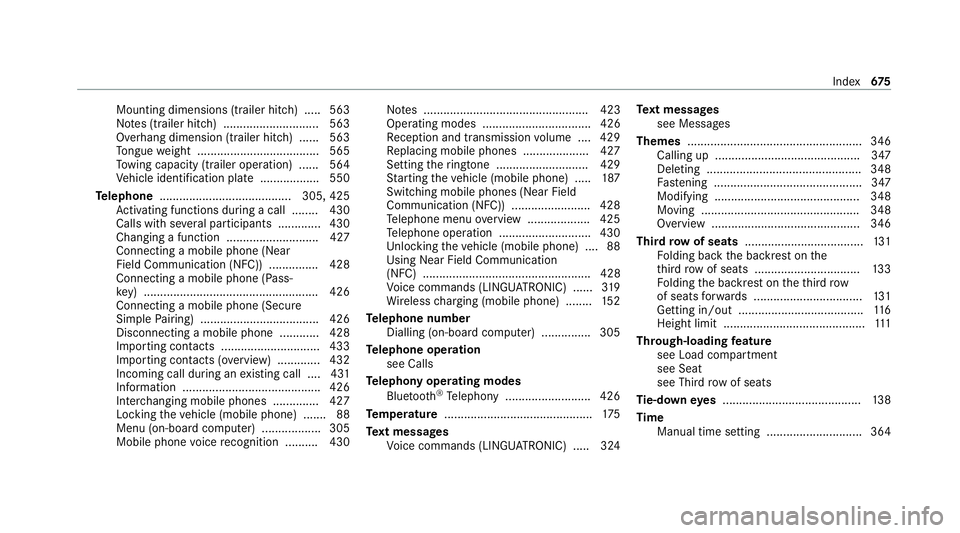
Te lephone ........................................ 305, 425
Ac tivating functions du ring a call ........ 430
Calls wi thseveral participants ............ .430
Changing a function ............................ 427
Connecting a mobile phone (Near
Field Communication (NFC)) .............. .428
Connecting a mobile phone (Pass‐
ke y) .................................................... .426
Connecting a mobile phone (Secu re
Simple Pairing) .................................... 426
Disconnecting a mobile phone ............ 428
Importing con tacts ............................. .433
Importing contacts (o verview) ............ .432
Incoming call during an existing call .... 431
Information .......................................... 426
Inter changing mobile phones .............. 427
Locking theve hicle (mobile phone) .......88
Menu (on-board computer) .................. 305
Mobile phone voice recognition .......... 430 No
tes .................................................. 423
Operating modes ................................. 426
Re ception and transmission volume .... 429
Re placing mobile phones .................... 427
Setting theringtone ............................ 429
St arting theve hicle (mobile phone) ..... 187
Switching mobile phones (Near Field
Communication (NFC)) ........................ 428
Te lephone menu overview ...................4 25
Te lephone operation ............................ 430
Un locking theve hicle (mobile phone) ....88
Using Near Field Communication
(NFC) ................................................... 428
Vo ice commands (LINGU ATRO NIC) ...... 319
Wi reless charging (mobile phone) ........ 15 2
Te lephone number
Dialling (on-board computer) .............. .305
Te lephone operation
see Calls
Te lephony operating modes
Blue tooth ®
Te lephony .......................... 426
Te mp erature ............................................ .175
Te xt messages
Vo ice commands (LINGU ATRO NIC) .....3 24Te
xt messages
see Messages
Themes ..................................................... 346
Calling up ............................................ 347
Deleting ............................................... 348
Fa stening ............................................. 347
Modifying ............................................ 348
Moving ................................................ 348
Overview ............................................. 346
Third row of seats .................................... 131
Fo lding back the backrest on the
th ird row of seats ................................ 13 3
Fo lding the backrest on theth ird row
of seats forw ards ................................ .131
Getting in/out ...................................... 11 6
Height limit ........................................... 111
Through-loading feature
see Load compartment
see Seat
see Third rowof seats
Ti e-d owney es .......................................... 13 8
Time Manual time setting ............................. 364 Index
675