Page 172 of 564
Features of your vehicle
86
4
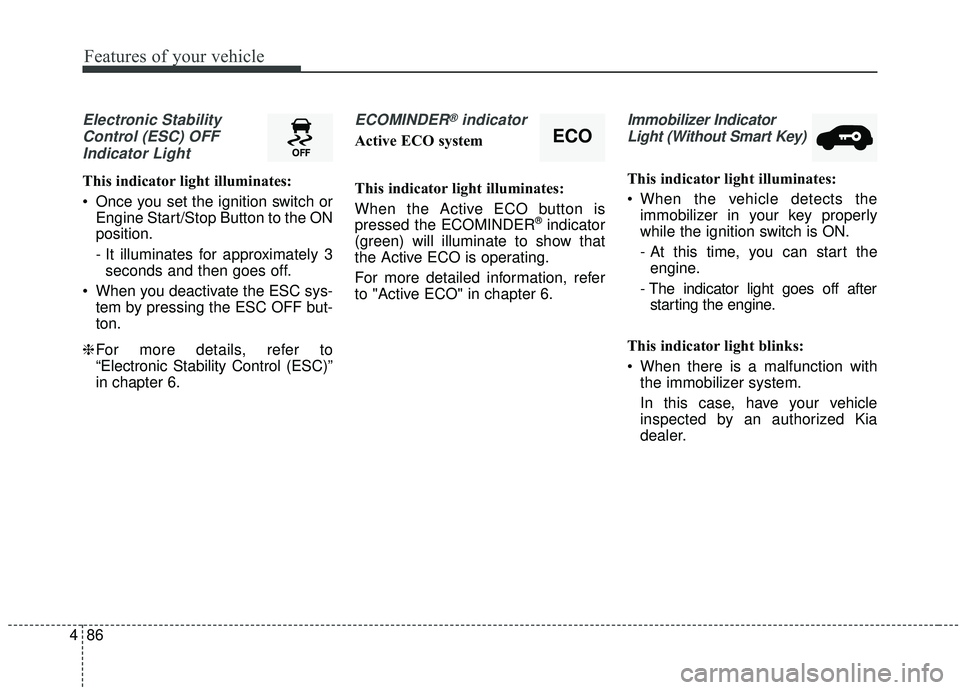
Electronic Stability
Control (ESC) OFFIndicator Light
This indicator light illuminates:
Once you set the ignition switch or Engine Start/Stop Button to the ON
position.
- It illuminates for approximately 3seconds and then goes off.
When you deactivate the ESC sys- tem by pressing the ESC OFF but-
ton.
❈ For more details, refer to
“Electronic Stability Control (ESC)”
in chapter 6.
ECOMINDER®indicator
Active ECO system
This indicator light illuminates:
When the Active ECO button is
pressed the ECOMINDER
®indicator
(green) will illuminate to show that
the Active ECO is operating.
For more detailed information, refer
to "Active ECO" in chapter 6.
Immobilizer Indicator
Light (Without Smart Key)
This indicator light illuminates:
When the vehicle detects the immobilizer in your key properly
while the ignition switch is ON.
- At this time, you can start theengine.
- The indicator light goes off after starting the engine.
This indicator light blinks:
When there is a malfunction with the immobilizer system.
In this case, have your vehicle
inspected by an authorized Kia
dealer.
ECO
Page 173 of 564
487
Features of your vehicle
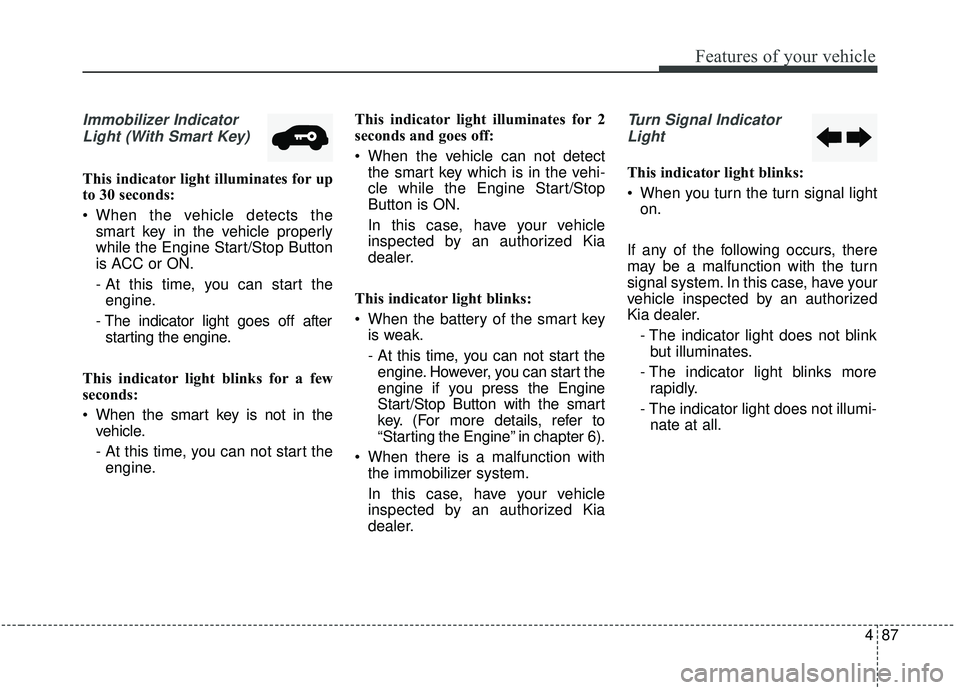
Immobilizer IndicatorLight (With Smart Key)
This indicator light illuminates for up
to 30 seconds:
When the vehicle detects the smart key in the vehicle properly
while the Engine Start/Stop Button
is ACC or ON.
- At this time, you can start theengine.
- The indicator light goes off after starting the engine.
This indicator light blinks for a few
seconds:
When the smart key is not in the vehicle.
- At this time, you can not start theengine. This indicator light illuminates for 2
seconds and goes off:
When the vehicle can not detect
the smart key which is in the vehi-
cle while the Engine Start/Stop
Button is ON.
In this case, have your vehicle
inspected by an authorized Kia
dealer.
This indicator light blinks:
When the battery of the smart key is weak.
- At this time, you can not start theengine. However, you can start the
engine if you press the Engine
Start/Stop Button with the smart
key. (For more details, refer to
“Starting the Engine” in chapter 6).
When there is a malfunction with the immobilizer system.
In this case, have your vehicle
inspected by an authorized Kia
dealer.
Turn Signal Indicator
Light
This indicator light blinks:
When you turn the turn signal light on.
If any of the following occurs, there
may be a malfunction with the turn
signal system. In this case, have your
vehicle inspected by an authorized
Kia dealer. - The indicator light does not blinkbut illuminates.
- The indicator light blinks more rapidly.
- The indicator light does not illumi- nate at all.
Page 174 of 564
Features of your vehicle
88
4
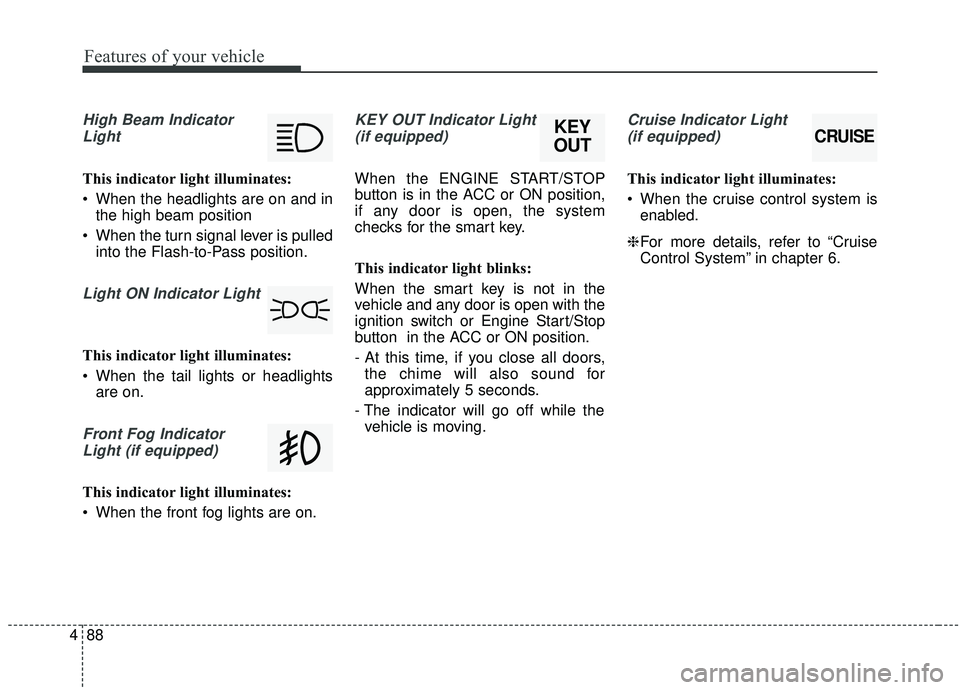
High Beam Indicator
Light
This indicator light illuminates:
When the headlights are on and in the high beam position
When the turn signal lever is pulled into the Flash-to-Pass position.
Light ON Indicator Light
This indicator light illuminates:
When the tail lights or headlightsare on.
Front Fog Indicator
Light (if equipped)
This indicator light illuminates:
When the front fog lights are on.
KEY OUT Indicator Light(if equipped)
When the ENGINE START/STOP
button is in the ACC or ON position,
if any door is open, the system
checks for the smart key.
This indicator light blinks:
When the smart key is not in the
vehicle and any door is open with the
ignition switch or Engine Start/Stop
button in the ACC or ON position.
- At this time, if you close all doors, the chime will also sound for
approximately 5 seconds.
- The indicator will go off while the vehicle is moving.
Cruise Indicator Light
(if equipped)
This indicator light illuminates:
When the cruise control system is enabled.
❈ For more details, refer to “Cruise
Control System” in chapter 6.
CRUISEKEY
OUT
Page 177 of 564
491
Features of your vehicle
Headlamp escort (if equipped)
If you turn the ignition switch to the
ACC or OFF position with the head-
lights ON, the headlights remain on
for about 5 minutes. However, if the
driver’s door is opened and closed,
the headlights are turned off after 15
seconds.
The headlights can be turned off by
pressing the lock button on the trans-
mitter (or smart key) twice or turning
the light switch to the OFF or Auto
position. However, if you turn the light
switch to the Auto position when it is
dark outside, the headlights will not
be turned off immediately.
Battery saver function
The purpose of this feature is toprevent the battery from being dis-
charged. The system automatically
turns off the parking lights when
the driver removes the ignition key
and opens the driver-side door (in
that order).
With this feature, the parking lights will turn off automatically if the driv-
er parks on the side of the road at
night.
If necessary, to keep the lights on
when the ignition key is removed,
perform the following:
1) Open the driver-side door.
2) Turn the parking lights OFF and ON again using the light switch
on the steering column.
Daytime running light
(if equipped)
The Daytime Running Lights (DRL)
can make it easier for others to see
the front of your vehicle during the
day. DRL can be helpful in many dif-
ferent driving conditions, and it is
especially helpful after dawn and
before sunset.
The DRL system turns OFF when:
1. The headlight switch is ON.
2. The engine is OFF.
3. The front fog light is ON.
4. Engaging the Parking Brake
LIGHTING
Page 179 of 564

493
Features of your vehicle
Auto light position (if equipped)
When the light switch is in the AUTO
light position, the taillights and head-
lights will be turned ON or OFF auto-
matically depending on the amount
of light outside the vehicle.
Never place anything over sensor(1) located on the instrument
panel. This will ensure better auto-
light system control.
Don’t clean the sensor using a win- dow cleaner. The cleaner may
leave a light film which could inter-
fere with sensor operation. If your vehicle has window tint or
other types of metallic coating on
the front windshield, the Auto light
system may not work properly.
High beam operation
To turn on the high beam headlights,
push the lever away from you. The
lever will return to its original posi-
tion.
The high beam indicator will light
when the headlight high beams are
switched on.
To prevent the battery from being
discharged, do not leave the lights
on for a prolonged time while the
engine is not running.
OPS046443LOAM049044
Page 183 of 564
497
Features of your vehicle
LO : Normal wiper speed
HI : Fast wiper speed
✽ ✽NOTICE
If there is heavy accumulation of
snow or ice on the windshield, defrost
the windshield for about 10 minutes,
or until the snow and/or ice is
removed before using the windshield
wipers to ensure proper operation.
If you do not remove the snow and/or
ice before using the wiper and wash-
er, it may damage the wiper and
washer system.
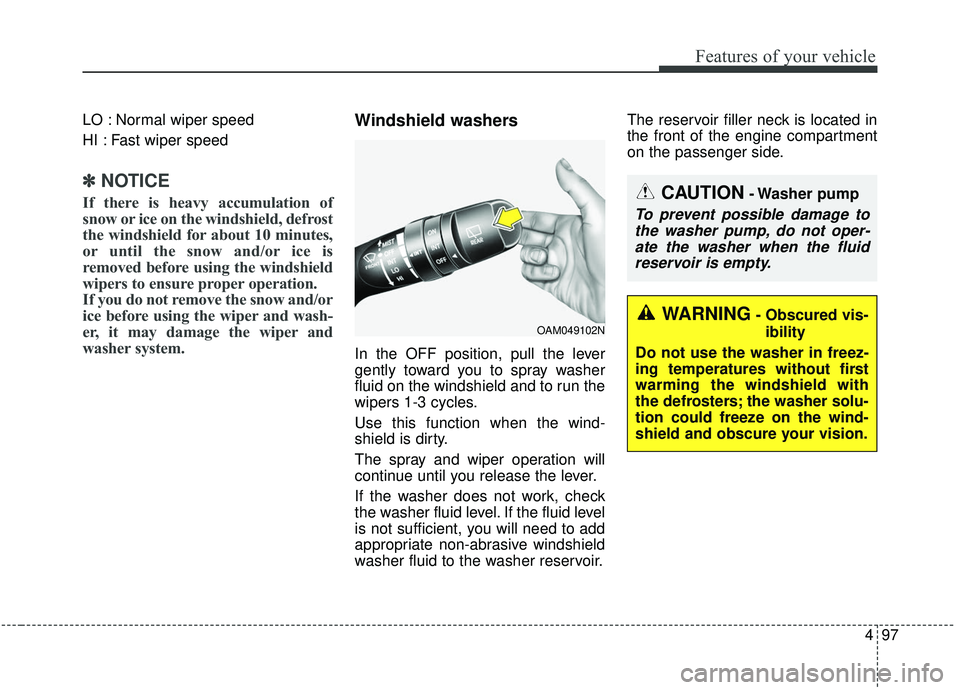
Windshield washers
In the OFF position, pull the lever
gently toward you to spray washer
fluid on the windshield and to run the
wipers 1-3 cycles.
Use this function when the wind-
shield is dirty.
The spray and wiper operation will
continue until you release the lever.
If the washer does not work, check
the washer fluid level. If the fluid level
is not sufficient, you will need to add
appropriate non-abrasive windshield
washer fluid to the washer reservoir. The reservoir filler neck is located in
the front of the engine compartment
on the passenger side.
OAM049102N
CAUTION- Washer pump
To prevent possible damage to
the washer pump, do not oper-ate the washer when the fluidreservoir is empty.
WARNING- Obscured vis-
ibility
Do not use the washer in freez-
ing temperatures without first
warming the windshield with
the defrosters; the washer solu-
tion could freeze on the wind-
shield and obscure your vision.
Page 185 of 564
499
Features of your vehicle
Do not use the interior lights for
extended periods when the engine is
not running.
It may cause battery discharge.Interior lamp AUTO cut
When all entrances are closed, ifyou lock the vehicle by using the
transmitter or the smart key, all
interior lamp will be off after a few
seconds.
If you do not operate anything in the vehicle after turning off the
engine, the lights will turn off after
20 minutes.
Map lamp
Press the lens (1) or button (1) to
turn the map lamp on or off.
INTERIOR LIGHT
WARNING - Interior light
Do not use the interior lights
when driving in the dark. The
glare from the interior lights
may obstruct your view and
cause an accident.
OPS043052
OPSE046053L
■ Type B
■Type A
Page 187 of 564
4101
Features of your vehicle
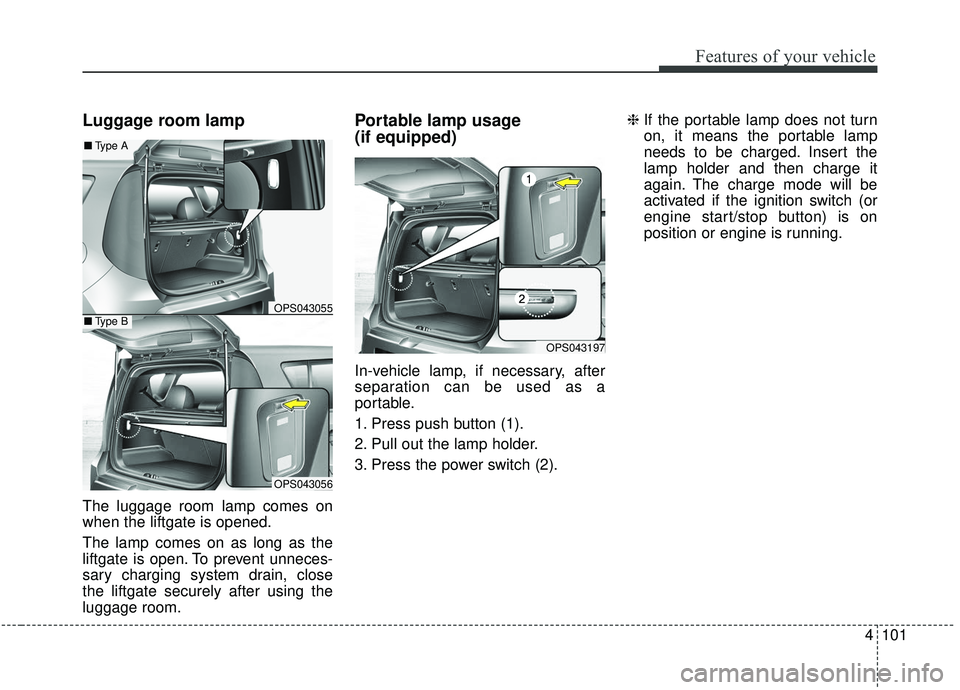
Luggage room lamp
The luggage room lamp comes on
when the liftgate is opened.
The lamp comes on as long as the
liftgate is open. To prevent unneces-
sary charging system drain, close
the liftgate securely after using the
luggage room.
Portable lamp usage
(if equipped)
In-vehicle lamp, if necessary, after
separation can be used as a
portable.
1. Press push button (1).
2. Pull out the lamp holder.
3. Press the power switch (2).❈
If the portable lamp does not turn
on, it means the portable lamp
needs to be charged. Insert the
lamp holder and then charge it
again. The charge mode will be
activated if the ignition switch (or
engine start/stop button) is on
position or engine is running.
OPS043055
OPS043056
■Type B
■Type A
OPS043197