Page 347 of 580
Driving your vehicle
82
5
To convert to Cruise Control
mode
The driver may choose to only use
the conventional Cruise Control
mode (speed control function) by
doing as follows: 1. Turn the Smart Cruise Control
System on (the cruise indicator
light will be on but the system will
not be activated).
2. Push and hold the Vehicle-to- Vehicle Distance button for more
than 2 seconds.
3. Choose between "Smart Cruise Control" and "Cruise Control".
When the system is canceled using
the CRUISE button or the CRUISE
button is used after the engine is
turned on, the Smart Cruise Control
mode will turn on.
Limitations of the system
The Smart Cruise Control system
may have limits to its ability to detect
distance to the vehicle ahead due to
road and traffic conditions.
WARNING
When using the Cruise Control
mode, you must manually
adjust the distance to other
vehicles by depressing the
brake pedal. The system does
not automatically adjust the dis-
tance to vehicles in front of you.
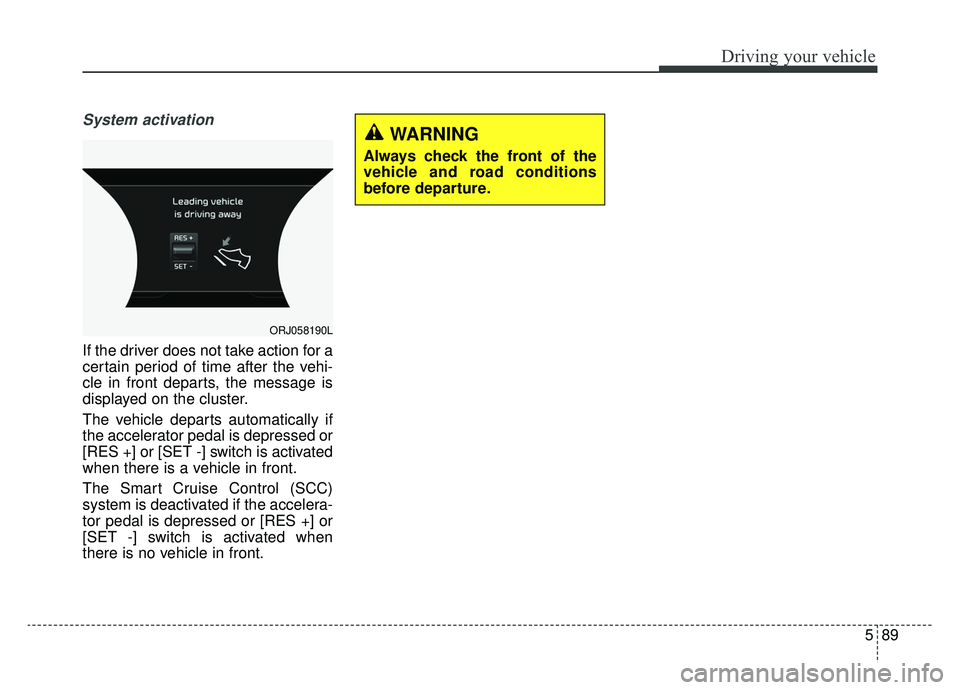
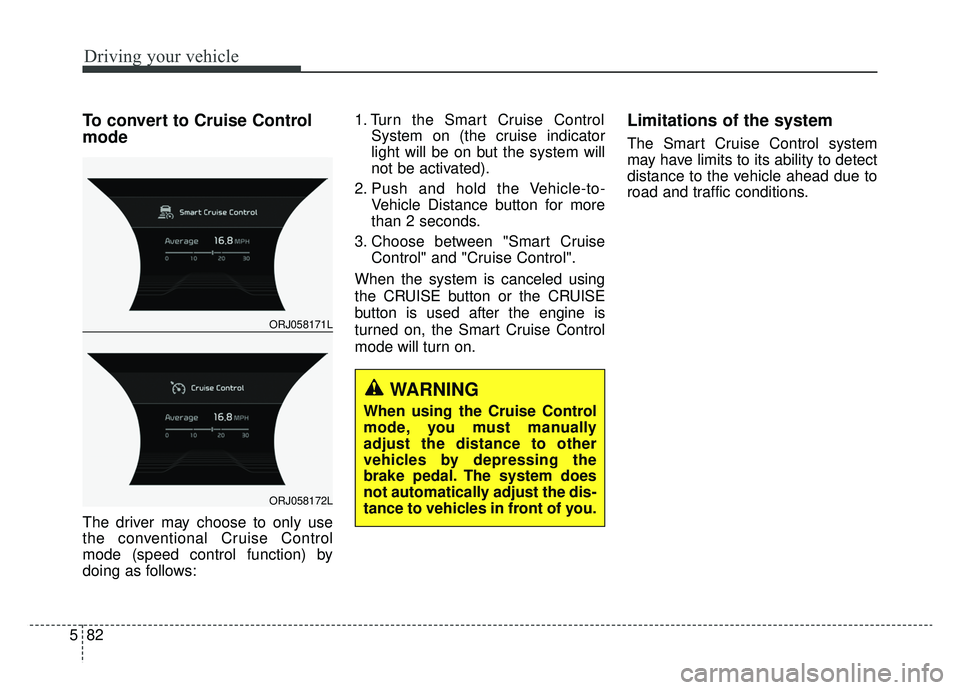
ORJ058171L
ORJ058172L
Page 351 of 580
Driving your vehicle
86
5
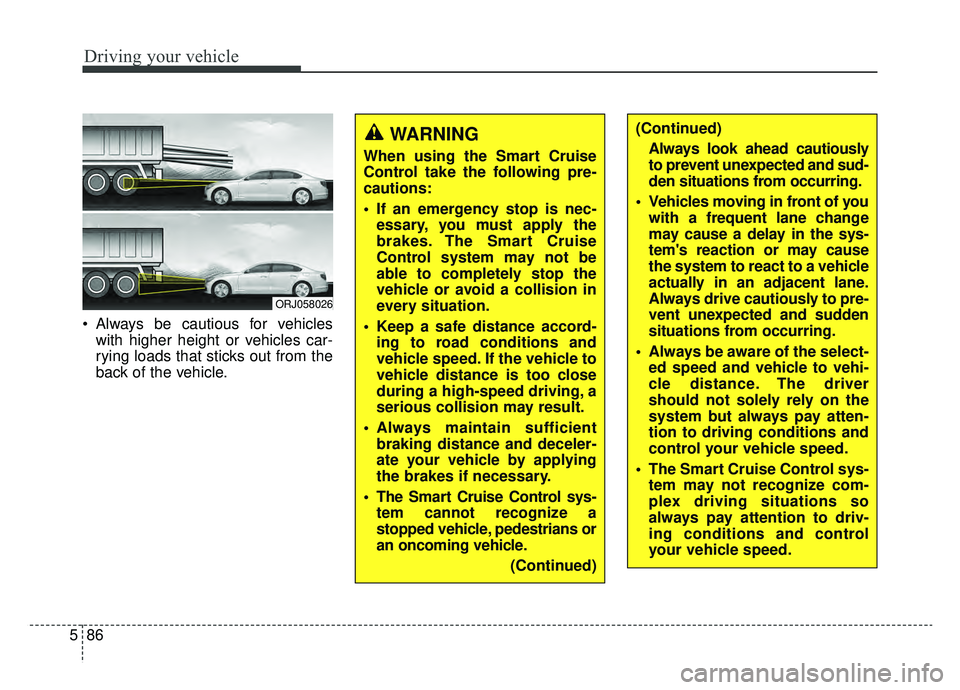
Always be cautious for vehicles
with higher height or vehicles car-
rying loads that sticks out from the
back of the vehicle.
ORJ058026
WARNING
When using the Smart Cruise
Control take the following pre-
cautions:
If an emergency stop is nec-essary, you must apply the
brakes. The Smart Cruise
Control system may not be
able to completely stop the
vehicle or avoid a collision in
every situation.
Keep a safe distance accord- ing to road conditions and
vehicle speed. If the vehicle to
vehicle distance is too close
during a high-speed driving, a
serious collision may result.
Always maintain sufficient braking distance and deceler-
ate your vehicle by applying
the brakes if necessary.
The Smart Cruise Control sys- tem cannot recognize a
stopped vehicle, pedestrians or
an oncoming vehicle.
(Continued)
(Continued)Always look ahead cautiously
to prevent unexpected and sud-
den situations from occurring.
Vehicles moving in front of you with a frequent lane change
may cause a delay in the sys-
tem's reaction or may cause
the system to react to a vehicle
actually in an adjacent lane.
Always drive cautiously to pre-
vent unexpected and sudden
situations from occurring.
Always be aware of the select- ed speed and vehicle to vehi-
cle distance. The driver
should not solely rely on the
system but always pay atten-
tion to driving conditions and
control your vehicle speed.
The Smart Cruise Control sys- tem may not recognize com-
plex driving situations so
always pay attention to driv-
ing conditions and control
your vehicle speed.
Page 354 of 580
589
Driving your vehicle
System activation
If the driver does not take action for a
certain period of time after the vehi-
cle in front departs, the message is
displayed on the cluster.
The vehicle departs automatically if
the accelerator pedal is depressed or
[RES +] or [SET -] switch is activated
when there is a vehicle in front.
The Smart Cruise Control (SCC)
system is deactivated if the accelera-
tor pedal is depressed or [RES +] or
[SET -] switch is activated when
there is no vehicle in front.
ORJ058190L
WARNING
Always check the front of the
vehicle and road conditions
before departure.
Page 355 of 580
Driving your vehicle
90
5
Your vehicle may be equipped with
the ISG system, which reduces fuel
consumption by automatically shut-
ting down the engine, when the vehi-
cle is at a standstill. (For example :
red light, stop sign and traffic jam)
The engine starts automatically as
soon as the starting conditions are
met.
The ISG system is ON whenever the
engine is running.
✽ ✽
NOTICE
When the engine automatically
starts by the ISG system, some
warning lights (ABS, ESC, ESC
OFF, EPS or Parking brake warn-
ing light) may turn on for a few sec-
onds.
This happens because of low battery
voltage. It does not mean the system
has malfunctioned.
Auto stop
To stop the engine in idle stop
mode
Stop the vehicle completely by
pressing the brake pedal when the
shift lever is in the D (Drive) or N
(Neutral) position.
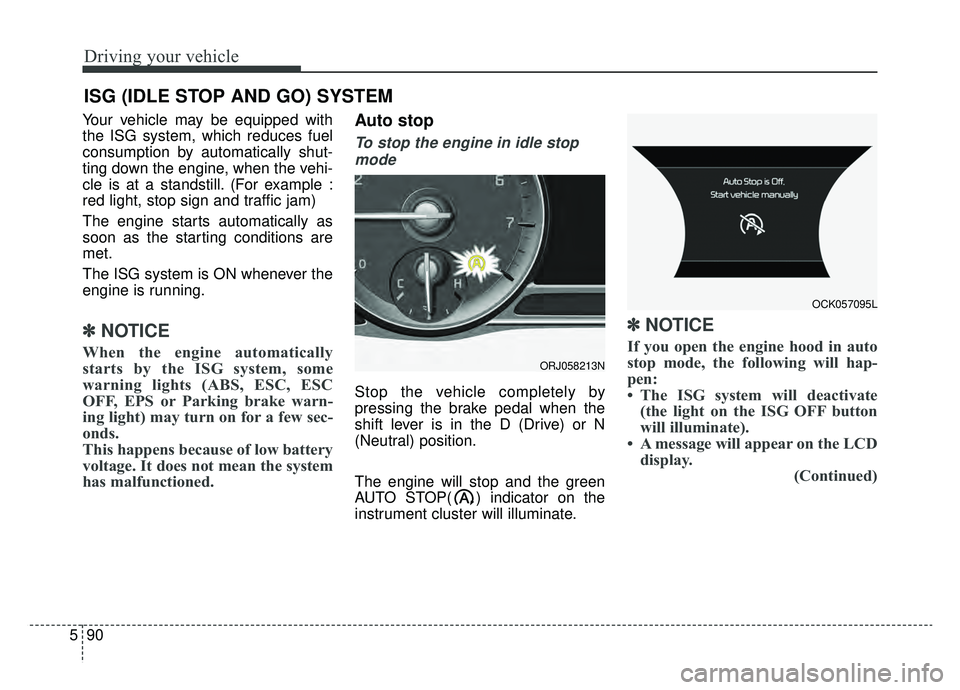
The engine will stop and the green
AUTO STOP( ) indicator on the
instrument cluster will illuminate.
✽ ✽ NOTICE
If you open the engine hood in auto
stop mode, the following will hap-
pen:
• The ISG system will deactivate
(the light on the ISG OFF button
will illuminate).
• A message will appear on the LCD display. (Continued)
ISG (IDLE STOP AND GO) SYSTEM
ORJ058213N
OCK057095L
Page 364 of 580
599
Driving your vehicle
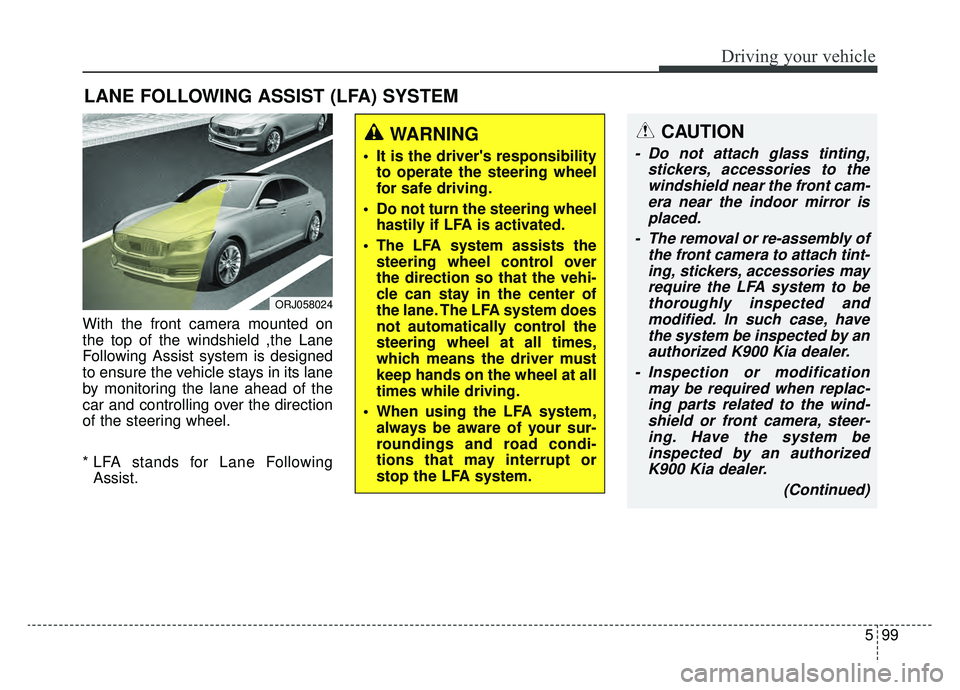
With the front camera mounted on
the top of the windshield ,the Lane
Following Assist system is designed
to ensure the vehicle stays in its lane
by monitoring the lane ahead of the
car and controlling over the direction
of the steering wheel.
* LFA stands for Lane FollowingAssist.
LANE FOLLOWING ASSIST (LFA) SYSTEM
ORJ058024
WARNING
It is the driver's responsibility to operate the steering wheel
for safe driving.
Do not turn the steering wheel hastily if LFA is activated.
The LFA system assists the steering wheel control over
the direction so that the vehi-
cle can stay in the center of
the lane. The LFA system does
not automatically control the
steering wheel at all times,
which means the driver must
keep hands on the wheel at all
times while driving.
When using the LFA system, always be aware of your sur-
roundings and road condi-
tions that may interrupt or
stop the LFA system.
CAUTION
- Do not attach glass tinting, stickers, accessories to thewindshield near the front cam-era near the indoor mirror isplaced.
- The removal or re-assembly of the front camera to attach tint-ing, stickers, accessories mayrequire the LFA system to bethoroughly inspected andmodified. In such case, havethe system be inspected by anauthorized K900 Kia dealer.
- Inspection or modification may be required when replac-ing parts related to the wind-shield or front camera, steer-ing. Have the system beinspected by an authorizedK900 Kia dealer.
(Continued)
Page 365 of 580
![KIA K900 2019 Owners Manual Driving your vehicle
100
5
LFA system operation
With the ignition [ON], select or
release the setting from "AVN →
Settings →Vehicle →Driver assis-
tance →Driving assist → LFA (Lane
Foll](/manual-img/2/55057/w960_55057-364.png "KIA K900 2019 Owners Manual Driving your vehicle
100
5
LFA system operation
With the ignition [ON], select or
release the setting from \"AVN →
Settings →Vehicle →Driver assis-
tance →Driving assist → LFA (Lane
Foll")
Driving your vehicle
100
5
LFA system operation
With the ignition [ON], select or
release the setting from "AVN →
Settings →Vehicle →Driver assis-
tance →Driving assist → LFA (Lane
Following Assist)".
Select the LFA system in the AVN
and meet the following conditions,
the system will operate.
- When Smart Cruise Control is in operation (Vehicle deceleration and
acceleration control)
Refer to
and go)> in chapter five for more
details.
- Driving the vehicle at 95 mph (150 km/h) and under
Once the system starts working, the
indicator light ( ) comes on the
instrument panel.
The indicator light colors according
to the system status are as follows.
- White: steering assist mode deacti- vation
- Green: steering assist mode activa- tion
(Continued)
- Depending on your surround- ings and road conditions, theLFA system could fail to rec-ognize the lane and stop work-ing. In turn, extra caution isrequired while driving withthe LFA system on.
- Be sure to check the non- operating conditions and cau-tions for the driver beforeusing the LFA system.
- Do not place reflective materi- als such as white paper ormirror on the dashboard pad.Sunlight reflections can causethe LFA system to not operateproperly.
- Loud audio volumes can pre- vent the occupants from hear-ing the alarm sounds from theLFA system
(Continued)(Continued)- Keeping your hands off the wheel while driving will triggerthe hands-off warning anddeactivate the steering-assistsystem. Put your hands backon the wheel, then the steer-ing-assist system will be re-activated.
- When driving at a high speed, the steering assist force canbecome weak and the vehiclecan drive out of its lane. Extracaution is required, and com-ply with the speed limit.
- Attaching an object to the steering wheel could detersteering assistance.
- Attaching an object to the steering wheel could deter thehands-off alarming system.
Page 366 of 580
5101
Driving your vehicle
LFA system activation
If the vehicle is inside the lane with
both lanes recognized by the sys-
tem, and there is no steep steering
made by the driver, the LFA system
changes into steering assist mode.
The indicator light will come on
green, and the system helps the
vehicle stay in line by controlling the
steering wheel.
When the lane is not recognized, the
steering wheel is controlled in a lim-
ited manner depending on the pres-
ence and the driving condition of the
preceding vehicle.
When the steering wheel is not con-
trolled temporarily, the indicator light
will flash green and changes to white.
Once the LFA system recognizes the
lanes, the color of the lane on the
screen will change from gray to
white.
Warning
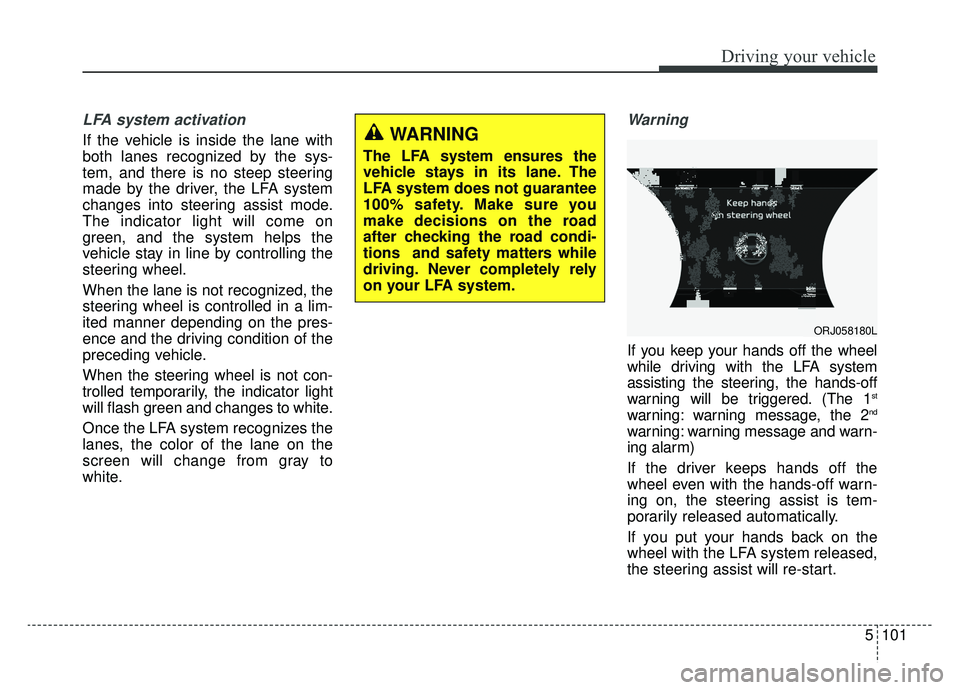
If you keep your hands off the wheel
while driving with the LFA system
assisting the steering, the hands-off
warning will be triggered. (The 1
st
warning: warning message, the 2nd
warning: warning message and warn-
ing alarm)
If the driver keeps hands off the
wheel even with the hands-off warn-
ing on, the steering assist is tem-
porarily released automatically.
If you put your hands back on the
wheel with the LFA system released,
the steering assist will re-start.
WARNING
The LFA system ensures the
vehicle stays in its lane. The
LFA system does not guarantee
100% safety. Make sure you
make decisions on the road
after checking the road condi-
tions and safety matters while
driving. Never completely rely
on your LFA system.
ORJ058180L
Page 367 of 580
Driving your vehicle
102
5
LFA system malfunction
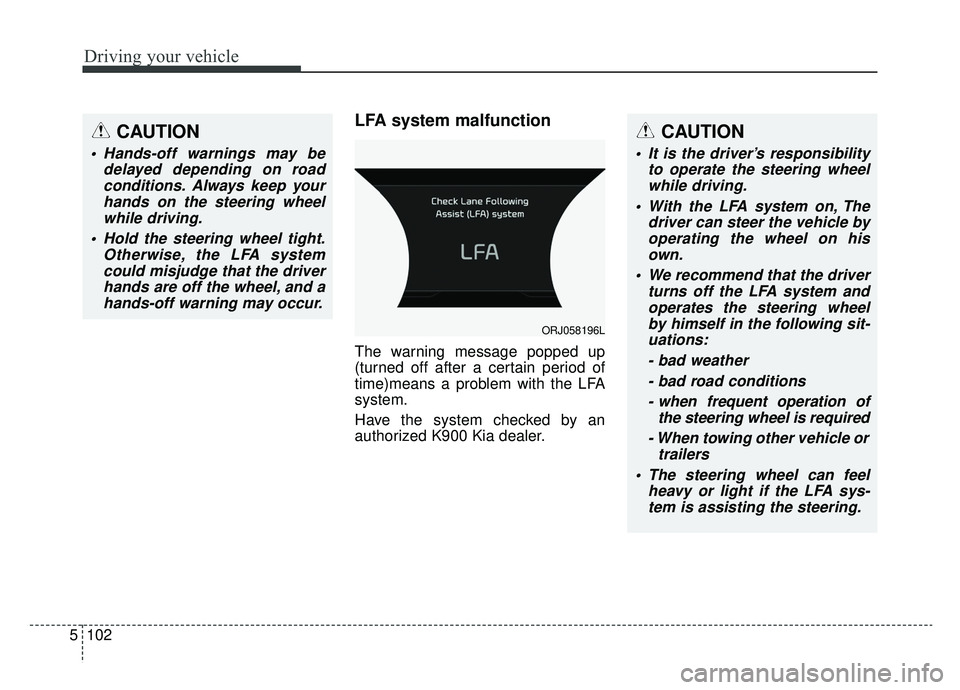
The warning message popped up
(turned off after a certain period of
time)means a problem with the LFA
system.
Have the system checked by an
authorized K900 Kia dealer.
CAUTION
Hands-off warnings may be
delayed depending on roadconditions. Always keep yourhands on the steering wheelwhile driving.
Hold the steering wheel tight. Otherwise, the LFA systemcould misjudge that the driverhands are off the wheel, and ahands-off warning may occur.
CAUTION
It is the driver’s responsibility to operate the steering wheelwhile driving.
With the LFA system on, The driver can steer the vehicle byoperating the wheel on hisown.
We recommend that the driver turns off the LFA system andoperates the steering wheelby himself in the following sit-uations:
- bad weather- bad road conditions- when frequent operation of the steering wheel is required
- When towing other vehicle or trailers
The steering wheel can feel heavy or light if the LFA sys-tem is assisting the steering.
ORJ058196L