Page 167 of 580
Features of your vehicle
74
4
Outside Temperature Gauge
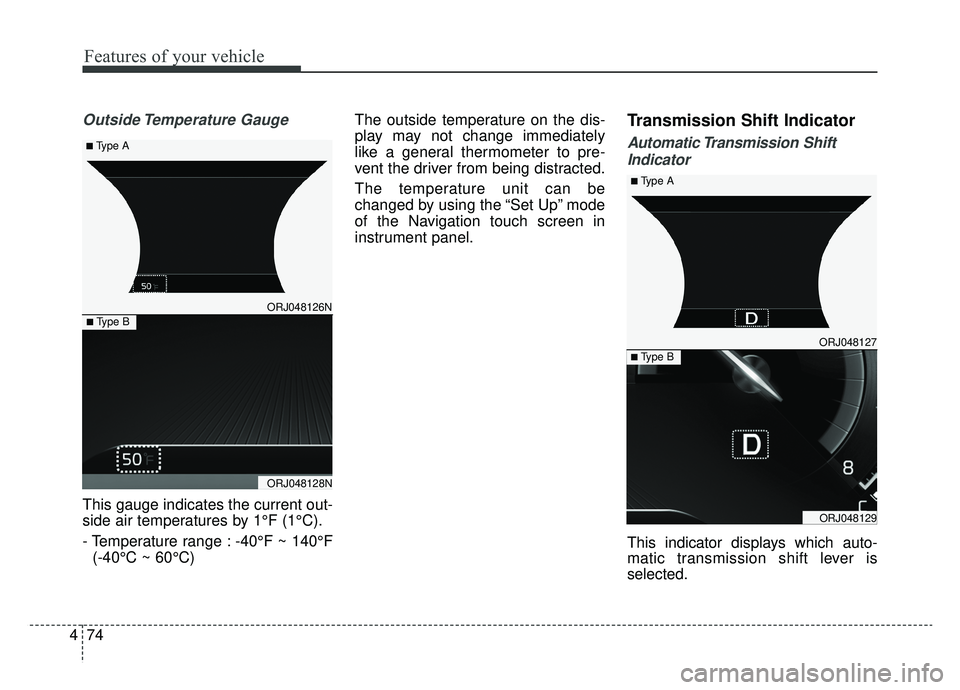
This gauge indicates the current out-
side air temperatures by 1°F (1°C).
- Temperature range : -40°F ~ 140°F
(-40°C ~ 60°C) The outside temperature on the dis-
play may not change immediately
like a general thermometer to pre-
vent the driver from being distracted.
The temperature unit can be
changed by using the “Set Up” mode
of the Navigation touch screen in
instrument panel.
Transmission Shift Indicator
Automatic Transmission Shift
Indicator
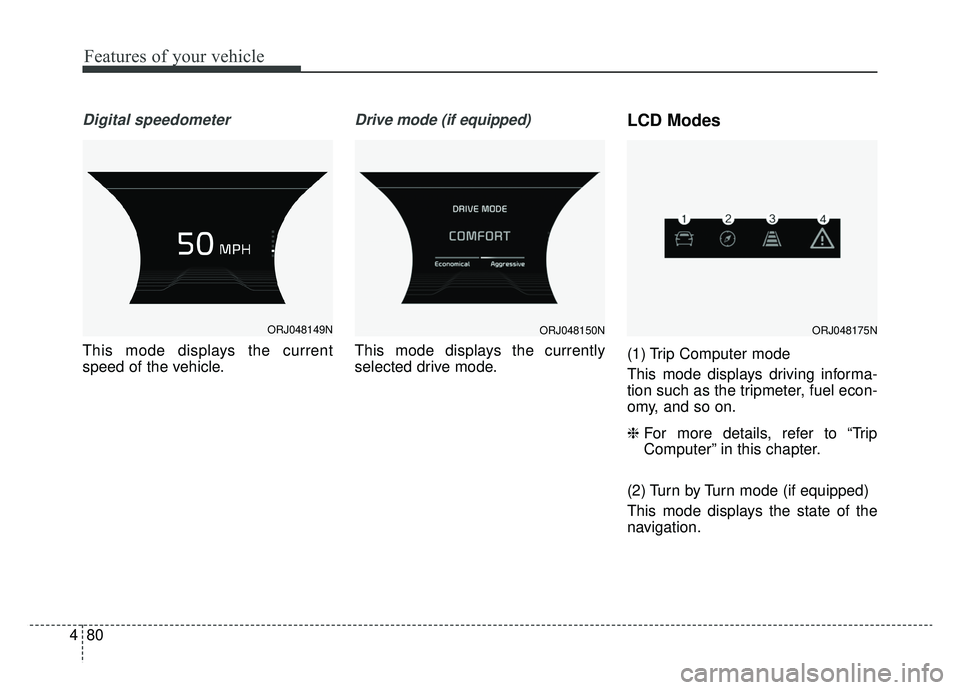
This indicator displays which auto-
matic transmission shift lever is
selected.
ORJ048127
ORJ048129
■ Type B
■ Type A
ORJ048126N
ORJ048128N
■ Type B
■ Type A
Page 171 of 580
Features of your vehicle
78
4
Automatic reset
To make the average fuel economy
be reset automatically whenever
refueling, select the “Fuel economy
auto reset” mode in Set Up menu of
the Navigation touch screen in
instrument panel.
OFF - You may set to default man-
ually by using the trip switch reset
button.
When driving - The vehicle will automatically set to default once 4
hours pass after the Engine
Start/Stop Button is in the ACC or
OFF position.
When refueling - After refueling more than 2 gallons (6 liters) and
driving over 1 mph (1 km/h), the
vehicle will reset to default auto-
matically.✽ ✽ NOTICE
For a more accurate calculation of
the average fuel economy, the vehi-
cle must be continuously driven
more than 10 seconds and 0.03 miles
(50 meters).
Instant Fuel Economy (2)
This mode displays the instant fuel
economy during the last few sec-
onds when the vehicle speed is
more than 6.2 mph (10 km/h).
- Fuel economy range : 0 ~ 50(MPG), 0 ~ 30 (km/L, L/100 km).
CAUTION - Low Fuel
Level
Level warning light on or withthe fuel level below “E” cancause the engine to misfire anddamage the catalytic converter(if equipped).
Page 173 of 580
Features of your vehicle
80
4
Digital speedometer
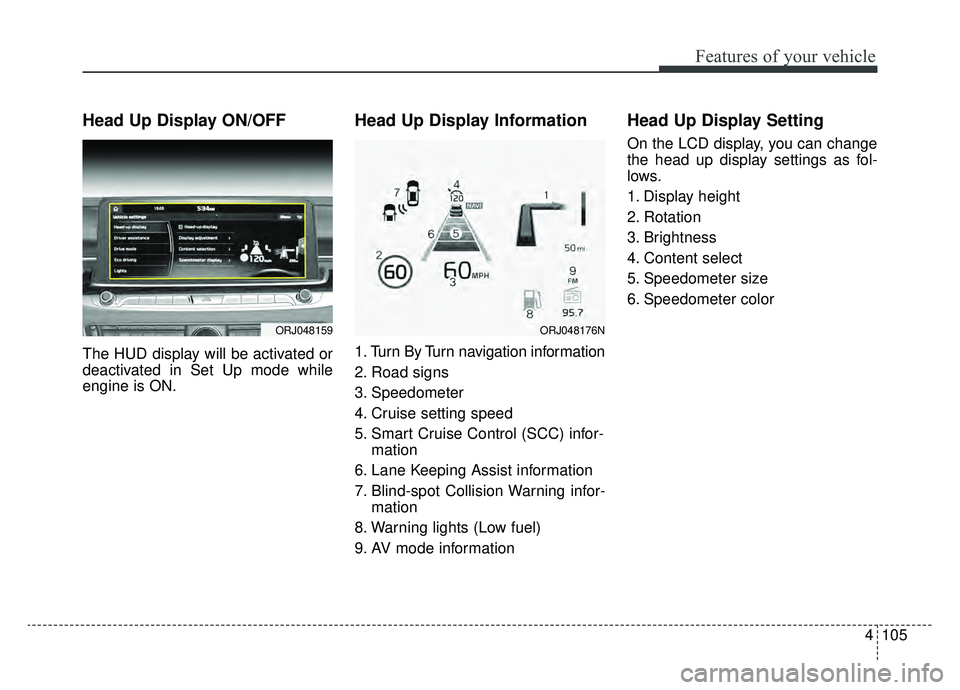
This mode displays the current
speed of the vehicle.
Drive mode (if equipped)
This mode displays the currently
selected drive mode.
LCD Modes
(1) Trip Computer mode
This mode displays driving informa-
tion such as the tripmeter, fuel econ-
omy, and so on.
❈ For more details, refer to “Trip
Computer” in this chapter.
(2) Turn by Turn mode (if equipped)
This mode displays the state of the
navigation.
ORJ048149NORJ048150NORJ048175N
Page 174 of 580
481
Features of your vehicle
(3) Assist mode
This mode displays the state of the
lane safety systems (Lane Keeping
Assist, Lane Following Assist),Smart
Cruise Control, Driver Attention
Warning and Tire pressure.
❈For more details, refer to chapters
5 and 6.
(4) Master warning mode
This mode informs of warning mes-
sages related to low tire pressure or
malfunction of Blind-spot Collision
Warning and so on.
❈ For controlling the LCD modes,
refer to “LCD window Control” in
this chapter.Trip computer mode
This mode displays driving information
like the tripmeter, fuel economy, and
so on.
❈ For more details, refer to “Trip
Computer” in this chapter.
Turn By Turn Mode (if equipped)
This mode displays the state of the
navigation.
ORJ048130NORJ048131N
Page 177 of 580
Features of your vehicle
84
4
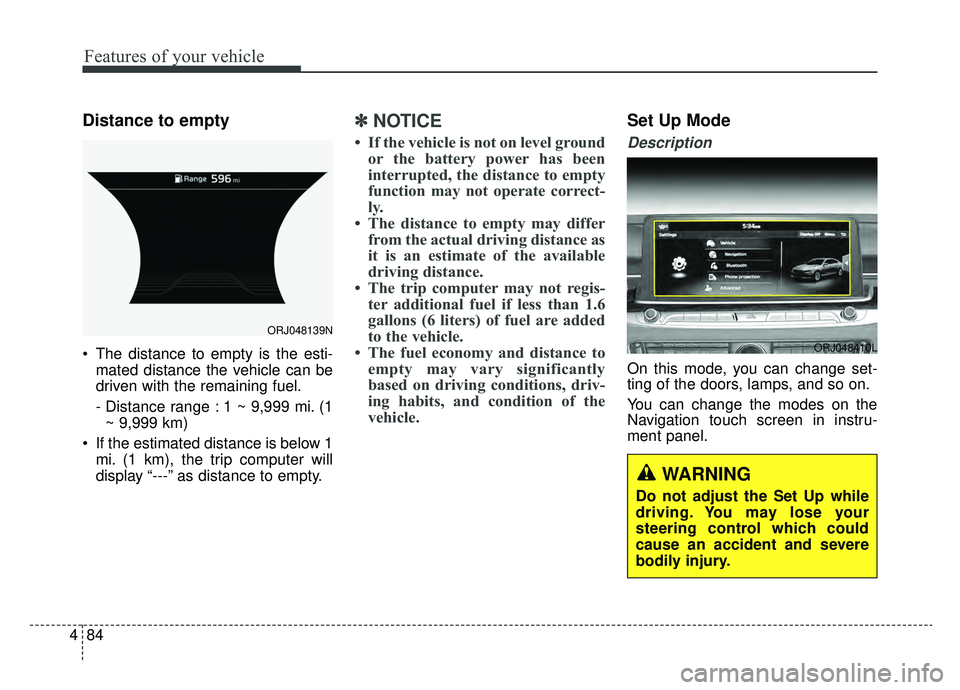
Distance to empty
The distance to empty is the esti-
mated distance the vehicle can be
driven with the remaining fuel.
- Distance range : 1 ~ 9,999 mi. (1~ 9,999 km)
If the estimated distance is below 1 mi. (1 km), the trip computer will
display “---” as distance to empty.
✽ ✽ NOTICE
• If the vehicle is not on level ground
or the battery power has been
interrupted, the distance to empty
function may not operate correct-
ly.
• The distance to empty may differ from the actual driving distance as
it is an estimate of the available
driving distance.
• The trip computer may not regis- ter additional fuel if less than 1.6
gallons (6 liters) of fuel are added
to the vehicle.
• The fuel economy and distance to empty may vary significantly
based on driving conditions, driv-
ing habits, and condition of the
vehicle.
Set Up Mode
Description
On this mode, you can change set-
ting of the doors, lamps, and so on.
You can change the modes on the
Navigation touch screen in instru-
ment panel.
ORJ048139N
ORJ048410L
WARNING
Do not adjust the Set Up while
driving. You may lose your
steering control which could
cause an accident and severe
bodily injury.
Page 178 of 580
485
Features of your vehicle
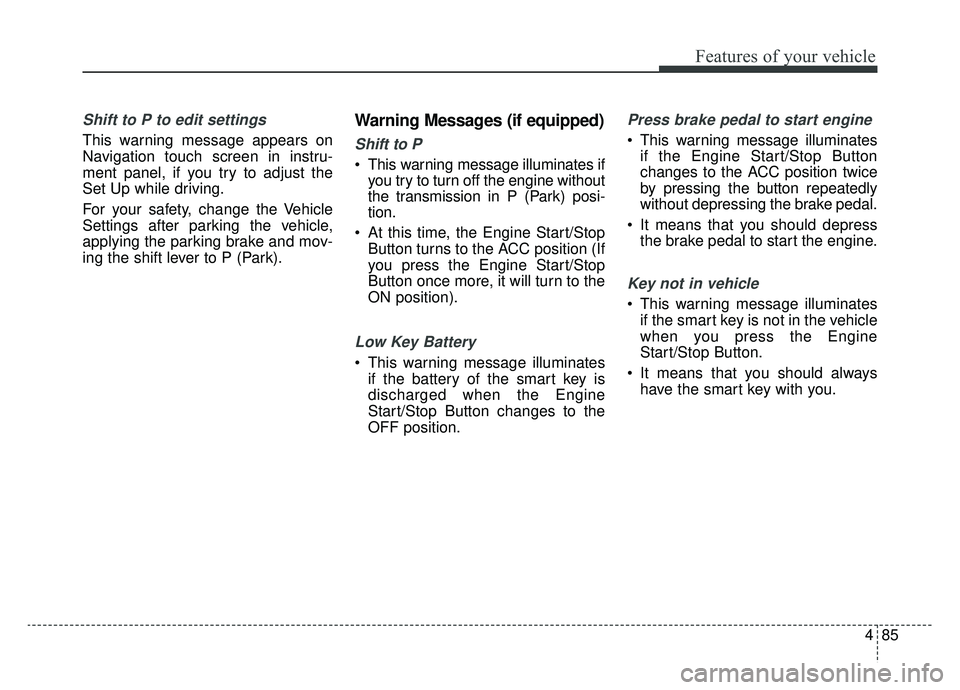
Shift to P to edit settings
This warning message appears on
Navigation touch screen in instru-
ment panel, if you try to adjust the
Set Up while driving.
For your safety, change the Vehicle
Settings after parking the vehicle,
applying the parking brake and mov-
ing the shift lever to P (Park).
Warning Messages (if equipped)
Shift to P
This warning message illuminates ifyou try to turn off the engine without
the transmission in P (Park) posi-
tion.
At this time, the Engine Start/Stop Button turns to the ACC position (If
you press the Engine Start/Stop
Button once more, it will turn to the
ON position).
Low Key Battery
This warning message illuminatesif the battery of the smart key is
discharged when the Engine
Start/Stop Button changes to the
OFF position.
Press brake pedal to start engine
This warning message illuminatesif the Engine Start/Stop Button
changes to the ACC position twice
by pressing the button repeatedly
without depressing the brake pedal.
It means that you should depress the brake pedal to start the engine.
Key not in vehicle
This warning message illuminatesif the smart key is not in the vehicle
when you press the Engine
Start/Stop Button.
It means that you should always have the smart key with you.
Page 197 of 580

Features of your vehicle
104
4
Description
The head up display is a transparent
display which projects a shadow of
some information of the instrument
cluster and navigation on the wind-
shield glass. The head up display image on the
windshield glass may not be visible
when:
- Sitting posture prevents visibility.
- Wearing polarized sunglasses.
- There is an object on the cover ofthe head up display.
- Driving on a wet road.
- Lighting is turned on inside the vehicle.
- Any light comes from the outside.
- Wearing inadequate glasses for your eyesight.
If the head up display image is not shown well, adjust the height, rota-
tion or illumination of the head up
display in the Navigation touch
screen in instrument panel.
When the head up display needs inspection or repair, consult an
authorized K900 Kia dealer.
Do not place any accessories on the dashboard or attach any
objects on the windshield glass.
✽ ✽ NOTICE
Installing window tint or any other
type of metallic coating on the wind-
shield can prevent the driver from
seeing the Head Up Display images.
✽ ✽NOTICE
When replacing the front wind-
shield glass of vehicles equipped
with the head up display, replace it
with a windshield glass designed for
the head up display operation.
Otherwise, duplicated images may
be displayed on the windshield glass.
HEAD UP DISPLAY (HUD) (IF EQUIPPED)
ORJ048413N
WARNING - Head up
display
The Head up display is a supple-
mental system. Do not solely
rely on the system, always drive
safely, and pay attention to the
driving conditions on the road.
Page 198 of 580
4105
Features of your vehicle
Head Up Display ON/OFF
The HUD display will be activated or
deactivated in Set Up mode while
engine is ON.
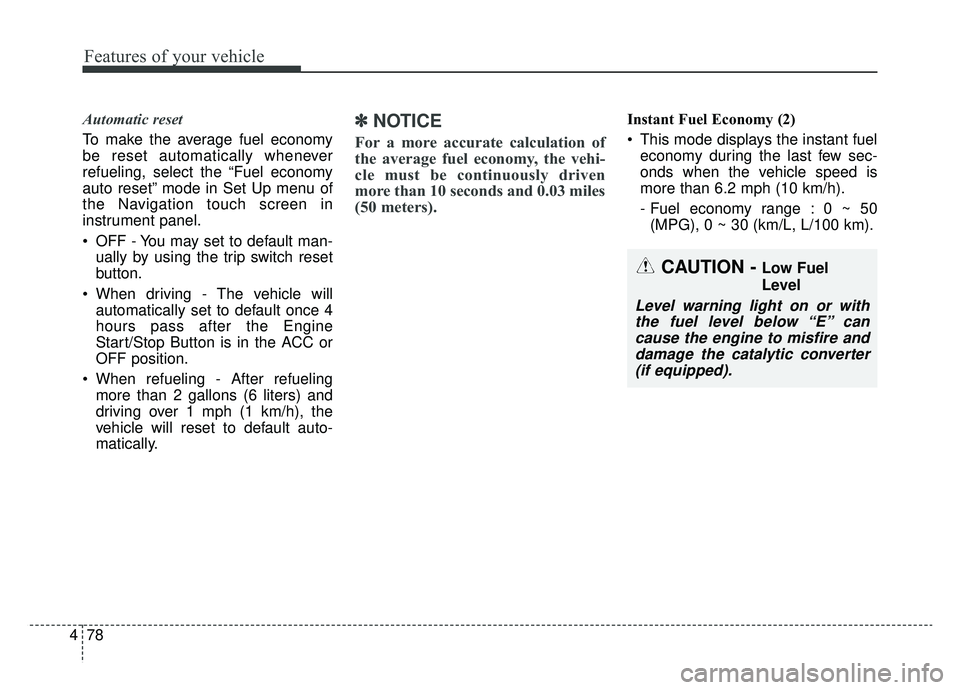
Head Up Display Information
1. Turn By Turn navigation information
2. Road signs
3. Speedometer
4. Cruise setting speed
5. Smart Cruise Control (SCC) infor-mation
6. Lane Keeping Assist information
7. Blind-spot Collision Warning infor- mation
8. Warning lights (Low fuel)
9. AV mode information
Head Up Display Setting
On the LCD display, you can change
the head up display settings as fol-
lows.
1. Display height
2. Rotation
3. Brightness
4. Content select
5. Speedometer size
6. Speedometer color
ORJ048159ORJ048176N