2019 Hyundai Tucson FCA
[x] Cancel search: FCAPage 164 of 685
3-72
Convenient features of your vehicle
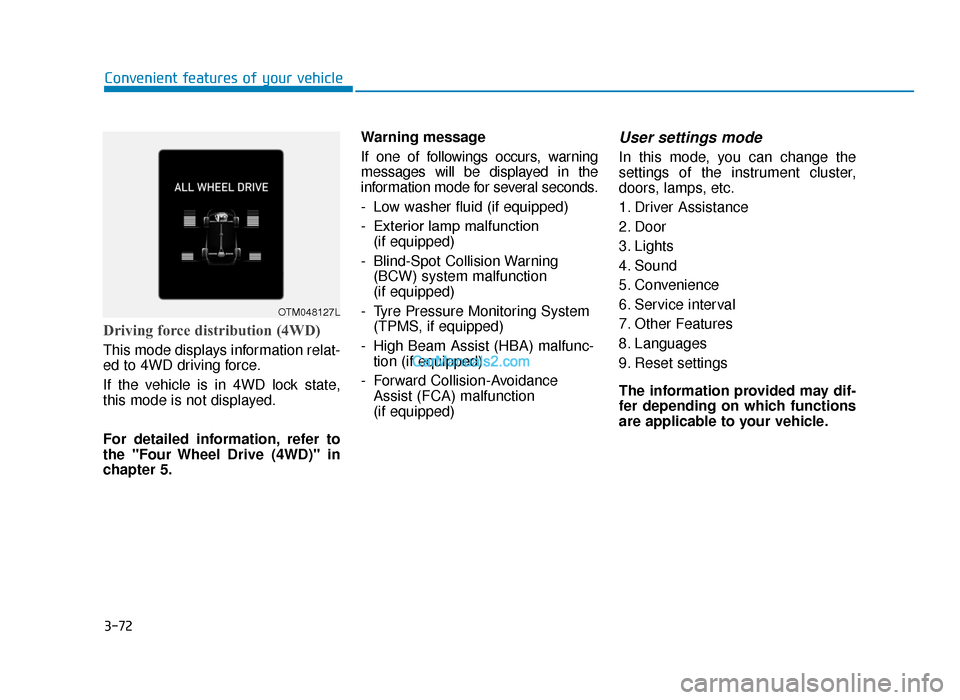
Driving force distribution (4WD)
This mode displays information relat-
ed to 4WD driving force.
If the vehicle is in 4WD lock state,
this mode is not displayed.
For detailed information, refer to
the "Four Wheel Drive (4WD)" in
chapter 5.Warning message
If one of followings occurs, warning
messages will be displayed in the
information mode for several seconds.
- Low washer fluid (if equipped)
- Exterior lamp malfunction
(if equipped)
- Blind-Spot Collision Warning (BCW) system malfunction
(if equipped)
- Tyre Pressure Monitoring System (TPMS, if equipped)
- High Beam Assist (HBA) malfunc- tion (if equipped)
- Forward Collision-Avoidance Assist (FCA) malfunction
(if equipped)
User settings mode
In this mode, you can change the
settings of the instrument cluster,
doors, lamps, etc.
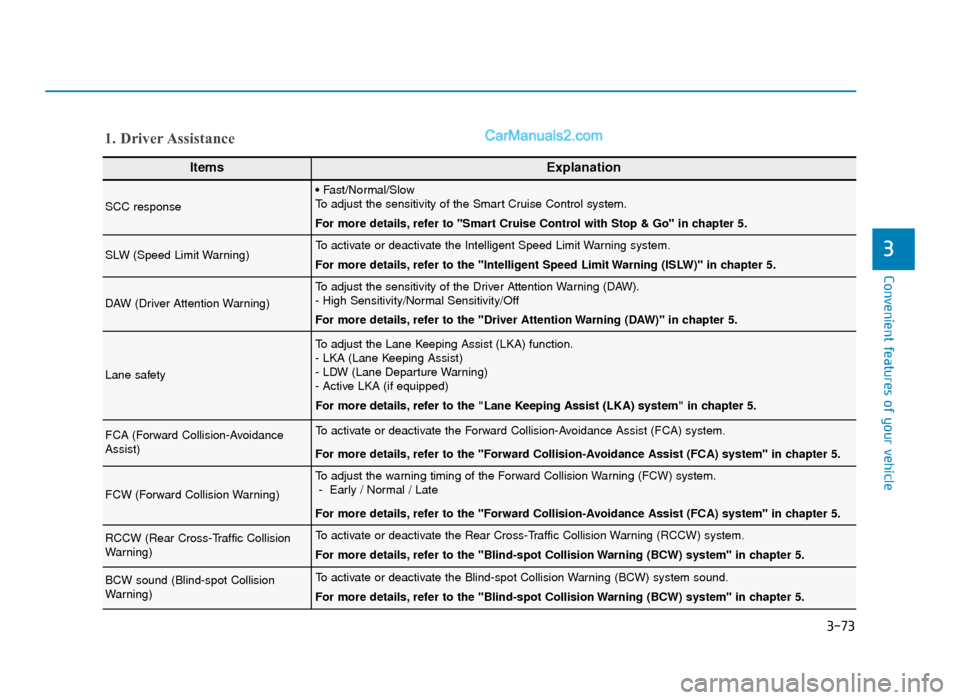
1. Driver Assistance
2. Door
3. Lights
4. Sound
5. Convenience
6. Service interval
7. Other Features
8. Languages
9. Reset settings
The information provided may dif-
fer depending on which functions
are applicable to your vehicle.
OTM048127L
TLe UK 3a(~109).qxp 6/12/2018 2:27 PM Page 72
Page 165 of 685
Convenient features of your vehicle
3
ItemsExplanation
SCC response
• Fast/Normal/Slow
To adjust the sensitivity of the Smart Cruise Control system.
For more details, refer to ''Smart Cruise Control with Stop & Go'' in chapter 5.
SLW (Speed Limit Warning)To activate or deactivate the Intelligent Speed Limit Warning system.
For more details, refer to the "Intelligent Speed Limit Warning (ISLW)" in chapter 5.
DAW (Driver Attention Warning)
To adjust the sensitivity of the Driver Attention Warning (DAW).
- High Sensitivity/Normal Sensitivity/Off
For more details, refer to the "Driver Attention Warning (DAW)" in chapter 5.
Lane safety
To adjust the Lane Keeping Assist (LKA) function.
- LKA (Lane Keeping Assist)
- LDW (Lane Departure Warning)
- Active LKA (if equipped)
For more details, refer to the "Lane Keeping Assist (LKA) system" in chapter 5.
FCA (Forward Collision-Avoidance
Assist)To activate or deactivate the Forward Collision-Avoidance Assist (FCA) system.
For more details, refer to the "Forward Collision-Avoidance Assist (FCA) system" in chapter 5.
FCW (Forward Collision Warning)
To adjust the warning timing of the Forward Collision Warning (FCW) system.- Early / Normal / Late
For more details, refer to the "Forward Collision-Avoidance Assist (FCA) system" in chapter 5.
RCCW (Rear Cross-Traffic Collision
Warning)To activate or deactivate the Rear Cross-Traffic Collision Warning (RCCW) system.
For more details, refer to the "Blind-spot Collision Warning (BCW) system" in chapter 5.
BCW sound (Blind-spot Collision
Warning)To activate or deactivate the Blind-spot Collision Warning (BCW) system sound.
For more details, refer to the "Blind-spot Collision Warning (BCW) system" in chapter 5.
1. Driver Assistance
3-73
TLe UK 3a(~109).qxp 6/12/2018 2:27 PM Page 73
Page 177 of 685
3-85
Convenient features of your vehicle
3
If the message is displayed con-
tinuously after adding the engine
oil and travelling approximately 30
~ 60 miles (50~100 km) after the
engine warms up, we recommend
that the system be checked by a
HYUNDAI authorised repairer.
Even if this message is not dis-
played after the engine has start-
ed, the engine oil level should be
periodically checked and topped
up if required.
Information
If you travel approximately 50 km ~
100 km after the engine warms up,
after adding the engine oil, the warn-
ing message will be disappeared.
Check HBA (High Beam Assist)system (if equipped)
This warning message is displayed if
there is a problem with the High
Beam Assist (HBA) System. We rec-
ommend that you have the vehicle
inspected by a HYUNDAI authorised
repairer.
For more details, refer to “High
Beam Assist (HBA) System” in
chapter 3.
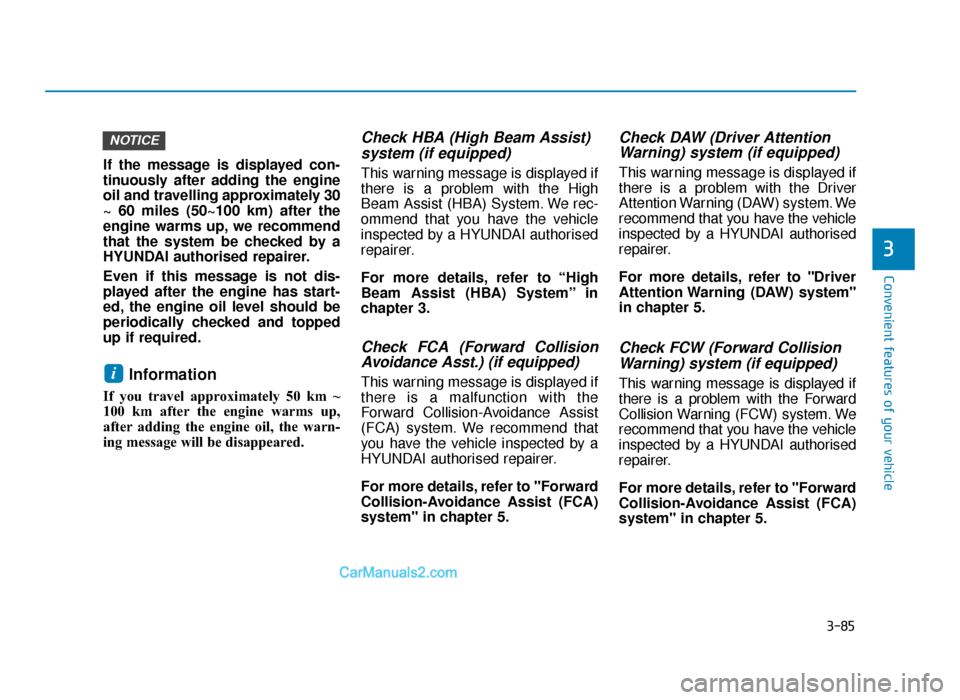
Check FCA (Forward CollisionAvoidance Asst.) (if equipped)
This warning message is displayed if
there is a malfunction with the
Forward Collision-Avoidance Assist
(FCA) system. We recommend that
you have the vehicle inspected by a
HYUNDAI authorised repairer.
For more details, refer to "Forward
Collision-Avoidance Assist (FCA)
system" in chapter 5.
Check DAW (Driver AttentionWarning) system (if equipped)
This warning message is displayed if
there is a problem with the Driver
Attention Warning (DAW) system. We
recommend that you have the vehicle
inspected by a HYUNDAI authorised
repairer.
For more details, refer to "Driver
Attention Warning (DAW) system"
in chapter 5.
Check FCW (Forward Collision
Warning) system (if equipped)
This warning message is displayed if
there is a problem with the Forward
Collision Warning (FCW) system. We
recommend that you have the vehicle
inspected by a HYUNDAI authorised
repairer.
For more details, refer to "Forward
Collision-Avoidance Assist (FCA)
system" in chapter 5.i
NOTICE
TLe UK 3a(~109).qxp 6/12/2018 2:27 PM Page 85
Page 193 of 685
3-101
Convenient features of your vehicle
3
This warning light remains on after
blinking for approximately 60 sec-
onds or repeats blinking and off at
the intervals of approximately 3
seconds:
• When there is a malfunction withthe TPMS.
In this case, we recommend that
you have the vehicle inspected by
a HYUNDAI authorised repairer as
soon as possible.
For more details, refer to
“Tyre Pressure Monitoring
System (TPMS)” in chapter 6.
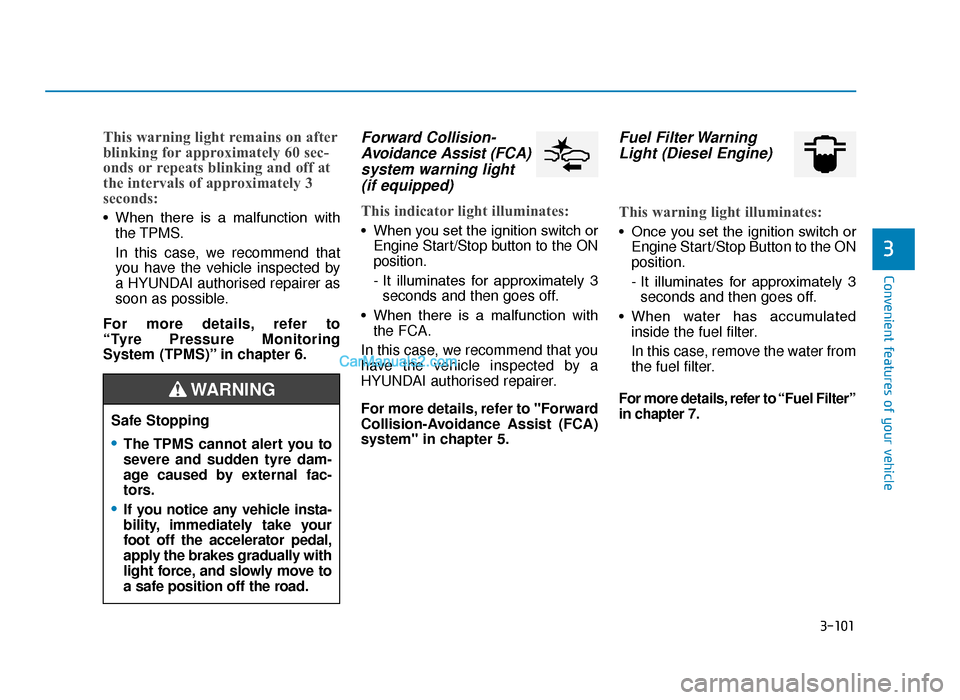
Forward Collision- Avoidance Assist (FCA)system warning light (if equipped)
This indicator light illuminates:
• When you set the ignition switch or
Engine Start/Stop button to the ON
position.
- It illuminates for approximately 3seconds and then goes off.
• When there is a malfunction with the FCA.
In this case, we recommend that you
have the vehicle inspected by a
HYUNDAI authorised repairer.
For more details, refer to "Forward
Collision-Avoidance Assist (FCA)
system" in chapter 5.
Fuel Filter Warning Light (Diesel Engine)
This warning light illuminates:
• Once you set the ignition switch or
Engine Start/Stop Button to the ON
position.
- It illuminates for approximately 3seconds and then goes off.
• When water has accumulated inside the fuel filter.
In this case, remove the water from
the fuel filter.
For more details, refer to “Fuel Filter”
in chapter 7.
Safe Stopping
•The TPMS cannot alert you to
severe and sudden tyre dam-
age caused by external fac-
tors.
•If you notice any vehicle insta-
bility, immediately take your
foot off the accelerator pedal,
apply the brakes gradually with
light force, and slowly move to
a safe position off the road.
WARNING
TLe UK 3a(~109).qxp 6/12/2018 2:29 PM Page 101
Page 326 of 685
5
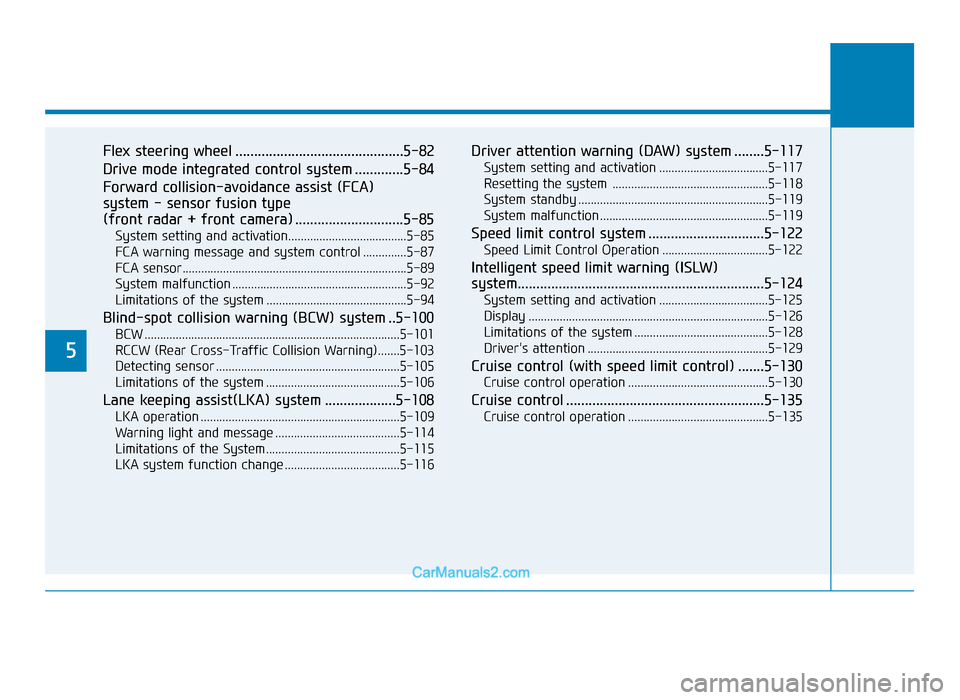
Flex steering wheel .............................................5-82
Drive mode integrated control system .............5-84
Forward collision-avoidance assist (FCA)
system - sensor fusion type
(front radar + front camera) .............................5-85
System setting and activation......................................5-85
FCA warning message and system control ..............5-87
FCA sensor........................................................................\
5-89
System malfunction ........................................................5-92
Limitations of the system .............................................5-94
Blind-spot collision warning (BCW) system ..5-100
BCW ........................................................................\
..........5-101
RCCW (Rear Cross-Traffic Collision Warning).......5-103
Detecting sensor ...........................................................5-105
Limitations of the system ...........................................5-106
Lane keeping assist(LKA) system ...................5-108
LKA operation ................................................................5-109
Warning light and message ........................................5-114
Limitations of the System...........................................5-115
LKA system function change .....................................5-116
Driver attention warning (DAW) system ........5-117
System setting and activation ...................................5-117
Resetting the system ..................................................5-118
System standby .............................................................5-119
System malfunction......................................................5-119
Speed limit control system ...............................5-122
Speed Limit Control Operation ..................................5-122
Intelligent speed limit warning (ISLW)
system..................................................................\
5-124
System setting and activation ...................................5-125
Display ........................................................................\
.....5-126
Limitations of the system ...........................................5-128
Driver's attention ..........................................................5-129
Cruise control (with speed limit control) .......5-130
Cruise control operation .............................................5-130
Cruise control .....................................................5-135
Cruise control operation .............................................5-135
TLe UK 5.qxp 5/10/2018 12:18 PM Page 2
Page 409 of 685
5-85
Driving your vehicle
5
The Forward Collision-Avoidance
Assist (FCA) system is designed to
help detect and monitor the vehicle
ahead or detect a pedestrian in the
roadway through radar signals and
camera recognition to warn the driv-
er that a collision is imminent, and if
necessary, apply emergency brak-
ing.System setting and activation
System setting
• The driver can activate the FCA byplacing the ignition switch to the
ON position and by selecting:
'User Settings → Driver assistance
→ Forward Collision-Avoidance
Assist (FCA)'
The FCA deactivates, when the driv-
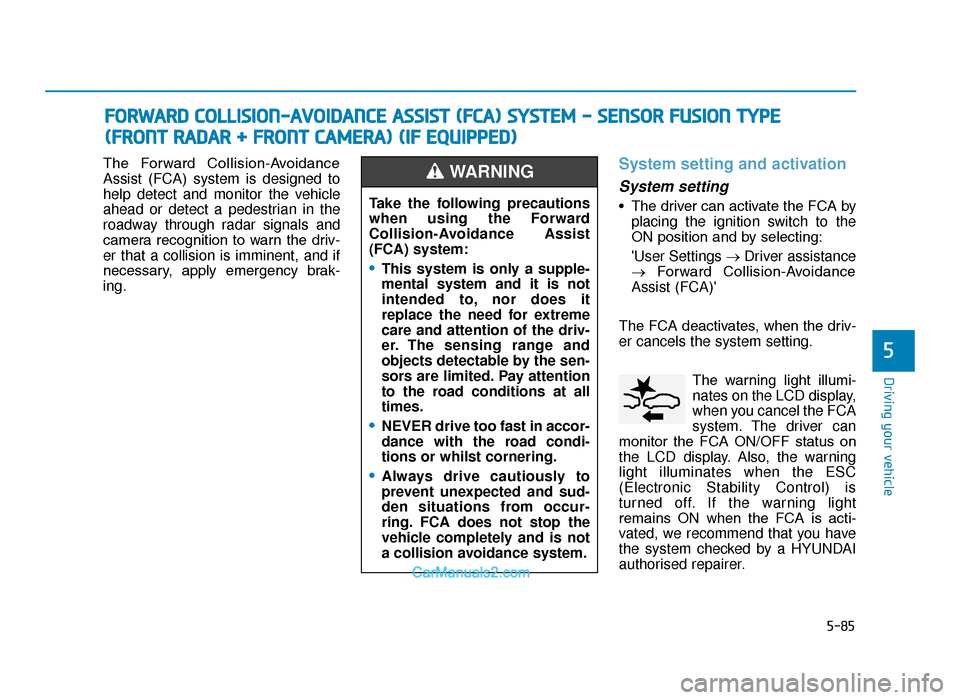
er cancels the system setting. The warning light illumi-
nates on the LCD display,
when you cancel the FCA
system. The driver can
monitor the FCA ON/OFF status on
the LCD display. Also, the warning
light illuminates when the ESC
(Electronic Stability Control) is
turned off. If the warning light
remains ON when the FCA is acti-
vated, we recommend that you have
the system checked by a HYUNDAI
authorised repairer.
FORWARD COLLISION-AVOIDANCE ASSIST (FCA) SYSTEM - SENSOR FUSION TYPE
(
FRONT RADAR + FRONT CAMERA) (IF EQUIPPED)
Take the following precautions
when using the Forward
Collision-Avoidance Assist
(FCA) system:
•This system is only a supple-
mental system and it is not
intended to, nor does it
replace the need for extreme
care and attention of the driv-
er. The sensing range and
objects detectable by the sen-
sors are limited. Pay attention
to the road conditions at all
times.
•NEVER drive too fast in accor-
dance with the road condi-
tions or whilst cornering.
•Always drive cautiously to
prevent unexpected and sud-
den situations from occur-
ring. FCA does not stop the
vehicle completely and is not
a collision avoidance system.
WARNING
TLe UK 5.qxp 5/10/2018 12:24 PM Page 85
Page 411 of 685
5-87
Driving your vehicle
5
Prerequisite for activation
The FCA gets ready to be activated,
when the FCA is selected on the
LCD display, and when the following
prerequisites are satisfied.
- The ESC (Electronic StabilityControl) is on.
- Vehicle speed is over 5 mph (8 km/h). (The FCA is only activated
within a certain speed range.)
- The system detects a pedestrian or a vehicle in front, which may col-
lide with your vehicle. (The FCA
may not be activated or may sound
a warning alarm in accordance
with the driving situation or vehicle
condition.)
FCA warning message and
system control
The FCA produces warning mes-
sages and warning alarms in accor-
dance with the collision risk levels,
such as abrupt stopping of the vehi-
cle in front, insufficient braking dis-
tance, pedestrian detection. Also, it
controls the brakes in accordance
with the collision risk levels.
The driver can select the initial warn-
ing activation time in the User
Settings in the LCD display. The
options for the initial Forward
Collision Warning include Early,
Normal or Late initial warning time.•Completely stop the vehicle
on a safe location before
operating the switch on the
steering wheel to activate/
deactivate the FCA system.
•The FCA automatically acti-
vates upon placing the Engine
Start/Stop button to the ON
position. The driver can deac-
tivate the FCA by canceling
the system setting on the LCD
display.
•The FCA automatically deacti-
vates upon canceling the ESC
(Electronic Stability Control).
When the ESC is cancelled,
the FCA cannot be activated
on the LCD display. The FCA
warning light will illuminate
which is normal.
WARNING
TLe UK 5.qxp 5/10/2018 12:24 PM Page 87
Page 412 of 685
5-88
Driving your vehicle
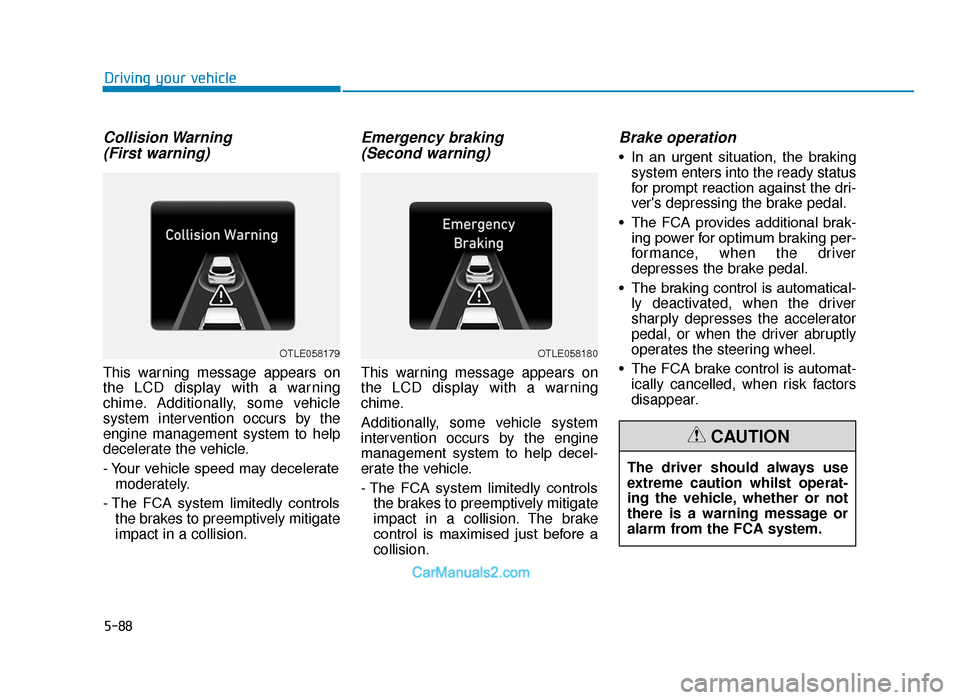
Collision Warning (First warning)
This warning message appears on
the LCD display with a warning
chime. Additionally, some vehicle
system intervention occurs by the
engine management system to help
decelerate the vehicle.
- Your vehicle speed may decelerate
moderately.
- The FCA system limitedly controls the brakes to preemptively mitigate
impact in a collision.
Emergency braking (Second warning)
This warning message appears on
the LCD display with a warning
chime.
Additionally, some vehicle system
intervention occurs by the engine
management system to help decel-
erate the vehicle.
- The FCA system limitedly controls
the brakes to preemptively mitigate
impact in a collision. The brake
control is maximised just before a
collision.
Brake operation
• In an urgent situation, the brakingsystem enters into the ready status
for prompt reaction against the dri-
ver's depressing the brake pedal.
• The FCA provides additional brak- ing power for optimum braking per-
formance, when the driver
depresses the brake pedal.
• The braking control is automatical- ly deactivated, when the driver
sharply depresses the accelerator
pedal, or when the driver abruptly
operates the steering wheel.
• The FCA brake control is automat- ically cancelled, when risk factors
disappear.
OTLE058179OTLE058180
The driver should always use
extreme caution whilst operat-
ing the vehicle, whether or not
there is a warning message or
alarm from the FCA system.
CAUTION
TLe UK 5.qxp 5/10/2018 12:24 PM Page 88