2019 Hyundai Tucson change wheel
[x] Cancel search: change wheelPage 366 of 685
5-42
Driving your vehicle
• Always apply the parking brake when leaving the vehicle. Do not
depend on placing the transmis-
sion in P (Park) to keep the vehicle
from moving.
• Exercise extreme caution when driving on a slippery surface. Be
especially careful when braking,
accelerating or shifting gears. On a
slippery surface, an abrupt change
in vehicle speed can cause the
drive wheels to lose traction and
may cause loss of vehicle control
resulting in an accident
• Optimum vehicle performance and economy is obtained by smoothly
depressing and releasing the
accelerator.
Information - Kickdown
Mechanism (if equipped)
Use the kickdown mechanism for
maximum acceleration. Depress the
accelerator pedal beyond the pressure
point. The automatic transaxle will
shift to a lower gear depending on the
engine speed.i
To reduce the risk of SERIOUS
INJURY or DEATH:
•ALWAYS wear your seatbelt.
In a collision, an unbelted
occupant is significantly more
likely to be seriously injured
or killed than a properly belt-
ed occupant. (Continued)
(Continued)
•Avoid high speeds when cor-
nering or turning.
•Do not make quick steering
wheel movements, such as
sharp lane changes or fast,
sharp turns.
•The risk of rollover is greatly
increased if you lose control
of your vehicle at highway
speeds.
•Loss of control often occurs if
two or more wheels drop off
the roadway and the driver
over steers to reenter the
roadway.
•In the event your vehicle
leaves the roadway, do not
steer sharply. Instead, slow
down before pulling back into
the travel lanes.
•HYUNDAI recommends you
follow all posted speed limits.
WARNING
If your vehicle is stuck in snow,
mud, sand, etc., you may
attempt to free the vehicle by
rocking it back and forth. Do not
attempt this procedure if people
or objects are anywhere near.
Vehicle may suddenly move for-
ward or backward as it becomes
unstuck, causing injury or dam-
age to nearby people or objects.
WARNING
TLe UK 5.qxp 5/10/2018 12:21 PM Page 42
Page 381 of 685
5-57
Driving your vehicle
5
ABS is an electronic braking system
that helps prevent a braking skid.
ABS allows the driver to steer and
brake at the same time.
Using ABS
To obtain the maximum benefit from
your ABS in an emergency situation,
do not attempt to modulate your
brake pressure and do not try to
pump your brakes. Depress your
brake pedal as hard as possible.
When you apply your brakes under
conditions which may lock the
wheels, you may hear sounds from
the brakes, or feel a corresponding
sensation in the brake pedal. This is
normal and it means your ABS is
active.
ABS does not reduce the time or dis-
tance it takes to stop the vehicle.
Always maintain a safe distance from
the vehicle in front of you.
ABS will not prevent a skid that
results from sudden changes in
direction, such as trying to take a
corner too fast or making a sudden
lane change. Always drive at a safe
speed for the road and weather con-
ditions.ABS cannot prevent a loss of stabili-
ty. Always steer moderately when
braking hard. Severe or sharp steer-
ing wheel movement can still cause
your vehicle to veer into oncoming
traffic or off the road.
On loose or uneven road surfaces,
operation of the anti-lock brake sys-
tem may result in a longer stopping
distance than for vehicles equipped
with a conventional brake system.
The ABS warning light ( ) will stay
on for several seconds after the
Engine Start/Stop button is in the ON
position. During that time, the ABS
will go through self-diagnosis and the
light will go off if everything is nor-
mal. If the light stays on, you may
have a problem with your ABS. We
recommend that you contact a
HYUNDAI authorised repairer as
soon as possible.(Continued)
•On roads where the road sur-
face is pitted or has different
surface height.
•Tyre chains are installed on
your vehicle.
The safety features of an ABS
or ESC equipped vehicle should
not be tested by high speed
driving or cornering. This could
endanger the safety of yourself
or others.
TLe UK 5.qxp 5/10/2018 12:22 PM Page 57
Page 392 of 685
5-68
Driving your vehicle
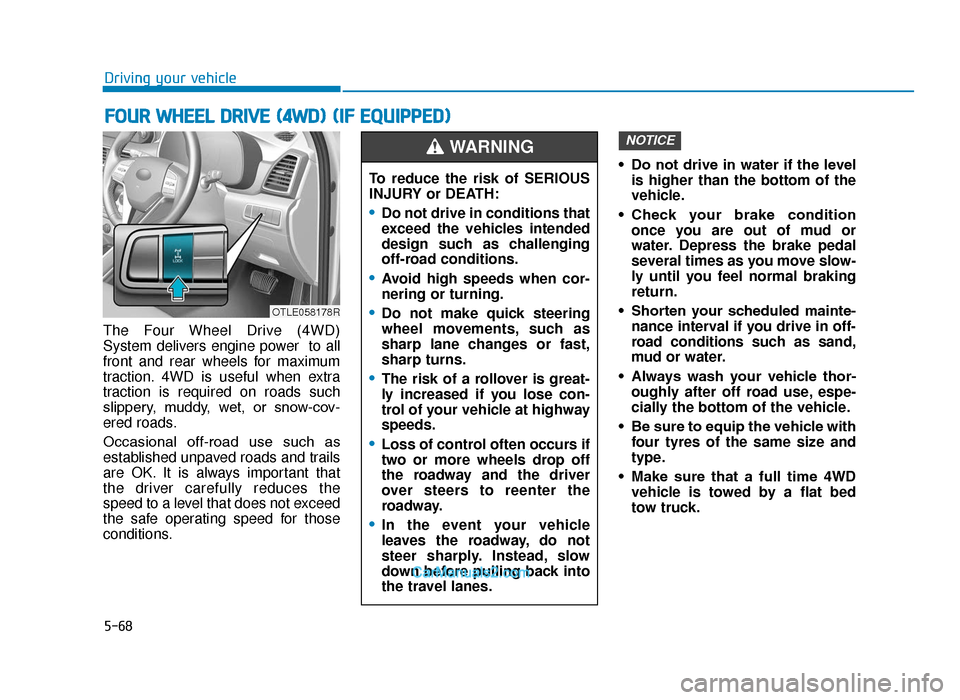
The Four Wheel Drive (4WD)
System delivers engine power to all
front and rear wheels for maximum
traction. 4WD is useful when extra
traction is required on roads such
slippery, muddy, wet, or snow-cov-
ered roads.
Occasional off-road use such as
established unpaved roads and trails
are OK. It is always important that
the driver carefully reduces the
speed to a level that does not exceed
the safe operating speed for those
conditions. • Do not drive in water if the level
is higher than the bottom of the
vehicle.
• Check your brake condition once you are out of mud or
water. Depress the brake pedal
several times as you move slow-
ly until you feel normal braking
return.
• Shorten your scheduled mainte- nance interval if you drive in off-
road conditions such as sand,
mud or water.
• Always wash your vehicle thor- oughly after off road use, espe-
cially the bottom of the vehicle.
• Be sure to equip the vehicle with four tyres of the same size and
type.
• Make sure that a full time 4WD vehicle is towed by a flat bed
tow truck.
NOTICE
FOUR WHEEL DRIVE (4WD) (IF EQUIPPED)
To reduce the risk of SERIOUS
INJURY or DEATH:
•Do not drive in conditions that
exceed the vehicles intended
design such as challenging
off-road conditions.
•Avoid high speeds when cor-
nering or turning.
•Do not make quick steering
wheel movements, such as
sharp lane changes or fast,
sharp turns.
•The risk of a rollover is great-
ly increased if you lose con-
trol of your vehicle at highway
speeds.
•Loss of control often occurs if
two or more wheels drop off
the roadway and the driver
over steers to reenter the
roadway.
•In the event your vehicle
leaves the roadway, do not
steer sharply. Instead, slow
down before pulling back into
the travel lanes.
WARNING
OTLE058178R
TLe UK 5.qxp 5/10/2018 12:23 PM Page 68
Page 395 of 685
5-71
Driving your vehicle
5
Driving in sand or mud
• Maintain slow and constant speed.
• Use tyre chains driving in mud ifnecessary.
• Keep sufficient distance between your vehicle and the vehicle in front
of you.
• Reduce vehicle speed and always check the road condition.
• Avoid speeding, rapid acceleration, sudden brake applications, and
sharp turns to prevent getting
stuck.
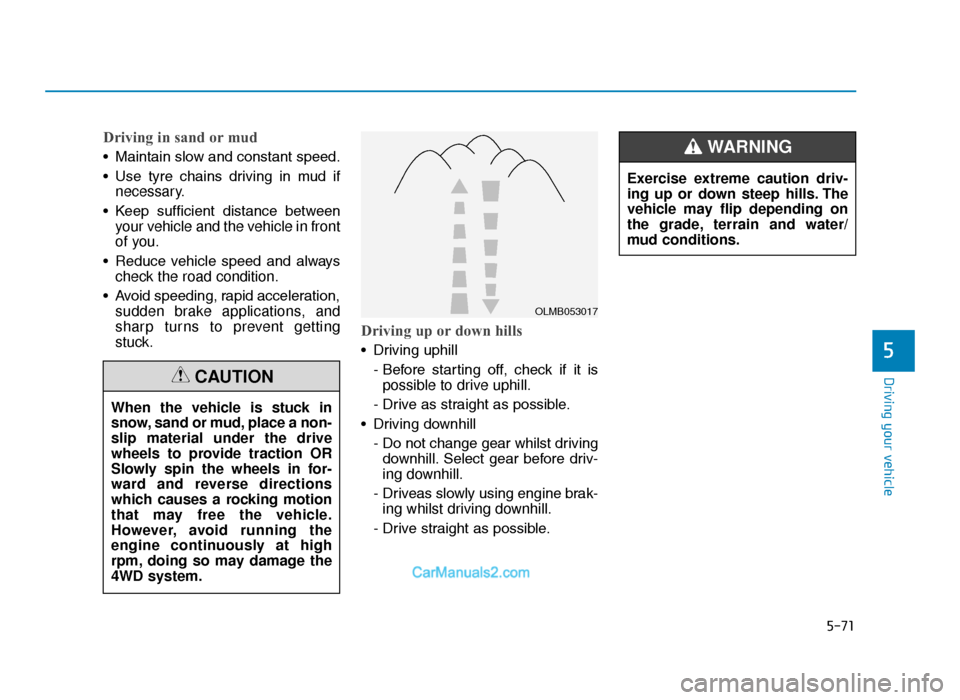
Driving up or down hills
• Driving uphill
- Before starting off, check if it ispossible to drive uphill.
- Drive as straight as possible.
• Driving downhill - Do not change gear whilst drivingdownhill. Select gear before driv-
ing downhill.
- Driveas slowly using engine brak- ing whilst driving downhill.
- Drive straight as possible.
When the vehicle is stuck in
snow, sand or mud, place a non-
slip material under the drive
wheels to provide traction OR
Slowly spin the wheels in for-
ward and reverse directions
which causes a rocking motion
that may free the vehicle.
However, avoid running the
engine continuously at high
rpm, doing so may damage the
4WD system.
CAUTION
OLMB053017
Exercise extreme caution driv-
ing up or down steep hills. The
vehicle may flip depending on
the grade, terrain and water/
mud conditions.
WARNING
TLe UK 5.qxp 5/10/2018 12:23 PM Page 71
Page 396 of 685
5-72
Driving your vehicle
Driving through water
• Try to avoid driving in deep stand-ing water. It may stall your engine
and clog your exhaust pipes.
• If you need to drive in water, stop your vehicle, set the vehicle in
4WD LOCK mode and drive under
5mph (8 km/h).
• Do not change gear whilst driving in water.
Additional driving conditions
• Become familiar with the off-roadconditions before driving.
• Always pay attention when driving off-road and avoid dangerous
areas.
• Drive slowly when driving in heavy wind.
• Reduce vehicle speed when cor- nering. The centre of gravity of
4WD vehicles is higher than con-
ventional 2WD vehicles, making
them more likely to roll over when
you rapidly turn corners.
OLMB053018
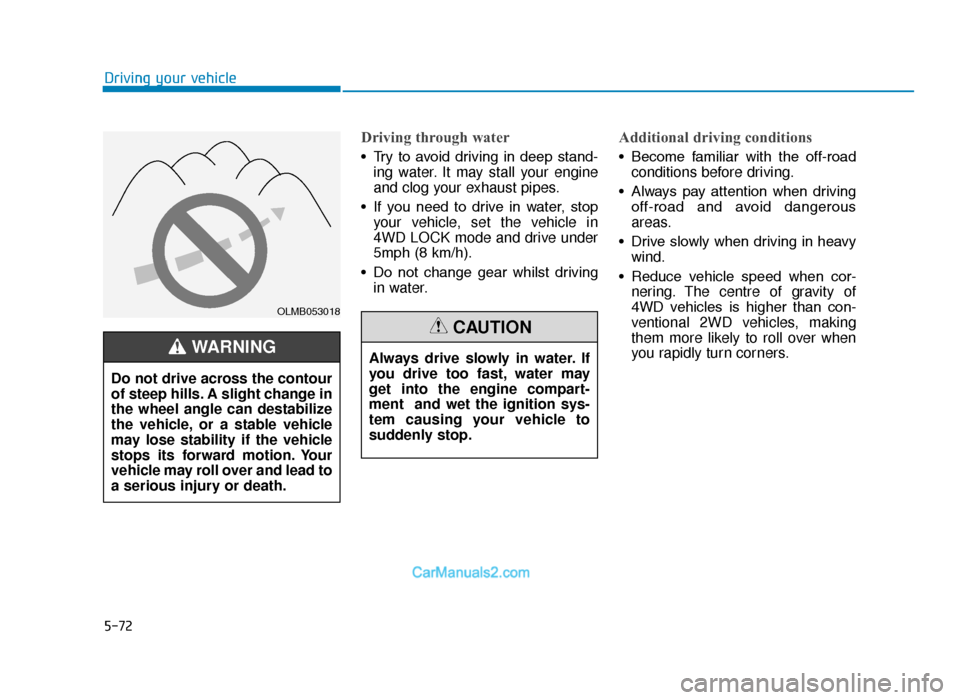
Do not drive across the contour
of steep hills. A slight change in
the wheel angle can destabilize
the vehicle, or a stable vehicle
may lose stability if the vehicle
stops its forward motion. Your
vehicle may roll over and lead to
a serious injury or death.
WARNING Always drive slowly in water. If
you drive too fast, water may
get into the engine compart-
ment and wet the ignition sys-
tem causing your vehicle to
suddenly stop.
CAUTION
TLe UK 5.qxp 5/10/2018 12:23 PM Page 72
Page 406 of 685
5-82
Driving your vehicle
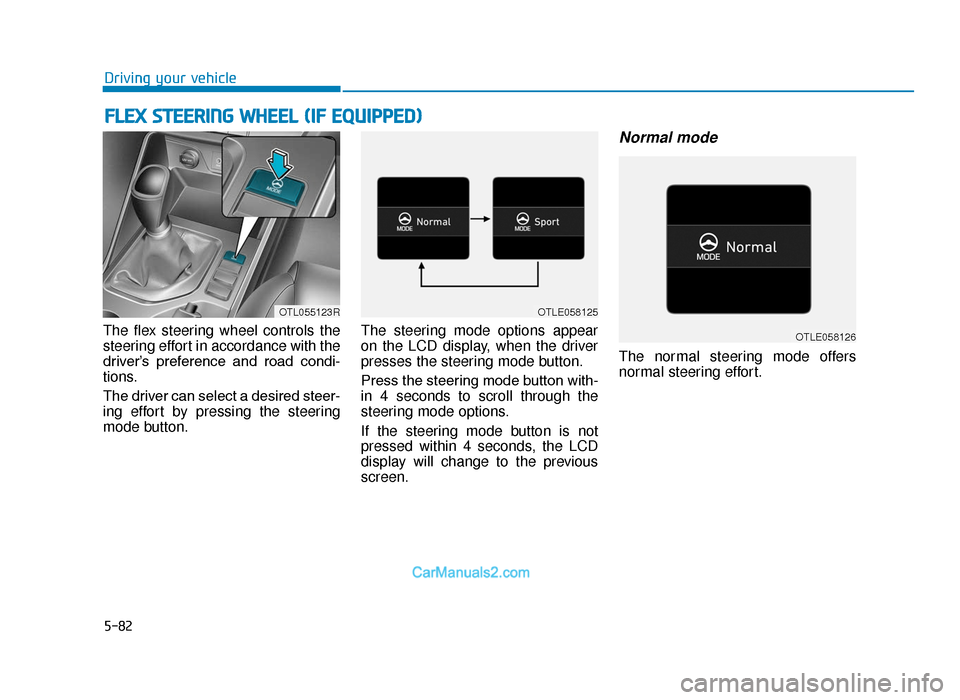
The flex steering wheel controls the
steering effort in accordance with the
driver’s preference and road condi-
tions.
The driver can select a desired steer-
ing effort by pressing the steering
mode button. The steering mode options appear
on the LCD display, when the driver
presses the steering mode button.
Press the steering mode button with-
in 4 seconds to scroll through the
steering mode options.
If the steering mode button is not
pressed within 4 seconds, the LCD
display will change to the previous
screen.
Normal mode
The normal steering mode offers
normal steering effort.
FLEX STEERING WHEEL (IF EQUIPPED)
OTL055123ROTLE058125
OTLE058126
TLe UK 5.qxp 5/10/2018 12:24 PM Page 82
Page 407 of 685
5-83
Driving your vehicle
5
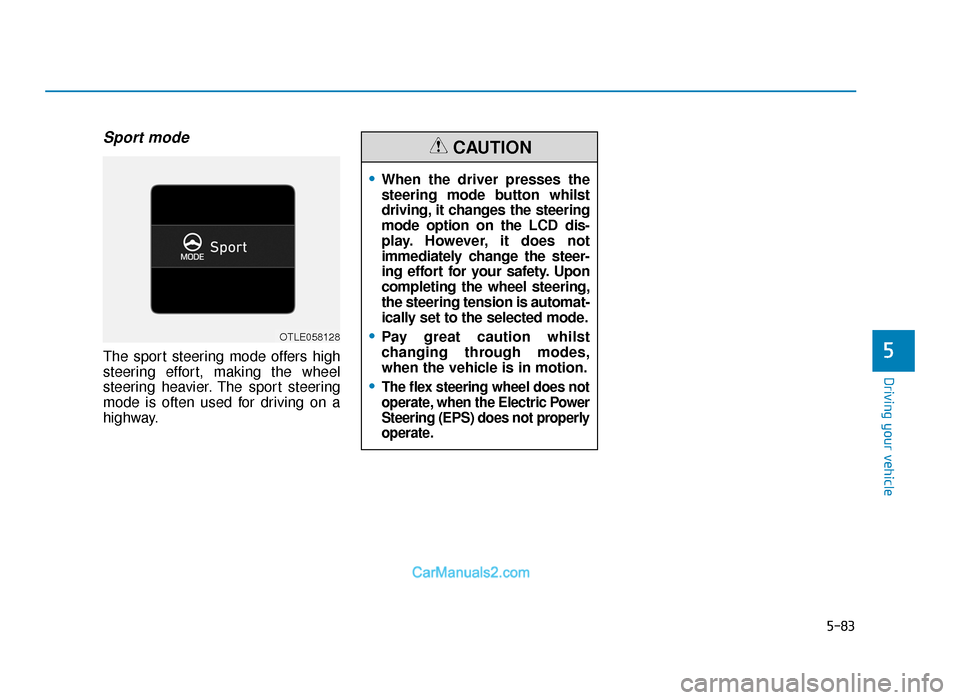
Sport mode
The sport steering mode offers high
steering effort, making the wheel
steering heavier. The sport steering
mode is often used for driving on a
highway.
•When the driver presses the
steering mode button whilst
driving, it changes the steering
mode option on the LCD dis-
play. However, it does not
immediately change the steer-
ing effort for your safety. Upon
completing the wheel steering,
the steering tension is automat-
ically set to the selected mode.
•Pay great caution whilst
changing through modes,
when the vehicle is in motion.
•The flex steering wheel does not
operate, when the Electric Power
Steering (EPS) does not properly
operate.
CAUTION
OTLE058128
TLe UK 5.qxp 5/10/2018 12:24 PM Page 83
Page 408 of 685
5-84
Driving your vehicle
DRIVE MODE INTEGRATED CONTROL SYSTEM (IF EQUIPPED)
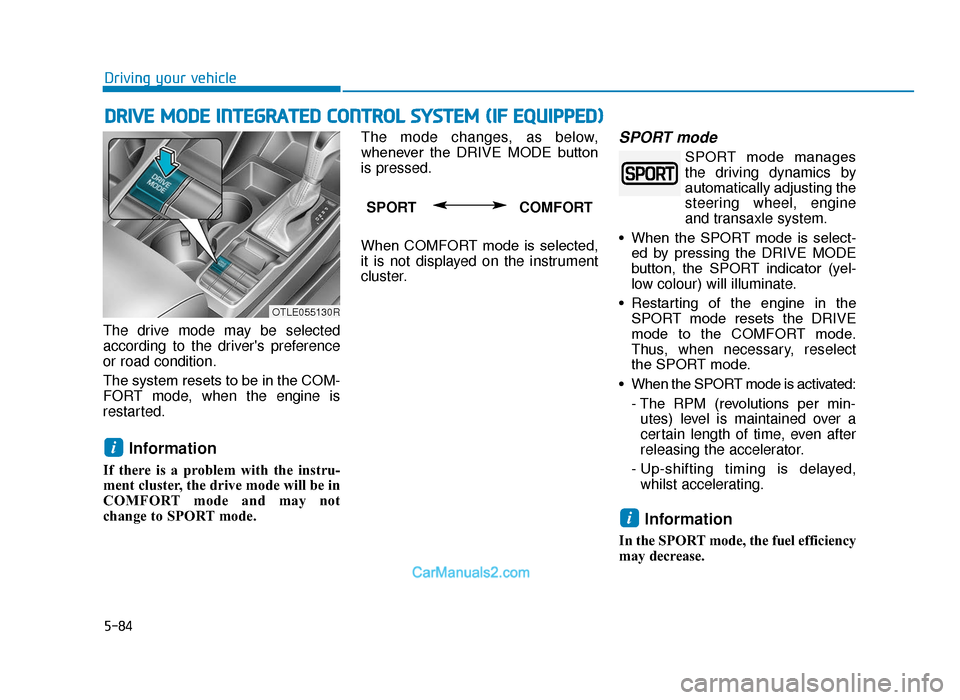
The drive mode may be selected
according to the driver's preference
or road condition.
The system resets to be in the COM-
FORT mode, when the engine is
restarted.
Information
If there is a problem with the instru-
ment cluster, the drive mode will be in
COMFORT mode and may not
change to SPORT mode. The mode changes, as below,
whenever the DRIVE MODE button
is pressed.
When COMFORT mode is selected,
it is not displayed on the instrument
cluster.
SPORT mode
SPORT mode manages
the driving dynamics by
automatically adjusting the
steering wheel, engine
and transaxle system.
• When the SPORT mode is select- ed by pressing the DRIVE MODE
button, the SPORT indicator (yel-
low colour) will illuminate.
• Restarting of the engine in the SPORT mode resets the DRIVE
mode to the COMFORT mode.
Thus, when necessary, reselect
the SPORT mode.
• When the SPORT mode is activated: - The RPM (revolutions per min-utes) level is maintained over a
certain length of time, even after
releasing the accelerator.
- Up-shifting timing is delayed, whilst accelerating.
Information
In the SPORT mode, the fuel efficiency
may decrease.
i
i
SPORT COMFORT
OTLE055130R
TLe UK 5.qxp 5/10/2018 12:24 PM Page 84