Page 276 of 546

3-140
Slightly change the cellular phone position, when the cellular phone is
not being charged. Make sure that
the indicator illuminates in orange.
The indicator color may not change
to green in accordance with the cel-
lular phone type, even though the
charging process is completed. The
indicator blinks in orange for 10 sec-onds when there is a malfunction
with the wireless charging system. In
this case, temporarily stop the charg-
ing process, and re-attempt to wire-
lessly charge your cellular phoneagain.
The system warns you with a mes-
sage on the LCD display when you
do not take out the cellular phonefrom the wireless charging unit withthe front door open and the Engine
Start/Stop button in the OFF posi-tion.
The wireless cellular phone
charging system may not sup-
port certain cellular phones,
which are not verified for the Qi
specification ( ).
Locate your cell phone well in the middle of the wireless cellu-
lar phone charging system.
Even when your cell phone
locates slightly to one side, the
charging speed may decrease.
The wireless charging process may temporarily stop, when a
smart key function operates (i.e.
starting the engine, opening the
doors, closing the doors).
For certain cell phones, the indi- cator color may not change to
green, even when the wireless
charging process is properlycompleted.
(Continued)(Continued)
The wireless charging process
may temporarily stop, when tem-
perature abnormally increasesinside the wireless cellular
phone charging system. The
wireless charging process
restarts, when temperature falls
to a proper level.
The wireless charging process may temporarily stop when
there is any metallic item, such
as a coin, between the wireless
cellular phone charging system
and a cellular phone.
NOTICE
Convenient features of your vehicle
Page 296 of 546
5-6
Driving your vehicle
Illuminated Engine Start/Stop
button
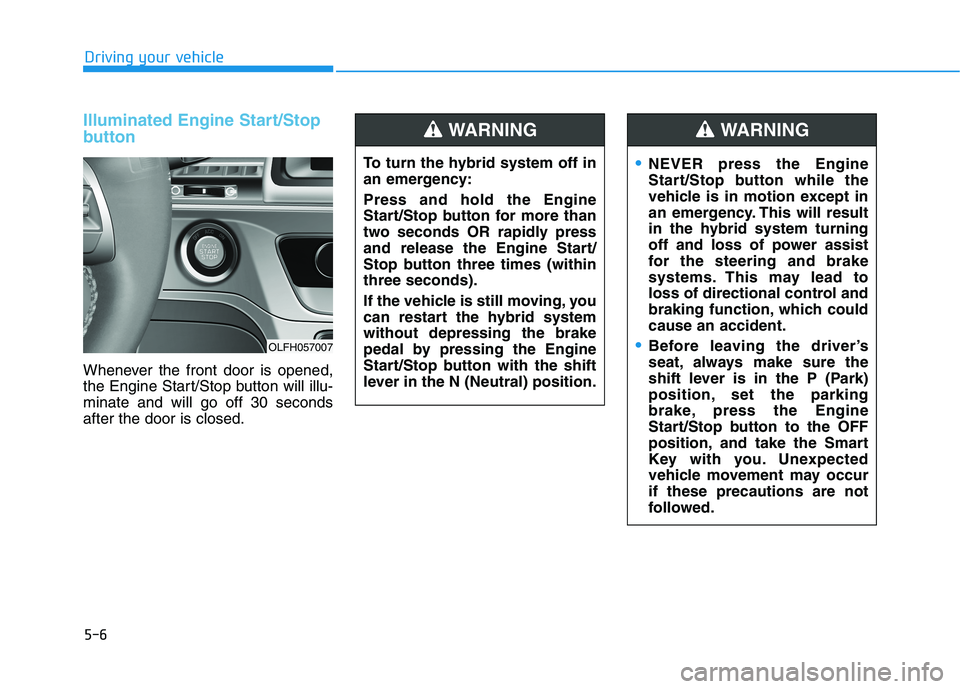
Whenever the front door is opened,
the Engine Start/Stop button will illu-minate and will go off 30 secondsafter the door is closed.
OLFH057007To turn the hybrid system off in
an emergency: Press and hold the Engine
Start/Stop button for more than
two seconds OR rapidly press
and release the Engine Start/
Stop button three times (withinthree seconds).
If the vehicle is still moving, you
can restart the hybrid systemwithout depressing the brake
pedal by pressing the Engine
Start/Stop button with the shift
lever in the N (Neutral) position.
WARNING
NEVER press the Engine
Start/Stop button while the
vehicle is in motion except in
an emergency. This will result
in the hybrid system turning
off and loss of power assist
for the steering and brake
systems. This may lead to
loss of directional control and
braking function, which couldcause an accident.
Before leaving the driver’s
seat, always make sure the
shift lever is in the P (Park)
position, set the parking
brake, press the Engine
Start/Stop button to the OFF
position, and take the Smart
Key with you. Unexpected
vehicle movement may occurif these precautions are not
followed.
WARNING
Page 299 of 546
5-9
Driving your vehicle
5
Starting the hybrid system Information
The hybrid system will start by pressing the Engine Start/Stop but-
ton, only when the smart key is in
the vehicle.
Even when the smart key is in the vehicle, and when it is far away
from the driver, the hybrid system
may not start.
When the Engine Start/Stop button is in the ACC or ON position, if any
door is open, the system checks for
the smart key. If the smart key is not
in the vehicle, the " " indicator
will blink and the warning "Key not
in vehicle" will come on. If all doors
are closed, the chime will also sound
for about 5 seconds. Keep the smart
key in the vehicle when in the ACC
position or if the hybrid system is
ON. 1. Always carry the smart key with
you.
2. Make sure the parking brake is applied.
3. Make sure the shift lever is in P (Park).
4. Depress the brake pedal.
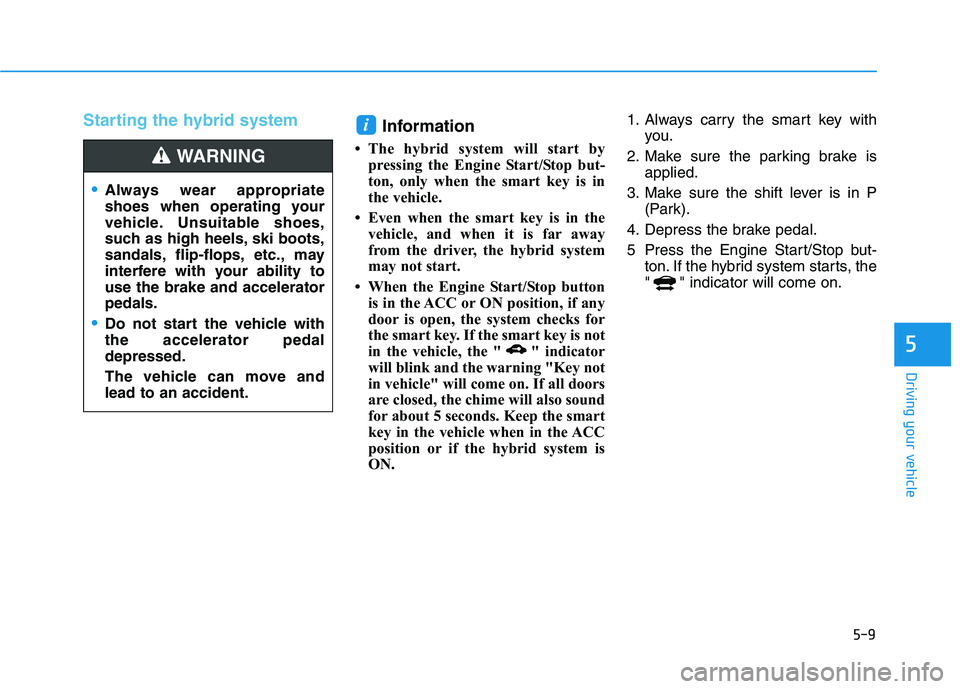
5 Press the Engine Start/Stop but- ton. If the hybrid system starts, the
" " indicator will come on.i
Always wear appropriate
shoes when operating your
vehicle. Unsuitable shoes,
such as high heels, ski boots,
sandals, flip-flops, etc., may
interfere with your ability touse the brake and acceleratorpedals.
Do not start the vehicle with the accelerator pedaldepressed.
The vehicle can move and lead to an accident.
WARNING
Page 301 of 546
5-11
Driving your vehicle
5
Information
If the smart key battery is weak or the
smart key does not work correctly,
you can start the hybrid system by
pressing the Engine Start/Stop button
with the smart key in the direction of
the picture above. i
OLF057009
Page 307 of 546
5-17
Driving your vehicle
5
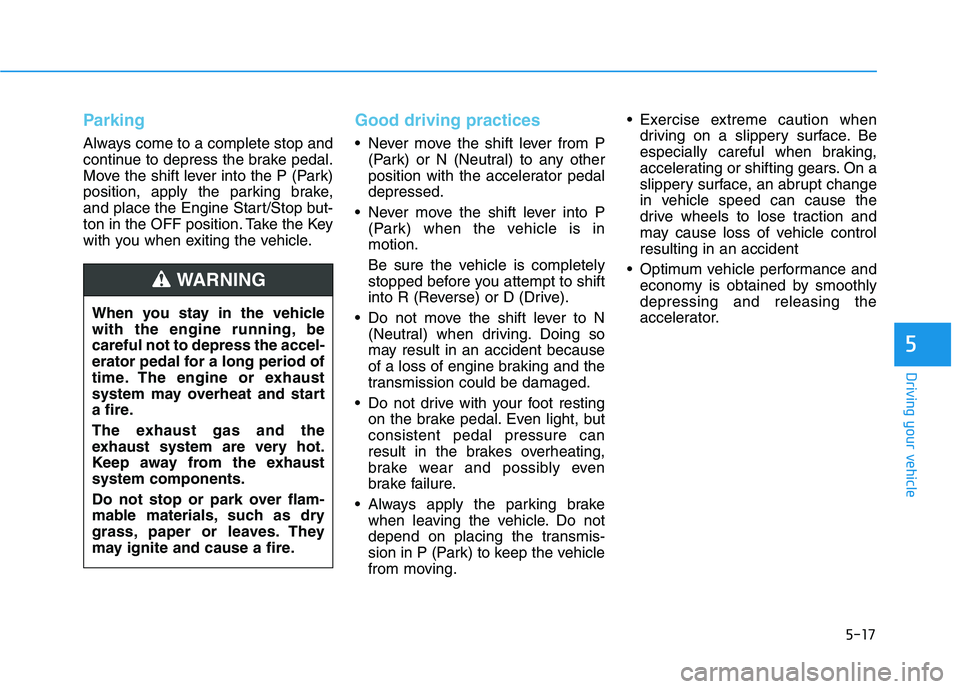
Parking
Always come to a complete stop and
continue to depress the brake pedal.
Move the shift lever into the P (Park)
position, apply the parking brake,
and place the Engine Start/Stop but-
ton in the OFF position. Take the Key
with you when exiting the vehicle.
Good driving practices
Never move the shift lever from P(Park) or N (Neutral) to any other
position with the accelerator pedaldepressed.
Never move the shift lever into P (Park) when the vehicle is inmotion.
Be sure the vehicle is completely
stopped before you attempt to shift
into R (Reverse) or D (Drive).
Do not move the shift lever to N (Neutral) when driving. Doing so
may result in an accident because
of a loss of engine braking and the
transmission could be damaged.
Do not drive with your foot resting on the brake pedal. Even light, butconsistent pedal pressure can
result in the brakes overheating,
brake wear and possibly even
brake failure.
Always apply the parking brake when leaving the vehicle. Do not
depend on placing the transmis-
sion in P (Park) to keep the vehicle
from moving. Exercise extreme caution when
driving on a slippery surface. Be
especially careful when braking,
accelerating or shifting gears. On a
slippery surface, an abrupt change
in vehicle speed can cause the
drive wheels to lose traction and
may cause loss of vehicle controlresulting in an accident
Optimum vehicle performance and economy is obtained by smoothlydepressing and releasing the
accelerator.
When you stay in the vehicle
with the engine running, becareful not to depress the accel-
erator pedal for a long period of
time. The engine or exhaust
system may overheat and start
a fire.
The exhaust gas and the
exhaust system are very hot.
Keep away from the exhaustsystem components.
Do not stop or park over flam-
mable materials, such as dry
grass, paper or leaves. They
may ignite and cause a fire.
WARNING
Page 314 of 546
5-24
Driving your vehicle
Information
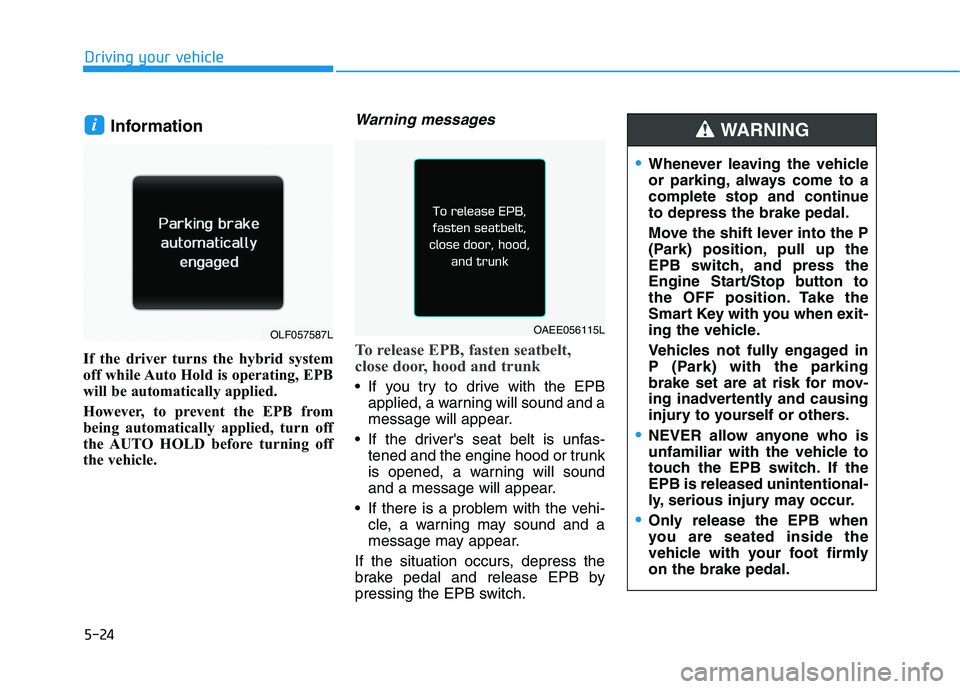
If the driver turns the hybrid system
off while Auto Hold is operating, EPB
will be automatically applied.
However, to prevent the EPB from
being automatically applied, turn off
the AUTO HOLD before turning off
the vehicle.Warning messages
To release EPB, fasten seatbelt,
close door, hood and trunk
If you try to drive with the EPB applied, a warning will sound and a
message will appear.
If the driver's seat belt is unfas- tened and the engine hood or trunk
is opened, a warning will sound
and a message will appear.
If there is a problem with the vehi- cle, a warning may sound and a
message may appear.
If the situation occurs, depress the
brake pedal and release EPB by
pressing the EPB switch.
i
Whenever leaving the vehicle
or parking, always come to a
complete stop and continueto depress the brake pedal.
Move the shift lever into the P
(Park) position, pull up the
EPB switch, and press the
Engine Start/Stop button to
the OFF position. Take the
Smart Key with you when exit-
ing the vehicle.
Vehicles not fully engaged in
P (Park) with the parking
brake set are at risk for mov-
ing inadvertently and causing
injury to yourself or others.
NEVER allow anyone who is
unfamiliar with the vehicle to
touch the EPB switch. If theEPB is released unintentional-
ly, serious injury may occur.
Only release the EPB when
you are seated inside the
vehicle with your foot firmlyon the brake pedal.
WARNING
OLF057587LOAEE056115L
Page 315 of 546
5-25
Driving your vehicle
5
Do not apply the acceleratorpedal while the parking brake is
engaged. If you depress theaccelerator pedal with the EPB
engaged, a warning will sound.
Driving with the parking brake on can overheat the braking sys-tem and cause premature wear
or damage to brake parts. Makesure the EPB is released and theparking brake warning light
( , red color) is off before driv-ing. Information
A clicking sound may be heard while operating or releasing the
EPB. These conditions are normal
and indicate that the EPB is func-
tioning properly.
When leaving your keys with a park- ing attendant or assistant, make sure
to inform him/her how to operate
the EPB.
AUTO HOLD turning Off!
Press brake pedal
When the conversion from Auto Hold
to EPB is not working properly a
warning will sound and a message
will appear.
iNOTICE
OLF057128L
Page 395 of 546
5-105
Driving your vehicle
5
Winter Precautions
Use high quality ethylene glycol coolant
Your vehicle is delivered with high
quality ethylene glycol coolant in the
cooling system. It is the only type ofcoolant that should be used because
it helps prevent corrosion in the cool-
ing system, lubricates the water
pump and prevents freezing. Be sure
to replace or replenish your coolantin accordance with the maintenance
schedule in section 7. Before winter,
have your coolant tested to assure
that its freezing point is sufficient for
the temperatures anticipated during
the winter.Check battery and cables
The winter temperature increases
the battery consumption.
Inspect
the battery and cables, as speci-
fied in the chapter 7. The battery
charging level can be checked by an
authorized HYUNDAI dealer or in a
service station.
Change to "winter weight" oil if
necessary
In some regions during winter, it is recommended to use the "winter
weight" oil with lower viscosity. For
further information, refer to the chap-
ter 8. When you are not sure about a
type of winter weight oil, consult an
authorized HYUNDAI dealer. Check spark plugs and ignitionsystem
Inspect the spark plugs, as speci-
fied in the chapter 7.
If necessary,
replace them. Also check all ignition
wirings and components for any
cracks, wear-out, and damage.
To prevent locks from freezing
To prevent the locks from being
frozen, spray approved de-icing fluid
or glycerin into key holes. When a
lock opening is already covered with
ice, spray approved de-icing fluid
over the ice to remove it. When an
internal part of a lock freezes, try to
thaw it with a heated key. Carefully
use the heated key to avoid an injury.