2019 HONDA ODYSSEY instrument panel
[x] Cancel search: instrument panelPage 142 of 767
140
uuGauges and Displays uDriver Information Interface
Instrument Panel
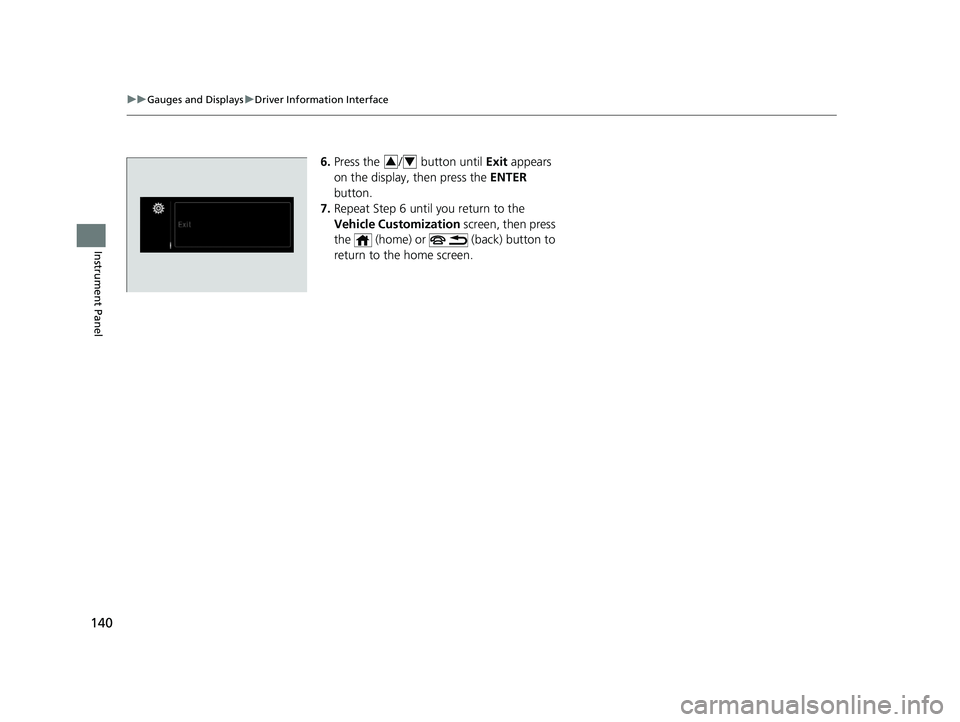
6. Press the / button until Exit appears
on the display, then press the ENTER
button.
7. Repeat Step 6 until you return to the
Vehicle Customization screen, then press
the (home) or (back) button to
return to the home screen.34
19 ODYSSEY-31THR6120.book 140 ページ 2018年12月6日 木曜日 午後4時35分
Page 182 of 767
uuSecurity System uSecurity System Alarm
180
Controls
■To deactivate the security system alarm
Unlock the vehicle using remote transmitter or smart entry system*, or set the power
mode to ON. The system, along with the ho rn and flashing lights, is deactivated.
■Setting the security system alarm
The security system alarm automatically sets when the following conditions have
been met:
• The power mode is set to VEHICLE OFF.
• The hood is closed.
• All doors and the tailgate are locked with the key, the remote transmitter or smart
entry system
*.
■When the security system alarm sets
The security system alarm indicator in the instrument panel blinks. When the
blinking interval changes after about 15 seconds, the security system alarm is set.
■To cancel the security system alarm
The security system alarm is canceled when the vehicle is unlocked using the remote
transmitter, or smart entry system
*, or the power mode is set to ON. The security
system alarm indicator goe s off at the same time.
1Security System Alarm
Do not set the security system alarm when someone
is in the vehicle or a window is open. The system can
accidentally activate when:
•Unlocking the door with the lock tab.•Opening the hood with the hood release.
•Opening the tailgate with the power tailgate
button on the dashboard.
If the battery goes dead after you have set the
security system alarm, the security alarm may activate
once the battery is re charged or replaced.
If this occurs, deactivate the security system alarm by
unlocking a door using the remote transmitter or
smart entry system
*.
Do not alter the system or add other devices to it.
Doing so may damage the system and make your
vehicle inoperable.
Models with power tailgate
* Not available on all models
19 ODYSSEY-31THR6120.book 180 ページ 2018年12月6日 木曜日 午後4時35分
Page 193 of 767
191
uuOperating the Switches Around the Steering Wheel uLight Switches
Controls
The headlights automatically come on when the wipers are used several times within
a certain number of intervals with the headlight switch in AUTO.
The headlights automatically go off a few minutes later if the wipers are stopped.
The headlights, all other exterior lights, a nd the instrument panel lights turn off 15
seconds after you set the power mode to VEHICLE OFF, take the remote with you,
and close the driver’s door. u You can change the headlight auto off timer setting.
2Vehicle Customization P. 133
2 Customized Features P. 445
If you set the power mode to VEHICLE OFF with the headli ght switch on, but do not
open the door, the lights turn off after 10 minu tes (3 minutes, if the switch is in the
AUTO
* position).
The lights turn on again when you unlock or open the driver’s door. If you unlock
the door, but do not open it within 15 seconds, the lights go off. If you open the
driver’s door, you will hear a lights on reminder chime.
■Headlight Integration with Wiper*
■Automatic Lighting Off Feature
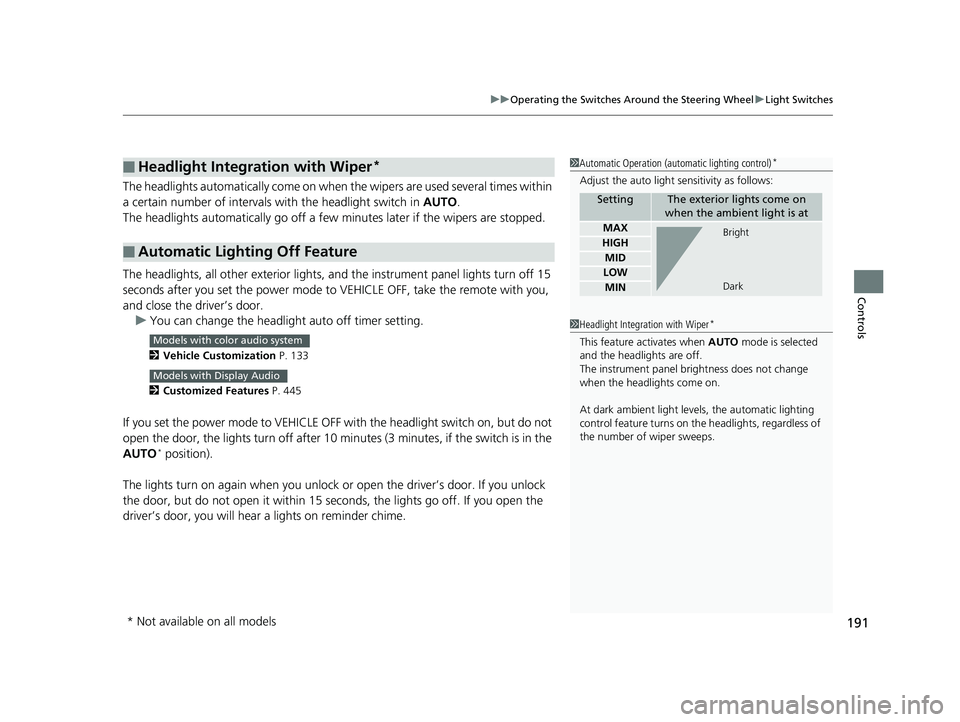
1 Automatic Operation (aut omatic lighting control)*
Adjust the auto light sensitivity as follows:
SettingThe exterior lights come on
when the ambient light is at
MAX
HIGH
MID
LOW
MIN
Bright
Dark
1 Headlight Integration with Wiper*
This feature activates when AUTO mode is selected
and the headlights are off.
The instrument panel br ightness does not change
when the headlights come on.
At dark ambient light leve ls, the automatic lighting
control feature turns on the headlights, regardless of
the number of wiper sweeps.Models with color audio system
Models with Display Audio
* Not available on all models
19 ODYSSEY-31THR6120.book 191 ページ 2018年12月6日 木曜日 午後4時35分
Page 202 of 767
200
uuOperating the Switches Around the Steering Wheel uBrightness Control
Controls
Brightness Control
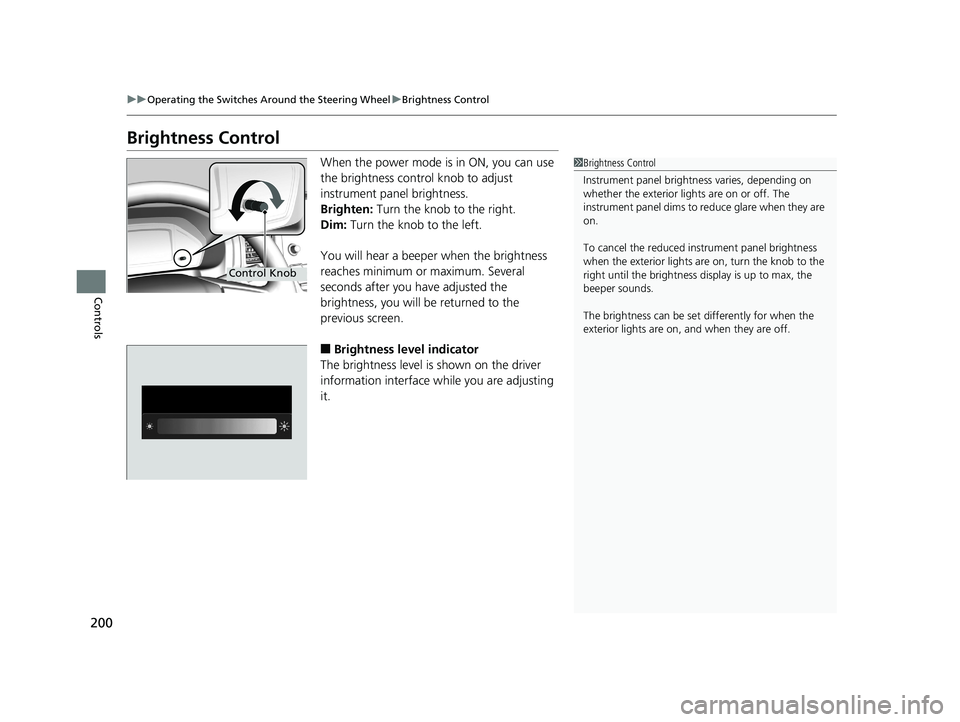
When the power mode is in ON, you can use
the brightness control knob to adjust
instrument panel brightness.
Brighten: Turn the knob to the right.
Dim: Turn the knob to the left.
You will hear a beeper when the brightness
reaches minimum or maximum. Several
seconds after you have adjusted the
brightness, you will be returned to the
previous screen.
■Brightness level indicator
The brightness level is shown on the driver
information interface wh ile you are adjusting
it.
1 Brightness Control
Instrument panel brightne ss varies, depending on
whether the exterior lights are on or off. The
instrument panel dims to reduce glare when they are
on.
To cancel the reduced in strument panel brightness
when the exterior lights are on, turn the knob to the
right until the brightness display is up to max, the
beeper sounds.
The brightness can be set differently for when the
exterior lights are on, and when they are off.
Control Knob
19 ODYSSEY-31THR6120.book 200 ページ 2018年12月6日 木曜日 午後4時35分
Page 207 of 767

205
uuOperating the Switches Around the Steering Wheel uAdjusting the Steering Wheel
Controls
Adjusting the Steering Wheel
The steering wheel height and distance from your body can be adjusted so that you
can comfortably grip the steering wheel in an appropriate driving posture.
1. Push the steering wheel adjustment lever
down.
u The steering wheel adjustment lever is
under the steering column.
2. Move the steering wheel up or down, and
in or out.
u Make sure you can see the instrument
panel gauges and indicators.
3. Pull the steering wheel adjustment lever up
to lock the steering wheel in position.
u After adjusting the position, make sure
you have securely locked the steering
wheel in place by trying to move it up,
down, in, and out.1Adjusting the Steering Wheel
3WARNING
Adjusting the steering wheel position while
driving may cause you to lose control of the
vehicle and be seriously injured in a crash.
Adjust the steering wh eel only when the
vehicle is stopped.To adjust
To lock
Lever
19 ODYSSEY-31THR6120.book 205 ページ 2018年12月6日 木曜日 午後4時35分
Page 563 of 767
561
uuWhen Driving uCruise Control*
Continued
Driving
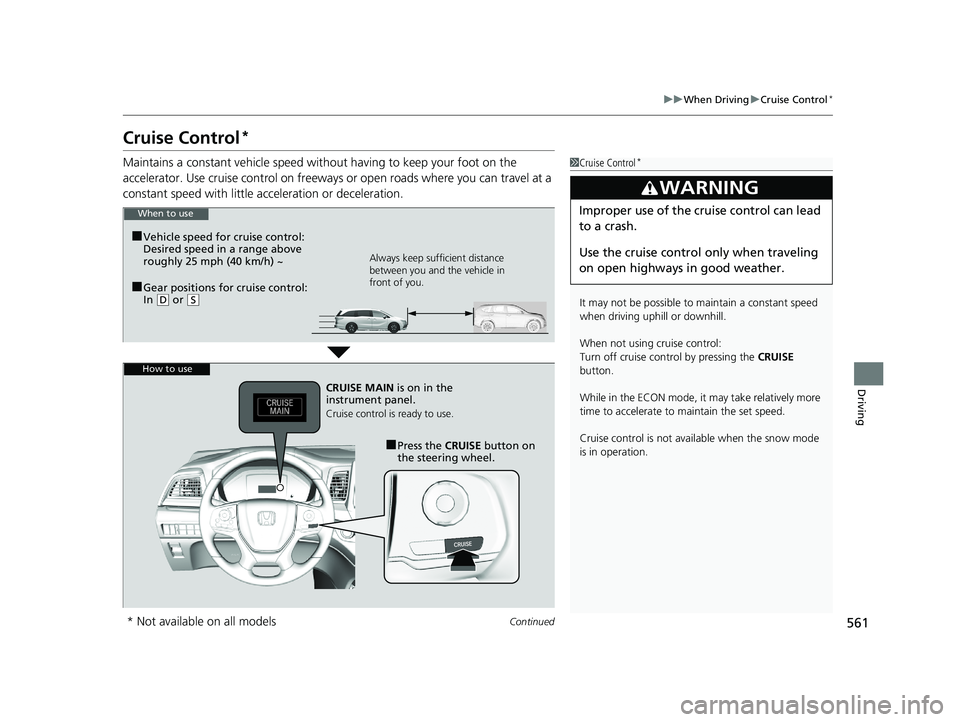
Cruise Control*
Maintains a constant vehicle speed without having to keep your foot on the
accelerator. Use cruise control on freeways or open road s where you can travel at a
constant speed with little ac celeration or deceleration.1Cruise Control*
It may not be possible to maintain a constant speed
when driving uphill or downhill.
When not using cruise control:
Turn off cruise control by pressing the CRUISE
button.
While in the ECON mode, it may take relatively more
time to accelerate to maintain the set speed.
Cruise control is not avai lable when the snow mode
is in operation.
3WARNING
Improper use of the cruise control can lead
to a crash.
Use the cruise control only when traveling
on open highways in good weather.When to use
■Gear positions for cruise control:
In ( D or (S Always keep sufficient distance
between you and the vehicle in
front of you.
■Vehicle speed for cruise control:
Desired speed in a range above
roughly 25 mph (40 km/h) ~
How to use
CRUISE MAIN
is on in the
instrument panel.
Cruise control is ready to use.
■Press the CRUISE button on
the steering wheel.
* Not available on all models
19 ODYSSEY-31THR6120.book 561 ページ 2018年12月6日 木曜日 午後4時35分
Page 566 of 767

564
uuWhen Driving uFront Sensor Camera*
Driving
Front Sensor Camera*
The camera, used in systems such as LKAS, RDM, ACC, and CMBSTM, is designed to
detect an object that triggers any of the systems to operate its functions.
This camera is located behind the rearview
mirror.
To help reduce the likelihood that high interior
temperatures will cause the camera’s sensing
system to shut off, when parking, find a shady
area or face the front of the vehicle away from
the sun. If you use a re flective sun shade, do
not allow it to cove r the camera housing.
Covering the camera can concentrate heat on
it.
■Camera Location and Handling Tips
1 Front Sensor Camera*
Never apply a film or attach any objects to the
windshield, the hood, or the front grill that could
obstruct the camera’s fiel d of vision and cause the
system to operate abnormally.
Scratches, nicks, and othe r damage to the windshield
within the camera’s fiel d of vision can cause the
system to operate abnormall y. If this occurs, we
recommend that you replac e the windshield with a
genuine Honda replacem ent windshield. Making
even minor repairs within th e camera’s field of vision
or installing an aftermarket replacement windshield
may also cause the system to operate abnormally.
After replacing the winds hield, have a dealer
recalibrate the camera. Pr oper calibration of the
camera is necessary for the system to operate
properly.
Do not place an object on the top of the instrument
panel. It may reflect onto the windshield and prevent
the system from detecting lane lines properly.
Front Sensor
Camera
* Not available on all models
19 ODYSSEY-31THR6120.book 564 ページ 2018年12月6日 木曜日 午後4時35分
Page 585 of 767

583
uuWhen Driving uLane Keeping Assist System (LKAS)*
Continued
Driving
Lane Keeping Assist System (LKAS)*
Provides steering input to help keep the vehicle in the middle of a detected lane and
provides tactile and visual al erts if the vehicle is detected drifting out of its lane.1Lane Keeping Assist System (LKAS)*
Important Safety Reminders
The LKAS is for your convenience only. It is not a
substitute for your vehicl e control. The system does
not work if you take y our hands off the steering
wheel or fail to steer the vehicle. 2 Driver Information Interface Warning and
Information Messages P. 102
Do not place objects on the instrument panel.
Objects may reflect on th e front windshield and
prevent correct detectio n of the traffic lanes.
The LKAS only alerts you when lane drift is detected
without a turn signal in us e. The LKAS may not detect
all lane markings or lane departures; accuracy will
vary based on weather, speed, and lane marker
condition. It is always your responsibility to safely
operate the vehicle an d avoid collisions.
The LKAS is convenient when it is used on freeways.
The LKAS may not work properly or may work
improperly under the certain conditions:
2 LKAS Conditions and Limitations P. 589
You can read about handling information for the
camera equipped with this system. 2 Front Sensor Camera
* P. 564
When it fails to detect lanes, the system will
temporarily be canceled. When lane is detected,
system will recover automatically.
■Tactile and visual alerts
Rapid vibrations on the steering
wheel and a warning display
alert you that the vehicle is
drifting out of a detected lane.
■Front sensor camera
Monitors the lane lines
■Steering input assist
The system applies torque to the steering to keep the vehicle between the left and
right lane lines. The applied torque become s stronger as the vehicle gets closer to
either of the lane lines.
When you operate the turn signals to change lanes, the system is suspended, and
resumes after the signals are off.
If you make a lane change without operating the turn signals, the LKAS alerts
activate, and torque is applied to the steering.
* Not available on all models
19 ODYSSEY-31THR6120.book 583 ページ 2018年12月6日 木曜日 午後4時35分