2019 FORD F-150 warning light
[x] Cancel search: warning lightPage 414 of 644
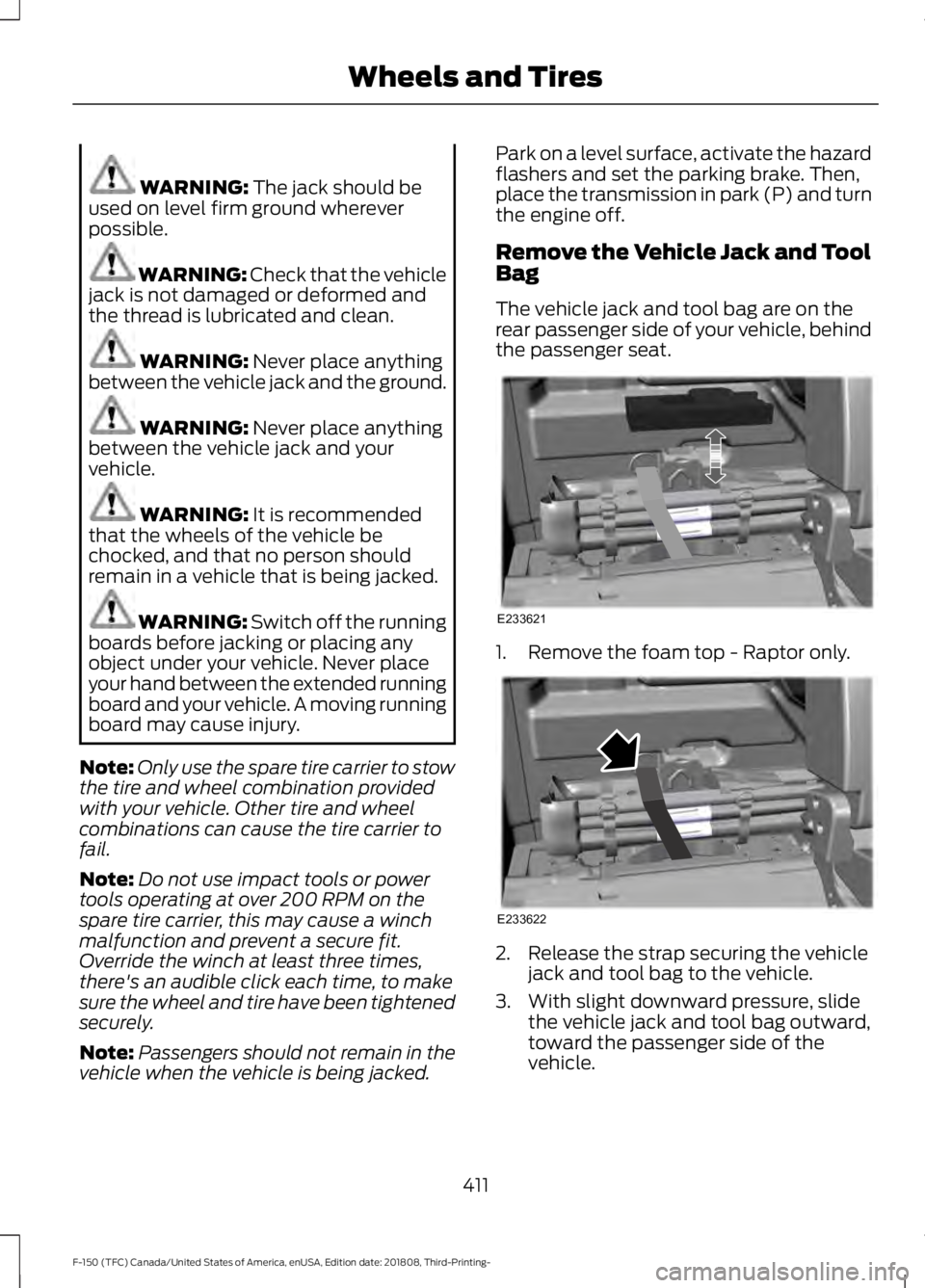
WARNING: The jack should be
used on level firm ground wherever
possible. WARNING:
Check that the vehicle
jack is not damaged or deformed and
the thread is lubricated and clean. WARNING:
Never place anything
between the vehicle jack and the ground. WARNING:
Never place anything
between the vehicle jack and your
vehicle. WARNING:
It is recommended
that the wheels of the vehicle be
chocked, and that no person should
remain in a vehicle that is being jacked. WARNING:
Switch off the running
boards before jacking or placing any
object under your vehicle. Never place
your hand between the extended running
board and your vehicle. A moving running
board may cause injury.
Note: Only use the spare tire carrier to stow
the tire and wheel combination provided
with your vehicle. Other tire and wheel
combinations can cause the tire carrier to
fail.
Note: Do not use impact tools or power
tools operating at over 200 RPM on the
spare tire carrier, this may cause a winch
malfunction and prevent a secure fit.
Override the winch at least three times,
there's an audible click each time, to make
sure the wheel and tire have been tightened
securely.
Note: Passengers should not remain in the
vehicle when the vehicle is being jacked. Park on a level surface, activate the hazard
flashers and set the parking brake. Then,
place the transmission in park (P) and turn
the engine off.
Remove the Vehicle Jack and Tool
Bag
The vehicle jack and tool bag are on the
rear passenger side of your vehicle, behind
the passenger seat.
1. Remove the foam top - Raptor only.
2. Release the strap securing the vehicle
jack and tool bag to the vehicle.
3. With slight downward pressure, slide the vehicle jack and tool bag outward,
toward the passenger side of the
vehicle.
411
F-150 (TFC) Canada/United States of America, enUSA, Edition date: 201808, Third-Printing- Wheels and TiresE233621 E233622
Page 567 of 644
Check Every Month
Air filter restriction gauge. 1
Engine oil level.
Function of all interior and exterior lights.
Tires including the spare for wear and proper pressure. Windshield washer fluid level.
Fuel and water separator. Drain if necessary or if indicated by the information display. 1
Holes and slots in the tail pipe to make sure they are functional and clear of debris. 1
1 Diesel vehicles only. Check Every Six Months
Battery connections. Clean if necessary.
Body and door drain holes for obstructions. Clean if necessary. Cooling system fluid level and coolant strength.
Door weatherstrips for wear. Lubricate if necessary.
Hinges, latches and outside locks for proper operation. Lubricate if necessary. Parking brake for proper operation.
Safety belts and seat latches for wear and function.
Safety warning lamps, brake, ABS, airbag and safety belt for operation.
Washer spray and wiper operation. Clean or replace blades as necessary.
564
F-150 (TFC) Canada/United States of America, enUSA, Edition date: 201808, Third-Printing- Scheduled Maintenance
Page 630 of 644

3
360 Degree Camera...................................246
Camera Views..................................................... 247
Front Camera...................................................... 248
Side Camera........................................................ 248
4
4WD See: Four-Wheel Drive...................................... 218
A
A/C See: Climate Control.......................................... 147
About This Manual
...........................................7
ABS See: Brakes........................................................... 228
ABS driving hints See: Hints on Driving With Anti-Lock
Brakes................................................................ 229
Accessories....................................................557 Exterior Style........................................................ 557
Interior Style......................................................... 557
Lifestyle.................................................................. 557
Peace of Mind..................................................... 558
Accessories See: Replacement Parts
Recommendation............................................ 14
ACC See: Using Adaptive Cruise Control...........250
Active Park Assist
........................................239
Automatic Steering into Parking
Space.................................................................. 241
Deactivating the Park Assist Feature.........242
Troubleshooting the System......................... 242
Using Active Park Assist................................. 240
Adjustable Pedals
.........................................90
Adjusting the Headlamps........................369 Horizontal Aim Adjustment........................... 370
Vertical Aim Adjustment................................ 369
Adjusting the Pedals....................................90
Adjusting the Steering Wheel - Vehicles With: Manual Adjustable Steering
Column...........................................................86 Adjusting the Steering Wheel - Vehicles
With: Power Adjustable Steering
Column...........................................................86
End of Travel Position......................................... 87
Memory Feature.................................................... 87
Airbag Disposal...............................................57
Air Conditioning See: Climate Control.......................................... 147
Air Filter See: Changing the Engine Air Filter -
Diesel................................................................. 374
See: Changing the Engine Air Filter - Gasoline............................................................ 374
Alarm See: Anti-Theft Alarm........................................ 83
Ambient Lighting
...........................................98
Adjusting the Brightness................................... 98
Switching Ambient Lighting Off..................... 98
Switching Ambient Lighting On..................... 98
Anti-Theft Alarm............................................83 Arming the Alarm................................................. 83
Disarming the Alarm........................................... 83
Using the System................................................. 83
Appendices...................................................586
Apps.................................................................526 ........................................................................\
.......... 526
SiriusXM Traffic and Travel Link................... 528
At a Glance........................................................18
Audible Warnings and Indicators.............114 Airbag Secondary Warning.............................. 114
Beltminder Warning............................................ 114
Door Ajar Warning............................................... 114
Headlamps On Warning................................... 114
Key in Ignition Warning...................................... 114
Keyless Warning Alert........................................ 114
Parking Brake On Warning............................... 115
Rear Park Aid Warning....................................... 114
Service AdvanceTrac Warning........................ 115
Audio Control...................................................87 Media........................................................................\
88
Seek, Next or Previous....................................... 88
Audio System
................................................453
General Information......................................... 453
Audio Unit - Vehicles With: Touchscreen Display..........................................................455
Adjusting the Volume...................................... 456
Changing Radio Stations............................... 456
Selecting the Audio Modes........................... 456
627
F-150 (TFC) Canada/United States of America, enUSA, Edition date: 201808, Third-Printing- Index
Page 643 of 644

Using Cruise Control...................................249
Canceling the Set Speed................................ 250
Changing the Set Speed................................. 249
Resuming the Set Speed................................ 250
Setting the Cruise Speed................................ 249
Switching Cruise Control Off........................ 250
Switching Cruise Control On......................... 249
Using Four-Wheel Drive.............................218 4WD Indicator Lights........................................ 218
Driving Off-Road With Truck and Utility Vehicles............................................................. 222
How Your Vehicle Differs From Other Vehicles.............................................................. 221
Using the 2-Speed Automatic 4WD System............................................................... 219
Using the Electronic Shift on the Fly 4WD system................................................................ 218
Using Hill Descent Control.......................236 Hill descent modes........................................... 236
Using MyKey With Remote Start Systems..........................................................68
Using Power Running Boards....................84
Automatic Power Deploy.................................. 84
Automatic Power Stow..................................... 84
Bounce-back......................................................... 85
Enabling and Disabling...................................... 85
Manual Power Deploy........................................ 84
Using Snow Chains.....................................402
Using Stability Control...............................234 AdvanceTrac ™ with Roll Stability Control ™
(RSC™)............................................................ 234
Using SYNC™ With Your Media Player..............................................................471
Audio Voice Commands................................... 471
Media Sources...................................................... 471
Using SYNC™ With Your Phone...........466 Accessing Features through the Phone
Menu.................................................................. 467
Pairing a Phone.................................................. 466
Phone Controls................................................... 467
Phone Voice Commands................................ 467
Using Traction Control...............................232 Switching the System Off .............................. 232
System Indicator Lights and Messages......................................................... 232
Using Voice Recognition...........................464 Audio Voice Commands................................. 494Climate Voice Commands.............................
495
Initiating a Voice Session............................... 464
Mobile App Voice Commands..................... 498
Navigation Voice Commands....................... 497
Phone Voice Commands................................ 495
SiriusXM Traffic and Travel Link Voice Commands..................................................... 498
System Interaction and Feedback..............465
Voice Settings Commands............................ 499
Utilizing the Mediation/Arbitration Program (Canada Only)
........................335
V
Vehicle Care....................................................377 General Information.......................................... 377
Vehicle Certification Label.......................426
Vehicle Identification Number................425
Vehicle Storage............................................383 Battery................................................................... 384
Body....................................................................... 384
Brakes.................................................................... 384
Cooling system................................................... 384
Engine.................................................................... 384
Fuel system......................................................... 384
General.................................................................. 384
Miscellaneous..................................................... 385
Removing Vehicle From Storage.................385
Tires........................................................................\
384
Ventilated Seats
...........................................164
Ventilation See: Climate Control.......................................... 147
VIN See: Vehicle Identification Number............425
Voice Control
...................................................88
W
Warning Lamps and Indicators................110 Adaptive Cruise Control Indicator.................110
Anti-Lock Braking System............................... 110
Automatic Headlamp High Beam Indicator............................................................. 110
Automatic Regen Control Off......................... 110
Auto-Start-Stop Indicator............................... 110
Battery....................................................................... 111
Blind Spot Monitor............................................... 111
Brake System Warning Lamp........................... 111
640
F-150 (TFC) Canada/United States of America, enUSA, Edition date: 201808, Third-Printing- Index