2019 FORD EXPLORER navigation update
[x] Cancel search: navigation updatePage 474 of 571
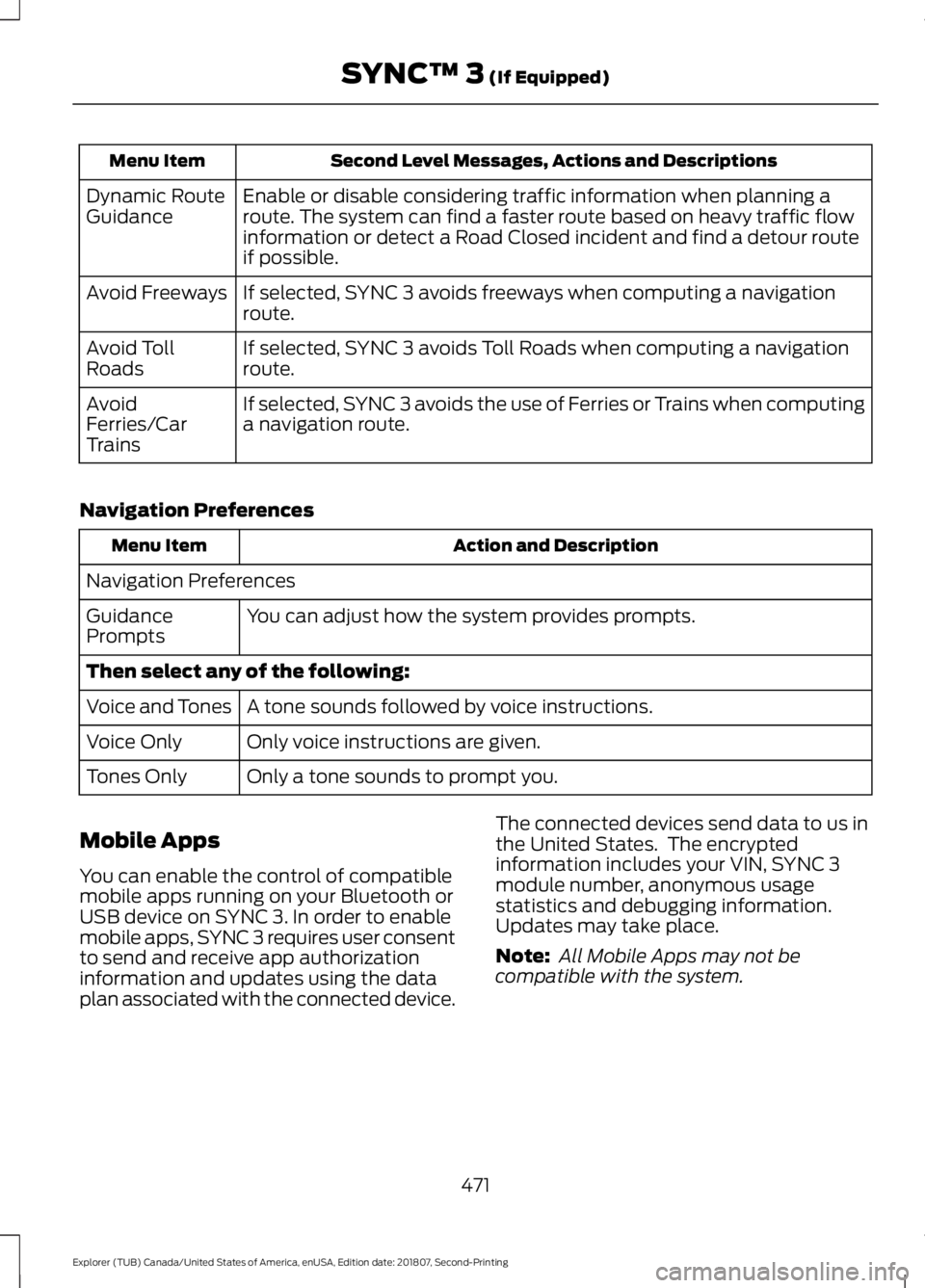
Second Level Messages, Actions and Descriptions
Menu Item
Enable or disable considering traffic information when planning a
route. The system can find a faster route based on heavy traffic flow
information or detect a Road Closed incident and find a detour route
if possible.
Dynamic Route
Guidance
If selected, SYNC 3 avoids freeways when computing a navigation
route.
Avoid Freeways
If selected, SYNC 3 avoids Toll Roads when computing a navigation
route.
Avoid Toll
Roads
If selected, SYNC 3 avoids the use of Ferries or Trains when computing
a navigation route.
Avoid
Ferries/Car
Trains
Navigation Preferences Action and Description
Menu Item
Navigation Preferences You can adjust how the system provides prompts.
Guidance
Prompts
Then select any of the following:
A tone sounds followed by voice instructions.
Voice and Tones
Only voice instructions are given.
Voice Only
Only a tone sounds to prompt you.
Tones Only
Mobile Apps
You can enable the control of compatible
mobile apps running on your Bluetooth or
USB device on SYNC 3. In order to enable
mobile apps, SYNC 3 requires user consent
to send and receive app authorization
information and updates using the data
plan associated with the connected device. The connected devices send data to us in
the United States. The encrypted
information includes your VIN, SYNC 3
module number, anonymous usage
statistics and debugging information.
Updates may take place.
Note:
All Mobile Apps may not be
compatible with the system.
471
Explorer (TUB) Canada/United States of America, enUSA, Edition date: 201807, Second-Printing SYNC™ 3 (If Equipped)
Page 476 of 571
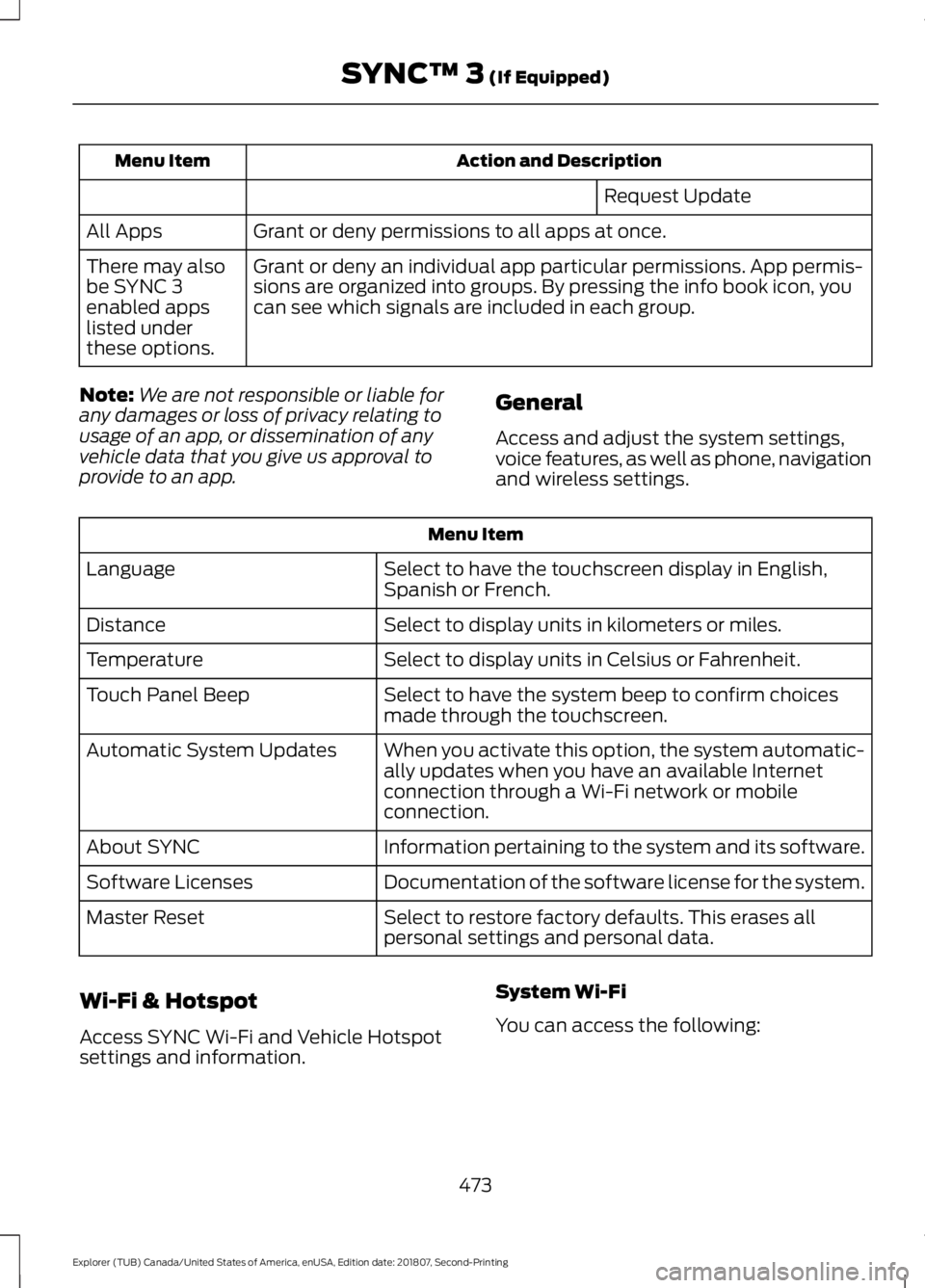
Action and Description
Menu Item
Request Update
Grant or deny permissions to all apps at once.
All Apps
Grant or deny an individual app particular permissions. App permis-
sions are organized into groups. By pressing the info book icon, you
can see which signals are included in each group.
There may also
be SYNC 3
enabled apps
listed under
these options.
Note: We are not responsible or liable for
any damages or loss of privacy relating to
usage of an app, or dissemination of any
vehicle data that you give us approval to
provide to an app. General
Access and adjust the system settings,
voice features, as well as phone, navigation
and wireless settings.Menu Item
Select to have the touchscreen display in English,
Spanish or French.
Language
Select to display units in kilometers or miles.
Distance
Select to display units in Celsius or Fahrenheit.
Temperature
Select to have the system beep to confirm choices
made through the touchscreen.
Touch Panel Beep
When you activate this option, the system automatic-
ally updates when you have an available Internet
connection through a Wi-Fi network or mobile
connection.
Automatic System Updates
Information pertaining to the system and its software.
About SYNC
Documentation of the software license for the system.
Software Licenses
Select to restore factory defaults. This erases all
personal settings and personal data.
Master Reset
Wi-Fi & Hotspot
Access SYNC Wi-Fi and Vehicle Hotspot
settings and information. System Wi-Fi
You can access the following:
473
Explorer (TUB) Canada/United States of America, enUSA, Edition date: 201807, Second-Printing SYNC™ 3 (If Equipped)
Page 566 of 571
N
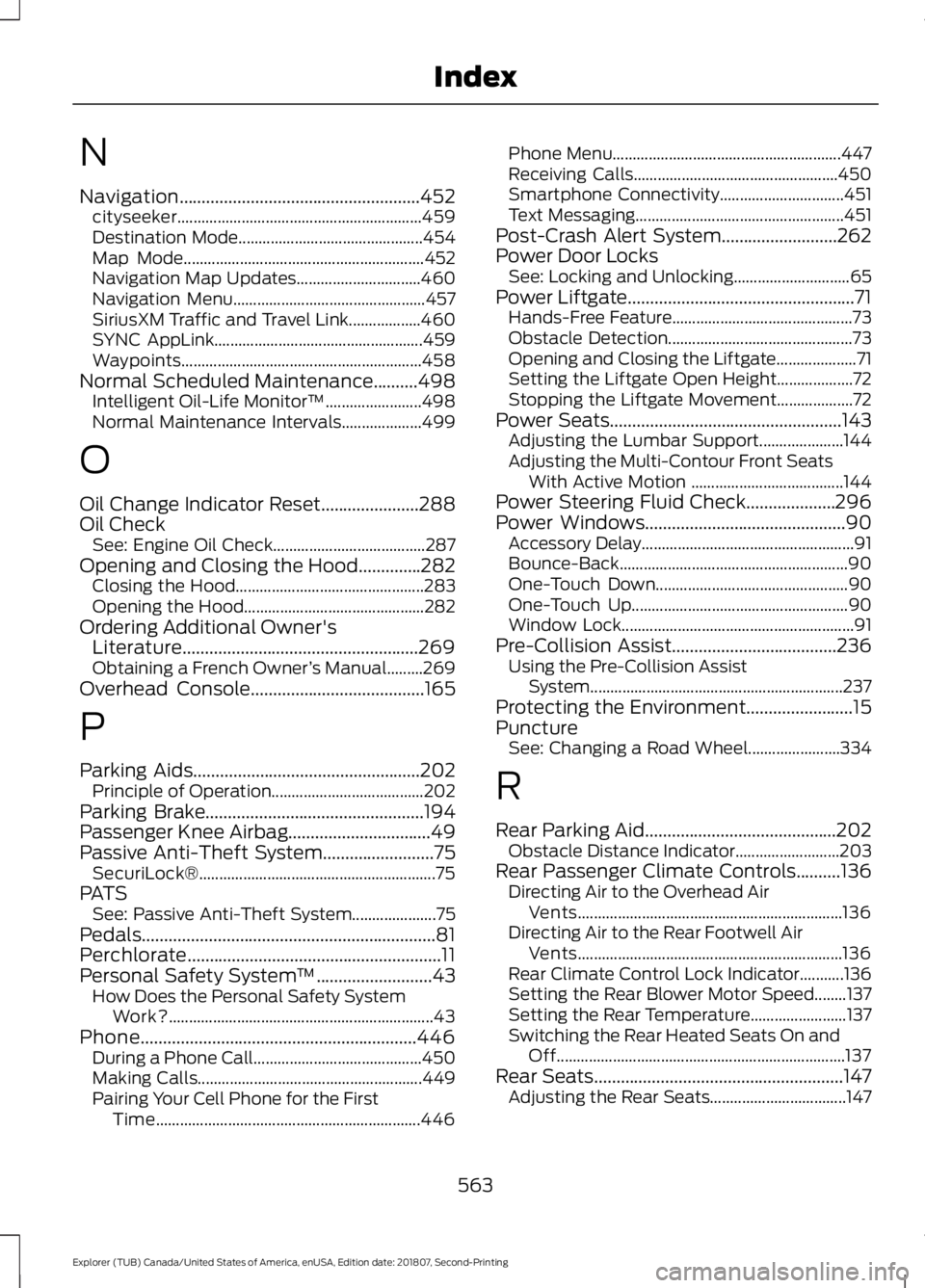
Navigation......................................................452
cityseeker............................................................. 459
Destination Mode.............................................. 454
Map Mode............................................................ 452
Navigation Map Updates............................... 460
Navigation Menu................................................ 457
SiriusXM Traffic and Travel Link.................. 460
SYNC AppLink.................................................... 459
Waypoints............................................................ 458
Normal Scheduled Maintenance..........498 Intelligent Oil-Life Monitor™........................ 498
Normal Maintenance Intervals.................... 499
O
Oil Change Indicator Reset......................288
Oil Check See: Engine Oil Check...................................... 287
Opening and Closing the Hood..............282 Closing the Hood............................................... 283
Opening the Hood............................................. 282
Ordering Additional Owner's Literature.....................................................269
Obtaining a French Owner ’s Manual.........269
Overhead Console.......................................165
P
Parking Aids...................................................202 Principle of Operation...................................... 202
Parking Brake.................................................194
Passenger Knee Airbag................................49
Passive Anti-Theft System.........................75 SecuriLock®........................................................... 75
PATS See: Passive Anti-Theft System..................... 75
Pedals..................................................................81
Perchlorate.........................................................11
Personal Safety System ™..........................43
How Does the Personal Safety System
Work?.................................................................. 43
Phone..............................................................446 During a Phone Call.......................................... 450
Making Calls........................................................ 449
Pairing Your Cell Phone for the First Time.................................................................. 446Phone Menu.........................................................
447
Receiving Calls................................................... 450
Smartphone Connectivity............................... 451
Text Messaging.................................................... 451
Post-Crash Alert System
..........................262
Power Door Locks See: Locking and Unlocking............................. 65
Power Liftgate...................................................71 Hands-Free Feature............................................. 73
Obstacle Detection.............................................. 73
Opening and Closing the Liftgate.................... 71
Setting the Liftgate Open Height................... 72
Stopping the Liftgate Movement................... 72
Power Seats
....................................................143
Adjusting the Lumbar Support..................... 144
Adjusting the Multi-Contour Front Seats With Active Motion ...................................... 144
Power Steering Fluid Check....................296
Power Windows.............................................90 Accessory Delay..................................................... 91
Bounce-Back......................................................... 90
One-Touch Down................................................ 90
One-Touch Up...................................................... 90
Window Lock.......................................................... 91
Pre-Collision Assist
.....................................236
Using the Pre-Collision Assist
System............................................................... 237
Protecting the Environment........................15
Puncture See: Changing a Road Wheel....................... 334
R
Rear Parking Aid...........................................202 Obstacle Distance Indicator.......................... 203
Rear Passenger Climate Controls..........136 Directing Air to the Overhead Air
Vents.................................................................. 136
Directing Air to the Rear Footwell Air Vents.................................................................. 136
Rear Climate Control Lock Indicator...........136
Setting the Rear Blower Motor Speed........137
Setting the Rear Temperature........................ 137
Switching the Rear Heated Seats On and Off........................................................................\
137
Rear Seats
........................................................147
Adjusting the Rear Seats.................................. 147
563
Explorer (TUB) Canada/United States of America, enUSA, Edition date: 201807, Second-Printing Index