2019 FORD EXPEDITION phone
[x] Cancel search: phonePage 544 of 583
Restrictions. Except where you have been
specifically licensed to do so by Telenav,
and without limiting the preceding
paragraph, you may not use this Data (a)
with any products, systems, or applications
installed or otherwise connected to or in
communication with vehicles, capable of
vehicle navigation, positioning, dispatch,
real time route guidance, fleet
management or similar applications; or (b)
with or in communication with any
positioning devices or any mobile or
wireless-connected electronic or computer
devices, including without limitation
cellular phones, palmtop and handheld
computers, pagers, and personal digital
assistants or PDAs.
Warning. The Data may contain
inaccurate or incomplete information due
to the passage of time, changing
circumstances, sources used and the
nature of collecting comprehensive
geographic data, any of which may lead to
incorrect results.
No Warranty.
This Data is provided to you
“ as is, ” and you agree to use it at your own
risk. Telenav and its licensors (and their
licensors and suppliers) make no
guarantees, representations or warranties
of any kind, express or implied, arising by
law or otherwise, including but not limited
to, content, quality, accuracy,
completeness, effectiveness, reliability,
fitness for a particular purpose, usefulness,
use or results to be obtained from this
Data, or that the Data or server will be
uninterrupted or error-free.
Disclaimer of Warranty:
TELENAV AND
ITS LICENSORS (INCLUDING THEIR
LICENSORS AND SUPPLIERS) DISCLAIM
ANY WARRANTIES, EXPRESS OR IMPLIED,
OF QUALITY, PERFORMANCE,
MERCHANTABILITY, FITNESS FOR A PARTICULAR PURPOSE OR
NON-INFRINGEMENT. Some States,
Territories and Countries do not allow
certain warranty exclusions, so to that
extent the above exclusion may not apply
to you.
Disclaimer of Liability:
TELENAV AND
ITS LICENSORS (INCLUDING THEIR
LICENSORS AND SUPPLIERS) SHALL NOT
BE LIABLE TO YOU: IN RESPECT OF ANY
CLAIM, DEMAND OR ACTION,
IRRESPECTIVE OF THE NATURE OF THE
CAUSE OF THE CLAIM, DEMAND OR
ACTION ALLEGING ANY LOSS, INJURY OR
DAMAGES, DIRECT OR INDIRECT, WHICH
MAY RESULT FROM THE USE OR
POSSESSION OF THE INFORMATION; OR
FOR ANY LOSS OF PROFIT, REVENUE,
CONTRACTS OR SAVINGS, OR ANY
OTHER DIRECT, INDIRECT, INCIDENTAL,
SPECIAL OR CONSEQUENTIAL DAMAGES
ARISING OUT OF YOUR USE OF OR
INABILITY TO USE THIS INFORMATION,
ANY DEFECT IN THE INFORMATION, OR
THE BREACH OF THESE TERMS OR
CONDITIONS, WHETHER IN AN ACTION
IN CONTRACT OR TORT OR BASED ON A
WARRANTY, EVEN IF TELENAV OR ITS
LICENSORS HAVE BEEN ADVISED OF THE
POSSIBILITY OF SUCH DAMAGES. Some
States, Territories and Countries do not
allow certain liability exclusions or
damages limitations, so to that extent the
above may not apply to you.
Export Control.
You shall not export from
anywhere any part of the Data or any direct
product thereof except in compliance with,
and with all licenses and approvals
required under, applicable export laws,
rules and regulations, including but not
limited to the laws, rules and regulations
administered by the Office of Foreign
Assets Control of the U.S. Department of
Commerce and the Bureau of Industry and
Security of the U.S. Department of
Commerce. To the extent that any such
541
Expedition (TB8) Canada/United States of America, enUSA, Edition date: 201808, Second-Printing Appendices
Page 552 of 583
view it, and (ii) save it, provided that you
do not remove any copyright notices that
appear and do not modify the Data in any
way. You agree not to otherwise reproduce,
copy, modify, decompile, disassemble or
reverse engineer any portion of this Data,
and may not transfer or distribute it in any
form, for any purpose, except to the extent
permitted by mandatory laws.
Restrictions
Except where you have been specifically
licensed to do so by NAV2 , and without
limiting the preceding paragraph, you may
not (a) use this Data with any products,
systems, or applications installed or
otherwise connected to or in
communication with vehicles, capable of
vehicle navigation, positioning, dispatch,
real time route guidance, fleet
management or similar applications; or (b)
with or in communication with any
positioning devices or any mobile or
wireless-connected electronic or computer
devices, including without limitation
cellular phones, palmtop and handheld
computers, pagers, and personal digital
assistants or PDAs. You agree to cease
using this Data if you fail to comply with
these terms and conditions.
Limited Warranty
NAV2 warrants that (a) the Data will
perform substantially in accordance with
the accompanying written materials for a
period of ninety (90) days from the date
of receipt, and (b) any support services
provided by NAV2 shall be substantially as
described in applicable written materials
provided to you by NAV2, and NAV2’
s
support engineers will make commercially
reasonable efforts to solve any problem
issues. rigCustomer Remedies
NAV2 and its suppliers’
entire liability and
your exclusive remedy shall be, at NAV2’ s
sole discretion, either (a) return of the price
paid, if any, or (b) repair or replacement of
the Data that do not meet NAV2’ s Limited
Warranty and that are returned to NAV2
with a copy of your receipt. This Limited
Warranty is void if failure of the Data has
resulted from accident, abuse, or
misapplication. Any replacement Data will
be warranted for the remainder of the
original warranty period or thirty (30) days,
whichever is longer. Neither these remedies
nor any product support services offered
by NAV2 are available without proof of
purchase from an authorized international
source.
No Other Warranty:
EXCEPT FOR THE LMITED WARRANTY
SET FORTH ABOVE AND TO THE EXTENT
PERMITTED BY APPLICABLE LAW, NAV2
AND ITS LICENSORS (INCLUDING THEIR
LICENSORS AND SUPPLIERS) DISCLAIM
ANY WARRANTIES, EXPRESS OR IMPLIED,
OF QUALITY, PERFORMANCE,
MERCHANTABILITY, FITNESS FOR A
PARTICULAR PURPOSE, OWNERSHIP OR
NON-INFRINGEMENT. Certain warranty
exclusions may not be permitted under
applicable law, so to that extent the above
exclusion may not apply to you.
Limited Liability:
TO THE EXTENT PERMITTED BY
APPLICABLE LAW, NAV2 AND ITS
LICENSORS (INCLUDING THEIR
LICENSORS AND SUPPLIERS) SHALL NOT
BE LIABLE TO YOU: IN RESPECT OF ANY
CLAIM, DEMAND OR ACTION,
IRRESPECTIVE OF THE NATURE OF THE
CAUSE OF THE CLAIM, DEMAND OR
ACTION ALLEGING ANY LOSS, INJURY OR
DAMAGES, DIRECT OR INDIRECT, WHICH
MAY RESULT FROM THE USE OR
POSSESSION OF THE INFORMATION; OR
549
Expedition (TB8) Canada/United States of America, enUSA, Edition date: 201808, Second-Printing Appendices
Page 571 of 583
Accessing the Clock Settings.......................
400
Accessing the Media Source Menu............400
Accessing the Phone Features.................... 400
Accessing the Settings Menu....................... 400
Accessing the Sound Settings..................... 400
Adjusting the Volume...................................... 400
Changing Radio Stations............................... 400
Listening to the Radio...................................... 401
Playing or Pausing Media................................ 401
Switching Radio Text On and Off................401
Switching Repeat Mode On and Off...........401
Switching Shuffle Mode On and Off..........401
Switching the Audio Unit On and Off.........401
Switching the Display On and Off...............401
Using Seek, Fast Forward and Reverse.............................................................. 401
Using the Display Control............................... 401
Using the Number Block................................. 401
Autolamps........................................................95 Windshield Wiper Activated
Headlamps........................................................ 95
Automatic Climate Control......................144 Accessing Rear Climate Controls.................144
Directing Air to the Footwell Air
Vents.................................................................. 144
Directing Air to the Instrument Panel Air Vents.................................................................. 144
Setting the Blower Motor Speed.................. 144
Setting the Temperature................................. 144
Switching Auto Mode On and Off................144
Switching Defrost On and Off....................... 145
Switching Dual Zone Mode On and Off........................................................................\
145
Switching Maximum Air Conditioning On and Off............................................................... 145
Switching Maximum Defrost On and Off........................................................................\
145
Switching Recirculated Air On and Off....................................................................... 146
Switching the Air Conditioning On and Off........................................................................\
145
Switching the Climate Control On and Off........................................................................\
145
Switching the Heated Seats On and Off........................................................................\
145
Switching the Ventilated Seats On and Off....................................................................... 146Automatic High Beam Control.................96
Automatic High Beam Indicator..................... 97
Switching the System On and Off.................97
Automatic Transmission...........................199 Automatic Transmission Adaptive
Learning........................................................... 205
Brake-Shift Interlock........................................ 204
If Your Vehicle Gets Stuck In Mud or Snow................................................................. 205
SelectShift™ Automatic Transmission.................................................. 203
Understanding the Shift Positions of your Automatic Transmission............................ 199
Automatic Transmission Fluid Check............................................................339
Auto-Start-Stop...........................................185 Disabling Auto-Start-Stop............................. 186
Enabling Auto-Start-Stop.............................. 185
Autowipers........................................................92
Autowipers Settings............................................ 93
Auxiliary Power Points................................174 110 Volt AC Power Point.................................... 174
12 Volt DC Power Point...................................... 174
USB Port and Power Point Locations..........174
B
Battery See: Changing the 12V Battery...................... 341
Blind Spot Information System
.............254
........................................................................\
.......... 254
Blind Spot Information System with Trailer Tow..................................................................... 256
Switching the System On and Off..............258
System Errors...................................................... 258
Using the Blind Spot Information System.............................................................. 255
BLIS See: Blind Spot Information System..........254
Bonnet Lock See: Opening and Closing the Hood...........331
Booster Seats
...................................................31
Types of Booster Seats...................................... 32
Brake Fluid Check
.......................................340
Brakes................................................................215 General Information.......................................... 215
Breaking-In....................................................303
Bulb Specification Chart..........................396
568
Expedition (TB8) Canada/United States of America, enUSA, Edition date: 201808, Second-Printing Index
Page 578 of 583
O
Oil Change Indicator Reset......................334
Oil Check
See: Engine Oil Check...................................... 333
Opening and Closing the Hood...............331
Ordering Additional Owner's Literature......................................................318
Obtaining a French Owner ’s Manual..........318
Overhead Console........................................178
P
Parking Aids...................................................225 Principle of Operation...................................... 225
Passive Anti-Theft System
..........................81
SecuriLock ™........................................................... 81
PATS See: Passive Anti-Theft System...................... 81
Perchlorate........................................................13
Personal Safety System ™
..........................47
How Does the Personal Safety System
Work?................................................................... 47
Phone..............................................................458 During a Phone Call.......................................... 462
Making Calls......................................................... 461
Pairing Your Cell Phone for the First Time.................................................................. 458
Phone Menu........................................................ 459
Receiving Calls................................................... 462
Smartphone Connectivity.............................. 463
Text Messaging................................................... 463
Post-Crash Alert System
...........................310
Power Door Locks See: Locking and Unlocking............................. 69
Power Liftgate
..................................................77
Disabling the Liftgate Button........................... 79
Obstacle Detection.............................................. 79
Opening and Closing the Liftgate.................. 78
Opening the Liftgate Window......................... 79
Setting the Liftgate Open Height................... 79
Stopping the Liftgate Movement................... 79
Using the Hands-Free Liftgate....................... 80
Power Running Boards................................85
Power Seats....................................................157 Adjusting the Lumbar Support..................... 158
Adjusting the Multi-Contour Front Seats With Active Motion ...................................... 158Power Windows
...........................................100
Accessory.............................................................. 100
Bounce-Back....................................................... 100
One-Touch Down............................................... 100
One-Touch Up..................................................... 100
Window Lock....................................................... 100
Pre-Collision Assist
.....................................262
Adjusting the Pre-Collision Assist
Settings............................................................ 263
Blocked Sensors................................................ 264
Distance Indication and Alert........................ 263
Using the Pre-Collision Assist System.............................................................. 262
Protecting the Environment........................17
Puncture See: Changing a Road Wheel....................... 380
R
Rear Axle..........................................................214
Rear Parking Aid
...........................................226
Obstacle Distance Indicator.......................... 226
Rear Passenger Climate Controls - Vehicles With: Automatic Temperature
Control...........................................................148
Directing Air to the Overhead Air Vents.................................................................. 148
Directing Air to the Rear Footwell Air Vents.................................................................. 148
Rear Climate Control Lock Indicator...........148
Setting the Rear Blower Motor Speed................................................................. 149
Setting the Rear Temperature....................... 149
Switching Rear Auto Mode On and Off....................................................................... 149
Switching the Rear Climate Control On and Off....................................................................... 149
Switching the Rear Heated Seats On and Off....................................................................... 149
Rear Passenger Climate Controls - Vehicles With: Manual Temperature
Control...........................................................149
Directing Air to the Overhead Air Vents.................................................................. 150
Directing Air to the Rear Footwell Air Vents.................................................................. 150
Rear Climate Control Lock Indicator...........150
575
Expedition (TB8) Canada/United States of America, enUSA, Edition date: 201808, Second-Printing Index
Page 580 of 583
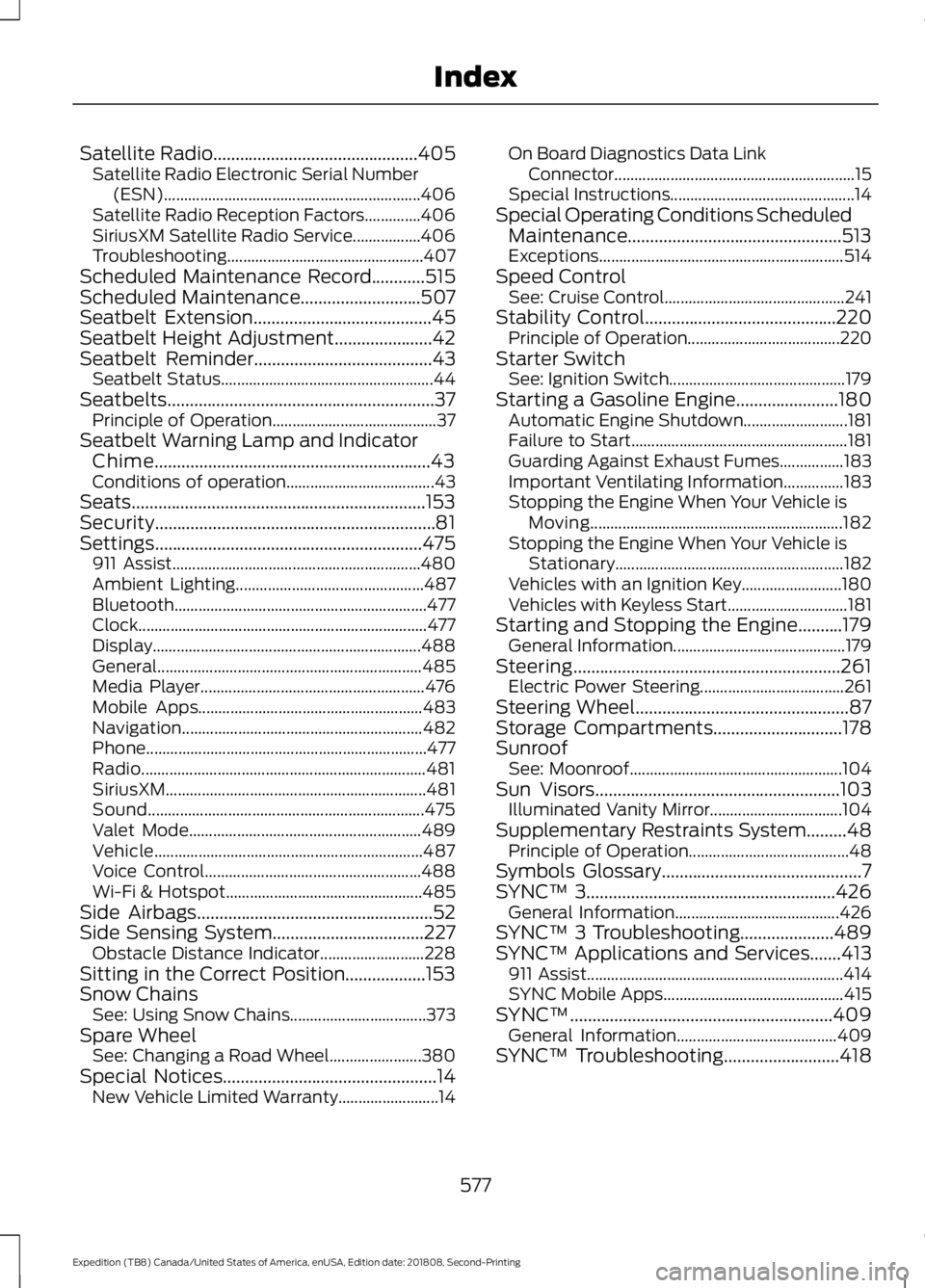
Satellite Radio..............................................405
Satellite Radio Electronic Serial Number
(ESN)................................................................ 406
Satellite Radio Reception Factors..............406
SiriusXM Satellite Radio Service.................406
Troubleshooting................................................. 407
Scheduled Maintenance Record
............515
Scheduled Maintenance...........................507
Seatbelt Extension........................................45
Seatbelt Height Adjustment
......................42
Seatbelt Reminder........................................43
Seatbelt Status..................................................... 44
Seatbelts............................................................37 Principle of Operation......................................... 37
Seatbelt Warning Lamp and Indicator Chime..............................................................43
Conditions of operation..................................... 43
Seats..................................................................153
Security...............................................................81
Settings ............................................................
475
911 Assist.............................................................. 480
Ambient Lighting............................................... 487
Bluetooth............................................................... 477
Clock........................................................................\
477
Display................................................................... 488
General.................................................................. 485
Media Player........................................................ 476
Mobile Apps........................................................ 483
Navigation............................................................ 482
Phone...................................................................... 477
Radio....................................................................... 481
SiriusXM................................................................. 481
Sound..................................................................... 475
Valet Mode.......................................................... 489
Vehicle................................................................... 487
Voice Control...................................................... 488
Wi-Fi & Hotspot................................................. 485
Side Airbags.....................................................52
Side Sensing System
..................................227
Obstacle Distance Indicator.......................... 228
Sitting in the Correct Position..................153
Snow Chains See: Using Snow Chains.................................. 373
Spare Wheel See: Changing a Road Wheel....................... 380
Special Notices
................................................14
New Vehicle Limited Warranty......................... 14On Board Diagnostics Data Link
Connector............................................................ 15
Special Instructions.............................................. 14
Special Operating Conditions Scheduled Maintenance................................................513
Exceptions............................................................. 514
Speed Control See: Cruise Control............................................. 241
Stability Control...........................................220 Principle of Operation...................................... 220
Starter Switch See: Ignition Switch............................................ 179
Starting a Gasoline Engine.......................180 Automatic Engine Shutdown.......................... 181
Failure to Start...................................................... 181
Guarding Against Exhaust Fumes................183
Important Ventilating Information...............183
Stopping the Engine When Your Vehicle is Moving............................................................... 182
Stopping the Engine When Your Vehicle is Stationary......................................................... 182
Vehicles with an Ignition Key......................... 180
Vehicles with Keyless Start.............................. 181
Starting and Stopping the Engine..........179 General Information........................................... 179
Steering............................................................261 Electric Power Steering.................................... 261
Steering Wheel................................................87
Storage Compartments
.............................178
Sunroof See: Moonroof..................................................... 104
Sun Visors
.......................................................103
Illuminated Vanity Mirror................................. 104
Supplementary Restraints System.........48 Principle of Operation........................................ 48
Symbols Glossary
.............................................7
SYNC™ 3........................................................426
General Information......................................... 426
SYNC™ 3 Troubleshooting.....................489
SYNC™ Applications and Services
.......413
911 Assist................................................................ 414
SYNC Mobile Apps............................................. 415
SYNC™...........................................................409 General Information........................................ 409
SYNC™ Troubleshooting..........................418
577
Expedition (TB8) Canada/United States of America, enUSA, Edition date: 201808, Second-Printing Index
Page 582 of 583
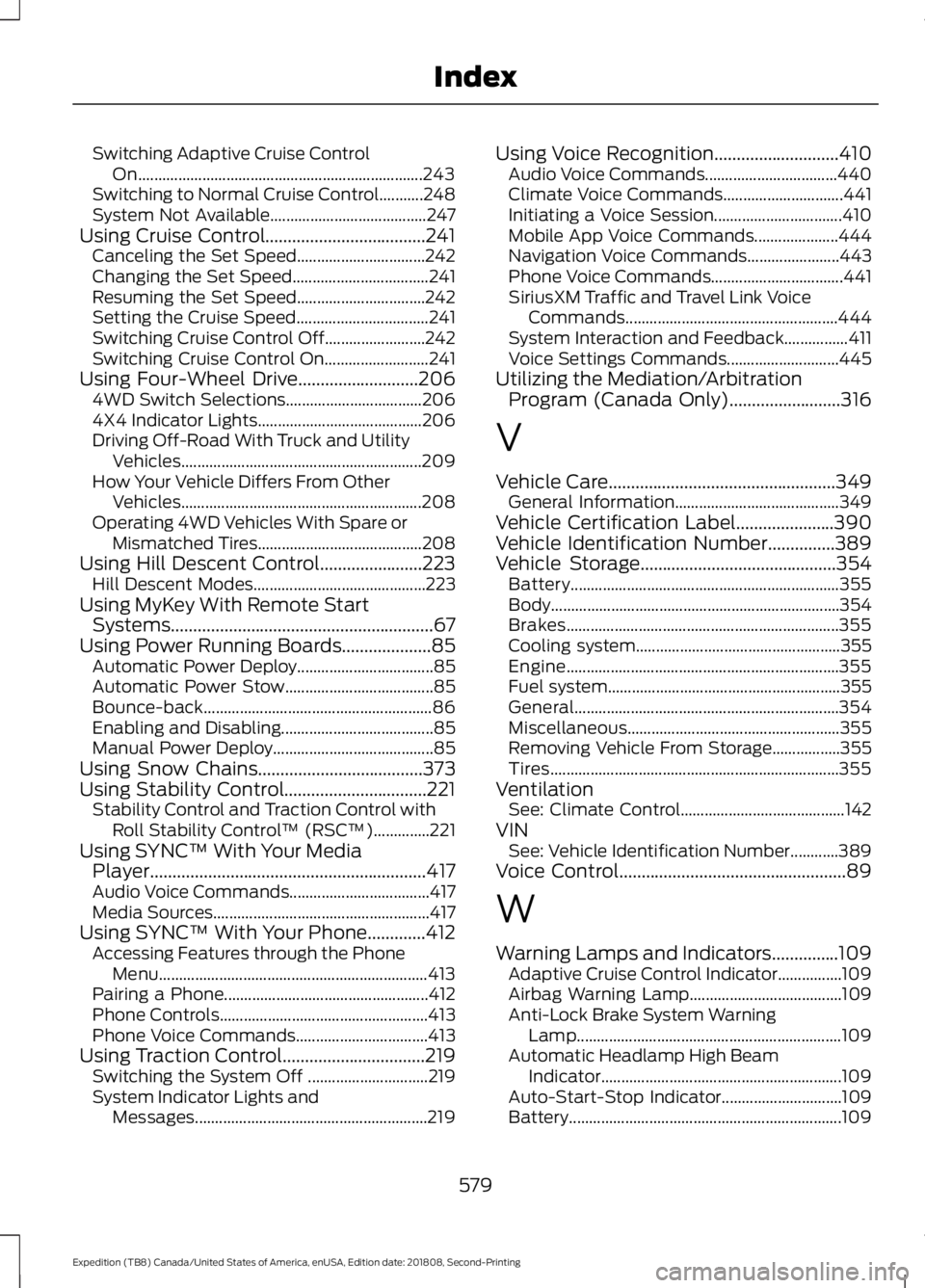
Switching Adaptive Cruise Control
On....................................................................... 243
Switching to Normal Cruise Control...........248
System Not Available....................................... 247
Using Cruise Control....................................241 Canceling the Set Speed................................ 242
Changing the Set Speed.................................. 241
Resuming the Set Speed................................ 242
Setting the Cruise Speed................................. 241
Switching Cruise Control Off......................... 242
Switching Cruise Control On.......................... 241
Using Four-Wheel Drive...........................206
4WD Switch Selections.................................. 206
4X4 Indicator Lights......................................... 206
Driving Off-Road With Truck and Utility Vehicles............................................................ 209
How Your Vehicle Differs From Other Vehicles............................................................ 208
Operating 4WD Vehicles With Spare or Mismatched Tires......................................... 208
Using Hill Descent Control.......................223 Hill Descent Modes........................................... 223
Using MyKey With Remote Start Systems...........................................................67
Using Power Running Boards
....................85
Automatic Power Deploy.................................. 85
Automatic Power Stow..................................... 85
Bounce-back......................................................... 86
Enabling and Disabling...................................... 85
Manual Power Deploy........................................ 85
Using Snow Chains
.....................................373
Using Stability Control................................221 Stability Control and Traction Control with
Roll Stability Control ™ (RSC™)..............221
Using SYNC™ With Your Media Player
..............................................................417
Audio Voice Commands................................... 417
Media Sources...................................................... 417
Using SYNC™ With Your Phone.............412 Accessing Features through the Phone
Menu................................................................... 413
Pairing a Phone................................................... 412
Phone Controls.................................................... 413
Phone Voice Commands................................. 413
Using Traction Control................................219 Switching the System Off .............................. 219
System Indicator Lights and Messages.......................................................... 219Using Voice Recognition............................410
Audio Voice Commands................................. 440
Climate Voice Commands.............................. 441
Initiating a Voice Session................................ 410
Mobile App Voice Commands..................... 444
Navigation Voice Commands....................... 443
Phone Voice Commands................................. 441
SiriusXM Traffic and Travel Link Voice Commands..................................................... 444
System Interaction and Feedback................411
Voice Settings Commands............................ 445
Utilizing the Mediation/Arbitration Program (Canada Only).........................316
V
Vehicle Care
...................................................349
General Information......................................... 349
Vehicle Certification Label......................390
Vehicle Identification Number...............389
Vehicle Storage............................................354 Battery................................................................... 355
Body........................................................................\
354
Brakes.................................................................... 355
Cooling system................................................... 355
Engine.................................................................... 355
Fuel system.......................................................... 355
General.................................................................. 354
Miscellaneous..................................................... 355
Removing Vehicle From Storage.................355
Tires........................................................................\
355
Ventilation See: Climate Control......................................... 142
VIN See: Vehicle Identification Number............389
Voice Control
...................................................89
W
Warning Lamps and Indicators
...............109
Adaptive Cruise Control Indicator................109
Airbag Warning Lamp...................................... 109
Anti-Lock Brake System Warning Lamp.................................................................. 109
Automatic Headlamp High Beam Indicator............................................................ 109
Auto-Start-Stop Indicator.............................. 109
Battery.................................................................... 109
579
Expedition (TB8) Canada/United States of America, enUSA, Edition date: 201808, Second-Printing Index