Page 68 of 490

Dimmer Controls
The dimmer switch is located next to the headlight switch.
With the parking lights or headlights on, rotating the left
dimmer control upward will increase the brightness of the
instrument panel lights.
Rotating the left dimmer control completely upward to the
second detent (extreme top position) will turn on the
interior lights. The interior lights will remain on when the
dimmer control is in this position.
Rotating the left dimmer control to the off position (ex-
treme bottom) will turn the interior lights off, and will
remain off when the doors or liftgate are opened.
Parade Mode (Daytime Brightness Feature)
Rotate the dimmer control upward to the first detent. This
feature brightens all text displays such as the odometer,
instrument cluster display, and radio when the parking
lights or headlights are on.
WINDSHIELD WIPER AND WASHERS
The wipers and washers are operated by a switch within
the multifunction lever. Rotate the end of the multifunction
lever to select the desired wiper speed.
Instrument Panel Dimmer Control
Washer And Wiper Controls
66 GETTING TO KNOW YOUR VEHICLE
Page 72 of 490
IconDescription
Left Front Temperature Control
Provides left front seat occupant with independent temperature control. Turn left for cooler or
right for warmer temperature settings.
Front Blower Control
There are seven blower speeds. Use this control to regulate the amount of air forced through the
system in any mode you select. The blower speed increases as you move the control clockwise
from the off position.
Right Front Temperature Control
Provides right front seat occupant with independent temperature control. Turn left for cooler or
right for warmer temperature settings.
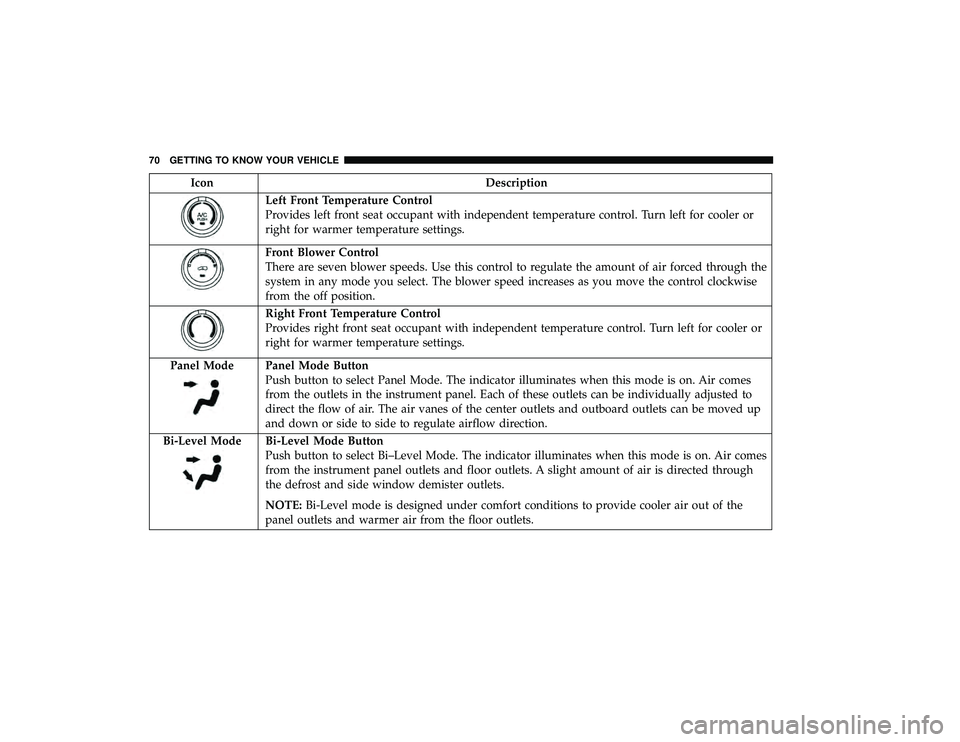
Panel Mode
Panel Mode Button
Push button to select Panel Mode. The indicator illuminates when this mode is on. Air comes
from the outlets in the instrument panel. Each of these outlets can be individually adjusted to
direct the flow of air. The air vanes of the center outlets and outboard outlets can be moved up
and down or side to side to regulate airflow direction.
Bi-Level Mode
Bi-Level Mode Button
Push button to select Bi–Level Mode. The indicator illuminates when this mode is on. Air comes
from the instrument panel outlets and floor outlets. A slight amount of air is directed through
the defrost and side window demister outlets.
NOTE: Bi-Level mode is designed under comfort conditions to provide cooler air out of the
panel outlets and warmer air from the floor outlets.
70 GETTING TO KNOW YOUR VEHICLE
Page 73 of 490
IconDescription
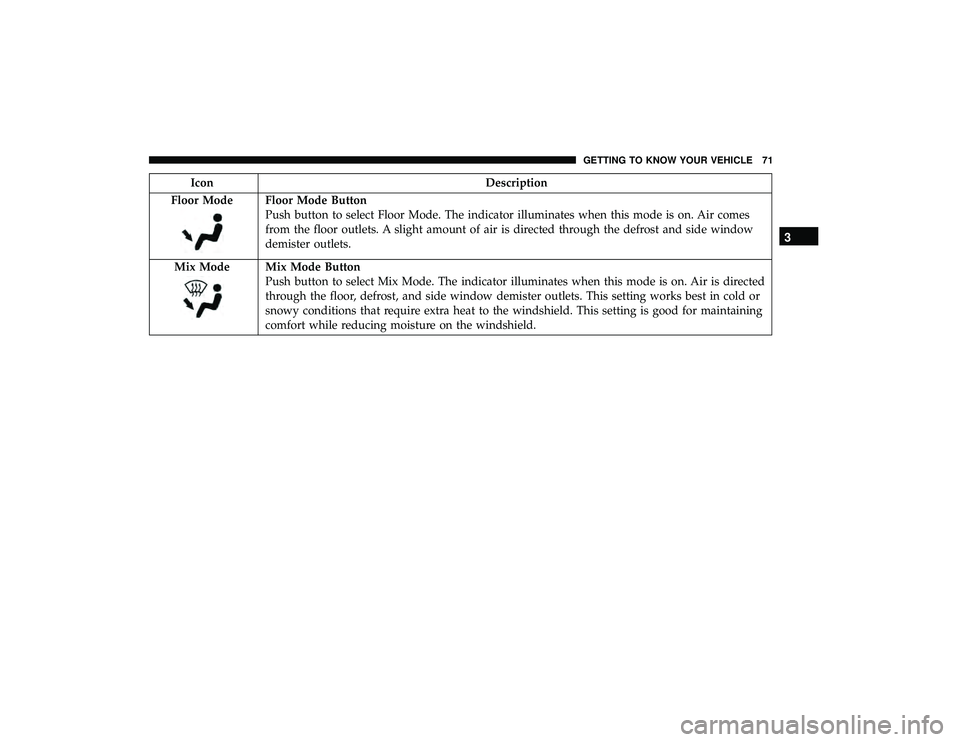
Floor Mode
Floor Mode Button
Push button to select Floor Mode. The indicator illuminates when this mode is on. Air comes
from the floor outlets. A slight amount of air is directed through the defrost and side window
demister outlets.
Mix Mode
Mix Mode Button
Push button to select Mix Mode. The indicator illuminates when this mode is on. Air is directed
through the floor, defrost, and side window demister outlets. This setting works best in cold or
snowy conditions that require extra heat to the windshield. This setting is good for maintaining
comfort while reducing moisture on the windshield.
3
GETTING TO KNOW YOUR VEHICLE 71
Page 80 of 490
IconDescription
Blower Control
There are seven blower speeds. Use this control to regulate the amount of air forced through the
system in any mode you select. The blower speed increases as you move the control clockwise
from the off position.
NOTE:Depending on the configuration, your vehicle may be equipped with four blower
speeds.
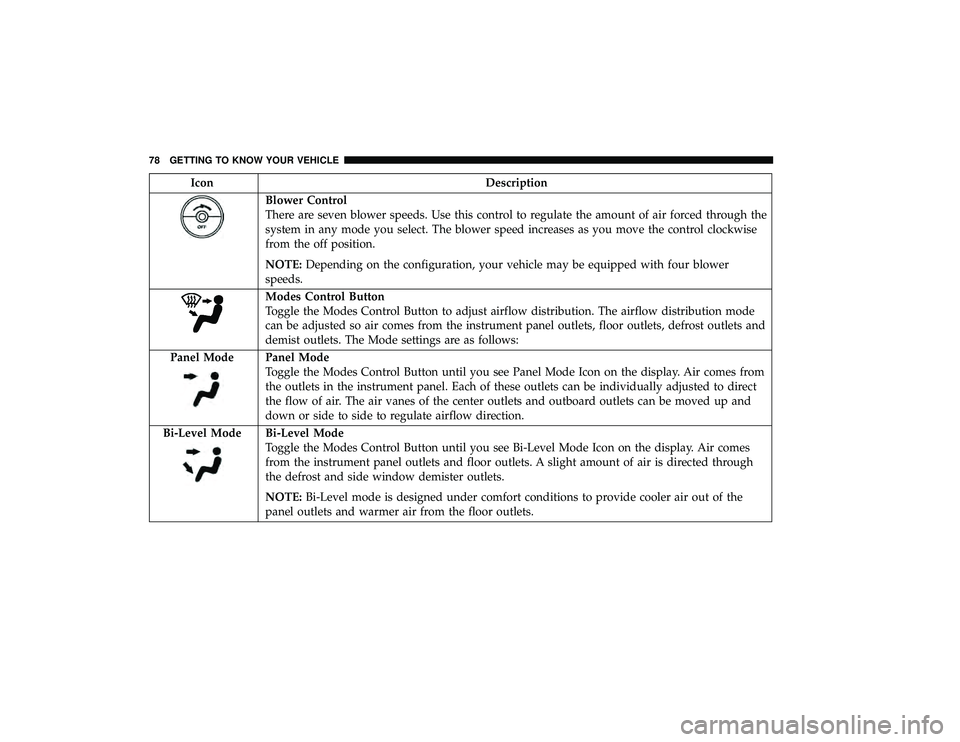
Modes Control Button
Toggle the Modes Control Button to adjust airflow distribution. The airflow distribution mode
can be adjusted so air comes from the instrument panel outlets, floor outlets, defrost outlets and
demist outlets. The Mode settings are as follows:
Panel Mode
Panel Mode
Toggle the Modes Control Button until you see Panel Mode Icon on the display. Air comes from
the outlets in the instrument panel. Each of these outlets can be individually adjusted to direct
the flow of air. The air vanes of the center outlets and outboard outlets can be moved up and
down or side to side to regulate airflow direction.
Bi-Level Mode
Bi-Level Mode
Toggle the Modes Control Button until you see Bi-Level Mode Icon on the display. Air comes
from the instrument panel outlets and floor outlets. A slight amount of air is directed through
the defrost and side window demister outlets.
NOTE: Bi-Level mode is designed under comfort conditions to provide cooler air out of the
panel outlets and warmer air from the floor outlets.
78 GETTING TO KNOW YOUR VEHICLE
Page 81 of 490
IconDescription
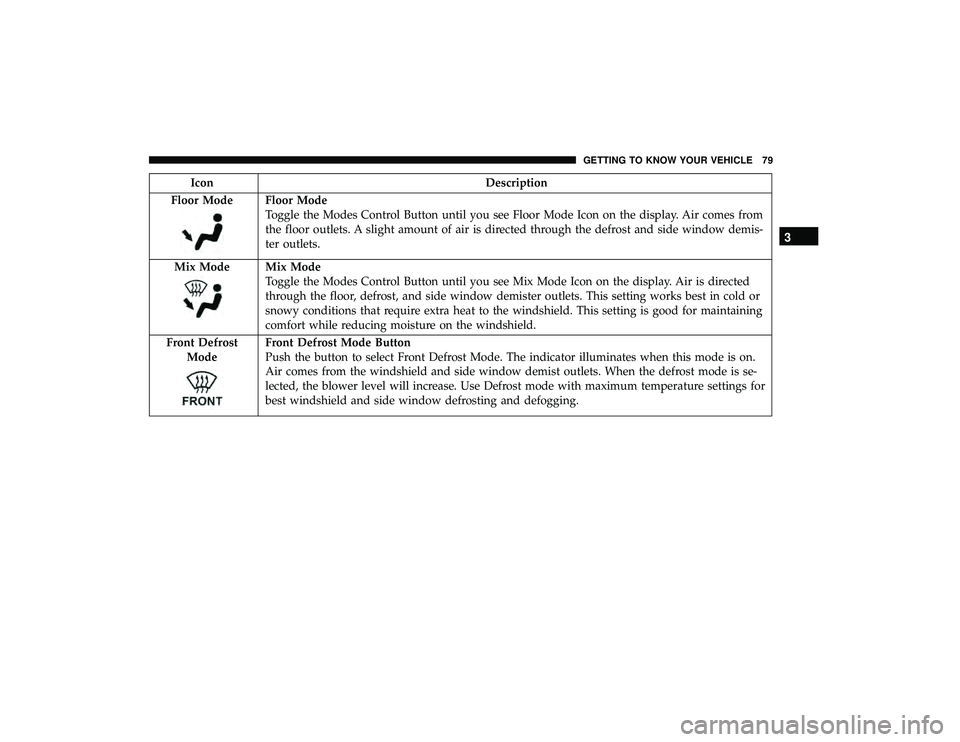
Floor Mode
Floor Mode
Toggle the Modes Control Button until you see Floor Mode Icon on the display. Air comes from
the floor outlets. A slight amount of air is directed through the defrost and side window demis-
ter outlets.
Mix Mode
Mix Mode
Toggle the Modes Control Button until you see Mix Mode Icon on the display. Air is directed
through the floor, defrost, and side window demister outlets. This setting works best in cold or
snowy conditions that require extra heat to the windshield. This setting is good for maintaining
comfort while reducing moisture on the windshield.
Front Defrost Mode
Front Defrost Mode Button
Push the button to select Front Defrost Mode. The indicator illuminates when this mode is on.
Air comes from the windshield and side window demist outlets. When the defrost mode is se-
lected, the blower level will increase. Use Defrost mode with maximum temperature settings for
best windshield and side window defrosting and defogging.
3
GETTING TO KNOW YOUR VEHICLE 79
Page 92 of 490
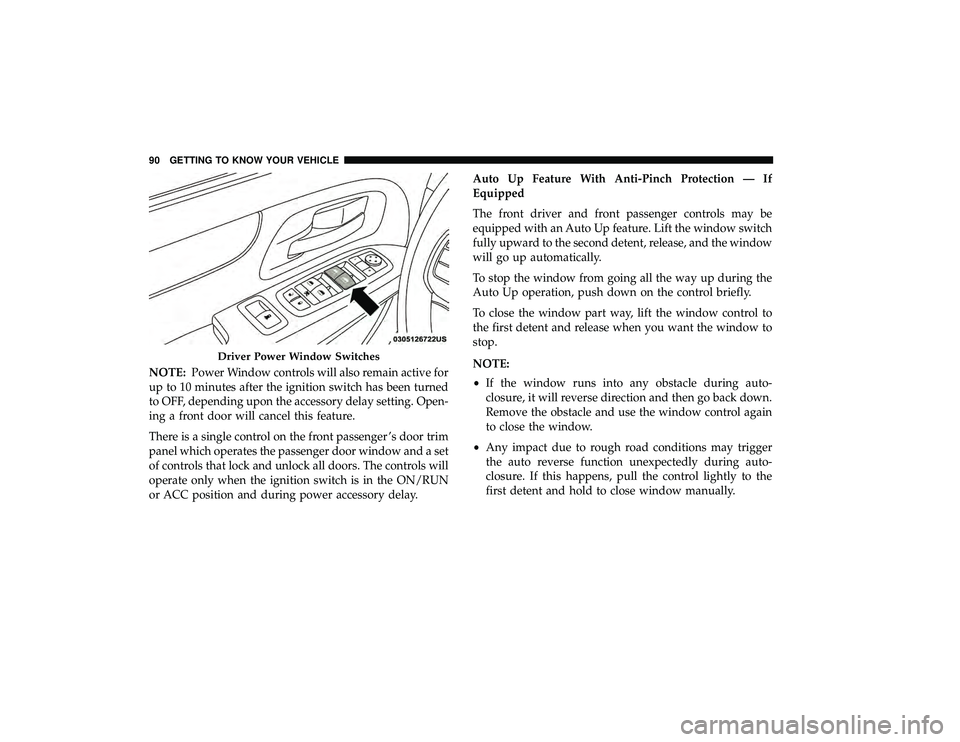
NOTE:Power Window controls will also remain active for
up to 10 minutes after the ignition switch has been turned
to OFF, depending upon the accessory delay setting. Open-
ing a front door will cancel this feature.
There is a single control on the front passenger ’s door trim
panel which operates the passenger door window and a set
of controls that lock and unlock all doors. The controls will
operate only when the ignition switch is in the ON/RUN
or ACC position and during power accessory delay. Auto Up Feature With Anti-Pinch Protection — If
Equipped
The front driver and front passenger controls may be
equipped with an Auto Up feature. Lift the window switch
fully upward to the second detent, release, and the window
will go up automatically.
To stop the window from going all the way up during the
Auto Up operation, push down on the control briefly.
To close the window part way, lift the window control to
the first detent and release when you want the window to
stop.
NOTE:
•
If the window runs into any obstacle during auto-
closure, it will reverse direction and then go back down.
Remove the obstacle and use the window control again
to close the window.
• Any impact due to rough road conditions may trigger
the auto reverse function unexpectedly during auto-
closure. If this happens, pull the control lightly to the
first detent and hold to close window manually.
Driver Power Window Switches
90 GETTING TO KNOW YOUR VEHICLE
Page 99 of 490
Cargo Area Features
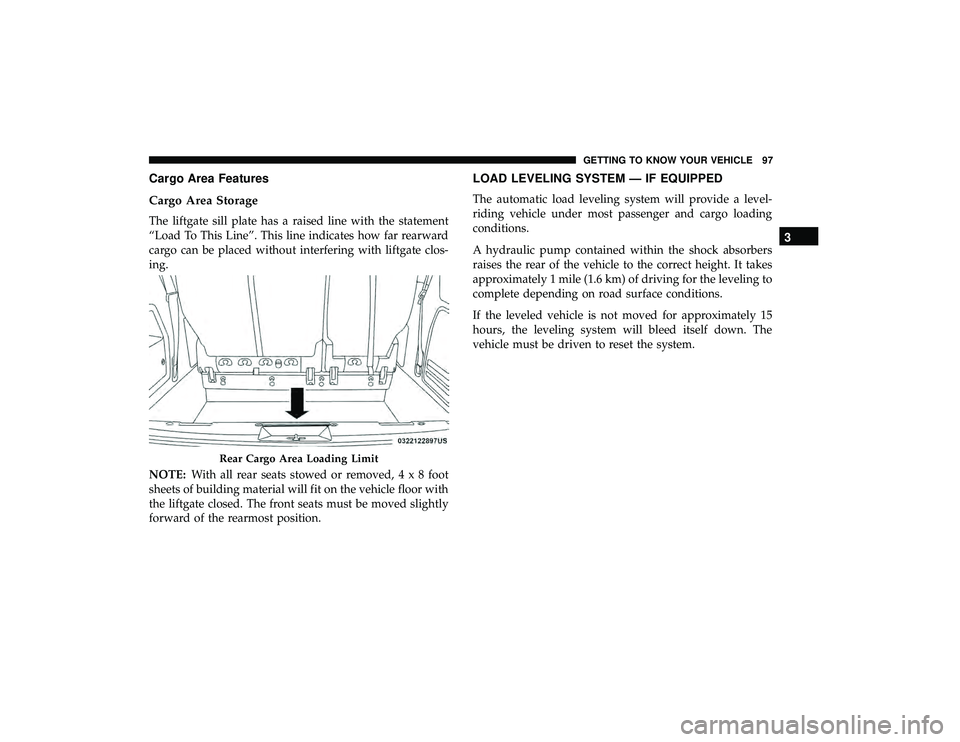
Cargo Area Storage
The liftgate sill plate has a raised line with the statement
“Load To This Line”. This line indicates how far rearward
cargo can be placed without interfering with liftgate clos-
ing.
NOTE:With all rear seats stowed or removed,4x8foot
sheets of building material will fit on the vehicle floor with
the liftgate closed. The front seats must be moved slightly
forward of the rearmost position.
LOAD LEVELING SYSTEM — IF EQUIPPED
The automatic load leveling system will provide a level-
riding vehicle under most passenger and cargo loading
conditions.
A hydraulic pump contained within the shock absorbers
raises the rear of the vehicle to the correct height. It takes
approximately 1 mile (1.6 km) of driving for the leveling to
complete depending on road surface conditions.
If the leveled vehicle is not moved for approximately 15
hours, the leveling system will bleed itself down. The
vehicle must be driven to reset the system.
Rear Cargo Area Loading Limit
3
GETTING TO KNOW YOUR VEHICLE 97
Page 100 of 490
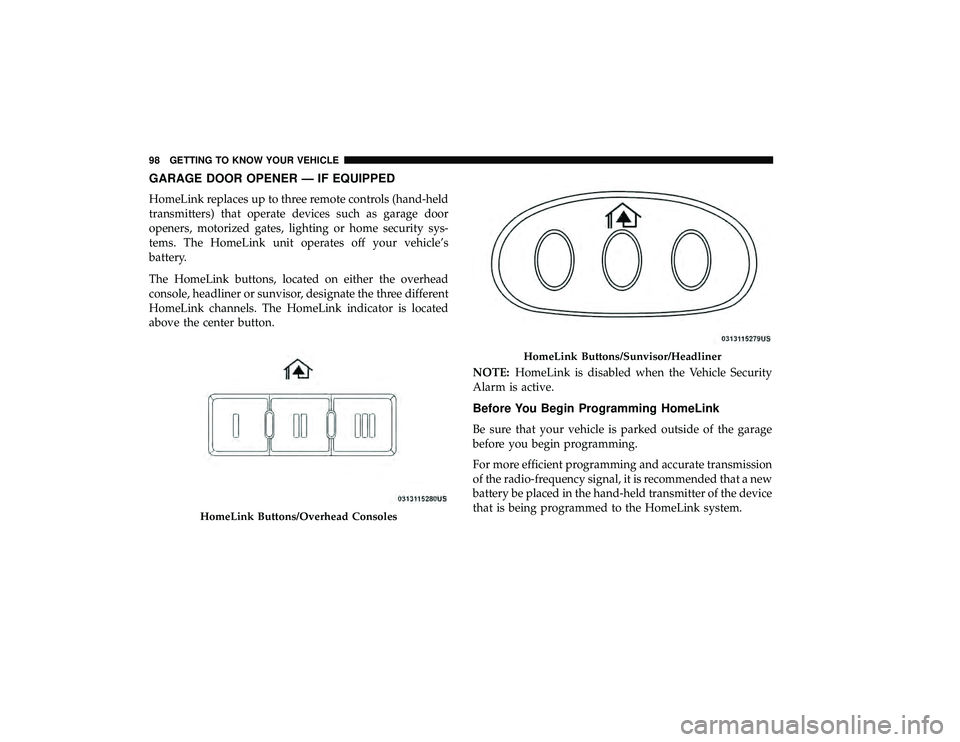
GARAGE DOOR OPENER — IF EQUIPPED
HomeLink replaces up to three remote controls (hand-held
transmitters) that operate devices such as garage door
openers, motorized gates, lighting or home security sys-
tems. The HomeLink unit operates off your vehicle’s
battery.
The HomeLink buttons, located on either the overhead
console, headliner or sunvisor, designate the three different
HomeLink channels. The HomeLink indicator is located
above the center button.NOTE:HomeLink is disabled when the Vehicle Security
Alarm is active.
Before You Begin Programming HomeLink
Be sure that your vehicle is parked outside of the garage
before you begin programming.
For more efficient programming and accurate transmission
of the radio-frequency signal, it is recommended that a new
battery be placed in the hand-held transmitter of the device
that is being programmed to the HomeLink system.
HomeLink Buttons/Overhead Consoles
HomeLink Buttons/Sunvisor/Headliner
98 GETTING TO KNOW YOUR VEHICLE