Page 373 of 492

Automatic Transmission
Selection Of Lubricant
It is important to use the proper transmission fluid to
ensure optimum transmission performance and life. Use
only the manufacturer’s specified transmission fluid. Refer
to “Fluids And Lubricants” in “Technical Specifications”
for fluid specifications. It is important to maintain the
transmission fluid at the correct level using the recom-
mended fluid.
NOTE:No chemical flushes should be used in any trans-
mission; only the approved lubricant should be used.
CAUTION!
Using a transmission fluid other than the manufactur-
er ’s recommended fluid may cause deterioration in
transmission shift quality and/or torque converter
shudder. Refer to “Fluids And Lubricants” in “Techni-
cal Specifications” for fluid specifications.
Special Additives
The manufacturer strongly recommends against using any
special additives in the transmission. Automatic Transmis-
sion Fluid (ATF) is an engineered product and its perfor-
mance may be impaired by supplemental additives. There-
fore, do not add any fluid additives to the transmission.
Avoid using transmission sealers as they may adversely
affect seals.
CAUTION!
Do not use chemical flushes in your transmission as
the chemicals can damage your transmission compo-
nents. Such damage is not covered by the New Vehicle
Limited Warranty.
Fluid Level Check
The fluid level is preset at the factory and does not require
adjustment under normal operating conditions. Routine
fluid level checks are not required; therefore the transmis-
sion has no dipstick. An authorized dealer can check your
transmission fluid level using special service tools. If you
notice fluid leakage or transmission malfunction, visit an
authorized dealer immediately to have the transmission
fluid level checked. Operating the vehicle with an im-
proper fluid level can cause severe transmission damage.
8
SERVICING AND MAINTENANCE 371
Page 426 of 492
Customer Programmable Features — Uconnect
4C/4C NAV Settings
Press the “Apps” button (if equipped), and then
press the “Settings” button on the touchscreen to dis-
play the menu setting screen. In this mode, the
Uconnect system allows you to access programmable
features that may be equipped such as Language, Dis-
play, Units, Voice, Clock & Date, Safety & Driving
Assistance, Mirrors & Wipers, Lights, Doors & Locks,
Auto-On Comfort, Key Off Options, Audio, Phone/
Bluetooth, SiriusXM Setup, Reset, and System Informa-
tion.
NOTE: Depending on the vehicle’s options, feature set-
tings may vary.
When making a selection, press the button on the touch-
screen to enter the desired mode. Once in the desired
mode, press and release the preferred setting “option” until
a check-mark appears next to the setting, showing that
setting has been selected. Once the setting is complete,
press the “X” button on the touchscreen to close out of the
settings screen. Pressing the up or down arrow button on
the right side of the screen will allow you to toggle up or
down through the available settings.
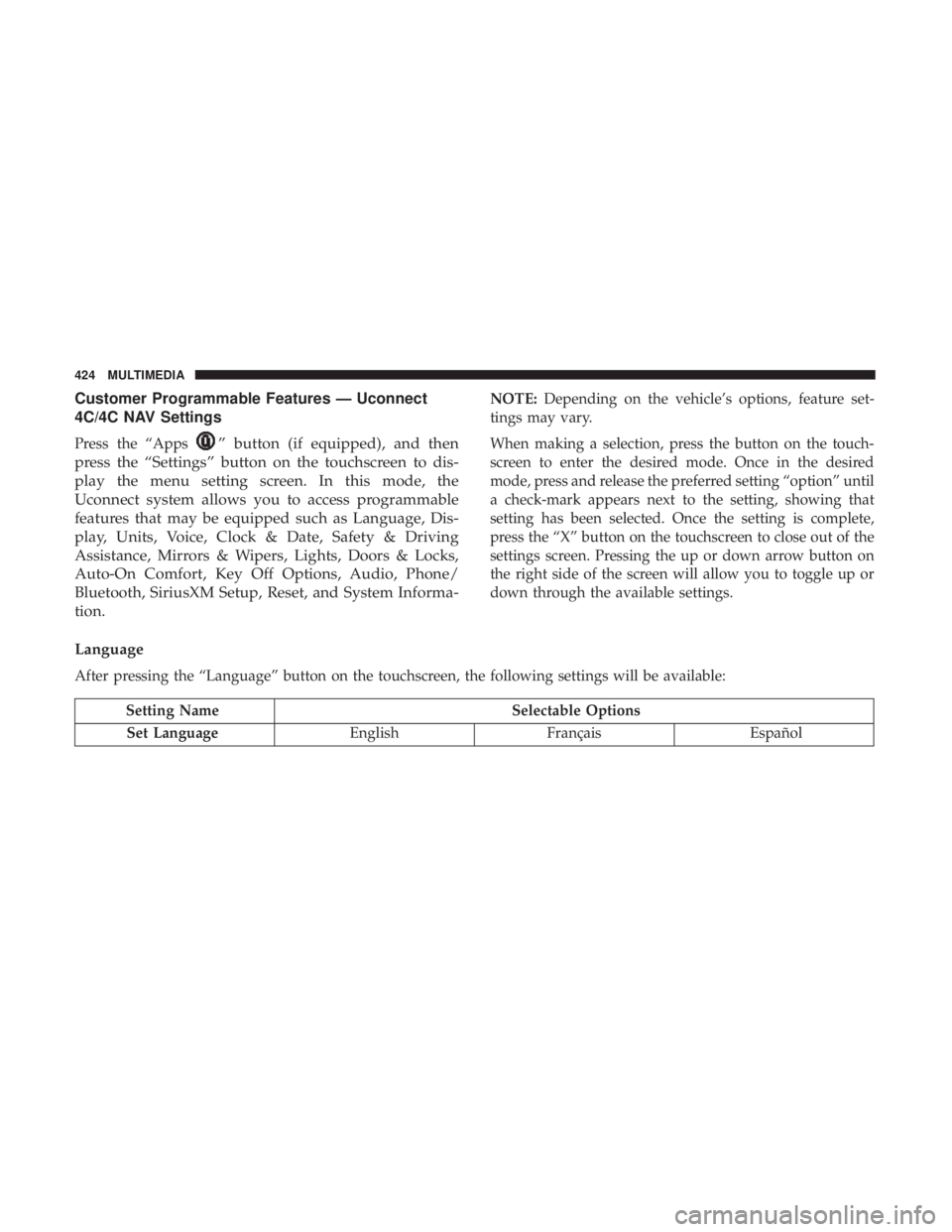
Language
After pressing the “Language” button on the touchscreen, the following settings will be available:
Setting Name Selectable Options
Set Language EnglishFrançais Español
424 MULTIMEDIA
Page 446 of 492
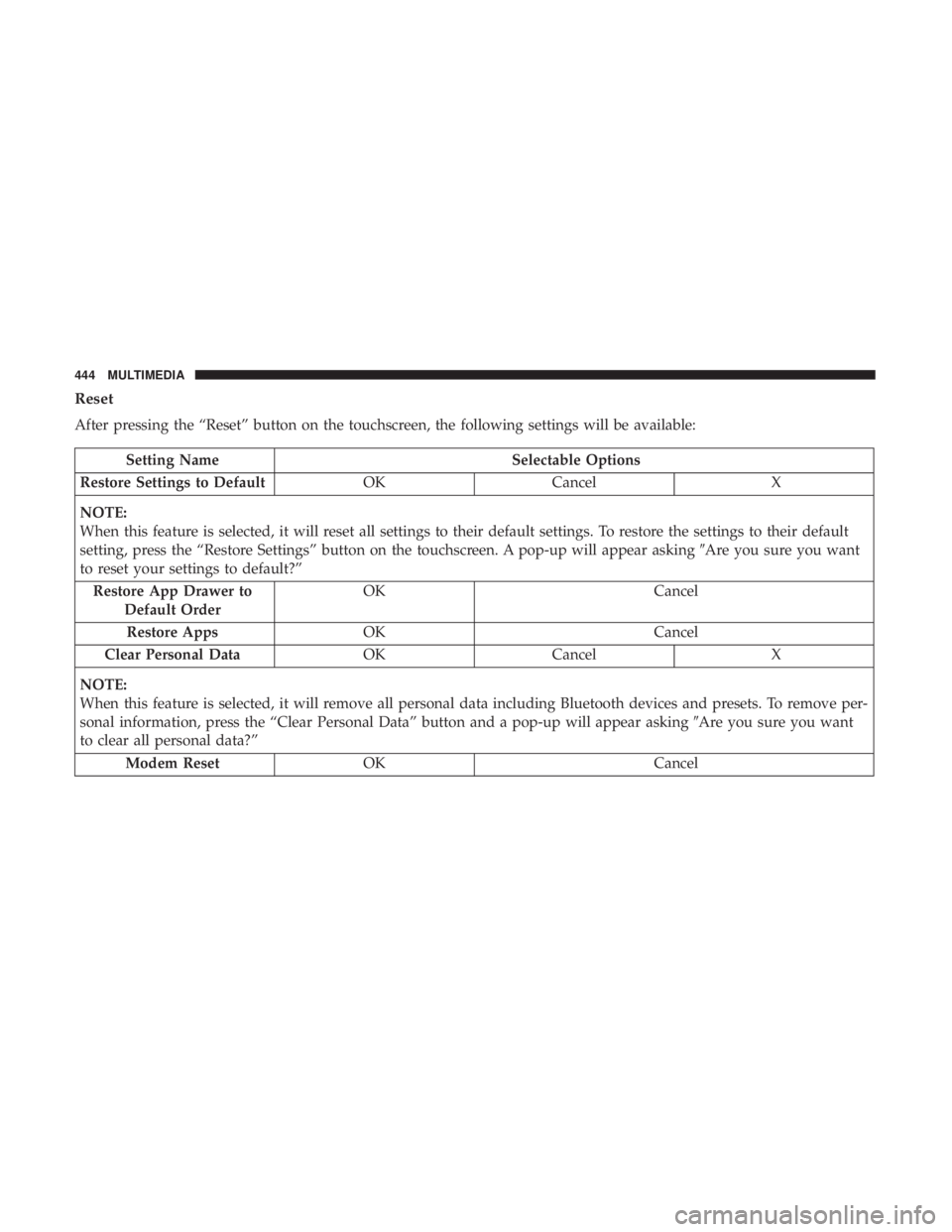
Reset
After pressing the “Reset” button on the touchscreen, the following settings will be available:
Setting NameSelectable Options
Restore Settings to Default OKCancel X
NOTE:
When this feature is selected, it will reset all settings to their default settings. To restore the settings to their default
setting, press the “Restore Settings” button on the touchscreen. A pop-up will appear asking �Are you sure you want
to reset your settings to default?”
Restore App Drawer to Default Order OK
Cancel
Restore Apps OK Cancel
Clear Personal Data OKCancel X
NOTE:
When this feature is selected, it will remove all personal data including Bluetooth devices and presets. To remove per-
sonal information, press the “Clear Personal Data” button and a pop-up will appear asking �Are you sure you want
to clear all personal data?”
Modem Reset OK Cancel
444 MULTIMEDIA
Page 448 of 492

The right-hand control is a rocker-type switch with a
push-button in the center and controls the volume and
mode of the sound system. Pushing the top of the rocker
switch will increase the volume, and pushing the bottom of
the rocker switch will decrease the volume.
Pushing the center button will make the radio switch
between the various modes available (AM/FM/SXM/
AUX/VES, etc.).
The left-hand control is a rocker-type switch with a push-
button in the center. The function of the left-hand control is
different depending on which mode you are in.
The following describes the left-hand control operation in
each mode.Radio Operation
Pushing the top of the switch will “Seek” up for the next
listenable station and pushing the bottom of the switch will
“Seek” down for the next listenable station.
The button located in the center of the left-hand control
will tune to the next preset station that you have pro-
grammed in the radio preset button.
Media Mode
Pushing the top of the switch once goes to the next track on
the selected media (AUX/USB/Bluetooth). Pushing the
bottom of the switch once goes to the beginning of the
current track, or to the beginning of the previous track if it
is within eight seconds after the current track begins to
play.
446 MULTIMEDIA
Page 483 of 492
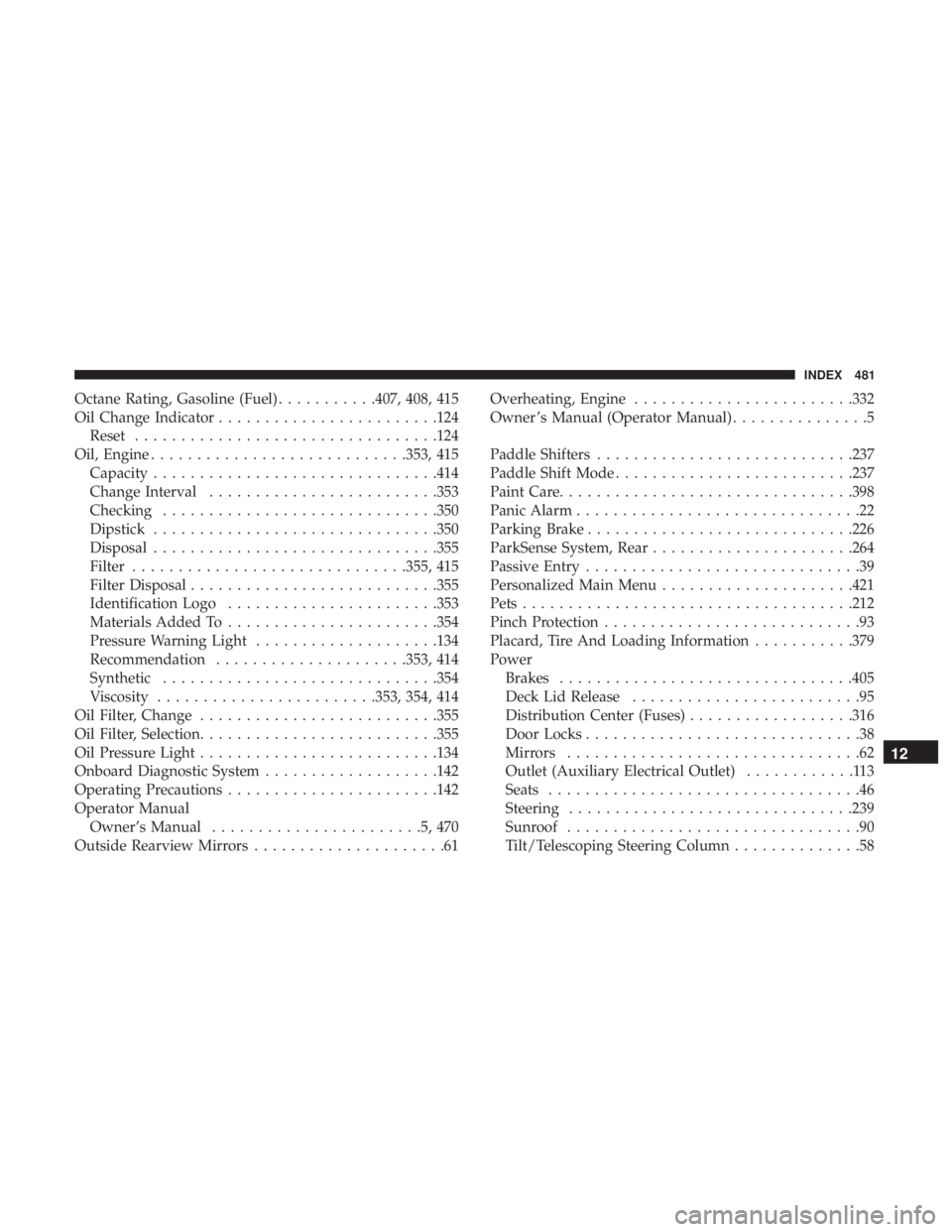
Octane Rating, Gasoline (Fuel)...........407, 408, 415
Oil Change Indicator ....................... .124
Reset ................................ .124
Oil, Engine ........................... .353, 415
Capacity .............................. .414
Change Interval ........................ .353
Checking ............................. .350
Dipstick .............................. .350
Disposal .............................. .355
Filter ............................. .355, 415
Filter Disposal .......................... .355
Identification Logo ...................... .353
Materials Added To ...................... .354
Pressure Warning Light ....................134
Recommendation .....................353, 414
Synthetic ............................. .354
Viscosity ....................... .353, 354, 414
Oil Filter, Change ......................... .355
Oil Filter, Selection ......................... .355
Oil Pressure Light ......................... .134
Onboard Diagnostic System ...................142
Operating Precautions ...................... .142
Operator Manual Owner’s Manual .......................5,470
Outside Rearview Mirrors .....................61 Overheating, Engine
....................... .332
Owner ’s Manual (Operator Manual) ...............5
Paddle Shifters ........................... .237
Paddle Shift Mode ......................... .237
Paint Care ............................... .398
Panic Alarm ...............................22
Parking Brake ............................ .226
ParkSense System, Rear ..................... .264
Passive Entry ..............................39
Personalized Main Menu .....................421
Pets ................................... .212
Pinch Protection ............................
93
Placard, Tire And Loading Information ...........379
Power Brakes ............................... .405
Deck Lid Release .........................95
Distribution Center (Fuses) ..................316
Door Locks ..............................38
Mirrors ................................62
Outlet (Auxiliary Electrical Outlet) ............113
Seats ..................................46
Steering .............................. .239
Sunroof ................................90
Tilt/Telescoping Steering Column ..............58
12
INDEX 481
Page 489 of 492
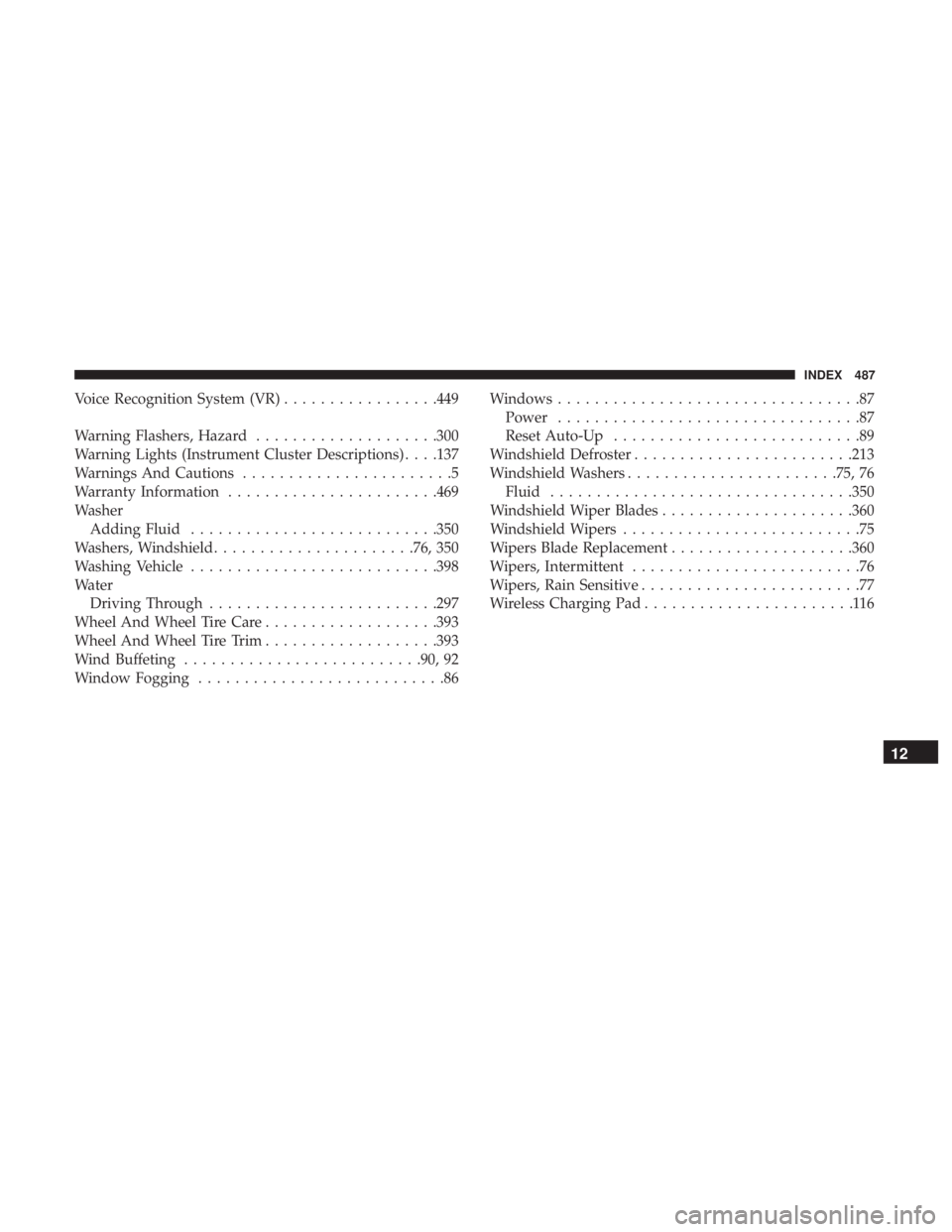
Voice Recognition System (VR).................449
Warning Flashers, Hazard ....................300
Warning Lights (Instrument Cluster Descriptions) . . . .137
Warnings And Cautions .......................5
Warranty Information ...................... .469
Washer Adding Fluid .......................... .350
Washers, Windshield ..................... .76, 350
Washing Vehicle .......................... .398
Water Driving Through ........................ .297
Wheel And Wheel Tire Care ...................393
Wheel And Wheel Tire Trim ...................393
Wind Buffeting ......................... .90, 92
Window Fogging ...........................86 Windows
.................................87
Power .................................87
Reset Auto-Up ...........................89
Windshield Defroster ....................... .213
Windshield Washers ...................... .75, 76
Fluid ................................ .350
Windshield Wiper Blades .....................360
Windshield Wipers ..........................75
Wipers Blade Replacement ....................360
Wipers, Intermittent .........................76
Wipers, Rain Sensitive ........................77
Wireless Charging Pad .......................116
12
INDEX 487
Page:
< prev 1-8 9-16 17-24