2018 TOYOTA YARIS USB port
[x] Cancel search: USB portPage 4 of 632
TABLE OF CONTENTS4
YARIS_HV_OM_Europe_OM52J66E
5-1. Basic Operations
Audio system types............320
Steering wheel audio
switches ...........................322
AUX port/USB port.............323
5-2. Using the audio system
Optimal use of the audio
system .............................324
5-3. Using the radio
Radio operation .................326
5-4. Playing audio CDs and
MP3/WMA discs
CD player operation ...........330
5-5. Using an external device
Listening to an iPod ...........339
Listening to a USB
memory device ................347
Using the AUX port ............353
5-6. Using Bluetooth®
devices
Bluetooth® audio/phone .....354
Using the steering
wheel switches ................360
Registering a Bluetooth®
device ..............................361
5-7. “SETUP” menu
Using the “SETUP” menu
(“Bluetooth*” menu)......... 362
Using the “SETUP” menu
(“Phone” menu) ............... 367
5-8. Bluetooth® Audio
Operating a Bluetooth®
enabled portable
player .............................. 371
5-9. Bluetooth® Phone
Making a phone call .......... 374
Receiving a phone call ...... 376
Speaking on the phone ..... 377
5-10. Bluetooth®
Bluetooth®......................... 379
5Audio system
*: Bluetooth is a registered trademark of Bluetooth SIG, Inc.
Page 319 of 632
319
5Audio system
YARIS_HV_OM_Europe_OM52J66E
5-1. Basic Operations
Audio system types ........... 320
Steering wheel audio
switches ........................... 322
AUX port/USB port ............ 323
5-2. Using the audio system
Optimal use of the audio
system ............................. 324
5-3. Using the radio
Radio operation ................. 326
5-4. Playing audio CDs and
MP3/WMA discs
CD player operation........... 330
5-5. Using an external device
Listening to an iPod ........... 339
Listening to a USB
memory device ................ 347
Using the AUX port ............ 353
5-6. Using Bluetooth®
devices
Bluetooth® audio/phone..... 354
Using the steering
wheel switches ................ 360
Registering a Bluetooth®
device .............................. 361
5-7. “SETUP” menu
Using the “SETUP” menu
(“Bluetooth*” menu)......... 362
Using the “SETUP” menu
(“Phone” menu) ............... 367
5-8. Bluetooth® Audio
Operating a Bluetooth®
enabled portable
player ............................... 371
5-9. Bluetooth® Phone
Making a phone call ........... 374
Receiving a phone call....... 376
Speaking on the phone ...... 377
5-10. Bluetooth®
Bluetooth®......................... 379
*: Bluetooth is a registered trademark of Bluetooth SIG, Inc.
Page 323 of 632
323
5
5-1. Basic Operations
Audio system
YARIS_HV_OM_Europe_OM52J66E
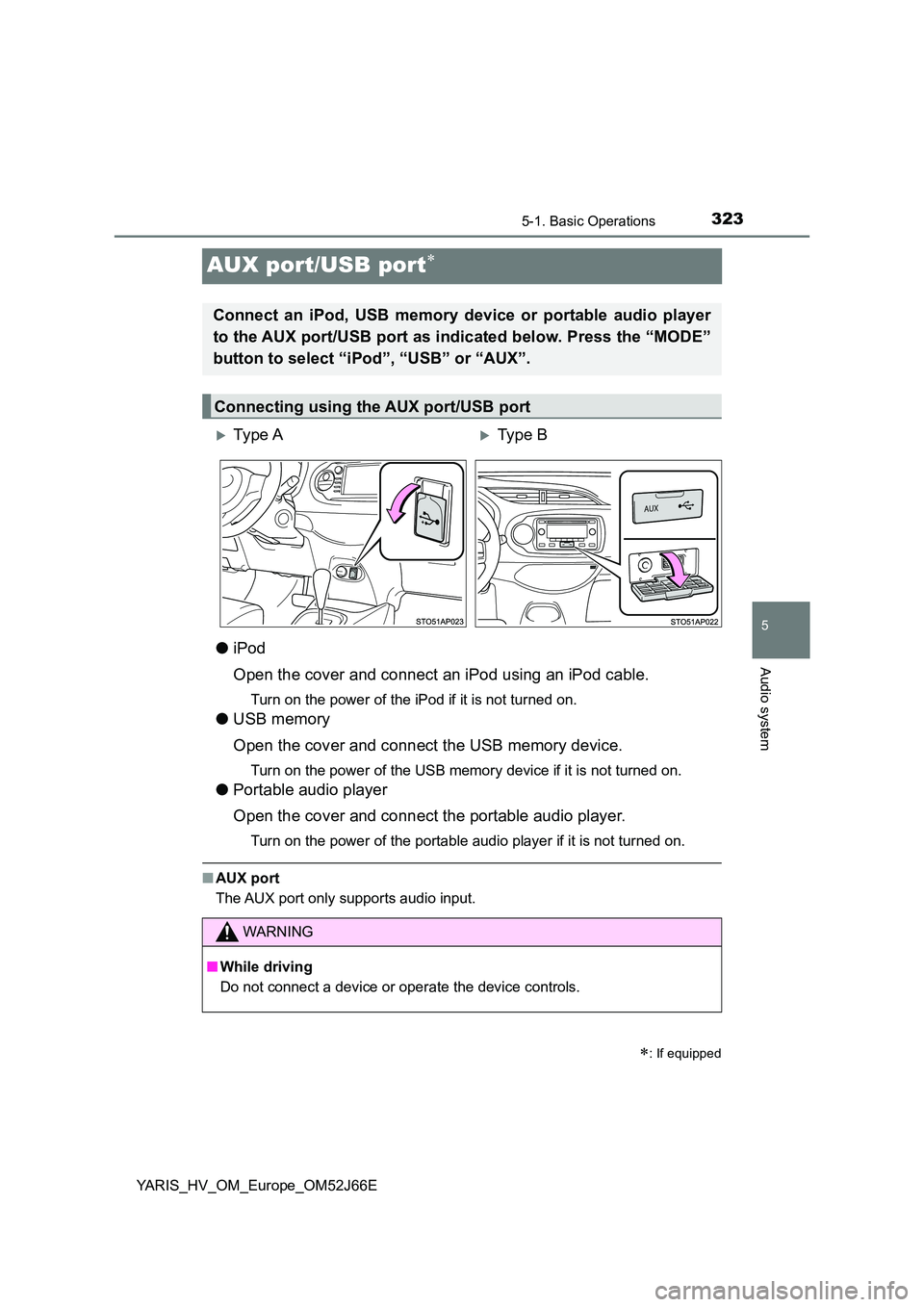
AUX port/USB port
●iPod
Open the cover and connect an iPod using an iPod cable.
Turn on the power of the iPod if it is not turned on.
● USB memory
Open the cover and connect the USB memory device.
Turn on the power of the USB memory device if it is not turned on.
● Portable audio player
Open the cover and connect the portable audio player.
Turn on the power of the portable audio player if it is not turned on.
■ AUX port
The AUX port only supports audio input.
: If equipped
Connect an iPod, USB memory device or portable audio player
to the AUX port/USB port as indicated below. Press the “MODE”
button to select “iPod”, “USB” or “AUX”.
Connecting using the AUX port/USB port
Ty pe AType B
WARNING
■ While driving
Do not connect a device or operate the device controls.
Page 352 of 632
3525-5. Using an external device
YARIS_HV_OM_Europe_OM52J66E
● Extensions
If the file extensions .mp3 and .wma are used for files other than MP3 and
WMA files, they will be skipped (not played).
● Playback
• To play MP3 files with steady s ound quality, we recommend a fixed bit
rate of at least 128 kbps and a sampling frequency of 44.1 kHz.
• There is a wide variety of freewar e and other encoding software for MP3
and WMA files on the market, and depending on the status of the encod-
ing and the file format, poor sound quality or noise at the start of playback
may result.
In some cases, playback may not be possible at all.
• Microsoft, Windows, and Windows Media are registered trademarks of
Microsoft Corporation in the U.S.A. and other countries.
WARNING
■ Caution while driving
Do not connect USB memory or operate the controls.
Doing so may cause an accident, resulting in death or serious injury.
NOTICE
■ To prevent damage to USB memory or its terminal
● Do not leave USB memory in the vehicle. The temperature inside the vehi-
cle may become high.
● Do not push down on or apply unnecessary pressure to the USB memory
while it is connected.
● Do not insert foreign objects into the port.
Page 617 of 632
617Alphabetical index
YARIS_HV_OM_Europe_OM52J66E
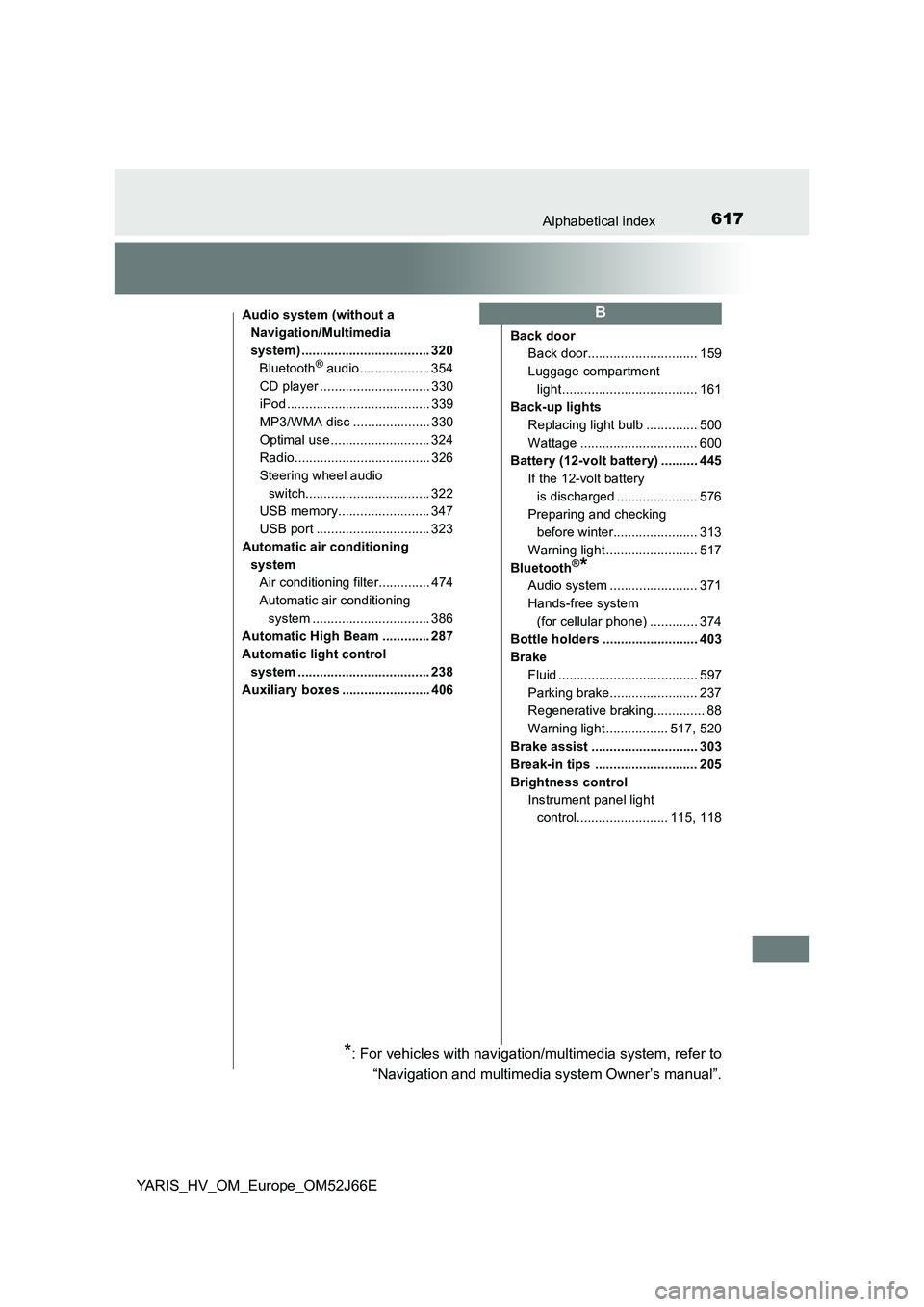
Audio system (without a
Navigation/Multimedia
system) ................................... 320
Bluetooth® audio ................... 354
CD player .............................. 330
iPod ....................................... 339
MP3/WMA disc ..................... 330
Optimal use ........................... 324
Radio..................................... 326
Steering wheel audio
switch.................................. 322
USB memory......................... 347
USB port ............................... 323
Automatic air conditioning
system
Air conditioning filter.............. 474
Automatic air conditioning
system ................................ 386
Automatic High Beam ............. 287
Automatic light control
system .................................... 238
Auxiliary boxes ........................ 406
Back door
Back door.............................. 159
Luggage compartment
light..................................... 161
Back-up lights
Replacing light bulb .............. 500
Wattage ................................ 600
Battery (12-volt battery) .......... 445
If the 12-volt battery
is discharged ...................... 576
Preparing and checking
before winter....................... 313
Warning light ......................... 517
Bluetooth®*
Audio system ........................ 371
Hands-free system
(for cellular phone) ............. 374
Bottle holders .......................... 403
Brake
Fluid ...................................... 597
Parking brake........................ 237
Regenerative braking.............. 88
Warning light ................. 517, 520
Brake assist ............................. 303
Break-in tips ............................ 205
Brightness control
Instrument panel light
control......................... 115, 118
B
*: For vehicles with navigation/multimedia system, refer to
“Navigation and multimedia system Owner’s manual”.
Page 630 of 632
630Alphabetical index
YARIS_HV_OM_Europe_OM52J66E
Tools ................................. 539, 557
Top strap .................................... 65
Towing
Emergency towing ................ 509
Towing eyelet ........................ 511
Trailer towing ........................ 215
Toyota Safety Sense................ 255
Traction control ....................... 303
Trailer towing ........................... 215
Transmission ........................... 232
Hybrid transmission .............. 232
If the shift lever cannot
be shifted from P ................ 234
Trip meters ....................... 117, 122
Turn signal lights ..................... 236
Replacing light
bulbs ................... 493, 494, 496
Turn signal lever ................... 236
Wattage................................. 600
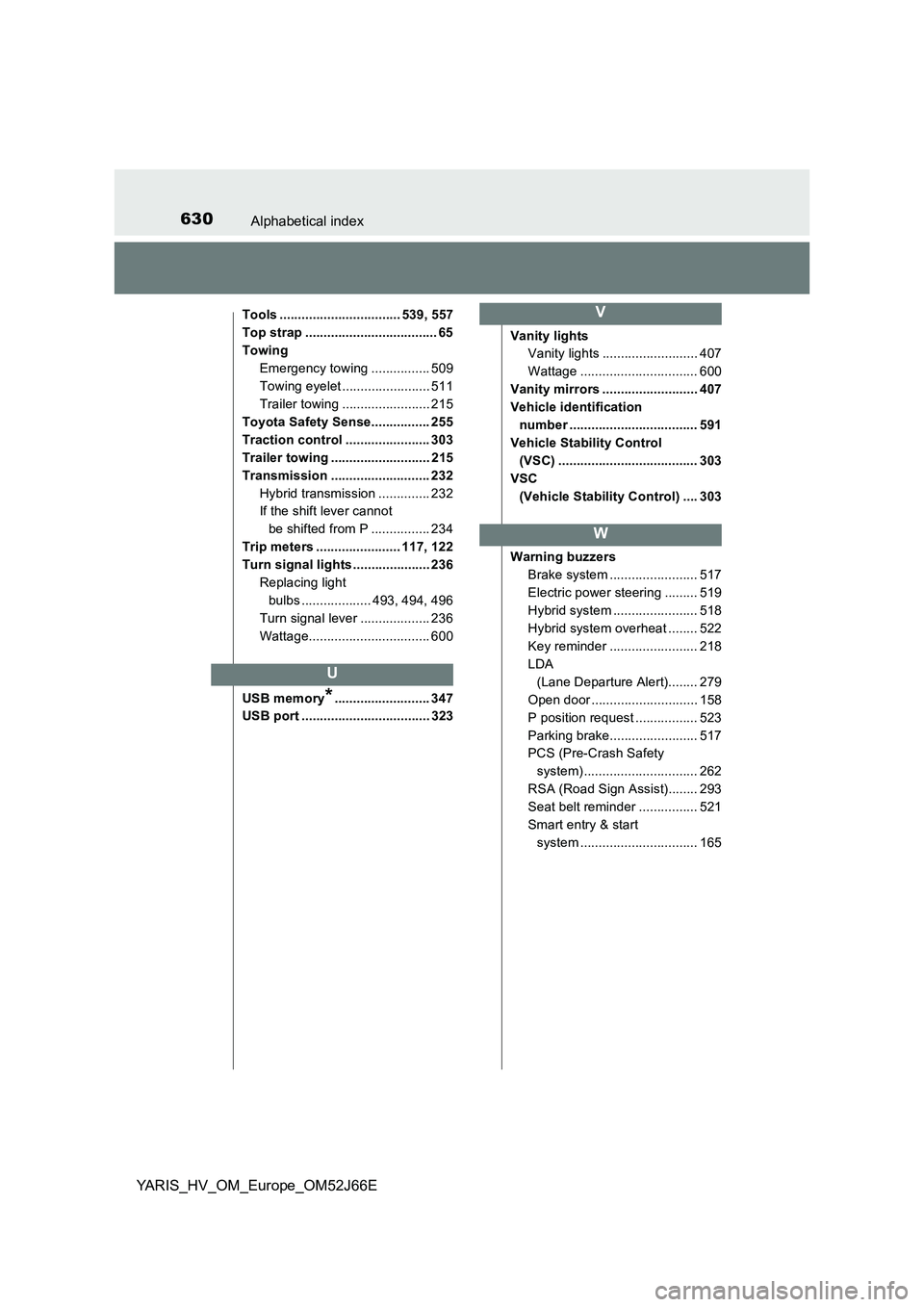
USB memory*.......................... 347
USB port ................................... 323
Vanity lights
Vanity lights .......................... 407
Wattage ................................ 600
Vanity mirrors .......................... 407
Vehicle identification
number ................................... 591
Vehicle Stability Control
(VSC) ...................................... 303
VSC
(Vehicle Stability Control) .... 303
Warning buzzers
Brake system ........................ 517
Electric power steering ......... 519
Hybrid system ....................... 518
Hybrid system overheat ........ 522
Key reminder ........................ 218
LDA
(Lane Departure Alert)........ 279
Open door ............................. 158
P position request ................. 523
Parking brake........................ 517
PCS (Pre-Crash Safety
system)............................... 262
RSA (Road Sign Assist)........ 293
Seat belt reminder ................ 521
Smart entry & start
system ................................ 165
U
V
W