Page 367 of 632
3675-7. “SETUP” menu
5
Audio system
YARIS_HV_OM_Europe_OM52J66E
Using the “SETUP” menu (“Phone” menu)
Select “Add contacts” using the tune/scroll knob. (P. 358)
● Transferring all contacts from the cellular phone
Select “Overwrite all” using the knob and press (“Yes”).
● Transferring one contact from the cellular phone
Select “Add contact” using the knob and press (“Yes”).
Select “Add SD” using the tune/scroll knob. ( P. 358)
Select the desired data using the knob.
Press the desired preset button (from [1] to [5]).
For details about setting speed dials from the call history: P. 375
For details about deleting speed dials: P. 374
: If equipped
Adding a new phone number
Setting speed dials
1
2
3
Page 368 of 632
3685-7. “SETUP” menu
YARIS_HV_OM_Europe_OM52J66E
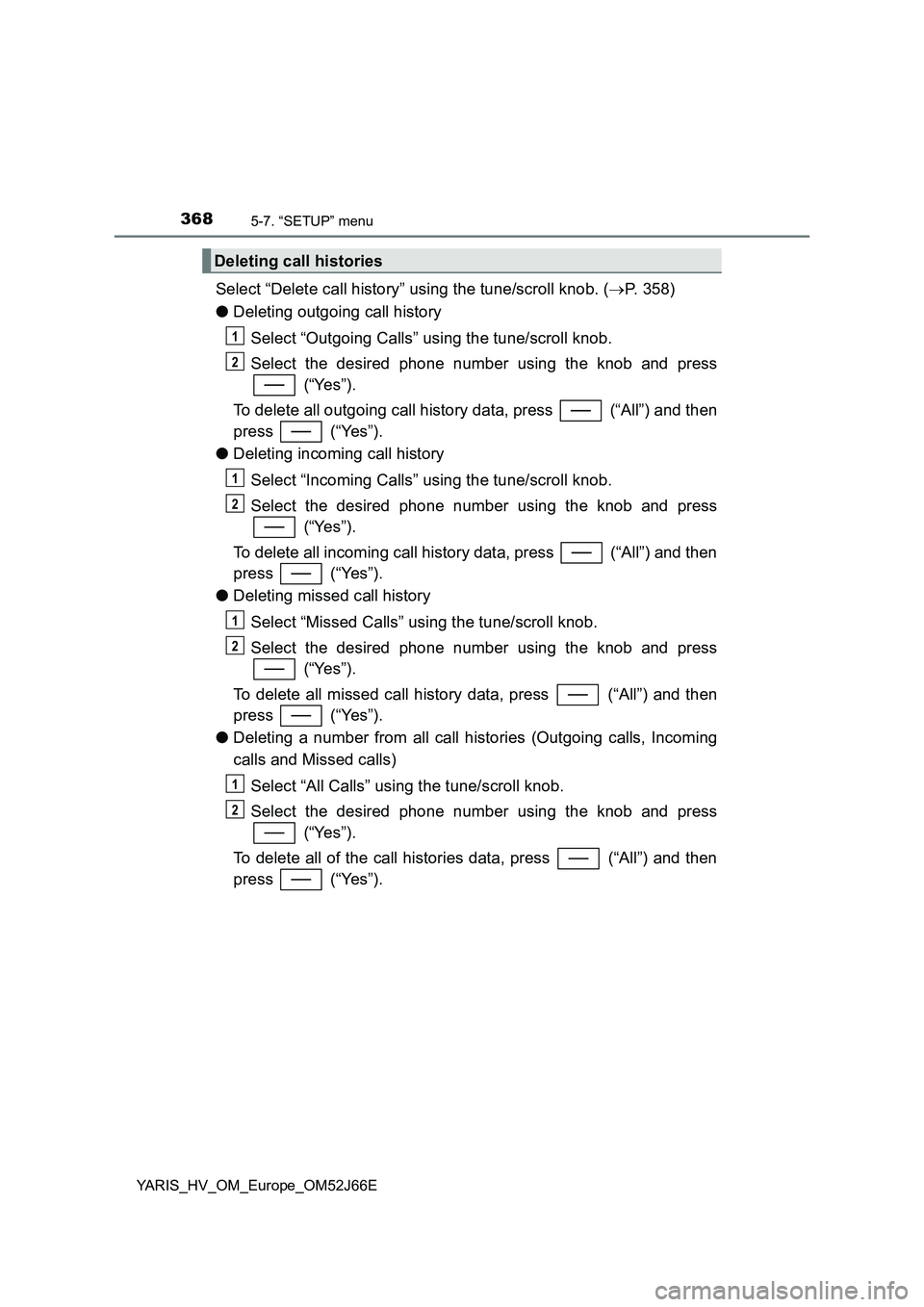
Select “Delete call history” using the tune/scroll knob. (P. 358)
● Deleting outgoing call history
Select “Outgoing Calls” using the tune/scroll knob.
Select the desired phone number using the knob and press
(“Yes”).
To delete all outgoing call history data, press (“All”) and then
press (“Yes”).
● Deleting incoming call history
Select “Incoming Calls” using the tune/scroll knob.
Select the desired phone number using the knob and press
(“Yes”).
To delete all incoming call history data, press (“All”) and then
press (“Yes”).
● Deleting missed call history
Select “Missed Calls” using the tune/scroll knob.
Select the desired phone number using the knob and press
(“Yes”).
To delete all missed call history data, press (“All”) and then
press (“Yes”).
● Deleting a number from all call histories (Outgoing calls, Incoming
calls and Missed calls)
Select “All Calls” using the tune/scroll knob.
Select the desired phone number using the knob and press
(“Yes”).
To delete all of the call histories data, press (“All”) and then
press (“Yes”).
Deleting call histories
1
2
1
2
1
2
1
2
Page 369 of 632
3695-7. “SETUP” menu
5
Audio system
YARIS_HV_OM_Europe_OM52J66E
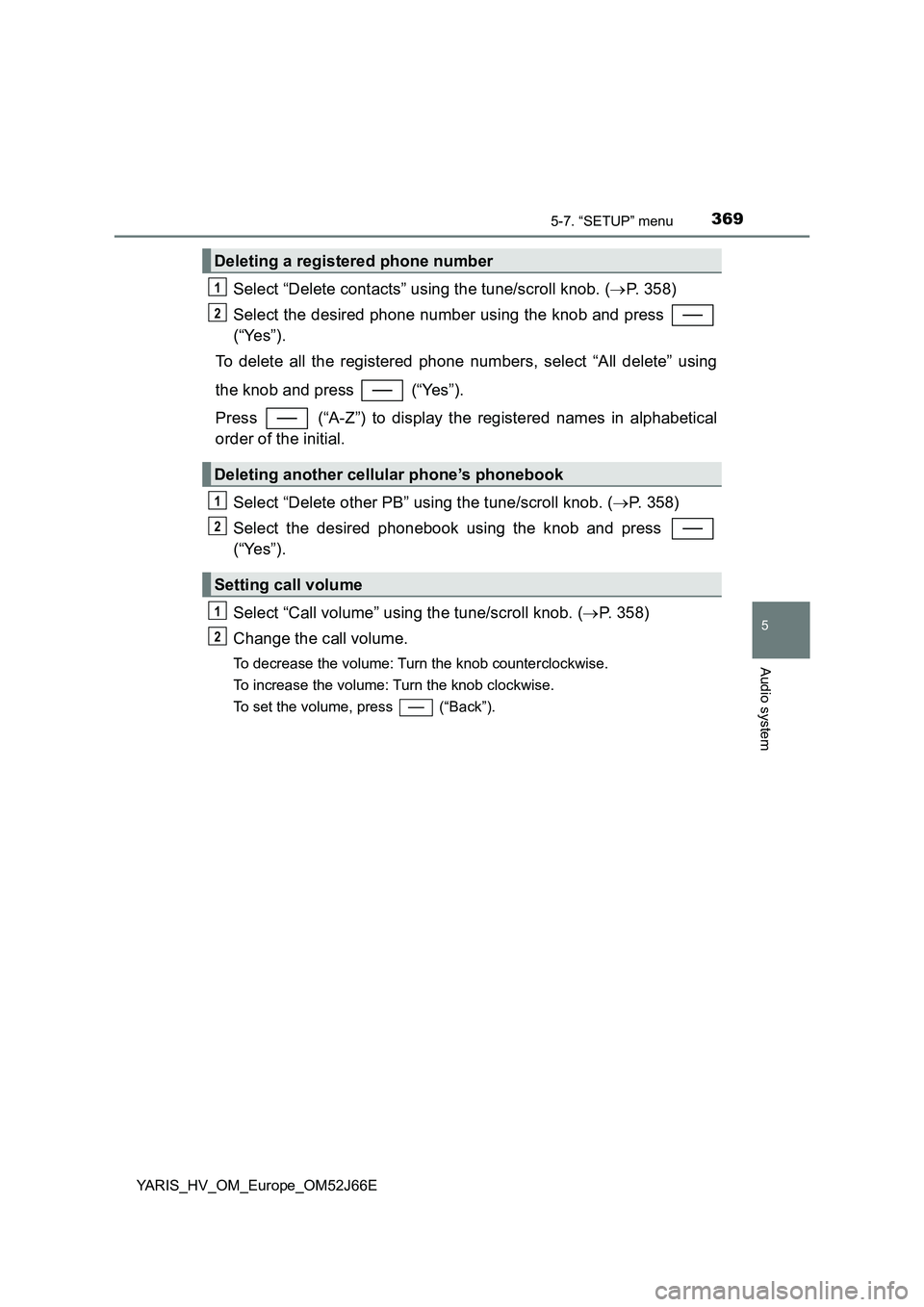
Select “Delete contacts” using the tune/scroll knob. (P. 358)
Select the desired phone number using the knob and press
(“Yes”).
To delete all the registered phone numbers, select “All delete” using
the knob and press (“Yes”).
Press (“A-Z”) to display the registered names in alphabetical
order of the initial.
Select “Delete other PB” using the tune/scroll knob. ( P. 358)
Select the desired phonebook using the knob and press
(“Yes”).
Select “Call volume” using the tune/scroll knob. ( P. 358)
Change the call volume.
To decrease the volume: Turn the knob counterclockwise.
To increase the volume: Turn the knob clockwise.
To set the volume, press (“Back”).
Deleting a registered phone number
Deleting another cellular phone’s phonebook
Setting call volume
1
2
1
2
1
2
Page 370 of 632
3705-7. “SETUP” menu
YARIS_HV_OM_Europe_OM52J66E
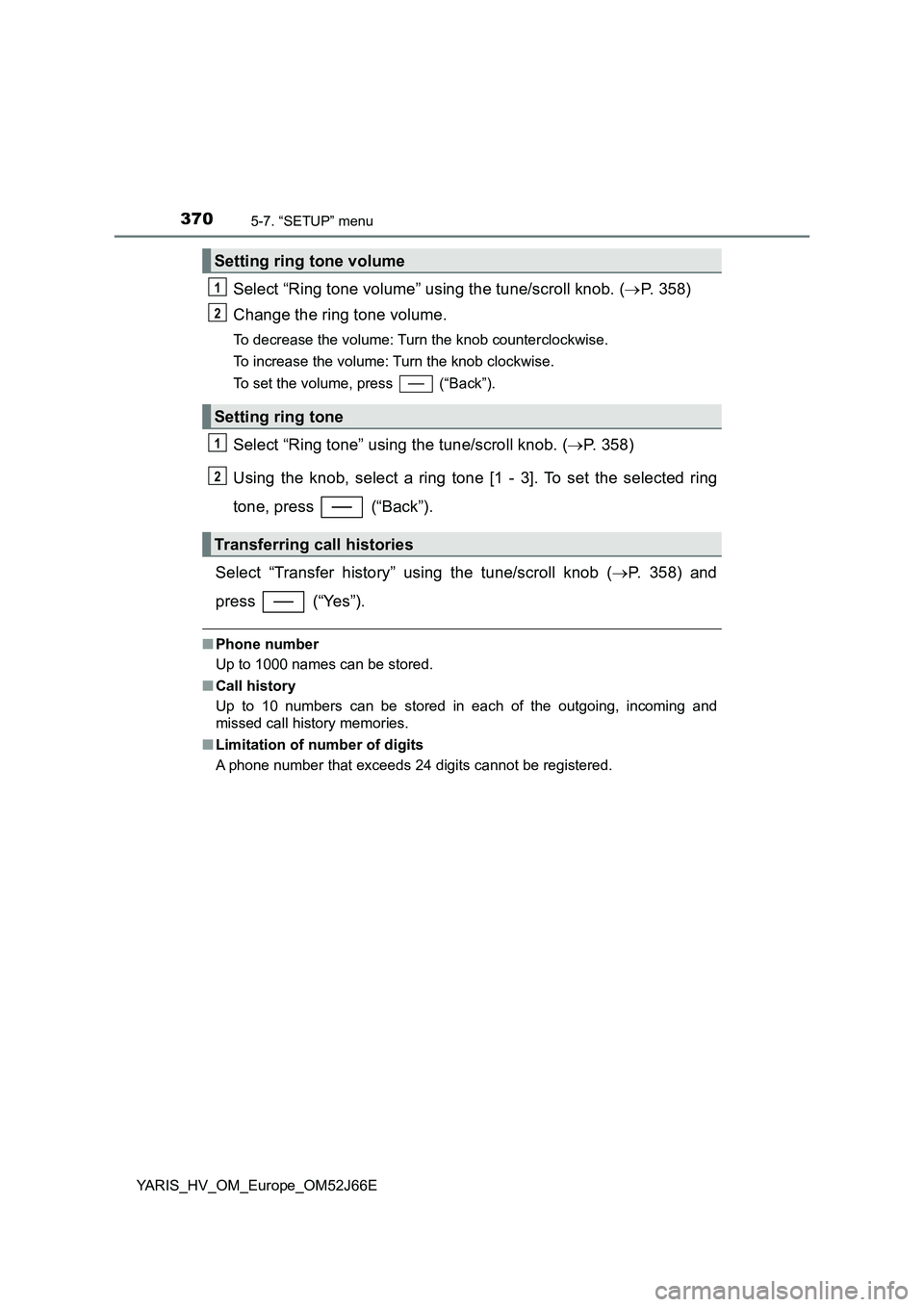
Select “Ring tone volume” using the tune/scroll knob. (P. 358)
Change the ring tone volume.
To decrease the volume: Turn the knob counterclockwise.
To increase the volume: Turn the knob clockwise.
To set the volume, press (“Back”).
Select “Ring tone” using the tune/scroll knob. ( P. 358)
Using the knob, select a ring tone [1 - 3]. To set the selected ring
tone, press (“Back”).
Select “Transfer history” using the tune/scroll knob ( P. 358) and
press (“Yes”).
■ Phone number
Up to 1000 names can be stored.
■ Call history
Up to 10 numbers can be stored in each of the outgoing, incoming and
missed call history memories.
■ Limitation of number of digits
A phone number that exceeds 24 digits cannot be registered.
Setting ring tone volume
Setting ring tone
Transferring call histories
1
2
1
2
Page 374 of 632
3745-9. Bluetooth® Phone
YARIS_HV_OM_Europe_OM52J66E
Making a phone call
Select “Phonebook” using the tune/scroll knob.
Select the desired name using the knob and press the off-hook
switch.
By pressing (“Add S. Dial”) and one of the speed dial buttons
(from [1] to [5]) while the desired name is selected, it
can be registered as a speed dial.
Press (“A-Z”) to display the registered names in alphabetical
order of the initial.
Select “Speed Dials” using the tune/scroll knob.
Press the desired preset button (from [1] to [5]) and
press the off-hook switch.
To delete a registered speed dial, after selecting the desired preset
button (from [1] to [5]) press (“Delete”) and then
press (“Yes”).
Select “Speed Dials” or “Dial by number” using the tune/scroll knob.
Enter the phone number and press the off-hook switch.
: If equipped
To enter the “Phone” or “TEL” mode, press the off-hook switch.
Dialing by selecting a name
Speed dialing
Dialing by entering the number
1
2
1
2
1
2
Page 375 of 632
3755-9. Bluetooth® Phone
5
Audio system
YARIS_HV_OM_Europe_OM52J66E
Select “All calls”, “Missed calls”, “Incoming calls” or “Outgoing calls”
using the tune/scroll knob.
Select a desired number using the knob and press the off-hook
switch.
The following operations can be performed:
● Registering a number as a speed dial
Press (“Add S. Dial”) and then press the desired preset but-
ton (from [1] to [5]).
● Deleting the selected number
Press (“Delete”) and press (“Yes”).
Dialing from call histories
1
2
Page 376 of 632
3765-9. Bluetooth® Phone
YARIS_HV_OM_Europe_OM52J66E
Receiving a phone call
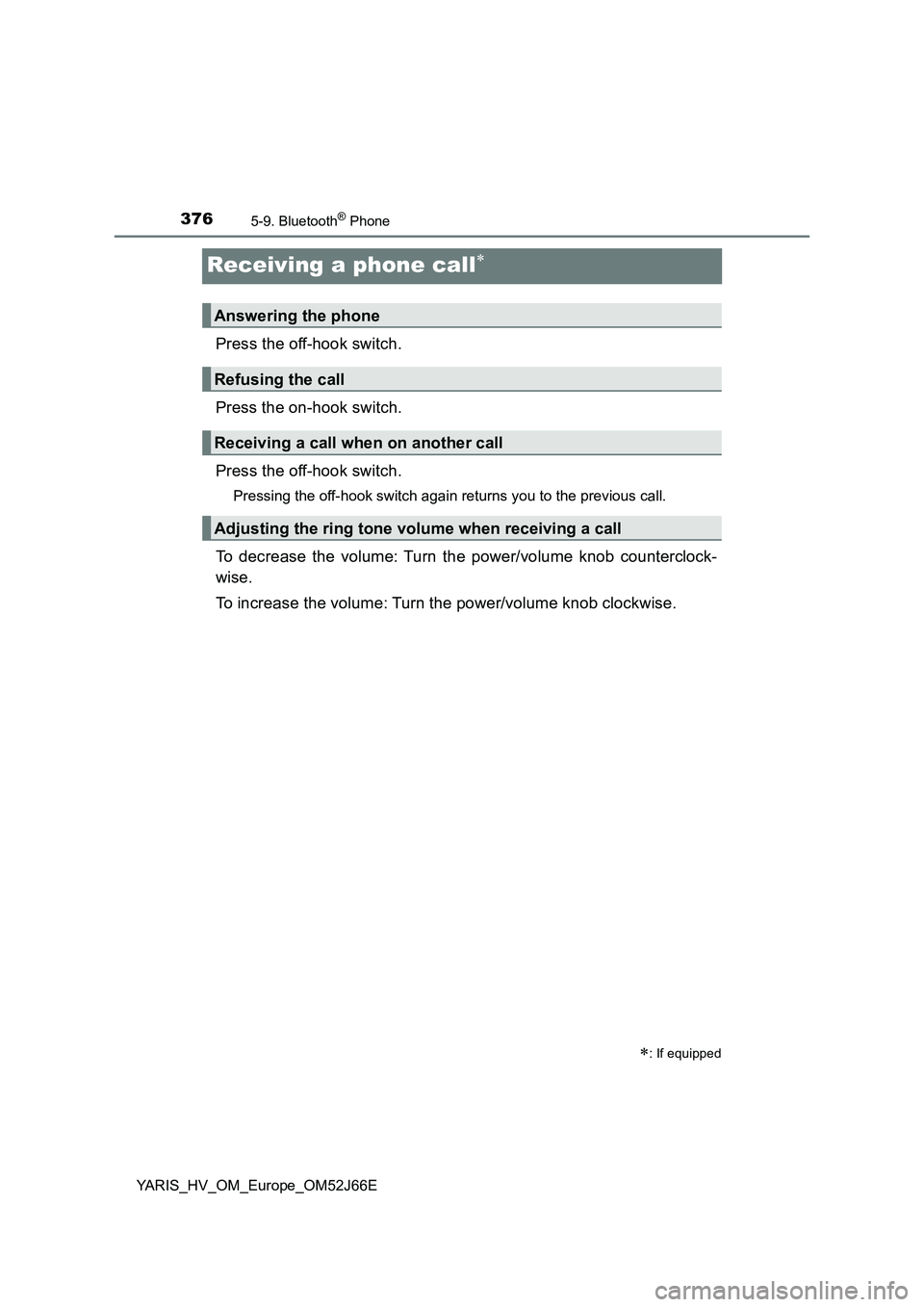
Press the off-hook switch.
Press the on-hook switch.
Press the off-hook switch.
Pressing the off-hook switch again returns you to the previous call.
To decrease the volume: Turn the power/volume knob counterclock-
wise.
To increase the volume: Turn the power/volume knob clockwise.
: If equipped
Answering the phone
Refusing the call
Receiving a call when on another call
Adjusting the ring tone volume when receiving a call
Page 377 of 632
3775-9. Bluetooth® Phone
5
Audio system
YARIS_HV_OM_Europe_OM52J66E
Speaking on the phone
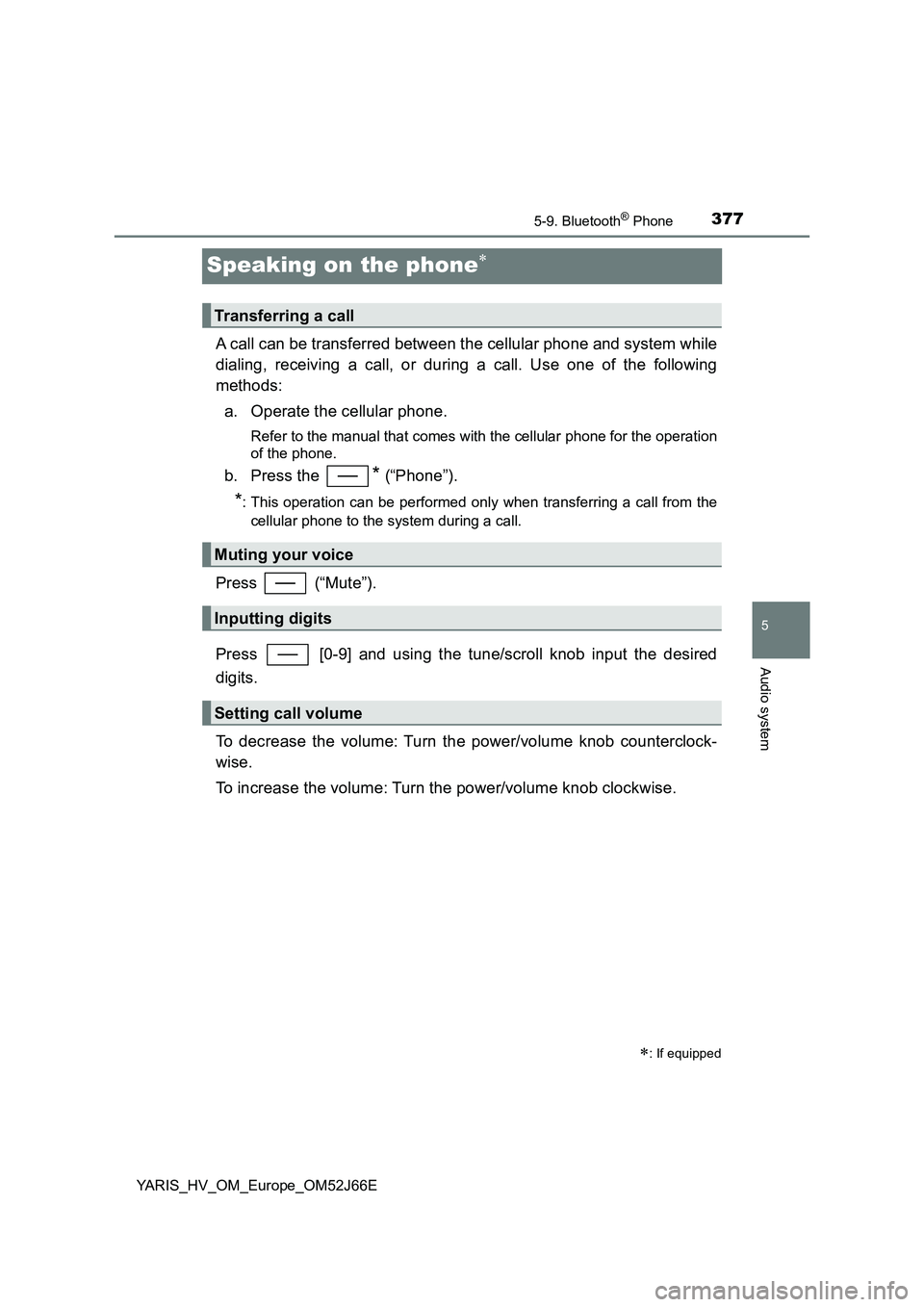
A call can be transferred between the cellular phone and system while
dialing, receiving a call, or during a call. Use one of the following
methods:
a. Operate the cellular phone.
Refer to the manual that comes with the cellular phone for the operation
of the phone.
b. Press the * (“Phone”).
*: This operation can be performed only when transferring a call from the
cellular phone to the system during a call.
Press (“Mute”).
Press [0-9] and using the tune/scroll knob input the desired
digits.
To decrease the volume: Turn the power/volume knob counterclock-
wise.
To increase the volume: Turn the power/volume knob clockwise.
: If equipped
Transferring a call
Muting your voice
Inputting digits
Setting call volume