(334,1)
北米Model "A1320BE-C" EDITED: 2017/ 10/ 10
&Reverse Automatic Braking
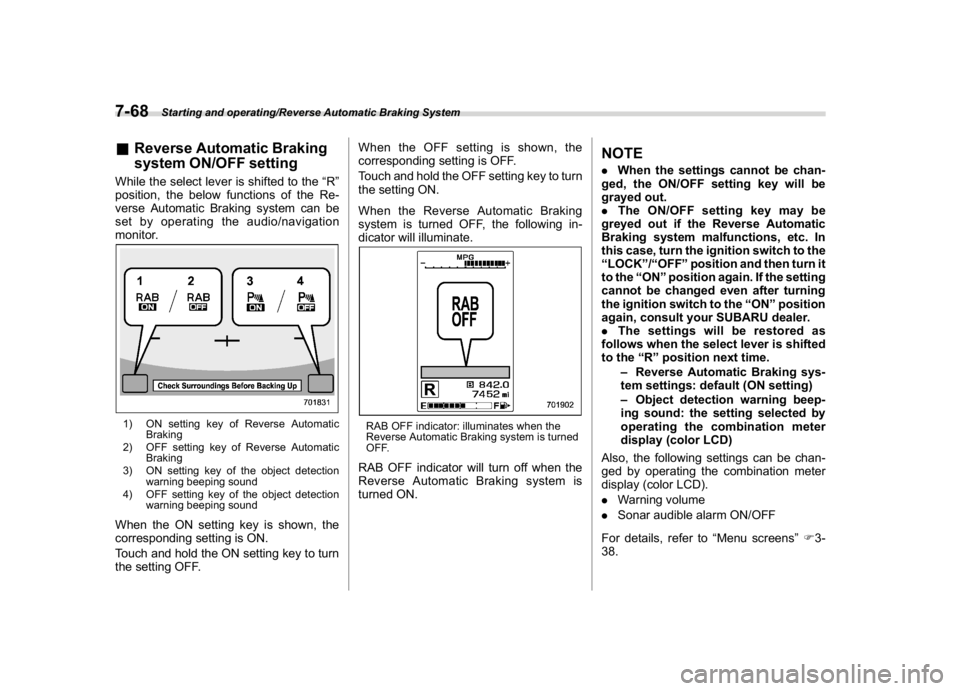
system ON/OFF settingWhile the select lever is shifted to the“R”
position, the below functions of the Re-
verse Automatic Braking system can be
set by operating the audio/navigation
monitor.1) ON setting key of Reverse Automatic
Braking
2) OFF setting key of Reverse Automatic
Braking
3) ON setting key of the object detection
warning beeping sound
4) OFF setting key of the object detection
warning beeping soundWhen the ON setting key is shown, the
corresponding setting is ON.
Touch and hold the ON setting key to turn
the setting OFF.When the OFF setting is shown, the
corresponding setting is OFF.
Touch and hold the OFF setting key to turn
the setting ON.
When the Reverse Automatic Braking
system is turned OFF, the following in-
dicator will illuminate.
RAB OFF indicator: illuminates when the
Reverse Automatic Braking system is turned
OFF.RAB OFF indicator will turn off when the
Reverse Automatic Braking system is
turned ON.
NOTE.When the settings cannot be chan-
ged, the ON/OFF setting key will be
grayed out.
.The ON/OFF setting key may be
greyed out if the Reverse Automatic
Braking system malfunctions, etc. In
this case, turn the ignition switch to the
“LOCK”/“OFF”position and then turn it
to the“ON”position again. If the setting
cannot be changed even after turning
the ignition switch to the“ON”position
again, consult your SUBARU dealer.
.The settings will be restored as
follows when the select lever is shifted
to the“R”position next time.
–Reverse Automatic Braking sys-
tem settings: default (ON setting)
–Object detection warning beep-
ing sound: the setting selected by
operating the combination meter
display (color LCD)
Also, the following settings can be chan-
ged by operating the combination meter
display (color LCD).
.Warning volume
.Sonar audible alarm ON/OFF
For details, refer to“Menu screens”F3-
38.
Starting and operating/Reverse Automatic Braking System
7-68
(393,1)
北米Model "A1320BE-C" EDITED: 2017/ 10/ 10
&MonitorTo clean the audio/navigation/multi func-
tion display monitor, wipe it with a silicone
cloth or with a soft cloth. If the monitor is
extremely dirty, clean it with a soft cloth
moistened with neutral detergent then
carefully wipe off any remaining detergent.
CAUTION
.Do not spray neutral detergent
directly onto the monitor. Doing
so could damage the monitor’s
components.
.Do not wipe the monitor with a
hard cloth. Doing so could
scratch the monitor.
.Do not use cleaning fluid that
contains thinner, fuel, or any
other volatile substance. Such
cleaning fluid could erase the
lettering on the switches at the
bottom of the monitor.
Appearance care/Cleaning the interior
10-7
10