Page 2 of 30
About this manualThis manual contains information, recom-mendations, suggestions and advice about
your radio system. The other sections of the
on-board documentation also contain impor-
tant instructions that both driver and passen-
gers must be aware of for their own safety.
Ensure that the on-board documentation is kept in the vehicle at all times. This is espe-cially important when lending or selling thevehicle to another person.
This manual describes the features of the ve-
hicle at the time of drafting this text. Some of
the features described below will be intro- duced in the future or will only be available incertain markets.
Some details on the drawings may vary from
its vehicle and must be interpreted as a
standard representation.
The colour of the display and the informa-
tion displayed on it may vary depending on
the model of your vehicle.
The component location instructions are
based on the direction of the vehicle unless otherwise specified.
The audiovisual material is only meant to
help the users better understand some fea-
tures of the car. It is not a replacement for the
instruction manual. Access the instructionmanual to see the complete information andwarnings.
The features marked with an asterisk
are included by default only in certain
versions of the model, supplied as op-
tional only for certain versions or only of-
fered in certain countries.
Trademarks are marked with
Page 4 of 30
Table of ContentsTable of ContentsOverview . . . . . . . . . . . . . . . . . . . . . . . . . . . . . . . .4
Unit overview . . . . . . . . . . . . . . . . . . . . . . . . . . . . . .
4
Introduction . . . . . . . . . . . . . . . . . . . . . . . . . . . . .
6
General operating information . . . . . . . . . . .
6
Audio Mode . . . . . . . . . . . . . . . . . . . . . . . . . . . . .
9
Radio mode . . . . . . . . . . . . . . . . . . . . . . . . . . . . . . .
9
Digital radio mode (DAB, DAB+ and audio
DMB)*: . . . . . . . . . . . . . . . . . . . . . . . . . . . . . . . . . . . . .
12
Media mode . . . . . . . . . . . . . . . . . . . . . . . . . . . . . . .
14
Setting menus . . . . . . . . . . . . . . . . . . . . . . . . . .
20
System and function settings (SETUP) . . .
20
Further information . . . . . . . . . . . . . . . . . . . .
23
Abbreviations . . . . . . . . . . . . . . . . . . . . . . . . . . . . .
23
Index . . . . . . . . . . . . . . . . . . . . . . . . . . . . . . . . . . . . . .
253
Page 6 of 30
Overview
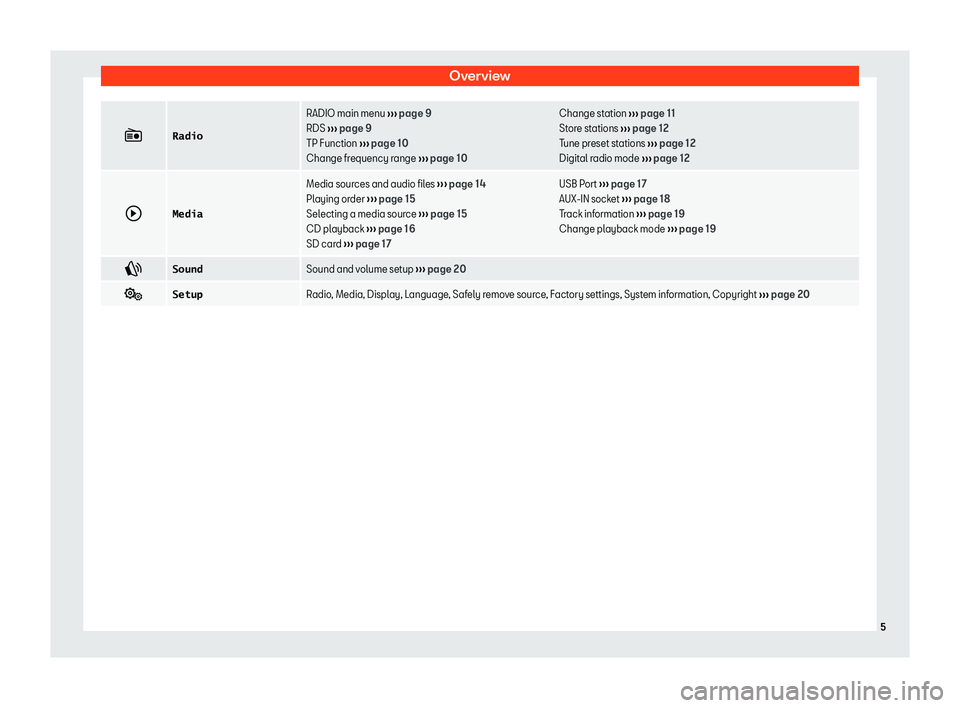
Radio
RADIO main menu
Page 7 of 30
IntroductionIntroduction
General operating informa-
tion
Safety notesWARNINGDistracting the driver in any way can leadto an accident and cause injuries. Operat- ing the radio system while driving can dis-tract your attention from the traffic.�
Page 8 of 30
IntroductionCAUTIONThe vehicle loudspeakers may be dam-aged if the volume is too high or the soundis distorted.
Additional display
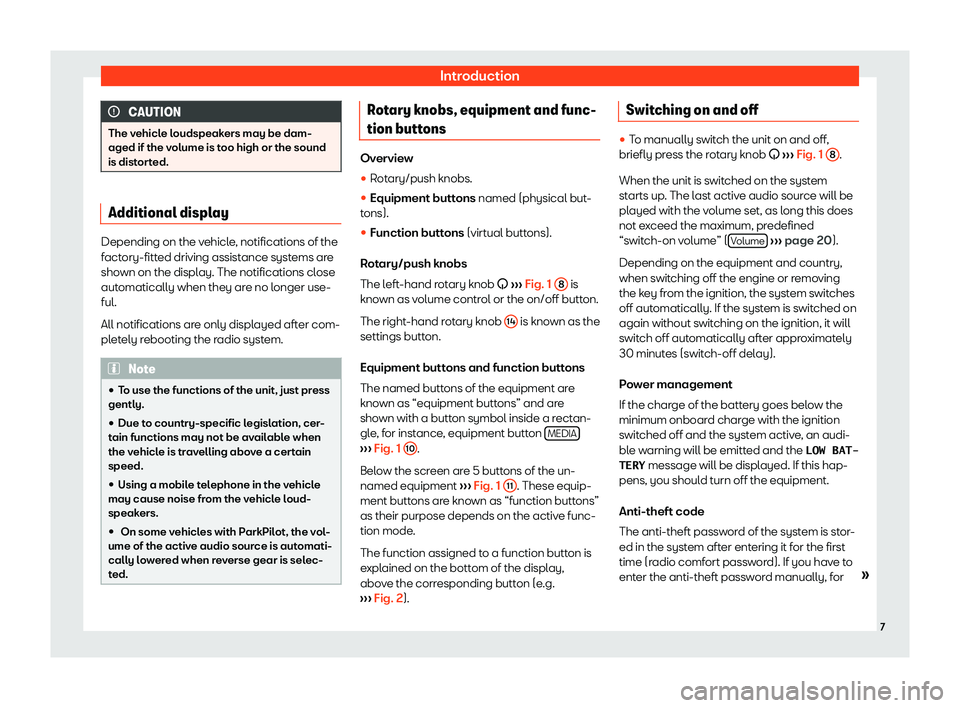
Depending on the vehicle, notifications of the
factory-fitted driving assistance systems are shown on the display. The notifications close
automatically when they are no longer use-
ful.
All notifications are only displayed after com- pletely rebooting the radio system.
Note�
Page 10 of 30
Audio ModeAudio Mode
Radio mode Introduction
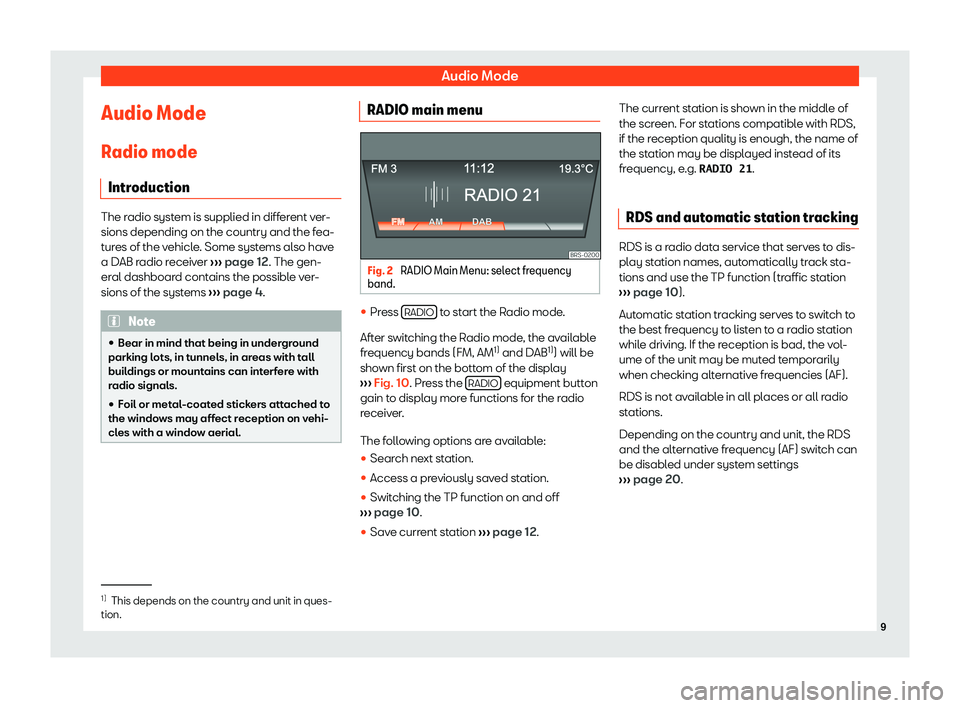
The radio system is supplied in different ver-
sions depending on the country and the fea- tures of the vehicle. Some systems also have
a DAB radio receiver
Page 11 of 30
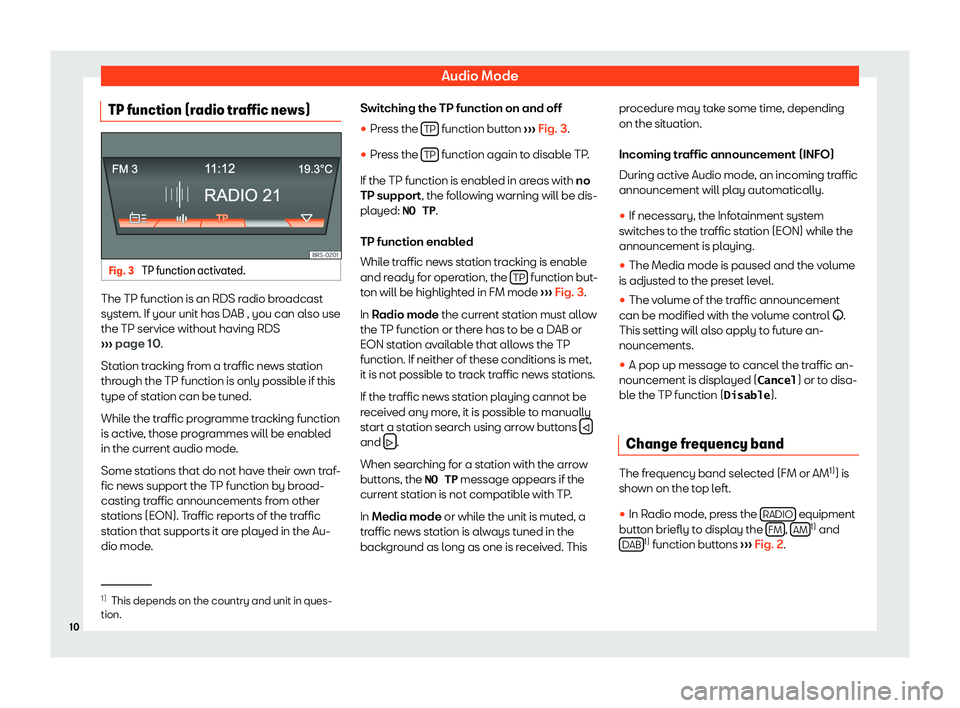
Audio ModeTP function (radio traffic news)Fig. 3
TP function activated.
The TP function is an RDS radio broadcast
system. If your unit has DAB , you can also use
the TP service without having RDS
Page 14 of 30
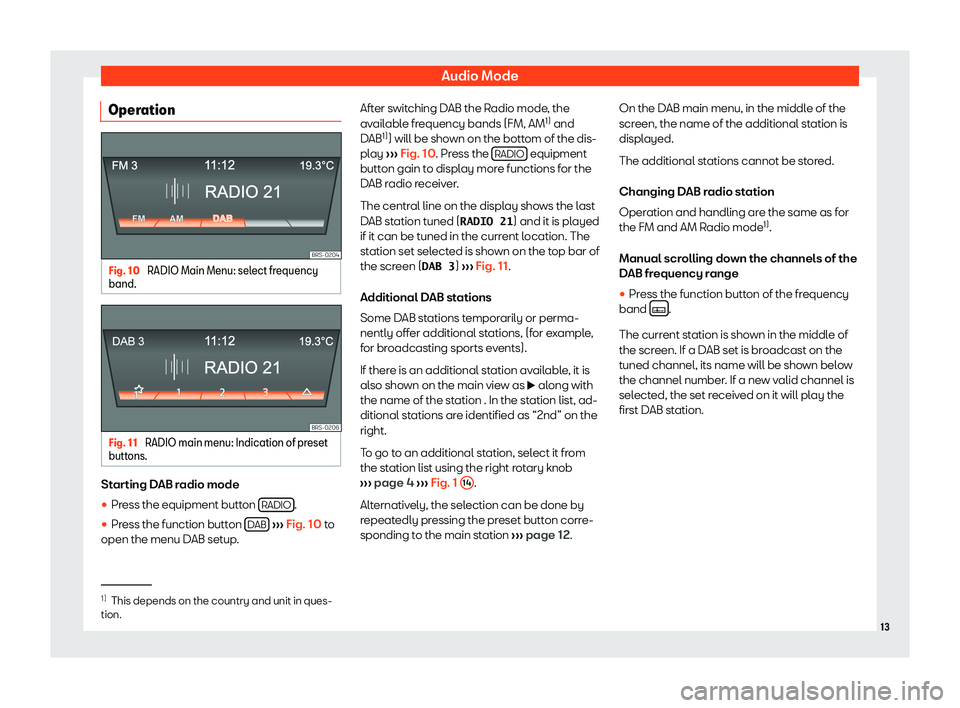
Audio ModeOperationFig. 10
RADIO Main Menu: select frequency
band.
Fig. 11
RADIO main menu: Indication of preset
buttons.
Starting DAB radio mode
�