Page 103 of 354
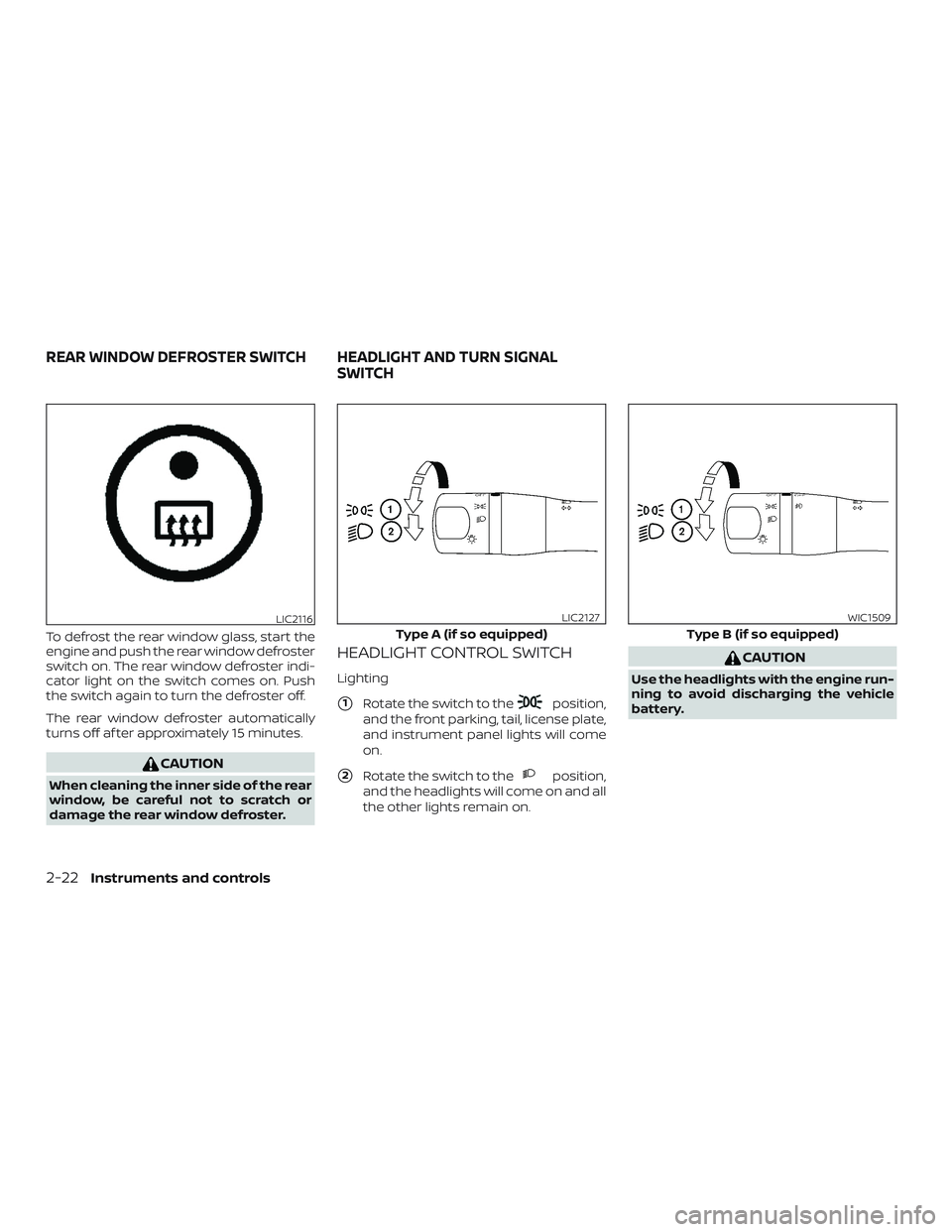
To defrost the rear window glass, start the
engine and push the rear window defroster
switch on. The rear window defroster indi-
cator light on the switch comes on. Push
the switch again to turn the defroster off.
The rear window defroster automatically
turns off af ter approximately 15 minutes.
CAUTION
When cleaning the inner side of the rear
window, be careful not to scratch or
damage the rear window defroster.
HEADLIGHT CONTROL SWITCH
Lighting
�1Rotate the switch to theposition,
and the front parking, tail, license plate,
and instrument panel lights will come
on.
�2Rotate the switch to theposition,
and the headlights will come on and all
the other lights remain on.
CAUTION
Use the headlights with the engine run-
ning to avoid discharging the vehicle
battery.
LIC2116
Type A (if so equipped)
LIC2127
Type B (if so equipped)
WIC1509
REAR WINDOW DEFROSTER SWITCH HEADLIGHT AND TURN SIGNAL
SWITCH
2-22Instruments and controls
Page 104 of 354
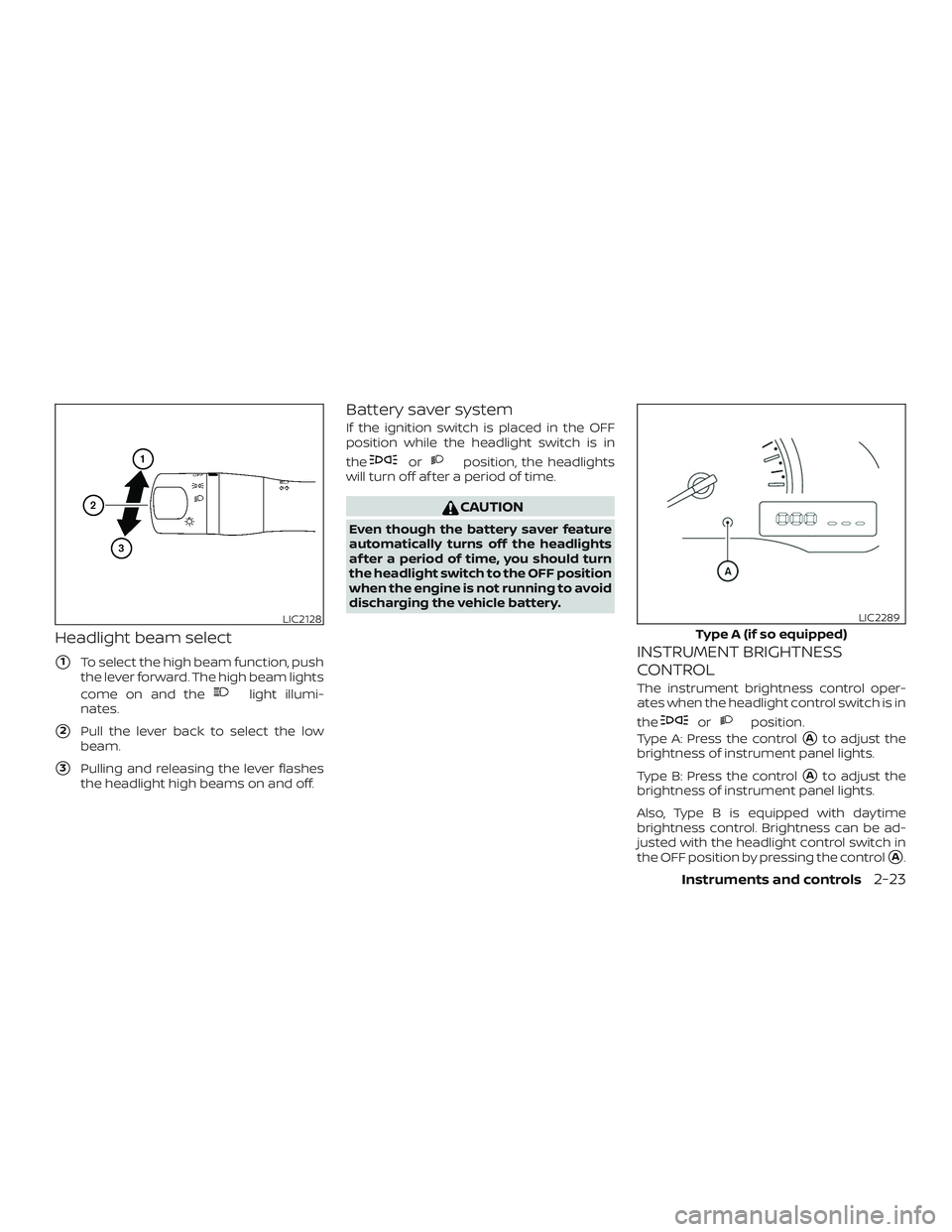
Headlight beam select
�1To select the high beam function, push
the lever forward. The high beam lights
come on and the
light illumi-
nates.
�2Pull the lever back to select the low
beam.
�3Pulling and releasing the lever flashes
the headlight high beams on and off.
Battery saver system
If the ignition switch is placed in the OFF
position while the headlight switch is in
the
orposition, the headlights
will turn off af ter a period of time.
CAUTION
Even though the battery saver feature
automatically turns off the headlights
af ter a period of time, you should turn
the headlight switch to the OFF position
when the engine is not running to avoid
discharging the vehicle battery.
INSTRUMENT BRIGHTNESS
CONTROL
The instrument brightness control oper-
ates when the headlight control switch is in
the
orposition.
Type A: Press the control
�Ato adjust the
brightness of instrument panel lights.
Type B: Press the control
�Ato adjust the
brightness of instrument panel lights.
Also, Type B is equipped with daytime
brightness control. Brightness can be ad-
justed with the headlight control switch in
the OFF position by pressing the control
�A.
LIC2128
Type A (if so equipped)
LIC2289
Instruments and controls2-23
Page 106 of 354
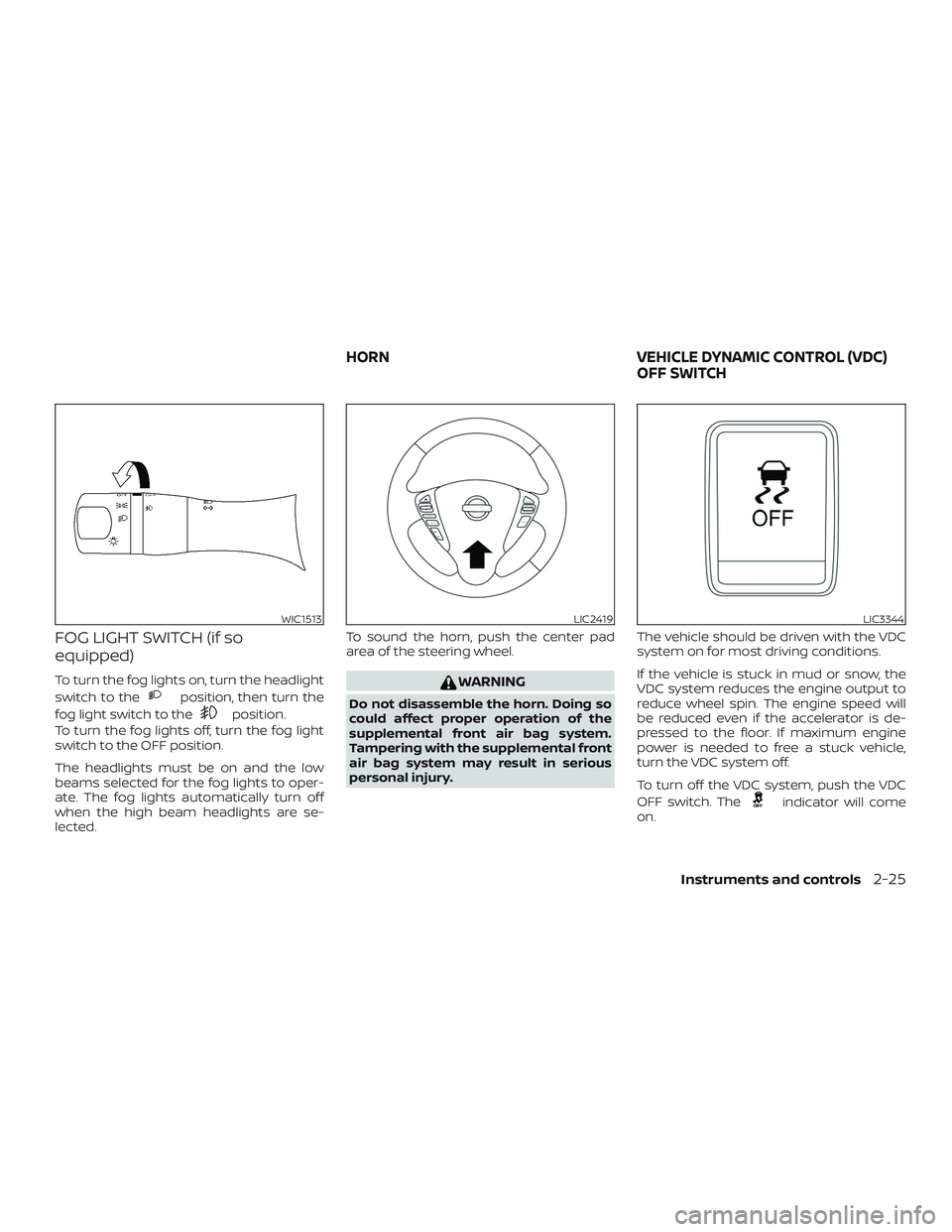
FOG LIGHT SWITCH (if so
equipped)
To turn the fog lights on, turn the headlight
switch to the
position, then turn the
fog light switch to the
position.
To turn the fog lights off, turn the fog light
switch to the OFF position.
The headlights must be on and the low
beams selected for the fog lights to oper-
ate. The fog lights automatically turn off
when the high beam headlights are se-
lected.To sound the horn, push the center pad
area of the steering wheel.
WARNING
Do not disassemble the horn. Doing so
could affect proper operation of the
supplemental front air bag system.
Tampering with the supplemental front
air bag system may result in serious
personal injury.The vehicle should be driven with the VDC
system on for most driving conditions.
If the vehicle is stuck in mud or snow, the
VDC system reduces the engine output to
reduce wheel spin. The engine speed will
be reduced even if the accelerator is de-
pressed to the floor. If maximum engine
power is needed to free a stuck vehicle,
turn the VDC system off.
To turn off the VDC system, push the VDC
OFF switch. The
indicator will come
on.
WIC1513LIC2419LIC3344
HORN VEHICLE DYNAMIC CONTROL (VDC)
OFF SWITCH
Instruments and controls2-25
Page 107 of 354
Push the VDC OFF switch again or restart
the engine to turn on the system. For addi-
tional information, refer to “Vehicle Dy-
namic Control (VDC) system” in the “Start-
ing and driving” section of this manual.
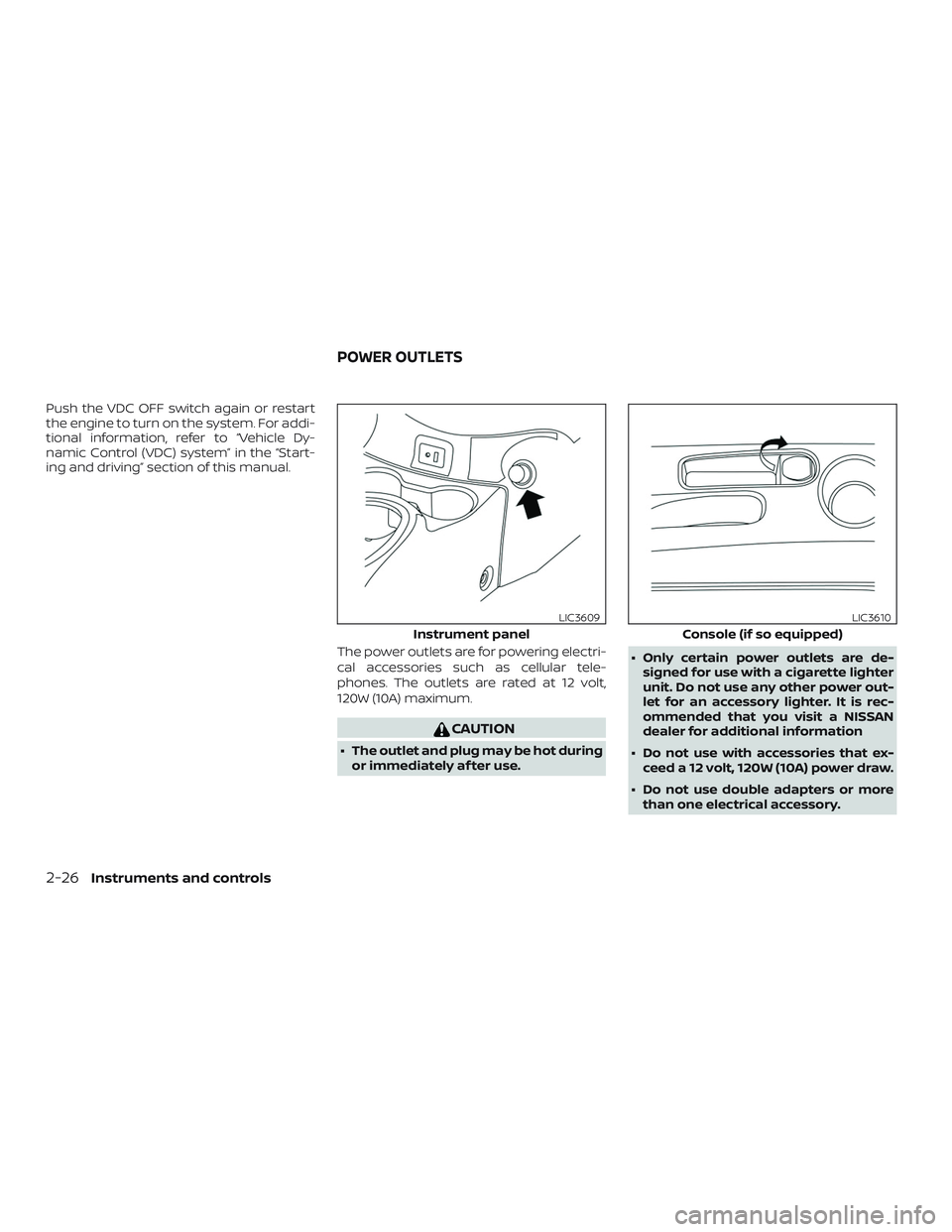
The power outlets are for powering electri-
cal accessories such as cellular tele-
phones. The outlets are rated at 12 volt,
120W (10A) maximum.
CAUTION
∙ The outlet and plug may be hot during
or immediately af ter use.∙ Only certain power outlets are de-
signed for use with a cigarette lighter
unit. Do not use any other power out-
let for an accessory lighter. It is rec-
ommended that you visit a NISSAN
dealer for additional information
∙ Do not use with accessories that ex-
ceed a 12 volt, 120W (10A) power draw.
∙ Do not use double adapters or more
than one electrical accessory.
Instrument panel
LIC3609
Console (if so equipped)
LIC3610
POWER OUTLETS
2-26Instruments and controls
Page 108 of 354
∙ Use power outlets with the engine
running to avoid discharging the ve-
hicle battery.
∙ Avoid using power outlets when the
air conditioner, headlights or rear win-
dow defroster is on.
∙ Before inserting or disconnecting a
plug, be sure the electrical accessory
being used is turned off.
∙ Push the plug in as far as it will go. If
good contact is not made, the plug
may overheat or the internal tem-
perature fuse may open.
∙ When not in use, be sure to close the
cap. Do not allow water or any other
liquid to contact the outlet.
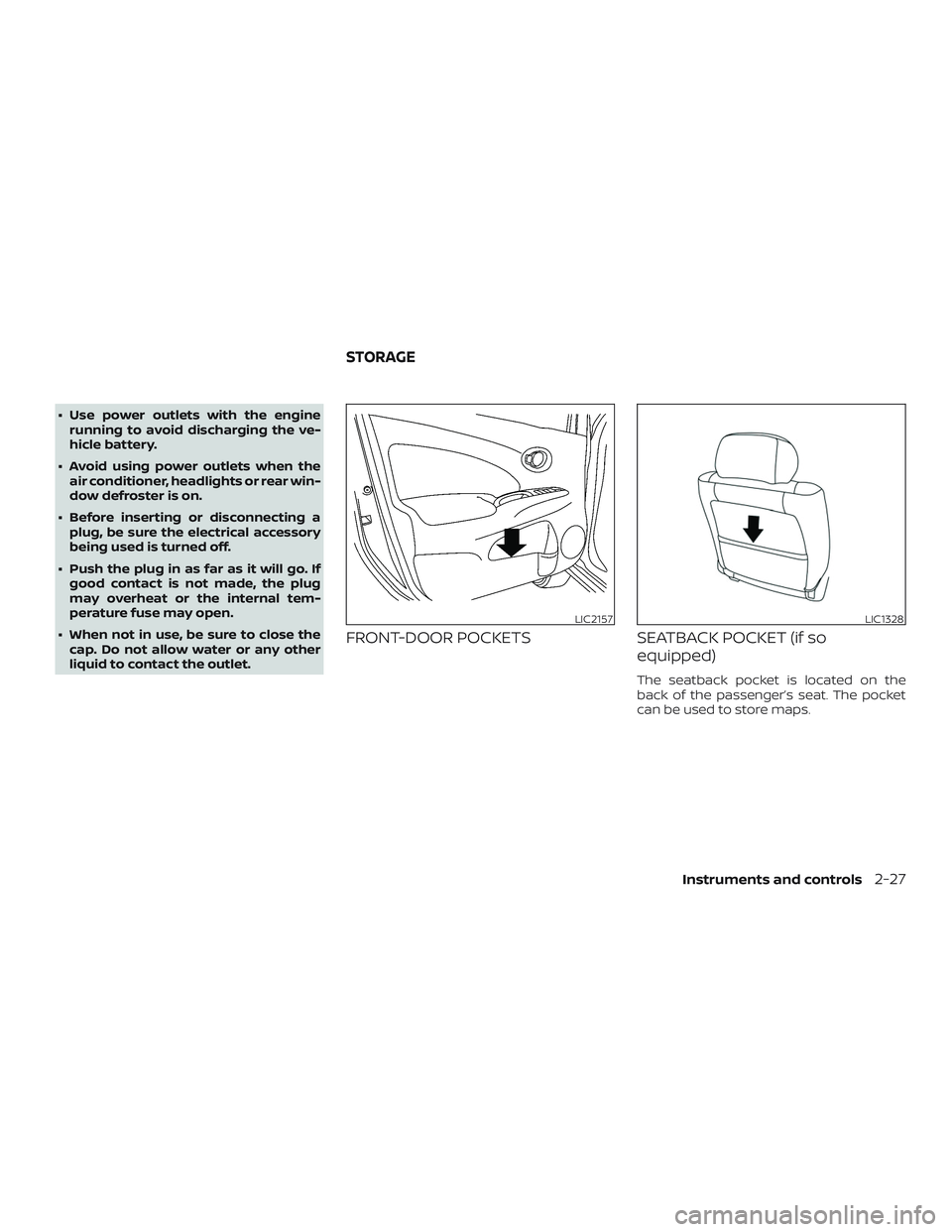
FRONT-DOOR POCKETS SEATBACK POCKET (if so
equipped)
The seatback pocket is located on the
back of the passenger’s seat. The pocket
can be used to store maps.
LIC2157LIC1328
STORAGE
Instruments and controls2-27
Page 113 of 354

MANUAL WINDOWS (if so
equipped)
The side windows can be opened or closed
by turning the hand crank on each door.The interior light has a three-position
switch and operates regardless of ignition
switch position.
When the switch is in the ON position�1,
the interior lights illuminate, regardless of
door position. The lights will go off af ter a
period of time unless the ignition switch is
placed in the ACC or ON position.
When the switch is in the DOOR position
�2,
the interior lights will stay on for a period of
time when:∙ The doors are unlocked by the key fob (if
so equipped), a key or the power door
lock switch (if so equipped) while all
doors are closed and the ignition switch
is placed in the OFF position.
∙ The driver’s door is opened and then
closed while the key is removed from
the ignition switch.
∙ The key is removed from the ignition
switch while all doors are closed.
The lights will turn off while the timer is
activated when:
∙ The driver’s door is locked by the key fob
(if so equipped), a key, or the power door
lock switch (if so equipped).
∙ The ignition switch is placed in the ON
position.
When the switch is in the OFF position
�3,
the interior lights do not illuminate, regard-
less of door position.
The lights will turn off automatically af ter a
period of time while doors are open to pre-
vent the battery from becoming dis-
charged.
LIC3352SIC2063A
INTERIOR LIGHTS
2-32Instruments and controls
Page 114 of 354

CAUTION
Do not use for extended periods of time
with the engine stopped. This could re-
sult in a discharged battery.
MAP LIGHT (if so equipped)
The map light has a three-position switch
and operates regardless of ignition switch
position.
When the switch is in the ON position
�3,
the map light illuminates, regardless of
door position. The light will go off af ter a
period of time unless the ignition switch is
placed in the ACC or ON position.
When the switch is in the DOOR position
�2,
the map light will stay on for a period of
time when:∙ The doors are unlocked by the key fob (if
so equipped), a key or the power door
lock switch while all doors are closed
and the ignition switch is placed in the
OFF position.
∙ The driver’s door is opened and then
closed while the key is removed from
the ignition switch.
∙ The key is removed from the ignition
switch while all doors are closed.
The light will turn off while the timer is acti-
vated when:
∙ The driver’s door is locked by the key fob
(if so equipped), a key, or the power door
lock switch.
∙ The ignition switch is placed in the ON
position.
When the switch is in the OFF position
�1,
the map light does not illuminate, regard-
less of door position.
The light will turn off automatically af ter a
period of time while doors are open to pre-
vent the battery from becoming dis-
charged.
LIC2126
Instruments and controls2-33
Page 115 of 354
CAUTION
Do not use for extended periods of time
with the engine stopped. This could re-
sult in a discharged battery.The light illuminates when the trunk lid is
opened. When the trunk lid is closed, the
light goes off. For additional information,
refer to “Exterior and interior lights” in the
“Do-it-yourself ” section of this manual.
TRUNK LIGHT
2-34Instruments and controls