Page 108 of 474
∙ If the brake fluid level is below theMINIMUM or MIN mark on the brake
fluid reservoir, do not drive until the
brake system has been checked. It is
recommended that you visit a NISSAN
dealer for this service.
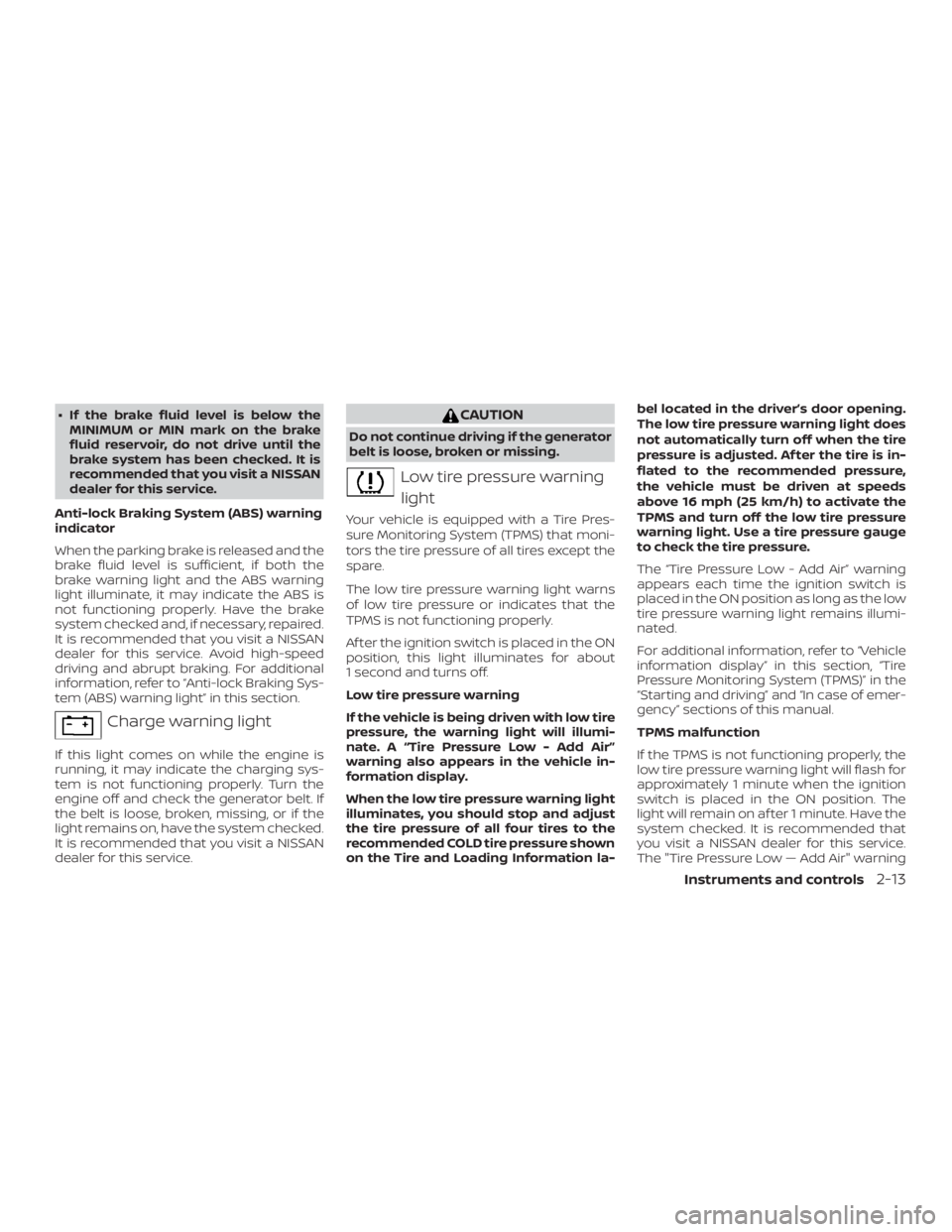
Anti-lock Braking System (ABS) warning
indicator
When the parking brake is released and the
brake fluid level is sufficient, if both the
brake warning light and the ABS warning
light illuminate, it may indicate the ABS is
not functioning properly. Have the brake
system checked and, if necessary, repaired.
It is recommended that you visit a NISSAN
dealer for this service. Avoid high-speed
driving and abrupt braking. For additional
information, refer to “Anti-lock Braking Sys-
tem (ABS) warning light” in this section.
Page 110 of 474
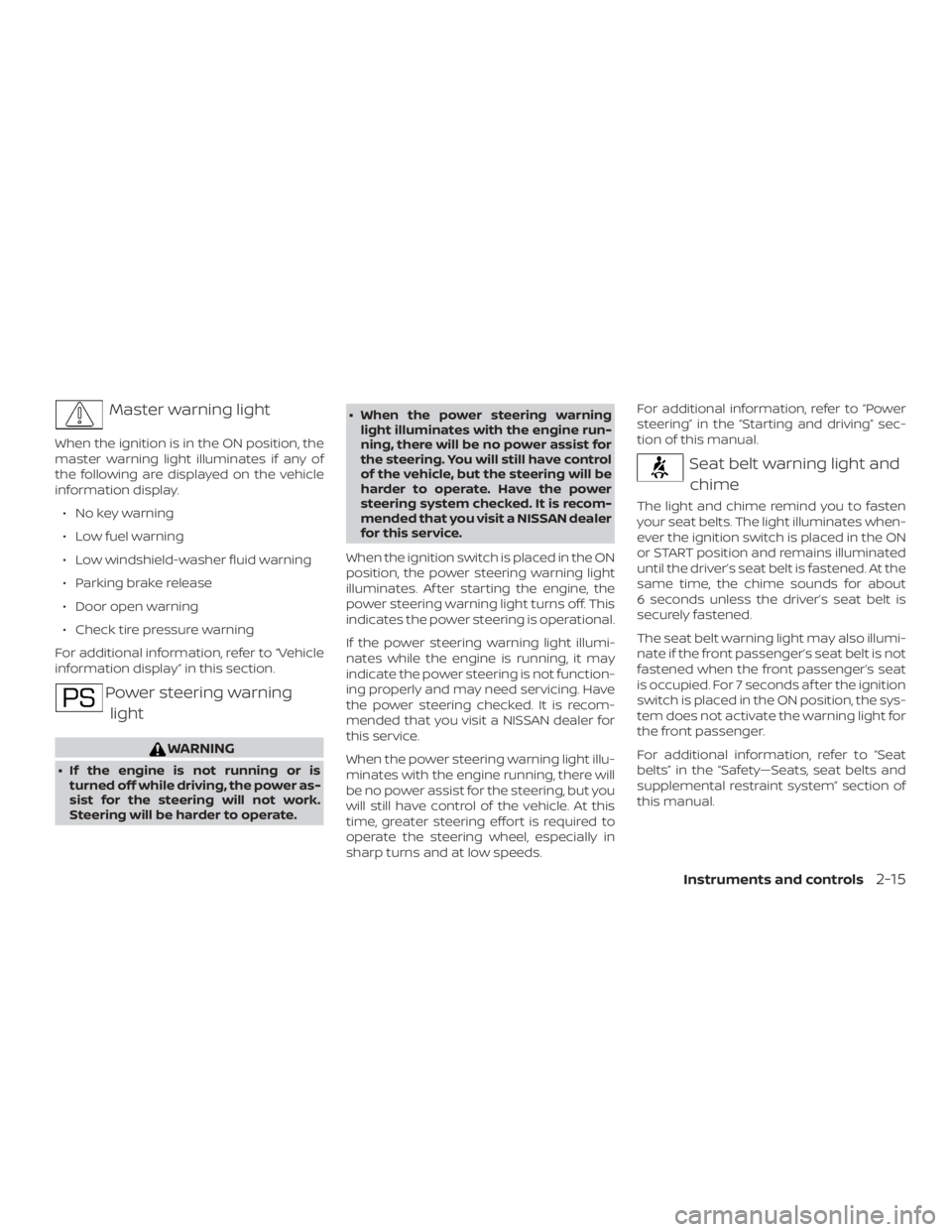
Master warning light
When the ignition is in the ON position, the
master warning light illuminates if any of
the following are displayed on the vehicle
information display.∙ No key warning
∙ Low fuel warning
∙ Low windshield-washer fluid warning
∙ Parking brake release
∙ Door open warning
∙ Check tire pressure warning
For additional information, refer to “Vehicle
information display” in this section.
Page 234 of 474
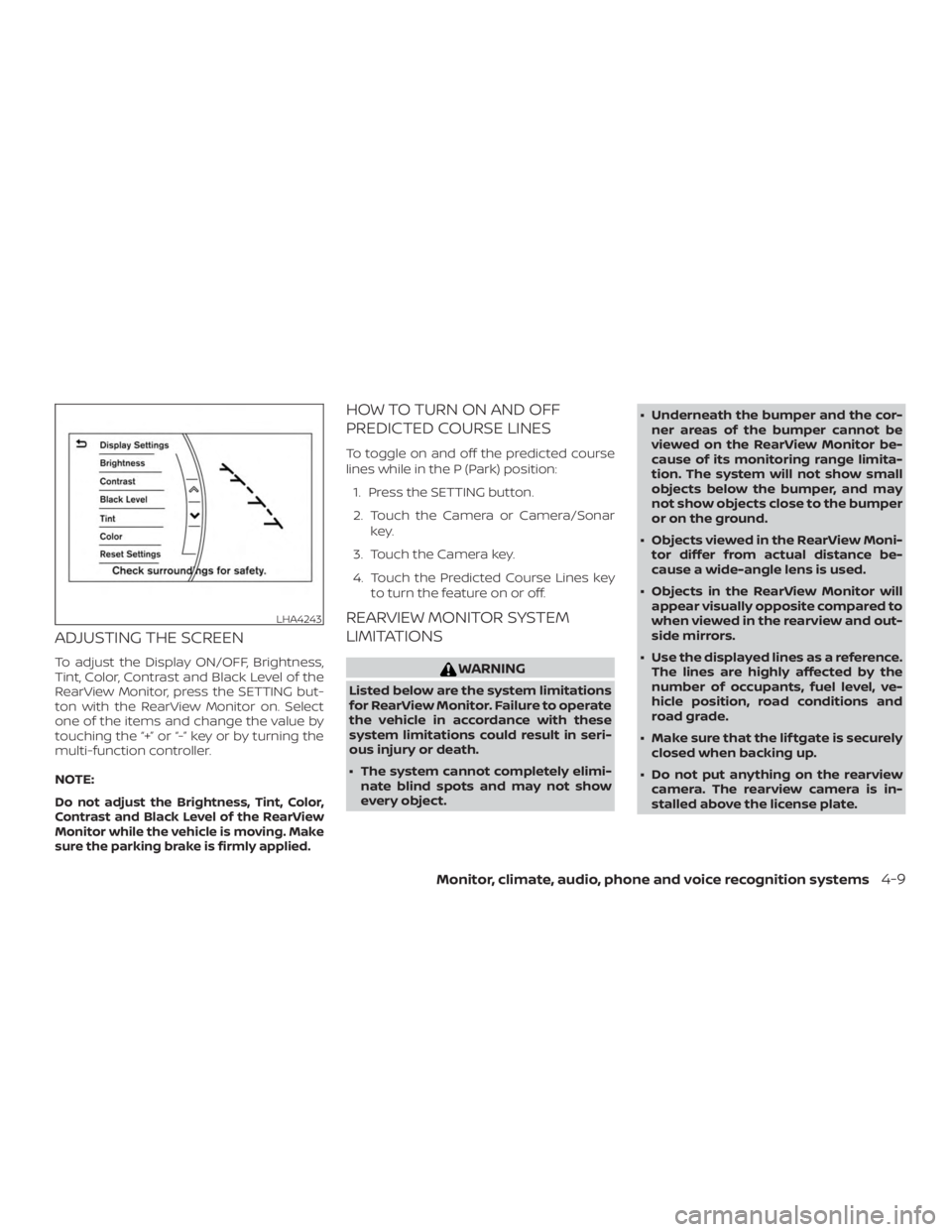
ADJUSTING THE SCREEN
To adjust the Display ON/OFF, Brightness,
Tint, Color, Contrast and Black Level of the
RearView Monitor, press the SETTING but-
ton with the RearView Monitor on. Select
one of the items and change the value by
touching the “+” or “-” key or by turning the
multi-function controller.
NOTE:
Do not adjust the Brightness, Tint, Color,
Contrast and Black Level of the RearView
Monitor while the vehicle is moving. Make
sure the parking brake is firmly applied.
HOW TO TURN ON AND OFF
PREDICTED COURSE LINES
To toggle on and off the predicted course
lines while in the P (Park) position:1. Press the SETTING button.
2. Touch the Camera or Camera/Sonar key.
3. Touch the Camera key.
4. Touch the Predicted Course Lines key to turn the feature on or off.
REARVIEW MONITOR SYSTEM
LIMITATIONS
Page 245 of 474
NOTE:
Do not adjust the Brightness, Tint, Color,
Contrast and Black Level of the Intelli-
gent Around View Monitor while the ve-
hicle is moving. Make sure the parking
brake is firmly applied.
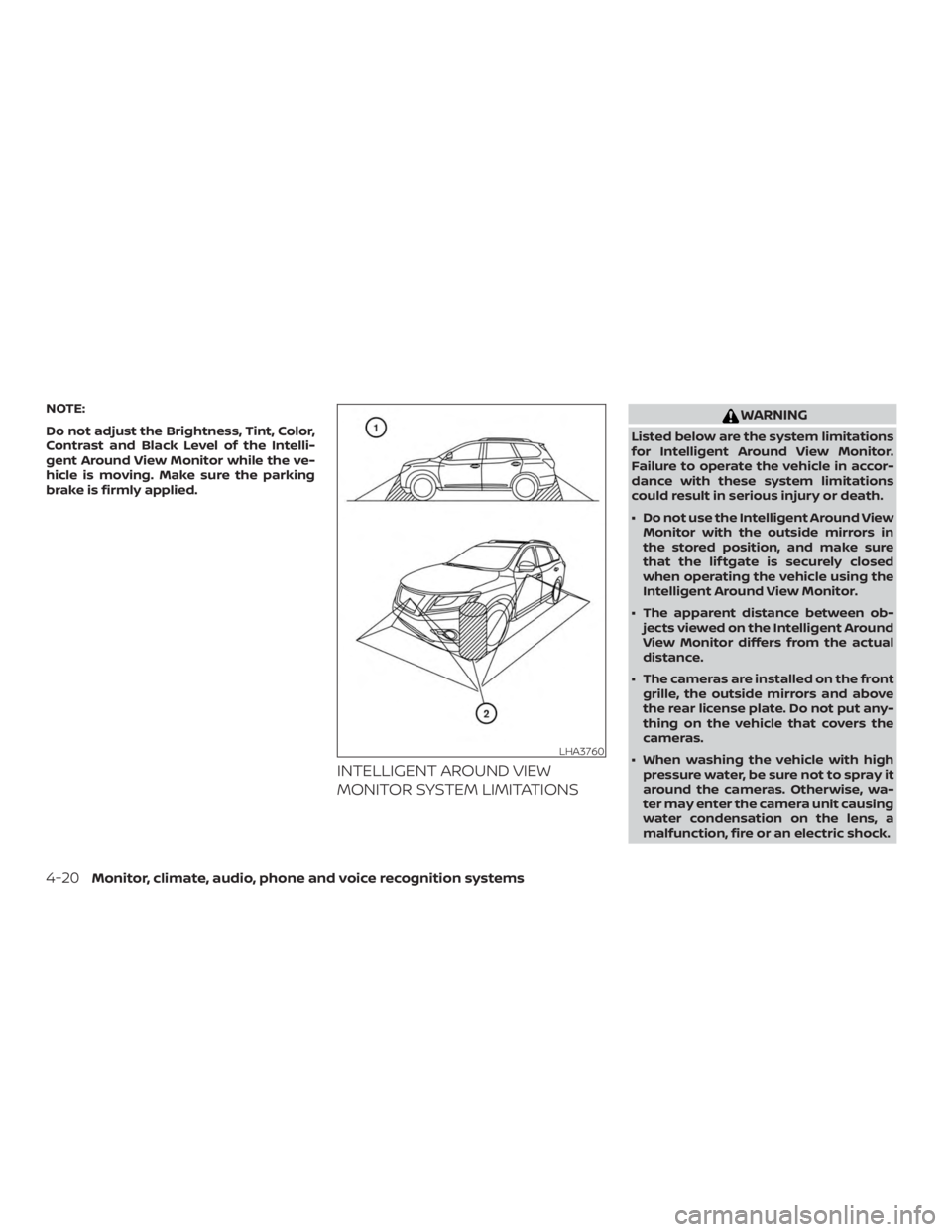
INTELLIGENT AROUND VIEW
MONITOR SYSTEM LIMITATIONS
Page 280 of 474

∙ When a wheel is off the ground due toan unlevel surface, do not spin the
wheel excessively.
∙ Accelerating quickly, sharp steering maneuvers or sudden braking may
cause loss of control.
∙ If at all possible, avoid sharp turning maneuvers, particularly at high
speeds. Your NISSAN vehicle has a
higher center of gravity than a pas-
senger car. The vehicle is not de-
signed for cornering at the same
speeds as passenger cars.
∙ Failure to operate this vehicle cor- rectly could result in loss of control
and/or a rollover accident.
∙ Always use tires of the same type, size, brand, construction (bias, bias-
belted, or radial), and tread pattern on
all four wheels. Install tire chains on
the front wheels when driving on slip-
pery roads and drive carefully.
∙ Be sure to check the brakes immedi- ately af ter driving in mud or water. For
additional information, refer to “Brake
system” in this section. ∙ Avoid parking your vehicle on steep
hills. If you get out of the vehicle and it
rolls forward, backward or sideways,
you could be injured.
∙ Whenever you drive off-road through sand, mud or water as deep as the
wheel hub, more frequent mainte-
nance may be required. For additional
information, refer to “Severe driving
conditions” in the “Maintenance and
schedules” section of this manual.
Page 288 of 474
WARNING
Apply the parking brake if the shif t lever
is in any position while the engine is not
running. Failure to do so could cause
the vehicle to move unexpectedly or roll
away and result in serious personal in-
jury or property damage.
Page 289 of 474
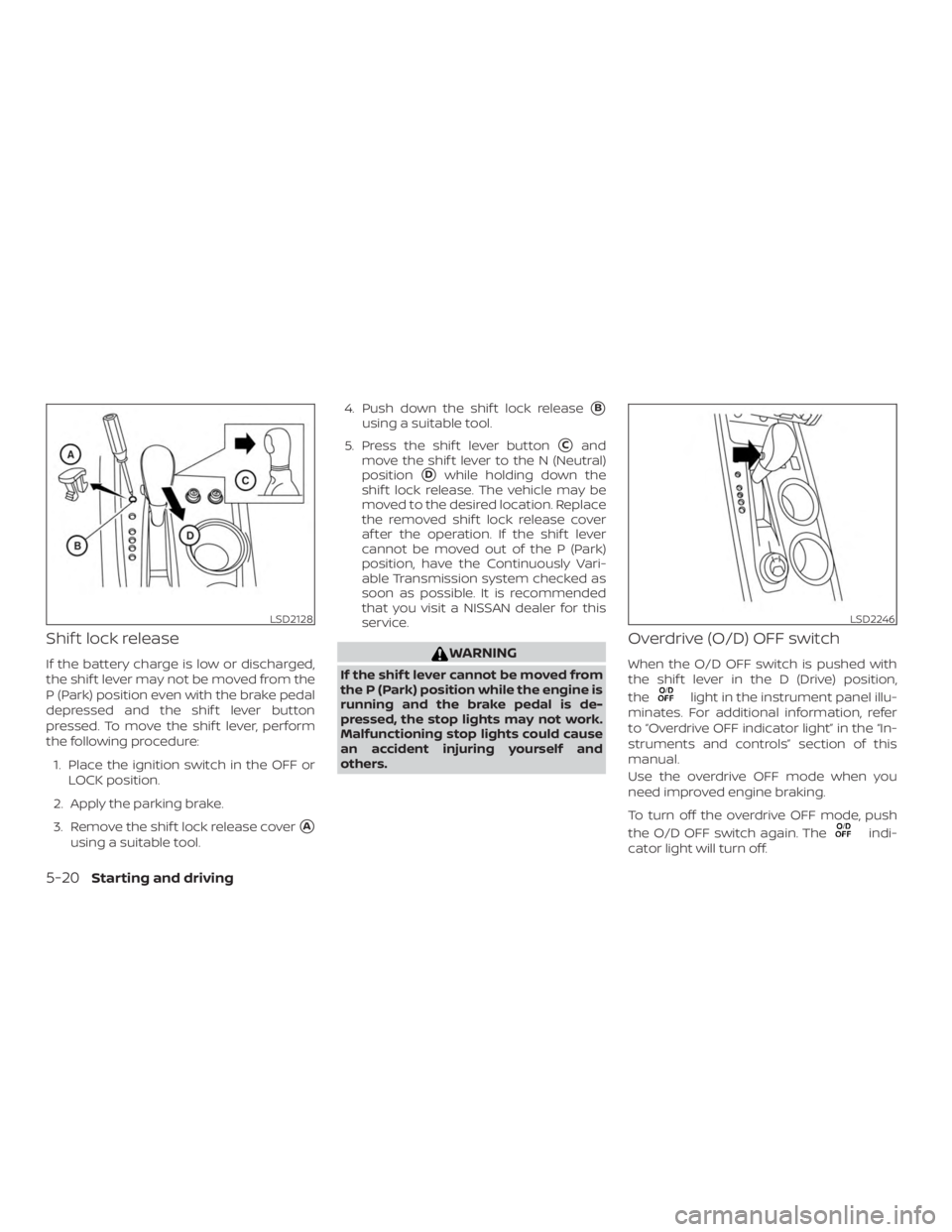
Shif t lock release
If the battery charge is low or discharged,
the shif t lever may not be moved from the
P (Park) position even with the brake pedal
depressed and the shif t lever button
pressed. To move the shif t lever, perform
the following procedure:1. Place the ignition switch in the OFF or LOCK position.
2. Apply the parking brake.
3. Remove the shif t lock release cover
�A
using a suitable tool. 4. Push down the shif t lock release
�B
using a suitable tool.
5. Press the shif t lever button
�Cand
move the shif t lever to the N (Neutral)
position
�Dwhile holding down the
shif t lock release. The vehicle may be
moved to the desired location. Replace
the removed shif t lock release cover
af ter the operation. If the shif t lever
cannot be moved out of the P (Park)
position, have the Continuously Vari-
able Transmission system checked as
soon as possible. It is recommended
that you visit a NISSAN dealer for this
service.
Page 291 of 474
WARNING
∙ Be sure the parking brake is fully re-leased before driving. Failure to do so
can cause brake failure and lead to an
accident.
∙ Do not release the parking brake from outside the vehicle.
∙ Do not use the shif t lever in place of the parking brake. When parking, be
sure the parking brake is fully
engaged.
∙ To help avoid risk of injury or death through unintended operation of the
vehicle and/or its systems, do not
leave children, people who require the
assistance of others or pets unat-
tended in your vehicle. Additionally,
the temperature inside a closed ve-
hicle on a warm day can quickly be-
come high enough to cause a signifi-
cant risk of injury or death to people
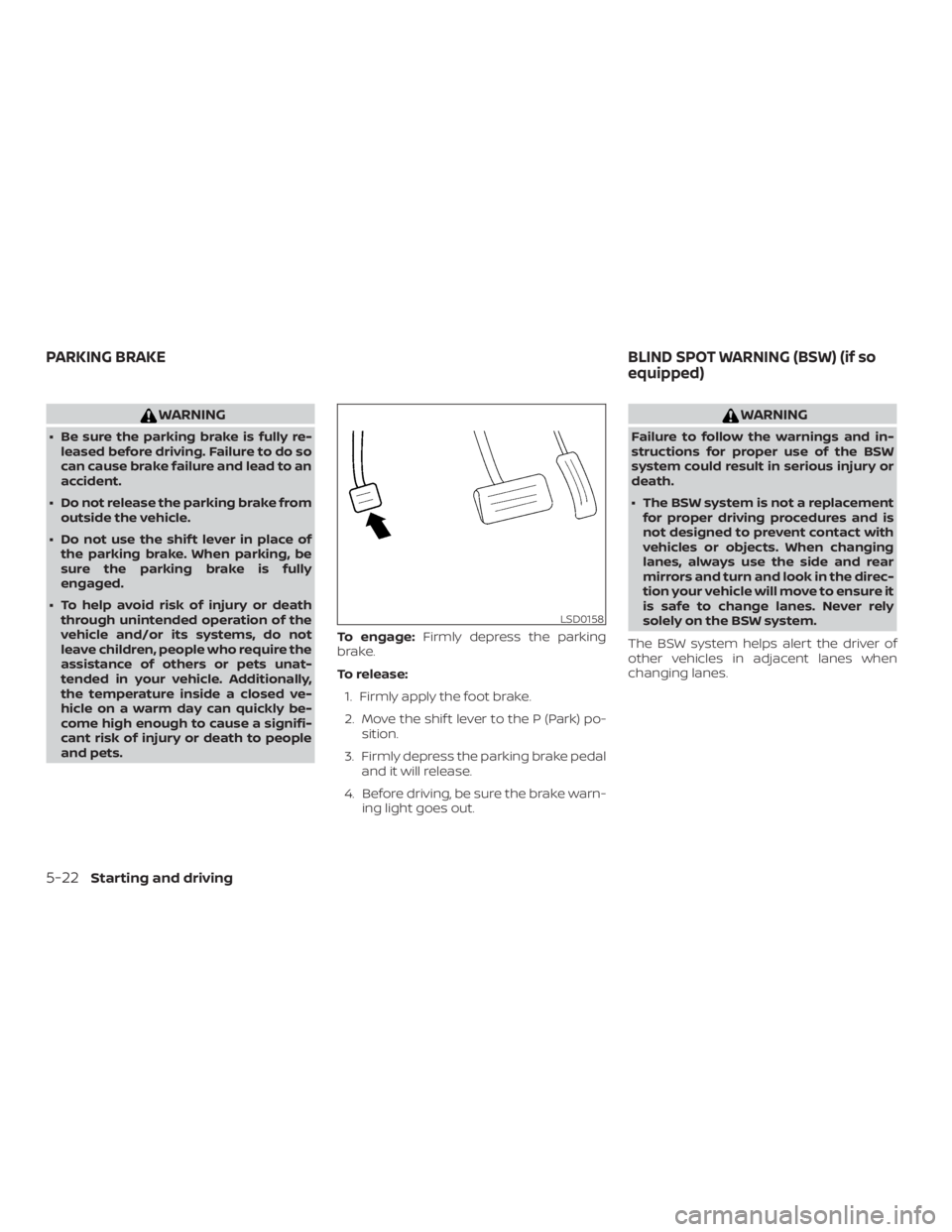
and pets. To engage:
Firmly depress the parking
brake.
To release:
1. Firmly apply the foot brake.
2. Move the shif t lever to the P (Park) po- sition.
3. Firmly depress the parking brake pedal and it will release.
4. Before driving, be sure the brake warn- ing light goes out.