Page 141 of 474
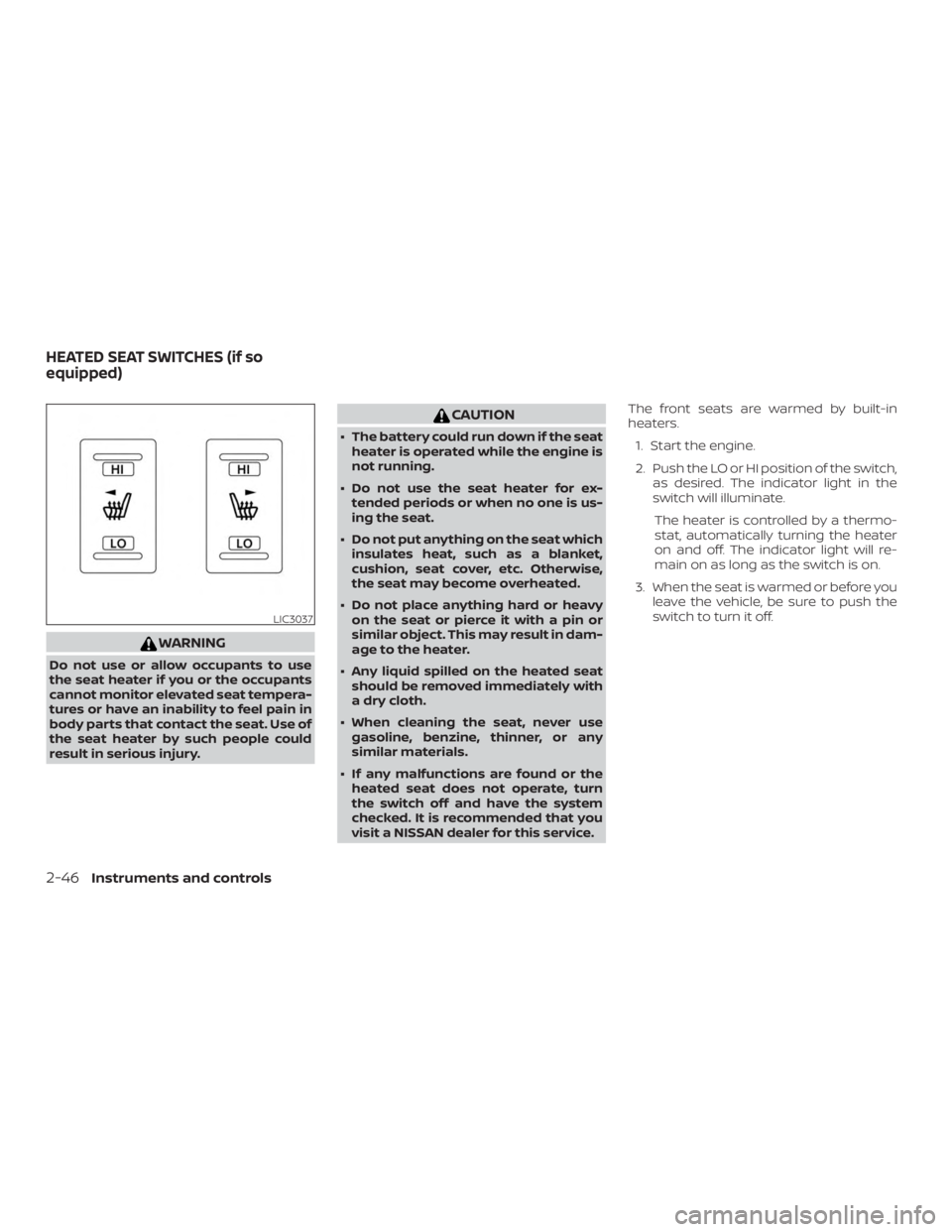
WARNING
Do not use or allow occupants to use
the seat heater if you or the occupants
cannot monitor elevated seat tempera-
tures or have an inability to feel pain in
body parts that contact the seat. Use of
the seat heater by such people could
result in serious injury.
Page 142 of 474
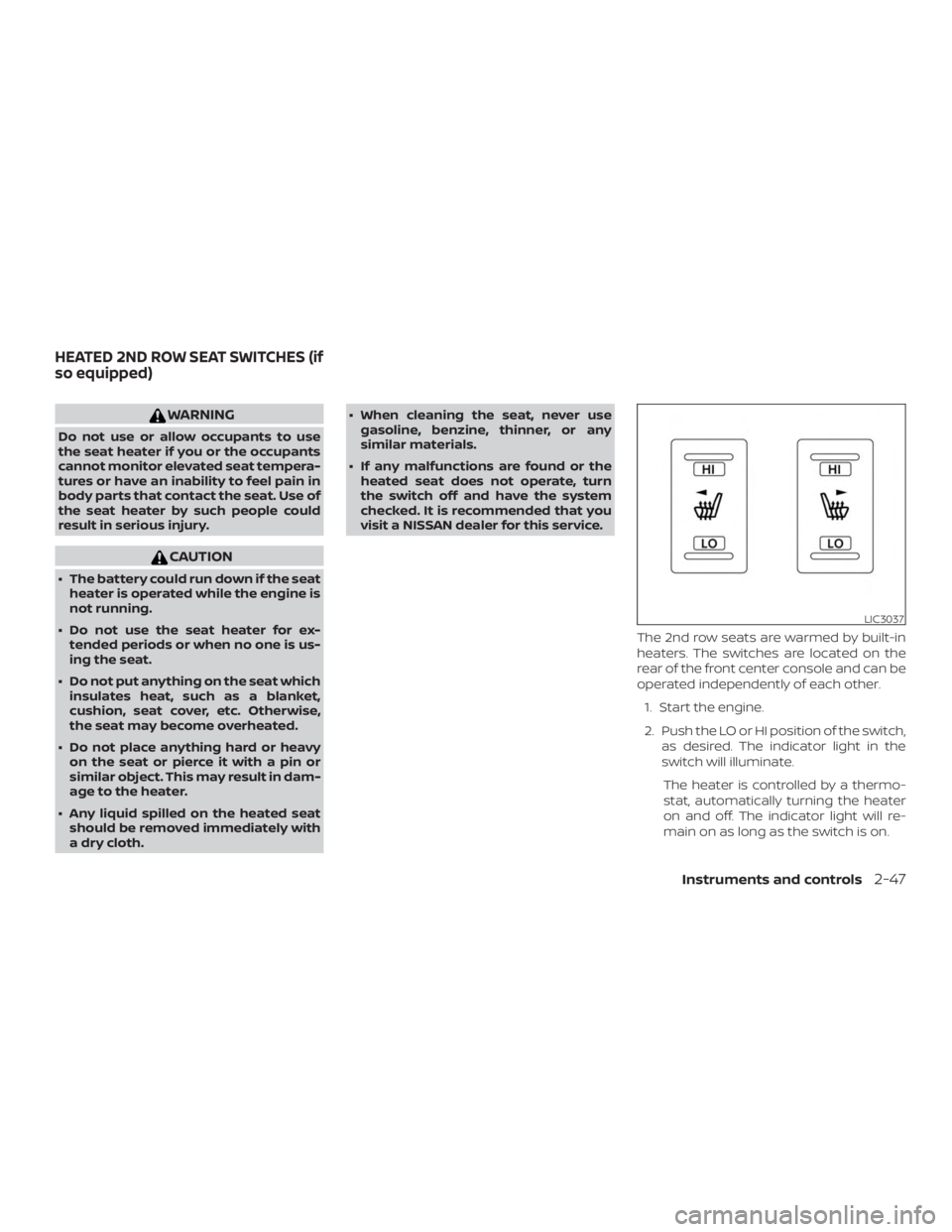
WARNING
Do not use or allow occupants to use
the seat heater if you or the occupants
cannot monitor elevated seat tempera-
tures or have an inability to feel pain in
body parts that contact the seat. Use of
the seat heater by such people could
result in serious injury.
Page 147 of 474
indicator light will flash. For additional infor-
mation, refer to “Blind Spot Warning (BSW)”
in the “Starting and driving” section of this
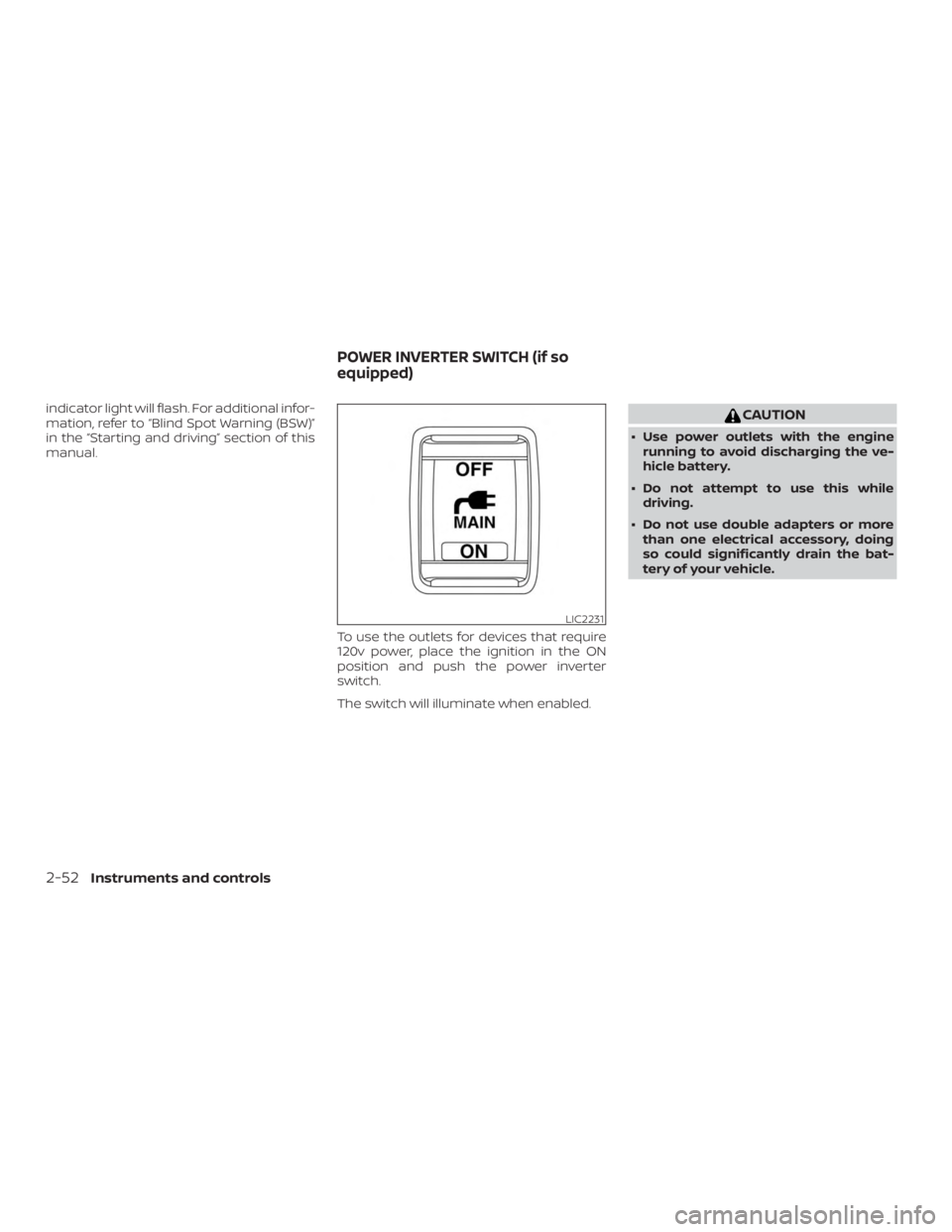
manual.To use the outlets for devices that require
120v power, place the ignition in the ON
position and push the power inverter
switch.
The switch will illuminate when enabled.
Page 156 of 474
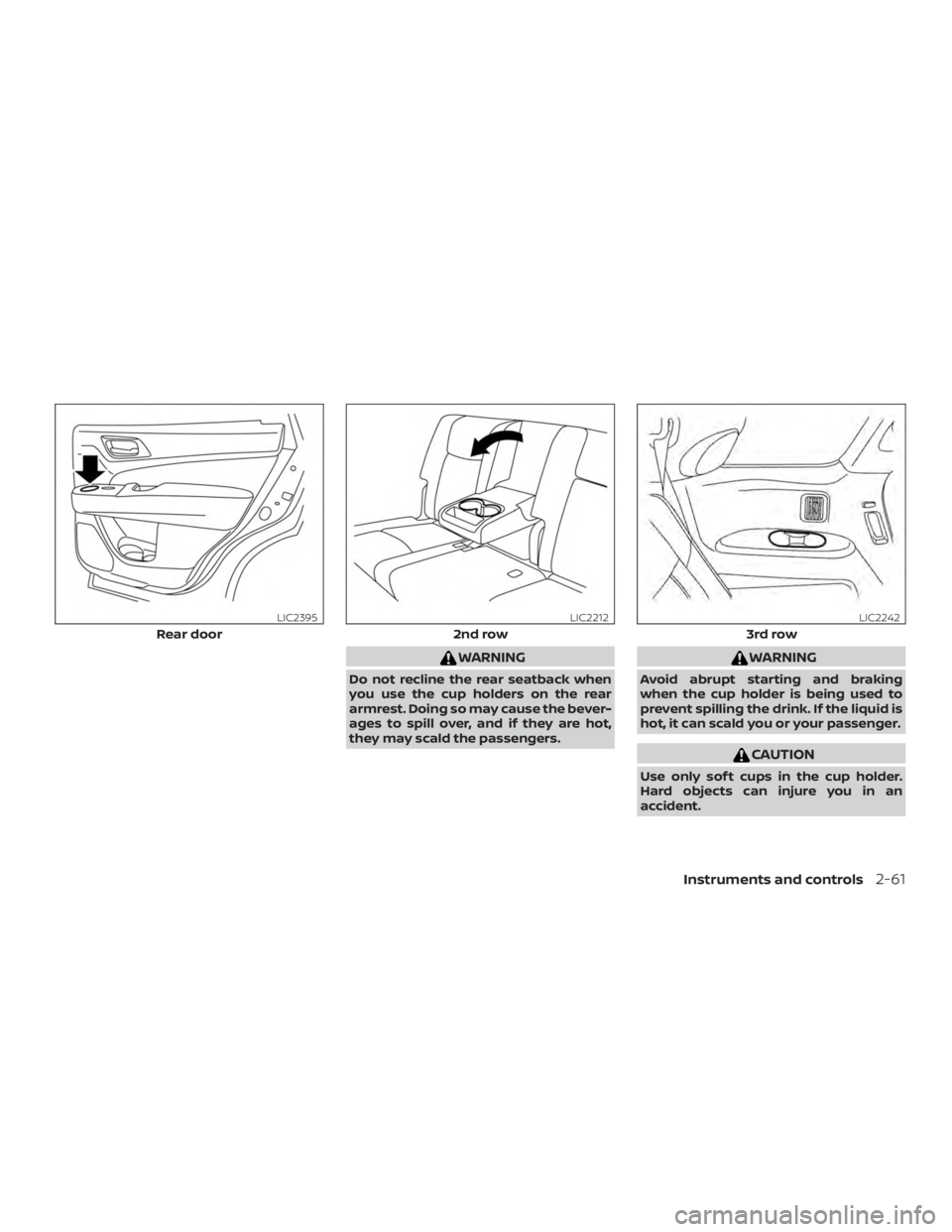
WARNING
Do not recline the rear seatback when
you use the cup holders on the rear
armrest. Doing so may cause the bever-
ages to spill over, and if they are hot,
they may scald the passengers.
Page 165 of 474
WARNING
∙ To avoid personal injury, keep yourhands, fingers and head away from
the sunshade arm, the arm rail and
sunshade inlet port.
∙ Do not allow children near the rear sunshade system. They could be
injured.
∙ Do not place objects on or near the rear sunshade. This could cause im-
proper operation or damage it.
∙ Do not pull or push the rear sunshade. This could cause improper operation
or damage it.
Page 166 of 474
WARNING
There are some small distances imme-
diately before the closed position which
cannot be detected. Make sure that all
of the passengers have their hands,
etc., inside the vehicle before closing
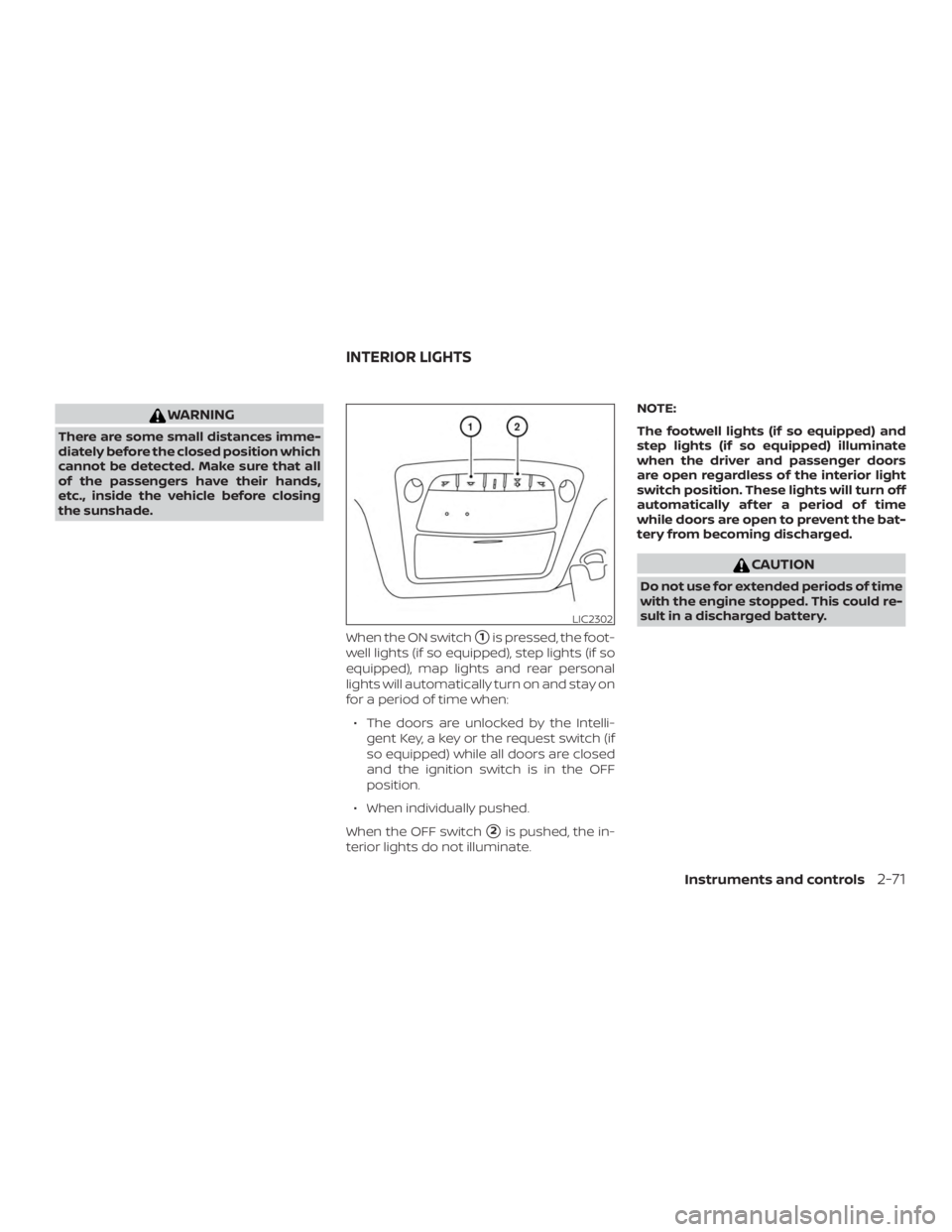
the sunshade.When the ON switch
�1is pressed, the foot-
well lights (if so equipped), step lights (if so
equipped), map lights and rear personal
lights will automatically turn on and stay on
for a period of time when:
∙ The doors are unlocked by the Intelli- gent Key, a key or the request switch (if
so equipped) while all doors are closed
and the ignition switch is in the OFF
position.
∙ When individually pushed.
When the OFF switch
�2is pushed, the in-
terior lights do not illuminate. NOTE:
The footwell lights (if so equipped) and
step lights (if so equipped) illuminate
when the driver and passenger doors
are open regardless of the interior light
switch position. These lights will turn off
automatically af ter a period of time
while doors are open to prevent the bat-
tery from becoming discharged.
Page 169 of 474
WARNING
∙ Do not use the HomeLink® UniversalTransceiver with any garage door
opener that lacks safety stop and re-
verse features as required by federal
safety standards. (These standards
became effective for opener models
manufactured af ter April 1, 1982). A
garage door opener which cannot de-
tect an object in the path of a closing
garage door and then automatically
stop and reverse, does not meet cur-
rent federal safety standards. Using a
garage door opener without these
features increases the risk of serious
injury or death.
∙ During the programming procedure your garage door or security gate will
open and close (if the transmitter is
within range). Make sure that people
or objects are clear of the garage door,
gate, etc. that you are programming. ∙ Your vehicle’s engine should be
turned off while programming the
HomeLink® Universal Transceiver. Do
not breathe exhaust gases; they con-
tain colorless and odorless carbon
monoxide. Carbon monoxide is dan-
gerous. It can cause unconsciousness
or death.
PROGRAMMING HOMELINK®
If you have any questions or are having
difficulty programming your HomeLink®
buttons, refer to the HomeLink® web site at:
www.homelink.com or call 1-800-355-3515.
NOTE:
Place the ignition switch in the ACC posi-
tion when programming HomeLink®. It is
also recommended that a new battery
be placed in the hand-held transmitter
of the device being programmed to
HomeLink® for quicker programming
and accurate transmission of the radio
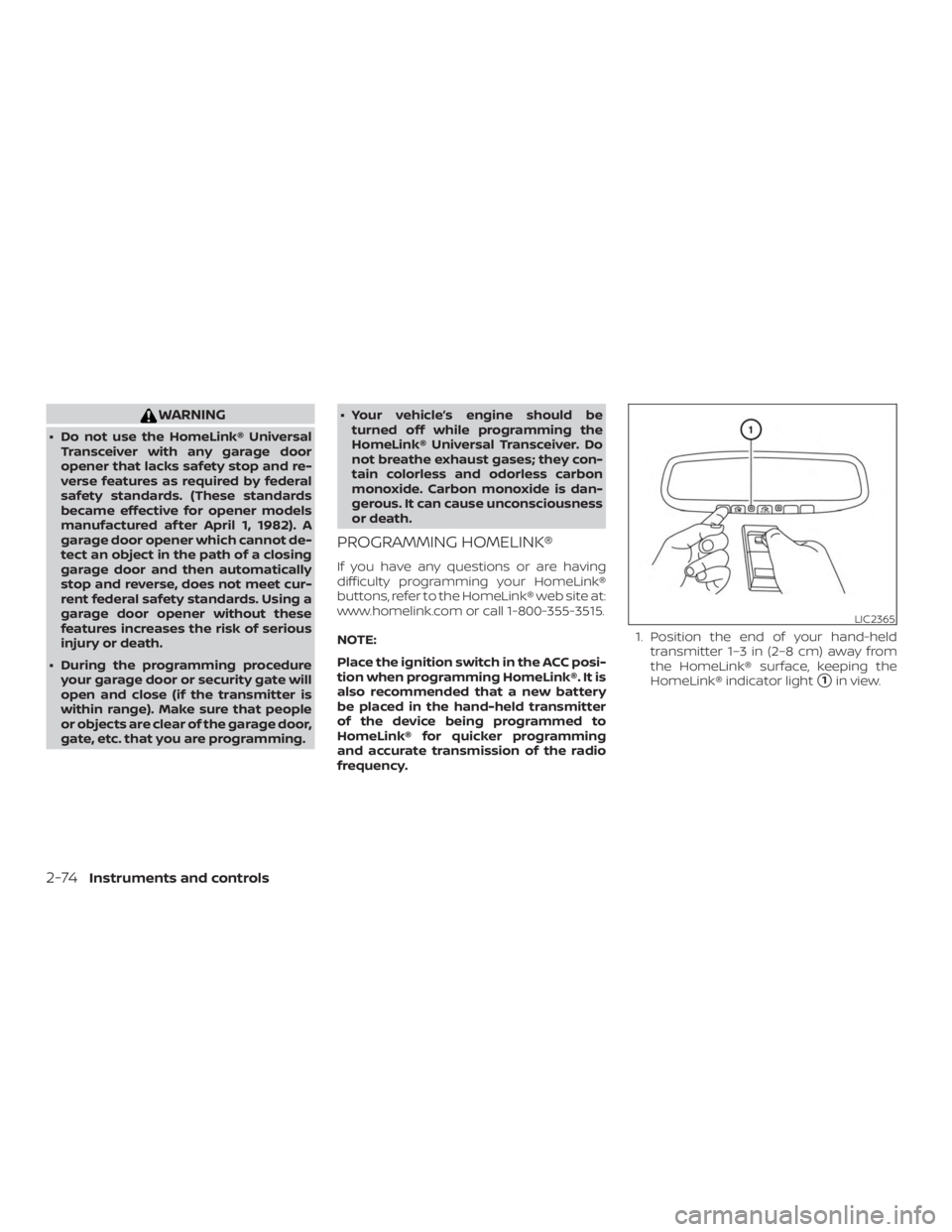
frequency. 1. Position the end of your hand-held
transmitter 1–3 in (2–8 cm) away from
the HomeLink® surface, keeping the
HomeLink® indicator light
�1in view.
Page 184 of 474
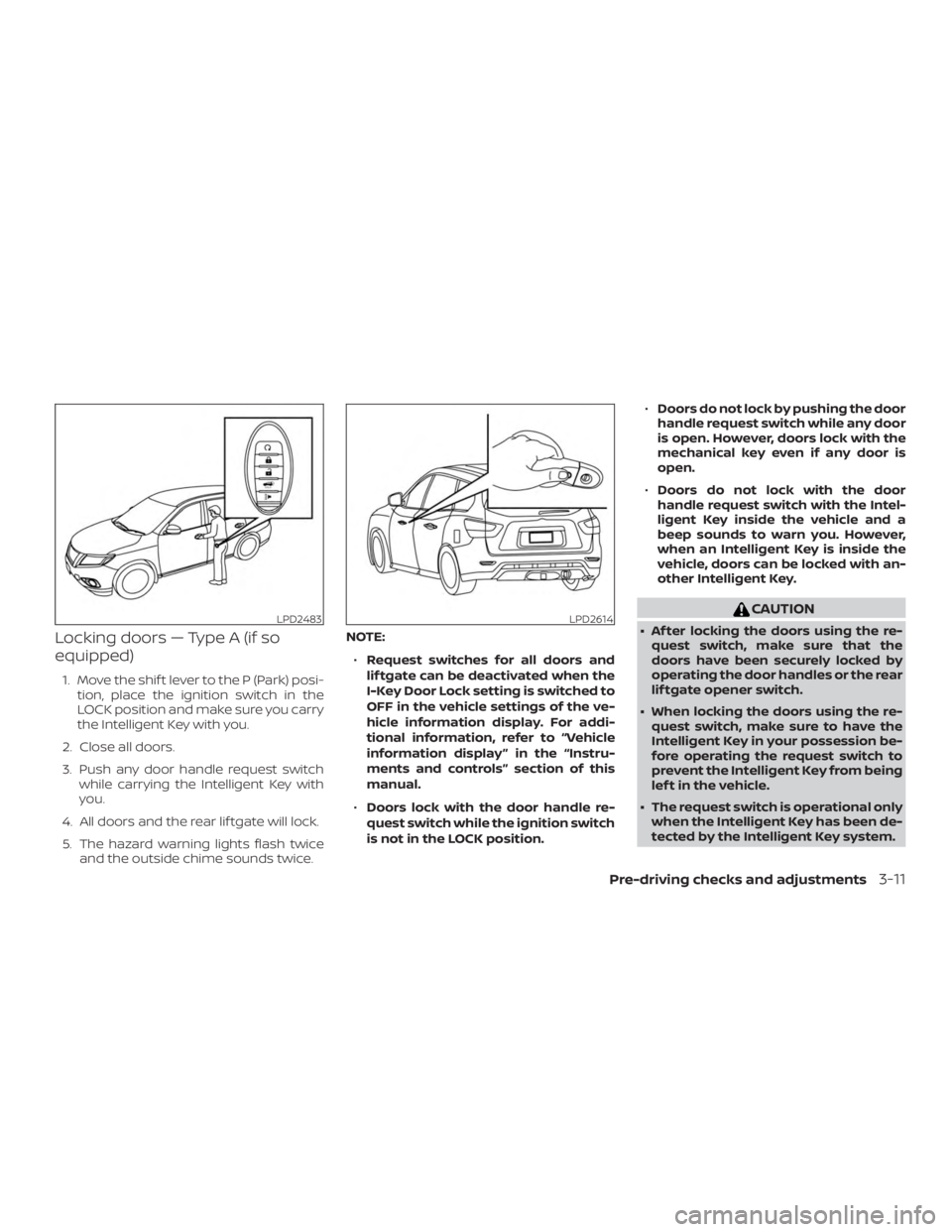
Locking doors — Type A (if so
equipped)
1. Move the shif t lever to the P (Park) posi-tion, place the ignition switch in the
LOCK position and make sure you carry
the Intelligent Key with you.
2. Close all doors.
3. Push any door handle request switch while carrying the Intelligent Key with
you.
4. All doors and the rear lif tgate will lock.
5. The hazard warning lights flash twice and the outside chime sounds twice. NOTE:
∙ Request switches for all doors and
lif tgate can be deactivated when the
I-Key Door Lock setting is switched to
OFF in the vehicle settings of the ve-
hicle information display. For addi-
tional information, refer to “Vehicle
information display ” in the “Instru-
ments and controls” section of this
manual.
∙ Doors lock with the door handle re-
quest switch while the ignition switch
is not in the LOCK position. ∙
Doors do not lock by pushing the door
handle request switch while any door
is open. However, doors lock with the
mechanical key even if any door is
open.
∙ Doors do not lock with the door
handle request switch with the Intel-
ligent Key inside the vehicle and a
beep sounds to warn you. However,
when an Intelligent Key is inside the
vehicle, doors can be locked with an-
other Intelligent Key.