Page 90 of 467
SUPPLEMENTAL AIR BAG WARNING
LIGHT
The supplemental air bag warning light,
displaying
Page 97 of 467
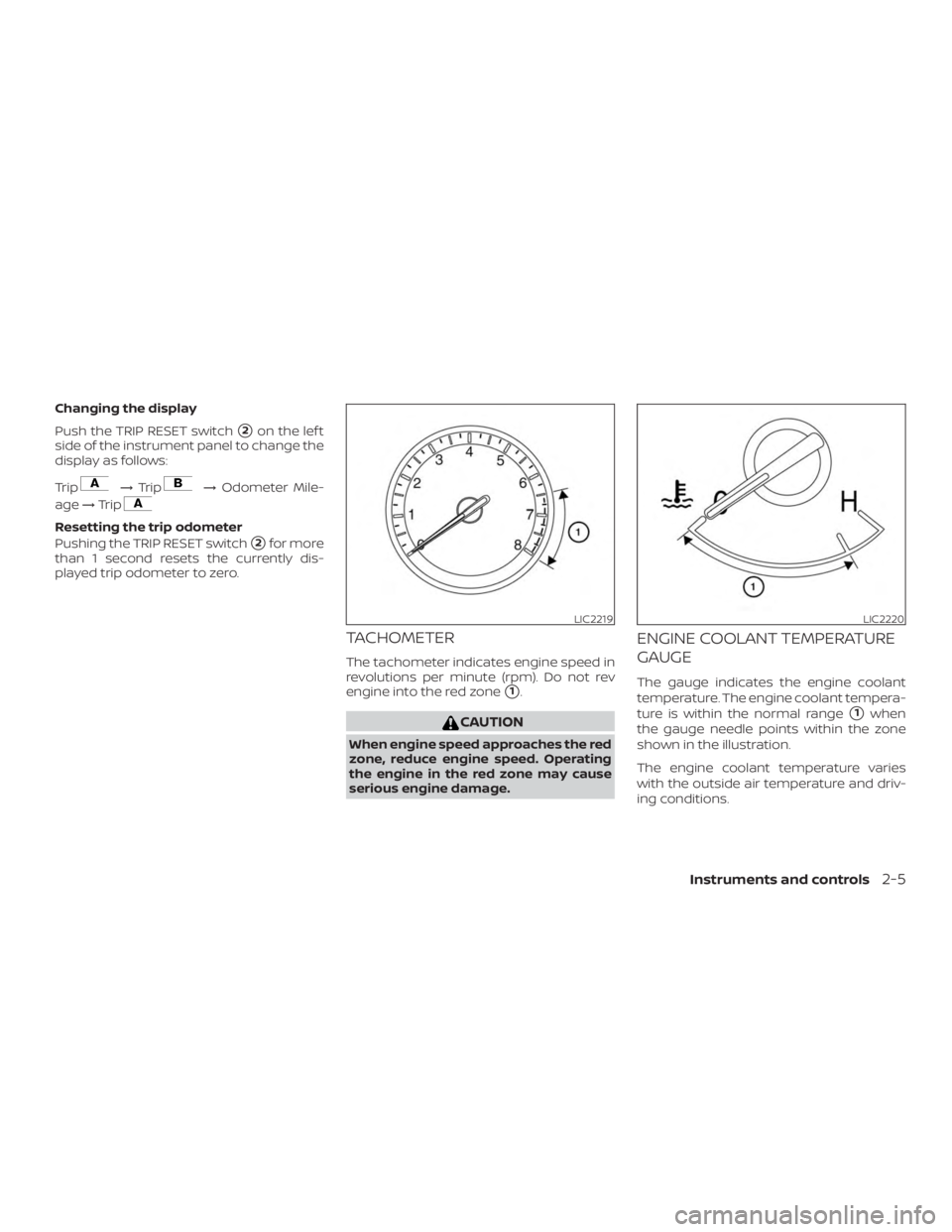
Changing the display
Push the TRIP RESET switch
�2on the lef t
side of the instrument panel to change the
display as follows:
Trip
Page 98 of 467
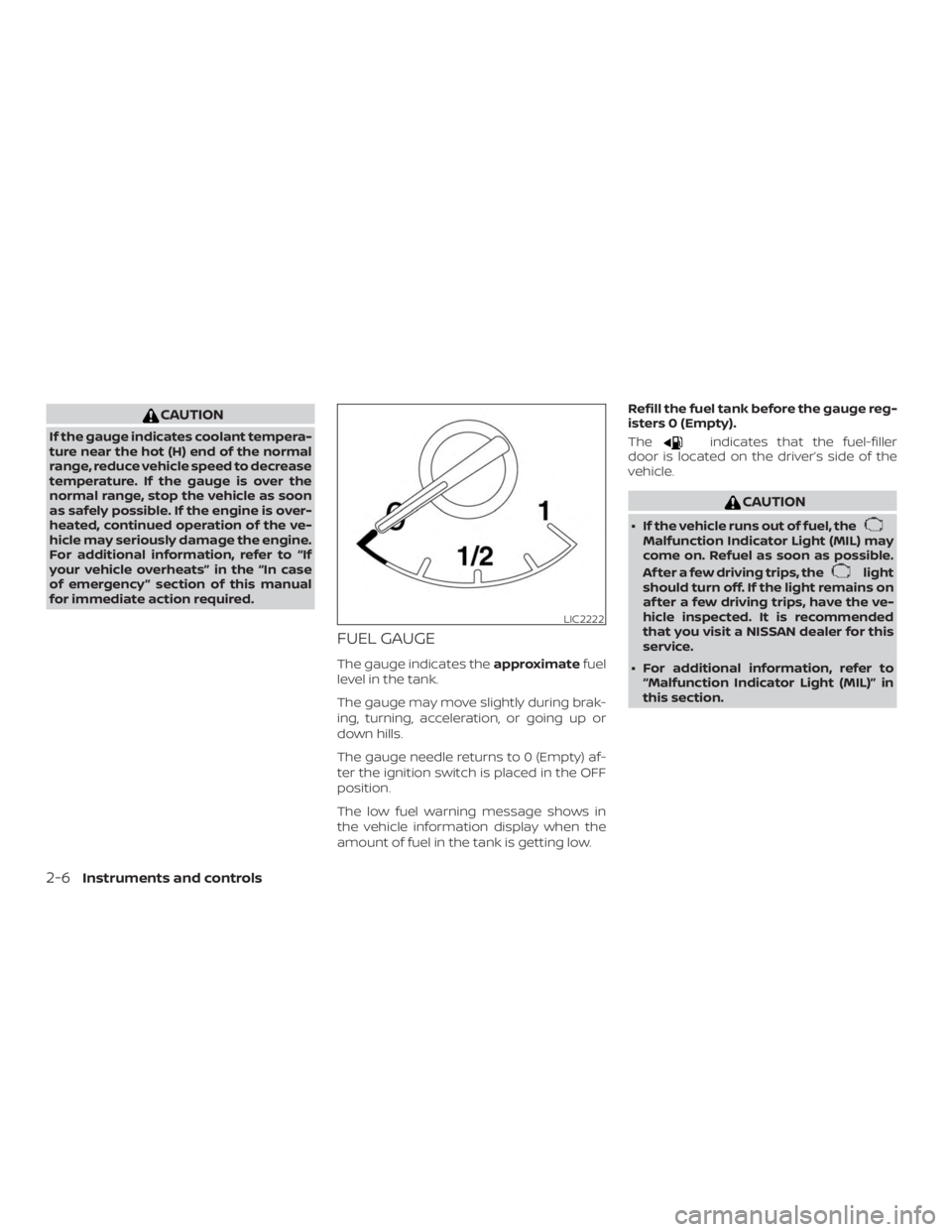
CAUTION
If the gauge indicates coolant tempera-
ture near the hot (H) end of the normal
range, reduce vehicle speed to decrease
temperature. If the gauge is over the
normal range, stop the vehicle as soon
as safely possible. If the engine is over-
heated, continued operation of the ve-
hicle may seriously damage the engine.
For additional information, refer to “If
your vehicle overheats” in the “In case
of emergency ” section of this manual
for immediate action required.
FUEL GAUGE
The gauge indicates theapproximatefuel
level in the tank.
The gauge may move slightly during brak-
ing, turning, acceleration, or going up or
down hills.
The gauge needle returns to 0 (Empty) af-
ter the ignition switch is placed in the OFF
position.
The low fuel warning message shows in
the vehicle information display when the
amount of fuel in the tank is getting low. Refill the fuel tank before the gauge reg-
isters 0 (Empty).
The
Page 101 of 467
∙If a magnet is located near the com-
pass or the vehicle is driven where the
terrestrial magnetism is disturbed,
the compass display may not indi-
cate the correct direction.
∙ In places where the terrestrial mag-
netism is disturbed, the correction of
the direction starts automatically.
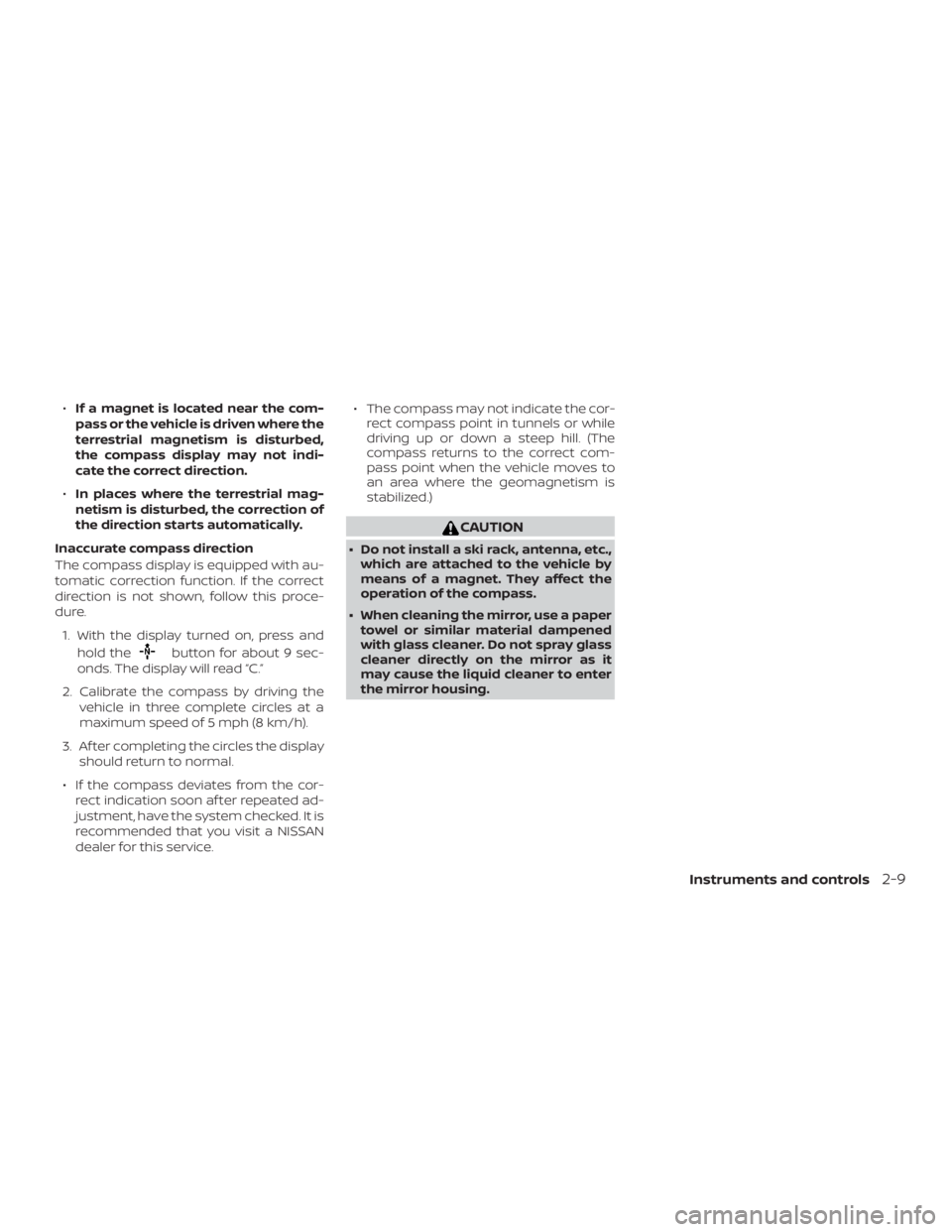
Inaccurate compass direction
The compass display is equipped with au-
tomatic correction function. If the correct
direction is not shown, follow this proce-
dure. 1. With the display turned on, press and hold the
Page 103 of 467
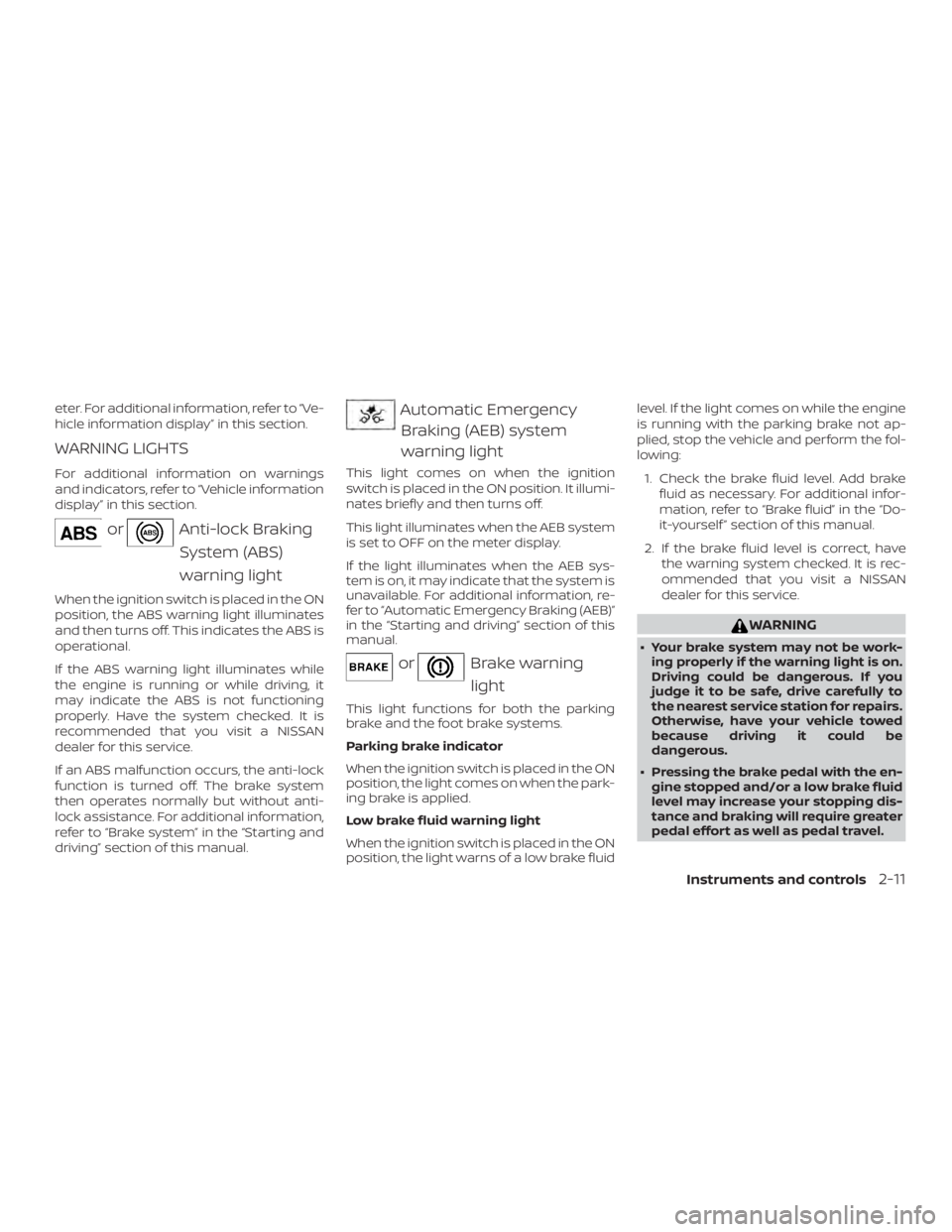
eter. For additional information, refer to “Ve-
hicle information display” in this section.
WARNING LIGHTS
For additional information on warnings
and indicators, refer to “Vehicle information
display” in this section.
Page 105 of 467
For additional information, refer to “Vehicle
information display” in this section, “Tire
Pressure Monitoring System (TPMS)” in the
“Starting and driving” and “In case of emer-
gency” sections of this manual.
TPMS malfunction
If the TPMS is not functioning properly, the
low tire pressure warning light will flash for
approximately 1 minute when the ignition
switch is placed in the ON position. The
light will remain on af ter 1 minute. Have the
system checked. It is recommended that
you visit a NISSAN dealer for this service.
The "Tire Pressure Low — Add Air" warning
does not appear if the low tire pressure
warning light illuminates to indicate a
TPMS malfunction.
For additional information, refer to “Tire
Pressure Monitoring System (TPMS)” in the
“Starting and driving” section and “Tire
pressure” in the “Do-it-yourself ” section of
this manual.
Page 128 of 467
CAUTION
Use the headlights with the engine run-
ning to avoid discharging the vehicle
battery.
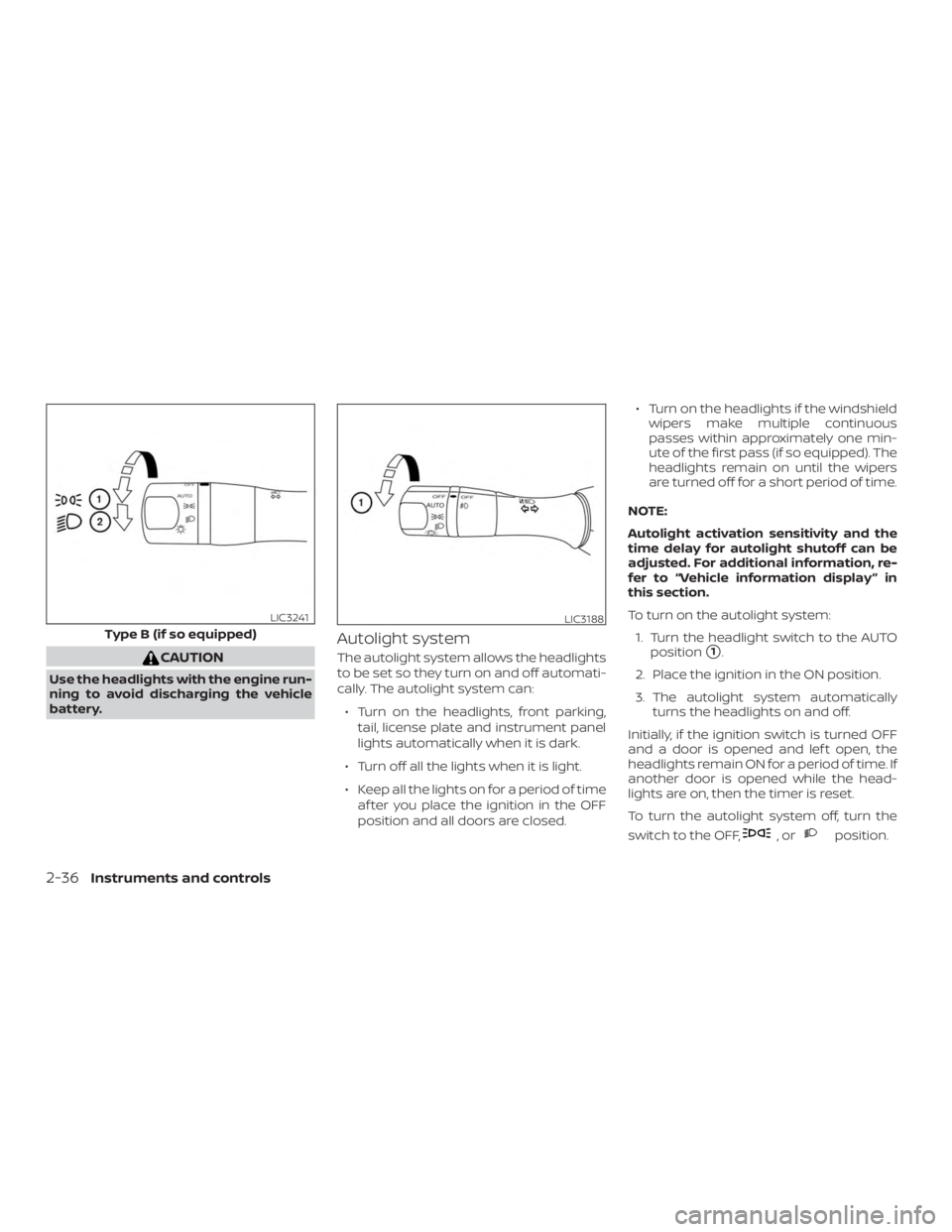
Autolight system
The autolight system allows the headlights
to be set so they turn on and off automati-
cally. The autolight system can:∙ Turn on the headlights, front parking, tail, license plate and instrument panel
lights automatically when it is dark.
∙ Turn off all the lights when it is light.
∙ Keep all the lights on for a period of time af ter you place the ignition in the OFF
position and all doors are closed. ∙ Turn on the headlights if the windshield
wipers make multiple continuous
passes within approximately one min-
ute of the first pass (if so equipped). The
headlights remain on until the wipers
are turned off for a short period of time.
NOTE:
Autolight activation sensitivity and the
time delay for autolight shutoff can be
adjusted. For additional information, re-
fer to “Vehicle information display ” in
this section.
To turn on the autolight system: 1. Turn the headlight switch to the AUTO position�1.
2. Place the ignition in the ON position.
3. The autolight system automatically turns the headlights on and off.
Initially, if the ignition switch is turned OFF
and a door is opened and lef t open, the
headlights remain ON for a period of time. If
another door is opened while the head-
lights are on, then the timer is reset.
To turn the autolight system off, turn the
switch to the OFF,
Page 169 of 467
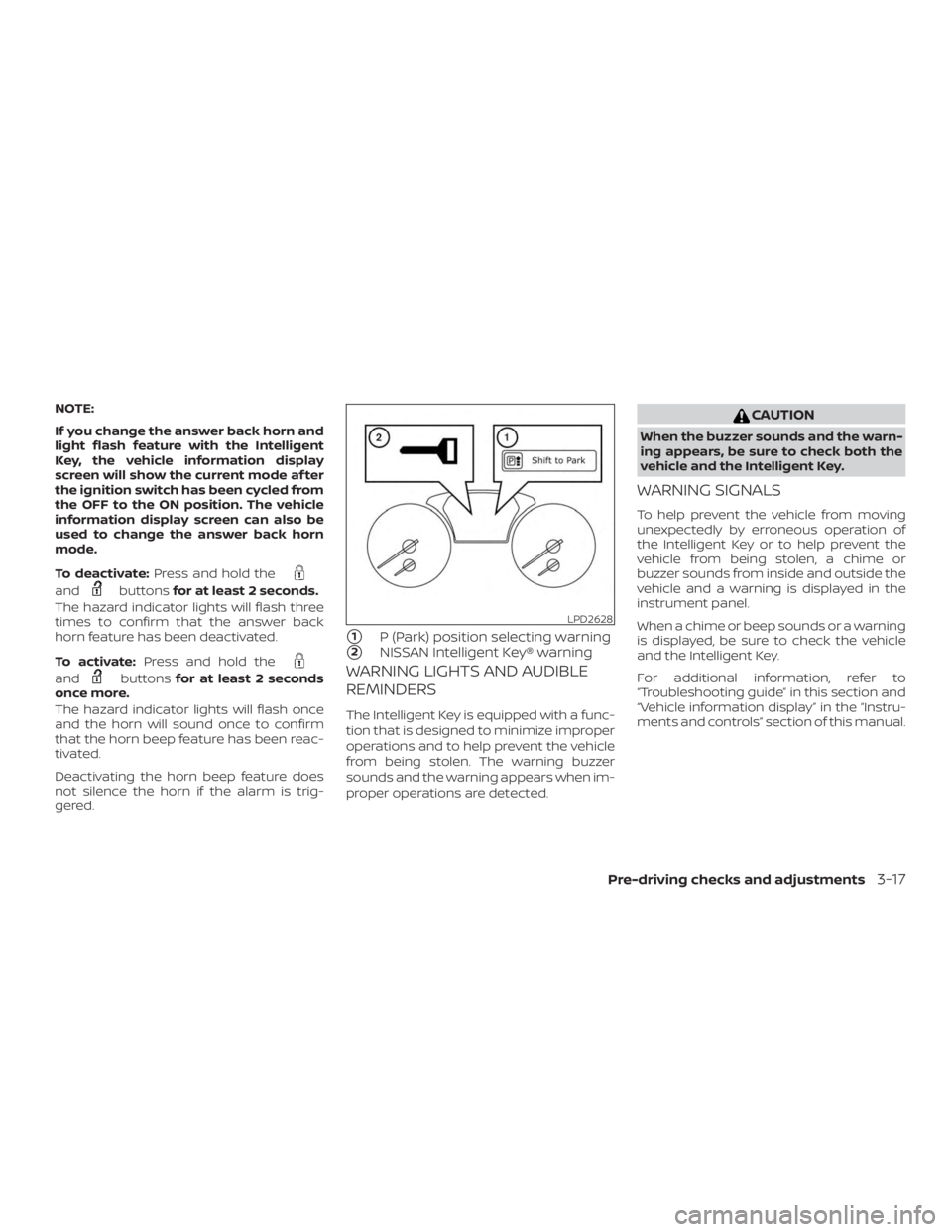
NOTE:
If you change the answer back horn and
light flash feature with the Intelligent
Key, the vehicle information display
screen will show the current mode af ter
the ignition switch has been cycled from
the OFF to the ON position. The vehicle
information display screen can also be
used to change the answer back horn
mode.
To deactivate:Press and hold the