Page 343 of 497
5-94
Driving your vehicle
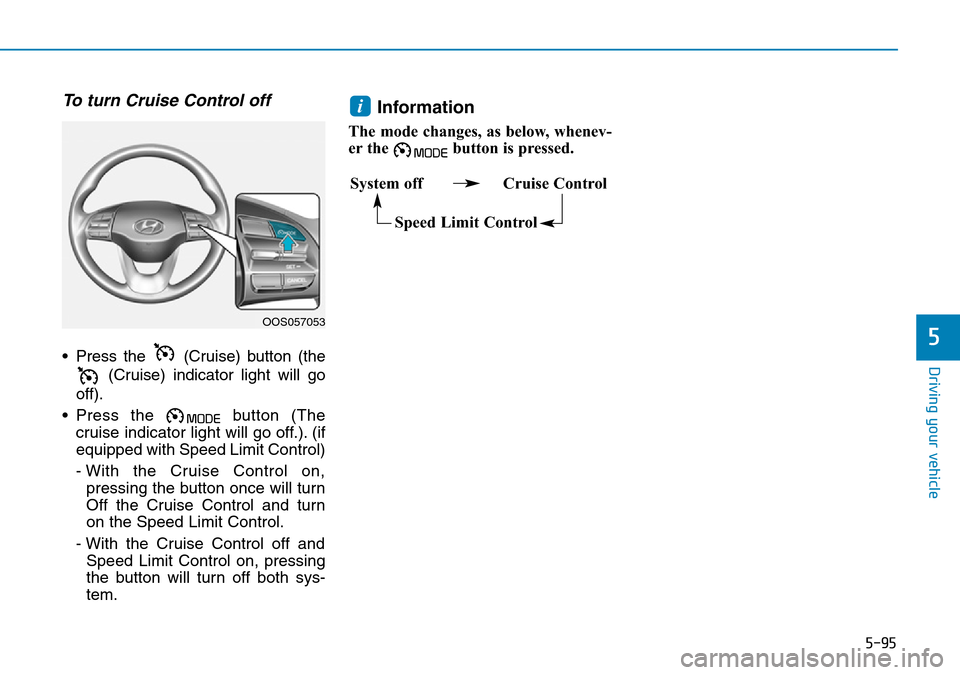
Cruise Control will be cancelledwhen:
• Depressing the brake pedal.
• Depressing the clutch pedal.
(for manual transmission vehicle)
• Pressing the O (Cancel) button located on the steering wheel.
• Pressing the (Cruise) button. Both the (Cruise) indicator and
the SET indicator will turn OFF.
• Pressing the button. Both the (Cruise) indicator and the
SET indicator will turn OFF. (if
equipped with the Speed Limit
Control) • Moving the shift lever into N
(Neutral). (for adual clutch trans-
mission vehicle)
• Decreasing the vehicle speed to less than approximately 20 mph
(30 km/h).
• The ESC (Electronic Stability Control) is operating.
• Downshifting to the 2nd gear in manual shift mode. (for dual clutch
transmission vehicle)
Information
Each of the above actions will cancel
Cruise Control operation (the SET
indicator light in the instrument clus-
ter will go off), but only pressing the (Cruise) button will turn the sys-
tem off. If you wish to resume Cruise
Control operation, push the toggle
switch up (RES+) located on your
steering wheel. You will return to your
previously preset speed, unless the
system was turned off using the
(Cruise) button.
To resume preset Cruising speed
Push the toggle switch up (RES+). If
the vehicle speed is over 20 mph (30
km/h), the vehicle will resume the
preset speed.
iOOS057055OOS057056
Page 344 of 497
5-95
Driving your vehicle
5
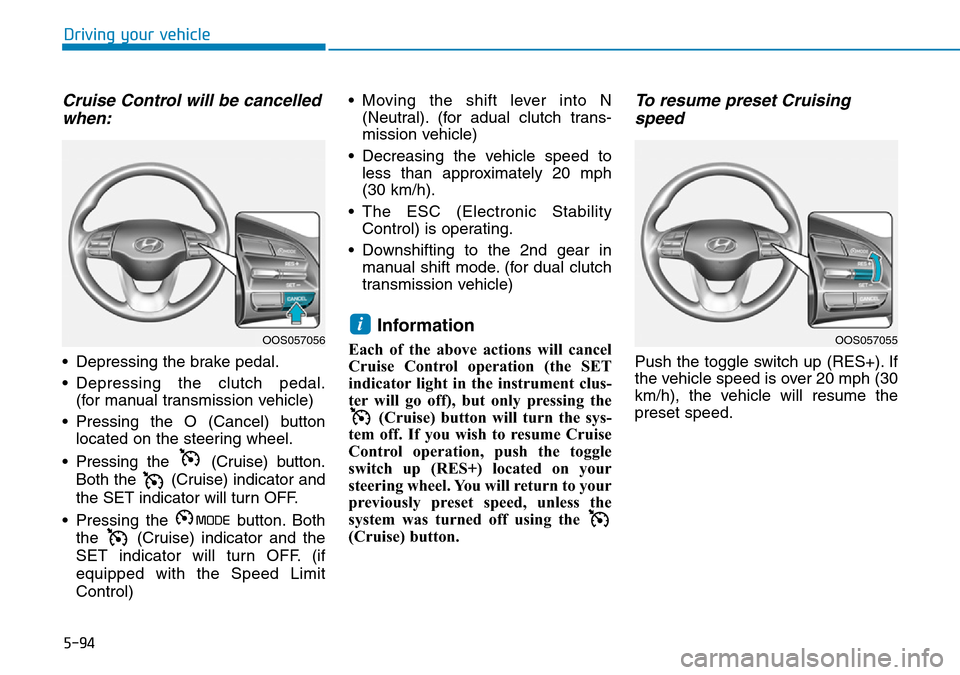
To turn Cruise Control off
• Press the (Cruise) button (the(Cruise) indicator light will go
off).
• Press the button (The cruise indicator light will go off.). (if
equipped with Speed Limit Control)
- With the Cruise Control on,pressing the button once will turn
Off the Cruise Control and turn
on the Speed Limit Control.
- With the Cruise Control off and Speed Limit Control on, pressing
the button will turn off both sys-
tem.
Information
The mode changes, as below, whenev-
er the button is pressed.
i
System off Cruise Control
Speed Limit Control
OOS057053
Page 346 of 497
5-97
Driving your vehicle
5
Information
The ESC system (if equipped) must be
turned OFF before rocking the vehi-
cle.
If you are still stuck after rocking
the vehicle a few times, have the
vehicle pulled out by a tow vehicle
to avoid engine overheating, pos-
sible damage to the transmission,
and tyre damage. See "Towing" in
chapter 6.
Smooth cornering
Avoid braking or gear changing in
corners, especially when roads are
wet. Ideally, corners should always
be taken under gentle acceleration.
Driving at night
Night driving presents more hazards
than driving in the daylight. Here are
some important tips to remember:
• Slow down and keep more dis-tance between you and other vehi-
cles, as it may be more difficult to
see at night, especially in areas
where there may not be any street
lights.
• Adjust your mirrors to reduce the glare from other drivers' head-
lamps.
• Keep your headlamps clean and properly aimed. Dirty or improperly
aimed headlamps will make it
much more difficult to see at night.
• Avoid staring directly at the head- lamps of oncoming vehicles. You
could be temporarily blinded, and it
will take several seconds for your
eyes to readjust to the darkness.
Driving in the rain
Rain and wet roads can make driving
dangerous. Here are a few things to
consider when driving in the rain or
on slick pavement:
• Slow down and allow extra follow-ing distance. A heavy rainfall
makes it harder to see and increas-
es the distance needed to stop
your vehicle.
• Turn OFF your Cruise Control. (if equipped)
• Replace your windscreen wiper blades when they show signs of
streaking or missing areas on the
windscreen.
• Be sure your tyres have enough tread. If your tyres do not have
enough tread, making a quick stop
on wet pavement can cause a skid
and possibly lead to an accident.
See "Tyre Tread" in chapter 7 .
• Turn on your headlamps to make it easier for others to see you.
• Driving too fast through large pud- dles can affect your brakes. If you
must go through puddles, try to
drive through them slowly.
NOTICE
i