2018 Hyundai Ioniq Hybrid ad blue
[x] Cancel search: ad bluePage 16 of 642

H6
Scheduled Charging
(if equipped)
• You can set-up a charging sched-
ule for your vehicle using the AVN
or BlueLink application.
Refer to the Multimedia manual or
the BlueLink manual for detailed
information about setting sched-
uled charging.
• Scheduled charging can only be
done when using a normal charger
or the portable charger (ICCB: In-
Cable Control Box).• When scheduled charging is set
and the normal charger or the
portable charger (ICCB: In-Cable
Control Box) is connected for
charging, the indicator lamp in the
middle blinks (for 3 minutes) to
indicate that scheduled charging is
set.
• When scheduled charging is set,
charging is not initiated immediate-
ly when the normal charger or
portable charger (ICCB: In-Cable
Control Box) is connected. When
immediate charging is required,
use the AVN to deactivate the
scheduled charge setting or press
scheduled charging deactivation
( ) button.• If you press the scheduled charg-
ing deactivation ( ) button to
immediately charge the battery,
charging must be initiated 3 min-
utes after the charging cable has
been connected.
When you press the scheduled
charging deactivation ( ) button
for immediate charging, the sched-
uled charge setting is not com-
pletely deactivated. If you need to
completely deactivate the sched-
uled charge setting, use the AVN
to finalize the deactivation.
Refer to "Normal Charge or Trickle
Charge" for details about connecting
the normal charger and the portable
charger (ICCB: In-Cable Control Box).
CHARGING THE PLUG-IN HYBRID VEHICLE (CONT.)
OAEEQ016026OAEEQ016027
Page 31 of 642

H21
Charging Status Indicator Lamp for Portable Charger
Control BoxIndicatorDetails
PLUG
On : Power on
Blink : Plug temperature sensor failure
On : Plug high temperature protection
Blink : Plug high temperature warning
POWEROn : Power on
CHARGEBlink : Charging In power saving mode, only the CHARGE
indicator is illuminated.
FAU LTBlink : Charging interrupted
CHARGE LEVEL
Charging current 12 A
Charging current 9 A
Charging current 6 A
VEHICLE
Charging connector plugged
Charging
Blink : Charging impossible
(Green)
(Green)
(Blue)
(Red)(Red)
Page 32 of 642

H22
Charging Status Indicator Lamp for Portable Charger
NOControl BoxStatus / Diagnosis / CountermeasureNOControl BoxStatus / Diagnosis / Countermeasure
1
• Charging connector plugged into vehicle
(Green ON)
• Plug temperature sensor failure
(Green blink)
• Plug high temperature protection
(Red blink)
• Plug high temperature warning (Red ON)
We recommend that you contact an author-
ized HYUNDAI dealer.
2
- Charging connector plugged into
vehicle (Green ON)
3
- While charging
• Charge indicator (Green blink)
• Vehicle indicator (Blue ON)
4
- Before plugging charging connector
into vehicle (Red blink)
• Abnormal temperature
• ICCB (In-Cable Control Box) failure
We recommend that you contact an
authorized HYUNDAI dealer.
CHARGING THE PLUG-IN HYBRID VEHICLE (CONT.)
Page 69 of 642

1-6
INSTRUMENT PANEL OVERVIEW (I) - HYBRID VEHICLE
Your vehicle at a glance
OAE017004LThe actual shape may differ from the illustration.
■Left-hand drive1. Instrument cluster ......................................3-45
2. Horn ...........................................................3-22
3. Driver's front air bag ..................................2-54
4. Key ignition switch/ ......................................5-6
Engine Start/Stop button .............................5-9
5. Light control/Turn signals .........................3-107
6. Wiper/Washer ..........................................3-117
7. Audio system/ ..............................................4-8
Navigation system ......................................4-5
8. Hazard warning flasher................................6-2
9. Automatic climate control system ..............3-127
10. Dual clutch transmission ..........................5-15
11. Passenger's front air bag .........................2-54
12. Glove box ...............................................3-145
13. Cigarette lighter .....................................3-152
14. Power outlet ...........................................3-149
15. Wireless cellular phone charging
system....................................................3-150
16. Seat warmer/Air ventilation seat ..............2-21
17. Heated steering wheel .............................3-21
18. Parking assist system ON button/ .........3-124
Rear paring assist system OFF button....3-122
19. Cup holder .............................................3-147
20. Steering wheel audio controls/ ..................4-3
Bluetooth®wireless technology
hands-free controls ....................................4-4
21. Speed limiter/ .......................................... 5-71
Cruise controls/ ........................................5-73
Smart cruise controls ...............................5-79
Page 70 of 642

1-7
Your vehicle at a glance
1
INSTRUMENT PANEL OVERVIEW (II) - HYBRID VEHICLE
OAEPH017005RThe actual shape may differ from the illustration.
■ Right-hand drive 1. Instrument cluster ....................................3-45
2. Horn .........................................................3-22
3. Driver's front air bag ................................2-54
4. Key ignition switch/ ....................................5-6
Engine Start/Stop button ...........................5-9
5. Light control/Turn signals .......................3-107
6. Wiper/Washer ........................................3-117
7. Audio system/ ............................................4-8
Navigation system ....................................4-5
8. Hazard warning flasher ..............................6-2
9. Automatic climate control system ............3-127
10. Dual clutch transmission ........................5-15
11. Passenger's front air bag .......................2-54
12. Glove box .............................................3-145
13. Cigarette lighter ...................................3-152
14. Power outlet .........................................3-149
15. Wireless cellular phone charging
system..................................................3-150
16. Seat warmer/Air ventilation seat ............2-21
17. Heated steering wheel ...........................3-21
18. Parking assist system ON button/........3-124
Rear paring assist system OFF button..3-122
19. Cup holder ...........................................3-147
20. Steering wheel audio controls/ ................4-3
Bluetooth®wireless technology
hands-free controls ..................................4-4
21. Speed limiter/ ........................................ 5-71
Cruise controls/ ......................................5-73
Smart cruise controls .............................5-79
Page 76 of 642

1-13
Your vehicle at a glance
1
INSTRUMENT PANEL OVERVIEW (I) - PLUG-IN HYBRID VEHICLE
OAEPH016004LThe actual shape may differ from the illustration.
■Left-hand drive1. Instrument cluster ....................................3-45
2. Horn .........................................................3-22
3. Driver's front air bag ................................2-54
4. Key ignition switch/ ....................................5-6
Engine Start/Stop button ...........................5-9
5. Light control/Turn signals .......................3-107
6. Wiper/Washer ........................................3-117
7. Audio system/ ............................................4-8
Navigation system ....................................4-5
8. Hazard warning flasher ..............................6-2
9. Automatic climate control system ............3-127
10. Dual clutch transmission ........................5-15
11. Passenger's front air bag .......................2-54
12. Glove box .............................................3-145
13. Cigarette lighter ...................................3-152
14. Power outlet .........................................3-149
15. Wireless cellular phone charging
system..................................................3-150
16. Seat warmer/Air ventilation seat ............2-21
17. Heated steering wheel ...........................3-21
18. EV/HEV button ......................................H-30
19. Parking assist system ON button/........3-124
Rear paring assist system OFF button..3-122
20. Cup holder ...........................................3-147
21. Steering wheel audio controls/ ................4-3
Bluetooth®wireless technology
hands-free controls ..................................4-4
22. Speed limiter/ ........................................ 5-71
Cruise controls/ ......................................5-73
Smart cruise controls .............................5-79
Page 77 of 642

1-14
Your vehicle at a glance
INSTRUMENT PANEL OVERVIEW (II) - PLUG-IN HYBRID VEHICLE
OAEPH017004RThe actual shape may differ from the illustration.
■ Right-hand drive 1. Instrument cluster ....................................3-45
2. Horn .........................................................3-22
3. Driver's front air bag ................................2-54
4. Key ignition switch/ ....................................5-6
Engine Start/Stop button ...........................5-9
5. Light control/Turn signals .......................3-107
6. Wiper/Washer ........................................3-117
7. Audio system/ ............................................4-8
Navigation system ....................................4-5
8. Hazard warning flasher ..............................6-2
9. Automatic climate control system ............3-127
10. Dual clutch transmission ........................5-15
11. Passenger's front air bag .......................2-54
12. Glove box .............................................3-145
13. Cigarette lighter ...................................3-152
14. Power outlet .........................................3-149
15. Wireless cellular phone charging
system..................................................3-150
16. Seat warmer/Air ventilation seat ............2-21
17. Heated steering wheel ...........................3-21
18. EV/HEV button ......................................H-30
19. Parking assist system ON button/........3-124
Rear paring assist system OFF button..3-122
20. Cup holder ...........................................3-147
21. Steering wheel audio controls/ ................4-3
Bluetooth®wireless technology
hands-free controls ..................................4-4
22. Speed limiter/ ........................................ 5-71
Cruise controls/ ......................................5-73
Smart cruise controls .............................5-79
Page 305 of 642
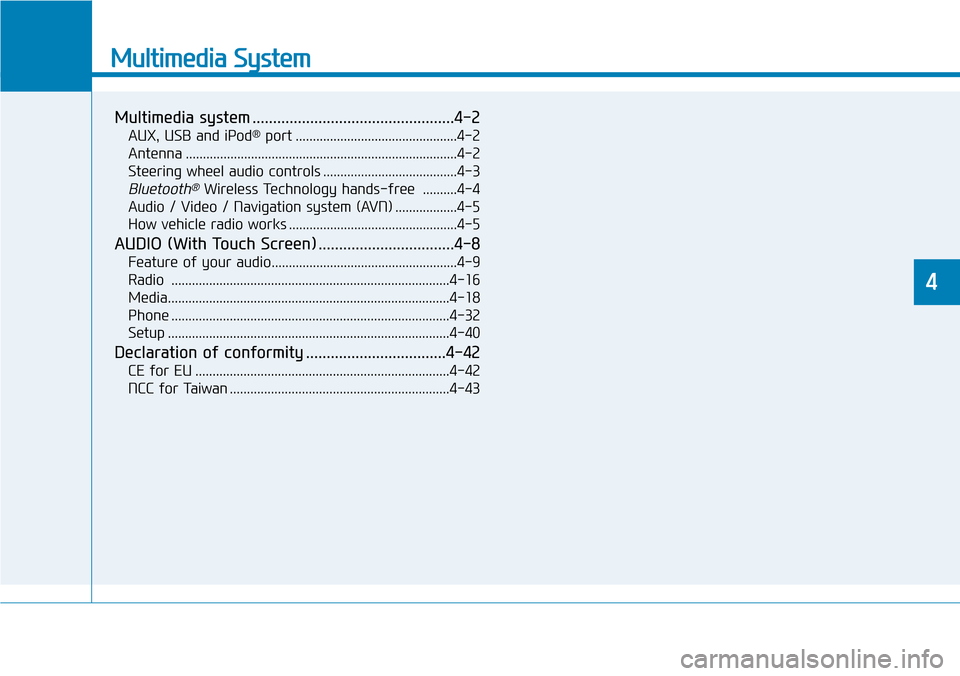
Multimedia System
Multimedia system .................................................4-2
AUX, USB and iPod®port ...............................................4-2
Antenna ...............................................................................4-2
Steering wheel audio controls .......................................4-3
Bluetooth®Wireless Technology hands-free ..........4-4
Audio / Video / Navigation system (AVN) ..................4-5
How vehicle radio works .................................................4-5
AUDIO (With Touch Screen) .................................4-8
Feature of your audio......................................................4-9
Radio .................................................................................4-16
Media..................................................................................4-18
Phone .................................................................................4-32
Setup ..................................................................................4-40
Declaration of conformity ..................................4-42
CE for EU ..........................................................................4-42
NCC for Taiwan ................................................................4-43
4