2018 FORD GT key battery
[x] Cancel search: key batteryPage 95 of 325

2. With the key in this position, press the
brake pedal and then the Engine
START/STOP button to switch the
ignition on and start your vehicle.
Note: If the vehicle fails to start, replace
the key fob battery.
Fast Restart
The fast restart feature allows you to
restart the engine within 20 seconds of
switching it off, even if a valid key is not
present.
Within 20 seconds of switching the engine
off, press the brake pedal and press the
START/STOP button. After 20 seconds
have expired, you can no longer restart the
engine without the key present inside your
vehicle.
Once the engine has started, it remains
running until you press the START/STOP
button, even if the system does not detect
a valid key. If you open and close a door
while the engine is running, the system
searches for a valid key. You cannot restart
the engine if the system does not detect a
valid key within 20 seconds.
Failure to Start
If you cannot start the engine after three
attempts, wait 10 seconds and follow this
procedure:
1. Fully press the brake pedal.
2. Move the transmission selector to the park (P) position.
3. Fully press the accelerator pedal and hold it there.
4. Press the START/STOP button once.
Stopping the Engine When Your
Vehicle is Stationary
1. Move the transmission selector to the park (P) position.
2. Press the START/STOP button once. 3. Apply the parking brake.
Note:
This switches off the ignition, all
electrical circuits, warning lamps and
indicators.
Stopping the Engine When Your
Vehicle is Moving WARNING
Switching off the engine when your
vehicle is still moving results in a
significant decrease in braking
assistance. Higher effort is required to
apply the brakes and to stop your vehicle.
A significant decrease in steering
assistance could also occur. The steering
does not lock, but higher effort could be
required to steer your vehicle. When you
switch the ignition off, some electrical
circuits, for example airbags, also turn off.
If you unintentionally switch the ignition
off, shift into neutral (N) and restart the
engine. 1. Move the transmission selector to the
neutral position and use the brakes to
bring your vehicle to a safe stop.
2. When your vehicle has stopped, park (P) will engage automatically.
3. Press and hold the START/STOP button for one second, or press it three
times within two seconds.
4. Apply the parking brake.
Guarding Against Exhaust Fumes WARNING
Exhaust leaks may result in entry of
harmful and potentially lethal fumes
into the passenger compartment. If
you smell exhaust fumes inside your
vehicle, have your vehicle inspected
immediately. Do not drive if you smell
exhaust fumes. 92
Ford GT (CGX), enUSA, Edition date: 201711, First Printing Starting and Stopping the Engine
Page 104 of 325

Your vehicle may not pass the I/M test if
the service engine soon indicator is on or
not working properly (bulb is burned out),
or if the OBD-II system has determined
that some of the emission control systems
have not been properly checked. In this
case, the vehicle is not ready for I/M
testing.
If the vehicle
’s engine or transmission has
just been serviced, or the battery has
recently run down or been replaced, the
OBD-II system may indicate that the
vehicle is not ready for I/M testing. To
determine if the vehicle is ready for I/M
testing, turn the ignition key to the on
position for 15 seconds without cranking
the engine. If the service engine soon
indicator blinks eight times, it means that
the vehicle is not ready for I/M testing; if
the service engine soon indicator stays on
solid, it means that your vehicle is ready
for I/M testing.
The OBD-II system checks the emission
control system during normal driving. A
complete check may take several days.
If the vehicle is not ready for I/M testing,
you can perform the following driving cycle
consisting of mixed city and highway
driving:
1. 15 minutes of steady driving on an expressway or highway followed by 20
minutes of stop-and-go driving with at
least four 30-second idle periods.
2. Allow your vehicle to sit for at least eight hours with the ignition off. Then,
start the vehicle and complete the
above driving cycle. The vehicle must
warm up to its normal operating
temperature. Once started, do not turn
off the vehicle until the above driving
cycle is complete.
If the vehicle is still not ready for I/M
testing, you need to repeat the above
driving cycle.
101
Ford GT (CGX), enUSA, Edition date: 201711, First Printing Fuel and Refueling
Page 108 of 325

Your vehicle may not pass the I/M test if
the service engine soon indicator is on or
not working properly (bulb is burned out),
or if the OBD-II system has determined
that some of the emission control systems
have not been properly checked. In this
case, the vehicle is not ready for I/M
testing.
If the vehicle
’s engine or transmission has
just been serviced, or the battery has
recently run down or been replaced, the
OBD-II system may indicate that the
vehicle is not ready for I/M testing. To
determine if the vehicle is ready for I/M
testing, turn the ignition key to the on
position for 15 seconds without cranking
the engine. If the service engine soon
indicator blinks eight times, it means that
the vehicle is not ready for I/M testing; if
the service engine soon indicator stays on
solid, it means that your vehicle is ready
for I/M testing.
The OBD-II system checks the emission
control system during normal driving. A
complete check may take several days.
If the vehicle is not ready for I/M testing,
you can perform the following driving cycle
consisting of mixed city and highway
driving:
1. 15 minutes of steady driving on an expressway or highway followed by 20
minutes of stop-and-go driving with at
least four 30-second idle periods.
2. Allow your vehicle to sit for at least eight hours with the ignition off. Then,
start the vehicle and complete the
above driving cycle. The vehicle must
warm up to its normal operating
temperature. Once started, do not turn
off the vehicle until the above driving
cycle is complete.
If the vehicle is still not ready for I/M
testing, you need to repeat the above
driving cycle.
105
Ford GT (CGX), enUSA, Edition date: 201711, First Printing Engine Emission Control
Page 139 of 325

ROADSIDE ASSISTANCE
Vehicles Sold in the United States:
Getting Roadside Assistance
To fully assist you should you have a
vehicle concern, Ford Motor Company
offers a complimentary roadside
assistance program. This program is
separate from the New Vehicle Limited
Warranty.
The service is available:
•
24 hours a day, seven days a week.
• The coverage period is three years from
the date of purchase.
Roadside Assistance covers:
• Assistance with a flat tire.
• Battery jump start.
• Lock-out assistance (key replacement
cost is the customer's responsibility).
• Assistance if your vehicle runs out of
fuel.
• Winch out — available if your vehicle is
stuck.
• Towing — Ford dealership or
independent service contractors, if not
prohibited by state, local or municipal
law, shall tow your vehicle to the
nearest Certified Ford GT Dealership.
Vehicles Sold in the United States:
Using Roadside Assistance
United States Ford GT customers who
require Roadside Assistance, call the Ford
GT Concierge at 800-210-5795.
If you need to arrange roadside assistance
for yourself, Ford Motor Company
reimburses a reasonable amount for
towing to the nearest authorized
dealership. To obtain reimbursement
information, contact the Ford GT Concierge
at 800-210-5795. For assistance outside of the United
States, refer to the complete list of Ford
GT Concierge phone numbers. See About
This Manual (page 5).
HAZARD FLASHERS
Note: The hazard flashers operate when
the ignition is in any position. If used when
the vehicle is not running, the battery loses
charge. As a result, there may be insufficient
power to restart your vehicle. The hazard flasher control is on
the floor console. Use your
hazard flashers when your
vehicle is creating a safety hazard for other
motorists.
• Press the flasher control and all front
and rear direction indicators flash.
• Press the button again to switch them
off.
FUEL SHUTOFF WARNING
If your vehicle has been involved in a
crash, have the fuel system checked.
Failure to follow this instruction
could result in fire, personal injury or death. Note:
When you try to restart your vehicle
after a fuel shutoff, the vehicle makes sure
that various systems are safe to restart.
Once the vehicle determines the systems
are safe, then the vehicle allows you to
restart.
Note: In the event that your vehicle does
not restart after your third attempt, contact
a qualified technician.
The fuel pump shutoff stops the flow of
fuel to the engine in the event of a
moderate to severe crash. Not every
impact causes a shutoff.
136
Ford GT (CGX), enUSA, Edition date: 201711, First Printing Roadside EmergenciesE142663
Page 161 of 325

1.
Inside the vehicle, pull the hood release
handle located on the left side panel
left of the pedals.
2. Slightly lift the hood. 3. Release the hood latch by pulling up
on the secondary release lever. 4.
Open the hood and support it with the
prop rod. Closing the Front Hood
1. Remove the hood prop rod from the
under hood slot and securely place it
back in its holder.
2. Lower the hood and lightly press down
until closed.
Note: If you do not close the front hood
correctly, an indicator lamp displays in the
instrument cluster. See Warning Lamps
and Indicators (page 65).
Opening the Rear Hatch
Production Model
You can open the rear hatch by three
different methods:
• A button on your remote control. See
Remote Control
(page 41).
• In the case of a dead battery or other
electrical concerns, use the key blade
in your remote control. See
Remote
Control (page 41). A button on the lighting control
switch.
After you release the rear hatch latch, lift
the rear hatch into the open position.
A hydraulic cylinder holds the rear hatch
open.
Competition Model
Use the following procedure to open the
rear hatch on your competition model GT.
1. Unlock rear hatch using your key.
158
Ford GT (CGX), enUSA, Edition date: 201711, First Printing MaintenanceE233210 E233828 E268917
Page 240 of 325

To call a number in your contacts,
select:
Action and Description
Menu Item
You can then select the
name of the contact you
want to call. Any numbers
stored for that contact
display along with any
stored contact photos. You
can then select the
number that you want to
call. The system begins the
call.
Contacts
To call a number from your recent calls,
select: Action and Description
Menu Item
You can then select an
entry that you want to call.
The system begins the call.
Recent Call
List
To call a number that is not stored in
your phone, select: Action and Description
Menu Item
Select the digits of the
number you wish to call.
Phone
Keypad
The system begins the call.
Call
Pressing the backspace button deletes the
last digit you typed.
Receiving Calls
During an incoming call, an audible tone
sounds. Caller information appears in the
display if it is available. To accept the call, select: Menu Item
Accept
Note: You can also accept the call by
pressing the phone button on the steering
wheel.
To reject the call, select: Menu Item
Reject
Note: You can also reject the call by
pressing the phone button on the steering
wheel.
Ignore the call by doing nothing. SYNC 3
logs it as a missed call.
During a Phone Call
During a phone call, the contacts name
and number display on the screen along
with the call duration.
The phone status items are also visible:
• Signal Strength.
• Battery.
• 911 Assist (United States and Canada
only). See Settings (page 248).
You can select any of the following during
an active phone call:
237
Ford GT (CGX), enUSA, Edition date: 201711, First Printing SYNC™ 3
(If Equipped)
Page 318 of 325

A
A/C
See: Climate Control.......................................... 80
About This Manual...........................................5 Ford GT Concierge Phone Numbers................5
ABS See: Brakes.............................................................. 111
ABS driving hints See: Hints on Driving With Anti-Lock
Brakes................................................................... 111
Accessories.....................................................273
Accessories See: Replacement Parts
Recommendation............................................ 10
Adjusting the Headlamps..........................170 Headlamp Aim Target....................................... 170
Adjusting the Pedals.....................................56
Adjusting the Steering Wheel....................52
Airbag Disposal...............................................39
Air Conditioning See: Climate Control.......................................... 80
Air Filter See: Changing the Engine Air Filter...............171
Alarm See: Anti-Theft Alarm......................................... 51
Anti-Theft Alarm
.............................................51
Arming the Alarm.................................................. 51
Disarming the Alarm............................................ 51
Appendices....................................................288
Apps..................................................................247 ........................................................................\
........... 247
At a Glance........................................................14
Audible Warnings and Indicators.............69 Headlamps On Warning Chime..................... 69
Keyless Warning Alert........................................ 69
Audio Control
...................................................53
Seek, Next or Previous........................................ 53
Audio System
.................................................212
Audio Unit........................................................212
Autolamps........................................................59
Automatic Climate Control
.........................81
Automatic Transmission...........................106
Brake-Shift Interlock......................................... 108
If Your Vehicle Gets Stuck In Mud or Snow................................................................... 110
SelectShift™ Automatic Transmission................................................... 107Understanding the Positions of Your
Automatic Transmission............................ 106
Automatic Transmission Fluid Check.............................................................166
Auxiliary Power Points.................................88 12 Volt DC Power Point...................................... 88
Location................................................................... 88
B
Battery See: Changing the 12V Battery...................... 168
Bonnet Lock See: Opening and Closing the Hood............157
Booster Seats
..................................................22
Types of Booster Seats...................................... 23
Brake Fluid Check.........................................166
Brakes..................................................................111 General Information............................................ 111
Breaking-In......................................................134 Cold Engine Operation..................................... 134
Hot Engine Shut down..................................... 134
C
Cabin Air Filter.................................................85
California Proposition 65...............................9
Capacities and Specifications
...............209
Specifications...................................................... 210
Car Wash See: Cleaning the Exterior................................ 172
Catalytic Converter
......................................103
On-Board Diagnostics (OBD-II)................... 104
Readiness for Inspection and Maintenance (I/M) Testing................................................... 104
Changing a Bulb.............................................171 LED Lamps............................................................. 171
Changing a Fuse
...........................................155
Fuses....................................................................... 155
Changing a Road Wheel
...........................202
Important Information for Lifting or
Jacking.............................................................. 202
Changing the 12V Battery..........................168 Battery Charger and Maintainer................... 168
Battery Management System....................... 169
Changing the Engine Air Filter...................171
Changing the Wiper Blades......................169
Checking the Wiper Blades......................169
315
Ford GT (CGX), enUSA, Edition date: 201711, First Printing Index
Page 321 of 325
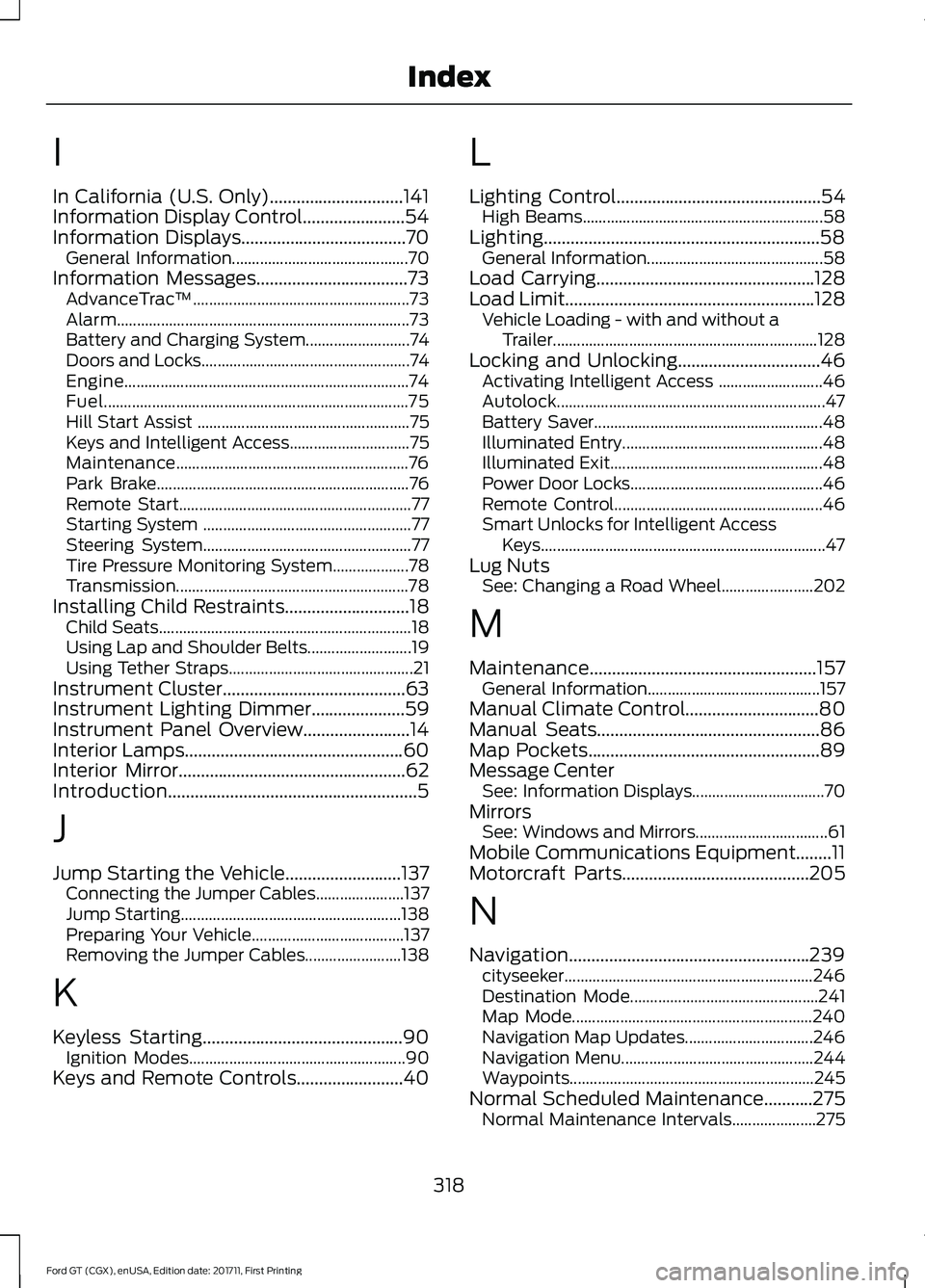
I
In California (U.S. Only)..............................141
Information Display Control.......................54
Information Displays.....................................70
General Information............................................ 70
Information Messages
..................................73
AdvanceTrac ™...................................................... 73
Alarm........................................................................\
. 73
Battery and Charging System.......................... 74
Doors and Locks.................................................... 74
Engine....................................................................... 74
Fuel........................................................................\
.... 75
Hill Start Assist ..................................................... 75
Keys and Intelligent Access.............................. 75
Maintenance.......................................................... 76
Park Brake............................................................... 76
Remote Start.......................................................... 77
Starting System .................................................... 77
Steering System.................................................... 77
Tire Pressure Monitoring System................... 78
Transmission.......................................................... 78
Installing Child Restraints
............................18
Child Seats............................................................... 18
Using Lap and Shoulder Belts.......................... 19
Using Tether Straps.............................................. 21
Instrument Cluster
.........................................63
Instrument Lighting Dimmer.....................59
Instrument Panel Overview........................14
Interior Lamps
.................................................60
Interior Mirror...................................................62
Introduction........................................................5
J
Jump Starting the Vehicle
..........................137
Connecting the Jumper Cables...................... 137
Jump Starting....................................................... 138
Preparing Your Vehicle...................................... 137
Removing the Jumper Cables........................ 138
K
Keyless Starting
.............................................90
Ignition Modes...................................................... 90
Keys and Remote Controls........................40 L
Lighting Control
..............................................54
High Beams............................................................ 58
Lighting..............................................................58 General Information............................................ 58
Load Carrying.................................................128
Load Limit........................................................128 Vehicle Loading - with and without a
Trailer.................................................................. 128
Locking and Unlocking
................................46
Activating Intelligent Access .......................... 46
Autolock................................................................... 47
Battery Saver......................................................... 48
Illuminated Entry.................................................. 48
Illuminated Exit..................................................... 48
Power Door Locks................................................ 46
Remote Control.................................................... 46
Smart Unlocks for Intelligent Access Keys....................................................................... 47
Lug Nuts See: Changing a Road Wheel....................... 202
M
Maintenance...................................................157 General Information........................................... 157
Manual Climate Control
..............................80
Manual Seats..................................................86
Map Pockets....................................................89
Message Center See: Information Displays................................. 70
Mirrors See: Windows and Mirrors................................. 61
Mobile Communications Equipment........11
Motorcraft Parts
..........................................205
N
Navigation......................................................239 cityseeker.............................................................. 246
Destination Mode............................................... 241
Map Mode............................................................ 240
Navigation Map Updates................................ 246
Navigation Menu................................................ 244
Waypoints............................................................. 245
Normal Scheduled Maintenance...........275 Normal Maintenance Intervals..................... 275
318
Ford GT (CGX), enUSA, Edition date: 201711, First Printing Index