Page 192 of 375
General
•
Store all vehicles in a dry, ventilated
place.
• Protect from sunlight, if possible.
• If you store vehicles outside, they
require regular maintenance to protect
against rust and damage.
Body
• Wash your vehicle thoroughly to
remove dirt, grease, oil, tar or mud from
exterior surfaces, rear-wheel housing
and the underside of front fenders.
• Periodically wash your vehicle if you
store it in exposed locations.
• Touch-up exposed or primed metal to
prevent rust.
• Cover chrome and stainless steel parts
with a thick coat of auto wax to prevent
discoloration. Re-wax as necessary
when you wash your vehicle.
• Lubricate all hood, door and luggage
compartment hinges and latches with
a light grade oil.
• Cover interior trim to prevent fading.
• Keep all rubber parts free from oil and
solvents.
Electric Motor
• Start your vehicle every 15 days for a
minimum of 15 minutes with the
climate controls set to defrost.
High Voltage Battery
• Make sure the high voltage battery has
a minimum charge of 50%. Cooling System
•
Protect against freezing temperatures.
• When removing your vehicle from
storage, check coolant fluid level.
Confirm that there are no cooling
system leaks and that fluid is at the
recommended level.
12V Battery
• Check and recharge as necessary. Keep
connections clean.
• If storing your vehicle for more than 30
days without recharging the battery,
we recommend that you disconnect
the battery cables to maintain battery
charge for quick starting.
Note: It is necessary to reset memory
features if you disconnect the battery
cables.
We recommend the following options for
your plug-in vehicle:
• Leave your vehicle plugged in. The 12V
battery maintains power if left plugged
in. However, this periodically uses
electricity from the household outlet.
• Connect a battery charger to your 12V
battery and leave it on a continuous,
slow charge.
• Disconnect the 12V battery.
Brakes
• Make sure the brakes and parking brake
release fully.
Tires
• Maintain recommended air pressure.
189
2018 Focus (CDH) Battery Electric Vehicle (BEV), Canada/United States of America, JM5J 19A321 RA enUSA, Edition date: 201706, First Printing Vehicle Care
Page 265 of 375
Button
Start
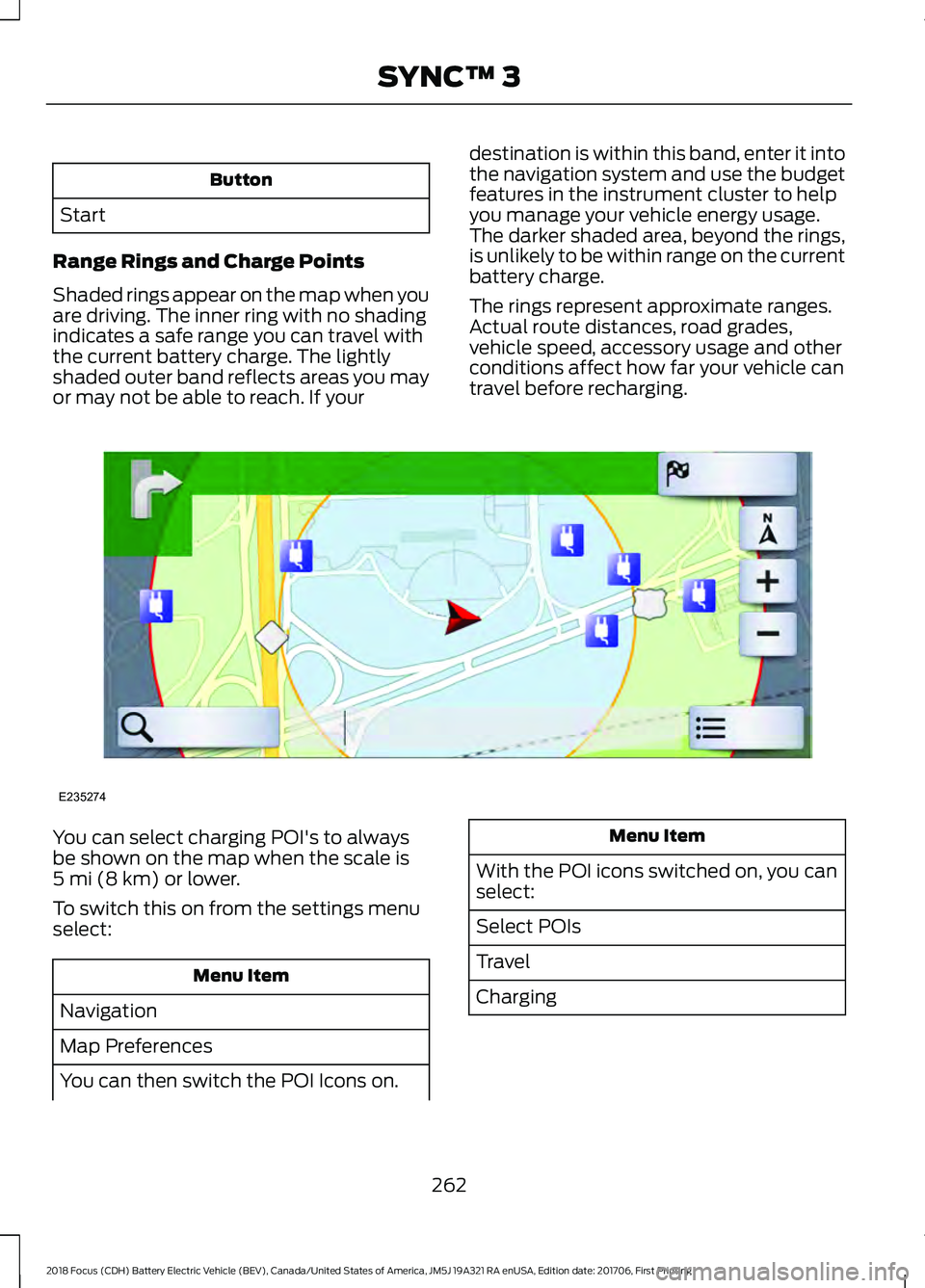
Range Rings and Charge Points
Shaded rings appear on the map when you
are driving. The inner ring with no shading
indicates a safe range you can travel with
the current battery charge. The lightly
shaded outer band reflects areas you may
or may not be able to reach. If your destination is within this band, enter it into
the navigation system and use the budget
features in the instrument cluster to help
you manage your vehicle energy usage.
The darker shaded area, beyond the rings,
is unlikely to be within range on the current
battery charge.
The rings represent approximate ranges.
Actual route distances, road grades,
vehicle speed, accessory usage and other
conditions affect how far your vehicle can
travel before recharging.You can select charging POI's to always
be shown on the map when the scale is
5 mi (8 km) or lower.
To switch this on from the settings menu
select: Menu Item
Navigation
Map Preferences
You can then switch the POI Icons on. Menu Item
With the POI icons switched on, you can
select:
Select POIs
Travel
Charging
262
2018 Focus (CDH) Battery Electric Vehicle (BEV), Canada/United States of America, JM5J 19A321 RA enUSA, Edition date: 201706, First Printing SYNC™ 3E235274
Page 274 of 375
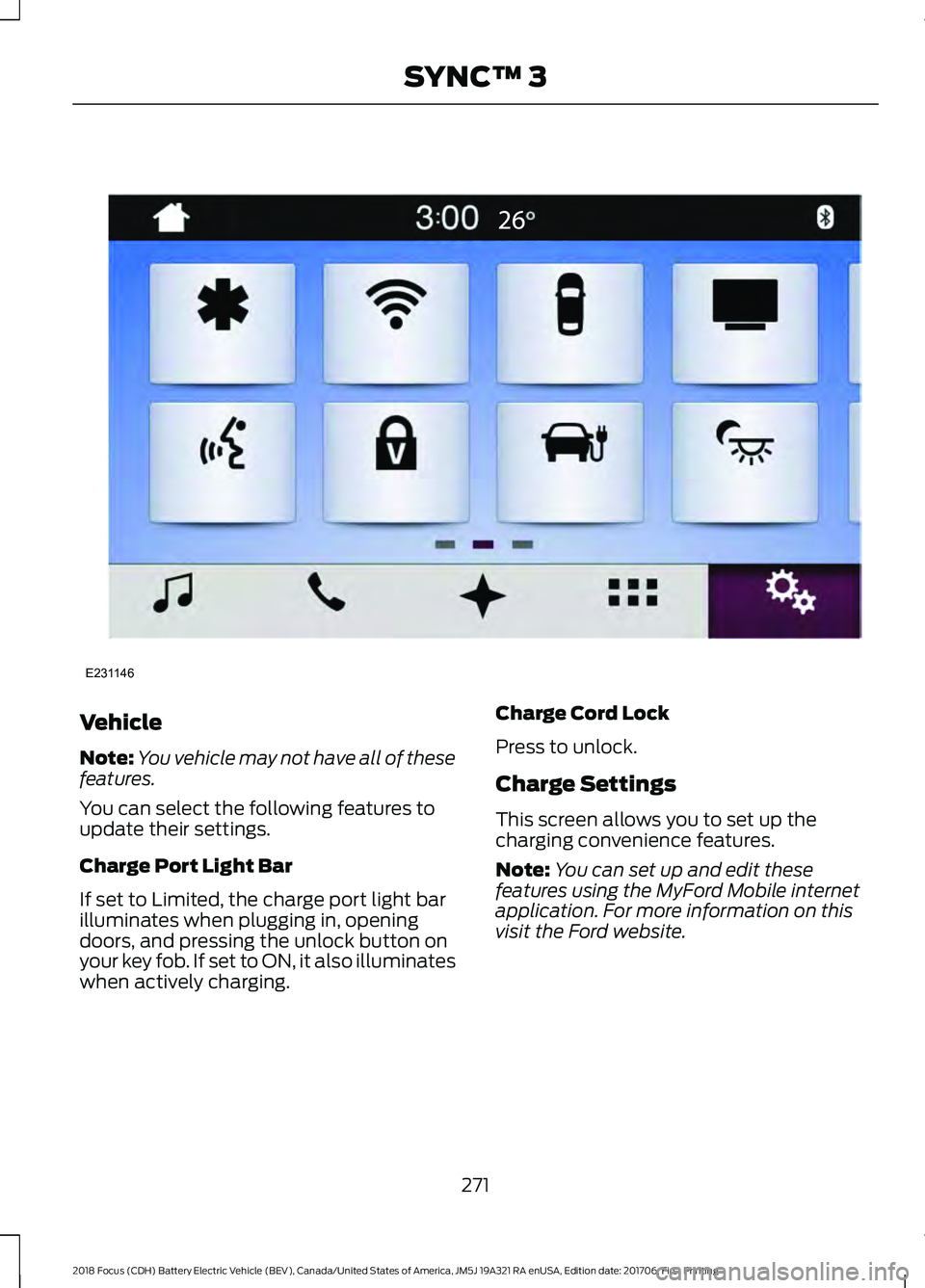
Vehicle
Note:
You vehicle may not have all of these
features.
You can select the following features to
update their settings.
Charge Port Light Bar
If set to Limited, the charge port light bar
illuminates when plugging in, opening
doors, and pressing the unlock button on
your key fob. If set to ON, it also illuminates
when actively charging. Charge Cord Lock
Press to unlock.
Charge Settings
This screen allows you to set up the
charging convenience features.
Note:
You can set up and edit these
features using the MyFord Mobile internet
application. For more information on this
visit the Ford website.
271
2018 Focus (CDH) Battery Electric Vehicle (BEV), Canada/United States of America, JM5J 19A321 RA enUSA, Edition date: 201706, First Printing SYNC™ 3E231146
Page 275 of 375
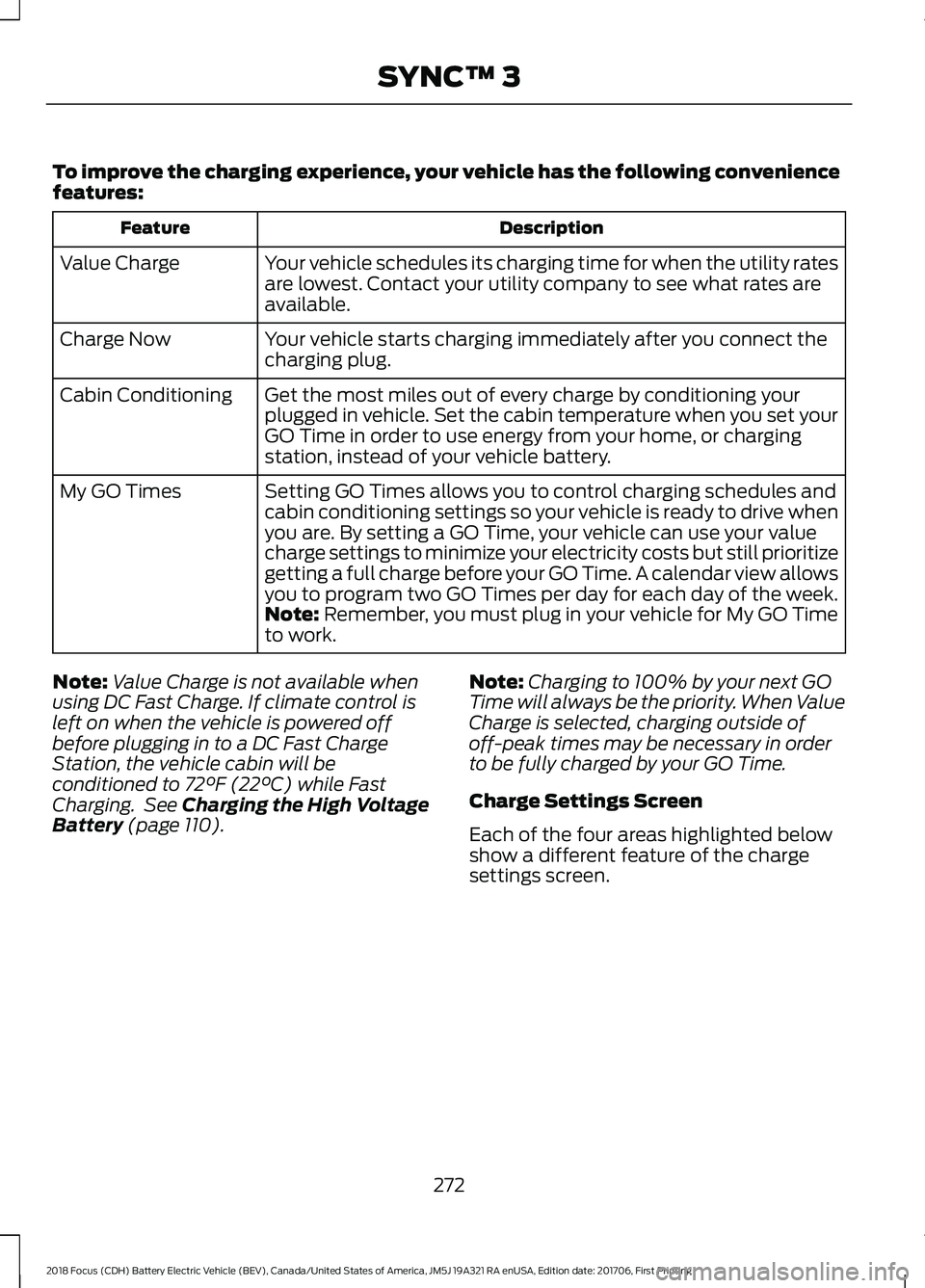
To improve the charging experience, your vehicle has the following convenience
features:
Description
Feature
Your vehicle schedules its charging time for when the utility rates
are lowest. Contact your utility company to see what rates are
available.
Value Charge
Your vehicle starts charging immediately after you connect the
charging plug.
Charge Now
Get the most miles out of every charge by conditioning your
plugged in vehicle. Set the cabin temperature when you set your
GO Time in order to use energy from your home, or charging
station, instead of your vehicle battery.
Cabin Conditioning
Setting GO Times allows you to control charging schedules and
cabin conditioning settings so your vehicle is ready to drive when
you are. By setting a GO Time, your vehicle can use your value
charge settings to minimize your electricity costs but still prioritize
getting a full charge before your GO Time. A calendar view allows
you to program two GO Times per day for each day of the week.
My GO Times
Note: Remember, you must plug in your vehicle for My GO Time
to work.
Note: Value Charge is not available when
using DC Fast Charge. If climate control is
left on when the vehicle is powered off
before plugging in to a DC Fast Charge
Station, the vehicle cabin will be
conditioned to
72°F (22°C) while Fast
Charging. See Charging the High Voltage
Battery
(page 110). Note:
Charging to 100% by your next GO
Time will always be the priority. When Value
Charge is selected, charging outside of
off-peak times may be necessary in order
to be fully charged by your GO Time.
Charge Settings Screen
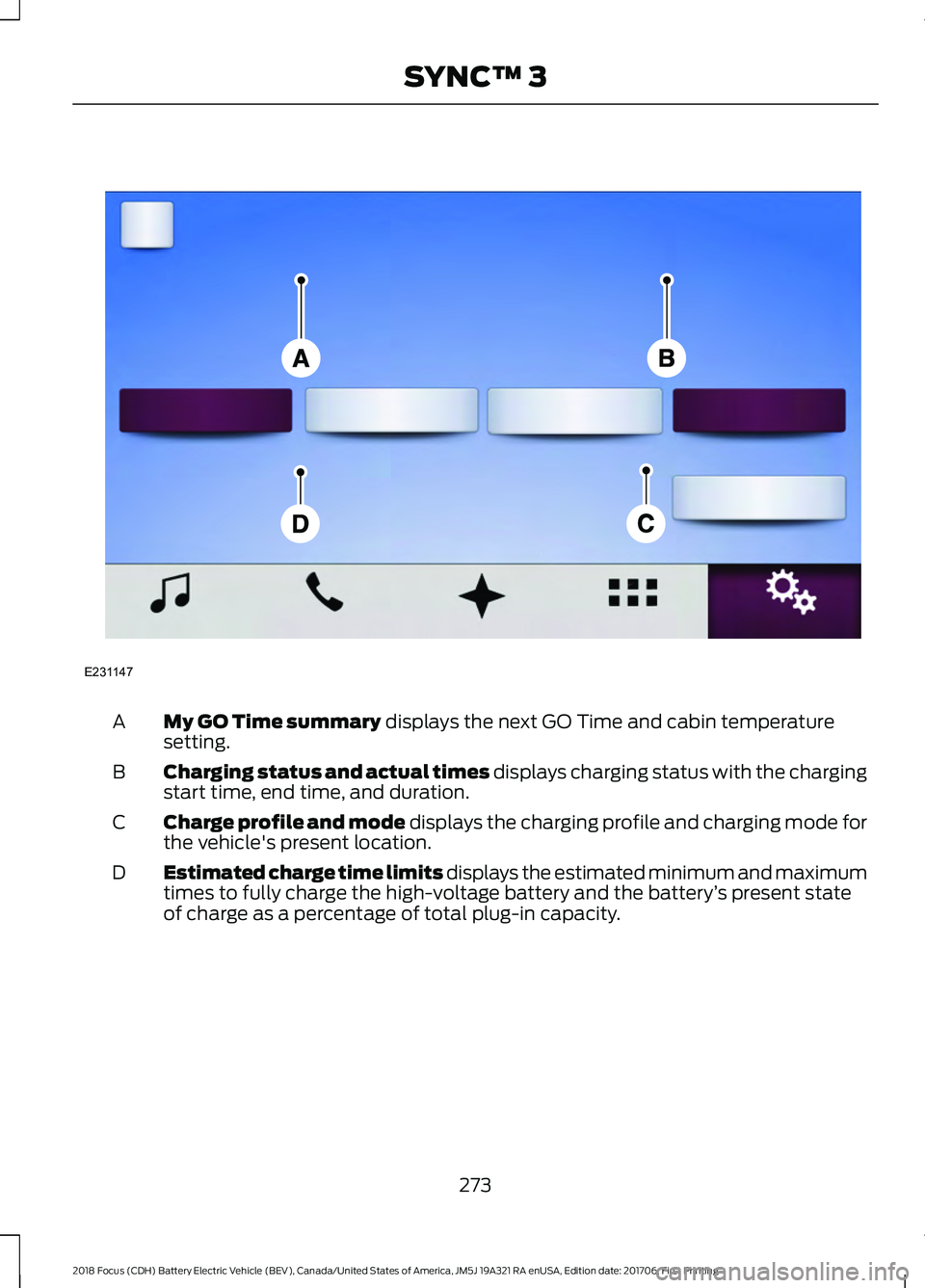
Each of the four areas highlighted below
show a different feature of the charge
settings screen.
272
2018 Focus (CDH) Battery Electric Vehicle (BEV), Canada/United States of America, JM5J 19A321 RA enUSA, Edition date: 201706, First Printing SYNC™ 3
Page 276 of 375
My GO Time summary displays the next GO Time and cabin temperature
setting.
A
Charging status and actual times displays charging status with the charging
start time, end time, and duration.
B
Charge profile and mode displays the charging profile and charging mode for
the vehicle's present location.
C
Estimated charge time limits displays the estimated minimum and maximum
times to fully charge the high-voltage battery and the battery ’s present state
of charge as a percentage of total plug-in capacity.
D
273
2018 Focus (CDH) Battery Electric Vehicle (BEV), Canada/United States of America, JM5J 19A321 RA enUSA, Edition date: 201706, First Printing SYNC™ 3E231147
Page 278 of 375
Action and Description
Menu Item
Item
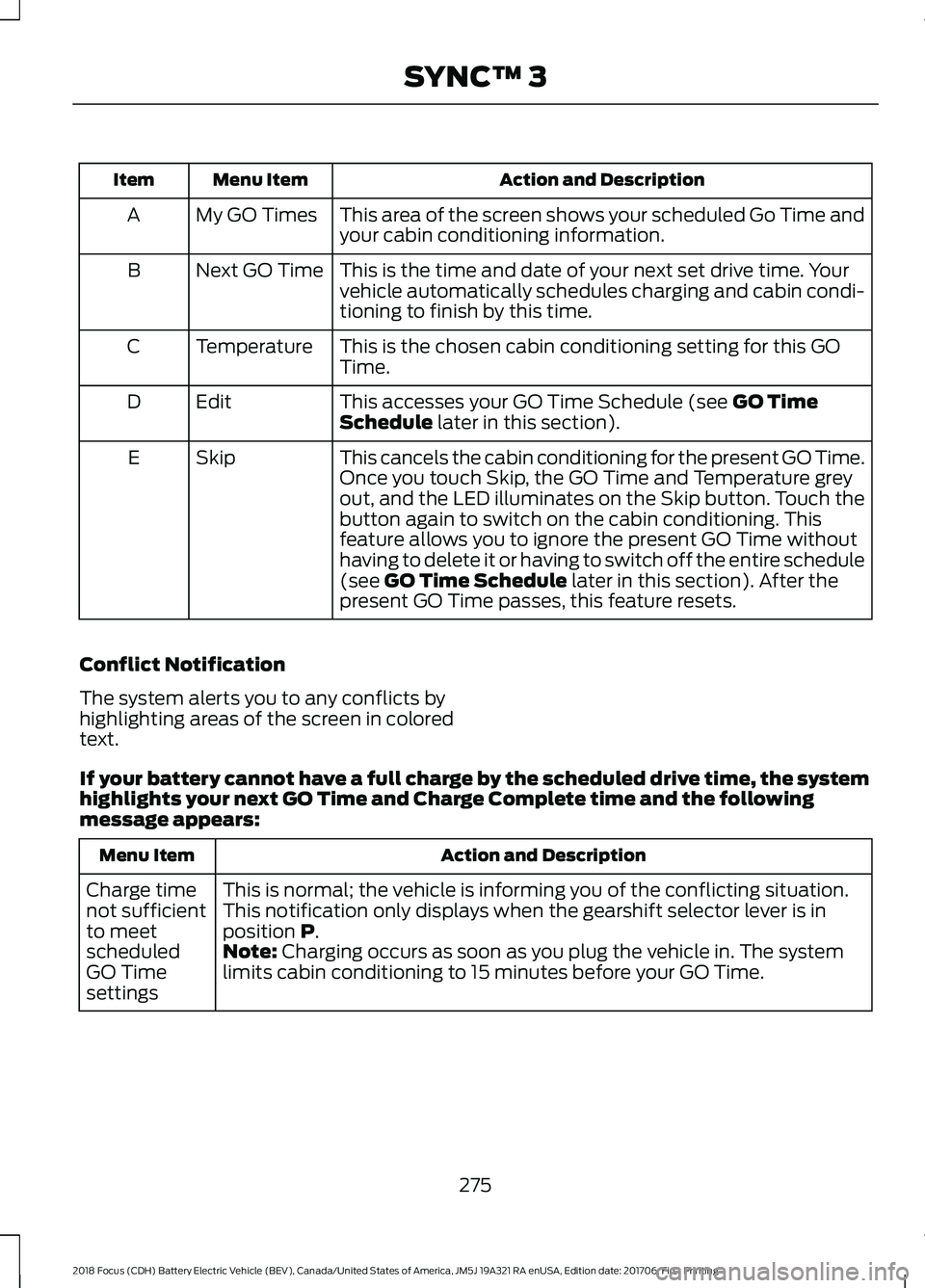
This area of the screen shows your scheduled Go Time and
your cabin conditioning information.
My GO Times
A
This is the time and date of your next set drive time. Your
vehicle automatically schedules charging and cabin condi-
tioning to finish by this time.
Next GO Time
B
This is the chosen cabin conditioning setting for this GO
Time.
Temperature
C
This accesses your GO Time Schedule (see GO Time
Schedule later in this section).
Edit
D
This cancels the cabin conditioning for the present GO Time.
Once you touch Skip, the GO Time and Temperature grey
out, and the LED illuminates on the Skip button. Touch the
button again to switch on the cabin conditioning. This
feature allows you to ignore the present GO Time without
having to delete it or having to switch off the entire schedule
(see
GO Time Schedule later in this section). After the
present GO Time passes, this feature resets.
Skip
E
Conflict Notification
The system alerts you to any conflicts by
highlighting areas of the screen in colored
text.
If your battery cannot have a full charge by the scheduled drive time, the system
highlights your next GO Time and Charge Complete time and the following
message appears: Action and Description
Menu Item
This is normal; the vehicle is informing you of the conflicting situation.
This notification only displays when the gearshift selector lever is in
position
P.
Charge time
not sufficient
to meet
scheduled
GO Time
settings Note: Charging occurs as soon as you plug the vehicle in. The system
limits cabin conditioning to 15 minutes before your GO Time.
275
2018 Focus (CDH) Battery Electric Vehicle (BEV), Canada/United States of America, JM5J 19A321 RA enUSA, Edition date: 201706, First Printing SYNC™ 3
Page 279 of 375
To eliminate the conflict notification
immediately or to prevent a conflict in the
future, try the following:
•
Switch the present GO Time to occur
later. •
Plug the vehicle into a high current
charging station instead of using the
low current convenience cord. Higher
power charging yields shorter charge
times.
• Plug the vehicle in sooner.
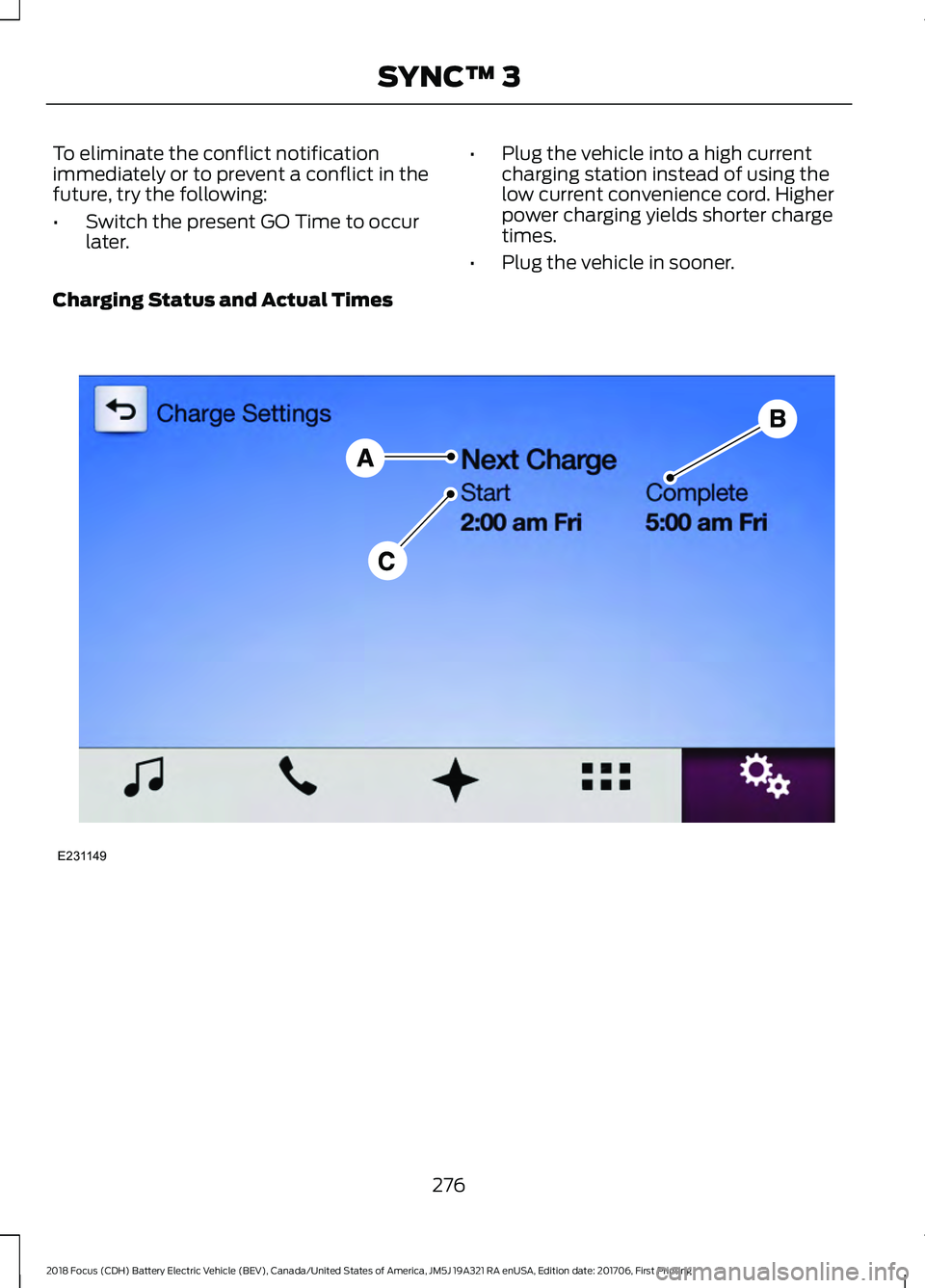
Charging Status and Actual Times 276
2018 Focus (CDH) Battery Electric Vehicle (BEV), Canada/United States of America, JM5J 19A321 RA enUSA, Edition date: 201706, First Printing SYNC™ 3E231149
Page 280 of 375
Action and Description
Menu Item
Item
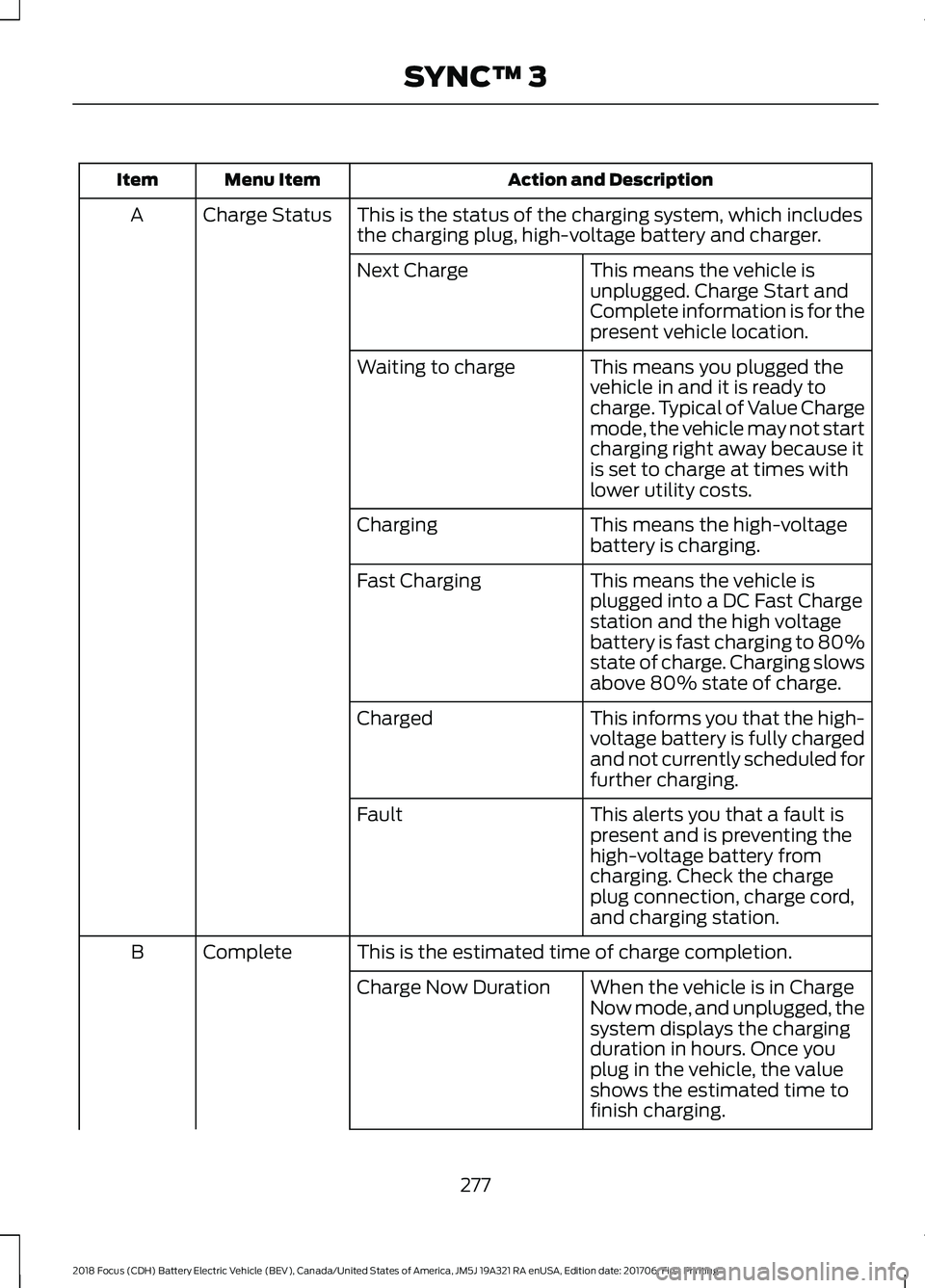
This is the status of the charging system, which includes
the charging plug, high-voltage battery and charger.
Charge Status
A
This means the vehicle is
unplugged. Charge Start and
Complete information is for the
present vehicle location.
Next Charge
This means you plugged the
vehicle in and it is ready to
charge. Typical of Value Charge
mode, the vehicle may not start
charging right away because it
is set to charge at times with
lower utility costs.
Waiting to charge
This means the high-voltage
battery is charging.
Charging
This means the vehicle is
plugged into a DC Fast Charge
station and the high voltage
battery is fast charging to 80%
state of charge. Charging slows
above 80% state of charge.
Fast Charging
This informs you that the high-
voltage battery is fully charged
and not currently scheduled for
further charging.
Charged
This alerts you that a fault is
present and is preventing the
high-voltage battery from
charging. Check the charge
plug connection, charge cord,
and charging station.
Fault
This is the estimated time of charge completion.
Complete
B
When the vehicle is in Charge
Now mode, and unplugged, the
system displays the charging
duration in hours. Once you
plug in the vehicle, the value
shows the estimated time to
finish charging.
Charge Now Duration
277
2018 Focus (CDH) Battery Electric Vehicle (BEV), Canada/United States of America, JM5J 19A321 RA enUSA, Edition date: 201706, First Printing SYNC™ 3