2018 FORD EXPEDITION console
[x] Cancel search: consolePage 250 of 571
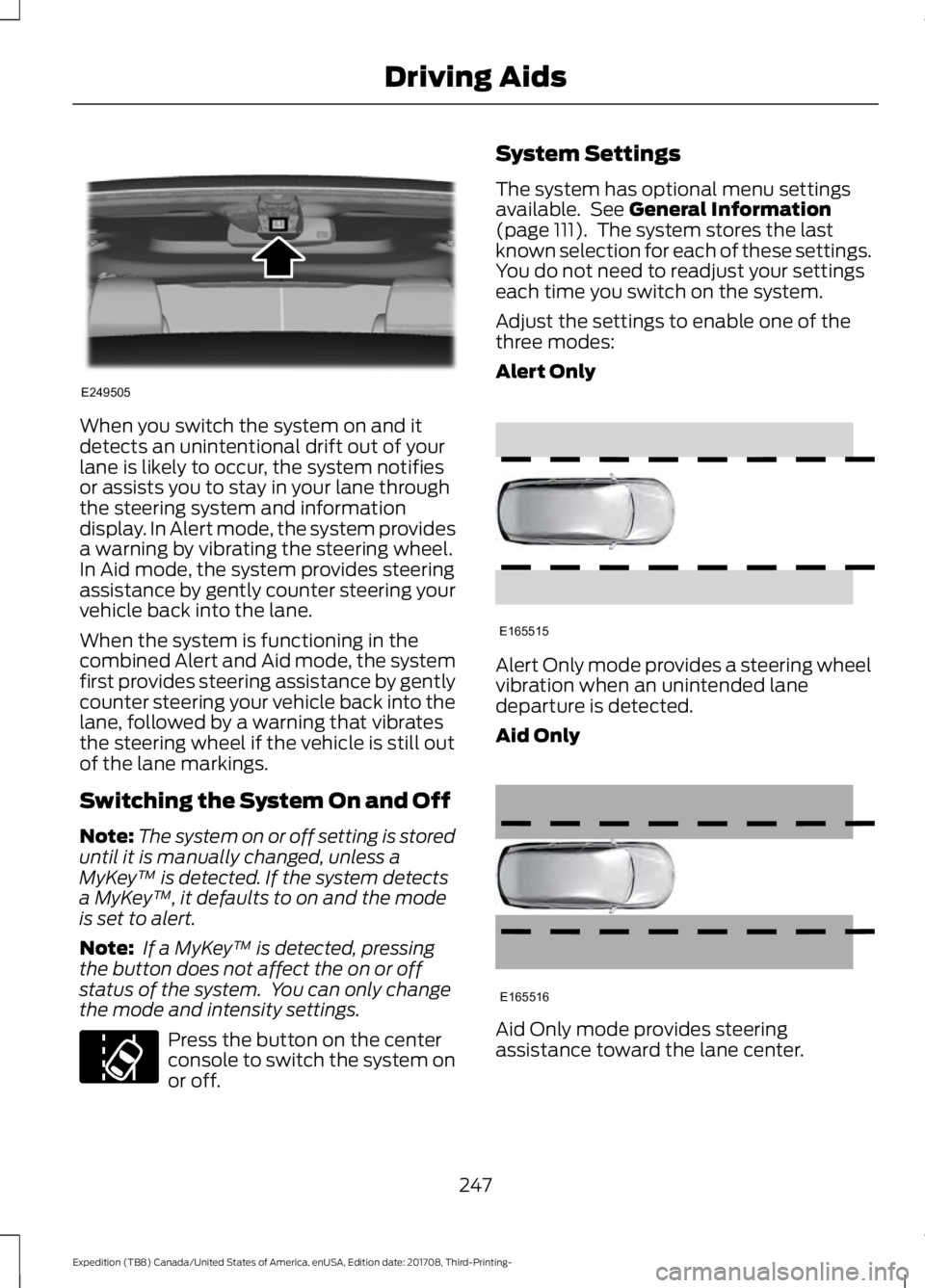
When you switch the system on and it
detects an unintentional drift out of your
lane is likely to occur, the system notifies
or assists you to stay in your lane through
the steering system and information
display. In Alert mode, the system provides
a warning by vibrating the steering wheel.
In Aid mode, the system provides steering
assistance by gently counter steering your
vehicle back into the lane.
When the system is functioning in the
combined Alert and Aid mode, the system
first provides steering assistance by gently
counter steering your vehicle back into the
lane, followed by a warning that vibrates
the steering wheel if the vehicle is still out
of the lane markings.
Switching the System On and Off
Note:
The system on or off setting is stored
until it is manually changed, unless a
MyKey ™ is detected. If the system detects
a MyKey ™, it defaults to on and the mode
is set to alert.
Note: If a MyKey ™ is detected, pressing
the button does not affect the on or off
status of the system. You can only change
the mode and intensity settings. Press the button on the center
console to switch the system on
or off. System Settings
The system has optional menu settings
available. See General Information
(page 111). The system stores the last
known selection for each of these settings.
You do not need to readjust your settings
each time you switch on the system.
Adjust the settings to enable one of the
three modes:
Alert Only Alert Only mode provides a steering wheel
vibration when an unintended lane
departure is detected.
Aid Only
Aid Only mode provides steering
assistance toward the lane center.
247
Expedition (TB8) Canada/United States of America, enUSA, Edition date: 201708, Third-Printing- Driving AidsE249505 E173233 E165515 E165516
Page 265 of 571
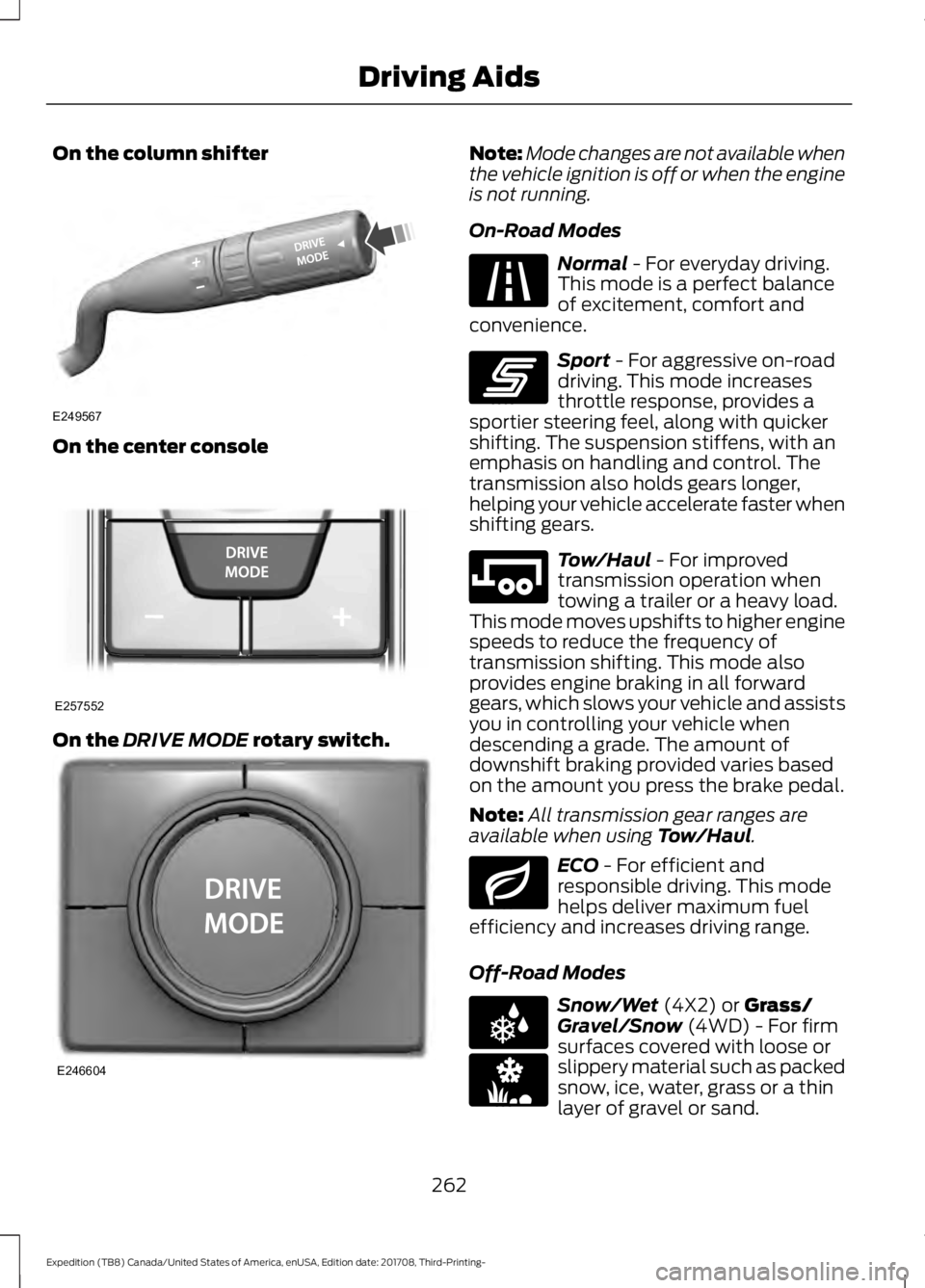
On the column shifter
On the center console
On the DRIVE MODE rotary switch. Note:
Mode changes are not available when
the vehicle ignition is off or when the engine
is not running.
On-Road Modes Normal
- For everyday driving.
This mode is a perfect balance
of excitement, comfort and
convenience. Sport
- For aggressive on-road
driving. This mode increases
throttle response, provides a
sportier steering feel, along with quicker
shifting. The suspension stiffens, with an
emphasis on handling and control. The
transmission also holds gears longer,
helping your vehicle accelerate faster when
shifting gears. Tow/Haul
- For improved
transmission operation when
towing a trailer or a heavy load.
This mode moves upshifts to higher engine
speeds to reduce the frequency of
transmission shifting. This mode also
provides engine braking in all forward
gears, which slows your vehicle and assists
you in controlling your vehicle when
descending a grade. The amount of
downshift braking provided varies based
on the amount you press the brake pedal.
Note: All transmission gear ranges are
available when using
Tow/Haul. ECO
- For efficient and
responsible driving. This mode
helps deliver maximum fuel
efficiency and increases driving range.
Off-Road Modes Snow/Wet
(4X2) or Grass/
Gravel/Snow (4WD) - For firm
surfaces covered with loose or
slippery material such as packed
snow, ice, water, grass or a thin
layer of gravel or sand.
262
Expedition (TB8) Canada/United States of America, enUSA, Edition date: 201708, Third-Printing- Driving AidsE249567 E257552 E246604 E225310 E246593 E246592 E246597 E225312 E246594
Page 297 of 571
Exceeding these limits may allow water to
enter vehicle components:
•
Causing internal damage to the
components.
• Affecting driveability, emissions and
reliability.
Replace the rear axle lubricant anytime
the rear axle has been submerged in water.
Water may have contaminated the rear
axle lubricant, which is not normally
checked or changed unless a leak is
suspected or other axle repair is required.
TOWING THE VEHICLE ON
FOUR WHEELS WARNING: If your vehicle has a
steering wheel lock make sure the
ignition is in the accessory or on position
when being towed.
Recreational Towing
Note: Put your climate control system in
recirculated air mode to prevent exhaust
fumes from entering your vehicle.
See
Climate Control (page 139).
Follow these guidelines if you have a need
for recreational towing, for example towing
your vehicle behind a motorhome. These
guidelines prevent damage to your
transmission.
Two-wheel Drive Vehicles
You cannot tow a two wheel drive vehicle
with any wheels on the ground as vehicle
or transmission damage may occur. You
must tow your vehicle with all four wheels
off the ground, for example when using a
car-hauling trailer. Four-wheel Drive Vehicles Without 4x4
LOW
If your vehicle is not equipped with 4x4
Low, you cannot tow your vehicle with any
wheels on the ground or vehicle damage
may occur. You must tow your vehicle with
all four wheels off the ground, for example
when using a car-hauling trailer.
Four-wheel Drive Vehicles With 4x4
LOW
You can only tow a
4X4 LOW equipped
four-wheel drive vehicle with all wheels on
the ground by placing the transfer case in
its neutral position and engaging the four
wheel down towing feature. Perform the
steps outlined in the following section after
positioning your vehicle behind the tow
vehicle and properly securing them
together.
Four-wheel-down Towing
Note: If completed successfully, the
information display shows
Neutral Tow
Enabled Leave Transmission in Neutral.
This indicates that your vehicle is safe to
tow with all wheels on the ground.
Note: If you do not see the message in the
information display, you must perform the
procedure again from the beginning.
Note: Make sure you properly secure your
vehicle to the tow vehicle.
Entering Four-wheel-down Towing
1. Start your vehicle.
2. Select
2H on the 4WD mode selector
switch.
3. For vehicles equipped with a console shifter, place the transmission in stay
in neutral mode.
See Automatic
Transmission (page 195). For vehicles
equipped with a column shifter, place
the transmission in neutral (N).
294
Expedition (TB8) Canada/United States of America, enUSA, Edition date: 201708, Third-Printing- Towing
Page 449 of 571
Function
Button
Playlists
Artist
Albums
Songs
Genres
Podcasts
Audio books
Composers
This button allows you to choose a specific
letter to view within the category you are
browsing.
A-Z Jump
If available, this allows you to browse the
folders and files on your USB device.
Explore Device
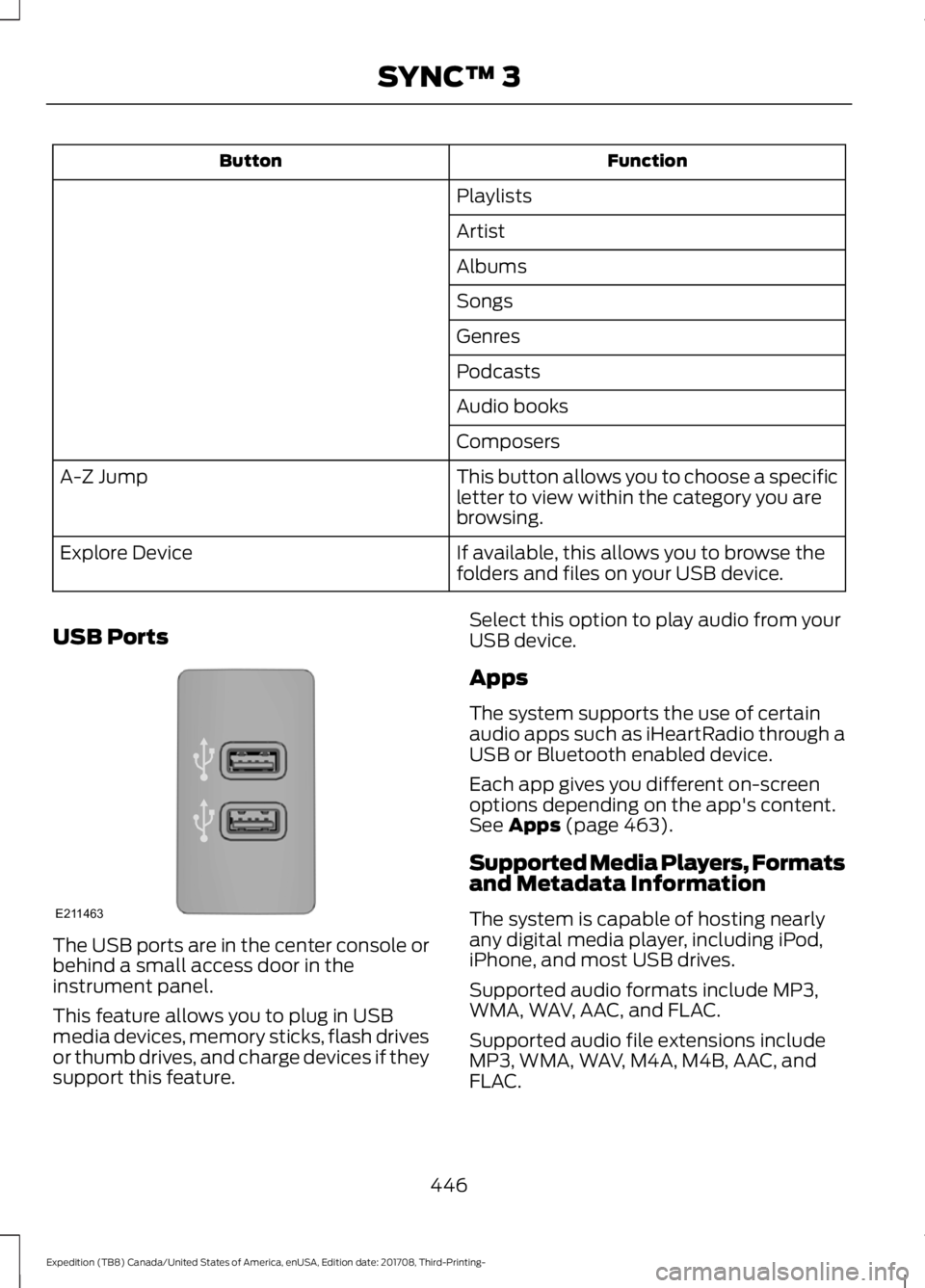
USB Ports The USB ports are in the center console or
behind a small access door in the
instrument panel.
This feature allows you to plug in USB
media devices, memory sticks, flash drives
or thumb drives, and charge devices if they
support this feature. Select this option to play audio from your
USB device.
Apps
The system supports the use of certain
audio apps such as iHeartRadio through a
USB or Bluetooth enabled device.
Each app gives you different on-screen
options depending on the app's content.
See Apps (page 463).
Supported Media Players, Formats
and Metadata Information
The system is capable of hosting nearly
any digital media player, including iPod,
iPhone, and most USB drives.
Supported audio formats include MP3,
WMA, WAV, AAC, and FLAC.
Supported audio file extensions include
MP3, WMA, WAV, M4A, M4B, AAC, and
FLAC.
446
Expedition (TB8) Canada/United States of America, enUSA, Edition date: 201708, Third-Printing- SYNC™ 3E211463
Page 561 of 571

SelectShift™ Automatic
Transmission................................................... 199
Understanding the Shift Positions of your Automatic Transmission............................. 195
Automatic Transmission Fluid Check.............................................................333
Auto-Start-Stop............................................181 Disabling Auto-Start-Stop.............................. 182
Enabling Auto-Start-Stop................................ 181
Autowipers........................................................87 Autowipers Settings........................................... 88
Auxiliary Power Points................................170 110 Volt AC Power Point................................... 170
12 Volt DC Power Point..................................... 170
USB Port and Power Point Locations.........170
B
Battery See: Changing the 12V Battery..................... 335
Blind Spot Information System.............250 ........................................................................\
.......... 250
Blind Spot Information System with Trailer Tow...................................................................... 251
Switching the System On and Off...............253
System Errors...................................................... 253
Using the Blind Spot Information System.............................................................. 250
BLIS See: Blind Spot Information System.........250
Bonnet Lock See: Opening and Closing the Hood..........325
Booster Seats..................................................28 Types of Booster Seats...................................... 29
Brake Fluid Check........................................334
Brakes.................................................................211 General Information............................................ 211
Breaking-In.....................................................297
Bulb Specification Chart............................341
C
Cabin Air Filter...............................................148
Capacities and Specifications...............384 Alternative Engine Oil for Extremely Cold
Climates........................................................... 388
Specifications..................................................... 385
Cargo Nets
.....................................................266 Car Wash
See: Cleaning the Exterior.............................. 344
Catalytic Converter......................................192 On-Board Diagnostics (OBD-II)...................193
Readiness for Inspection and Maintenance
(I/M) Testing................................................... 193
Center Console
...............................................174
Changing a Bulb...........................................339 Fog Lamp Bulb................................................... 340
Front Direction Indicator Bulb......................340
Headlamp Bulb.................................................. 339
LED Bulbs.............................................................. 341
LED Direction Indicator and Side Marker Bulbs................................................................. 340
LED Headlamp Bulb......................................... 339
Rear Lamp, Brake Lamp, Rear Direction Indicator and Reverse Lamp
Bulbs................................................................. 340
Changing a Fuse
...........................................323
Fuses....................................................................... 323
Changing a Road Wheel............................373 Dissimilar Spare Wheel and Tire Assembly
Information...................................................... 373
Location of the Spare Tire and Tools.........374
Tire Change Procedure.................................... 374
Changing the 12V Battery
.........................335
Battery Management System....................... 336
Changing the Engine Air Filter................343
Changing the Wiper Blades.....................337
Checking MyKey System Status...............63 MyKey Distance.................................................... 63
Number of Admin Keys...................................... 63
Number of MyKeys.............................................. 63
Checking the Wiper Blades......................337
Childminder Mirror........................................101
Child Restraint and Seatbelt Maintenance.................................................42
Child Restraint Positioning
.........................30
Child Safety........................................................17
General Information............................................. 17
Child Safety Locks..........................................32 Left-Hand Side...................................................... 33
Right-Hand Side................................................... 33
Cleaning Leather Seats.............................348
Cleaning Products
.......................................344
Materials............................................................... 344
Cleaning the Engine
...................................346
558
Expedition (TB8) Canada/United States of America, enUSA, Edition date: 201708, Third-Printing- Index
Page 566 of 571
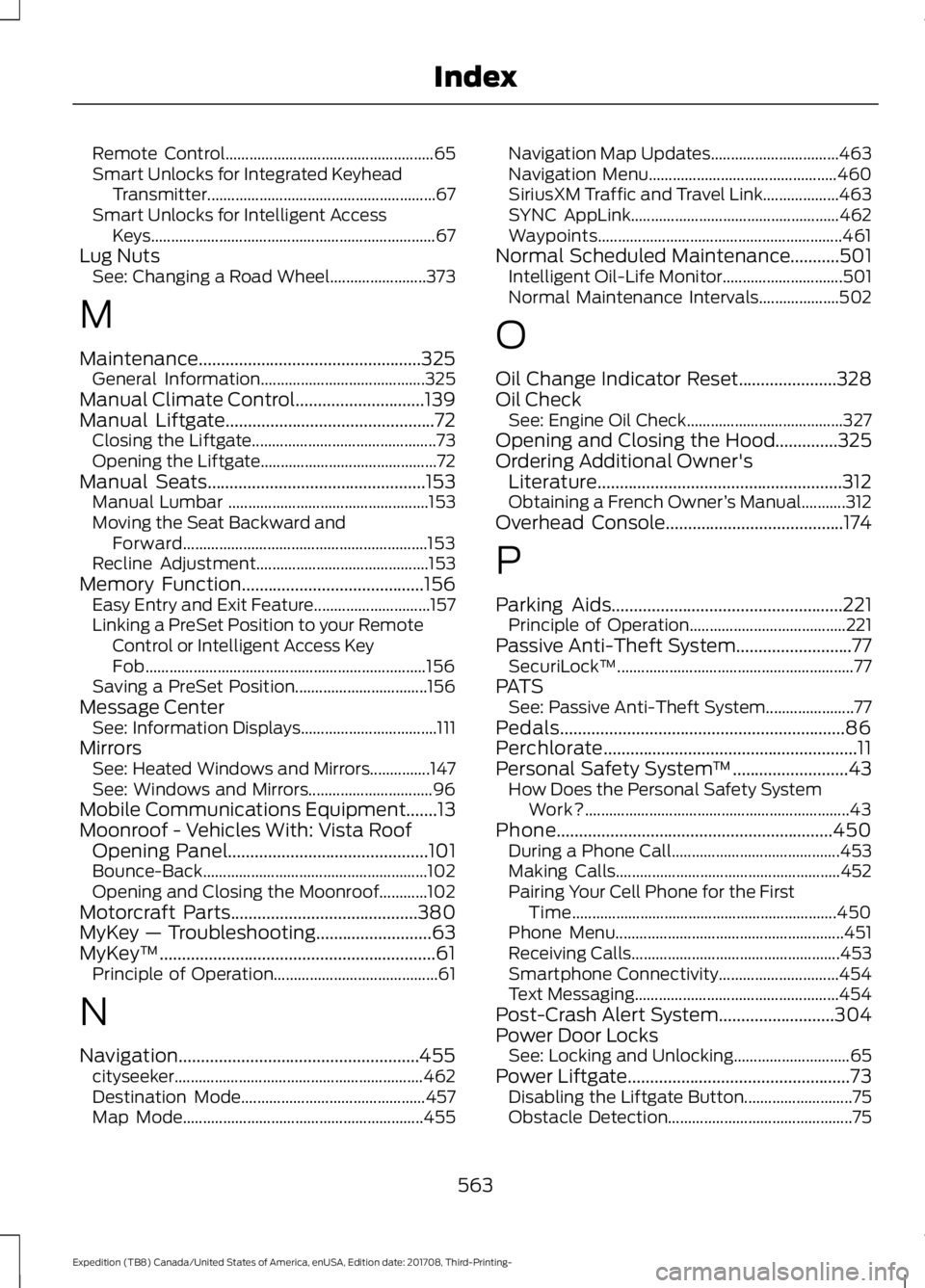
Remote Control....................................................
65
Smart Unlocks for Integrated Keyhead Transmitter......................................................... 67
Smart Unlocks for Intelligent Access Keys....................................................................... 67
Lug Nuts See: Changing a Road Wheel........................ 373
M
Maintenance..................................................325 General Information......................................... 325
Manual Climate Control.............................139
Manual Liftgate...............................................72 Closing the Liftgate.............................................. 73
Opening the Liftgate............................................ 72
Manual Seats
.................................................153
Manual Lumbar .................................................. 153
Moving the Seat Backward and Forward............................................................. 153
Recline Adjustment........................................... 153
Memory Function
.........................................156
Easy Entry and Exit Feature............................. 157
Linking a PreSet Position to your Remote Control or Intelligent Access Key
Fob...................................................................... 156
Saving a PreSet Position................................. 156
Message Center See: Information Displays.................................. 111
Mirrors See: Heated Windows and Mirrors...............147
See: Windows and Mirrors............................... 96
Mobile Communications Equipment.......13
Moonroof - Vehicles With: Vista Roof Opening Panel
.............................................101
Bounce-Back........................................................102
Opening and Closing the Moonroof............102
Motorcraft Parts
..........................................380
MyKey — Troubleshooting..........................63
MyKey ™..............................................................61
Principle of Operation......................................... 61
N
Navigation......................................................455 cityseeker.............................................................. 462
Destination Mode.............................................. 457
Map Mode............................................................ 455Navigation Map Updates................................
463
Navigation Menu............................................... 460
SiriusXM Traffic and Travel Link...................463
SYNC AppLink.................................................... 462
Waypoints............................................................. 461
Normal Scheduled Maintenance
...........501
Intelligent Oil-Life Monitor.............................. 501
Normal Maintenance Intervals.................... 502
O
Oil Change Indicator Reset......................328
Oil Check See: Engine Oil Check....................................... 327
Opening and Closing the Hood..............325
Ordering Additional Owner's Literature.......................................................312
Obtaining a French Owner ’s Manual...........312
Overhead Console
........................................174
P
Parking Aids
....................................................221
Principle of Operation....................................... 221
Passive Anti-Theft System
..........................77
SecuriLock ™........................................................... 77
PATS See: Passive Anti-Theft System......................77
Pedals................................................................86
Perchlorate.........................................................11
Personal Safety System ™
..........................43
How Does the Personal Safety System
Work?.................................................................. 43
Phone..............................................................450 During a Phone Call.......................................... 453
Making Calls........................................................ 452
Pairing Your Cell Phone for the First Time.................................................................. 450
Phone Menu......................................................... 451
Receiving Calls.................................................... 453
Smartphone Connectivity.............................. 454
Text Messaging................................................... 454
Post-Crash Alert System
..........................304
Power Door Locks See: Locking and Unlocking............................. 65
Power Liftgate..................................................73 Disabling the Liftgate Button........................... 75
Obstacle Detection.............................................. 75
563
Expedition (TB8) Canada/United States of America, enUSA, Edition date: 201708, Third-Printing- Index