2018 FORD C-MAY HYBRID radio
[x] Cancel search: radioPage 399 of 475

Onboard Modem Serial Number (ESN)
Selecting this button on the settings menu
shows you the ESN number for your
system. You need this number for certain
registrations such as Satellite Radio.
Display
To make adjustments using the touchscreen, select: Action and Description
Menu Item
The screen goes black and does not display anything. To switch the
screen back on, simply tap the screen.
Display Off
Make the screen display brighter or dimmer.
Brightness
You can select:
Mode
The screen automatically switches between day and
night modes based on the outside light level.
Auto
The screen displays with a light background to enhance
daytime viewing.
Day
The screen displays with a darker background to make
nighttime viewing easier.
Night
Enable this option to automatically dim the display brightness based
on ambient lighting conditions.
Auto Dim
Voice Control
You can adjust the voice control settings
by selecting the following options. Menu Item
Enable this option to remove additional voice prompts
and confirmations.
Advanced Mode
Enable this option to have the system confirm a contacts
name with you before making a call.
Phone Confirmation
Enable this option to have the system display a list of
available voice commands when the voice button is
pressed.
Voice Command List
396
C-MAX / C-MAX Hybrid (CCG) Canada/United States of America, enUSA, Edition date: 201707, Second Printing SYNC™ 3 (If Equipped)
Page 413 of 475

General
Possible solution
Possible cause
Issue
SYNC 3 only supports four languages in a
single module for text display, voice control
and voice prompts. The country where you
bought your vehicle dictates the four
languages based on the most popular
languages spoken. If the selected language
is not available, SYNC 3 remains in the
current active language.
SYNC 3 does not support
the currently selected
language for the instru-
ment cluster and inform-
ation and entertainment
display.
The language
selected for the
instrument
cluster and
information and
entertainment
display does not
match the
SYNC 3
SYNC 3 offers several new voice control
features for a wide range of languages.
Dialing a contact name directly from the
phonebook without pre-recording (for
example,
“call John Smith ”) or selecting a
track, artist, album, genre or playlist directly
from your media player (for example, "play
artist Madonna").
language
(phone, USB,
Bluetooth
audio, voice
control and
voice prompts). SYNC 3 System Reset
The system has a System Reset feature that can be performed if the function of a SYNC
3 feature is lost. This reset is intended to restore functionality and will not erase any
information previously stored in the system (such as paired devices, phonebook, call
history, text messages, or user settings). To perform a System Reset, press and hold
the Seek Up (>>|) button while pressing and holding the Radio Power button. After
approximately 5 seconds the screen will go black. Allow 1-2 minutes for the system
reset to complete. You may then resume using the SYNC 3 system.
For additional assistance with SYNC 3
troubleshooting, refer to the regional Ford
or Lincoln website.
410
C-MAX / C-MAX Hybrid (CCG) Canada/United States of America, enUSA, Edition date: 201707, Second Printing SYNC™ 3 (If Equipped)
Page 415 of 475

Footnote
*Ford Licensed Accessory. The accessory manufacturer designs, develops andtherefore warrants Ford Licensed
Accessories, and does not design or test these accessories to Ford Motor
Company engineering requirements.
Contact an authorized Ford dealer for the manufacturer's limited warranty details, and request a copy of the Ford Licensed Accessories product limited warranty from the accessory manufacturer.
For maximum vehicle performance, keep
the following information in mind when
adding accessories or equipment to your
vehicle:
• When adding accessories, equipment,
passengers and luggage to your
vehicle, do not exceed the total weight
capacity of the vehicle or of the front
or rear axle (GVWR or GAWR as
indicated on the Safety Compliance
Certification label). Ask an authorized
dealer for specific weight information.
• The Federal Communications
Commission (FCC) and Canadian
Radio Telecommunications
Commission (CRTC) regulate the use
of mobile communications systems
that are equipped with radio
transmitters, for example two-way
radios, telephones and theft alarms.
Any such equipment installed in your
vehicle should comply with Federal
Communications Commission (FCC)
and Canadian Radio
Telecommunications Commission
(CRTC) regulations and should be
installed only by an authorized dealer. •
Mobile communications systems may
harm the operation of your vehicle,
particularly if their manufacturer did
not design them specifically for
automotive use.
• If you or an authorized Ford dealer add
any non-Ford electrical or electronic
accessories or components to your
vehicle, you may adversely affect
battery performance and durability. In
addition, you may also adversely affect
the performance of other electrical
systems in the vehicle.
412
C-MAX / C-MAX Hybrid (CCG) Canada/United States of America, enUSA, Edition date: 201707, Second Printing Accessories
Page 436 of 475

ELECTROMAGNETIC
COMPATIBILITY
WARNINGS
Do not place objects or mount
equipment on or near the airbag
cover, on the side of the seatbacks
(of the front seats), or in front seat areas
that may come into contact with a
deploying airbag. Failure to follow these
instructions may increase the risk of
personal injury in the event of a crash. Do not fasten antenna cables to
original vehicle wiring, fuel pipes and
brake pipes.
Keep antenna and power cables at
least 4 in (10 cm) from any electronic
modules and airbags. Note:
We test and certify your vehicle to
meet electromagnetic compatibility
legislation (UNECE Regulation 10 or other
applicable local requirements). It is your
responsibility to make sure that any
equipment an authorized dealer installs on
your vehicle complies with applicable local
legislation and other requirements.
Note: Any radio frequency transmitter
equipment in your vehicle (such as cellular
telephones and amateur radio transmitters)
must keep to the parameters in the
following table. We do not provide special
provisions or conditions for installations or
use.
Car 433
C-MAX / C-MAX Hybrid (CCG) Canada/United States of America, enUSA, Edition date: 201707, Second Printing AppendicesE239120
Page 438 of 475

Antenna Positions
Maximum output power Watt (Peak
RMS)
Frequency Band
MHz
1
50
1-30
2, 3
50
50-54
2, 3
50
68-88
2, 3
50
142-176
2, 3
50
380-512
2, 3
10
806-870
Note: After the installation of radio
frequency transmitters, check for
disturbances from and to all electrical
equipment in your vehicle, both in the
standby and transmit modes.
Check all electrical equipment:
• With the ignition ON.
• With the engine running.
• During a road test at various speeds.
Check that electromagnetic fields
generated inside your vehicle cabin by the
transmitter installed do not exceed
applicable human exposure requirements. END USER LICENSE
AGREEMENT
VEHICLE SOFTWARE END USER
LICENSE AGREEMENT (EULA)
•
You (“You” or “Your ” as applicable)
have acquired a vehicle having several
devices, including SYNC ® and various
control modules, ("DEVICES") that
include software licensed or owned by
Ford Motor Company and its affiliates
("FORD MOTOR COMPANY"). Those
software products of FORD MOTOR
COMPANY origin, as well as associated
media, printed materials, and "online"
or electronic documentation
("SOFTWARE") are protected by
international intellectual property laws
and treaties. The SOFTWARE is
licensed, not sold. All rights reserved.
• The SOFTWARE may interface with
and/or communicate with, or may be
later upgraded to interface with and/or
communicate with additional software
and/or systems provided by FORD
MOTOR COMPANY.
435
C-MAX / C-MAX Hybrid (CCG) Canada/United States of America, enUSA, Edition date: 201707, Second Printing Appendices
Page 462 of 475

IMPLIED WARRANTIES OF
MERCHANTABILITY, FITNESS FOR A
PARTICULAR PURPOSE, TITLE, AND
NON-INFRINGEMENT. NEITHER
GRACENOTE WARRANTS THE RESULTS
THAT WILL BE OBTAINED BY YOUR USE
OF THE GRACENOTE SOFTWARE OR ANY
GRACENOTE SERVER. IN NO CASE WILL
GRACENOTE BE LIABLE FOR ANY
CONSEQUENTIAL OR INCIDENTAL
DAMAGES OR FOR ANY LOST PROFITS
OR LOST REVENUES FOR ANY REASON
WHATSOEVER. © Gracenote 2007.
Radio Frequency Statement
FCC ID: ACJ-SYNCG3-L
IC: 216B-SYNCG3-L
This device complies with Part 15 of the
FCC Rules and with RSS-210 of Industry
Canada. Operation is subject to the
following two conditions:
(1) This device may not cause harmful
interference, and
(2)
this device must accept any
interference received, including
interference that may cause undesired
operation. WARNING
Changes or modifications not
expressively approved by the party
responsible for compliance could
void the user's authority to operate the
equipment. The term "IC:" before the radio
certification number only signifies that
Industry Canada technical specifications
were met. The antenna used for this transmitter must
not be co-located or operating in
conjunction with any other antenna or
transmitter. Taiwan Territory
Note: In accordance with the management
approach of low-power radio wave
radiation motors:
Article 12: For approved and certified
low-power radiation motor models,
companies, firms or users must not alter
the frequency, increase the power or
change the characteristics and functions
of the original design without authorization.
Article 14: The usage of low-power
radio-frequency motors must not affect
aviation safety and interfere with legal
telecommunications. Should interference
be detected, immediately stop using the
device and only resume usage after
ensuring that there is no longer any
interference. For the legal
telecommunication and wireless
telecommunication of the telco, the
low-power radio frequency motor must be
able to tolerate legal limits of interference
from telecommunication, industrial,
scientific and radio wave equipment.
SUNA TRAFFIC CHANNEL – TERMS
AND CONDITIONS
By activating, using and/or accessing the
SUNA Traffic Channel, SUNA Predictive or
other content or material provided by
Intelematics (together,
SUNA Products
and/or Services
), you must accept
certain terms and conditions. The following
is a brief summary of the terms and
conditions that apply to you. To view the
full terms and conditions relevant to your
use of the SUNA Products and/or Services,
please consult: Website
www.sunatraffic.com.au/termsandcon- ditions/
1. Acceptance
459
C-MAX / C-MAX Hybrid (CCG) Canada/United States of America, enUSA, Edition date: 201707, Second Printing Appendices
Page 466 of 475

A
A/C
See: Climate Control......................................... 106
About This Manual...........................................7
ABS See: Brakes............................................................ 153
ABS driving hints See: Hints on Driving With Anti-Lock
Brakes................................................................ 154
Accessories......................................................411 Exterior style.......................................................... 411
Interior style........................................................... 411
Lifestyle................................................................... 411
Peace of mind....................................................... 411
Accessories See: Replacement Parts
Recommendation............................................ 12
Active Park Assist..........................................161 Automatic Steering into Parking
Space................................................................. 163
Deactivating the Park Assist Feature..........163
Troubleshooting the System.......................... 164
Using Active Park Assist................................... 162
Adjusting the Headlamps.........................225 Horizontal Aim Adjustment........................... 226
Vertical Aim Adjustment................................. 225
Adjusting the Steering Wheel...................68
Airbag Disposal
..............................................46
Air Conditioning See: Climate Control......................................... 106
Air Filter See: Changing the Engine Air Filter.............232
Alarm See: Anti-Theft Alarm......................................... 67
Ambient Lighting
............................................78
Anti-Theft Alarm............................................67
Arming the Alarm................................................. 67
Disarming the Alarm........................................... 67
Appendices....................................................433
Apps.................................................................380 ........................................................................\
.......... 380
SiriusXM Traffic and Travel Link................... 382
At a Glance........................................................16
Audible Warnings and Indicators............90 Automatic Transmission Warning
Chime................................................................... 91
Engine On Warning Chime............................... 90Headlamps On Warning Chime.......................
91
Key in Ignition Warning Chime........................ 90
Keyless Warning Alert ....................................... 90
Parking Brake On Warning Chime................... 91
Audio Control..................................................68 Seek, Next or Previous....................................... 69
Audio System.................................................277 General Information.......................................... 277
Audio Unit - Vehicles With: AM/FM/CD/ Satellite Radio...........................................282
Menu Structure.................................................. 284
Audio Unit - Vehicles With: AM/FM/CD/ SYNC/Touchscreen Display
.................280
Audio Unit - Vehicles With: AM/FM/CD/ SYNC.............................................................278
Audio Unit - Vehicles With: Sony Audio System..........................................................287
Autolamps.........................................................75 Windshield Wiper Activated
Headlamps......................................................... 75
Automatic Climate Control
......................106
Smart Zone........................................................... 107
Automatic Engine Shutdown...................129
Automatic Transmission...........................150 Brake-Shift Interlock Override........................ 151
If Your Vehicle Gets Stuck In Mud or Snow................................................................... 152
Understanding the Shift Positions of your Automatic Transmission............................ 150
Automatic Transmission Fluid Check
............................................................220
Autowipers.........................................................71 Autowipers Settings............................................ 72
Auxiliary Power Points
................................122
110 Volt AC Power Point.................................... 122
12 Volt DC Power Point...................................... 122
Locations................................................................ 122
B
Battery See: Changing the 12V Battery...................... 222
Blind Spot Information System...............170 Switching the System Off and On.................171
System Errors......................................................... 171
Using the Blind Spot Information System............................................................... 170
463
C-MAX / C-MAX Hybrid (CCG) Canada/United States of America, enUSA, Edition date: 201707, Second Printing Index
Page 467 of 475
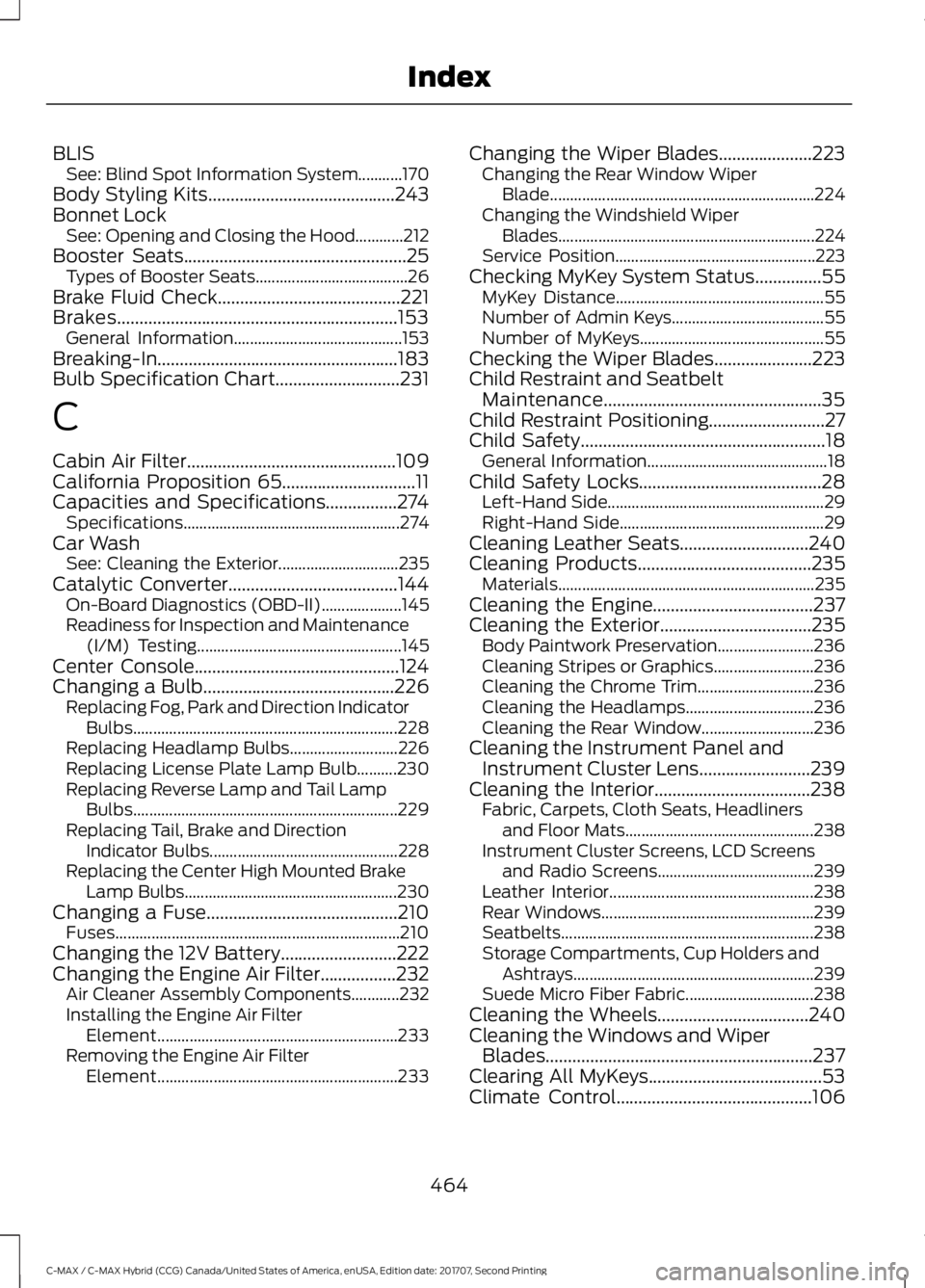
BLIS
See: Blind Spot Information System...........170
Body Styling Kits..........................................243
Bonnet Lock See: Opening and Closing the Hood............212
Booster Seats..................................................25 Types of Booster Seats...................................... 26
Brake Fluid Check
.........................................221
Brakes...............................................................153
General Information.......................................... 153
Breaking-In......................................................183
Bulb Specification Chart............................231
C
Cabin Air Filter...............................................109
California Proposition 65..............................11
Capacities and Specifications
................274
Specifications...................................................... 274
Car Wash See: Cleaning the Exterior.............................. 235
Catalytic Converter......................................144 On-Board Diagnostics (OBD-II).................... 145
Readiness for Inspection and Maintenance (I/M) Testing................................................... 145
Center Console
..............................................124
Changing a Bulb...........................................226
Replacing Fog, Park and Direction Indicator
Bulbs.................................................................. 228
Replacing Headlamp Bulbs........................... 226
Replacing License Plate Lamp Bulb..........230
Replacing Reverse Lamp and Tail Lamp Bulbs.................................................................. 229
Replacing Tail, Brake and Direction Indicator Bulbs............................................... 228
Replacing the Center High Mounted Brake Lamp Bulbs..................................................... 230
Changing a Fuse...........................................210 Fuses....................................................................... 210
Changing the 12V Battery..........................222
Changing the Engine Air Filter.................232 Air Cleaner Assembly Components............232
Installing the Engine Air Filter
Element............................................................ 233
Removing the Engine Air Filter Element............................................................ 233Changing the Wiper Blades.....................223
Changing the Rear Window Wiper
Blade
.................................................................. 224
Changing the Windshield Wiper Blades................................................................ 224
Service Position.................................................. 223
Checking MyKey System Status...............55 MyKey Distance.................................................... 55
Number of Admin Keys...................................... 55
Number of MyKeys.............................................. 55
Checking the Wiper Blades......................223
Child Restraint and Seatbelt Maintenance.................................................35
Child Restraint Positioning
..........................27
Child Safety.......................................................18
General Information............................................. 18
Child Safety Locks.........................................28 Left-Hand Side...................................................... 29
Right-Hand Side................................................... 29
Cleaning Leather Seats
.............................240
Cleaning Products.......................................235
Materials................................................................ 235
Cleaning the Engine
....................................237
Cleaning the Exterior..................................235
Body Paintwork Preservation........................ 236
Cleaning Stripes or Graphics......................... 236
Cleaning the Chrome Trim............................. 236
Cleaning the Headlamps................................ 236
Cleaning the Rear Window............................ 236
Cleaning the Instrument Panel and Instrument Cluster Lens.........................239
Cleaning the Interior...................................238 Fabric, Carpets, Cloth Seats, Headliners
and Floor Mats............................................... 238
Instrument Cluster Screens, LCD Screens and Radio Screens....................................... 239
Leather Interior................................................... 238
Rear Windows..................................................... 239
Seatbelts............................................................... 238
Storage Compartments, Cup Holders and Ashtrays............................................................ 239
Suede Micro Fiber Fabric................................ 238
Cleaning the Wheels
..................................240
Cleaning the Windows and Wiper Blades............................................................237
Clearing All MyKeys.......................................53
Climate Control
............................................106
464
C-MAX / C-MAX Hybrid (CCG) Canada/United States of America, enUSA, Edition date: 201707, Second Printing Index