Page 80 of 516
HOOD
To Open The Hood
Two latches must be released to open the hood.
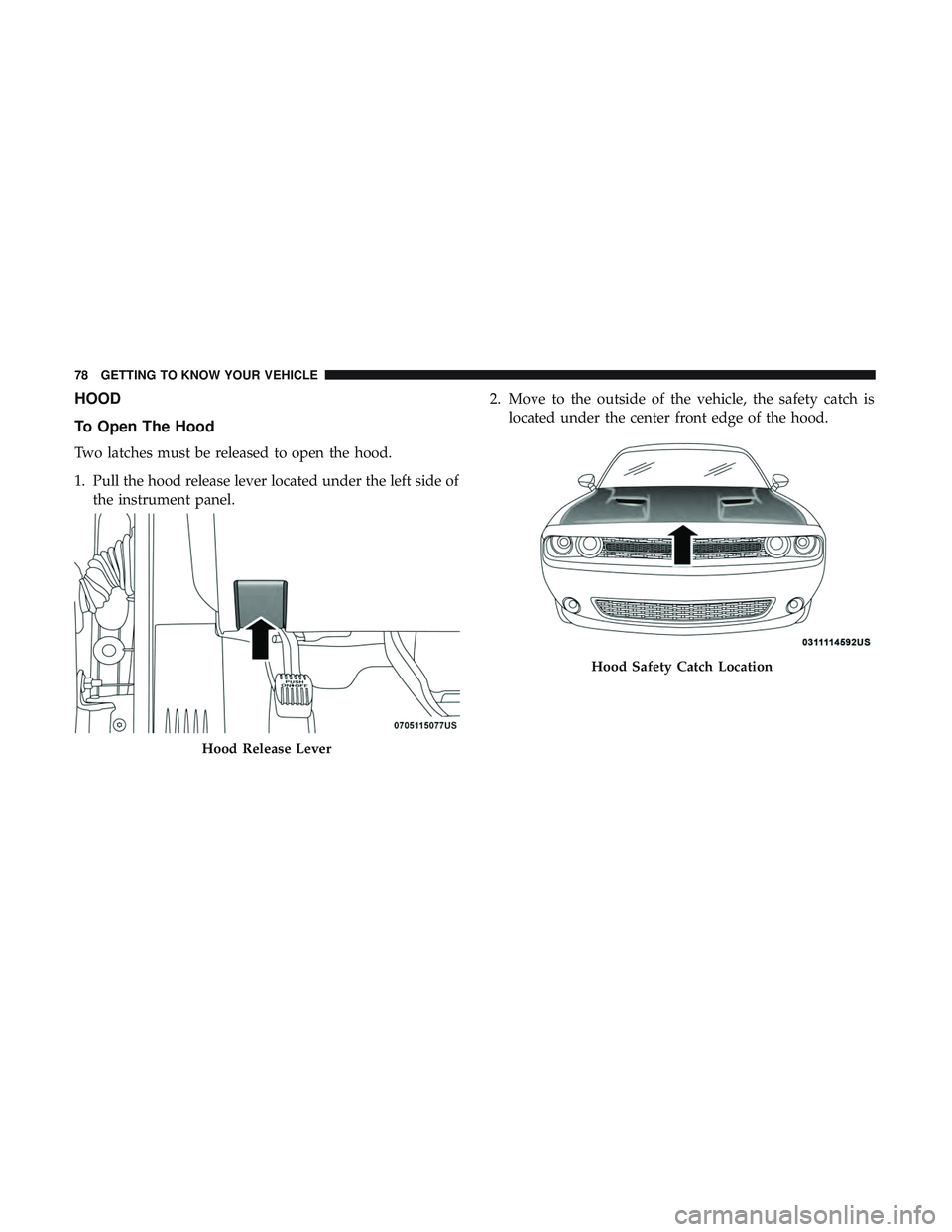
1. Pull the hood release lever located under the left side ofthe instrument panel. 2. Move to the outside of the vehicle, the safety catch is
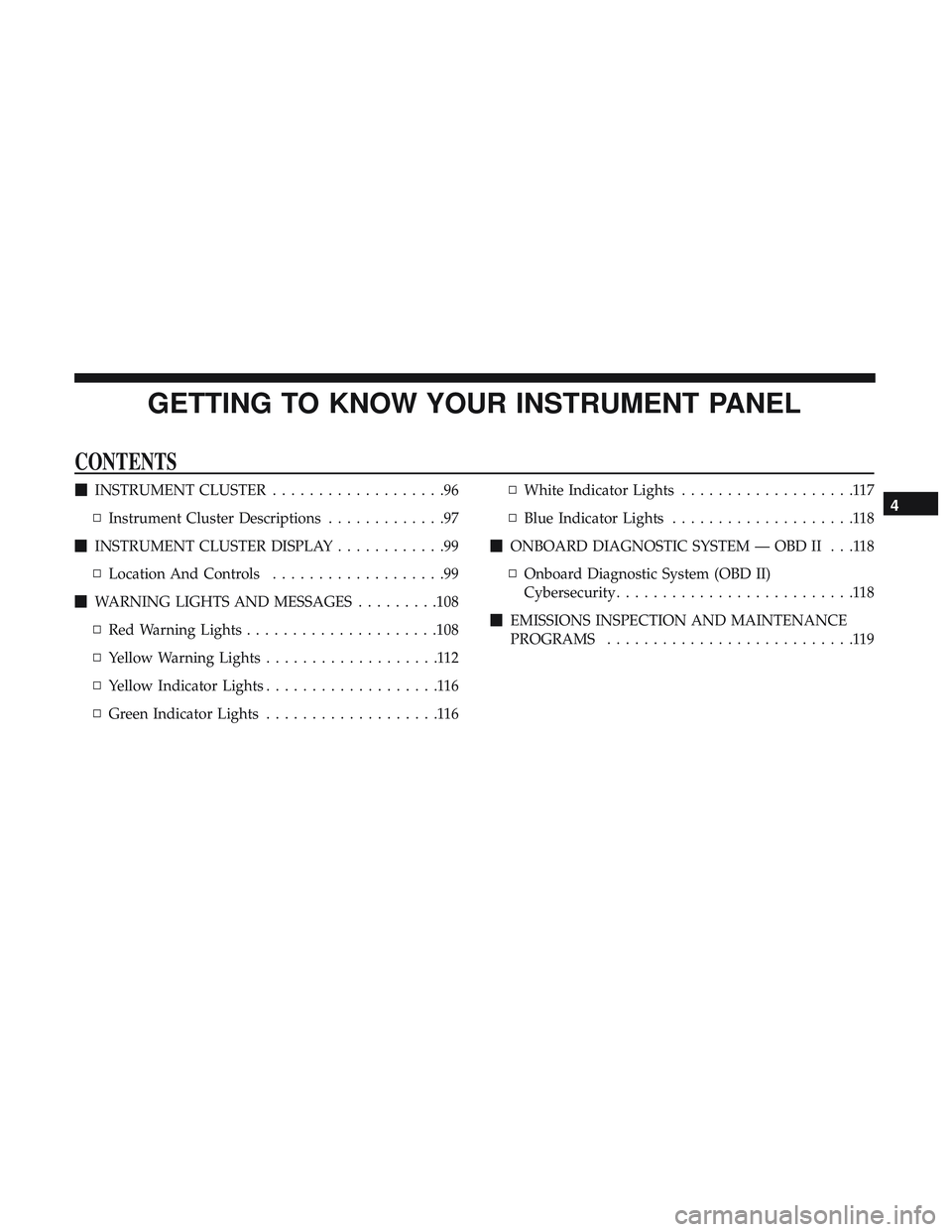
located under the center front edge of the hood.
Hood Release Lever
Hood Safety Catch Location
78 GETTING TO KNOW YOUR VEHICLE
Page 81 of 516
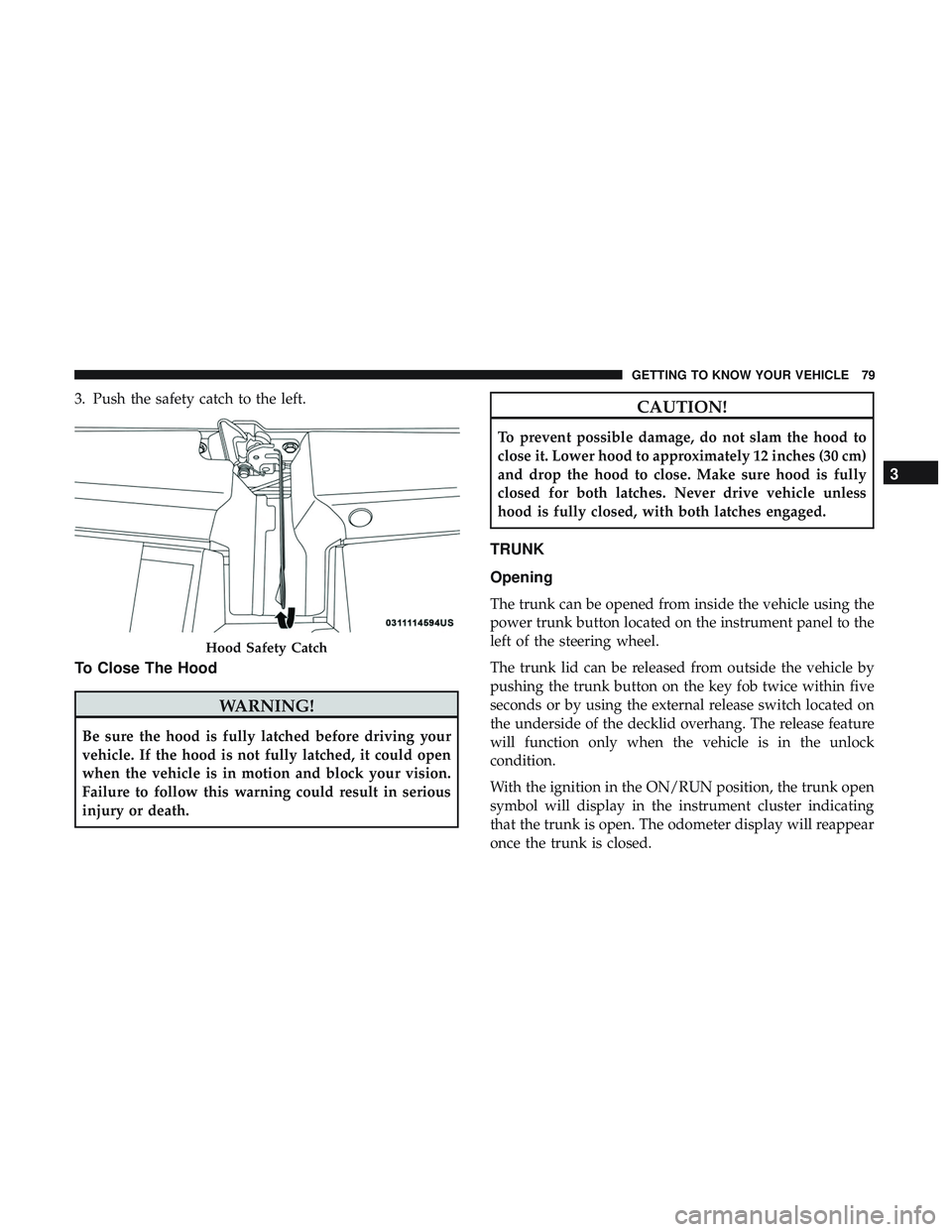
3. Push the safety catch to the left.
To Close The Hood
WARNING!
Be sure the hood is fully latched before driving your
vehicle. If the hood is not fully latched, it could open
when the vehicle is in motion and block your vision.
Failure to follow this warning could result in serious
injury or death.
CAUTION!
To prevent possible damage, do not slam the hood to
close it. Lower hood to approximately 12 inches (30 cm)
and drop the hood to close. Make sure hood is fully
closed for both latches. Never drive vehicle unless
hood is fully closed, with both latches engaged.
TRUNK
Opening
The trunk can be opened from inside the vehicle using the
power trunk button located on the instrument panel to the
left of the steering wheel.
The trunk lid can be released from outside the vehicle by
pushing the trunk button on the key fob twice within five
seconds or by using the external release switch located on
the underside of the decklid overhang. The release feature
will function only when the vehicle is in the unlock
condition.
With the ignition in the ON/RUN position, the trunk open
symbol will display in the instrument cluster indicating
that the trunk is open. The odometer display will reappear
once the trunk is closed.
Hood Safety Catch
3
GETTING TO KNOW YOUR VEHICLE 79
Page 82 of 516
With the ignition in the OFF position, the trunk open
symbol will display until the trunk is closed.
NOTE:Refer to “Keyless Enter-N-Go — Passive Entry” in
”Doors” in “Getting To Know Your Vehicle” for further
information on trunk operation with the Passive Entry
feature.
Opening From Inside The Vehicle
Interior Power Trunk Release
The trunk can be opened from inside the
vehicle using the power trunk release
button located on the instrument panel
to the left of the steering wheel.
NOTE:The transmission must be in
PARK before the button will operate.
Opening From Outside The Vehicle
To Unlock/Open The Trunk
The trunk may be unlocked/opened using either of the
following methods:
• Key Fob Trunk Release Button •
Passive Entry Button
Key Fob Trunk Release Button Push the power trunk button on the key fob
twice within five seconds to release the trunk.
Passive Entry Button
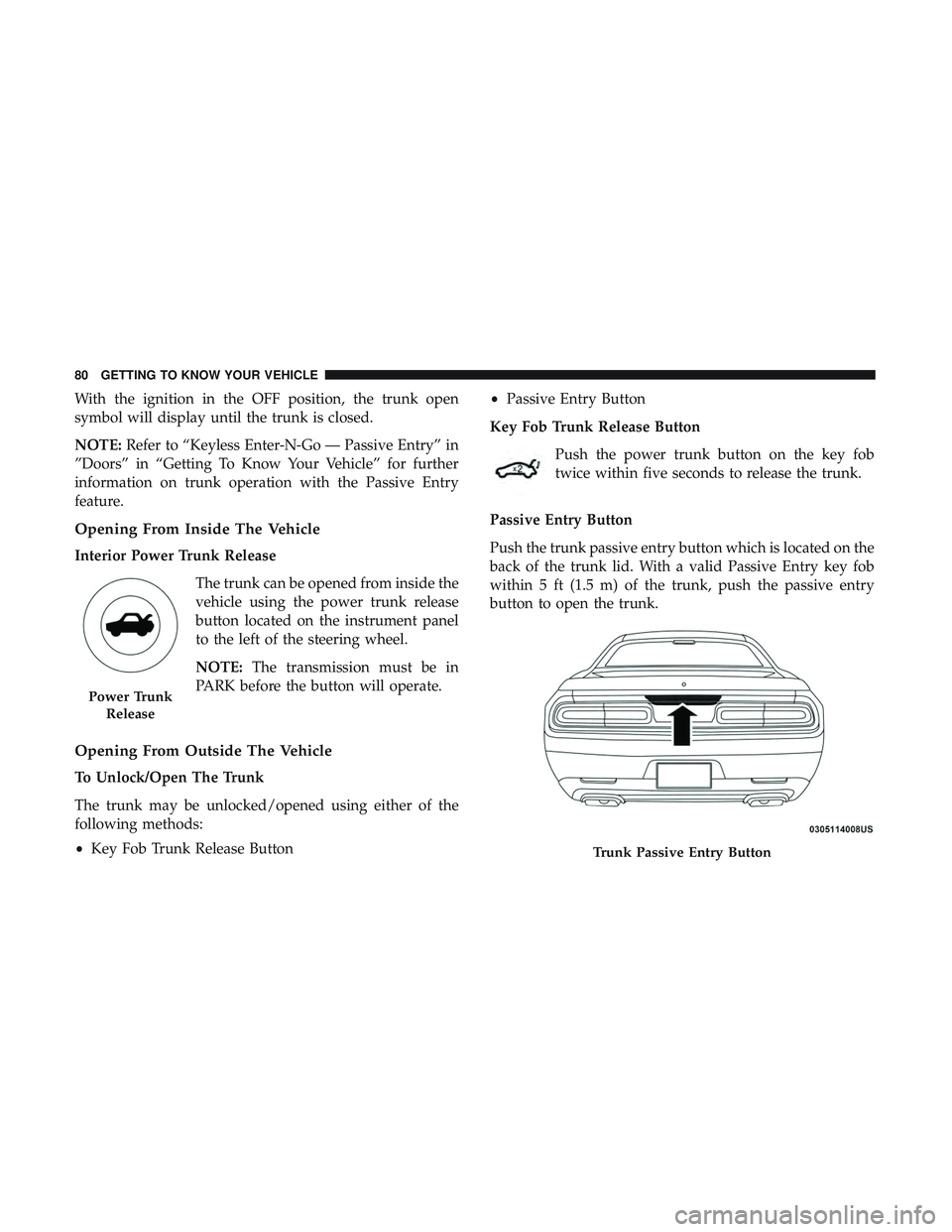
Push the trunk passive entry button which is located on the
back of the trunk lid. With a valid Passive Entry key fob
within 5 ft (1.5 m) of the trunk, push the passive entry
button to open the trunk.
Power Trunk Release
Trunk Passive Entry Button
80 GETTING TO KNOW YOUR VEHICLE
Page 90 of 516
General Information
The following regulatory statement applies to all Radio
Frequency (RF) devices equipped in this vehicle:
This device complies with Part 15 of the FCC Rules and
with Industry Canada license-exempt RSS standard(s).
Operation is subject to the following two conditions:
1. This device may not cause harmful interference, and
2. This device must accept any interference received, in-cluding interference that may cause undesired opera-
tion.
NOTE: Changes or modifications not expressly approved
by the party responsible for compliance could void the
user ’s authority to operate the equipment.
INTERNAL EQUIPMENT
Storage
Glove Compartment
The glove compartment is located on the passenger side of
the instrument panel.
To open the glove compartment, pull the release handle.
Glove Compartment
88 GETTING TO KNOW YOUR VEHICLE
Page 93 of 516
convenient access to beverage cans or bottles while main-
taining a resting place for the rear occupant’s elbows.
Electrical Power Outlets
Your vehicle is equipped with 12 Volt (13 Amp) power
outlets that can be used to power cellular phones, small
electronics and other low powered electrical accessories.
The power outlets are labeled with either a “key” or a
“battery” symbol to indicate how the outlet is powered.
Power outlets labeled with a “key” can be powered when
the ignition is in the ON or ACC position, while the outlets
labeled with a “battery” are connected directly to the
battery and powered at all times.These power outlets can also operate a conventional cigar
lighter unit.
NOTE:
•
The front integrated center stack power outlet can be
changed from switched “ignition” to constant “battery”
powered all the time by moving the integrated center
stack fuse #12 in the Rear Power Distribution Center
from fuse location “IGN” to “B+.” Refer to “Fuses” in
“In Case Of Emergency.”
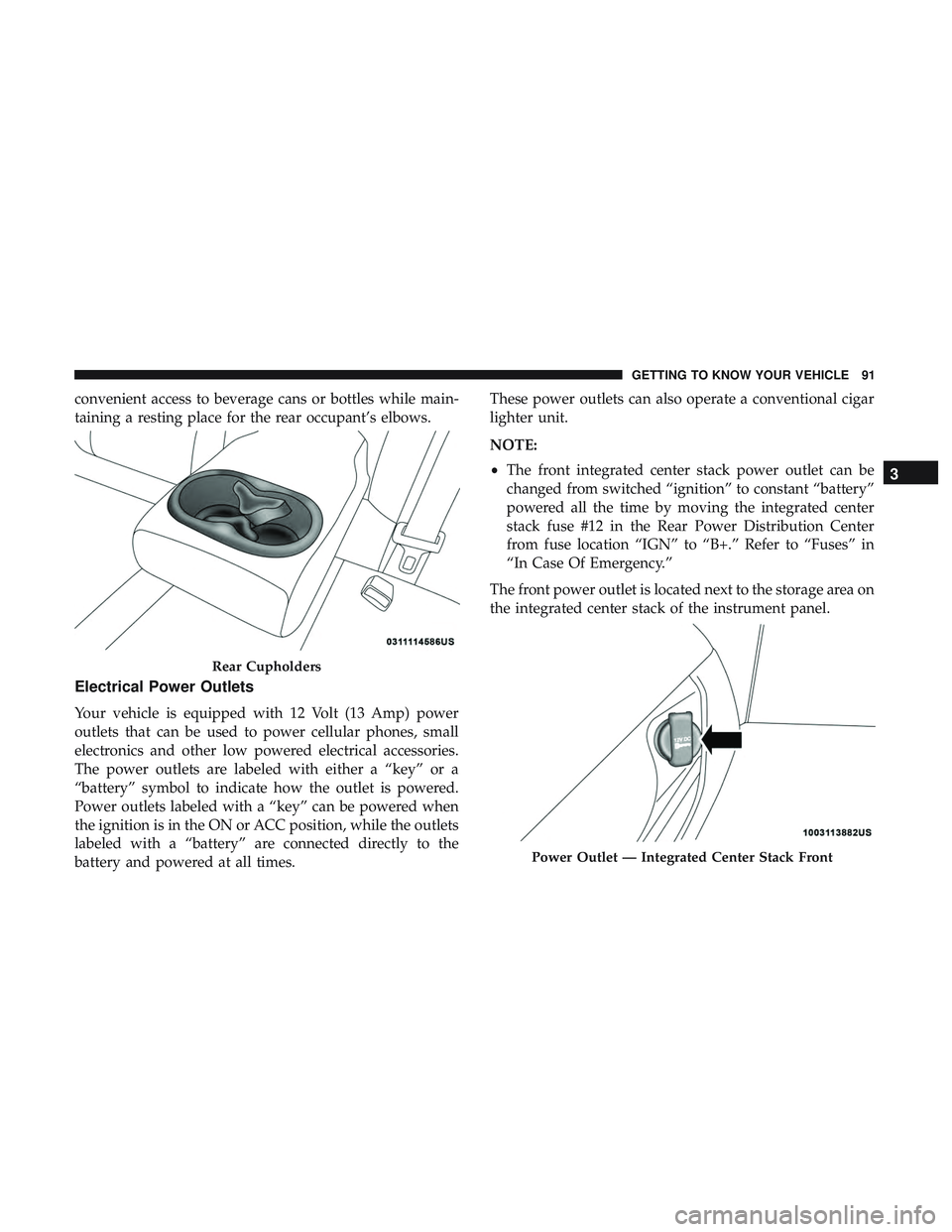
The front power outlet is located next to the storage area on
the integrated center stack of the instrument panel.
Rear Cupholders
Power Outlet — Integrated Center Stack Front
3
GETTING TO KNOW YOUR VEHICLE 91
Page 97 of 516
GETTING TO KNOW YOUR INSTRUMENT PANEL
CONTENTS
�INSTRUMENT CLUSTER ...................96
▫ Instrument Cluster Descriptions .............97
� INSTRUMENT CLUSTER DISPLAY ............99
▫ Location And Controls ...................99
� WARNING LIGHTS AND MESSAGES .........108
▫ Red Warning Lights .....................108
▫ Yellow Warning Lights ...................112
▫ Yellow Indicator Lights ...................116
▫ Green Indicator Lights ...................116 ▫
White Indicator Lights ...................117
▫ Blue Indicator Lights ....................118
� ONBOARD DIAGNOSTIC SYSTEM — OBD II . . .118
▫ Onboard Diagnostic System (OBD II)
Cybersecurity ..........................118
� EMISSIONS INSPECTION AND MAINTENANCE
PROGRAMS ...........................1194
Page 98 of 516
INSTRUMENT CLUSTER
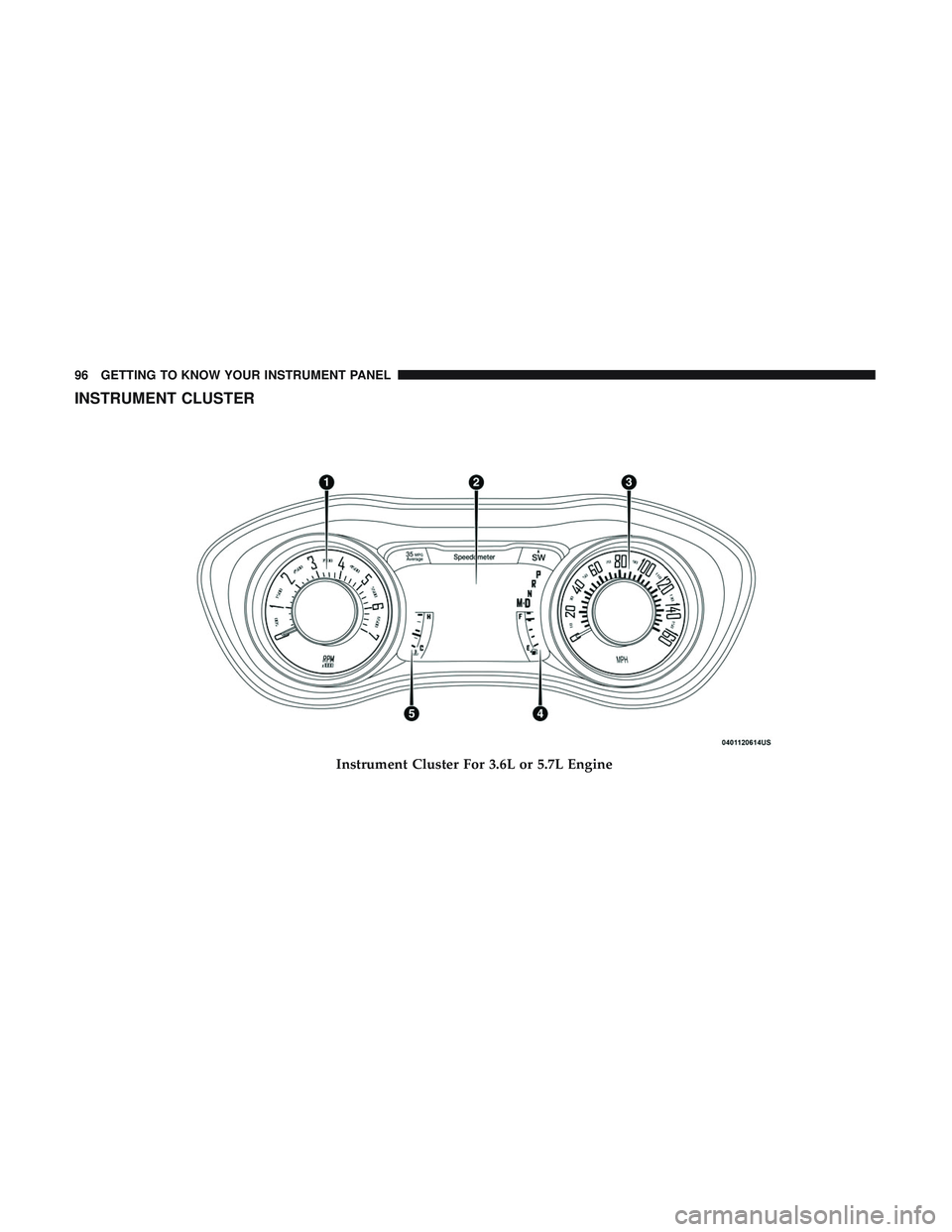
Instrument Cluster For 3.6L or 5.7L Engine
96 GETTING TO KNOW YOUR INSTRUMENT PANEL
Page 99 of 516
Instrument Cluster Descriptions
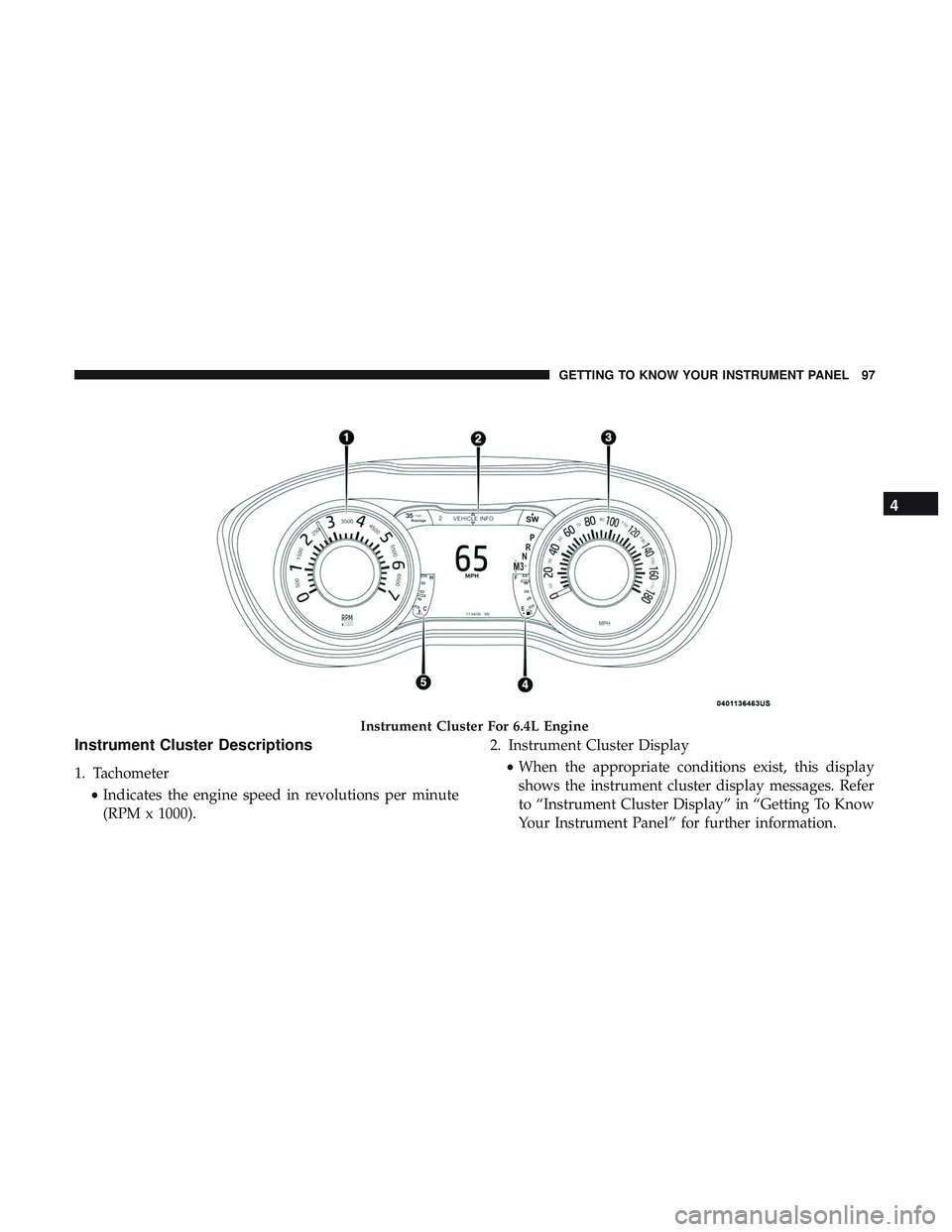
1. Tachometer•Indicates the engine speed in revolutions per minute
(RPM x 1000). 2. Instrument Cluster Display
•When the appropriate conditions exist, this display
shows the instrument cluster display messages. Refer
to “Instrument Cluster Display” in “Getting To Know
Your Instrument Panel” for further information.
Instrument Cluster For 6.4L Engine
4
GETTING TO KNOW YOUR INSTRUMENT PANEL 97