NOTE:
•FCA US LLC or your dealer may contact you directly
regarding software updates.
• To help further improve vehicle security and minimize
the potential risk of a security breach, vehicle owners
should:
• Routinely check www.driveuconnect.com/support/
software-update.html (U.S. Residents) or www.driveu-
connect.ca (Canadian Residents) to learn about avail-
able Uconnect software updates.
• Only connect and use trusted media devices (e.g.
personal mobile phones, USBs, CDs).
Privacy of any wireless and wired communications cannot
be assured. Third parties may unlawfully intercept infor-
mation and private communications without your consent. For further information, refer to “Data Collection & Pri-
vacy” in your Uconnect Owner ’s Manual Supplement or
“Onboard Diagnostic System (OBD II) Cybersecurity” in
“Getting To Know Your Instrument Panel”.
UCONNECT SETTINGS
The Uconnect system uses a combination of buttons on the
touchscreen and buttons on the faceplate located on the
center of the instrument panel that allows you to access
and change the customer programmable features.
10
MULTIMEDIA 421
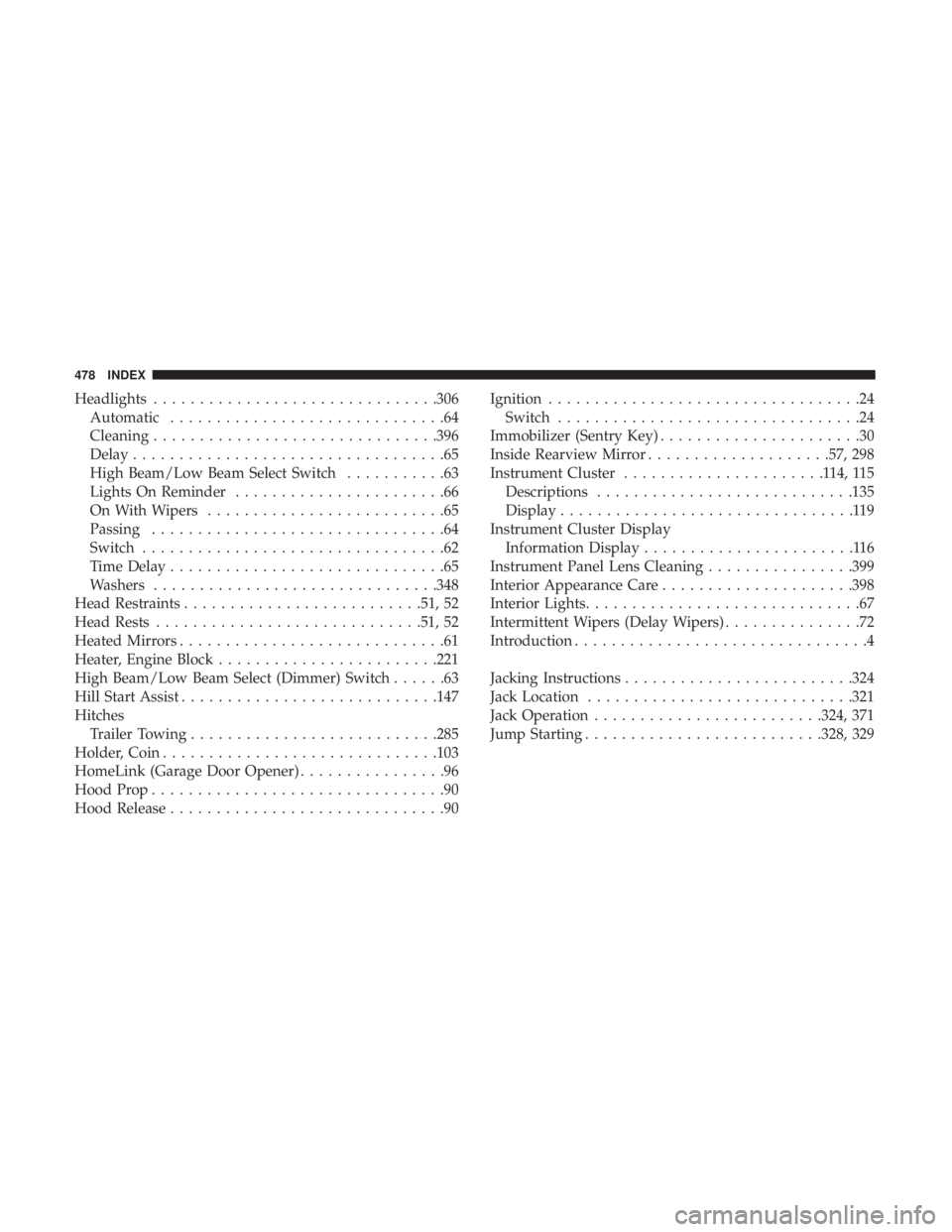
Headlights.............................. .306
Automatic ..............................64
Cleaning .............................. .396
Delay ..................................65
High Beam/Low Beam Select Switch ...........63
Lights On Reminder .......................66
On With Wipers ..........................65
Passing ................................64
Switch .................................62
Time Delay ..............................65
Washers .............................. .348
Head Restraints ......................... .51, 52
Head Rests ............................ .51, 52
Heated Mirrors .............................61
Heater, Engine Block ....................... .221
High Beam/Low Beam Select (Dimmer) Switch ......63
Hill Start Assist ........................... .147
Hitches Trailer Towing .......................... .285
Holder, Coin ............................. .103
HomeLink (Garage Door Opener) ................96
Hood Prop ................................90
Hood Release ..............................90 Ignition
..................................24
Switch .................................24
Immobilizer (Sentry Key) ......................30
Inside Rearview Mirror ....................57, 298
Instrument Cluster ......................114,115
Descriptions ........................... .135
Display ................................119
Instrument Cluster Display Information Display .......................116
Instrument Panel Lens Cleaning ................399
Interior Appearance Care .....................398
Interior Lights ..............................67
Intermittent Wipers (Delay Wipers) ...............72
Introduction ................................4
Jacking Instructions ........................ .324
Jack Location ............................ .321
Jack Operation ........................ .324, 371
Jump Starting ......................... .328, 329
478 INDEX