Page 400 of 672
4005-10. Bluetooth®
SIENNA_OM_OM08007U_(U)■
Bluetooth
® antenna
The antenna is built into the display.
If the Bluetooth
® device is behind the seat or in the glove box or console box,
or is touching or covered by metal objects, the connection status may deterio-
rate.
■ Battery charge/signal status
●This display may not correspond exactly with the portable audio player or
cellular phone itself.
● This system does not have a charging function.
● The portable audio player or cellular phone battery will be depleted quickly
when the device is connected to Bluetooth
®.
■ When using the Bluetooth
® audio and hands-free system at the same
time
The following problems may occur.
● The Bluetooth
® audio connection may be interrupted.
● Noise may be heard during Bluetooth
® audio playback.
■ About the contact in this system
The following data is stored for every registered cellular phone. When
another phone is connecting, you cannot read the registered data.
●Contact data
● Call history
● Favorite
● Message
When removing a Bluetooth
® phone from the system, the above-mentioned
data is also deleted.
■ About Bluetooth
®
The Bluetooth® word mark and logos are
registered trademarks owned Bluetooth
SIG, Inc. and any use of such marks by
PIONEER CORPORATION is under
license. Other trademarks and trade
names are those of their respective own-
ers.
Page 407 of 672
SIENNA_OM_OM08007U_(U)
4075-11. Using the voice command system
5
Audio system
Due to natural language speech recognition technology, this system
enables recognition of a command when spoken naturally. However,
the system cannot recognize every variation of each command.
In some situations, it is possibl e to omit the command for the proce-
dure and directly state the desired operation.
Not all voice commands are displayed in the short cut menu.
This function is available in English, Spanish and French.
■Expression examples for each function
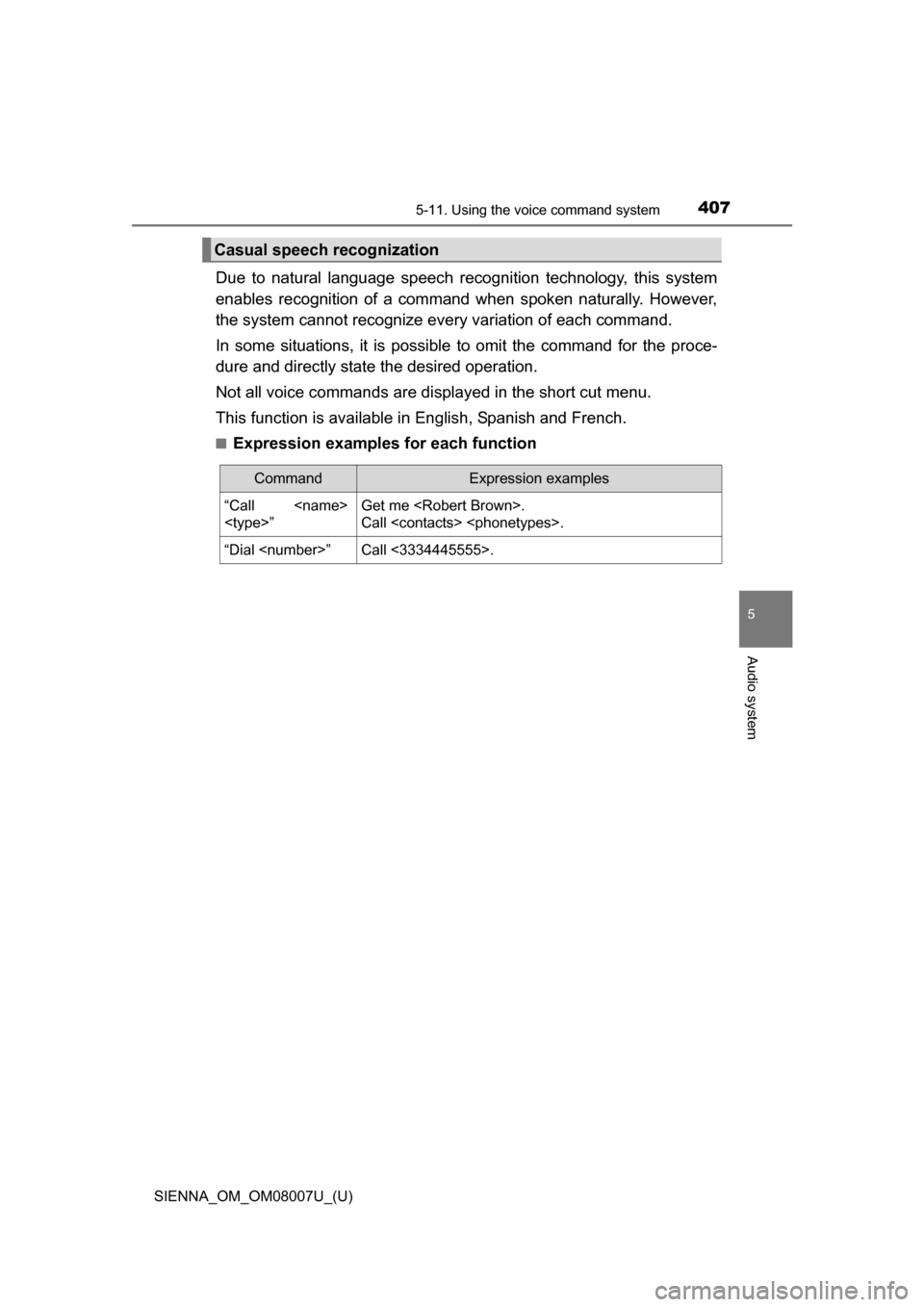
Casual speech recognization
CommandExpression examples
“Call
”Get me .
Call .
“Dial ”Call <3334445555>.
Page 408 of 672
4085-11. Using the voice command system
SIENNA_OM_OM08007U_(U)
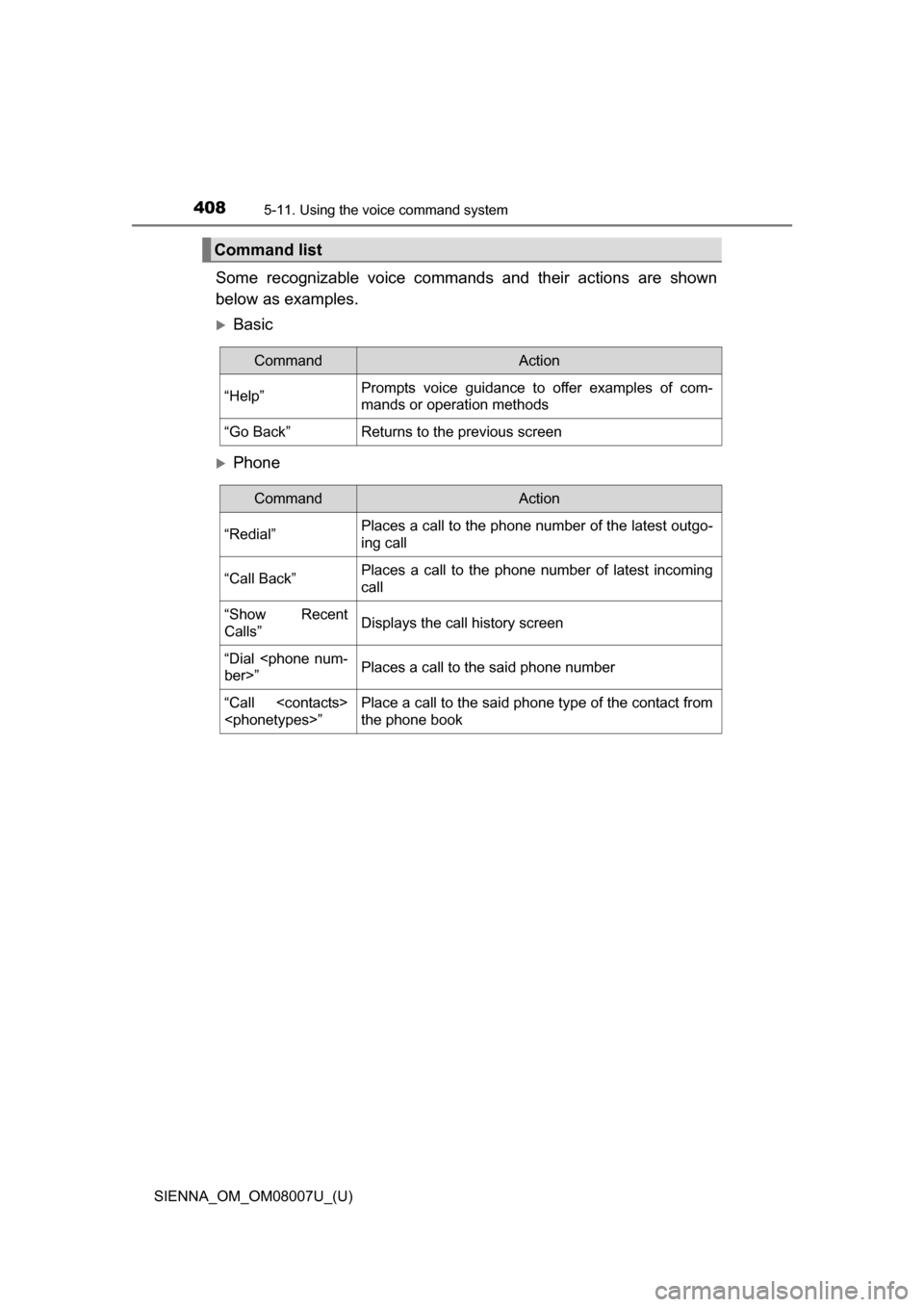
Some recognizable voice commands and their actions are shown
below as examples.
Basic
Phone
Command list
CommandAction
“Help”Prompts voice guidance to offer examples of com-
mands or operation methods
“Go Back”Returns to the previous screen
CommandAction
“Redial”Places a call to the phone number of the latest outgo-
ing call
“Call Back”Places a call to the phone number of latest incoming
call
“Show Recent
Calls”Displays the call history screen
“Dial
ber>”Places a call to the said phone number
“Call
”Place a call to the said phone type of the contact from
the phone book
Page 409 of 672
SIENNA_OM_OM08007U_(U)
4095-11. Using the voice command system
5
Audio system
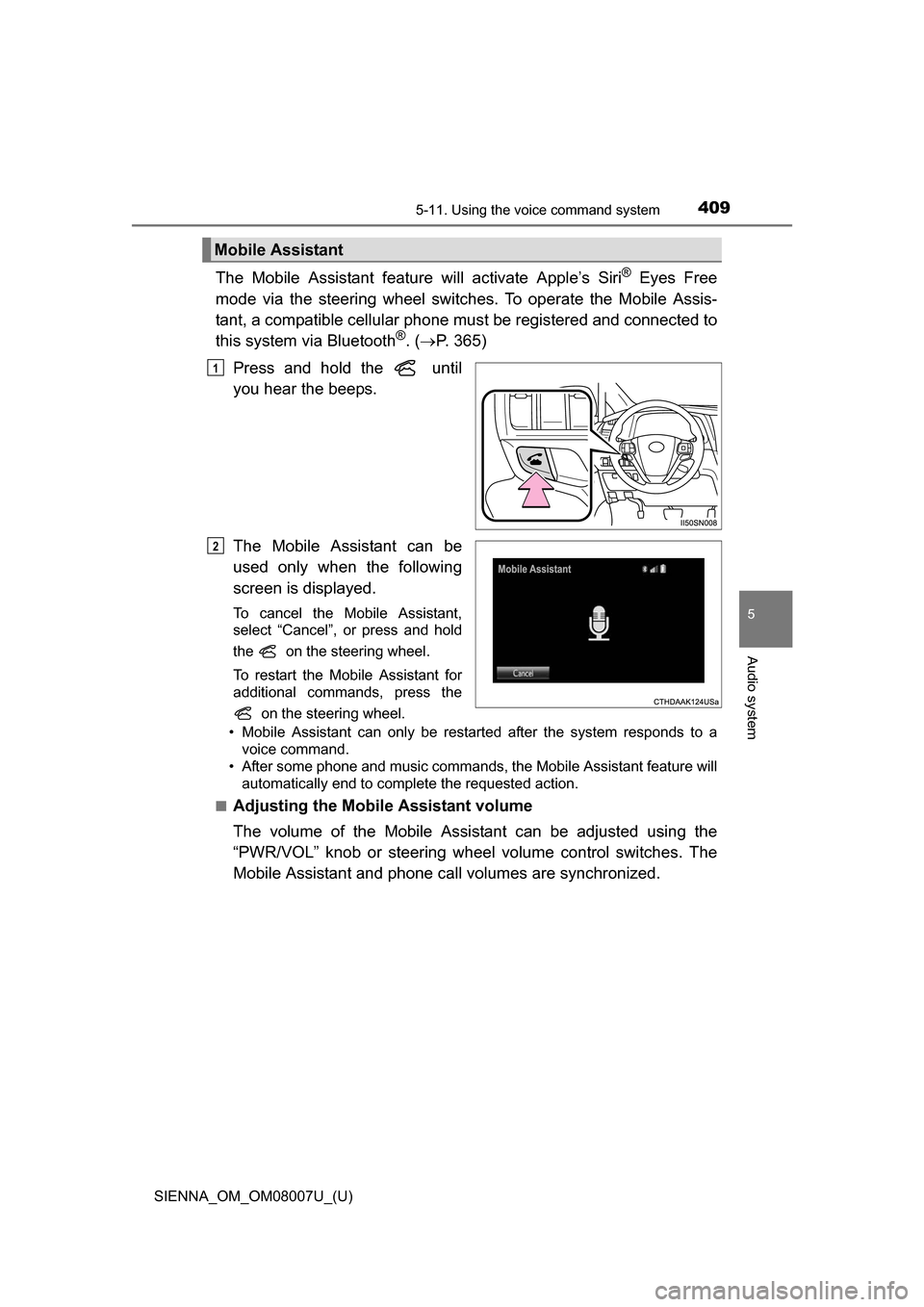
The Mobile Assistant feature will activate Apple’s Siri® Eyes Free
mode via the steering wheel switches. To operate the Mobile Assis-
tant, a compatible cellular phone must be registered and connected to
this system via Bluetooth
®. ( P. 365)
Press and hold the until
you hear the beeps.
The Mobile Assistant can be
used only when the following
screen is displayed.
To cancel the Mobile Assistant,
select “Cancel”, or press and hold
the on the steering wheel.
To restart the Mobile Assistant for
additional commands, press the on the steering wheel.
• Mobile Assistant can only be restarted after the system responds to a voice command.
• After some phone and music commands, the Mobile Assistant feature will automatically end to complete the requested action.
■
Adjusting the Mobile Assistant volume
The volume of the Mobile Assistant can be adjusted using the
“PWR/VOL” knob or steering wheel volume control switches. The
Mobile Assistant and phone call volumes are synchronized.
Mobile Assistant
1
2
Page 410 of 672
4105-11. Using the voice command system
SIENNA_OM_OM08007U_(U)
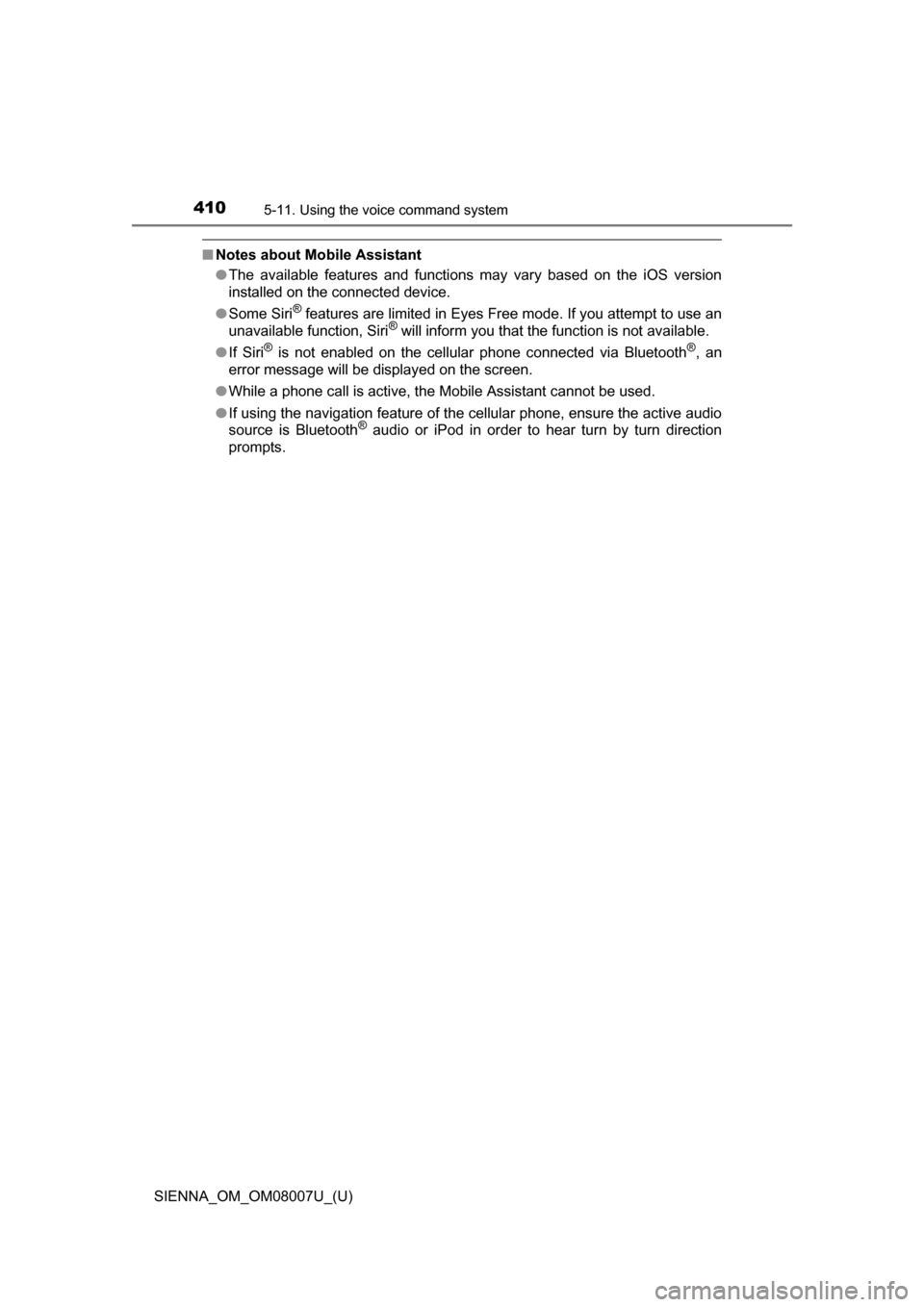
■Notes about Mobile Assistant
●The available features and functions may vary based on the iOS version
installed on the connected device.
● Some Siri
® features are limited in Eyes Free mode. If you attempt to use an
unavailable function, Siri® will inform you that the function is not available.
● If Siri
® is not enabled on the cellular phone connected via Bluetooth®, an
error message will be displayed on the screen.
● While a phone call is active, the Mobile Assistant cannot be used.
● If using the navigation feature of the cellular phone, ensure the active audio
source is Bluetooth
® audio or iPod in order to hear turn by turn direction
prompts.
Page 415 of 672
SIENNA_OM_OM08007U_(U)
4156-1. Using the air conditioning system and defogger
6
Interior features
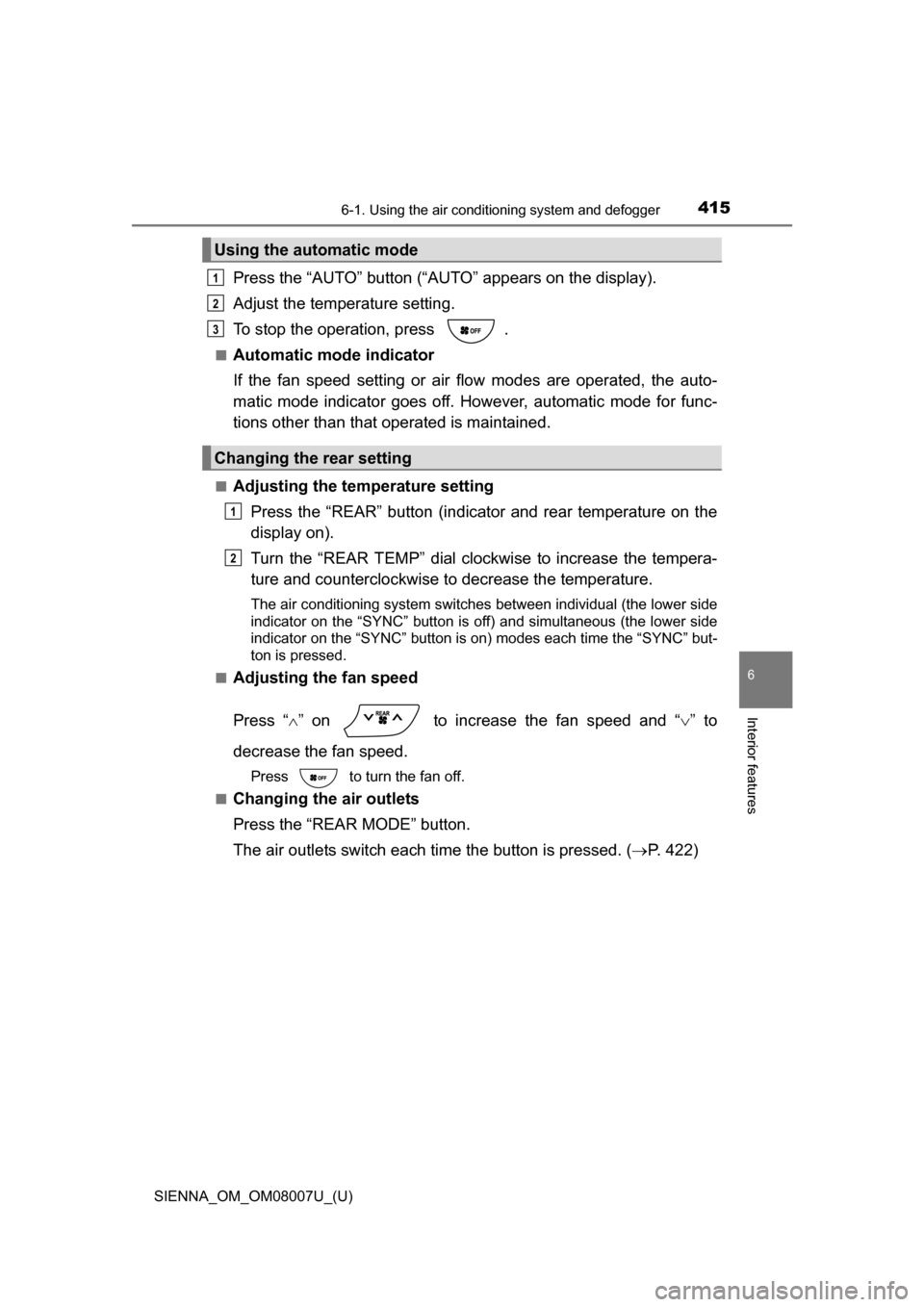
Press the “AUTO” button (“AUTO” appears on the display).
Adjust the temperature setting.
To stop the operation, press .
■Automatic mode indicator
If the fan speed setting or air fl ow modes are operated, the auto-
matic mode indicator goes off. However, automatic mode for func-
tions other than that operated is maintained.
■Adjusting the temperature setting
Press the “REAR” button (indicator and rear temperature on the
display on).
Turn the “REAR TEMP” dial clockwise to increase the tempera-
ture and counterclockwise to decrease the temperature.
The air conditioning system switches between individual (the lower side
indicator on the “SYNC” button is off) and simultaneous (the lower side
indicator on the “SYNC” button is on) modes each time the “SYNC” but-
ton is pressed.
■
Adjusting the fan speed
Press “ ” on to increase the fan speed and “ ” to
decrease the fan speed.
Press to turn the fan off.
■
Changing the air outlets
Press the “REAR MODE” button.
The air outlets switch each time the button is pressed. ( P. 422)
Using the automatic mode
Changing the rear setting
1
2
3
1
2
Page 416 of 672
4166-1. Using the air conditioning system and defogger
SIENNA_OM_OM08007U_(U)■
Switching between outside air and recirculated air modes
Press .
The mode switches between outside air mode ( appears on the
display) and recirculated air mode ( appears on the display) each
time the button is pressed.
■
Defogging the windshield
Defoggers are used to defog the windshield and front side win-
dows.
Press
.
Set to outside air mode if the recirculated air mode is used. (It
may switch automatically.)
To defog the windshield and the side windows early, turn the air flow and
temperature up.
To return to the previous mode, press again when the wind-
shield is defogged.
■
Rear window defogger, outside rear view mirror defoggers (if
equipped) and windshield wi per de-icer (if equipped)
Defoggers are used to defog the rear window, and to remove rain-
drops, dew and frost from the outside rear view mirrors. The wind-
shield wiper de-icer is used to prevent ice from building up on the
windshield and wiper blades.
Press .
The defoggers and windshield wiper de-icer will automatically turn off
after a period of time.
Other functions
Page 419 of 672
SIENNA_OM_OM08007U_(U)
4196-1. Using the air conditioning system and defogger
6
Interior features
■Temperature display
The temperature display on the multi-information display can be changed.
( P. 624)
■ When
is selected for the air outlets used
For your driving comfort, air flowing to the feet may be warmer than air flow-
ing to the upper body depending on the temperature setting.
■ When the outside temperature is low
The dehumidification function may not operate even when the “A/C” button is
pressed.
■ When “A/C ON” flashes in the display
Press the “A/C” button and turn off the air conditioning system before turning it
on once more. There may be a problem in the air conditioning system if “A/C
ON” continues to flash. Turn the air conditioning system off and have it
inspected by your Toyota dealer.
■ Ventilation and air conditioning odors
●To let fresh air in, set the air conditioning system to the outside air mode.
● During use, various odors from inside and outside the vehicle may enter into
and accumulate in the air conditioning system. This may then cause odor to
be emitted from the vents.
● To reduce potential odors from occurring:
• It is recommended that the air conditioning system be set to outside air
mode prior to turning the vehicle off.
• The start timing of the blower may be delayed for a short period of time
immediately after the air conditioning system is started in automatic
mode.
■ Air conditioning filter
P. 509
■ Customization
Settings (e.g. “AUTO” button linked operation) can be changed.
(Customizable features: P. 631)