Page 281 of 528

281
Interior features5
4RUNNER (U)_(OM35B37U)5-1. Using the
air conditioning system
and defogger
Manual air conditioning system............................. 282
Automatic air conditioning system............................. 288
Seat heaters/seat ventilators........................ 295
5-2. Using the interior lights Interior lights list ................ 297
• Interior lights ................. 298
• Personal lights .............. 298
5-3. Using the storage features
List of storage features ..... 300
• Glove box...................... 301
• Console box .................. 301
• Cup holders .................. 302
• Auxiliary box ................. 304
• Coin holder/tissue pocket/
pen holder ..................... 305
• Bottle holders ................ 306
Luggage compartment features ........................... 307 5-4. Other interior features
Other interior features ....... 312
• Sun visors ..................... 312
• Vanity mirrors................ 312
• Clock ............................. 313
• Outside temperature display........................... 314
• Power outlets (120 V AC) .................... 315
• Power outlets ................ 320
• Armrest ......................... 322
• Assist grips ................... 323
Garage door opener.......... 324
Safety Connect ................. 331
Page 282 of 528
282
4RUNNER (U)_(OM35B37U)
5-1. Using the air conditioning system and defogger
■Adjusting the temperature setting
To adjust the temperature settin g, turn clockwise (warm) or
counterclockwise (cool).
If is not pressed, the system will blow ambient temperature air or
heated air.
For quick cooling, turn the temperature control knob to “MAX A/C”. The
air conditioning will automatically turn on and, if an air outlet positi\
on
other than or is selected, the system will be set to recir-
culated air mode. While “MAX A/C” is selected, it is not possible to turn
off the air conditioning.
Manual air conditioning system∗
∗: If equipped
Air conditioning controls
Page 283 of 528
2835-1. Using the air conditioning system and defogger
5
Interior features
4RUNNER (U)_(OM35B37U)■
Fan speed setting
To adjust the fan speed, turn
clockwise (increase) or coun-
terclockwise (decrease).
Turning the knob to “OFF” turns off the fan.
■
Change the airflow mode
To select the air outlets, set to the desired position.
The positions between the air outlet selections shown below can also be
selected for more delicate adjustment.
■
Other functions
● Switching between outside ai r and recirculated air modes
● Defogging the windshield ( →P. 284)
● Defogging the rear window and outside rear view mirrors
(→ P. 284)
● Windshield wiper de-icer (if equipped) ( →P. 284)
■Switching between outside air and recirculated air modes
Press .
The mode switches between outside ai r mode (introduces air from out-
side the vehicle) (indicator off) and recirculated air mode (recycles air
inside the vehicle) (indicator on) each time the button is pressed.
Other functions
Page 287 of 528
2875-1. Using the air conditioning system and defogger
5
Interior features
4RUNNER (U)_(OM35B37U)■
When the outside temperat ure falls to nearly 32°F (0°C)
The dehumidification function may not operate even when is pressed.
■ Ventilation and air conditioning odors
●To let fresh air in, set the air conditioning system to the outside air m\
ode.
● During use, various odors from inside and outside the vehicle may enter into
and accumulate in the air conditioning system. This may then cause odor to
be emitted from the vents.
● To reduce potential odors from occurring:
It is recommended that the air conditioning system be set to outside air
mode prior to turning the vehicle off.
CAUTION
■To prevent the windshield from fogging up
● Do not use during cool air operation in extremely humid weather.
The difference between the temperature of the outside air and that of the
windshield can cause the outer surface of the windshield to fog up, block-
ing your vision.
■ To prevent burns
● Do not touch the rear view mirror surfaces when the outside rear view mir-
ror defoggers are on.
● Do not touch the glass at lower part of the windshield or to the side of the
front pillars when the windshield wiper de-icer is on.
NOTICE
■To prevent battery discharge
Do not leave the air conditioning system on longer than necessary when the
engine is stopped.
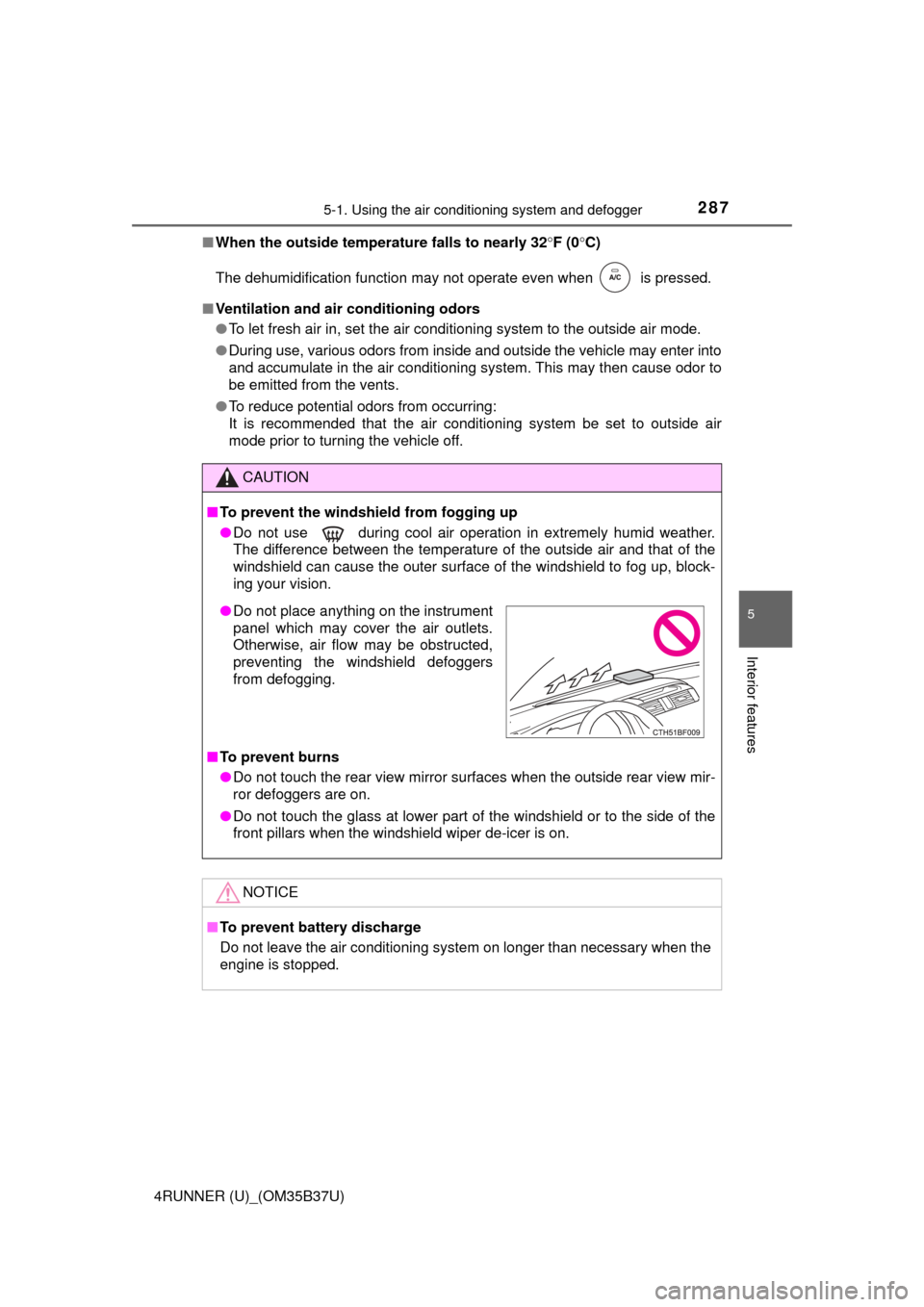
● Do not place anything on the instrument
panel which may cover the air outlets.
Otherwise, air flow may be obstructed,
preventing the windshield defoggers
from defogging.
Page 288 of 528
2885-1. Using the air conditioning system and defogger
4RUNNER (U)_(OM35B37U)■
Adjusting the temperature setting
To adjust the temperature se
tting, turn clockwise to
increases the temperature and turn counterclockwise to
decreases the temperature.
■Fan speed setting
To adjust the fan speed, press “ >” on to increase the fan
speed and “ <” to decrease the fan speed.
Press to turn the fan off.
Automatic air con ditioning system∗
∗: If equipped
Air outlets and fan speed are automatically adjusted according
to the temperature setting.
Air conditioning controls
Page 294 of 528
_(OM35B37U)■
Ventilation and air conditioning odors
●To let fresh air in, set the air conditioning system to the outside air m\
od")
2945-1. Using the air conditioning system and defogger
4RUNNER (U)_(OM35B37U)■
Ventilation and air conditioning odors
●To let fresh air in, set the air conditioning system to the outside air m\
ode.
● During use, various odors from inside and outside the vehicle may enter into
and accumulate in the air conditioning system. This may then cause odor to
be emitted from the vents.
● To reduce potential odors from occurring:
• It is recommended that the air conditioning system be set to outside air
mode prior to turning the vehicle off.
• The start timing of the blower may be delayed for a short period of time
immediately after the air conditioning system is started in automatic
mode.
■ Air conditioning filter
→P. 381
CAUTION
■To prevent the windshield from fogging up
● Do not use during cool air operation in extremely humid weather.
The difference between the temperature of the outside air and that of the
windshield can cause the outer surface of the windshield to fog up, block-
ing your vision.
■ To prevent burns
● Do not touch the rear view mirror surfaces when the outside rear view mir-
ror defoggers are on.
● Do not touch the glass at lower part of the windshield or to the side of the
front pillars when the windshield wiper de-icer is on.
NOTICE
■To prevent battery discharge
Do not leave the air conditioning system on longer than necessary when the
engine is stopped.
● Do not place anything on the instrument
panel which may cover the air outlets.
Otherwise, air flow may be obstructed,
preventing the windshield defoggers
from defogging.
Page 296 of 528
2965-1. Using the air conditioning system and defogger
4RUNNER (U)_(OM35B37U)
Vehicles with ventilator
Press the knob to release it,
and turn the knob to the
desired temperature setting.
OFF
Press the knob to lock it when
not in use.
Ventilation
Heat
Vehicles without ventilatorOn
The indicator light comes on.
Adjusts the seat temperature
The further you move the dial
forward, the warmer the seat
becomes.
Off
Move the dial fully backward.
The indicator light turns off.
■The seat heaters/seat ventilators can be used when
Vehicles without a smart key system
The engine switch is in the “ON” position.
Vehicles with a smart key system
The engine switch is in IGNITION ON mode.
Seat heaters/ventilators
1
2
3
4
1
2
3
Page 299 of 528
2995-2. Using the interior lights
5
Interior features
4RUNNER (U)_(OM35B37U)
■Illuminated entry system
Vehicles without a smart key system
The lights automatically turn on/off according to the engine switch position,
whether the doors are locked/unlocked, and whether the doors are open/
closed.
Vehicles with a smart key system
The lights automatically turn on/off according to engine switch mode, the
presence of the electronic key, whether the doors are locked/unlocked, and
whether the doors are opened/closed.
■ To prevent battery discharge
If the following lights remain on, the lights will go off automatically after 20
minutes:
●Engine switch light
● Front interior light
● Rear interior light
● Personal lights
● Footwell lights
● Inside door handle lights
● Door courtesy lights
■ Customization
Setting (e.g. the time elapsed before lights turn off) can be changed.
(Customizable features: →P. 489)
NOTICE
■To prevent battery discharge
Do not leave the lights on longer than necessary when the engine is not
running.


