Page 14 of 28
12
HEADLIGHT CONTROL SWITCH
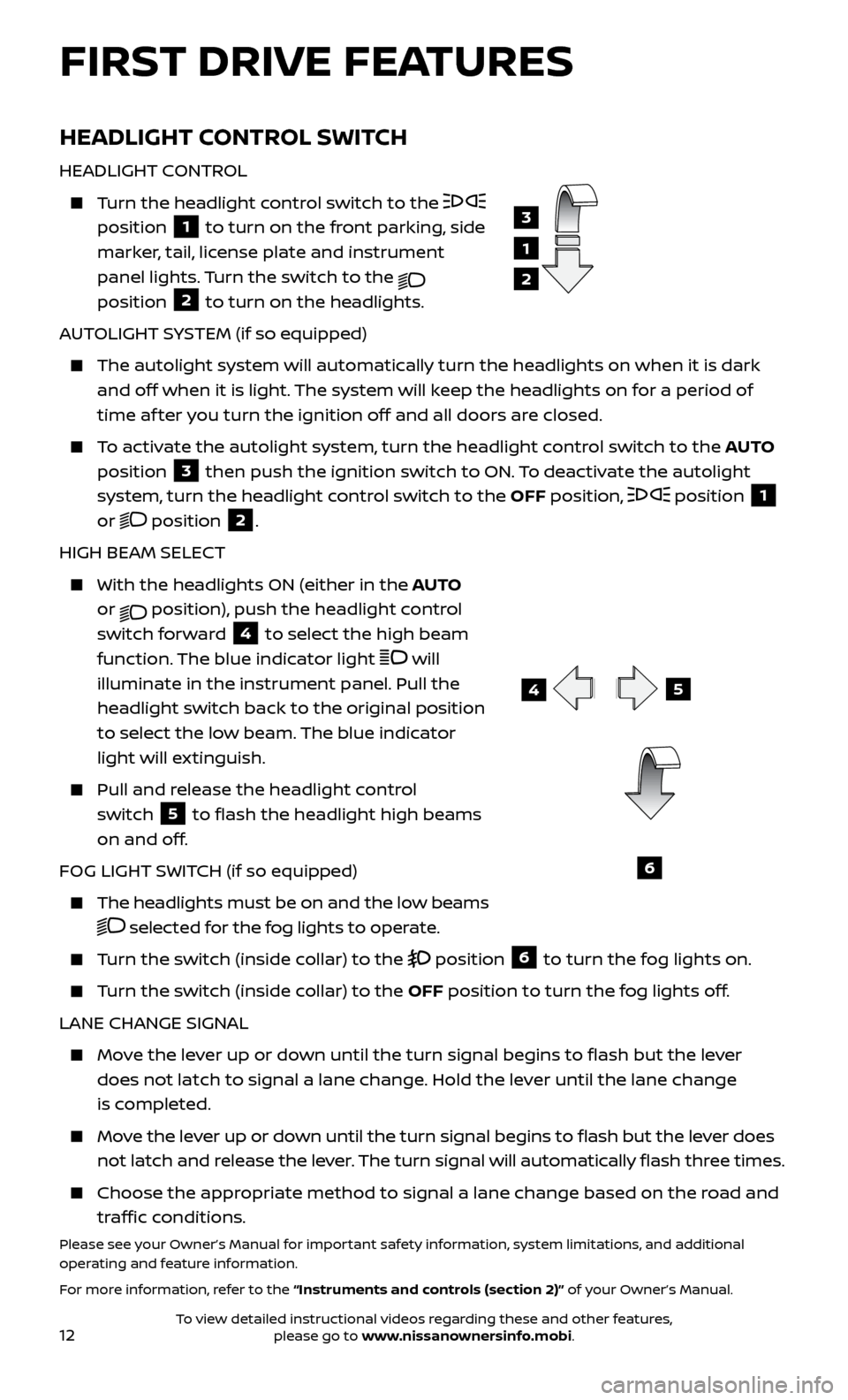
HEADLIGHT CONTROL
Turn the headlight control switch to the
position
1 to turn on the front parking, side
marker, tail, license plate and instrument
panel lights. Turn the switch to the
position 2 to turn on the headlights.
AUTOLIGHT SYSTEM (if so equipped)
The autolight system wil l automatically turn the headlights on when it is dark
and off when it is light. The system will keep the headlights on for a period of
time af ter you turn the ignition off and all doors are closed.
To activate the autolight system, turn the headlight control switch to the AUTO
position
3 then push the ignition switch to ON. To deactivate the autolight
system, turn the headlight control switch to the OFF position,
position 1
or position 2.
HIGH BEAM SELECT
With the he adlights ON (either in the AUTO
or
position), push the headlight control
switch forward
4 to select the high beam
function. The blue indicator light
will
illuminate in the instrument panel. Pull the
headlight switch back to the original position
to select the low beam. The blue indicator
light will extinguish.
Pull and release the headlight control switch
5 to flash the headlight high beams
on and off.
FOG LIGHT SWITCH (if so equipped)
The headlights must be on and the low beams
selected for the fog lights to operate.
Turn the switch (inside collar) to the position 6 to turn the fog lights on.
Turn the switch (inside collar) to the OFF position to turn the fog lights off.
LANE CHANGE SIGNAL
Move the lever up or down until the turn signal begins to flash but the lever does not latch to signal a lane change. Hold the lever until the lane change
is completed.
Move the lever up or down until the turn signal begins to flash but the lever does not latch and release the lever. The turn signal will automatically flash three times.
Choose the appr opriate method to signal a lane change based on the road and
traffic conditions.
Please see your Owner’s Manual for important safety information, system limitations, and additional
operating and feature information.
For more information, refer to the “Instruments and controls (section 2)” of your Owner’s Manual.
3
1
2
5
6
FIRST DRIVE FEATURES
4
To view detailed instructional videos regarding these and other features, please go to www.nissanownersinfo.mobi.
Page 17 of 28
15
2
1
3
4
DRIVE MODE (with Integrated Control System) (if so equipped)
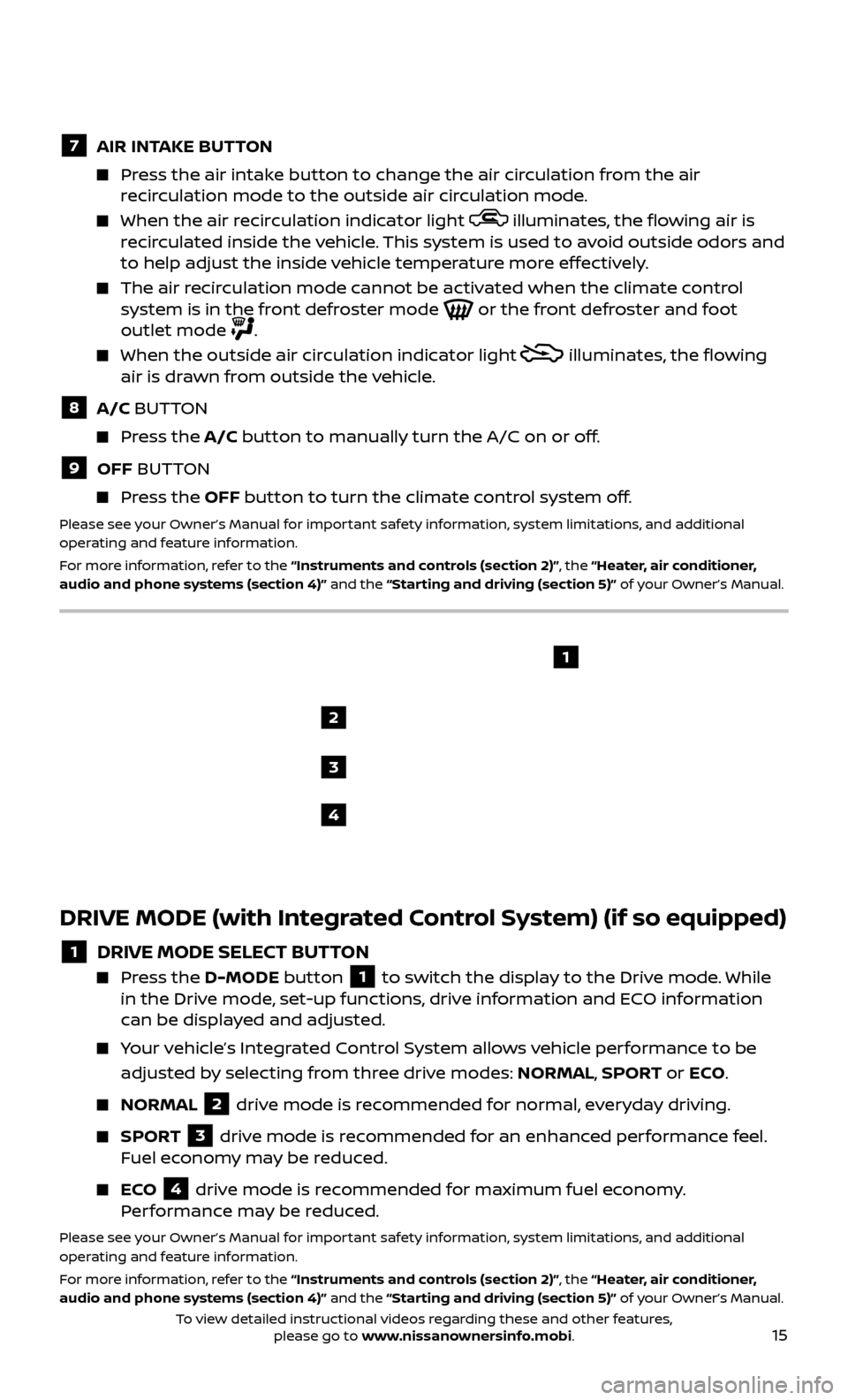
1 DRIVE MODE SELECT BUTTON Press the
D-MODE button 1 to switch the display to the Drive mode. While
in the Drive mode, set-up functions, drive information and ECO information
can be displayed and adjusted.
Your vehicle’s Integrated Control System allows vehicle performance to be
adjusted by selecting from three drive modes: NORMAL, SPORT or ECO .
NORMAL
2 drive mode is recommended for normal, everyday driving.
SPORT
3 drive mode is recommended for an enhanced performance feel.
Fuel economy may be reduced.
ECO
4 drive mode is recommended for maximum fuel economy.
Performance may be reduced.
Please see your Owner’s Manual for important safety information, system limitations, and additional
operating and feature information.
For more information, refer to the “Instruments and controls (section 2)”, the “Heater, air conditioner,
audio and phone systems (section 4)” and the “Starting and driving (section 5)” of your Owner’s Manual.
7 AIR INT AKE BUTTON Press the air intake button to change the air circulation from the air
recirculation mode to the outside air circulation mode.
When the air r ecirculation indicator light illuminates, the flowing air is
recirculated inside the vehicle. This system is used to avoid outside odors and
to help adjust the inside vehicle temperature more effectively.
The air recirculation mode cannot be activated when the climate control system is in the front defroster mode or the front defroster and foot
outlet mode .
When the outside air cir culation indicator light
illuminates, the flowing
air is drawn from outside the vehicle.
8 A/C BUTTON Press the A/C button to manually turn the A/C on or off.
9 OFF BUTTON Press the OFF button to turn the climate control system off.
Please see your Owner’s Manual for important safety information, system limitations, and additional
operating and feature information.
For more information, refer to the “Instruments and controls (section 2)”, the “Heater, air conditioner,
audio and phone systems (section 4)” and the “Starting and driving (section 5)” of your Owner’s Manual.
To view detailed instructional videos regarding these and other features, please go to www.nissanownersinfo.mobi.
Page 19 of 28
17
CRUISE CONTROL
The cruise control system enables you to set
a constant cruising speed once the vehicle
has reached 25 mph (40 km/h).
The system wil l automatically maintain the
set speed until you tap the brake pedal,
accelerate, cancel or turn the system off.
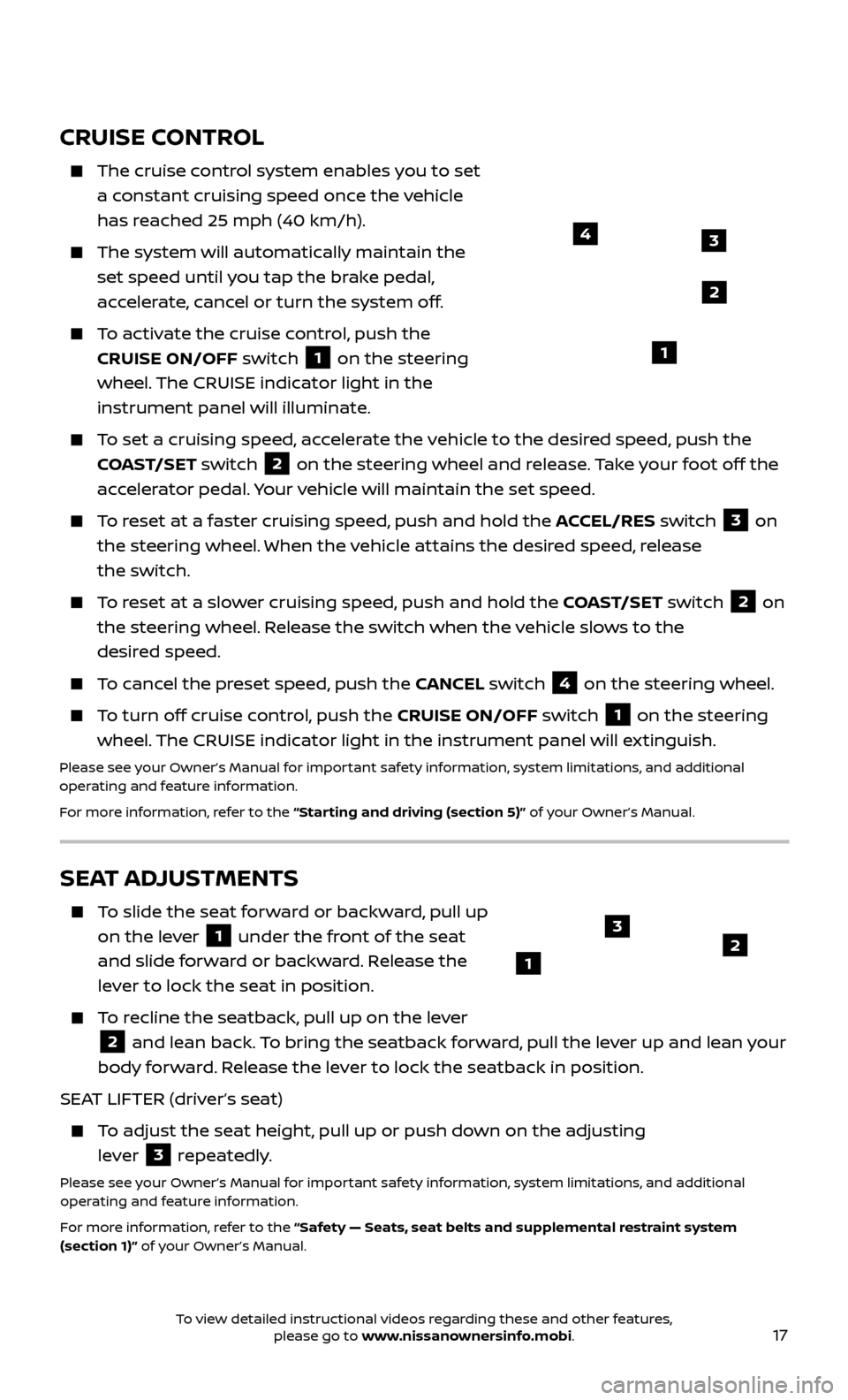
To activate the cruise control, push the CRUISE ON/OFF switch
1 on the steering
wheel. The CRUISE indicator light in the
instrument panel will illuminate.
To set a cruising speed, accelerate the vehicle to the desired speed, push the COAST/SET switch
2 on the steering wheel and release. Take your foot off the
accelerator pedal. Your vehicle will maintain the set speed.
To reset at a faster cruising speed, push and hold the ACCEL/RES switch 3 on
the steering wheel. When the vehicle attains the desired speed, release
the switch.
To reset at a slower cruising speed, push and hold the COAST/SET switch 2 on
the steering wheel. Release the switch when the vehicle slows to the
desired speed.
To cancel the preset speed, push the CANCEL switch 4 on the steering wheel.
To turn off cruise control, push the CRUISE ON/OFF switch 1 on the steering
wheel. The CRUISE indicator light in the instrument panel will extinguish.
Please see your Owner’s Manual for important safety information, system limitations, and additional
operating and feature information.
For more information, refer to the “Starting and driving (section 5)” of your Owner’s Manual.
43
2
1
SEAT ADJUSTMENTS
To slide the seat forward or backward, pull up on the lever
1 under the front of the seat
and slide forward or backward. Release the
lever to lock the seat in position.
To recline the seatback, pull up on the lever
2 and lean back. To bring the seatback forward, pull the lever up and lean your
body forward. Release the lever to lock the seatback in position.
SEAT LIFTER (driver’s seat)
To adjust the seat height, pull up or push down on the adjusting lever
3 repeatedly.Please see your Owner’s Manual for important safety information, system limitations, and additional
operating and feature information.
For more information, refer to the “Safety — Seats, seat belts and supplemental restraint system
(section 1)” of your Owner’s Manual.
123
To view detailed instructional videos regarding these and other features, please go to www.nissanownersinfo.mobi.