2017 MERCEDES-BENZ GLS Tire changing
[x] Cancel search: Tire changingPage 5 of 390
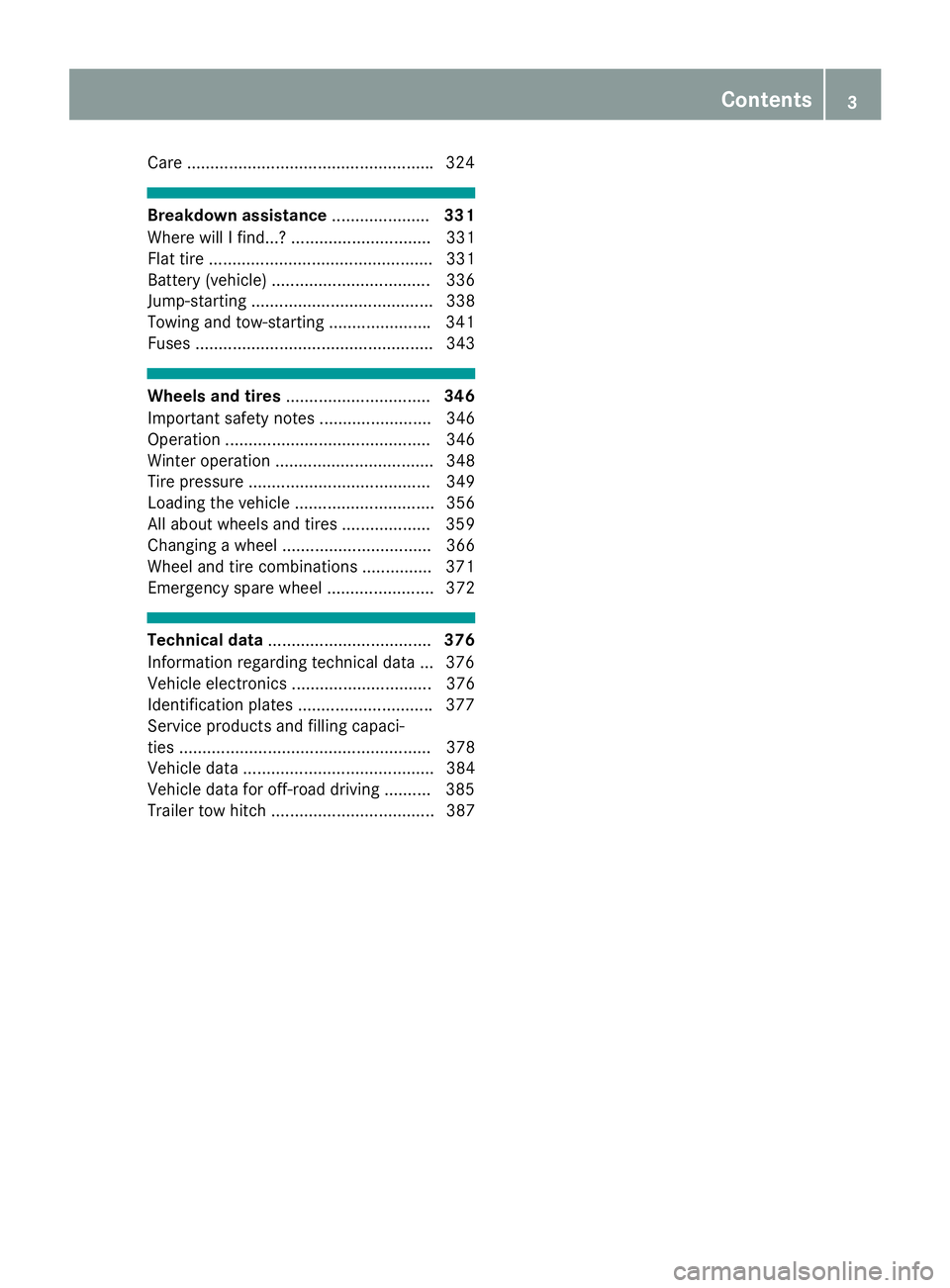
Care .................................................... .3 24
Breakdown assistance ..................... 331
Where will I find...? .............................. 331
Flat tire ................................................ 331
Battery (vehicle) .................................. 336
Jump-starting ....................................... 338
Towing and tow-starting ..................... .3 41
Fuses ................................................... 343
Wheels and tires ............................... 346
Important safety notes ........................ 346
Operation ............................................ 346
Winter operation .................................. 348
Tire pressure ....................................... 349
Loading the vehicle .............................. 356
All about wheels and tires ................... 359
Changing a wheel ................................ 366
Wheel and tire combinations .............. .3 71
Emergency spare wheel ....................... 372
Technical data ................................... 376
Information regarding technical data ... 376
Vehicle electronics .............................. 376
Identification plates ............................ .3 77
Service products and filling capaci-
ties ...................................................... 378
Vehicle data ......................................... 384
Vehicle data for off-road driving .......... 385
Trailer tow hitch ................................... 387 Contents 3
Page 23 of 390
Trailer loads ................................... 387
Vehicle data ................................... 384
Telephone
Accepting a call (multifunction
steering wheel) .............................. 236
Authorizing a mobile phone (con-
necting) ......................................... 291
Connecting a mobile phone (gen-
eral information) ........................... .2 90
Display message ............................ 272
Menu (on-board computer) ............ 235
Number from the phone book ....... .2 36
Redialing ........................................ 236
Rejecting/ending a call ................. 236
see also Digital Operator's Man-
ual ................................................. .2 87
Switching between mobile
phones .......................................... .2 92
Temperature
Coolant (display in the instrument
cluster) .......................................... 230
Coolant (on-board computer,
Mercedes-AMG vehicles) .............. .2 41
Engine oil (on-board computer,
Mercedes-AMG vehicles) .............. .2 41
Outside temperature ..................... .2 29
Setting (climate control) ................ 131
Transmission oil (on-board com-
puter, Mercedes-AMG vehicles) ..... 241
Through-loading feature ................... 297
Time
see separate operating instructions
Timing (RACETIMER) ......................... 241
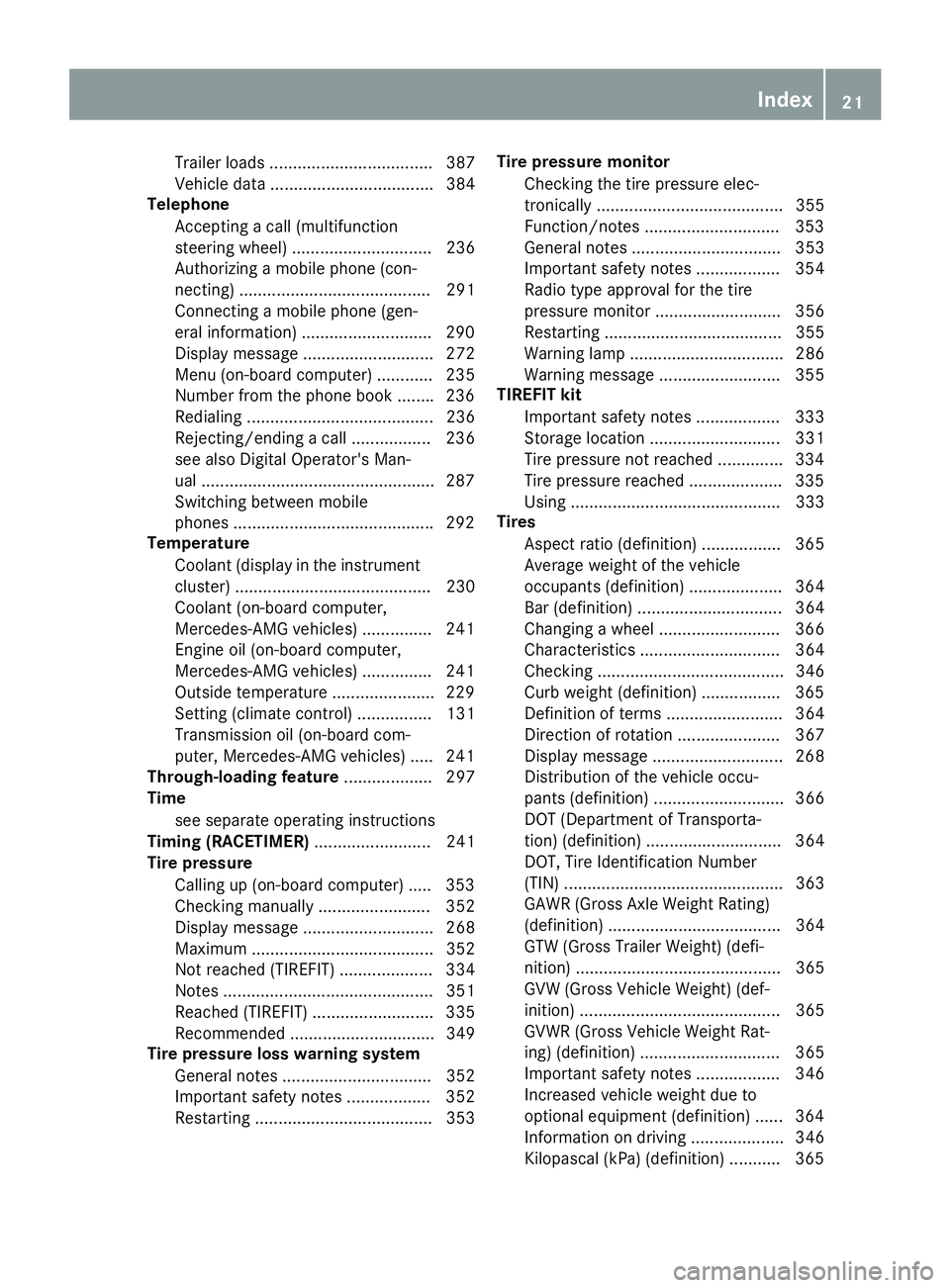
Tire pressure
Calling up (on-board computer) ..... 353
Checking manually ........................ 352
Display message ............................ 268
Maximum ....................................... 352
Not reached (TIREFIT) .................... 334
Notes ............................................. 351
Reached (TIREFIT) .......................... 335
Recommended ............................... 349
Tire pressure loss warning system
General notes ................................ 352
Important safety notes .................. 352
Restarting ...................................... 353 Tire pressure monitor
Checking the tire pressure ele c-
tronica l ly ........................................ 355
Function/notes ............................ .3 53
General notes ................................ 353
Important safety notes .................. 354
Radio type approval for the tire
pressure monitor ........................... 356
Restarting ...................................... 355
Warning lamp ................................. 286
Warning message .......................... 355
TIREFIT kit
Important safety notes .................. 333
Storage location ............................ 331
Tire pressure not reached .............. 334
Tire pressure reached .................... 335
Using ............................................. 333
Tires
Aspect ratio (definition) ................. 365
Average weight of the vehicle
occupants (definition) .................... 364
Bar (definition) ............................... 364
Changing a wheel .......................... 366
Characteristics .............................. 364
Checking ........................................ 346
Curb weight (definition) ................. 365
Definition of terms ......................... 364
Direction of rotation ...................... 367
Display message ............................ 268
Distribution of the vehicle occu-
pants (definition) ............................ 366
DOT (Department of Transporta-
tion) (definition) ............................. 364
DOT, Tire Identification Number
(TIN) ............................................... 363
GAWR (Gross Axle Weight Rating)
(definition) ..................................... 364
GTW (Gross Trailer Weight) (defi-
nition) ............................................ 365
GVW (Gross Vehicle Weight) (def-
inition) ........................................... 365
GVWR (Gross Vehicle Weight Rat-
ing) (definition) .............................. 365
Important safety notes .................. 346
Increased vehicle weight due to
optional equipment (definition) ...... 364
Information on driving .................... 346
Kilopascal (kPa) (definition) ........... 365 Index 21
Page 26 of 390
Video
Operating the DVD ......................... 235
see also Digital Operator's Man-
ual .................................................. 287
VIN ...................................................... 377
Seat ............................................... 378
Type plate ...................................... 377
WWarning and indicator lamps
ABS ................................................ 277
Brakes ........................................... 276
Check Engine ................................. 283
Coolant .......................................... 283
Distance Pilot DISTRONIC ............. 285
Distance warning ........................... 285
ESP ®
.............................................. 279
ESP ®
OFF ....................................... 280
Fuel tank ........................................ 283
Overview .......................................... 34
Parking brake ................................ 282
PASSENGER AIR BAG ...................... 42
Reserve fuel ................................... 283
Restraint system ............................ 282
Seat belt ........................................ 275
Tire pressure monitor .................... 286
Warranty .............................................. 26
Washer fluid
Display message ............................ 273
Weather display (COMAND)
see also Digital Operator's Man-
ual .................................................. 287
Wheel and tire combinations
Tires ............................................... 371
Wheel bolt tightening torque ........... 370
Wheel chock ...................................... 367
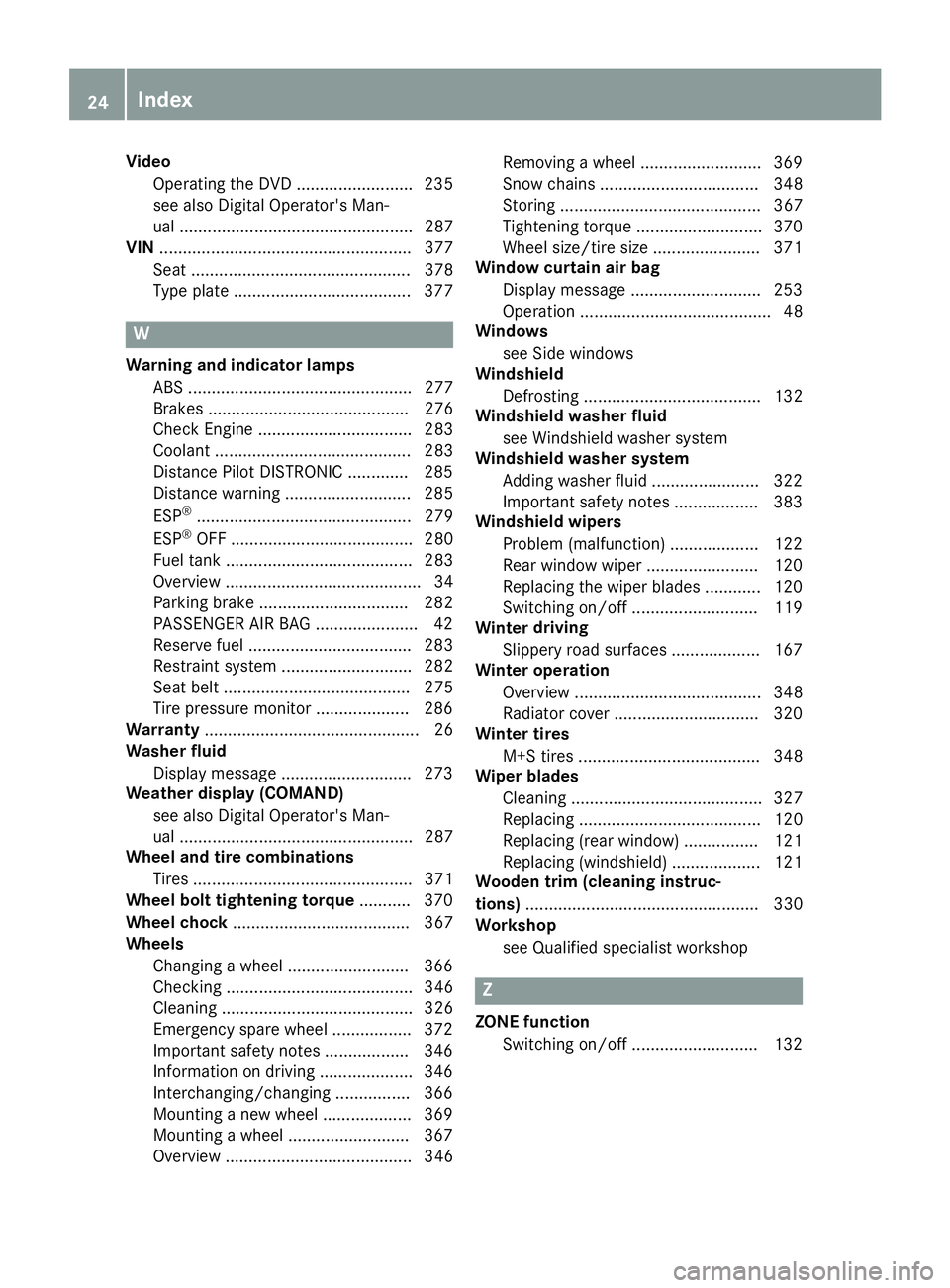
Wheels
Changing a wheel .......................... 366
Checking ........................................ 346
Cleaning ......................................... 326
Emergency spare wheel ................. 372
Important safety notes .................. 346
Information on driving .................... 346
Interchanging/changing ................ 366
Mounting a new wheel ................... 369
Mounting a wheel .......................... 367
Overview ........................................ 346 Removing a wheel .......................... 369
Snow chains .................................. 348
Storing ........................................... 367
Tightening torque ........................... 370
Wheel size/tire size ....................... 371
Window curtain air bag
Display message ............................ 253
Operation ......................................... 48
Windows
see Side windows
Windshield
Defrosting ...................................... 132
Windshield washer fluid
see Windshield washer system
Windshield washer system
Adding washer fluid ....................... 322
Important safety notes .................. 383
Windshield wipers
Problem (malfunction) ................... 122
Rear window wiper ........................ 120
Replacing the wiper blades ............ 120
Switching on/off ........................... 119
Winter driving
Sl ippery road surfaces ................... 167
Winter operation
Overview ........................................ 348
Radiator cover ............................... 320
Winter tires
M+S tires ....................................... 348
Wiper blades
Cleaning ......................................... 327
Replacing ....................................... 120
Replacing (rear window) ................ 121
Replacing (windshield) ................... 121
Wooden trim (cleaning instruc-
tions) .................................................. 330
Workshop
see Qualified specialist workshop
Z
ZONE function
Switching on/off ........................... 13224
Index
Page 169 of 390
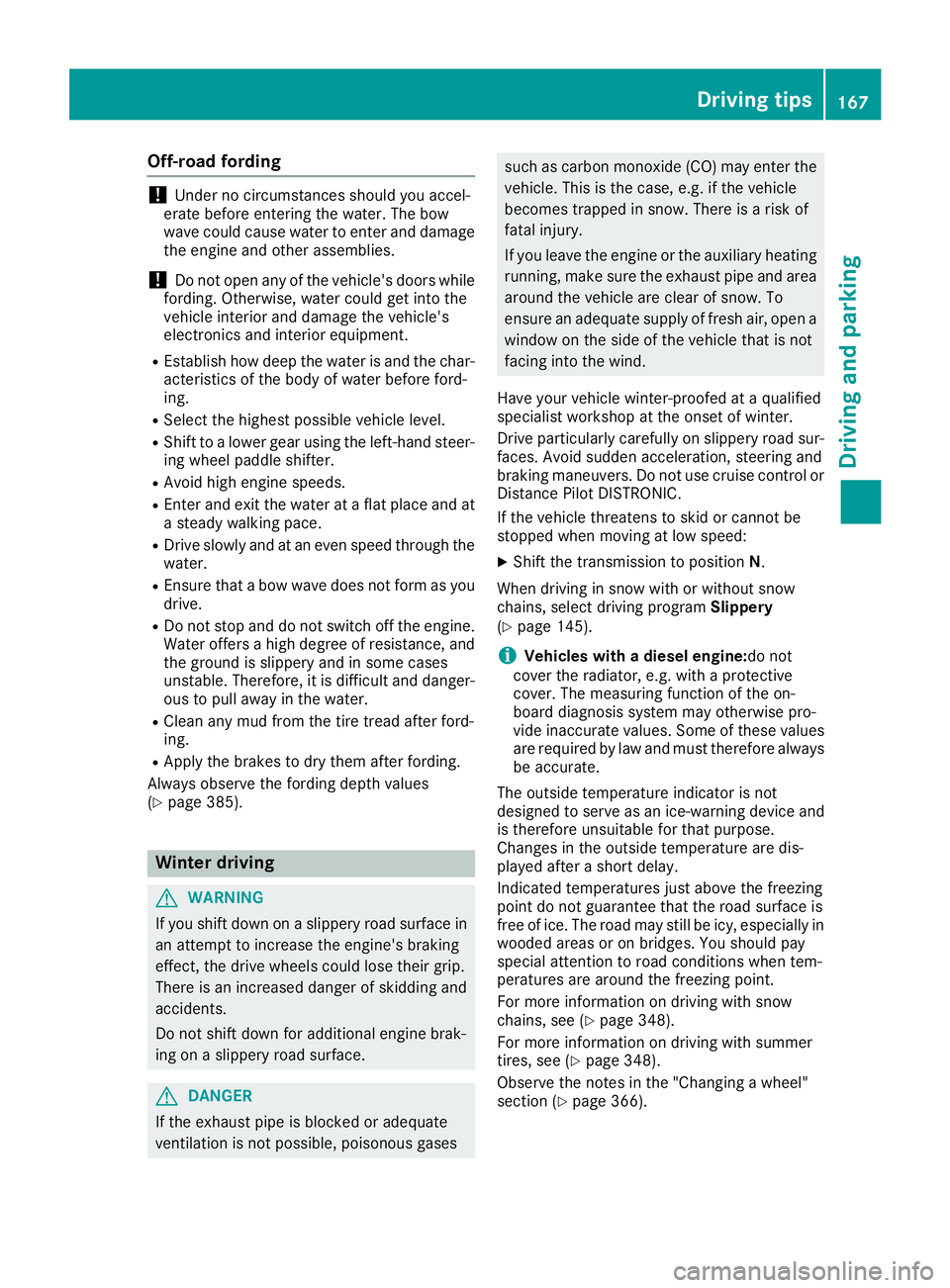
Off-road fording
! Under no circumstances should you accel-
erate before entering the water. The bow
wave could cause water to enter and damage
the engine and other assemblies.
! Do not open any of the vehicle's doors while
fording. Otherwise, water could get into the
vehicle interior and damage the vehicle's
electronics and interior equipment. R
Establish how deep the water is and the char-
acteristics of the body of water before ford-
ing. R
Select the highest possible vehicle level. R
Shift to a lower gear using the left-hand steer-
ing wheel paddle shifter. R
Avoid high engine speeds. R
Enter and exit the water at a flat place and at
a steady walking pace. R
Drive slowly and at an even speed through the
water. R
Ensure that a bow wave does not form as you
drive. R
Do not stop and do not switch off the engine.
Water offers a high degree of resistance, and
the ground is slippery and in some cases
unstable. Therefore, it is difficult and danger-
ous to pull away in the water. R
Clean any mud from the tire tread after ford-
ing. R
Apply the brakes to dry them after fording.
Always observe the fording depth values
( Y
page 385).
Winter driving
G WARNING
If you shift down on a slippery road surface in
an attempt to increase the engine's braking
effect, the drive wheels could lose their grip.
There is an increased danger of skidding and
accidents.
Do not shift down for additional engine brak-
ing on a slippery road surface.
G DANGER
If the exhaust pipe is blocked or adequate
ventilation is not possible, poisonous gases such as carbon monoxide (CO) may enter the
vehicle. This is the case, e.g. if the vehicle
becomes trapped in snow. There is a risk of
fatal injury.
If you leave the engine or the auxiliary heating
running, make sure the exhaust pipe and area
around the vehicle are clear of snow. To
ensure an adequate supply of fresh air, open a
window on the side of the vehicle that is not
facing into the wind.
Have your vehicle winter-proofed at a qualified
specialist workshop at the onset of winter.
Drive particularly carefully on slippery road sur-
faces. Avoid sudden acceleration, steering and
braking maneuvers. Do not use cruise control or
Distance Pilot DISTRONIC.
If the vehicle threatens to skid or cannot be
stopped when moving at low speed: X
Shift the transmission to position N .
When driving in snow with or without snow
chains, select driving program Slippery
( Y
page 145).
i Vehicles with a diesel engine: do not
cover the radiator, e.g. with a protective
cover. The measuring function of the on-
board diagnosis system may otherwise pro-
vide inaccurate values. Some of these values
are required by law and must therefore always
be accurate.
The outside temperature indicator is not
designed to serve as an ice-warning device and
is therefore unsuitable for that purpose.
Changes in the outside temperature are dis-
played after a short delay.
Indicated temperatures just above the freezing
point do not guarantee that the road surface is
free of ice. The road may still be icy, especially in
wooded areas or on bridges. You should pay
special attention to road conditions when tem-
peratures are around the freezing point.
For more information on driving with snow
chains, see ( Y
page 348).
For more information on driving with summer
tires, see ( Y
page 348).
Observe the notes in the "Changing a wheel"
section ( Y
page 366).Driving tips 167
Driving and parking Z
Page 171 of 390
R
LOW RANGE offroad gear (vehicles with the
Offroad Engineering package) ( Y
page 219)R
Differential lock (vehicles with the Off-Road
Engineering package) ( Y
page 218)R
Off-road ABS ( Y
page 64)R
Off-road 4ETS ( Y
page 67)R
Off-road ESP ®
( Y
page 68)R
AIRMATIC package (vehicle level)
( Y
page 186) R
DSR (Downhill Speed Regulation)
( Y
page 216)
Observe the following notes: R
Stop the vehicle before starting to drive along
an off-road route. If necessary, select the off-
road program ( Y
page 218) or shift to the
LOW RANGE off-road gear ( Y
page 219).R
Select a vehicle level that is suitable for the
terrain. To avoid damaging the vehicle, make
sure there is always sufficient ground clear-
ance. R
Check that items of luggage and loads are
stowed safely and are well secured
( Y
page 299). R
Always keep the engine running and in gear
when driving on a downhill gradient. Activate
DSR ( Y
page 216).R
Always keep the engine running and in gear
when driving on a slope. R
Adapt your speed to the terrain. The rougher,
steeper or more ruts on the terrain, the slower
your speed should be. R
Do not jump with the vehicle as this will inter-
rupt the vehicle's propulsion. R
Drive with extreme care on unfamiliar off-road
routes where visibility is poor. For safety rea-
sons, get out of the vehicle first and survey
the off-road route. R
Look out for obstacles, such as rocks, holes,
tree stumps and furrows. R
Always keep the doors, the tailgate, the side
windows and the sliding sunroof closed while
the vehicle is in motion. R
Do not shift the automatic transmission to
transmission position N .R
Observe the notes on off-road fording
( Y
page 167).
i Do not use the HOLD function when driving
off-road, on steep uphill or downhill gradients
or on slippery or loose surfaces. The HOLD function cannot hold the vehicle on such sur-
faces.
Checklist before driving off-road
! If the engine oil warning lamp lights up while
the vehicle is in motion, stop the vehicle in a
safe place as soon as possible. Check the
engine oil level. The engine oil warning lamp
warning must not be ignored. Continuing the
journey while the symbol is displayed could
lead to engine damage. X
Engine oil level: check the engine oil level
and add oil if necessary.
When driving on steep gradients, the engine
oil level must be sufficiently high to ensure a
correct oil supply in the vehicle. X
DEF tank (BlueTEC vehicles): check the
level and add if necessary ( Y
page 156).X
Tire-changing tool kit: check that the jack is
working and make sure you have the lug
wrench, a robust tow cable and a folding
spade in the vehicle. X
Wheels and tires: check the tire tread depth
and tire pressure. X
Check for damage and remove any foreign
objects, e.g. small stones, from the wheels/
tires. X
Replace any missing valve caps. X
Replace dented or damaged wheels. X
Rims: dented or bent rims can result in a loss
of tire pressure and damage the tire bead.
Before driving off-road, check the wheels and
replace them if necessary.
Checklist after driving off-road
! If you detect damage to the vehicle after
driving off-road, have the vehicle checked
immediately at a qualified specialist work-
shop.
Driving over rough terrain places greater
demands on your vehicle than driving on normal
roads. After driving off-road, check the vehicle.
This allows you to detect damage promptly and
reduce the risk of an accident to yourself and
other road users. X
If the Offroad or Offroad Plus drive program
is selected: select the Individual , Sport ,Driving tips 169
Driving and parking Z
Page 183 of 390
with the curb or other road boundaries. Be par-
ticularly aware of other road users, e.g. cyclists,
that are directly next to your vehicle.
Obstacles such as traffic pylons on the lane or
projecting out into the lane are not detected.
An inappropriate steering intervention, e.g. after
intentionally driving over a lane marking, can be
corrected at any time if you steer slightly in the
opposite direction.
DISTRONIC PLUS with Steering Pilot cannot
continuously keep your vehicle in lane. In some
cases, the steering intervention is not sufficient
to bring the vehicle back to the lane. In such
cases, you must steer the vehicle yourself to
ensure that it does not leave the lane.
The support provided by the system can be
impaired if: R
there is poor visibility, e.g. due to insufficient
illumination of the road, or due to snow, rain,
fog or spray R
there is glare, e.g. from oncoming traffic, the
sun or reflections (e.g. when the road surface
is wet) R
the windshield is dirty, fogged up, damaged or
covered, for instance by a sticker, in the vicin-
ity of the camera R
there are no, several or unclear lane markings
for a lane, e.g. in areas with road construction
work R
the lane markings are worn away, dark or cov-
ered up, e.g. by dirt or snow R
the distance to the vehicle in front is too small
and the lane markings thus cannot be detec-
ted R
the lane markings change quickly, e.g. lanes
branch off, cross on e another or mergeR
the road is narrow and winding R
there are strong shadows cast on the road
The system is switched to passive and no longer
assists you by performing steering interventions
if: R
you actively change lane R
you switch on the turn signal R
take your hands off the steering wheel or do
not steer for a prolonged period of time
i After you have finished changing lanes,
Steering Pilot is automatically active once
more. Steering Pilot cannot provide assistance: R
on very sharp corners R
when towing a trailer R
when a loss of tire pressure or a defective tire
has been detected and displayed
Observe the important safety notes on Distance
Pilot DISTRONIC ( Y
page 174).
The steering interventions are carried out with a
limited steering moment. The system requires
the driver to keep his hands on the steering
wheel and to steer himself.
If you do not steer yourself or if you take your
hands off the steering wheel for a prolonged
period of time, the system will first alert you with
a visual warning. A steering wheel symbol
appears in the multifunction display. If you have
still not started to steer and have not taken hold
of the steering wheel after five seconds at the
latest, a warning tone also sounds to remind you
to take control of the vehicle. Steering Pilot is
then switched to passive. Distance Pilot
DISTRONIC remains active.
Activating Steering Pilot X
Activate Distance Pilot DISTRONIC with
Steering Pilot using the on-board computer
( Y
page 237).
The Steering Pilot On message appears in
the multifunction display. Steering Pilot is
activated.
Information in the multifunction display
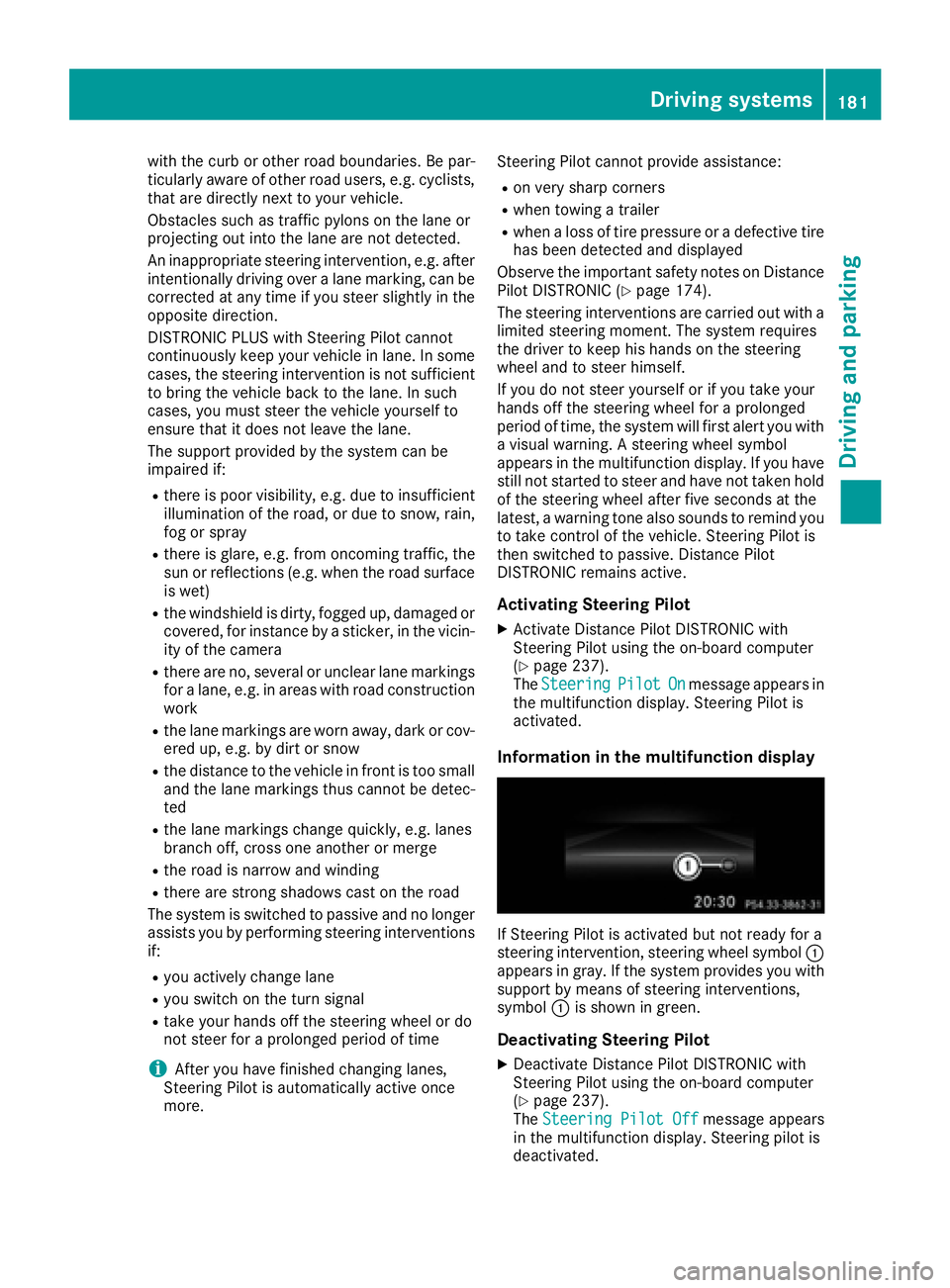
If Steering Pilot is activated but not ready for a
steering intervention, steering wheel symbol C
appears in gray. If the system provides you with
support by means of steering interventions,
symbol C is shown in green.
Deactivating Steering Pilot X
Deactivate Distance Pilot DISTRONIC with
Steering Pilot using the on-board computer
( Y
page 237).
The Steering Pilot Off message appears
in the multifunction display. Steering pilot is
deactivated.Driving systems 181
Driving and parking Z
Page 333 of 390
Where will I find...?
Vehicle tool kit
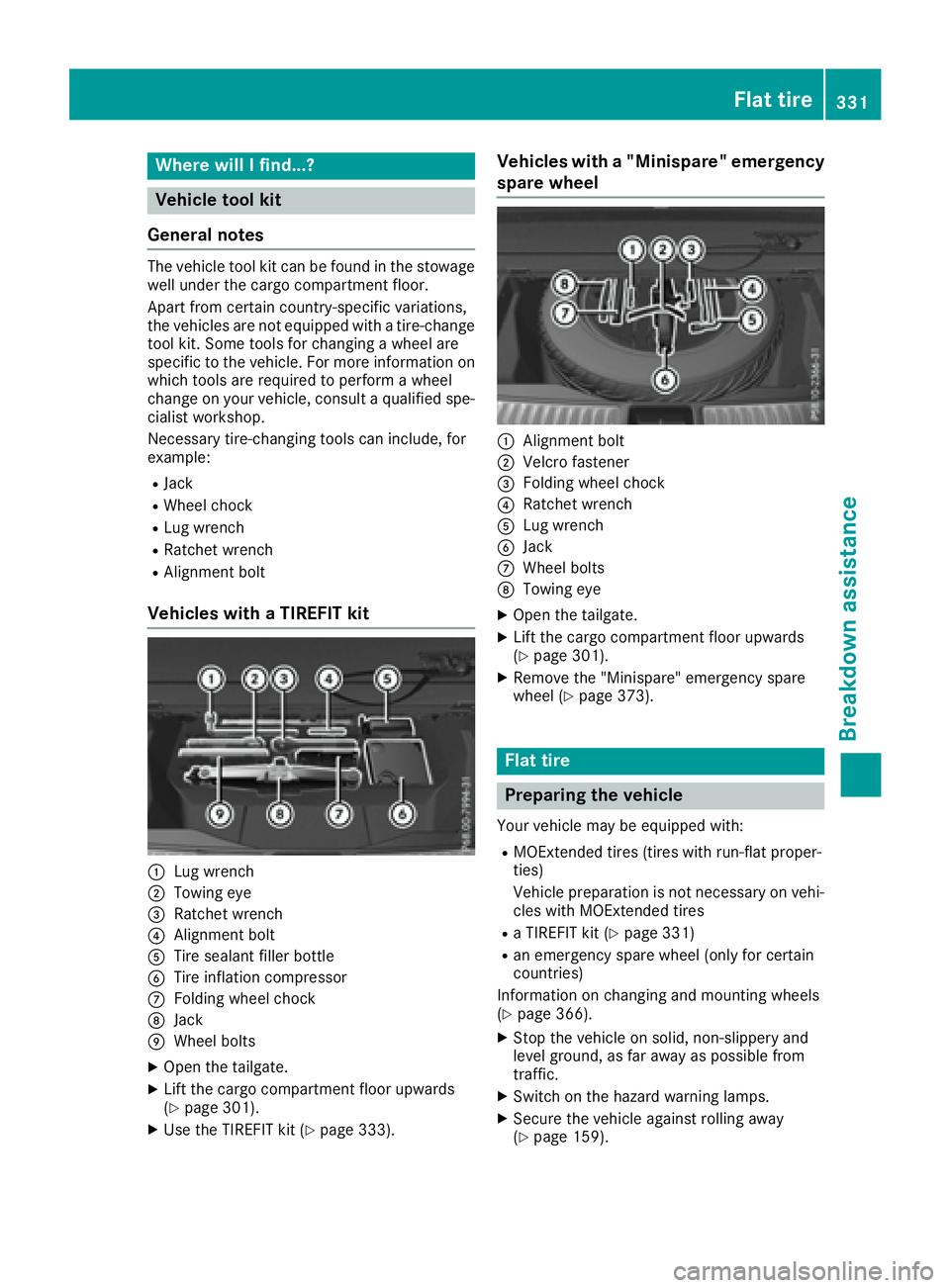
General notes The vehicle tool kit can be found in the stowage
well under the cargo compartment floor.
Apart from certain country-specific variations,
the vehicles are not equipped with a tire-change
tool kit. Some tools for changing a wheel are
specific to the vehicle. For more information on
which tools are required to perform a wheel
change on your vehicle, consult a qualified spe-
cialist workshop.
Necessary tire-changing tools can include, for
example: R
Jack R
Wheel chock R
Lug wrench R
Ratchet wrench R
Alignment bolt
Vehicles with a TIREFIT kit
C
Lug wrenchD
Towing eye
Page 350 of 390
Observe the notes on the emergency spare
wheel ( Y
page 372).
MOExtended tires (tires with run-flat
properties) With MOExtended tires (tires with run flat char-
acteristics), you can continue to drive your vehi-
cle even if there is a total loss of pressure in one
or more tires.
MOExtended tires may only be used in conjunc-
tion with an active tire pressure loss warning
system or with an active tire pressure monitor
and on wheels specifically tested by Mercedes-
Benz.
Notes on driving with MOExtended tires with a
flat tire ( Y
page 332).
Vehicles equipped with MOExtended tires are
not equipped with a TIREFIT kit at the factory. It
is therefore recommended that you additionally
equip your vehicle with a TIREFIT kit if you mount
tires that do not feature run-flat properties, e.g.
winter tires. A TIREFIT kit can be obtained from
a qualified specialist workshop.
Winter operation
General notes Have your vehicle winter-proofed at a qualified
specialist workshop at the onset of winter.
Observe the notes in the "Changing a wheel"
section ( Y
page 366).
Driving with summer tires At temperatures below 45 ‡ (+7 †), the elas-
ticity of summer tires and therefore also the
traction and braking capability are reduced con-
siderably. Change the tires on your vehicle to
M+S tires. Using summer tires at very cold tem-
peratures could cause cracks to form, thereby
damaging the tires permanently. Mercedes-
Benz cannot accept responsibility for this type
of damage.
G WARNING
Damaged tires can cause tire inflation pres-
sure loss. As a result, you could lose control of
your vehicle. There is a risk of accident. Check the tires regularly for signs of damage
and replace any damaged tires immediately.
M+S tires
G WARNING
M+S tires with a tire tread depth of less than