2017 Lexus ES350 lights
[x] Cancel search: lightsPage 79 of 584

ES350_OM_OM33C68U_(U)
772. Instrument cluster
2
Instrument cluster
Odometer, trip meter and maintenance required information display
Odometer:
Displays the total distance the vehicle has been driven
Tr i p m e t e r :
Displays the distance the vehicle has been driven since the meter was last reset.
Trip meters “A” and “B” can be used to record and display different distances indepen-
dently.
Maintenance required information:• Displays the maintenance required information when the engine switch is in IGNITION ON mode.
• It can be reset from (settings display) of the multi-information display. (→ P. 8 0 )
Background color of drive mode
Background color changes according to the drive mode. ( →P. 2 4 8 )
•Sport mode: Red
•Eco drive mode: Blue
When in Normal mode, the background color is Black.
Switches between odometer, trip meter
and maintenance required information
displays. When the trip meter is dis-
played, pressing and holding the button
will reset the trip meter.
The brightness of the instrument panel lights can be adjusted.
Darker
Brighter
Changing the display
9
10
Instrument panel light control
1
2
Page 80 of 584

78
ES350_OM_OM33C68U_(U)2. Instrument cluster
■The meters and display illuminate when
The engine switch is in IGNITION ON mode.
■Instrument panel brightness adjustment
The instrument panel brightness levels when
the tail lights are on and off can be adjusted
individually. However, when the surroundings ar e bright (daytime, etc.), turning on the tail
lights will not change the instrument panel brightness. At this time, any adjustments made
to the instrument panel brightness levels w ill be applied to both settings at once.
■Limitation of brightness adjustment
The brightness of the instrument panel lights is automatically adjusted based on the light
sensor detecting how bright the surroundings are. However, if the instrument panel
brightness has been manually set to either the brightest or darkest setting, the automatic
adjustment will not be performed.
■Outside temperature display
●In the following situations, the correct outside temperature may not be displayed, or the
display may take longer than normal to change.
• When stopped, or driving at low speeds (less than 12 mph [20 km/h])
• When the outside temperature has changed suddenly (at the entrance/exit of a garage, tunnel, etc.)
• When the vehicle is parked in direct sunlight
●When “--” or “E” is displayed, the system may be malfunctioning.
Take your vehicle to your Lexus dealer.
■Pop-up display
In some situations, a pop-up display will be temporarily displayed on the multi-informa-
tion display or the odometer/trip meter/ maintenance required information screen.
The pop-up display function can be set on/off. ( →P. 5 3 9 )
■Liquid crystal display
Small spots or light spots may appear on the display. This phenomenon is characteristic
of liquid crystal displays, and there is no problem continuing to use the display.
■Customization
The meter display can be customized on the multi-information display.
(Customizable features →P. 5 3 8 )
WA R N I N G
■The information display at low temperatures
Allow the interior of the vehicle to warm up before using the liquid crystal information
display. At extremely low temperatures, the information display monitor may respond
slowly, and display changes may be delayed.
For example, there is a lag between the driver’s shifting and the new gear number
appearing on the display. This lag could cause the driver to downshift again, causing
rapid and excessive engine braking and possibly an accident resulting in personal
death or injury.
Page 85 of 584

ES350_OM_OM33C68U_(U)
832. Instrument cluster
2
Instrument cluster
The settings of the following items can be changed, refer to P. 538
For functions that can be enabled or disabled, the function switches between on and
off each time is pressed.
● (Lane Departure Alert with steering control) (if
equipped) ( →P. 199)
● (Pre-Collision System) (if equipped) ( →P. 1 8 7 )
●AFS (Adaptive Front-lighting System) (if equipped) ( →P. 1 6 6 )
●Clock
Adjusts the hour and minute of the clock on the multi-information display.
●Ambient illumin.
Select to turn the ornament lights on and off.
●Ve h i c l e S e t t i n g s
• Scheduled Maintenance ( →P. 4 2 1 )
• Oil Maintenance ( →P. 4 3 5 )
●Meter Settings
•Language
Select to change the language on the display.
•Units
Select to change the unit of measure.
• Eco Driving Indicator Light Select to activate/deactivate the Eco Driving Indicator Light
• switch
Displays a procedure to register a desired screen to .
You can register 1 screen as a shortcut , which can be displayed by pressing .
• Drive information 1 /2 /3 Select to select up to 2 items that will be displayed on a Drive information
screen, up to 3 Drive information screens can be set.
•Pop-up display Select to set the pop-up displays, which may appear in some situations, on/off.
• Accent color
Select to change the accent colors on the screen, such as the cursor color.
• Default settings Registered or changed meter settings will be deleted or returned to their
default setting.
Settings display
Page 95 of 584

ES350_OM_OM33C68U_(U)
933-1. Key information
3
Operation of each component
■Pa ni c m o d e
■When required to leave the vehicle’s key with a parking attendant
Turn the trunk opener main switch off and lock the glove box as circumstances demand.
(→ P. 102, 383)
Remove the mechanical key for your own use and provide the attendant with the elec-
tronic key only.
■If you lose your mechanical keys
New genuine mechanical keys can be made by your Lexus dealer using the other
mechanical key and the key number stamped on your key number plate. Keep the plate
in a safe place such as your wallet, not in the vehicle.
■When riding in an aircraft
When bringing an electronic key onto an aircraft, make sure you do not press any but-
tons on the electronic key while inside the aircraft cabin. If you are carrying an electronic
key in your bag etc., ensure that the buttons are not likely to be pressed accidentally.
Pressing a button may cause the electronic key to emit radio waves that could interfere
with the operation of the aircraft.
■Electronic key battery depletion
●The standard battery life is 1 to 2 years.
●If the battery becomes low, an alarm will sound in the cabin when the engine stops.
( → P. 4 5 7 )
●As the electronic key always receives radio waves, the battery will become depleted
even if the electronic key is not used. The following symptoms indicate that the elec-
tronic key battery may be depleted. Replace the battery when necessary. ( →P. 4 5 7 )
• The smart access system with push-button start or the wireless remote control does not operate.
• The detection area becomes smaller.
• The LED indicator on the key surface does not turn on.
●To avoid serious deterioration, do not leave the electronic key within 3 ft. (1 m) of the
following electrical appliances that produce a magnetic field:
•TVs
• Personal computers
• Cellular phones, cordless phones and battery chargers
• Recharging cellular phones or cordless phones
• Table lamps
• Induction cookers
■If “Key Battery Low” is displayed on the multi-information display
The electronic key has a low battery. Replace the electronic key battery. ( →P. 4 5 7 )
When is pressed for longer than about
one second, an alarm will sound intermittently
and the vehicle lights will flash to deter any per-
son from trying to break into or damage your
vehicle.
To stop the alarm, press any button on the elec-
tronic key.
Page 98 of 584

96
ES350_OM_OM33C68U_(U)3-2. Opening, closing and locking the doors and trunk
■Operation signals
A buzzer sounds and the emergency flashers flash to indicate that the doors have been
locked/unlocked. (Locked: Once; Unlocked: Twice)
Windows and moon roof:
A buzzer sounds to indicate that the windows and moon roof are opening.
■Security feature
If a door is not opened within approximately 60 seconds after the vehicle is unlocked, the
security feature automatically locks the vehicle again.
■Welcome light illumination control
The side marker, parking, tail and license pl
ate lights automatically turn on at night when
the doors are unlocked using the entry function or wireless remote control if the light
switch is in the “AUTO” position.
■When the door cannot be locked by the lock sensor on the upper part of the door han-
dle
■Door lock buzzer
If an attempt to lock the doors is made when a door is not fully closed, a buzzer sounds
continuously for 5 seconds. Fully close the door to stop the buzzer, and lock the vehicle
once more.
■Setting the alarm
Locking the doors will set the alarm system. ( →P. 6 7 )
■If the smart access system with push-button start or the wireless remote control does
not operate properly
●Use the mechanical key to lock and unlock the doors. ( →P. 5 0 4 )
●Replace the key battery with a new one if it is depleted. ( →P. 4 5 7 )
If the door will not lock even when the topside
sensor area is touched, try touching both the
topside and underside sensor areas at the same
time.
Page 128 of 584

1263-4. Adjusting the steering wheel and mirrors
ES350_OM_OM33C68U_(U)
Inside rear view mirror
The height of the rear view mirror can be adjusted to suit your driving posture.
Adjust the height of the rear view mir-
ror by moving it up and down.
Responding to the level of brightness of the headlights of vehicles behind, the
reflected light is automatically reduced.
Changing automatic anti-glare func-
tion mode
ON/OFF
When the automatic anti-glare function
is in ON mode, the indicator illuminates.
The function will set to ON mode each
time the engine switch is turned to
IGNITION ON mode.
Pressing the button turns the function to
OFF mode. (The indicator also turns
off.)
The rear view mirror’s position can be adjusted to enable sufficient confirma-
tion of the rear view.
Adjusting the height of rear view mirror
Anti-glare function
Indicator
Page 141 of 584
139
ES350_OM_OM33C68U_(U)
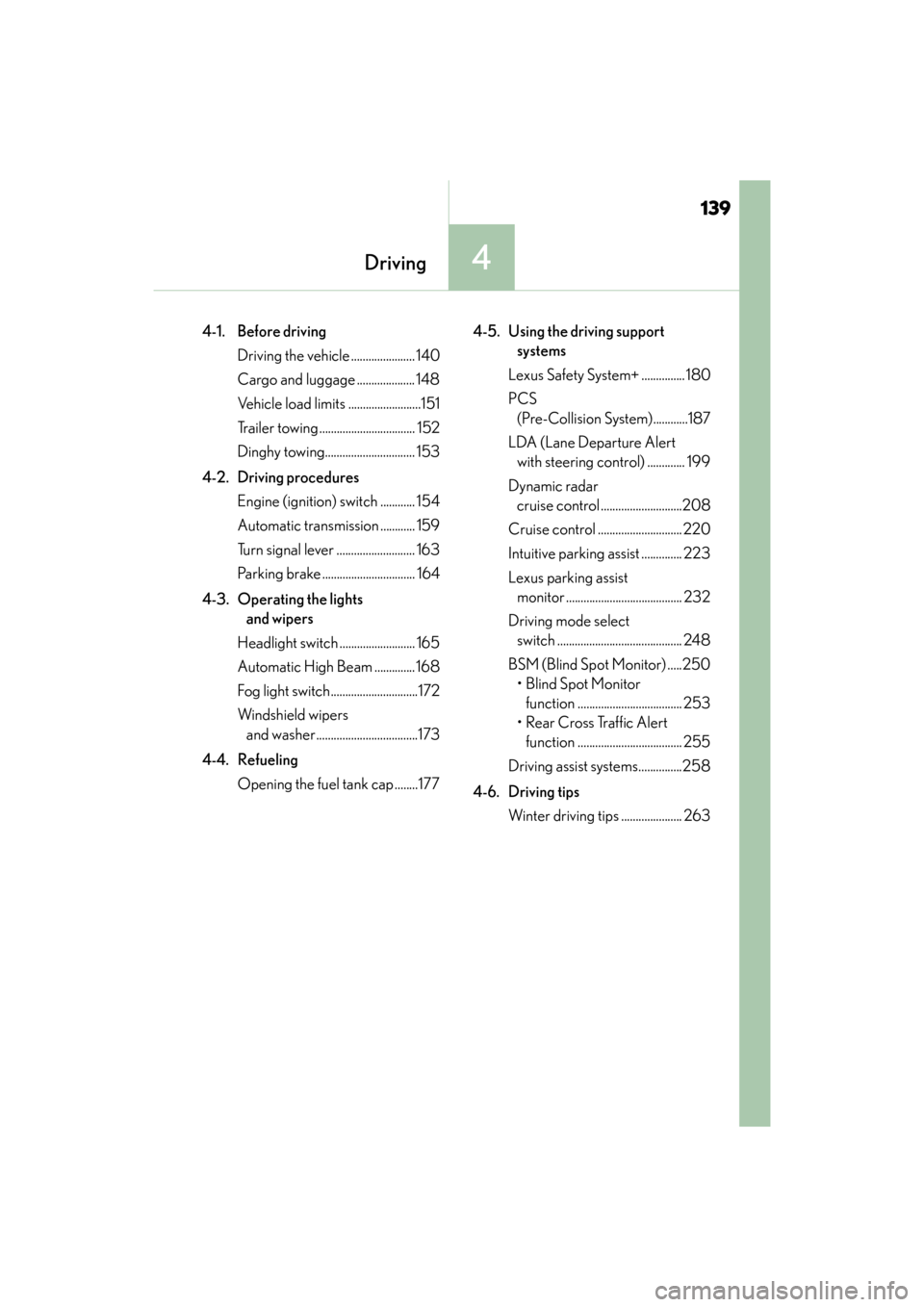
4Driving
4-1. Before drivingDriving the vehicle ...................... 140
Cargo and luggage .................... 148
Vehicle load limits .........................151
Trailer towing ................................. 152
Dinghy towing............................... 153
4-2. Driving procedures Engine (ignition) switch ............ 154
Automatic transmission ............ 159
Turn signal lever ........................... 163
Parking brake ................................ 164
4-3. Operating the lights and wipers
Headlight switch .......................... 165
Automatic High Beam .............. 168
Fog light switch..............................172
Windshield wipers and washer...................................173
4-4. Refueling Opening the fuel tank cap ........177 4-5. Using the driving support
systems
Lexus Safety System+ ............... 180
PCS (Pre-Collision System)............187
LDA (Lane Departure Alert with steering control) ............. 199
Dynamic radar cruise control ............................208
Cruise control ............................. 220
Intuitive parking assist .............. 223
Lexus parking assist monitor ........................................ 232
Driving mode select switch ........................................... 248
BSM (Blind Spot Monitor) .....250 •Blind Spot Monitor function .................................... 253
• Rear Cross Traffic Alert function .................................... 255
Driving assist systems...............258
4-6. Driving tips Winter driving tips ..................... 263
Page 165 of 584

163
ES350_OM_OM33C68U_(U)4-2. Driving procedures
4
Driving
Turn signal lever
Right turn
Lane change to the right (move the
lever partway and then release it)
The right hand signals will flash 3 times.
Lane change to the left (move the
lever partway and then release it)
The left hand signals will flash 3 times.
Left turn
■Turn signals can be operated when
The engine switch is in IGNITION ON mode.
■If the indicator flashes faster than usual
Check that a light bulb in the front or re
ar turn signal lights has not burned out.
■If the turn signals stop flashing before a lane change has been performed
Operate the lever again.
■To discontinue flashing of the turn signals during a lane change
Operate the lever in the opposite direction.
■Customization
The number of times the turn signals flash during a lane change can be changed.
(→ P. 5 3 8 )
Operating instructions
1
2
3
4