Page 108 of 516
2. Place the desired objects inside the compartment.
3. Reposition the load floor.
CAUTION!
The load floor must be arranged in a central position
with respect to cargo area.Displacement Load Floor
To position the load from the lower to the upper position,
proceed as follows:
1. Grasp the load floor handle and lift up the load floor.
2. Correctly place the load floor on the side panel guides
and on the rear cross member.
Access To Tire Service Kit Or Spare Tire
To access the Tire Service Kit or spare tire and container
carrier, proceed as follows:
1. Grasp the load floor handle and remove the floor.
2. Pull the tab and lift up on the carpet.
Anchoring Of The Load
The cargo tie-downs, located on the cargo area floor,
should be used to safely secure loads when the vehicle is
moving.
Cargo Area Storage
106 GETTING TO KNOW YOUR VEHICLE
Page 126 of 516

•The gauge will likely indicate a higher temperature
when driving in hot weather or up mountain grades. It
should not be allowed to exceed the upper limits of the
normal operating range.
WARNING!
A hot engine cooling system is dangerous. You or
others could be badly burned by steam or boiling
coolant. You may want to call an authorized dealer for
service if your vehicle overheats.
CAUTION!
Driving with a hot engine cooling system could dam-
age your vehicle. If the temperature gauge reads “H”
pull over and stop the vehicle. Idle the vehicle with the
air conditioner turned off until the pointer drops back
into the normal range. If the pointer remains on the
“H”, turn the engine off immediately and call an
authorized dealer for service. 3. Instrument Cluster Display
•The instrument cluster display features a driver-
interactive display. Refer to “Instrument Cluster Dis-
play” in “Getting To Know Your Instrument Panel” for
further information.
4. Fuel Gauge •The fuel gauge shows the level of fuel in the fuel tank
when the ignition is in the ON/RUN position
•
The fuel pump symbol points to the side of the
vehicle where the fuel door is located.
5. Speedometer
•Indicates vehicle speed
INSTRUMENT CLUSTER DISPLAY
Your vehicle may be equipped with an instrument cluster
display, which offers useful information to the driver. With
the ignition in the STOP/OFF position, opening/closing of
a door will activate the display for viewing, and display
the total miles, or kilometers, in the odometer. Your instru-
ment cluster display is designed to display important
information about your vehicle’s systems and features.
Using a driver interactive display located on the instru-
ment panel, your instrument cluster display can show you
how systems are working and give you warnings when
124 GETTING TO KNOW YOUR INSTRUMENT PANEL
Page 130 of 516

•Coolant Temperature — View the engine coolant tem-
perature.
• Trans Temperature — View the trans oil temperature.
• Battery Voltage — View the voltage value (state of
charge) of the battery.
• Service — If Equipped — View the service status mes-
sage(s).
Fuel Economy
This menu item allows you to set the unit of measurement
for the �Fuel Economy and Range.�
• Range (Miles or km)
• Current Consumption (mpg or L/100km or km/l)
• Average Consumption (mpg or L/100km or km/l )
Reset procedure shown at the bottom of the display.
Trip Info
Push and release the upordown arrow button until the
Trip menu title is displayed in the instrument cluster
display. Toggle the leftorright arrow button to select Trip
A or Trip B. The Trip information will display the follow-
ing: •
Distance – Shows the total distance (mi or km) traveled
for Trip A or Trip B since the last reset.
• Average Fuel Economy – Shows the average fuel
economy (MPG or L/100 km) of Trip A or Trip B since
the last reset.
• Elapsed Time – Shows the total elapsed time of travel
since Trip A or Trip B has been reset.
Hold the OKbutton to reset feature information.
Stored Messages
Push and release the upordown arrow button until the
Messages Menu Icon is highlighted in the instrument
cluster display. This feature shows the number of stored
warning messages. Pushing the leftorright arrow button
will allow you to scroll through the stored messages.
Screen Setup
This menu item allows you to change the position of the
information on the display.
128 GETTING TO KNOW YOUR INSTRUMENT PANEL
Page 133 of 516

Security
By selecting the item “Security,” you can make the follow-
ing adjustments:
•Speed Warning:
Set the vehicle speed limit (km/h or MPH), which the
driver is notified through a visual and acoustic signaling
(display of a message and a symbol on the display).
When the speed warning is set, the icon should remain
visualized for the same duration time of the pop up. If the
driver exceeded the speed set the icon should remain for
however long the vehicle is over the set speed.
Driver may also turn the Speed Warning “OFF” should you
choose not to use this feature.
• Seat Belt Reminder:
This function is only viewable when the Seat Belt Re-
minder (SBR) system is active.
• Hill Start Assist (If Equipped):
Activation/Deactivation of the Hill Start Assist system. �Safety & Assistance�
By selecting the item
�Safety & Assistance,� you can make
the following adjustments:
• Forward Collision Warning
• Forward Collision Warning Sensitity
• ParkSense (If Equipped): a selection of the type of
information provided by ParkSense
• Rear Parks (If Equipped) Vol.: selection of the volume of
acoustic signals provided by ParkSense
• ParkSense (If Equipped) Vol.: a selection of the volume
of acoustic signals provided by ParkSense
• Front Parks. Vol.: selection of the volume of the beeps
provided by ParkSense
• Warning Buzzer Volume
• Brake Service (If Equipped): activation of the procedure
to carry out braking system maintenance
• Auto Park Brake (If Equipped): enable/disable auto-
insertion of the Electric Parking Brake
• Rain Sensing Wipers
• Lanesense Warning (If Equipped)
4
GETTING TO KNOW YOUR INSTRUMENT PANEL 131
Page 137 of 516
Air Bag Warning Light
Red TelltaleLight What It Means
Air Bag Warning Light
This light will turn on for four to eight seconds as a bulb check when the ignition switch is first
turned to ON/RUN. If the light is either not on during startup, stays on, or turns on while driv-
ing, have the system inspected at an authorized dealer as soon as possible. This light will illumi-
nate with a single chime when a fault with the Air Bag Warning Light has been detected, it will
stay on until the fault is cleared. If the light comes on intermittently or remains on while driving,
have an authorized dealer service the vehicle immediately. Refer to “Occupant Restraint Systems”
in “Safety” for further information.
4
GETTING TO KNOW YOUR INSTRUMENT PANEL 135
Page 138 of 516
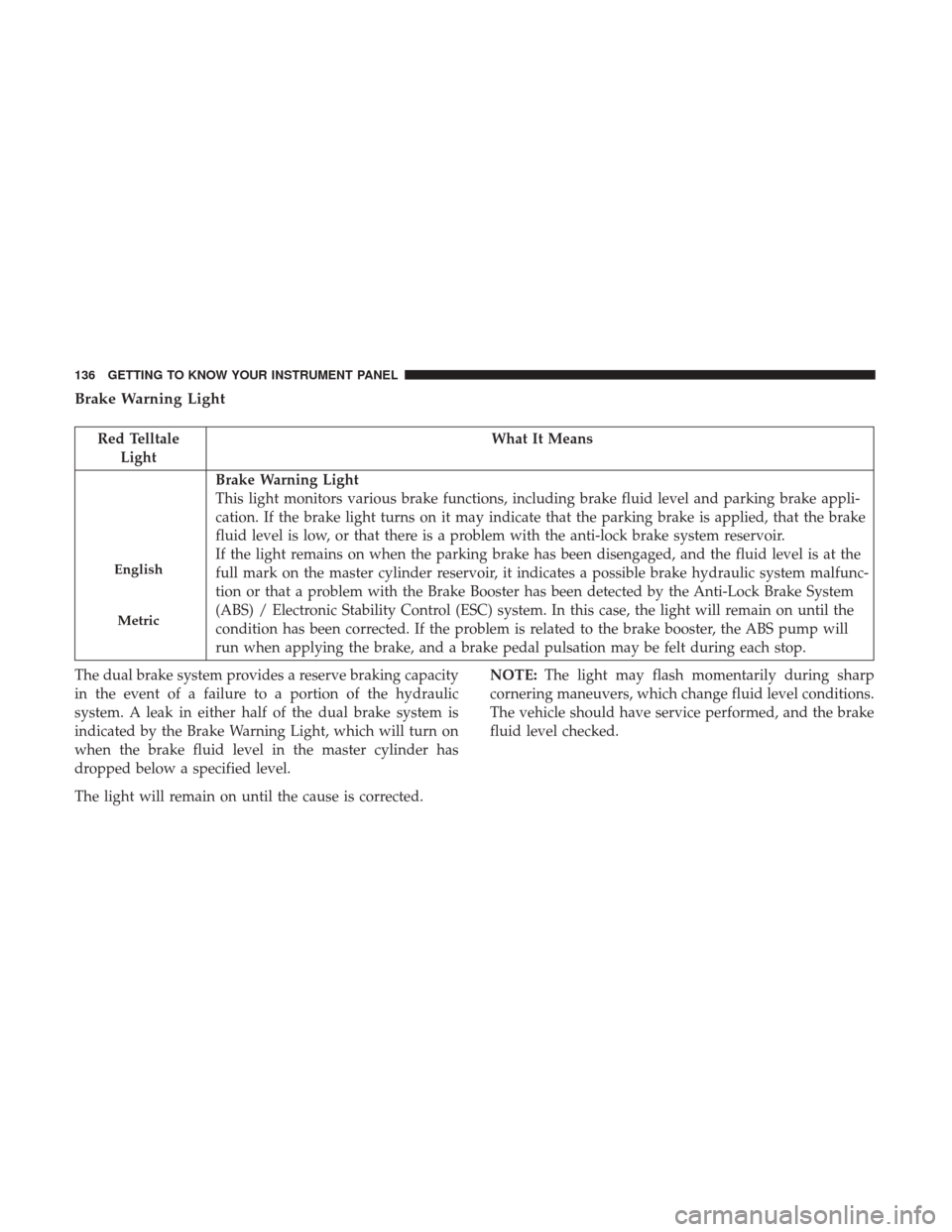
Brake Warning Light
Red TelltaleLight What It Means
English
Metric
Brake Warning Light
This light monitors various brake functions, including brake fluid level and parking brake appli-
cation. If the brake light turns on it may indicate that the parking brake is applied, that the brake
fluid level is low, or that there is a problem with the anti-lock brake system reservoir.
If the light remains on when the parking brake has been disengaged, and the fluid level is at the
full mark on the master cylinder reservoir, it indicates a possible brake hydraulic system malfunc-
tion or that a problem with the Brake Booster has been detected by the Anti-Lock Brake System
(ABS) / Electronic Stability Control (ESC) system. In this case, the light will remain on until the
condition has been corrected. If the problem is related to the brake booster, the ABS pump will
run when applying the brake, and a brake pedal pulsation may be felt during each stop.
The dual brake system provides a reserve braking capacity
in the event of a failure to a portion of the hydraulic
system. A leak in either half of the dual brake system is
indicated by the Brake Warning Light, which will turn on
when the brake fluid level in the master cylinder has
dropped below a specified level.
The light will remain on until the cause is corrected. NOTE:
The light may flash momentarily during sharp
cornering maneuvers, which change fluid level conditions.
The vehicle should have service performed, and the brake
fluid level checked.
136 GETTING TO KNOW YOUR INSTRUMENT PANEL
Page 142 of 516

Battery Charge Warning Light
Red TelltaleLight What It Means
Battery Charge Warning Light
This light illuminates when the battery is not charging properly. If it stays on while the engine is
running, there may be a malfunction with the charging system. Contact your authorized dealer as
soon as possible. This indicates a possible problem with the electrical system or a related compo-
nent.
If jump starting is required, refer to “Jump-Starting” in “In Case Of Emergency.”
Engine Temperature Warning Light
Red Warning
Light What It Means
Engine Temperature Warning Light
This light warns of an overheated engine condition. As engine coolant temperatures rise and the
gauge approaches
H,this indicator will illuminate and a single chime will sound after reaching a
set threshold.
If the light turns on while driving, safely pull over and stop the vehicle. If the A/C system is on,
turn it off. Also, shift the transmission into NEUTRAL and idle the vehicle. If the temperature
reading does not return to normal, turn the engine off immediately and call for service. Refer to
“If Your Engine Overheats” in “In Case Of Emergency” for further information.
140 GETTING TO KNOW YOUR INSTRUMENT PANEL
Page 145 of 516

Electronic Throttle Control (ETC) Warning Light — If Equipped
Red TelltaleLight What It Means
Electronic Throttle Control (ETC) Warning Light
This light informs you of a problem with the Electronic Throttle Control (ETC) system. If a prob-
lem is detected while the engine is running, the light will either stay on or flash depending on
the nature of the problem. Cycle the ignition when the vehicle is safely and completely stopped
and the transmission is placed in the PARK position. The light should turn off. If the light re-
mains on with the vehicle under power, your vehicle will usually be drivable; however, see an
authorized dealer for service as soon as possible.
If the light continues to flash when the engine vehicle under power, immediate service is re-
quired and you may experience reduced performance, and your vehicle may require towing. The
light will come on when the ignition is placed in the ON/RUN position and remain on briefly as
a bulb check. If the light does not come on during starting, have the system checked by an au-
thorized dealer.
4
GETTING TO KNOW YOUR INSTRUMENT PANEL 143

