Page 193 of 569
Features of your vehicle
90
4
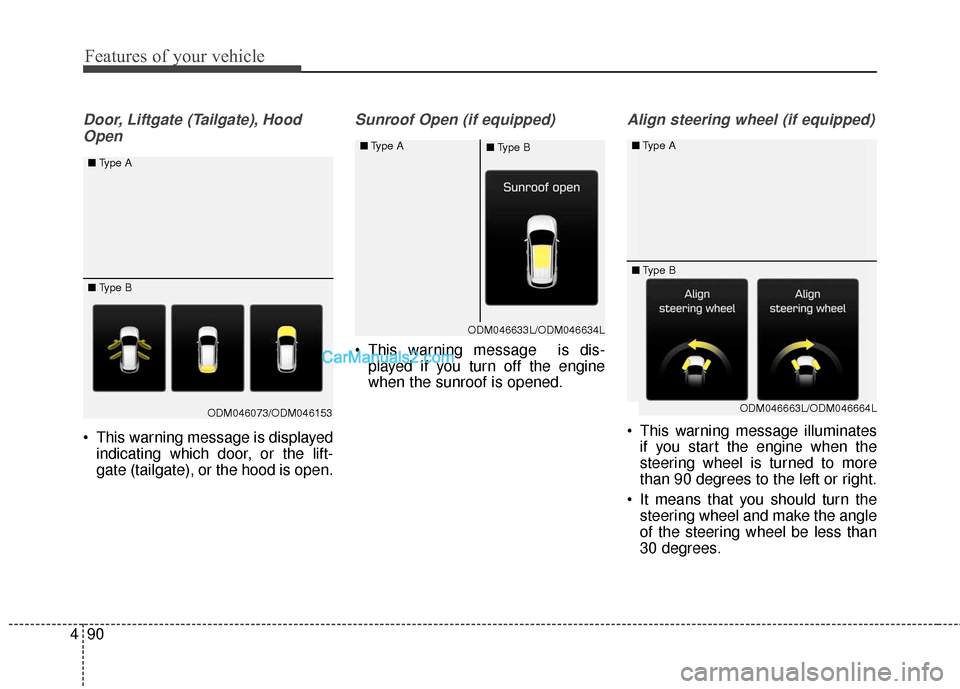
Door, Liftgate (Tailgate), Hood
Open
This warning message is displayed indicating which door, or the lift-
gate (tailgate), or the hood is open.
Sunroof Open (if equipped)
This warning message is dis-played if you turn off the engine
when the sunroof is opened.
Align steering wheel (if equipped)
This warning message illuminatesif you start the engine when the
steering wheel is turned to more
than 90 degrees to the left or right.
It means that you should turn the steering wheel and make the angle
of the steering wheel be less than
30 degrees.
ODM046073/ODM046153
■
Type A
■ Type B
ODM046633L/ODM046634L
■
Type A
■Type B
ODM046663L/ODM046664L
■
Type A
■ Type B
Page 194 of 569
491
Features of your vehicle
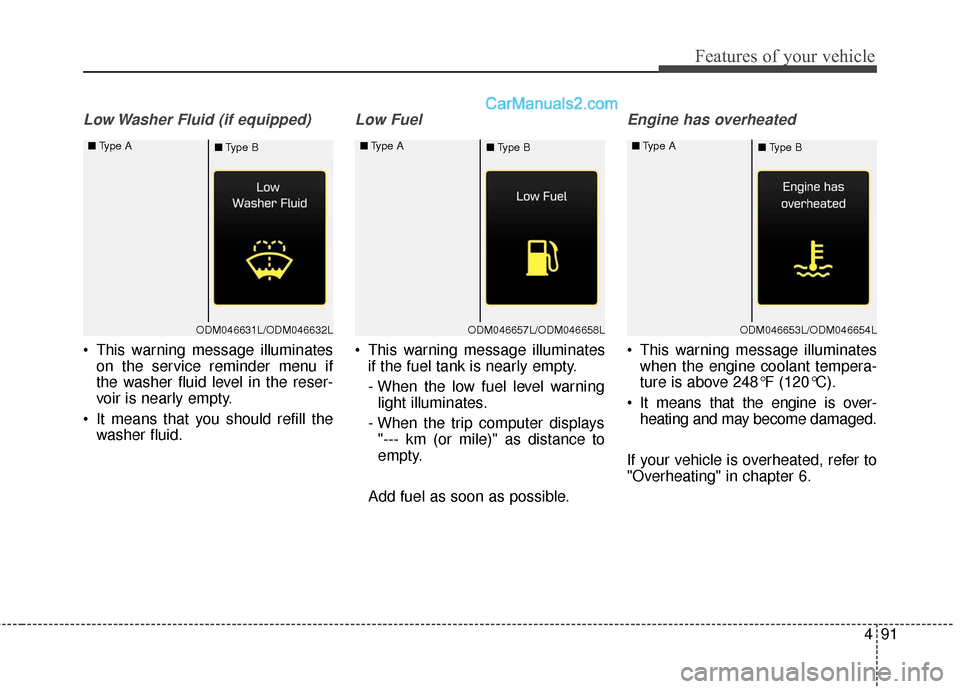
Low Washer Fluid (if equipped)
This warning message illuminateson the service reminder menu if
the washer fluid level in the reser-
voir is nearly empty.
It means that you should refill the washer fluid.
Low Fuel
This warning message illuminatesif the fuel tank is nearly empty.
- When the low fuel level warninglight illuminates.
- When the trip computer displays "--- km (or mile)" as distance to
empty.
Add fuel as soon as possible.
Engine has overheated
This warning message illuminates when the engine coolant tempera-
ture is above 248°F (120°C).
It means that the engine is over- heating and may become damaged.
If your vehicle is overheated, refer to
"Overheating" in chapter 6.
ODM046631L/ODM046632L
■
Type A
■Type BODM046657L/ODM046658L
■
Type A
■Type BODM046653L/ODM046654L
■
Type A
■Type B
Page 197 of 569
Features of your vehicle
94
4
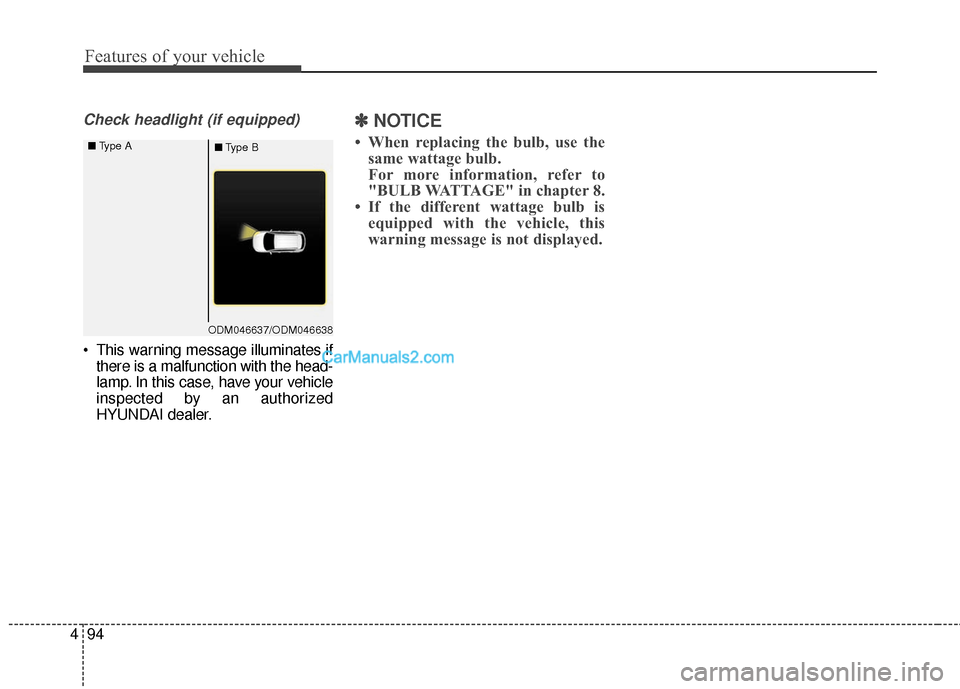
Check headlight (if equipped)
This warning message illuminates if
there is a malfunction with the head-
lamp. In this case, have your vehicle
inspected by an authorized
HYUNDAI dealer.
✽ ✽ NOTICE
• When replacing the bulb, use the
same wattage bulb.
For more information, refer to
"BULB WATTAGE" in chapter 8.
• If the different wattage bulb is equipped with the vehicle, this
warning message is not displayed.
ODM046637/ODM046638
■
Type A
■Type B
Page 198 of 569
495
Features of your vehicle
Overview
Description
The trip computer is a microcomput-
er-controlled driver information sys-
tem that displays information related
to driving.
✽ ✽NOTICE
Some driving information stored in
the trip computer (for example
Average Vehicle Speed) resets if the
battery is disconnected.
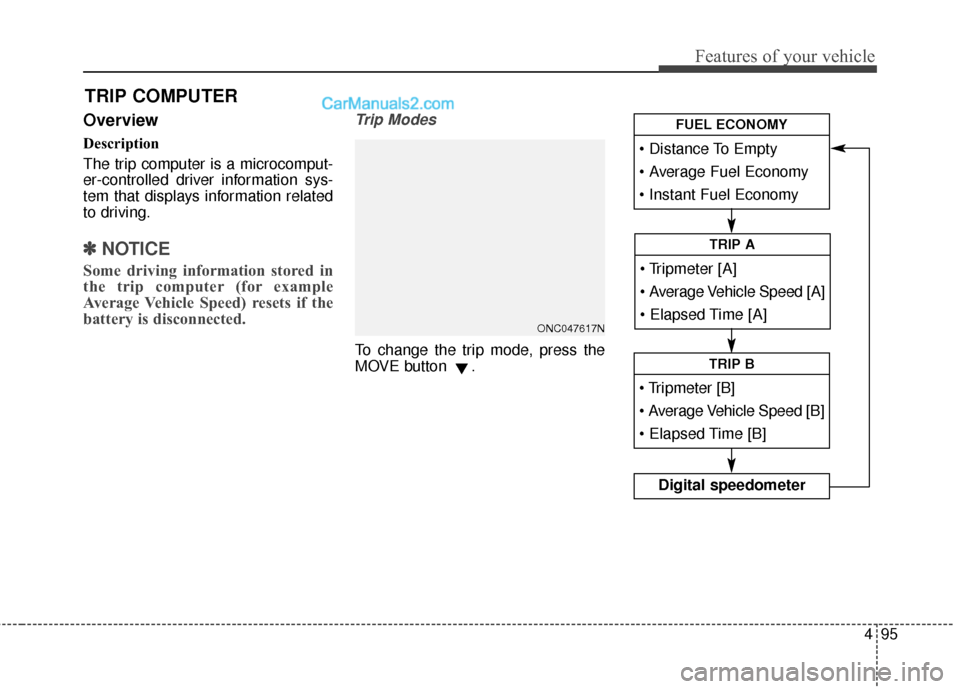
Trip Modes
To change the trip mode, press the
MOVE button .
TRIP COMPUTER
Average Vehicle Speed [A]
TRIP A
TRIP B
Digital speedometer
FUEL ECONOMY
ONC047617N
Page 199 of 569
Features of your vehicle
96
4
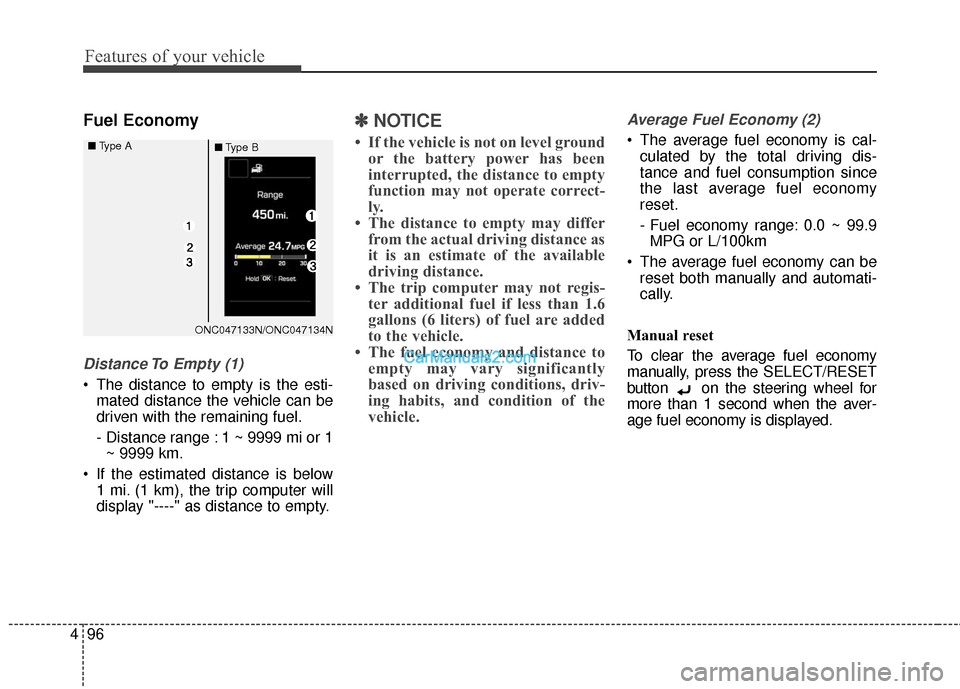
Fuel Economy
Distance To Empty (1)
The distance to empty is the esti-
mated distance the vehicle can be
driven with the remaining fuel.
- Distance range : 1 ~ 9999 mi or 1~ 9999 km.
If the estimated distance is below 1 mi. (1 km), the trip computer will
display "----" as distance to empty.
✽ ✽ NOTICE
• If the vehicle is not on level ground
or the battery power has been
interrupted, the distance to empty
function may not operate correct-
ly.
• The distance to empty may differ from the actual driving distance as
it is an estimate of the available
driving distance.
• The trip computer may not regis- ter additional fuel if less than 1.6
gallons (6 liters) of fuel are added
to the vehicle.
• The fuel economy and distance to empty may vary significantly
based on driving conditions, driv-
ing habits, and condition of the
vehicle.
Average Fuel Economy (2)
The average fuel economy is cal-
culated by the total driving dis-
tance and fuel consumption since
the last average fuel economy
reset.
- Fuel economy range: 0.0 ~ 99.9MPG or L/100km
The average fuel economy can be reset both manually and automati-
cally.
Manual reset
To clear the average fuel economy
manually, press the SELECT/RESET
button on the steering wheel for
more than 1 second when the aver-
age fuel economy is displayed.
ONC047133N/ONC047134N
■
Type A
■Type B
Page 200 of 569
497
Features of your vehicle
Automatic reset
To make the average fuel economy
be reset automatically whenever refu-
eling, select the "Auto Reset" mode in
User Setting menu of the LCD display
(Refer to "LCD Display").
Under "Auto Reset" mode, the aver-
age fuel economy will be cleared to
zero (--.-) when the vehicle speed
exceeds 1 km/h after refueling more
than 1.6 gallons (6 liters).Instant Fuel Economy (3)
This mode displays the instant fueleconomy during the last few sec-
onds when the vehicle speed is
more than 6.2 MPH (10 km/h).
- Fuel economy range: 0 ~ 50 MPGor 0 ~ 30 L/100km
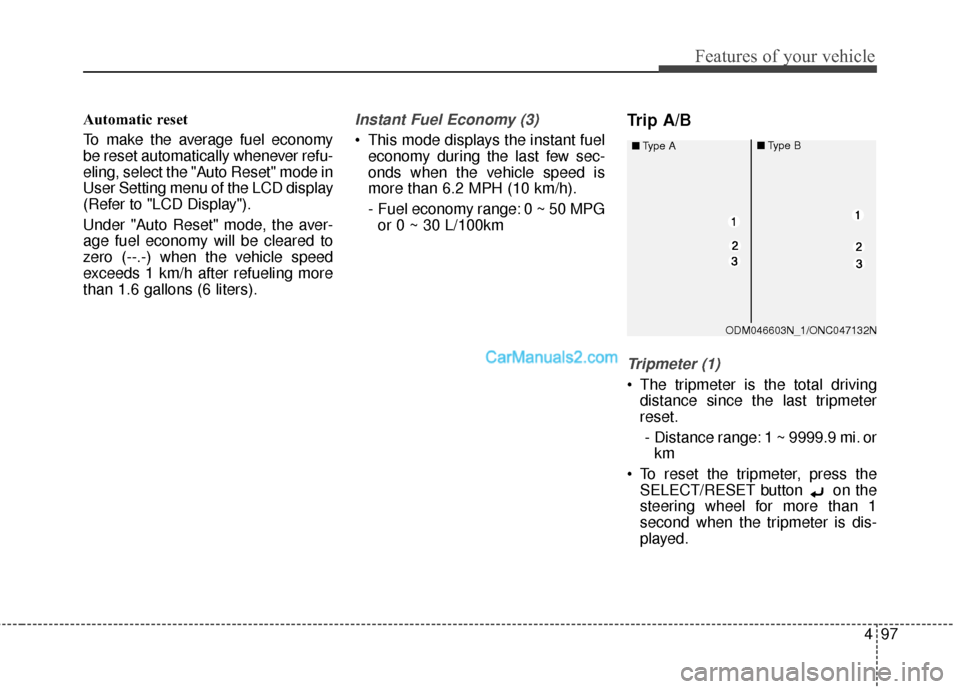
Trip A/B
Tripmeter (1)
The tripmeter is the total driving distance since the last tripmeter
reset.
- Distance range: 1 ~ 9999.9 mi. or km
To reset the tripmeter, press the SELECT/RESET button on the
steering wheel for more than 1
second when the tripmeter is dis-
played.
ODM046603N_1/ONC047132N
■
Type A
■Type B
Page 201 of 569
Features of your vehicle
98
4
Average Vehicle Speed (2)
The average vehicle speed is cal-
culated by the total driving dis-
tance and driving time since the
last average vehicle speed reset.
- Speed range: 0 ~ 999 MPH or km/h
To reset the average vehicle speed, press the SELECT/RESET button on the steering wheel for more
than 1 second when the average
vehicle speed is displayed.
✽ ✽ NOTICE
• The average vehicle speed is not
displayed if the driving distance is
less than 0.03 miles (50 meters) or
the driving time is less than 10 sec-
onds since the ignition switch or
Engine Start/Stop button is turned
to ON.
• Even if the vehicle is not in motion, the average vehicle speed
keeps going while the engine is
running.
Elapsed Time (3)
The elapsed time is the total driv-
ing time since the last elapsed time
reset.
- Time range (hh:mm): 00:00 ~ 99:59
To reset the elapsed time, press the SELECT/RESET button on
the steering wheel for more than 1
second when the elapsed time is
displayed.
✽ ✽ NOTICE
Even if the vehicle is not in motion,
the elapsed time keeps going while
the engine is running.
Digital Speedometer
This message shows the speed of
the vehicle (in mph.).
OTLA045193/OTLA045194
■ Type A■Type A
Page 202 of 569
499
Features of your vehicle
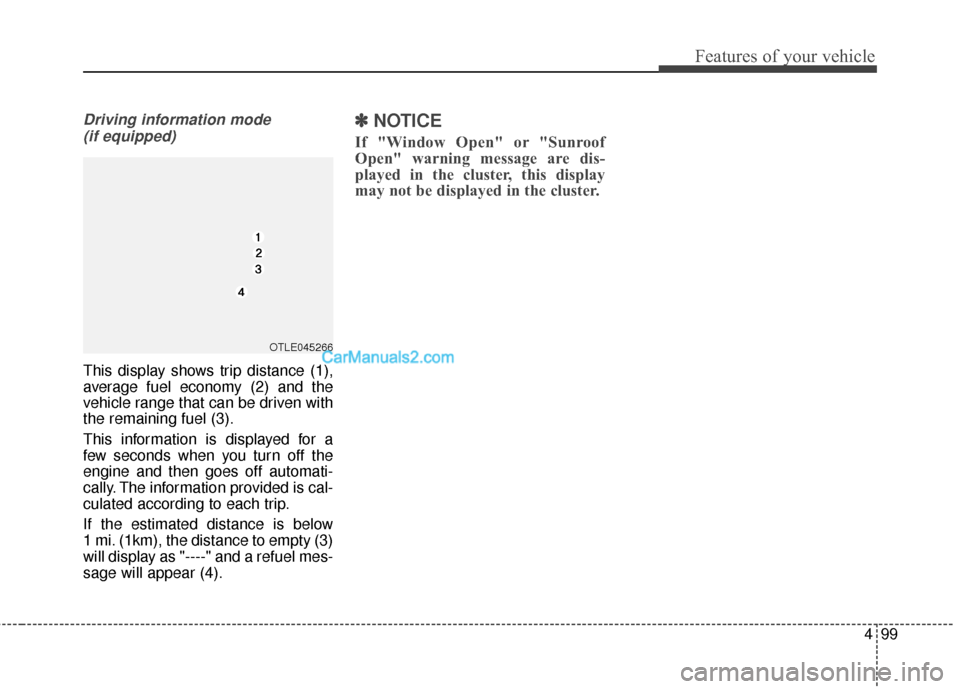
Driving information mode (if equipped)
This display shows trip distance (1),
average fuel economy (2) and the
vehicle range that can be driven with
the remaining fuel (3).
This information is displayed for a
few seconds when you turn off the
engine and then goes off automati-
cally. The information provided is cal-
culated according to each trip.
If the estimated distance is below
1 mi. (1km), the distance to empty (3)
will display as "----" and a refuel mes-
sage will appear (4).
✽ ✽ NOTICE
If "Window Open" or "Sunroof
Open" warning message are dis-
played in the cluster, this display
may not be displayed in the cluster.
OTLE045266