Page 155 of 673

uuOperating the Switches Around the Steering Wheel uENGINE START/STOP Button
154
Controls
Warning beepers may sound from inside or/
and outside the vehicle to remind you that the
smart entry remote is out of the vehicle. If the
beeper continues even a fter the remote is put
back inside, place it within its operational
range.
■When the power mode is in ON
If the smart entry remote is taken out of the
vehicle, and the driver’s door is closed,
warning beepers sound from both inside and
outside the vehicle. A warning message on
the MID notifies the driver inside that the
remote is outside of the vehicle.
■When the power mode is in
ACCESSORY
If the smart entry remote is taken out of the
vehicle, and the driver’s door is closed, a
warning beeper sounds from outside the
vehicle.
■Smart Entry Remote Reminder1 Smart Entry Remote Reminder
When the smart entry remote is within the system’s
operational range, and the driv er’s door is closed, the
warning function cancels.
If the smart entry remote is taken out of the vehicle
after the engine has been started, you can no longer
change the ENGINE START/STOP button mode or
restart the engine. Always make sure if the remote is
in your vehicle when you operate the ENGINE
START/STOP button.
Removing the smart entry remote from the vehicle
through a window does not activate the warning
beeper.
Do not put the smart entr y remote on the dashboard
or in the glove box. It ma y cause the warning beeper
to go off. Under some other conditions that can
prevent the vehicle from locating the remote, the
warning beeper may also go of f even if the remote is
within the system’s operational range.
17 PILOT-31TG76100.book 154 ページ 2016年9月20日 火曜日 午後4時9分
Page 273 of 673
uuAudio System Basic Operation uPlaying SiriusXM ® Radio*
272
Features
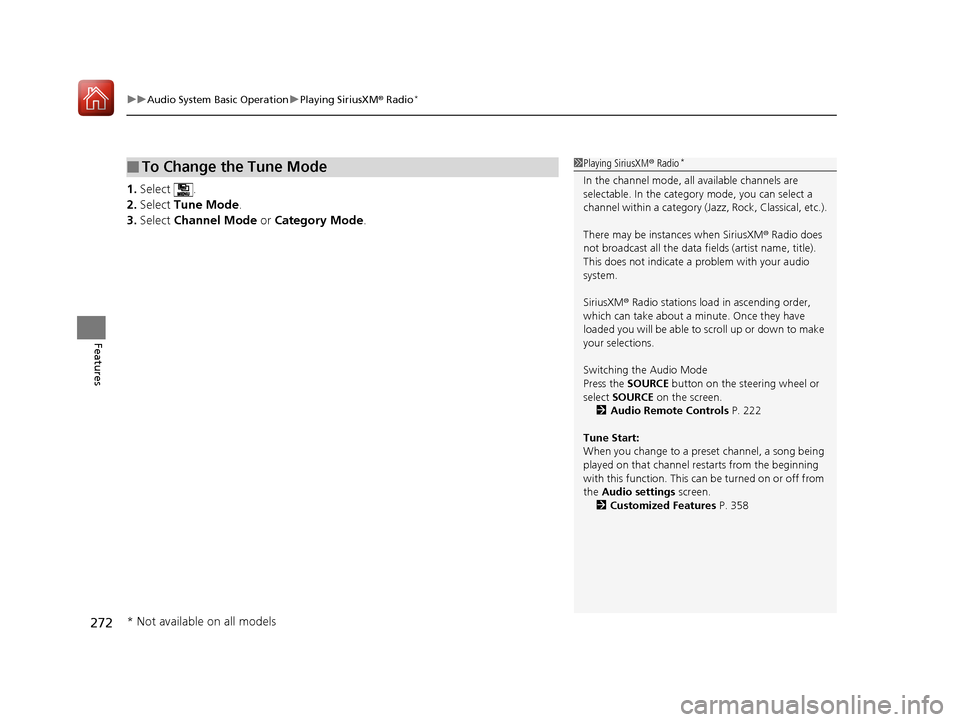
1. Select .
2. Select Tune Mode .
3. Select Channel Mode or Category Mode .
■To Change the Tune Mode1Playing SiriusXM ® Radio*
In the channel mode, all available channels are
selectable. In the categor y mode, you can select a
channel within a ca tegory (Jazz, Rock, Classical, etc.).
There may be instances when SiriusXM ® Radio does
not broadcast all the data fi elds (artist name, title).
This does not indicate a problem with your audio
system.
SiriusXM ® Radio stations load in ascending order,
which can take about a minute. Once they have
loaded you will be able to scroll up or down to make
your selections.
Switching the Audio Mode
Press the SOURCE button on the steering wheel or
select SOURCE on the screen.
2 Audio Remote Controls P. 222
Tune Start:
When you change to a preset channel, a song being
played on that channel restarts from the beginning
with this function. This can be turned on or off from
the Audio settings screen.
2 Customized Features P. 358
* Not available on all models
17 PILOT-31TG76100.book 272 ページ 2016年9月20日 火曜日 午後4時9分
Page 328 of 673

Continued327
uuBlu-ray/DVD Rear Entertainment System*uPlaying a DVD/Blu-rayTM*
Features
1. Press the MENU button on the remote to
display the Menu screen.
2. Select an item and then press the ENTER
button on the remote.
The following items are available:
• Top Menu : Displays the top menu of the DVD or Blu-ray
TM *.
• Popup Menu : Displays the menu of the Blu-rayTM *.
• Play Mode : Displays while a DVD or Blu-rayTM * is playing and changes the DVD
or Blu-rayTM * preferences.
2 Setting the Play Mode P. 328
•Search / NumInput : Skips to a title or chapte r by entering the number.
2Searching a Title/Chapter P. 329
•Repeat :
TITLE REPEAT: Repeats the current title.
CHAPTER REPEAT: Repeats the current chapter.
• Menu (When playing a DVD): Displays the menu.
• Pause / Play: Pauses or resumes the playback.
• Stop : Stops the playback.
• Return (When playing a DVD): Return s to the previous screen.
• BD Control Menu (When playing a Blu-ray
TM): Displays the Blu-rayTM control
menu.
■Rear DVD or Blu-rayTM* Menu1 Rear DVD or Blu-rayTM* Menu
During Blu-ray
TM operation, when the source is
changed or the vehicle is turned off, Blu-rayTM
operation stops. For certain Blu-rayTM discs, it can only
be restarted from the RES.
* Not available on all models
17 PILOT-31TG76100.book 327 ページ 2016年9月20日 火曜日 午後4時9分
Page 363 of 673
362
uuCustomized Features u
Features
Driving Position
SetupEasy Entry/Exit
Memory Position Link*
Keyless Access SetupDoor Unlock Mode
Keyless Access Light Flash
Keyless Access Beep
Remote Start System On/Off
Walk Away Auto Lock
Lighting SetupInterior Light Dimming Time
Headlight Auto Off Timer
Auto Interior Illumination Sensitivity*
Auto Headlight On with Wiper On*
Auto Light Sensitivity
* Not available on all models
17 PILOT-31TG76100.book 362 ページ 2016年9月20日 火曜日 午後4時9分
Page 375 of 673
374
uuCustomized Features u
Features
*1:Default SettingSetup
Group Customizable Features Description Selectable Settings
Vehicle
Meter
Setup
Display km/Miles
Selects the trip computer units. Auto
/km /Miles
*1
(U.S.)
Auto /km*1/Miles
(Canada)
Driving
Position
Setup Easy Entry/Exit
Moves the seat rearward wh
en you get in/get out of
the vehicle. Changes the setting for this feature. On
*1/
Off
Memory Position Link
*Turns the driving position memory system on and off. On*1/Off
Keyless
Access
Setup Door Unlock Mode
Changes which doors unlock when you grab the
driver’s door handle. Driver Door Only
*1/
All Doors
Keyless Access Light Flash Causes some exterior lights to flash when you unlock/
lock the doors. On
*1/
Off
Keyless Access Beep Causes the beeper to sound when you unlock/lock the
doors. On
*1/
Off
Remote Start System On/
Off Turns the remote engine start feature on and off.
On
*1/Off
* Not available on all models
17 PILOT-31TG76100.book 374 ページ 2016年9月20日 火曜日 午後4時9分
Page 472 of 673

471Continued
Driving
When Driving
Starting the Engine
1.Depress the brake pedal.
u Make sure the transmission is in
(P.
1. Check that the shift lever is in
(P, then
depress the brake pedal.
u Although it is possible to start the vehicle
in
(N, it is safer to start it in (P.
2. Press the ENGINE START/STOP button
without depressing the accelerator pedal.
The engine will crank until it starts.
1 Starting the Engine
Keep your foot firmly on the brake pedal when
starting the engine.
The engine is harder to st art in cold weather and in
thinner air found at altitudes above 8,000 feet (2,400
meters).
When starting the engine in cold weather, turn off all
electrical accessories such as the lights, climate control
system, and rear defogger in order to reduce battery drain.
If you live in a region where winter is extremely cold,
an engine block heater will improve starting and
warming of the engine. Cons ult a dealer for details.
If the exhaust system sounds abnormal or you can
smell exhaust gas inside the vehicle, have your vehicle
checked by a dealer. There may be a problem with
the engine or exhaust system.
Bring the smart entry remote close to the ENGINE
START/STOP button if the battery in the smart entry
remote is weak. 2 If the Smart Entry Remote Battery is Weak
P. 630
The engine may not start if the smart entry remote is
subjected to strong radio waves.
Do not hold the ENGINE START/STOP button to
start the engine.
If the engine does not start, wait at least 30 seconds
before trying again.
Brake Pedal
Models with electronic gear selector
Models without electronic gear selector
All models
17 PILOT-31TG76100.book 471 ページ 2016年9月20日 火曜日 午後4時9分
Page 474 of 673

Continued473
uuWhen Driving uStarting the Engine
Driving
You can remotely start the engine using the smart entry remote.
■To start the engine
The engine runs for up to 10 minu tes without you starting the vehicle.
To extend the run time for another 10 mi nutes during the first run, press the
button, then press an d hold the button.
u The turn signal lights co me back on three times, twice, if a 10-minute
extension request was transmitted successfully.
■Remote Engine Start*1 Remote Engine Start*
Remote Engine Start run timer extension
The engine runs for anot her 10 minutes from the
time of extension request. Th e max engine run time is
20 minutes, if the extensi on request is made after 10
minutes of first engine run.
If there are buildings an d obstacles between your
vehicle and the remote, th e range will be reduced.
This distance may vary by external electrical
interference.
The engine may not start by the remote engine start
if:
•You have disabled a remo te engine start setting
using the multi-information display (MID).
•You do not press and hold the button within 5
seconds after the button is pressed.
•The power mode is not in VEHICLE OFF (LOCK).•The gear is in a position other than ( P.
3WARNING
Engine exhaust contains toxic carbon
monoxide.
Breathing carbon monoxide can kill you or
cause unconsciousness.
Never use the remote engine starter when
the vehicle is parked in a garage or other
area with limited ventilation.
Press the button, then press and hold the
button within 5 seconds.
* Not available on all models
17 PILOT-31TG76100.book 473 ページ 2016年9月20日 火曜日 午後4時9分
Page 475 of 673

uuWhen Driving uStarting the Engine
474
Driving
■To stop the engine
Press and hold the button
for one second.
1Remote Engine Start*
•The hood is open, or any door or the tailgate is
unlocked.
•You have already used the remote twice to start
the engine.
•Another registered smart entry remote is in the
vehicle.
•There is any antenna failure.•Door is unlocked with the built-in key.
•The engine oil pressure is low.
•The engine coolant temper ature is extremely high.
•The telematics unit malfunctions.•The security system alarm is not set.
The engine may stop whil e it is running if:
•You do not start the vehicl e within 10 minutes of
starting the engine with the smart entry remote.
•The engine is stopped by using the smart entry
remote.
•There is any antenna failure.
•The security system alarm is not set.•Door is unlocked with the built-in key.
•The hood is open, or any door, or the tailgate is
unlocked.
•Any door is open.
•The gear is in a position other than ( P.
•The telematics unit malfunction.•The engine coolant temper ature is extremely high.
•The battery is low.
•The engine oil pressure is low.•The Malfunction Indicator Lamp (MIL) comes on if
there is a problem with the emissions control
systems.
* Not available on all models
17 PILOT-31TG76100.book 474 ページ 2016年9月20日 火曜日 午後4時9分

