2017 FORD SUPER DUTY ABS
[x] Cancel search: ABSPage 361 of 636
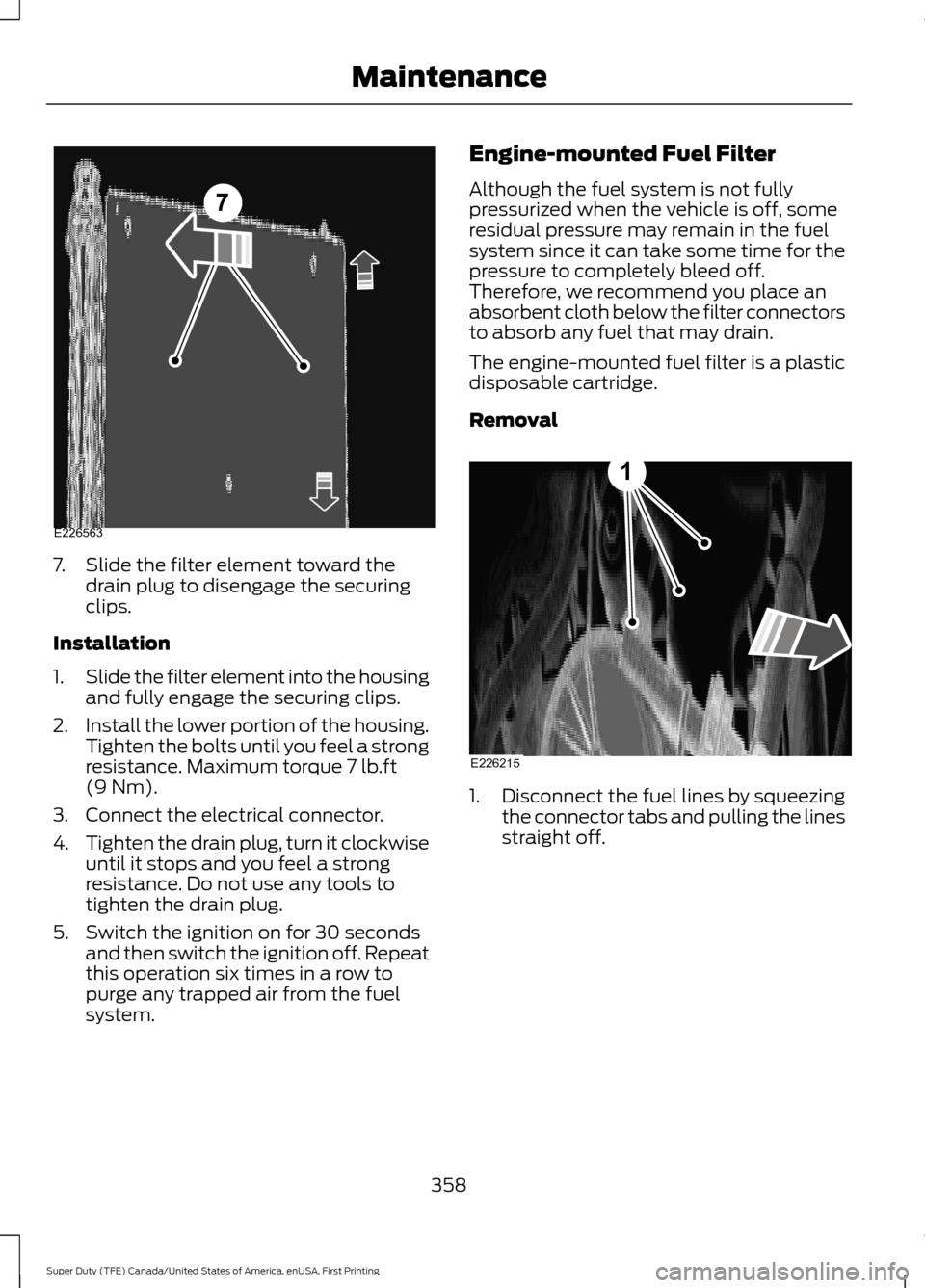
7. Slide the filter element toward the
drain plug to disengage the securing
clips.
Installation
1. Slide the filter element into the housing
and fully engage the securing clips.
2. Install the lower portion of the housing.
Tighten the bolts until you feel a strong
resistance. Maximum torque 7 lb.ft
(9 Nm).
3. Connect the electrical connector.
4. Tighten the drain plug, turn it clockwise
until it stops and you feel a strong
resistance. Do not use any tools to
tighten the drain plug.
5. Switch the ignition on for 30 seconds and then switch the ignition off. Repeat
this operation six times in a row to
purge any trapped air from the fuel
system. Engine-mounted Fuel Filter
Although the fuel system is not fully
pressurized when the vehicle is off, some
residual pressure may remain in the fuel
system since it can take some time for the
pressure to completely bleed off.
Therefore, we recommend you place an
absorbent cloth below the filter connectors
to absorb any fuel that may drain.
The engine-mounted fuel filter is a plastic
disposable cartridge.
Removal
1.
Disconnect the fuel lines by squeezing
the connector tabs and pulling the lines
straight off.
358
Super Duty (TFE) Canada/United States of America, enUSA, First Printing Maintenance7
E226563 E226215
1
Page 454 of 636
System data cannot be accessed without
special equipment and access to the
vehicle's SYNC module. Ford Motor
Company and Ford of Canada will not
access the system data for any purpose
other than as described absent consent, a
court order, or where required by law
enforcement, other government
authorities, or other third parties acting
with lawful authority. Other parties may
seek to access the information
independently of Ford Motor Company and
Ford of Canada. For further privacy
information, see the section on 911 Assist.
See SYNC™ Applications and Services
(page 465). USING VOICE RECOGNITION
This system helps you control many
features using voice commands. This
allows you to keep your hands on the
wheel and focus on what is around you.
Initiating a Voice Session Press the voice button. A list of
available voice commands
appears in the display.
Global Voice Commands
These voice commands are always
available. You can say them at any time. Global voice commands
This command ends the voice session. You
can also cancel a session by holding the
voice button for two or more seconds.
(cancel | exit)
This command provides you with hints,
examples and instructions.
help
This command restarts the voice session
from the initial starting point.
(main menu | start again)
You can say any of the voice commands that appear within open and close brackets that
are separated by |. For example, where; (cancel | exit) appears you say; cancel or exit.
Helpful Hints
• Make sure the interior of your vehicle is
as quiet as possible. Wind noise from
open windows and road vibrations may
prevent the system from correctly
recognizing spoken commands.
• Before giving a voice command, wait
for the system announcement to finish,
followed by a single tone. Any
command spoken before this does not
register with the system. •
Speak naturally, without long pauses
between words.
• You can interrupt the system at any
time while it is speaking by pressing the
voice button. You can cancel a voice
session by pressing and holding the
voice button.
451
Super Duty (TFE) Canada/United States of America, enUSA, First Printing SYNC™
(If Equipped)E142599
Page 500 of 636
When Wi-Fi and automatic updates are
enabled, your system checks for software
updates periodically. If a new version is
available, it downloads at that time.
Software downloads can take place for up
to 30 minutes after you have switched your
vehicle off. The updates do not interrupt
the normal use of your SYNC 3 system. If
a download does not complete for any
reason, the download continues where it
left off at the next Wi-Fi connected
opportunity. Upon activation of an update,
a banner displays on the touchscreen
indicating the system update. Select the
icon to see more detail. This icon displays
for two ignition cycles.
To switch this feature off:
Menu Item
Settings
General In this menu selection, you
can change the selection
for automatic updates to
OFF.
Automatic
System
Updates
Support
The SYNC support team is available to
help you with any questions you are not
able to answer on your own.
Monday-Saturday, 8:30am-8:00pm EST.
For Ford:
United States: 1-800-392-3673.
Canada: 1-800-565-3673.
Times are subject to change due to
holidays. Privacy Information
When you connect a cellular phone to
SYNC 3, the system creates a profile within
your vehicle that links to that cellular
phone. This profile helps in offering you
more cellular features and operating more
efficiently. Among other things, this profile
may contain data about your cellular
phone book, text messages (read and
unread), and call history, including history
of calls when your cell phone was not
connected to the system. In addition, if you
connect a media device, the system
creates and retains an index of supported
media content. The system also records a
short diagnostic log of approximately 10
minutes of all recent system activity. The
log profile and other system data may be
used to improve the system and help
diagnose any problems that may occur.
The cellular profile, media device index,
and diagnostic log remain in your vehicle
unless you delete them and are generally
accessible only in your vehicle when the
cellular phone or media player is
connected.
If you no longer plan to use the system or
your vehicle, we recommend you perform
a Master Reset to erase all stored
information. You can find more information
about the Master Reset in General
Settings. See Settings (page 535). System
da
ta cannot be accessed without special
equipment and access to your vehicle's
SYNC 3 module. Ford Motor Company and
Ford of Canada do not access the system
data for any purpose other than as
described absent consent, a court order,
or where required by law enforcement,
other government authorities, or other third
parties acting with lawful authority. Other
parties may seek to access the information
independently of Ford Motor Company and
Ford of Canada.
497
Super Duty (TFE) Canada/United States of America, enUSA, First Printing SYNC™ 3
(If Equipped)
Page 569 of 636
Less Cost to Properly Maintain Your
Vehicle
Ford Protect also offers a Premium
Maintenance Plan that covers all
scheduled maintenance, and selected
wear items. The coverage is prepaid, so
you never have to worry about the cost of
your vehicle
’s maintenance.
Covered maintenance includes:
• Windshield wiper blades.
• Spark plugs.
• The clutch disc.
• Brake pads and linings.
• Shock absorbers.
• Struts.
• Engine Belts.
• Engine coolant hoses, clamps and
o-rings.
• Diesel exhaust fluid replenishment.
Interest Free Finance Options
Just a 10% down payment will provide you
with an affordable, no interest, no fee
payment program allowing you all the
security and benefits Ford Extended
Service Plan has to offer while paying over
time. You are pre-approved with no credit
check or hassles. To learn more, call our
Ford Protect Extended Service Plan
specialists at 800-367-3377.
Ford Protect Extended Service Plan
P.O. Box 321067
Detroit, MI 48232 Ford Protect (CANADA ONLY)
You can get more protection for your
vehicle by purchasing a Ford Extended
Service Plan. Ford Extended Service Plan
is the only service contract backed by Ford
Motor Company of Canada, Limited.
Depending on the plan you purchase, Ford
Extended Service Plan provides benefits
such as:
•
Rental reimbursement.
• Coverage for certain maintenance and
wear items.
• Protection against repair costs after
your New Vehicle Limited Warranty
Coverage expires.
• Roadside Assistance benefits.
There are several Ford Extended Service
Plans available in various time, distance
and deductible combinations. Each plan
is tailored to fit your own driving needs,
including reimbursement for towing and
rental. When you purchase Ford Extended
Service Plan, you receive added
peace-of-mind protection throughout
Canada, the United States and Mexico,
provided by a network of participating
authorized Ford Motor Company dealers.
Note: Repairs performed outside of
Canada, the United States and Mexico are
not eligible for Ford Extended Service Plan
coverage.
This information is subject to change. For
more information, visit your local Ford of
Canada dealer or www.ford.ca to find the
Ford Extended Service Plan that is right for
you.
566
Super Duty (TFE) Canada/United States of America, enUSA, First Printing Ford Protect
Page 624 of 636
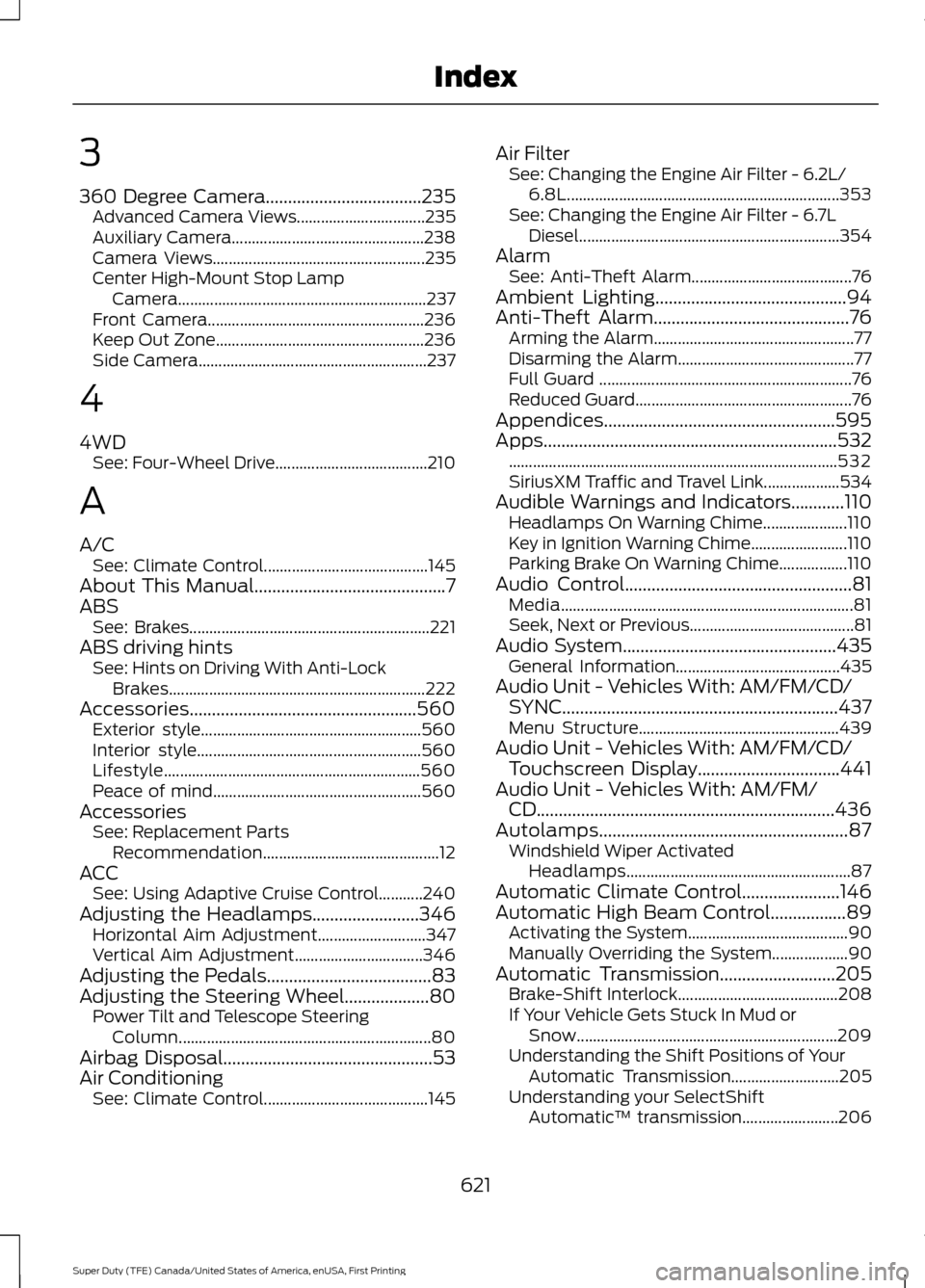
3
360 Degree Camera...................................235
Advanced Camera Views................................ 235
Auxiliary Camera................................................ 238
Camera Views..................................................... 235
Center High-Mount Stop Lamp Camera.............................................................. 237
Front Camera...................................................... 236
Keep Out Zone.................................................... 236
Side Camera......................................................... 237
4
4WD See: Four-Wheel Drive...................................... 210
A
A/C See: Climate Control......................................... 145
About This Manual...........................................7
ABS See: Brakes............................................................ 221
ABS driving hints See: Hints on Driving With Anti-Lock
Brakes................................................................ 222
Accessories...................................................560 Exterior style....................................................... 560
Interior style........................................................ 560
Lifestyle................................................................ 560
Peace of mind.................................................... 560
Accessories See: Replacement Parts
Recommendation............................................ 12
ACC See: Using Adaptive Cruise Control...........240
Adjusting the Headlamps........................346 Horizontal Aim Adjustment........................... 347
Vertical Aim Adjustment................................ 346
Adjusting the Pedals
.....................................83
Adjusting the Steering Wheel...................80 Power Tilt and Telescope Steering
Column............................................................... 80
Airbag Disposal
...............................................53
Air Conditioning See: Climate Control......................................... 145Air Filter
See: Changing the Engine Air Filter - 6.2L/
6.8L.................................................................... 353
See: Changing the Engine Air Filter - 6.7L Diesel................................................................. 354
Alarm See: Anti-Theft Alarm........................................ 76
Ambient Lighting
...........................................94
Anti-Theft Alarm............................................76
Arming the Alarm.................................................. 77
Disarming the Alarm............................................ 77
Full Guard ............................................................... 76
Reduced Guard...................................................... 76
Appendices....................................................595
Apps..................................................................532 ........................................................................\
.......... 532
SiriusXM Traffic and Travel Link...................534
Audible Warnings and Indicators............110 Headlamps On Warning Chime.....................110
Key in Ignition Warning Chime........................110
Parking Brake On Warning Chime.................110
Audio Control
...................................................81
Media........................................................................\
. 81
Seek, Next or Previous......................................... 81
Audio System
................................................435
General Information......................................... 435
Audio Unit - Vehicles With: AM/FM/CD/ SYNC
..............................................................437
Menu Structure.................................................. 439
Audio Unit - Vehicles With: AM/FM/CD/ Touchscreen Display................................441
Audio Unit - Vehicles With: AM/FM/ CD...................................................................436
Autolamps........................................................87 Windshield Wiper Activated
Headlamps........................................................ 87
Automatic Climate Control......................146
Automatic High Beam Control.................89 Activating the System........................................ 90
Manually Overriding the System................... 90
Automatic Transmission
..........................205
Brake-Shift Interlock........................................ 208
If Your Vehicle Gets Stuck In Mud or Snow................................................................. 209
Understanding the Shift Positions of Your Automatic Transmission........................... 205
Understanding your SelectShift Automatic ™ transmission........................ 206
621
Super Duty (TFE) Canada/United States of America, enUSA, First Printing Index