2017 FORD FUSION ENERGI fog light
[x] Cancel search: fog lightPage 123 of 526
Note:Remove any snow, ice or leaves fromthe air intake area at the base of thewindshield.
Note:To improve the time to reach comfortin hot weather, drive with the windowsslightly open for 2-3 minutes after start-upor until your vehicle airs out.
Automatic Climate Control
Note:Adjusting the settings when yourvehicle interior is extremely hot or cold isnot necessary. The system automaticallyadjusts to heat or cool the cabin to yourselected temperature as quickly as possible.For the system to function efficiently, theinstrument panel and side air vents shouldbe fully open.
Note:If you select AUTO during coldoutside temperatures, the system directsairflow to the windshield and side windowvents. In addition, the fan may run at aslower speed until the engine warms up.
Note:If you select AUTO during hot outsidetemperatures, or when the inside of thevehicle is hot, the system automatically usesrecirculated air to maximize interior cooling.When the interior reaches the selectedtemperature, the system automaticallyswitches to using outside air.
Heating the Interior Quickly
1. Press the AUTO button.
2. Adjust the temperature control to thedesired setting.
Recommended Settings forHeating
1. Press the AUTO button.
2. Adjust the temperature control to thedesired setting. Use 72°F (22°C) as astarting point, then adjust the settingas necessary.
Cooling the Interior Quickly
Press the MAX A/C button.
Recommended Settings forCooling
1. Press the AUTO button.
2. Adjust the temperature control to thedesired setting. Use 72°F (22°C) as astarting point, then adjust the settingas necessary.
Side Window Defogging in ColdWeather
1. Press the defrost button.
2. Adjust the temperature control to thedesired setting. Use 72°F (22°C) as astarting point, then adjust the settingas necessary.
HEATED WINDOWS AND
MIRRORS (If Equipped)
Heated Rear Window
Note:Make sure the engine is runningbefore operating the heated windows.
Press the button to clear theheated rear window of thin iceand fog. The heated rear windowwill automatically turn off after a shortperiod of time. Start the engine before youswitch the heated rear window on.
Note:Do not use razor blades or othersharp objects to clean or remove decalsfrom the inside of the heated rear window.The vehicle warranty does not coverdamage caused to the heated rear windowgrid lines.
Heated Exterior Mirror (If Equipped)
When you switch the heated rear windowon, the heated exterior mirrors willautomatically turn on.
120
Fusion Energi / Fusion Hybrid (CC7) Hybrid Electric Vehicle (HEV)/Plug-In Hybrid Electric Vehicle (PHEV), Canada/United States of America, enUSA, Edition date: 201602, Second Printing
Climate ControlE184884
Page 210 of 526

•The road has no or poor lane markingsin the camera field-of-view.
•The camera is obscured or unable todetect the lane markings due toenvironmental conditions (significantsun angles, shadows, snow, heavy rainor fog), traffic conditions (following alarge vehicle that is blocking orshadowing the lane), or vehicleconditions (poor headlampillumination).
See Troubleshooting for additionalinformation.
Green: Indicates that the system isavailable or ready to provide a warning orintervention, on the indicated side(s).
Yellow: Indicates that the system isproviding or has just provided a lanekeeping aid intervention.
Red: Indicates that the system is providingor has just provided a lane keeping alertwarning.
The system can be temporarily suppressedat any time by the following:
•Quick braking.
•Fast acceleration.
•Using the turn signal indicator.
•Evasive steering maneuver.
Troubleshooting
Why is the feature not available (line markings are gray) when I can see the lane markingson the road?
Vehicle speed is outside the operational range of the feature
Sun is shining directly into the camera lens
Quick intentional lane change
Staying too close to the lane marking
Driving at high speeds in curves
The last Alert warning or Aid intervention occurred a short time ago
Ambiguous lane markings (mainly in construction zones)
Rapid transition from light to dark or vice versa
Sudden offset in lane markings
ABS or AdvanceTrac activation
Camera blockage due to dirt, grime, fog, frost or water on the windshield
Driving too close to the vehicle in front of you
Transitioning between no lane markings to lane markings or vice versa
Standing water on the road
Faint lane markings (partial yellow lane markings on concrete roads)
207
Fusion Energi / Fusion Hybrid (CC7) Hybrid Electric Vehicle (HEV)/Plug-In Hybrid Electric Vehicle (PHEV), Canada/United States of America, enUSA, Edition date: 201602, Second Printing
Driving Aids
Page 217 of 526
Adaptive Learning
The electronic power steering systemadaptive learning helps correct roadirregularities and improves overall handlingand steering feel. It communicates withthe brake system to help operateadvanced stability control and accidentavoidance systems. Additionally, wheneverthe battery is disconnected or a newbattery installed, you must drive yourvehicle a short distance before the systemrelearns the strategy and reactivates allsystems.
PRE-COLLISION ASSIST
WARNINGS
At all times, you are responsible forcontrolling your vehicle, supervisingthe system and intervening, ifrequired. Failure to take care may result inthe loss of control of your vehicle, seriouspersonal injury or death.
The system does not detect cyclists,animals, pedestrians at night orvehicles that are driving in a differentdirection. Failure to take care may result inthe loss of control of your vehicle, seriouspersonal injury or death.
The system does not operate duringhard acceleration or steering. Failureto take care may lead to a crash orpersonal injury.
The system may fail or operate withreduced function during cold andsevere weather conditions. Snow,ice, rain, spray and fog can adversely affectthe system. Keep the front camera andradar free of snow and ice. Failure to takecare may result in the loss of control ofyour vehicle, serious personal injury ordeath.
WARNINGS
In situations where the vehiclecamera has limited detectioncapability, this may reduce systemperformance. These situations include butare not limited to direct or low sunlight,vehicles at night without tail lights,unconventional vehicle types, pedestrianswith complex backgrounds, runningpedestrians, partly obscured pedestrians,or pedestrians that the system cannotdistinguish from a group. Failure to takecare may result in the loss of control ofyour vehicle, serious personal injury ordeath.
The Pre-Collision Assist system withbrake support cannot help preventall collisions. Do not rely on thissystem to replace your judgment and theneed to maintain correct distance andspeed.
Using the Pre-Collision AssistSystem
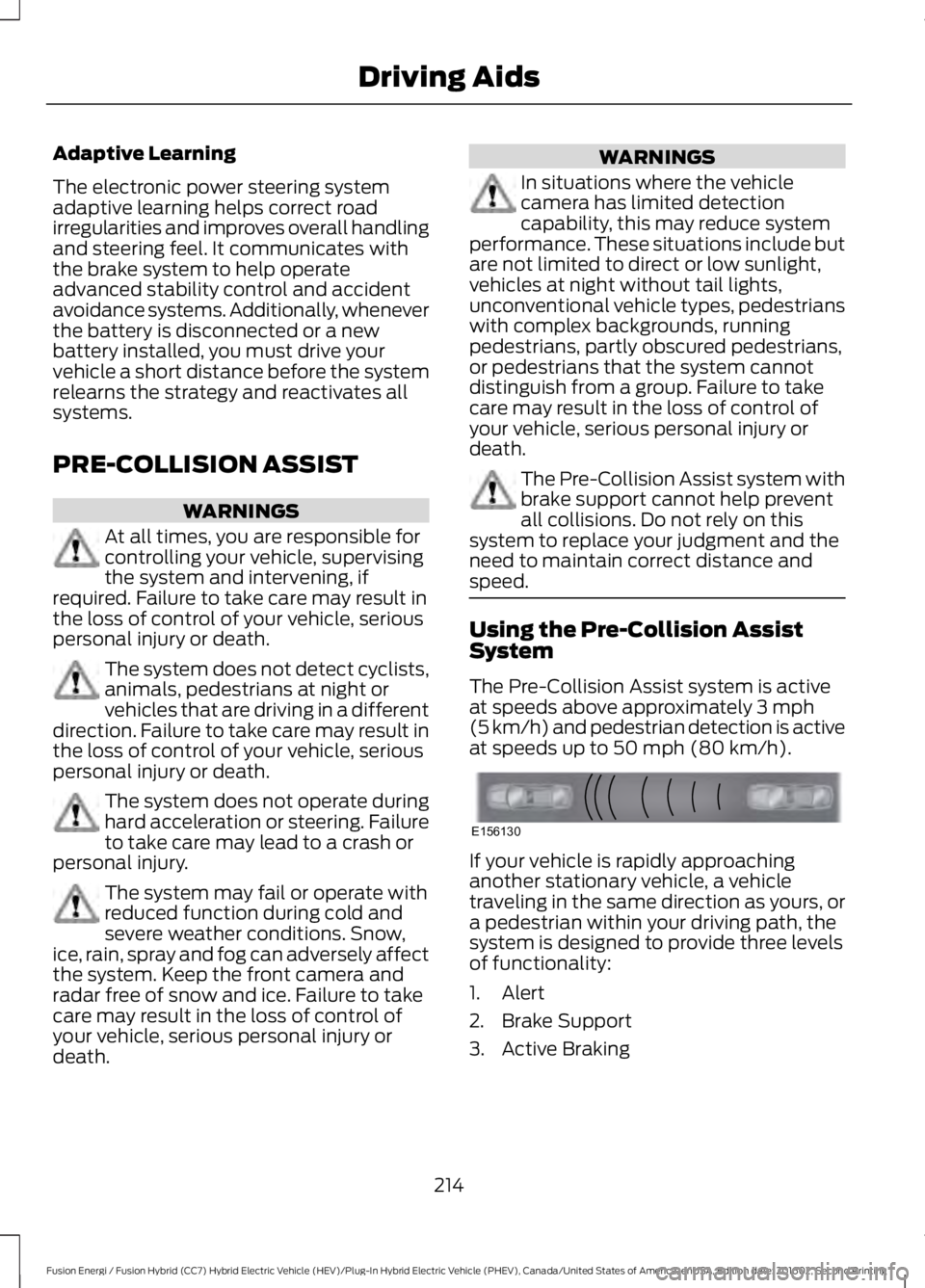
The Pre-Collision Assist system is activeat speeds above approximately 3 mph(5 km/h) and pedestrian detection is activeat speeds up to 50 mph (80 km/h).
If your vehicle is rapidly approachinganother stationary vehicle, a vehicletraveling in the same direction as yours, ora pedestrian within your driving path, thesystem is designed to provide three levelsof functionality:
1. Alert
2. Brake Support
3. Active Braking
214
Fusion Energi / Fusion Hybrid (CC7) Hybrid Electric Vehicle (HEV)/Plug-In Hybrid Electric Vehicle (PHEV), Canada/United States of America, enUSA, Edition date: 201602, Second Printing
Driving AidsE156130
Page 400 of 526
DescriptionItemCallout
Touch the button to maximizedefrosting. Outside air flowsthrough the windshield vents,the fan automatically adjusts tothe highest speed and thetemperature dial returns to the
MAX Defrost:
full heat position. You can usethis setting to defog or clear athin covering of ice from thewindshield. The heated rearwindow also automatically turnson when you select MAX Defrost.
Touch to clear the windshield offog and thin ice. Touch again toreturn to the previous airflowselection. When on, defrostprovides outside air to reducewindow fogging and distributesair through the windshielddefroster vents and demistervents.
Defrost
Note: To prevent windowfogging, you cannot select recir-culated air when Defrost is on.
Touch the button to switch on automatic operation.Select the desired temperature using the temperaturecontrol. The system adjusts fan speed, air distribution,air conditioning operation, and selects outside air orrecirculated air to heat or cool the vehicle in order tomaintain the desired temperature.
AUTOD
Touch the button to switch the system on and off.Switching off the climate control system preventsoutside air from entering the vehicle.
PowerE
This button lights up when the passenger controls areactive. To switch the dual zone operation off and linkthe passenger temperature to the driver temperature,touch the DUAL button to switch it off.
DUALF
Touch up or down to adjust the temperature.Right-hand front seattemperatureG
Touch up or down to increase or decrease the volumeof air circulated in your vehicle.Fan speed:H
397
Fusion Energi / Fusion Hybrid (CC7) Hybrid Electric Vehicle (HEV)/Plug-In Hybrid Electric Vehicle (PHEV), Canada/United States of America, enUSA, Edition date: 201602, Second Printing
SYNC™ 3
Page 520 of 526

Side Window Defogging in ColdWeather.............................................................120Hints on Driving With Anti-LockBrakes.............................................................175Home Screen.................................................378Hood LockSee: Opening and Closing the Hood..........252Hybrid Vehicle Frequently AskedQuestions......................................................151Hybrid Vehicle Operation..........................146Battery:....................................................................147Braking:...................................................................147Driving:....................................................................146Driving to Optimize Fuel Economy...............147Engine:.....................................................................147Starting:.................................................................146Stopping:...............................................................146Transmission Operation:.................................146
I
In California (U.S. Only).............................235Information Display Control.......................70Information Display Control Features..........70Information Displays....................................94General Information............................................94Information Messages................................103Active Park............................................................103Adaptive Cruise Control...................................104AdvanceTrac™....................................................104Airbag......................................................................105Alarm......................................................................105Automatic Engine Shutdown........................105Battery and Charging System (12volt)....................................................................106Battery and Charging System (HighVoltage)............................................................106Blind Spot Information and Cross TrafficAlert System....................................................107Doors and Locks..................................................107Driver Alert............................................................108Fuel..........................................................................108Hill Start Assist...................................................109Keys and Intelligent Access............................109Lane Keeping System........................................110Maintenance.........................................................110MyKey........................................................................111Park Aid....................................................................112
Park Brake...............................................................112Power Steering.....................................................113Pre-Collision Assist.............................................113Remote Start.........................................................113Seats.........................................................................113Starting System ...................................................114Tire Pressure Monitoring System...................114Traction Control...................................................114Transmission.........................................................115Installing Child Restraints.............................17Child Seats...............................................................17Using Lap and Shoulder Belts..........................18Using Lower Anchors and Tethers forCHildren (LATCH)............................................22Using Tether Straps.............................................24Instrument Cluster........................................86Instrument Lighting Dimmer......................75Vehicles With Front Fog Lamps......................75Vehicles Without Front Fog Lamps...............75Interior Lamps.................................................78Front Interior Lamp..............................................78Rear Interior Lamp..............................................80Interior Luggage CompartmentRelease............................................................63Interior Mirror...................................................84Auto-Dimming Mirror.........................................84Introduction.........................................................7
J
Jump Starting the Vehicle........................228Connecting the Jumper Cables....................228Jump Starting......................................................229Preparing Your Vehicle.....................................228Removing the Jumper Cables.......................229
K
Keyless Entry.....................................................61SECURICODE™ Keyless Entry Keypad.........61Keyless Starting.............................................141Ignition Modes......................................................141Keys and Remote Controls........................48
L
Lane Keeping System................................204Switching the System On and Off..............205
517
Fusion Energi / Fusion Hybrid (CC7) Hybrid Electric Vehicle (HEV)/Plug-In Hybrid Electric Vehicle (PHEV), Canada/United States of America, enUSA, Edition date: 201602, Second Printing
Index
Page 525 of 526

Using SYNC™ With Your Phone.............331Accessing Features through the PhoneMenu..................................................................336Accessing Your Phone Settings...................339Bluetooth Devices.............................................340Making Calls........................................................335Pairing a Phone for the First Time...............332Pairing Subsequent Phones..........................333Phone Options during an Active Call.........335Phone Voice Commands................................333Receiving Calls....................................................335System Settings..................................................341Text Messaging...................................................337Using Traction Control................................179Switching the System Off................................179System Indicator Lights andMessages..........................................................179Using a Switch.....................................................179Using the Information DisplayControls.............................................................179Using Voice Recognition...........................329Audio Voice Commands.................................380Climate Voice Commands..............................381Initiating a Voice Session................................329Mobile App Voice Commands......................383Navigation Voice Commands.......................382Phone Voice Commands.................................381SiriusXM Traffic and Travel Link VoiceCommands.....................................................384System Interaction and Feedback..............330Voice Settings Commands............................384Utilizing the Mediation/ArbitrationProgram (Canada Only).........................237
V
Vehicle Care...................................................270General Information.........................................270Vehicle Certification Label......................308Vehicle Identification Number................307Vehicle Storage.............................................27512V Battery............................................................276Body........................................................................276Brakes.....................................................................277Cooling System...................................................276Engine.....................................................................276Fuel System..........................................................276General...................................................................276
Miscellaneous......................................................277Removing Vehicle From Storage..................277Tires.........................................................................277VentilationSee: Climate Control..........................................116VINSee: Vehicle Identification Number............307Voice Control...................................................69
W
Warning Lamps and Indicators................89Adaptive Cruise Control....................................90Anti-Lock Braking System................................90Battery.....................................................................90Blind Spot Monitor..............................................90Brake System........................................................90Cruise Control.......................................................90Direction Indicator...............................................90Door Ajar.................................................................90EcoSelect................................................................90Electric Park Brake................................................91Engine Oil.................................................................91Engine or Motor Coolant Temperature.........91EV Later....................................................................91EV Now.....................................................................91Fasten Seatbelt.....................................................91Front Airbag.............................................................91Front Fog Lamps...................................................91Grade Assist............................................................91Heads Up Display..................................................91High Beam...............................................................91Hood Ajar.................................................................91Lane Keeping Aid..................................................91Low Fuel Level.......................................................92Low Tire Pressure Warning...............................92Parking Lamps......................................................92Powertrain Fault...................................................92Ready to Drive.......................................................92Service Engine Soon...........................................92Stability Control....................................................93Stability Control Off............................................93Stop Safely.............................................................93Trunk Ajar................................................................93Vehicle Plugged in................................................93Washer Fluid Check....................................260
522
Fusion Energi / Fusion Hybrid (CC7) Hybrid Electric Vehicle (HEV)/Plug-In Hybrid Electric Vehicle (PHEV), Canada/United States of America, enUSA, Edition date: 201602, Second Printing
Index