Page 78 of 496
ADJUSTING THE STEERING
WHEEL - VEHICLES WITH:
MANUAL ADJUSTABLE
STEERING COLUMN
WARNING
Do not adjust the steering wheel
when your vehicle is moving.
Note:
Make sure that you are sitting in the
correct position. See Sitting in the Correct
Position (page 125). 1. Unlock the steering column.
2.
Adjust the steering wheel to the desired
position. 3. Lock the steering column. ADJUSTING THE STEERING
WHEEL - VEHICLES WITH:
POWER ADJUSTABLE
STEERING COLUMN
Note:
Make sure that you are sitting in the
correct position. See Sitting in the Correct
Position
(page 125). WARNING
Do not adjust the steering wheel
when your vehicle is moving.
Use the control on the side of the steering
column to adjust the position.
To adjust:
•
Tilt: Press the top or bottom of the
control.
• Telescope: Press the front or rear of
the control.
75
Flex (), enUSA, First Printing Steering WheelE191039 E191047 E161834
Page 79 of 496

End of Travel Position
The steering column sets a stopping
position just short of the end of the column
position to prevent damage to the steering
column. A new stopping position sets if the
steering column encounters an object
when tilting or telescoping.
To reset the steering column to its normal
stopping position:
1. Confirm there is nothing obstructing
the motion of the steering column.
2. Press and hold the steering column control until the steering column stops
moving.
3. Press the steering column control again. The steering column may begin
to move again.
4. When the steering column stops, continue holding the control for an
additional few seconds.
5. Repeat for each direction as necessary.
A new stopping position is set. The next
time you tilt or telescope the steering
column, it will stop just short of the end of
the column position.
Memory Feature
You can save and recall the steering
column position with the memory function.
See Memory Function (page 130).
Note: Pressing the adjustment control
during memory recall cancels the operation.
Easy Entry and Exit Feature
When you switch the ignition off, the
steering column will move to allow extra
room to exit your vehicle. The column will
return to the previous setting when you
switch the ignition on. You can enable or
disable this feature in the information
display. See Information Displays (page
99
). AUDIO CONTROL
You can operate the following functions
with the control:
Seek up and down or next.
A
Media.
B
Volume up or down.
C
Mute.
D
MEDIA
Press repeatedly to scroll through available
audio modes.
Seek, Next or Previous
Press the seek button to:
• Tune the radio to the next or previous
stored preset.
• Play the next or the previous track.
Press and hold the seek button to:
• Tune the radio to the next station up
or down the frequency band.
• Seek through a track.
76
Flex (), enUSA, First Printing Steering WheelE173608
Page 80 of 496
VOICE CONTROL (If Equipped)
Phone mode.
A
Voice recognition.
B
See your SYNC information.
CRUISE CONTROL
Type 1 Type 2
See
Cruise Control (page 188).
INFORMATION DISPLAY
CONTROL See
Information Displays (page 99).
HEATED STEERING WHEEL
(If
Equipped)
See your SYNC information.
77
Flex (), enUSA, First Printing Steering WheelE173609
V E173610 E173611 E173617
Page 88 of 496
DAYTIME RUNNING LAMPS (If
Equipped) WARNING
Always remember to switch your
headlamps on in low light situations
or during inclement weather. The
system does not activate the tail lamps
and may not provide adequate lighting
during these conditions. Failure to activate
your headlamps under these conditions
may result in a collision. The system switches the signature lamps
on in day light conditions.
To switch the system on, switch the
ignition on, and switch the lighting control
to the off, autolamp, or parking lamp
position.
FRONT FOG LAMPS
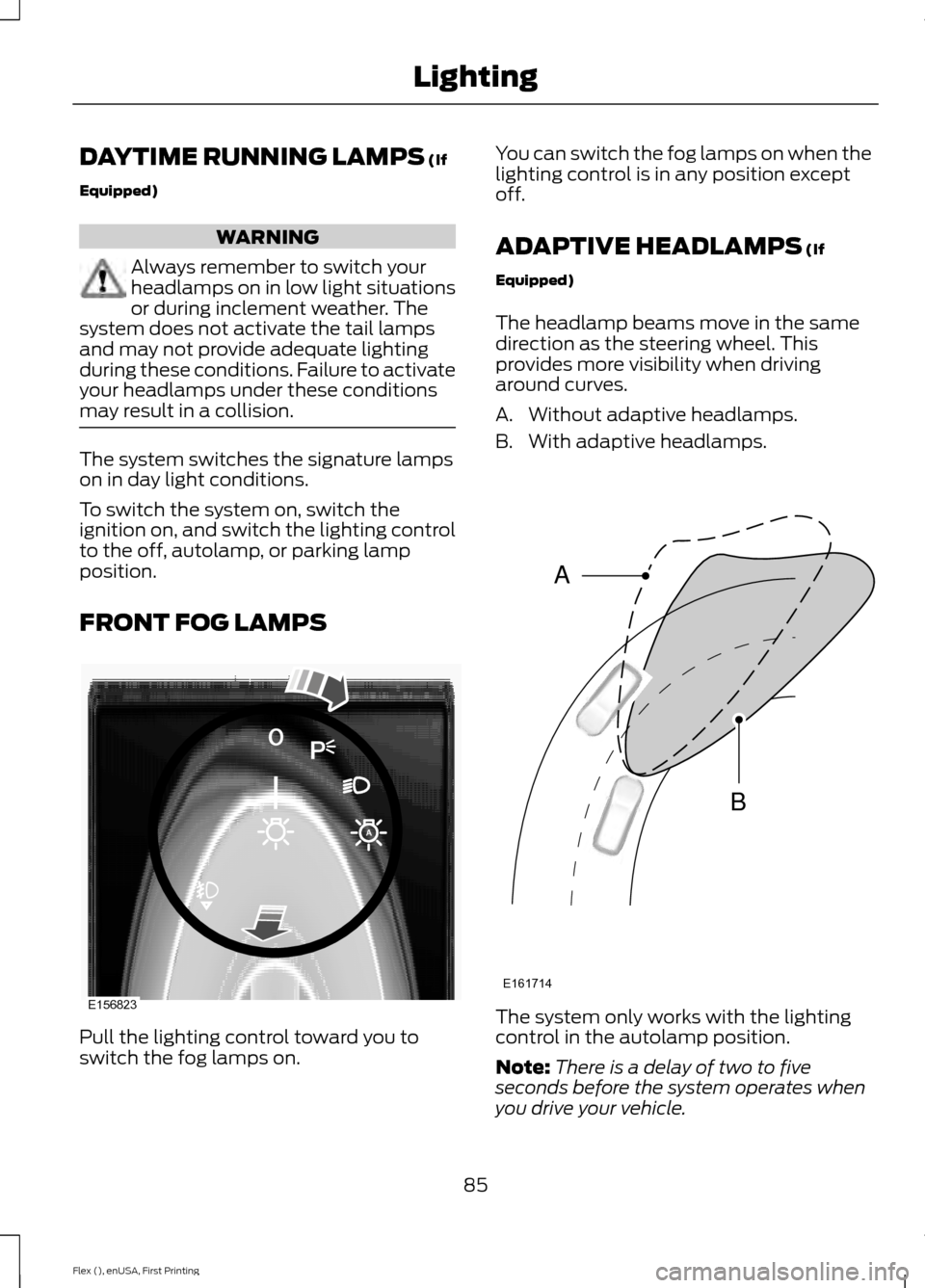
Pull the lighting control toward you to
switch the fog lamps on. You can switch the fog lamps on when the
lighting control is in any position except
off.
ADAPTIVE HEADLAMPS
(If
Equipped)
The headlamp beams move in the same
direction as the steering wheel. This
provides more visibility when driving
around curves.
A. Without adaptive headlamps.
B. With adaptive headlamps. The system only works with the lighting
control in the autolamp position.
Note:
There is a delay of two to five
seconds before the system operates when
you drive your vehicle.
85
Flex (), enUSA, First Printing LightingE156823 E161714
B
A
Page 102 of 496
GENERAL INFORMATION
WARNING
Driving while distracted can result in
loss of vehicle control, crash and
injury. We strongly recommend that
you use extreme caution when using any
device that may take your focus off the
road. Your primary responsibility is the safe
operation of your vehicle. We recommend
against the use of any hand-held device
while driving and encourage the use of
voice-operated systems when possible.
Make sure you are aware of all applicable
local laws that may affect the use of
electronic devices while driving. Various systems on your vehicle can be
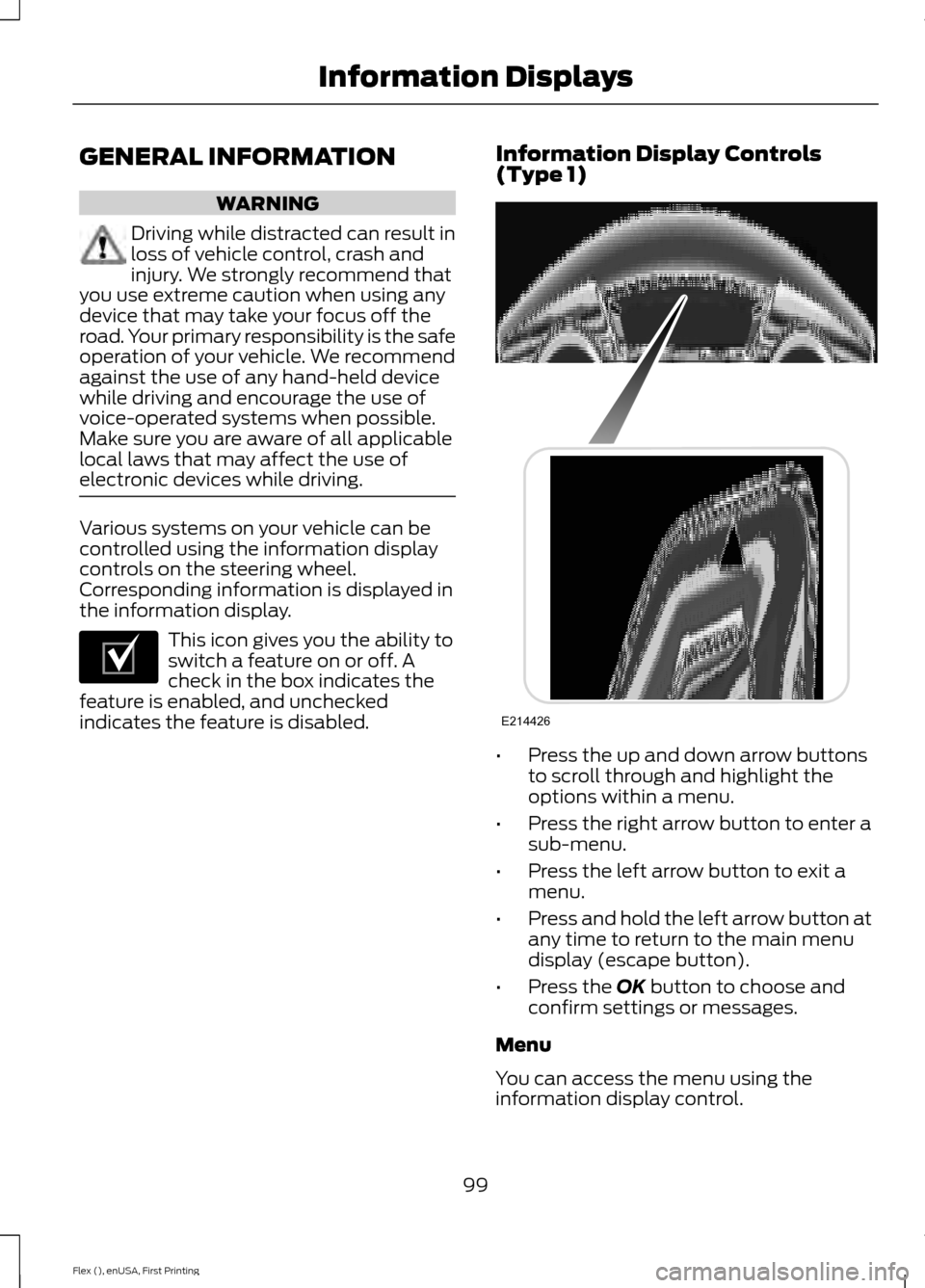
controlled using the information display
controls on the steering wheel.
Corresponding information is displayed in
the information display.
This icon gives you the ability to
switch a feature on or off. A
check in the box indicates the
feature is enabled, and unchecked
indicates the feature is disabled. Information Display Controls
(Type 1)
•
Press the up and down arrow buttons
to scroll through and highlight the
options within a menu.
• Press the right arrow button to enter a
sub-menu.
• Press the left arrow button to exit a
menu.
• Press and hold the left arrow button at
any time to return to the main menu
display (escape button).
• Press the OK button to choose and
confirm settings or messages.
Menu
You can access the menu using the
information display control.
99
Flex (), enUSA, First Printing Information DisplaysE204495 E214426
Page 105 of 496
Settings
Auto Highbeam Autolamp Delay
Autolamp Delay
Display
Compass
Calibrate
Set Zone
Normal or Towing
DTE calculation
Easy Entry/Exit
Autolock
Locks
Autounlock All Doors or
Driver's First
Remote Unlock
Set to XXX%
Oil Life Reset
Switch Enabled or Switch Disabled
Power Liftgate
Auto or Last
Settings
Climate Control
Remote Start
Automatic or Off
Seats and Wheel or
Seats
5, 10 or 15 minutes
Duration
System
Remote Open
Windows
Courtesy Wipe
Wipers
Rain Sensing
Hold OK to Create MyKey
Create MyKey
MyKey
Always On or User Selectable
911 Assist
Traction Ctrl
Choose desired speed or Off
Max Speed
Speed Minder
102
Flex (), enUSA, First Printing Information Displays
Page 109 of 496
Settings
In this mode, you can configure different
driver setting choices.
Note:
Some items are optional and may
not appear. Settings
Sport, Normal or Comfort
Handling in D
Drive
Control
Vehicle
Sport or Normal
Handling in S
Auto Engine Off Normal or Towing
DTE Calcula-
tion
Easy Entry / Exit
Right Hand or Left
Hand Traffic
Traffic Set Up
Adaptive Head
Lamps
Lighting
On or Off
Auto Highbeam
Select time interval
Autolamp Delay
Autolock
Locks
Autounlock All doors or Driver door
Remote Unlocking
Remaining Life XXX% - Hold OK to Reset
Oil Life
Reset
Auto or Last Settings
Climate Control
Remote
Start
Auto Heated or Off
Seats and Wheel or
Seats
5, 10 or 15 minutes
Duration
System
Remote Open
Windows
Remote Close
Courtesy Wipe
Wipers
Rain Sensing
MyKeys and Admin Keys
Mykey
Status
MyKey
106
Flex (), enUSA, First Printing Information Displays
Page 112 of 496

Automatic Engine Shutdown
Action
Message
The engine is getting ready to shut off.
Engine Shuts Off In
{seconds to shut off:#0} Seconds
The engine has shut off to help increase fuel economy.
Engine Shut Off For Fuel
Economy
The engine is getting ready to shut off. You can press OK onthe left steering wheel button to override the shut down.
Engine Shuts Off in
{seconds to shut off:#0} Seconds Press Ok to Override
AWD Action
Message
Displays if the AWD system disables to protect itself. Thismay occur if you operate the vehicle after installing the
compact spare tire, if the system is overheating or if there is
an issue with another vehicle system that prevents the AWD system from operating. The AWD system resumes normal
operation and clears this message after you install the road
tire and you switch the ignition on and off, or after you allow
the system to cool. If this message remains on, have a quali- fied technician service your vehicle to repair other vehicle systems.
AWD OFF
The all-wheel drive system is not operating properly and the
powertrain fault indicator is illuminated. See Warning Lamps and Indicators (page 94). If the warning stays illuminated
or continues to illuminate, contact an authorized dealer as soon as possible.
Check AWD
109
Flex (), enUSA, First Printing Information Displays


