2017 FORD EXPEDITION EL remote control
[x] Cancel search: remote controlPage 123 of 500

HEATED WINDOWS AND
MIRRORS
Heated Rear Window
Note:Make sure the engine is runningbefore operating the heated windows.
Press the button to clear theheated rear window of thin iceand fog. The heated rear windowwill automatically turn off after a shortperiod of time. Start the engine before youswitch the heated rear window on.
Note:Do not use razor blades or othersharp objects to clean or remove decalsfrom the inside of the heated rear window.The vehicle warranty does not coverdamage caused to the heated rear windowgrid lines.
Heated Exterior Mirror (If Equipped)
When you switch the heated rear windowon, the heated exterior mirrors willautomatically turn on.
Note:Do not remove ice from the mirrorswith a scraper or adjust the mirror glasswhen it is frozen in place.
Note:Do not clean the mirror housing orglass with harsh abrasives, fuel or otherpetroleum-based cleaning products.
REMOTE START (If Equipped)
The remote start feature allows you topre-condition the interior of your vehicle.The climate control system works toachieve comfort according to your previoussettings.
Note:You cannot adjust the system duringremote start operation.
Turn the ignition on to return the systemto its previous settings. You can now makeadjustments normally, but you need to turncertain vehicle-dependent features backon, such as:
•Heated seats.
•Cooled seats.
•Heated steering wheel.
•Heated mirrors.
•Heated rear window.
You can adjust the default remote startsettings using the information displaycontrols. See Information Displays(page 91).
Automatic Settings
In hot weather, the system is set to 72°F(22°C). The cooled seats are set to high(if available, and selected to AUTO in theinformation display).
In moderate weather, the system eitherheats or cools (based on previoussettings). The rear defroster, heatedmirrors and heated seats do notautomatically turn on.
In cold weather, the system is set to 72°F(22°C). The heated seats are set to high(if available, and selected to AUTO in theinformation display). The rear defrosterand heated mirrors automatically turn on.
120
Expedition (TB7) Canada/United States of America, enUSA, Edition date: 03/2016, First Printing
Climate ControlE184884
Page 128 of 500
2. Continue pressing the control until itreaches the end of the seat track.
3.Continue pressing the control for abouttwo seconds. You will feel the seatbounce back slightly.
Power Lumbar (If Equipped)
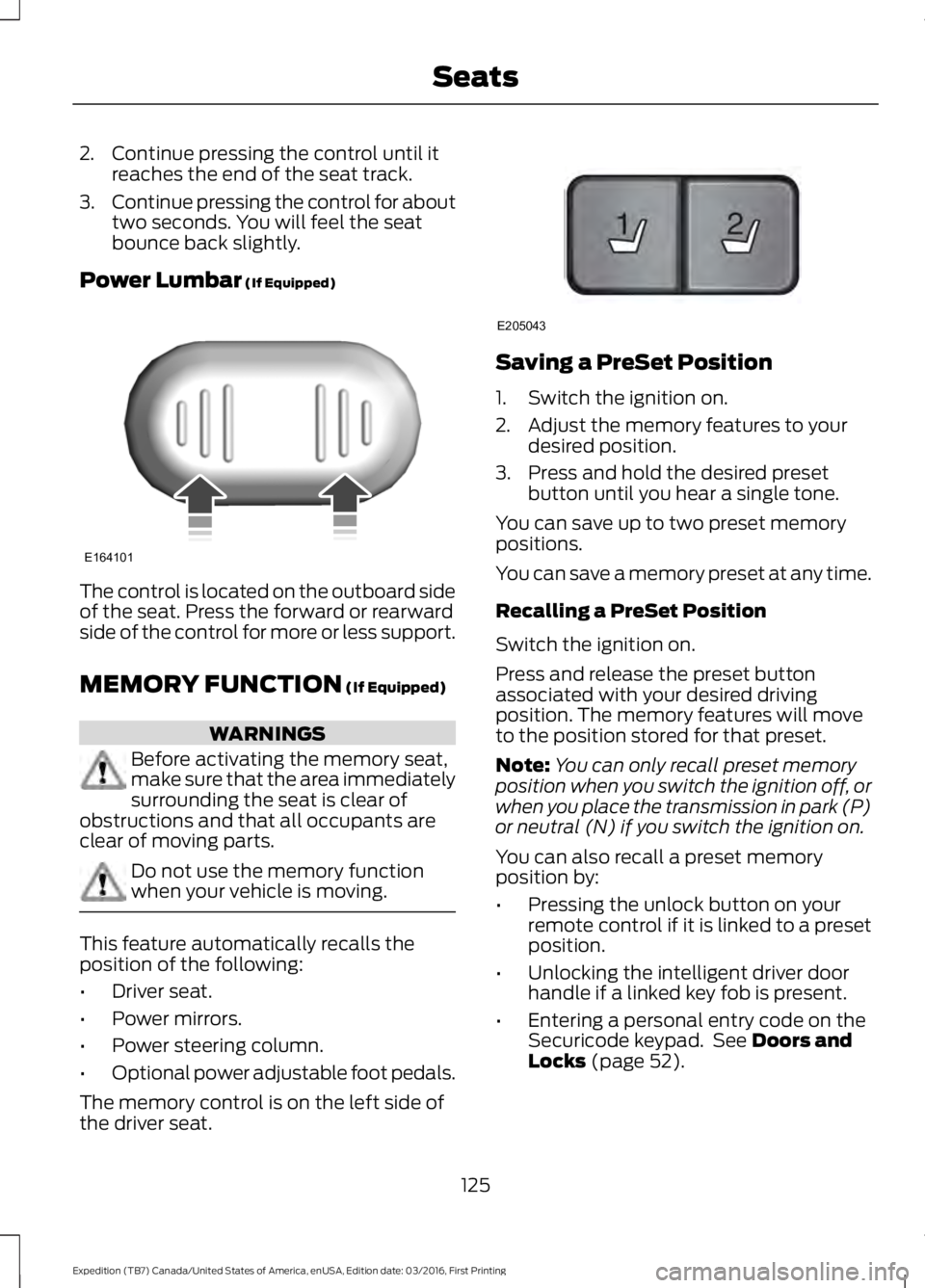
The control is located on the outboard sideof the seat. Press the forward or rearwardside of the control for more or less support.
MEMORY FUNCTION (If Equipped)
WARNINGS
Before activating the memory seat,make sure that the area immediatelysurrounding the seat is clear ofobstructions and that all occupants areclear of moving parts.
Do not use the memory functionwhen your vehicle is moving.
This feature automatically recalls theposition of the following:
•Driver seat.
•Power mirrors.
•Power steering column.
•Optional power adjustable foot pedals.
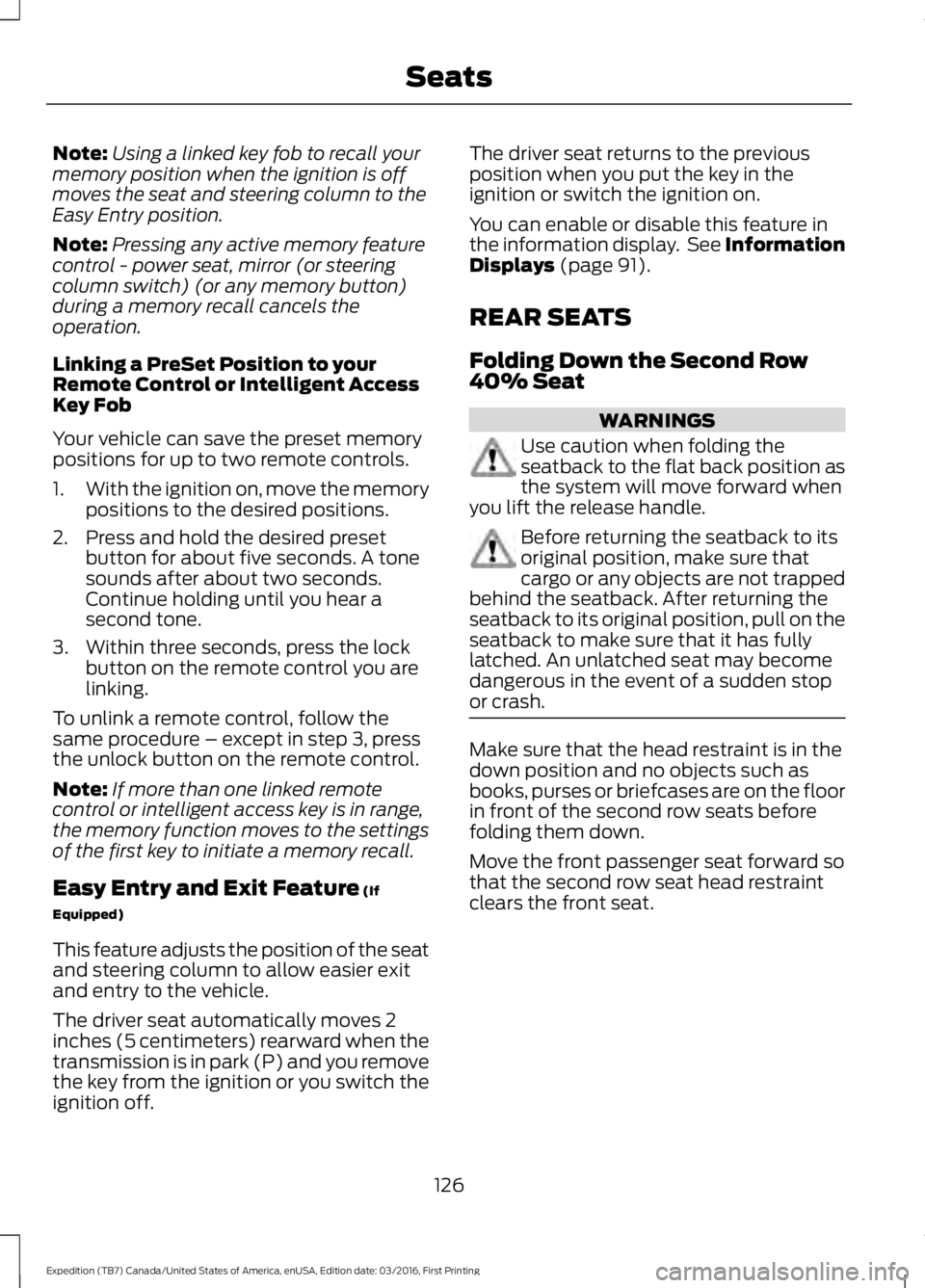
The memory control is on the left side ofthe driver seat.
Saving a PreSet Position
1. Switch the ignition on.
2. Adjust the memory features to yourdesired position.
3. Press and hold the desired presetbutton until you hear a single tone.
You can save up to two preset memorypositions.
You can save a memory preset at any time.
Recalling a PreSet Position
Switch the ignition on.
Press and release the preset buttonassociated with your desired drivingposition. The memory features will moveto the position stored for that preset.
Note:You can only recall preset memoryposition when you switch the ignition off, orwhen you place the transmission in park (P)or neutral (N) if you switch the ignition on.
You can also recall a preset memoryposition by:
•Pressing the unlock button on yourremote control if it is linked to a presetposition.
•Unlocking the intelligent driver doorhandle if a linked key fob is present.
•Entering a personal entry code on theSecuricode keypad. See Doors andLocks (page 52).
125
Expedition (TB7) Canada/United States of America, enUSA, Edition date: 03/2016, First Printing
SeatsE164101 21
E205043
Page 129 of 500
Note:Using a linked key fob to recall yourmemory position when the ignition is offmoves the seat and steering column to theEasy Entry position.
Note:Pressing any active memory featurecontrol - power seat, mirror (or steeringcolumn switch) (or any memory button)during a memory recall cancels theoperation.
Linking a PreSet Position to yourRemote Control or Intelligent AccessKey Fob
Your vehicle can save the preset memorypositions for up to two remote controls.
1.With the ignition on, move the memorypositions to the desired positions.
2. Press and hold the desired presetbutton for about five seconds. A tonesounds after about two seconds.Continue holding until you hear asecond tone.
3. Within three seconds, press the lockbutton on the remote control you arelinking.
To unlink a remote control, follow thesame procedure – except in step 3, pressthe unlock button on the remote control.
Note:If more than one linked remotecontrol or intelligent access key is in range,the memory function moves to the settingsof the first key to initiate a memory recall.
Easy Entry and Exit Feature (If
Equipped)
This feature adjusts the position of the seatand steering column to allow easier exitand entry to the vehicle.
The driver seat automatically moves 2inches (5 centimeters) rearward when thetransmission is in park (P) and you removethe key from the ignition or you switch theignition off.
The driver seat returns to the previousposition when you put the key in theignition or switch the ignition on.
You can enable or disable this feature inthe information display. See InformationDisplays (page 91).
REAR SEATS
Folding Down the Second Row40% Seat
WARNINGS
Use caution when folding theseatback to the flat back position asthe system will move forward whenyou lift the release handle.
Before returning the seatback to itsoriginal position, make sure thatcargo or any objects are not trappedbehind the seatback. After returning theseatback to its original position, pull on theseatback to make sure that it has fullylatched. An unlatched seat may becomedangerous in the event of a sudden stopor crash.
Make sure that the head restraint is in thedown position and no objects such asbooks, purses or briefcases are on the floorin front of the second row seats beforefolding them down.
Move the front passenger seat forward sothat the second row seat head restraintclears the front seat.
126
Expedition (TB7) Canada/United States of America, enUSA, Edition date: 03/2016, First Printing
Seats
Page 139 of 500
HomeLink Wireless ControlSystem
WARNINGS
Make sure that the garage door andsecurity device are free fromobstruction when you areprogramming. Do not program the systemwith the vehicle in the garage.
Do not use the system with anygarage door opener that does nothave the safety stop and reversefeature as required by U.S. Federal SafetyStandards (this includes any garage dooropener manufactured before April 1, 1982).A garage door opener which cannot detectan object, signaling the door to stop andreverse, does not meet current federalsafety standards. Using a garage dooropener without these features increasesthe risk of serious injury or death.
Note:Make sure you keep the originalremote control transmitter for use in othervehicles as well as for future systemprogramming.
Note:We recommend that upon the saleor lease termination of your vehicle, youerase the programmed function buttons forsecurity reasons. See Erasing the FunctionButton Codes.
Note:You can program a maximum ofthree devices. To change or replace any ofthe three devices after it has been initiallyprogrammed, you must first erase thecurrent settings. See Erasing the FunctionButton Codes.
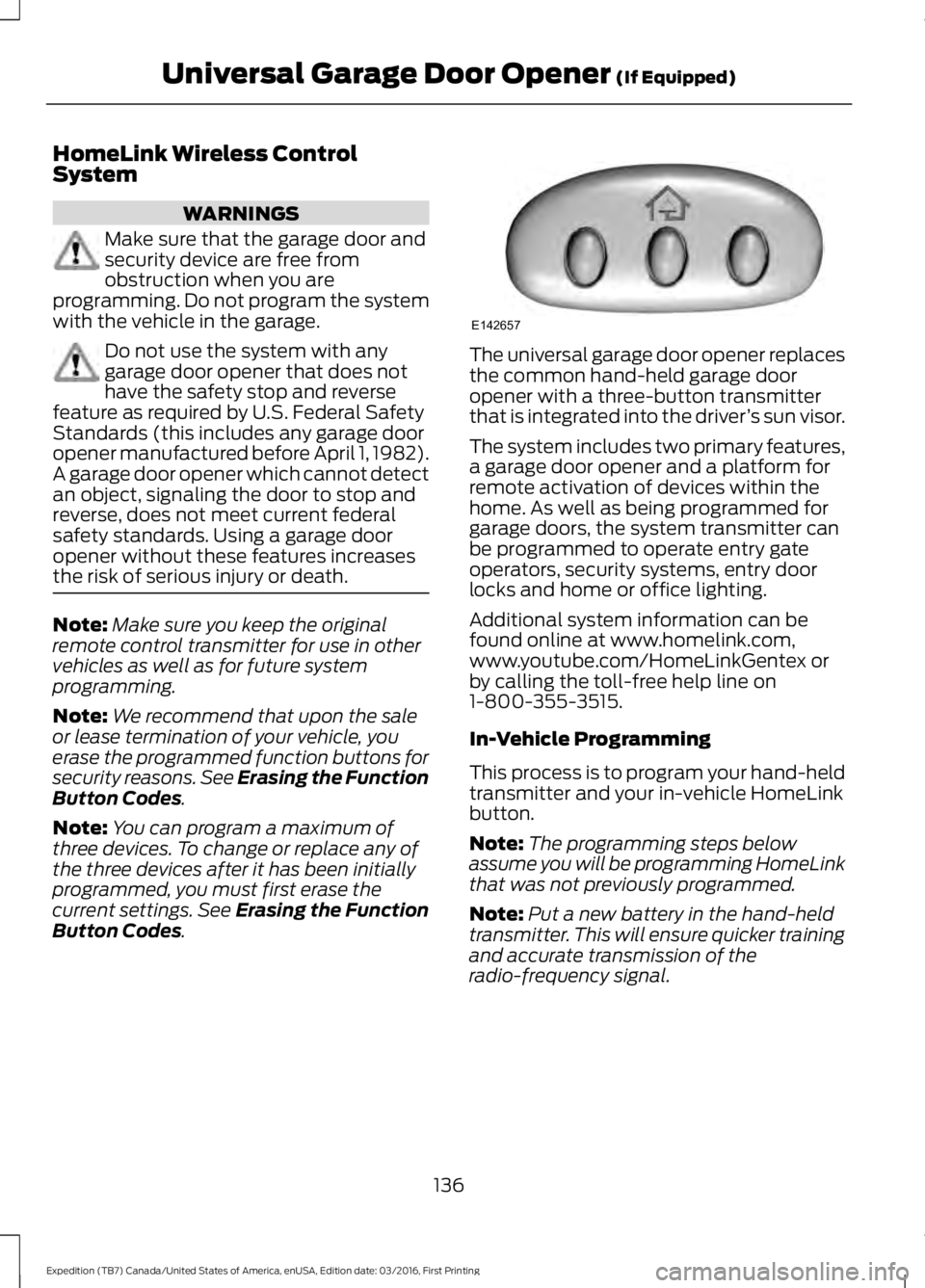
The universal garage door opener replacesthe common hand-held garage dooropener with a three-button transmitterthat is integrated into the driver’s sun visor.
The system includes two primary features,a garage door opener and a platform forremote activation of devices within thehome. As well as being programmed forgarage doors, the system transmitter canbe programmed to operate entry gateoperators, security systems, entry doorlocks and home or office lighting.
Additional system information can befound online at www.homelink.com,www.youtube.com/HomeLinkGentex orby calling the toll-free help line on1-800-355-3515.
In-Vehicle Programming
This process is to program your hand-heldtransmitter and your in-vehicle HomeLinkbutton.
Note:The programming steps belowassume you will be programming HomeLinkthat was not previously programmed.
Note:Put a new battery in the hand-heldtransmitter. This will ensure quicker trainingand accurate transmission of theradio-frequency signal.
136
Expedition (TB7) Canada/United States of America, enUSA, Edition date: 03/2016, First Printing
Universal Garage Door Opener (If Equipped)E142657
Page 400 of 500
Note: The heated steering wheel may remain on after remote starting thevehicle, based on your remote start settings. The heated steering wheel mayalso turn on when you start your vehicle, if it was on when you switched yourvehicle off.
Note: For steering wheels with wood trim, the heating feature will not heat thewheel between the 10 and 2 o'clock positions.
Defrost: A pop up appears on the screen to display the defrost options.C
MAX Defrost: Touch the button to maximize defrosting. Air flows through thewindshield vents, the fan automatically adjusts to the highest speed and thedriver and passenger temperatures are set to HI. You can use this setting todefog or clear a thin covering of ice from the windshield. The heated rear windowalso automatically turns on when you select MAX Defrost.
Defrost: Distributes air through the windshield defroster vents and demistervents.
Heated rear window: Turns the heated rear window on and off. See HeatedWindows and Mirrors (page 120).
AUTO: Touch the button to switch on automatic operation. Select the desiredtemperature using the temperature control. The system adjusts fan speed, airdistribution, air conditioning operation, and selects outside air or recirculatedair to heat or cool the vehicle in order to maintain the desired temperature.
D
Power: Touch the button to switch the system on and off. Switching off theclimate control system prevents outside air from entering the vehicle.E
DUAL: This button lights up when the passenger controls are active. To switchthe off and link the passenger temperature to the driver temperature, touch theDUAL button.
F
Note: the passenger side temperature and the DUAL indication automaticallyturn on when you or your passenger adjust the passenger temperature.
Passenger temperature: Touch up or down to adjust the temperature.G
Fan speed: Touch up or down to increase or decrease the volume of air thatcirculates in your vehicle.H
Note: You cannot adjust the fan speed when the system is set to AUTO or MAXA/C.
Rear: A pop up appears on the screen to display the rear control options.I
Touch the power icon to switch the rear climate control functions off and on.
Touch Rear Climate to allow the rear seat passengers to adjust the rear climatesettings. Touch it again to prevent the rear seat passengers from adjusting thesettings. Rear Control automatically turns off when you use the touchscreento adjust the rear climate settings.
Touch + or – to adjust the temperature.
397
Expedition (TB7) Canada/United States of America, enUSA, Edition date: 03/2016, First Printing
SYNC™ 3 (If Equipped)
Page 494 of 500
I
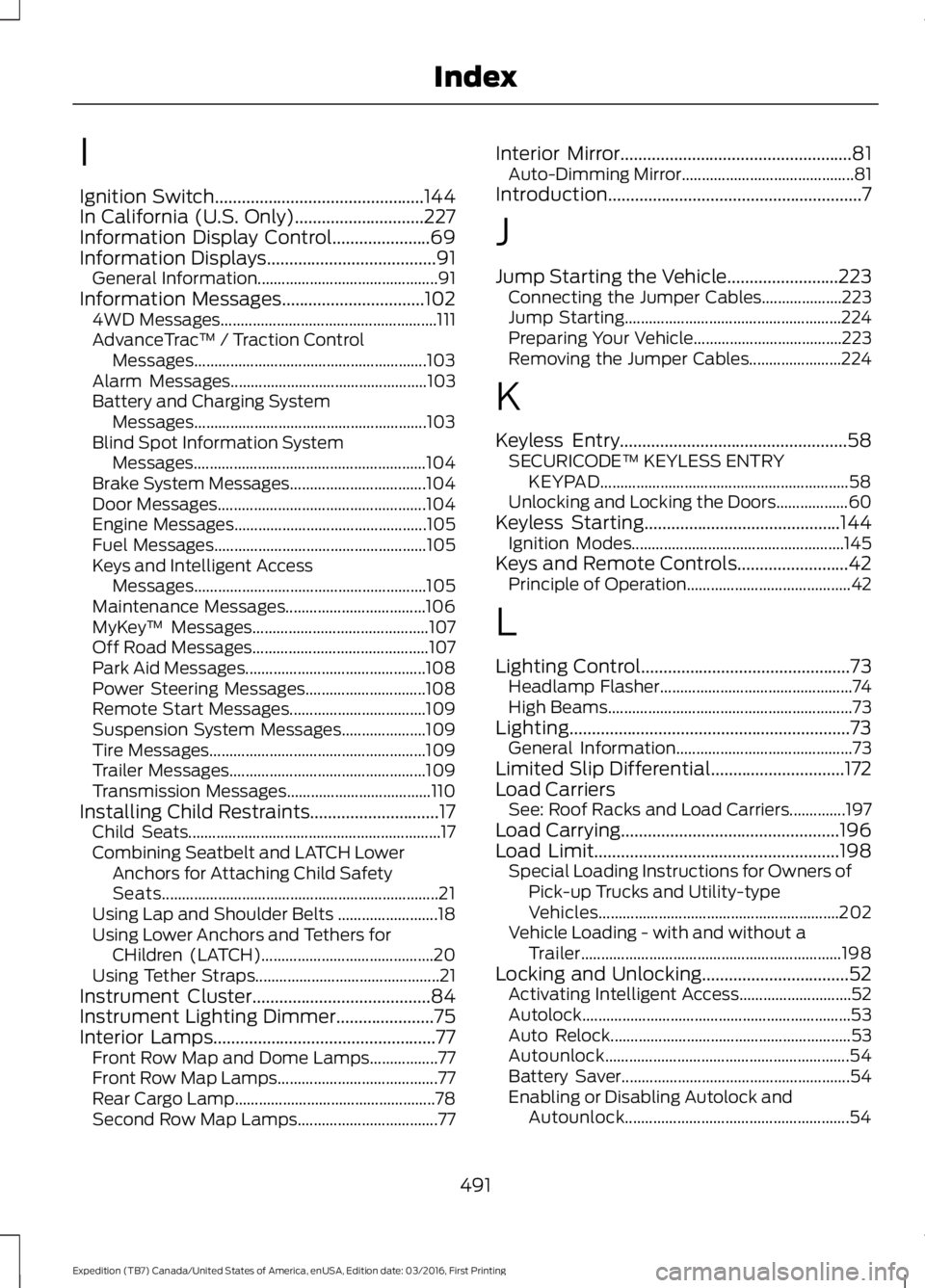
Ignition Switch...............................................144In California (U.S. Only).............................227Information Display Control......................69Information Displays......................................91General Information.............................................91Information Messages................................1024WD Messages......................................................111AdvanceTrac™ / Traction ControlMessages..........................................................103Alarm Messages.................................................103Battery and Charging SystemMessages..........................................................103Blind Spot Information SystemMessages..........................................................104Brake System Messages..................................104Door Messages....................................................104Engine Messages................................................105Fuel Messages.....................................................105Keys and Intelligent AccessMessages..........................................................105Maintenance Messages...................................106MyKey™ Messages............................................107Off Road Messages............................................107Park Aid Messages.............................................108Power Steering Messages..............................108Remote Start Messages..................................109Suspension System Messages.....................109Tire Messages......................................................109Trailer Messages.................................................109Transmission Messages....................................110Installing Child Restraints.............................17Child Seats...............................................................17Combining Seatbelt and LATCH LowerAnchors for Attaching Child SafetySeats.....................................................................21Using Lap and Shoulder Belts .........................18Using Lower Anchors and Tethers forCHildren (LATCH)...........................................20Using Tether Straps..............................................21Instrument Cluster........................................84Instrument Lighting Dimmer......................75Interior Lamps..................................................77Front Row Map and Dome Lamps.................77Front Row Map Lamps........................................77Rear Cargo Lamp..................................................78Second Row Map Lamps...................................77
Interior Mirror....................................................81Auto-Dimming Mirror...........................................81Introduction.........................................................7
J
Jump Starting the Vehicle.........................223Connecting the Jumper Cables....................223Jump Starting......................................................224Preparing Your Vehicle.....................................223Removing the Jumper Cables.......................224
K
Keyless Entry...................................................58SECURICODE™ KEYLESS ENTRYKEYPAD..............................................................58Unlocking and Locking the Doors..................60Keyless Starting............................................144Ignition Modes.....................................................145Keys and Remote Controls.........................42Principle of Operation.........................................42
L
Lighting Control...............................................73Headlamp Flasher................................................74High Beams.............................................................73Lighting...............................................................73General Information............................................73Limited Slip Differential..............................172Load CarriersSee: Roof Racks and Load Carriers..............197Load Carrying.................................................196Load Limit.......................................................198Special Loading Instructions for Owners ofPick-up Trucks and Utility-typeVehicles............................................................202Vehicle Loading - with and without aTrailer.................................................................198Locking and Unlocking.................................52Activating Intelligent Access............................52Autolock...................................................................53Auto Relock............................................................53Autounlock.............................................................54Battery Saver.........................................................54Enabling or Disabling Autolock andAutounlock........................................................54
491
Expedition (TB7) Canada/United States of America, enUSA, Edition date: 03/2016, First Printing
Index
Page 495 of 500
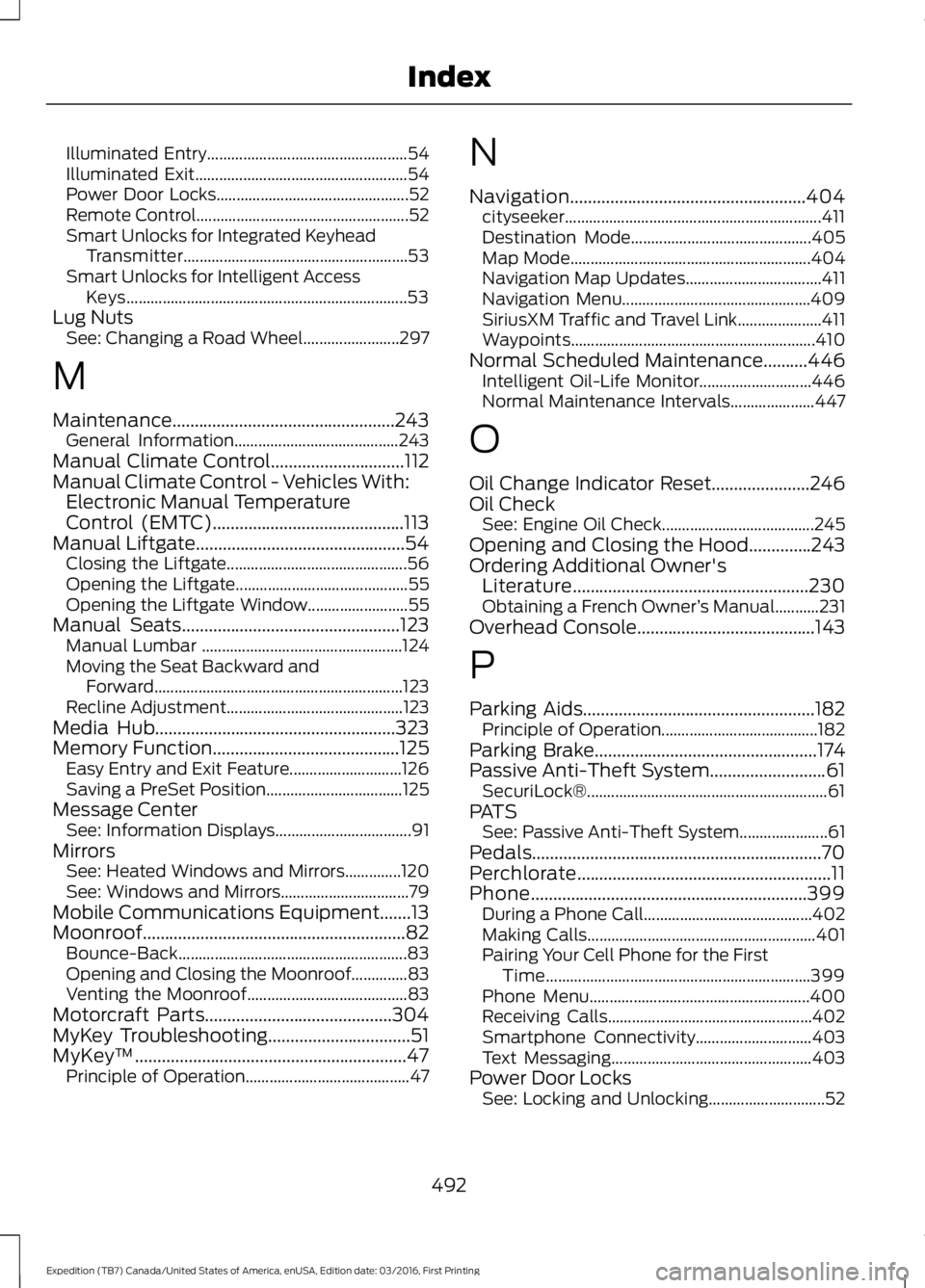
Illuminated Entry..................................................54Illuminated Exit.....................................................54Power Door Locks................................................52Remote Control.....................................................52Smart Unlocks for Integrated KeyheadTransmitter........................................................53Smart Unlocks for Intelligent AccessKeys......................................................................53Lug NutsSee: Changing a Road Wheel........................297
M
Maintenance..................................................243General Information.........................................243Manual Climate Control..............................112Manual Climate Control - Vehicles With:Electronic Manual TemperatureControl (EMTC)...........................................113Manual Liftgate...............................................54Closing the Liftgate.............................................56Opening the Liftgate...........................................55Opening the Liftgate Window.........................55Manual Seats.................................................123Manual Lumbar ..................................................124Moving the Seat Backward andForward..............................................................123Recline Adjustment............................................123Media Hub......................................................323Memory Function..........................................125Easy Entry and Exit Feature............................126Saving a PreSet Position..................................125Message CenterSee: Information Displays..................................91MirrorsSee: Heated Windows and Mirrors..............120See: Windows and Mirrors................................79Mobile Communications Equipment.......13Moonroof...........................................................82Bounce-Back.........................................................83Opening and Closing the Moonroof..............83Venting the Moonroof........................................83Motorcraft Parts..........................................304MyKey Troubleshooting................................51MyKey™.............................................................47Principle of Operation.........................................47
N
Navigation.....................................................404cityseeker................................................................411Destination Mode.............................................405Map Mode............................................................404Navigation Map Updates..................................411Navigation Menu...............................................409SiriusXM Traffic and Travel Link.....................411Waypoints.............................................................410Normal Scheduled Maintenance..........446Intelligent Oil-Life Monitor............................446Normal Maintenance Intervals.....................447
O
Oil Change Indicator Reset......................246Oil CheckSee: Engine Oil Check......................................245Opening and Closing the Hood..............243Ordering Additional Owner'sLiterature.....................................................230Obtaining a French Owner’s Manual...........231Overhead Console........................................143
P
Parking Aids....................................................182Principle of Operation.......................................182Parking Brake..................................................174Passive Anti-Theft System..........................61SecuriLock®............................................................61PATSSee: Passive Anti-Theft System......................61Pedals.................................................................70Perchlorate.........................................................11Phone..............................................................399During a Phone Call..........................................402Making Calls.........................................................401Pairing Your Cell Phone for the FirstTime..................................................................399Phone Menu.......................................................400Receiving Calls...................................................402Smartphone Connectivity.............................403Text Messaging..................................................403Power Door LocksSee: Locking and Unlocking.............................52
492
Expedition (TB7) Canada/United States of America, enUSA, Edition date: 03/2016, First Printing
Index
Page 496 of 500
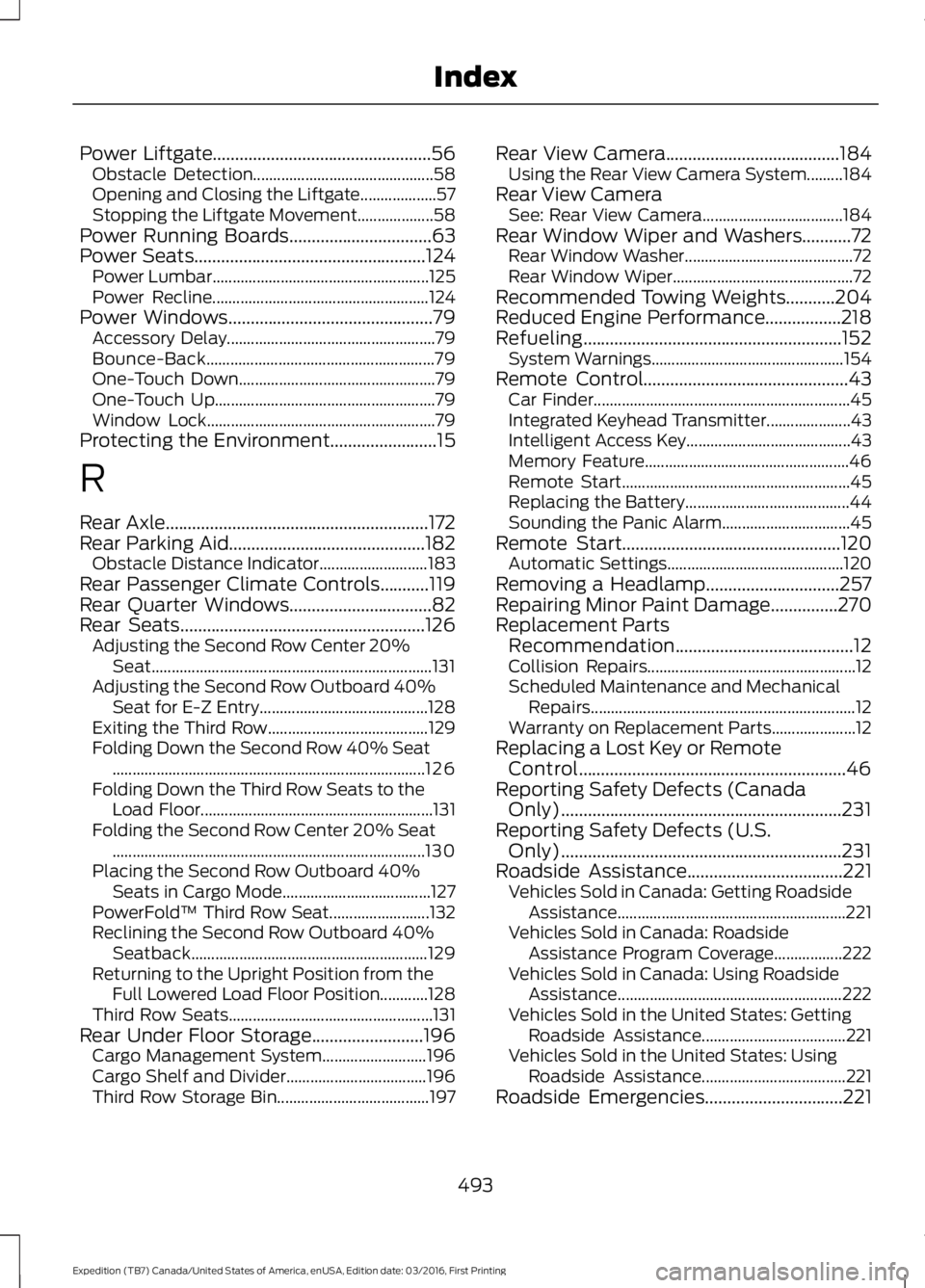
Power Liftgate.................................................56Obstacle Detection.............................................58Opening and Closing the Liftgate...................57Stopping the Liftgate Movement...................58Power Running Boards................................63Power Seats....................................................124Power Lumbar......................................................125Power Recline......................................................124Power Windows..............................................79Accessory Delay....................................................79Bounce-Back.........................................................79One-Touch Down.................................................79One-Touch Up.......................................................79Window Lock.........................................................79Protecting the Environment........................15
R
Rear Axle...........................................................172Rear Parking Aid............................................182Obstacle Distance Indicator...........................183Rear Passenger Climate Controls...........119Rear Quarter Windows................................82Rear Seats.......................................................126Adjusting the Second Row Center 20%Seat......................................................................131Adjusting the Second Row Outboard 40%Seat for E-Z Entry..........................................128Exiting the Third Row........................................129Folding Down the Second Row 40% Seat..............................................................................126Folding Down the Third Row Seats to theLoad Floor..........................................................131Folding the Second Row Center 20% Seat..............................................................................130Placing the Second Row Outboard 40%Seats in Cargo Mode.....................................127PowerFold™ Third Row Seat.........................132Reclining the Second Row Outboard 40%Seatback...........................................................129Returning to the Upright Position from theFull Lowered Load Floor Position............128Third Row Seats...................................................131Rear Under Floor Storage.........................196Cargo Management System..........................196Cargo Shelf and Divider...................................196Third Row Storage Bin......................................197
Rear View Camera.......................................184Using the Rear View Camera System.........184Rear View CameraSee: Rear View Camera...................................184Rear Window Wiper and Washers...........72Rear Window Washer..........................................72Rear Window Wiper.............................................72Recommended Towing Weights...........204Reduced Engine Performance.................218Refueling..........................................................152System Warnings................................................154Remote Control..............................................43Car Finder................................................................45Integrated Keyhead Transmitter.....................43Intelligent Access Key.........................................43Memory Feature...................................................46Remote Start.........................................................45Replacing the Battery.........................................44Sounding the Panic Alarm................................45Remote Start.................................................120Automatic Settings............................................120Removing a Headlamp..............................257Repairing Minor Paint Damage...............270Replacement PartsRecommendation........................................12Collision Repairs....................................................12Scheduled Maintenance and MechanicalRepairs..................................................................12Warranty on Replacement Parts.....................12Replacing a Lost Key or RemoteControl............................................................46Reporting Safety Defects (CanadaOnly)...............................................................231Reporting Safety Defects (U.S.Only)...............................................................231Roadside Assistance...................................221Vehicles Sold in Canada: Getting RoadsideAssistance.........................................................221Vehicles Sold in Canada: RoadsideAssistance Program Coverage.................222Vehicles Sold in Canada: Using RoadsideAssistance........................................................222Vehicles Sold in the United States: GettingRoadside Assistance....................................221Vehicles Sold in the United States: UsingRoadside Assistance....................................221Roadside Emergencies...............................221
493
Expedition (TB7) Canada/United States of America, enUSA, Edition date: 03/2016, First Printing
Index