Page 43 of 338
Air Bag Warning Light
The air bags must be ready to inflate for your
protection in a collision. The Occupant Re-
straint Controller (ORC) monitors the internal
circuits and interconnecting wiring associated
with air bag system electrical components.
The ORC monitors the readiness of the electronic parts of
the air bag system whenever the ignition switch is in the
AVV/START or MAR/ACC/ON/RUN position. If the
ignition switch is in the STOP/OFF/LOCK position the
air bag system is not on and the air bags will not inflate.
The ORC contains a backup power supply system that
may deploy the air bags even if the battery loses power
or it becomes disconnected prior to deployment.
The ORC turns on the Air Bag Warning Light in the
instrument panel for approximately four to eight sec-
onds for a self-check when the ignition switch is in the
MAR/ACC/ON/RUN position. After the self-check,
the Air Bag Warning Light will turn off. If the ORC
detects a malfunction in any part of the system, it turns
on the Air Bag Warning Light, either momentarily or
continuously. A single chime will sound to alert you if
the light comes on again after initial startup. The ORC also includes diagnostics that will illuminate
the instrument panel Air Bag Warning Light if a mal-
function is detected that could affect the air bag system.
The diagnostics also record the nature of the malfunc-
tion. While the air bag system is designed to be main-
tenance free, if any of the following occurs, have an
authorized dealer service the air bag system
immediately.
•
The Air Bag Warning Light does not come on during
the four to eight seconds when the ignition switch is
first in the MAR/ACC/ON/RUN position.
• The Air Bag Warning Light remains on after the four
to eight-second interval.
• The Air Bag Warning Light comes on intermittently
or remains on while driving.
NOTE: If the speedometer, tachometer, or any engine
related gauges are not working, the Occupant Restraint
Controller (ORC) may also be disabled. In this condi-
tion the air bags may not be ready to inflate for your
protection. Have an authorized dealer service the air
bag system immediately.
2
THINGS TO KNOW BEFORE STARTING YOUR VEHICLE 41
Page 44 of 338
WARNING!
Ignoring the Air Bag Warning Light in your instru-
ment panel could mean you won’t have the air bags
to protect you in a collision. If the light does not
come on as a bulb check when the ignition is first
turned on, stays on after you start the vehicle, or if
it comes on as you drive, have an authorized dealer
service the air bag system immediately.
Maintaining Your Air Bag System
WARNING!
•Modifications to any part of the air bag system
could cause it to fail when you need it. You could
be injured if the air bag system is not there to
protect you. Do not modify the components or
wiring, including adding any kind of badges or
stickers to the steering wheel hub trim cover or
the upper right side of the instrument panel. Do
not modify the front bumper, vehicle body struc-
ture, or add aftermarket side steps or running
boards.
(Continued)
WARNING! (Continued)
•It is dangerous to try to repair any part of the air
bag system yourself. Be sure to tell anyone who
works on your vehicle that it has an air bag
system.
• Do not attempt to modify any part of your air bag
system. The air bag may inflate accidentally or
may not function properly if modifications are
made. Take your vehicle to an authorized dealer
for any air bag system service. If your seat,
including your trim cover and cushion, needs to
be serviced in any way (including removal or
loosening/tightening of seat attachment bolts),
take the vehicle to your authorized dealer. Only
manufacturer approved seat accessories may be
used. If it is necessary to modify the air bag
system for persons with disabilities, contact your
authorized dealer.
42 THINGS TO KNOW BEFORE STARTING YOUR VEHICLE
Page 66 of 338
Periodic Safety Checks You Should Make
Outside The Vehicle
Tires
Examine tires for excessive tread wear and uneven wear
patterns. Check for stones, nails, glass, or other objects
lodged in the tread or sidewall. Inspect the tread for
cuts and cracks. Inspect sidewalls for cuts, cracks and
bulges. Check the wheel bolts for tightness. Check the
tires (including spare) for proper cold inflation pres-
sure.
Lights
Have someone observe the operation of brake lights
and exterior lights while you work the controls. Check
turn signal and high beam indicator lights on the
instrument panel.
Door Latches
Check for proper closing, latching, and locking.
Fluid Leaks
Check area under vehicle after overnight parking for
fuel, engine coolant, oil, or other fluid leaks. Also, if
gasoline fumes are detected or if fuel, power steering
fluid (if equipped), or brake fluid leaks are suspected.
The cause should be located and corrected immediately.
64 THINGS TO KNOW BEFORE STARTING YOUR VEHICLE
Page 79 of 338
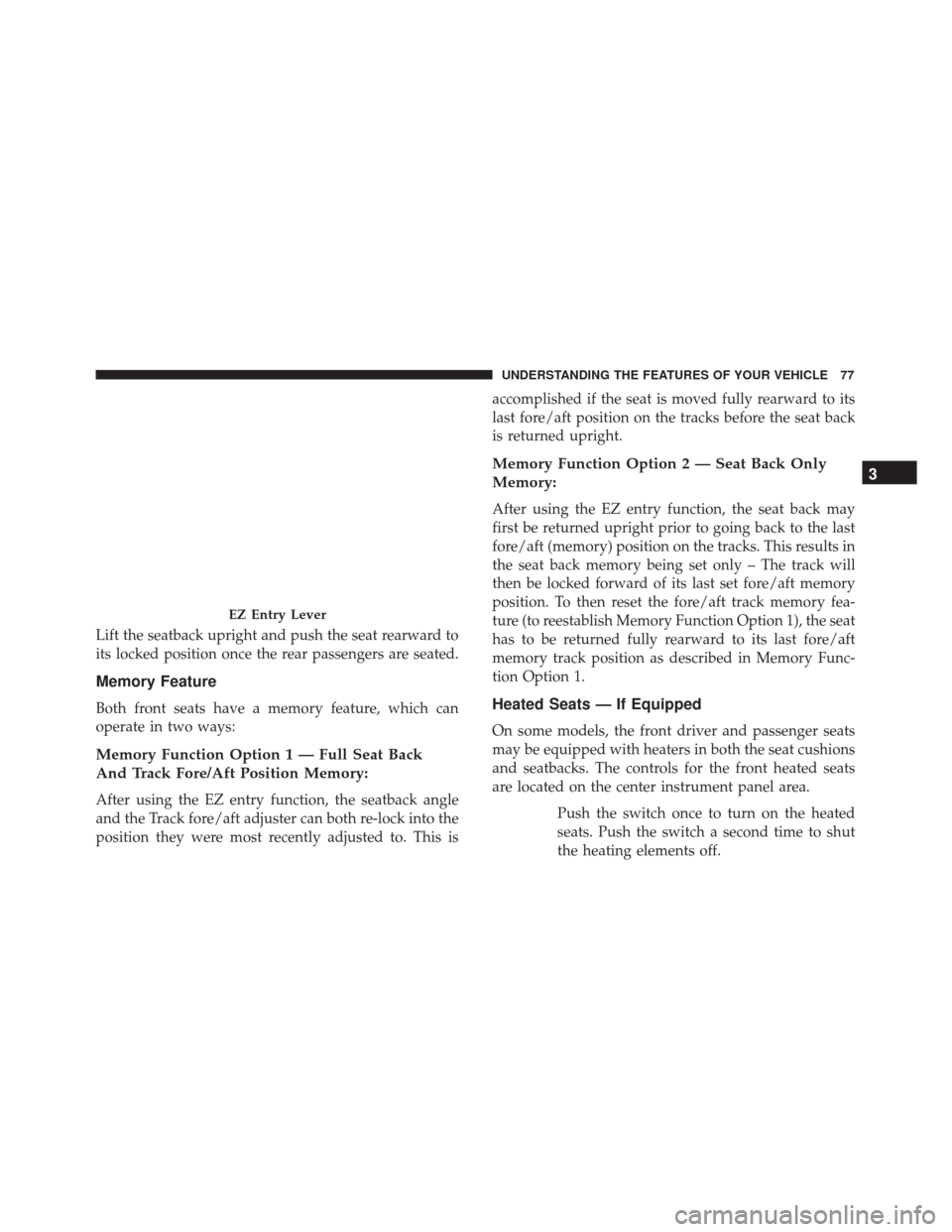
Lift the seatback upright and push the seat rearward to
its locked position once the rear passengers are seated.
Memory Feature
Both front seats have a memory feature, which can
operate in two ways:
Memory Function Option 1 — Full Seat Back
And Track Fore/Aft Position Memory:
After using the EZ entry function, the seatback angle
and the Track fore/aft adjuster can both re-lock into the
position they were most recently adjusted to. This isaccomplished if the seat is moved fully rearward to its
last fore/aft position on the tracks before the seat back
is returned upright.
Memory Function Option 2 — Seat Back Only
Memory:
After using the EZ entry function, the seat back may
first be returned upright prior to going back to the last
fore/aft (memory) position on the tracks. This results in
the seat back memory being set only – The track will
then be locked forward of its last set fore/aft memory
position. To then reset the fore/aft track memory fea-
ture (to reestablish Memory Function Option 1), the seat
has to be returned fully rearward to its last fore/aft
memory track position as described in Memory Func-
tion Option 1.
Heated Seats — If Equipped
On some models, the front driver and passenger seats
may be equipped with heaters in both the seat cushions
and seatbacks. The controls for the front heated seats
are located on the center instrument panel area.
Push the switch once to turn on the heated
seats. Push the switch a second time to shut
the heating elements off.
EZ Entry Lever
3
UNDERSTANDING THE FEATURES OF YOUR VEHICLE 77
Page 84 of 338
LIGHTS
Multifunction Lever
The multifunction lever, located on the left side of the
steering wheel, controls the operation of the headlights,
headlight beam selection, passing light and turn sig-
nals.
NOTE:The headlights can only be turned on with the
ignition in the ON/RUN position.
Headlights
Rotate the end of the multifunction lever up-
ward to the first detent for headlight operation.NOTE: When the headlights are turned on, the Daytime
Running Lights will be deactivated.
High Beams
With the low beams activated, push the multi-
function lever towards the instrument panel to
turn on the high beams. Pull the multifunction lever
toward the steering wheel to turn off the high beams.
Headlight Operation
82 UNDERSTANDING THE FEATURES OF YOUR VEHICLE
Page 85 of 338

Flash-To-Pass
You can signal another vehicle with your headlights by
lightly pulling the multifunction lever toward the steer-
ing wheel. This will turn on the high beams until the
lever is released.
Parking Lights
To turn on the parking lights, remove the key
or turn the ignition to OFF/LOCK position
and turn on the headlights.
Daytime Running Lights
To activate the Daytime Running Lights (DRL), rotate
the end of the multifunction lever to theOsymbol.
NOTE: The low beams and side/taillights will not be
on with DRL.
If allowed by law in the country in which the vehicle
was purchased the DRL function can be turned on or off
using the display menus. Refer to “UConnect settings”
in “Understanding Your Instrument Panel” for further
information.
Turn Signals
Push the multifunction lever upward to signal a right
turn or downward to signal a left turn. The correspond-
ing indicator in the Instrument Cluster Display will
blink to indicate the operation of the turn signal.
NOTE: The indicators will automatically turn off when
the turn has been completed and the steering wheel is
returned to a straight position.
Turn Signal Operation
3
UNDERSTANDING THE FEATURES OF YOUR VEHICLE 83
Page 88 of 338
Fog Lights — If Equipped
The fog light switch is located on the center stack of the
instrument panel, just below the radio.
Push the switch once to turn the front fog lights on.
Push the switch a second time to turn the front fog
lights off.
WINDSHIELD WIPERS AND WASHERS
The windshield wiper/washer lever is located on the
right side of the steering column.
NOTE:The windshield wipers/washers will only op-
erate with the ignition in the ON/RUN position.
Front Windshield Wiper Operation
There are five different modes of operation for the front
windshield wipers. The windshield wiper lever can be
raised or lowered to access these modes:
Windshield Wiper Off
This is the normal position of the wiper lever.
Intermittent Wiper Operation
Push the lever downward to the first detent. The wipers
will operate intermittently.
Fog Light Switch
Windshield Wiper Operation
86 UNDERSTANDING THE FEATURES OF YOUR VEHICLE
Page 90 of 338
Rear Windshield Wiper
Rotate the end of the windshield wiper/washer lever
upward to the first detent past the intermittent settings
for intermittent wipe operation. With the front wind-
shield wiper active, rotate the end of the windshield
wiper/washer lever upward. The rear wiper will oper-
ate in the same mode as the front windshield wipers,
but at half the frequency. When the transmission is
shifted into REVERSE, the rear wiper will automatically
operate at Low Speed and return to normal operation
when the transmission is shifted out of REVERSE.NOTE:
The windshield wipers/washers will only op-
erate with the ignition in the ON/RUN position.
Rear Windshield Washer Operation
Push the windshield wiper/washer lever toward the
instrument panel to activate the rear washer. Push and
hold the lever for more than a half second and the
wipers will activate automatically for three cycles after
the lever is released.
TILT STEERING COLUMN — IF EQUIPPED
This feature allows you to tilt the steering column
upward or downward. The tilt control lever is located
on the left-side of the steering column, below the turn
signal controls.
Rear Wiper Operation
88 UNDERSTANDING THE FEATURES OF YOUR VEHICLE