Page 30 of 530
Power Door Locks — If Equipped
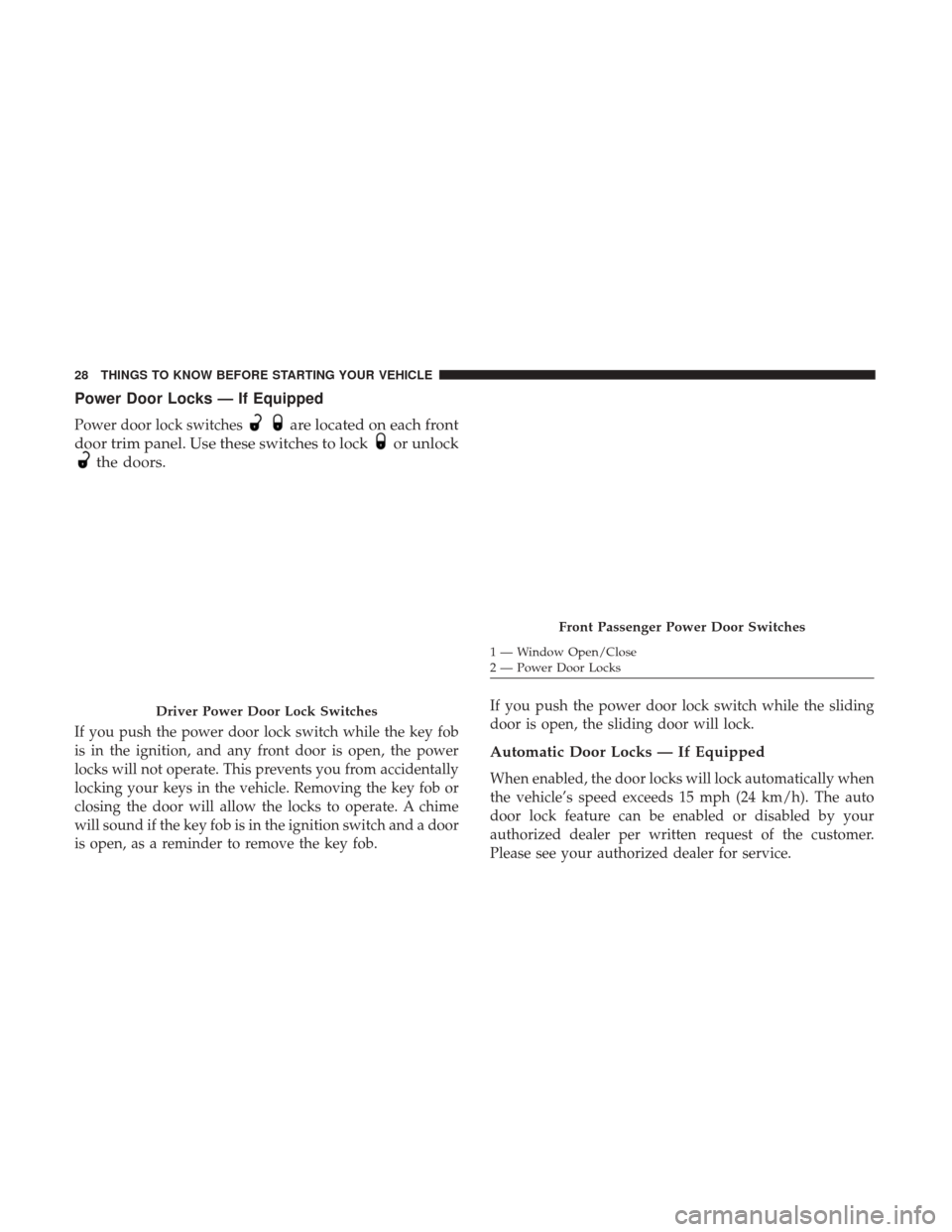
Power door lock switchesare located on each front
door trim panel. Use these switches to lock
or unlock
the doors.
If you push the power door lock switch while the key fob
is in the ignition, and any front door is open, the power
locks will not operate. This prevents you from accidentally
locking your keys in the vehicle. Removing the key fob or
closing the door will allow the locks to operate. A chime
will sound if the key fob is in the ignition switch and a door
is open, as a reminder to remove the key fob. If you push the power door lock switch while the sliding
door is open, the sliding door will lock.
Automatic Door Locks — If Equipped
When enabled, the door locks will lock automatically when
the vehicle’s speed exceeds 15 mph (24 km/h). The auto
door lock feature can be enabled or disabled by your
authorized dealer per written request of the customer.
Please see your authorized dealer for service.
Driver Power Door Lock Switches
Front Passenger Power Door Switches
1 — Window Open/Close
2 — Power Door Locks
28 THINGS TO KNOW BEFORE STARTING YOUR VEHICLE
Page 31 of 530
Unlock Doors Automatically On Exit — If Equipped
The Unlock Doors Automatically On Exit feature unlocks
all of the vehicle doors when any door is opened. This will
occur only after the gear selector has been placed into the
PARK position, after the vehicle has been driven (the gear
selector has been placed out of the PARK position and all
doors closed).
The Unlock Doors Automatically On Exit feature will not
operate if there is any manual operation of the power door
locks (lock or unlock).
On vehicles equipped with the optional Instrument Cluster
Display, refer to “Instrument Cluster Display/Personal
Settings (Customer-Programmable Features)” in “Under-
standing Your Instrument Panel” for further information.
NOTE:Use the Automatic Door Locks at 15 mph
(24 km/h) and Unlock Doors Automatically On Exit fea-
tures in accordance with local laws.
WINDOWS
Power Vent Windows — If Equipped
The Power Vent Window Switch located on the driver’s
door trim panel allows the driver to operate the two vent
windows from the driver’s seat.
Power Vent Window Switch Open/Close
2
THINGS TO KNOW BEFORE STARTING YOUR VEHICLE 29
Page 32 of 530
Power Windows
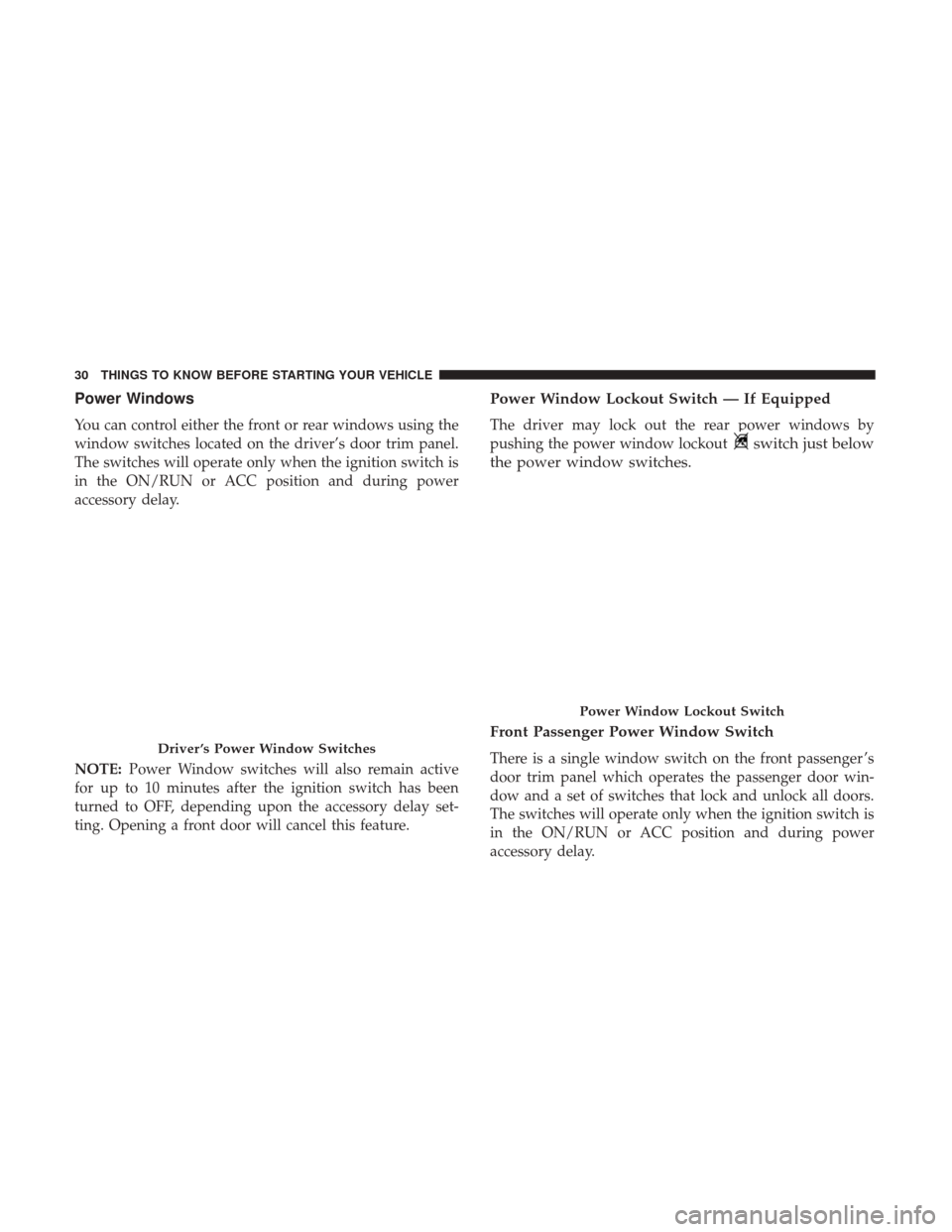
You can control either the front or rear windows using the
window switches located on the driver’s door trim panel.
The switches will operate only when the ignition switch is
in the ON/RUN or ACC position and during power
accessory delay.
NOTE:Power Window switches will also remain active
for up to 10 minutes after the ignition switch has been
turned to OFF, depending upon the accessory delay set-
ting. Opening a front door will cancel this feature.
Power Window Lockout Switch — If Equipped
The driver may lock out the rear power windows by
pushing the power window lockout
switch just below
the power window switches.
Front Passenger Power Window Switch
There is a single window switch on the front passenger ’s
door trim panel which operates the passenger door win-
dow and a set of switches that lock and unlock all doors.
The switches will operate only when the ignition switch is
in the ON/RUN or ACC position and during power
accessory delay.Driver ’s Power Window Switches
Power Window Lockout Switch
30 THINGS TO KNOW BEFORE STARTING YOUR VEHICLE
Page 33 of 530
Auto-Down Feature — If Equipped
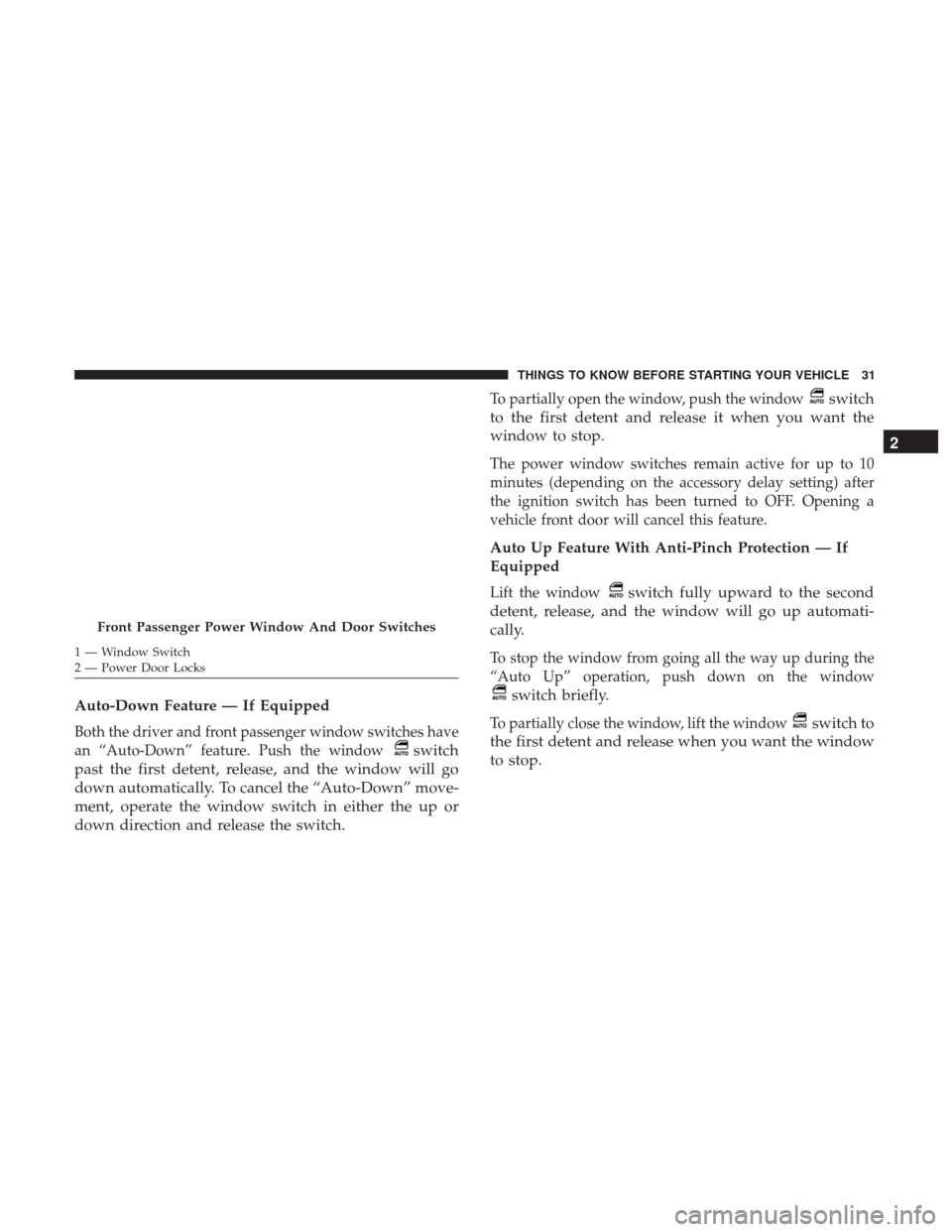
Both the driver and front passenger window switches have
an “Auto-Down” feature. Push the window
switch
past the first detent, release, and the window will go
down automatically. To cancel the “Auto-Down” move-
ment, operate the window switch in either the up or
down direction and release the switch.
To partially open the window, push the windowswitch
to the first detent and release it when you want the
window to stop.
The power window switches remain active for up to 10
minutes (depending on the accessory delay setting) after
the ignition switch has been turned to OFF. Opening a
vehicle front door will cancel this feature.
Auto Up Feature With Anti-Pinch Protection — If
Equipped
Lift the windowswitch fully upward to the second
detent, release, and the window will go up automati-
cally.
To stop the window from going all the way up during the
“Auto Up” operation, push down on the window
switch briefly.
To partially close the window, lift the windowswitch to
the first detent and release when you want the window
to stop.
Front Passenger Power Window And Door Switches
1 — Window Switch
2 — Power Door Locks
2
THINGS TO KNOW BEFORE STARTING YOUR VEHICLE 31
Page 34 of 530

NOTE:If the window runs into any obstacle during “Auto
Up,” it will reverse direction and then go back down.
Remove the obstacle and use the window switch again to
close the window. Any impact due to rough road condi-
tions may trigger the auto reverse function unexpectedly
during “Auto-Up.” If this happens, pull the window
switch lightly to the first detent and hold it to close the
window manually.
WARNING!
There is no anti-pinch protection when the window is
almost closed. Be sure to clear all objects from the
window before closing.
Auto Up Reset — If Equipped
Should the “Auto Up” feature stop working, the window
probably needs to be reset. To reset “Auto Up”:
1. Pull the window
switch up to close the window
completely and continue to hold the window switch
up for an additional two seconds after the window is
closed.
2. Push the windowswitch down firmly to the sec-
ond detent to open the window completely and
continue to hold the window switch down for an
additional two seconds after the window is fully
open.
Sliding Side Door Power Window Switch — If
Equipped
Second row passengers may open and close the sliding
door window by a single window switch on the door
handle assembly.
The window switches will operate only when the ignition
switch is in the ON/RUN or ACC position and during
power accessory delay.
NOTE: The window switches will not operate if the driver
has activated the Power Window Lockout.
32 THINGS TO KNOW BEFORE STARTING YOUR VEHICLE
Page 36 of 530
Always make sure that the sliding door is fully latched
anytime the vehicle is in motion.
NOTE:The left side sliding door cannot be opened while
the fuel door is open. This feature operates only when the
sliding door is fully closed prior to opening the fuel door.
Power Sliding Side Door — If Equipped
The power sliding door may be opened or closed
manually or by using the buttons on the key fob,
overhead console switch, or rear door switch.
Pulling the inside or outside power sliding door
handle will also power open or close the power sliding
door.
NOTE: Pulling the outside power sliding door handle a
second time while the sliding door is power opening or
power closing will allow the sliding door to be opened or
closed manually.
Push the button on the key fob twice within five seconds to
open a power sliding door. When the door is fully open,
pushing the button twice within five seconds a second time
will close the door.
There are power sliding side door switches located on the
B-pillar trim panel, just in front of the power sliding door for the rear seat passengers and in the overhead console for
the driver and passengers. Pushing the switch once will
open the power sliding door. If the switch is pushed while
the door is under a power cycle, the door will reverse
direction.
NOTE:
The power sliding side door must be unlocked
before the power sliding door switches will operate.
Power Sliding Door Switch
34 THINGS TO KNOW BEFORE STARTING YOUR VEHICLE
Page 37 of 530
If the inside or outside door handles are used while the
power sliding side door is activated, the power sliding
door feature will be canceled and will go into manual
mode.
To avoid unintentional operation of the power sliding
doors from the rear seats, push the power sliding door
master lock button, located in the overhead console, to
disable the switches and handles for the rear seat passen-
gers.
NOTE:
•The power sliding side door switches will not open the
power sliding door if the gear selector is in gear or the
vehicle speed is above 0 mph (0 km/h). To close the
power sliding door with the gear selector in gear and
vehicle speed at 0 mph (0 km/h), the brake must be
pushed.
• If anything obstructs the power sliding side door while
it is closing or opening, the door will automatically
reverse to the closed or open position, provided it meets
sufficient resistance.
• If the power sliding side door is not in the full open or
close position, it will fully open when a power sliding door switch is pushed. To close the door, wait until it is
fully open and then push the switch again.
• If the power sliding door encounters multiple obstruc-
tions within the same cycle, the system will automati-
cally stop, the power sliding door motor will make a
clicking sound until the door has no further movement.
This clicking sound can be stopped by pulling the inside
or outside handle. If this condition occurs, no damage is
done to the power sliding door motor. The power sliding
door must be opened or closed manually.
WARNING!
You, or others, could be injured if caught in the path of
the sliding door. Make sure the door path is clear
before closing the door.
Power Sliding Side Door Open Flash
The left and right exterior hazard lights will flash for 12
seconds when either sliding door is opened. This will alert
other drivers in the area that passenger(s) could be entering
or exiting the vehicle.
2
THINGS TO KNOW BEFORE STARTING YOUR VEHICLE 35
Page 38 of 530
The Sliding Side Door Open Flash can be enabled or
disabled by performing the following procedure:
1. Place the key fob in the ignition.
2. Cycle the ignition from OFF to ON/RUN five timesending in the ON/RUN position (do not start the
engine).
3. Within 10 seconds of the final cycle, push the HAZARD switch ON.
4. A single chime will sound to signify that you have successfully completed the programming.
You can turn the feature back on by repeating the previous
procedure.
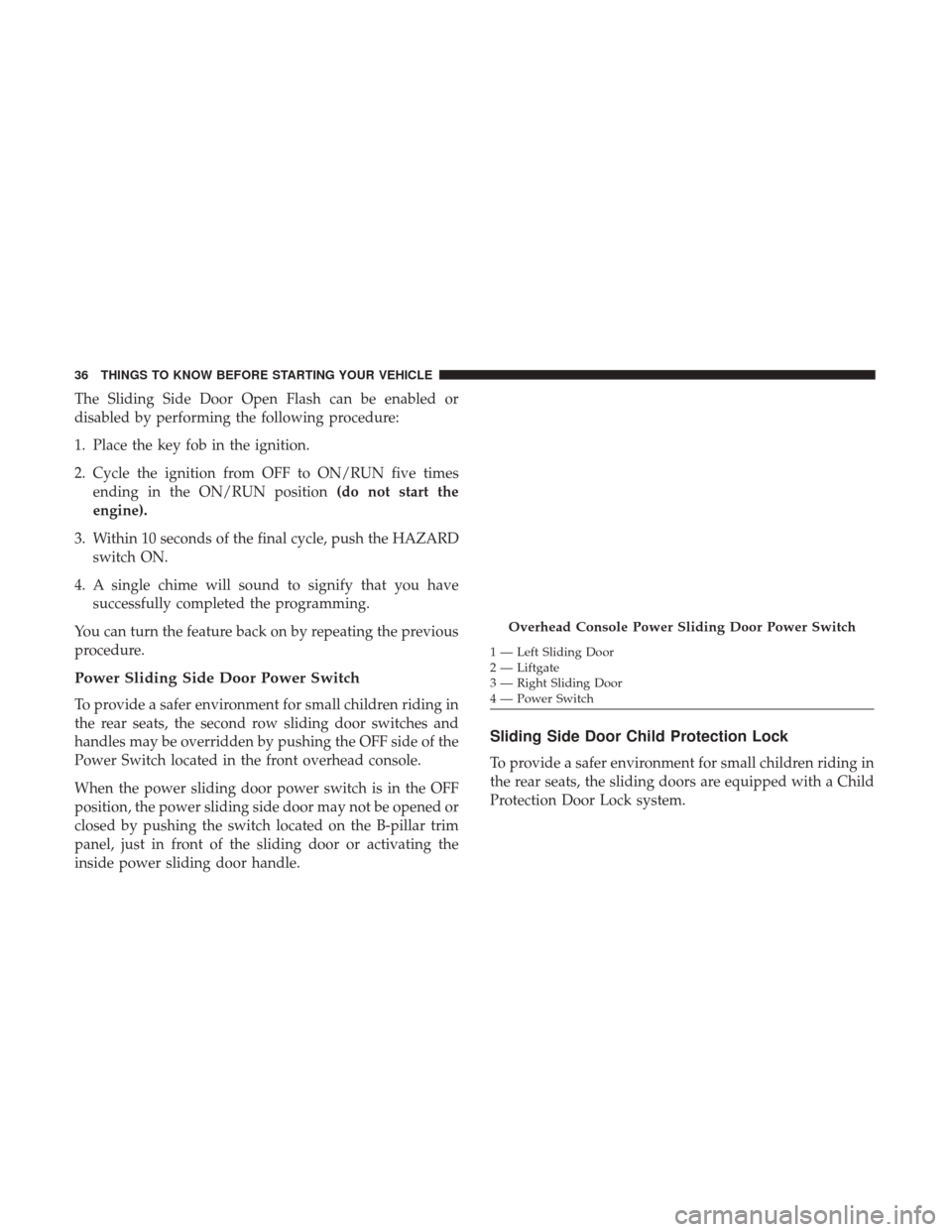
Power Sliding Side Door Power Switch
To provide a safer environment for small children riding in
the rear seats, the second row sliding door switches and
handles may be overridden by pushing the OFF side of the
Power Switch located in the front overhead console.
When the power sliding door power switch is in the OFF
position, the power sliding side door may not be opened or
closed by pushing the switch located on the B-pillar trim
panel, just in front of the sliding door or activating the
inside power sliding door handle.
Sliding Side Door Child Protection Lock
To provide a safer environment for small children riding in
the rear seats, the sliding doors are equipped with a Child
Protection Door Lock system.
Overhead Console Power Sliding Door Power Switch
1 — Left Sliding Door
2 — Liftgate
3 — Right Sliding Door
4 — Power Switch
36 THINGS TO KNOW BEFORE STARTING YOUR VEHICLE