Page 356 of 527

3
.
12:13
18,5 21,5
23 °C
Audio and Telematics
Select the audio source (depending on version): - FM / DAB * / AM * radio stations. - USB memory stick. - CD player. - Media player connected via the auxiliary socket (Jack, cable not supplied). - Telephone connected by Bluetooth * using
Bluetooth * audio streaming.
* Depending on equipment.
Certain information is displayed permanently in the upper band of the touch screen: - Reminder of the air conditioning information and direct access to the corresponding menu. - Go directly to the selection of the audio source, to the list of radio stations (or list of titles depending on the source).
- Go to the message notifications, emails, map updates and, depending on the services, the navigation notifications. - Go to the settings for the touch screen and the digital instrument panel.
In very hot conditions, the volume may be limited to protect the system. It may go into standby (screen and sound off) for at least 5 minutes.
The return to normal takes place when the temperature in the passenger compartment has dropped.
In the "Settings" menu you can create a profile for just one person or a group of people with common points, with the possibility of entering a multitude of settings (radio presets, audio settings, navigation history, contact favourites, ...); these settings are taken into account automatically.
Page 359 of 527
6
12:13
18,5 21,5
23 °C
21,518,5
12:1323 °C12:13
18,5 21,5
23 °C
12:13
18,5 21,5
23 °C
Audio and Telematics
Connected navigation
Driving
Applications
Enter navigation settings and choose a destination. Use services available in real time, depending on equipment.
Activate, deactivate and configure certain vehicle functions.
Operate certain applications on a smartphone connected via CarPlay ® or MirrorLink ® or MirrorLink ®TM . Check the state of the Bluetooth ® and Wi-Fi ® and Wi-Fi ®
connections.
Menus
Air conditioning
Manage the various temperature and air flow settings.
A c c o r d i n g t o v e r s i o n
Page 376 of 527
23
.
1
1
1
1
17
18
8
11
9
12
10
13
16
14
15
Audio and Telematics
Level 2Level 3Level 4Comments
Navigation
MENU
Enter address
Select the country.
Save the current address.
Confirm the current address.
Navigation
MENU
My destinations
Recent
Display the lists of destinations and start navigation. Preferred My home
My work
Contact
Delete one or more destinations.
Navigation
MENU
Points of interest
Tr a v e l
List of categories available. After selection of category, select the point of interest.
Active life
Commercial
Public
Geographic
Search Search for a point of interest.
Navigation
MENU
Search
Point of interest Enter a point of interest.
Address Enter the address of a point of interest.
Local / Connected Enter settings for the POI search mode in a local or connected database depending on the services subscribed to.
Confirm the entry.
Page 382 of 527
29
.
Audio and Telematics
TMC (Traffic Message
Channel)
TMC (Traffic Message Channel) messages are linked to a European standard on the broadcasting of traffic information via the RDS system on FM radio, transmitting traffic information in real time. The TMC information is then displayed on a GPS Navigation system map and taken into account straight away during navigation, so as to avoid accidents, traffic jams and closed roads.
The display of danger areas depends on the legislation in force and subscription to the service.
Page 384 of 527
31
.
Audio and Telematics
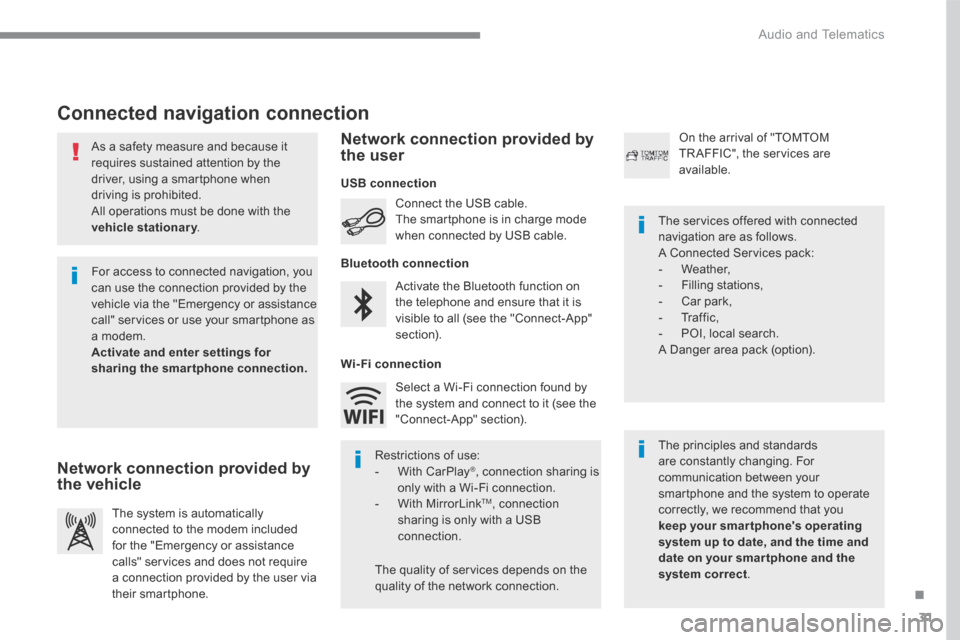
As a safety measure and because it requires sustained attention by the driver, using a smartphone when driving is prohibited. All operations must be done with the
vehicle stationary . vehicle stationary . vehicle stationary
Connected navigation connection
The principles and standards are constantly changing. For communication between your smartphone and the system to operate correctly, we recommend that you keep your smar tphone's operating system up to date, and the time and date on your smar tphone and the system correct.
The services offered with connected navigation are as follows. A Connected Services pack: - Weather, - Filling stations, - Car park, - Traffic, - POI, local search. A Danger area pack (option).
Activate the Bluetooth function on the telephone and ensure that it is visible to all (see the "Connect-App" section).
Connect the USB cable. The smartphone is in charge mode when connected by USB cable.
The system is automatically connected to the modem included for the "Emergency or assistance calls" services and does not require a connection provided by the user via
their smartphone.
On the arrival of "TOMTOM TR AFFIC", the services are available.
For access to connected navigation, you can use the connection provided by the vehicle via the "Emergency or assistance call" services or use your smartphone as a modem. Activate and enter settings for sharing the smartphone connection.
Restrictions of use: - With CarPlay ® , connection sharing is only with a Wi-Fi connection. - W i t h M i r r o r L i n k TM , connection sharing is only with a USB connection.
The quality of services depends on the quality of the network connection.
Select a Wi-Fi connection found by the system and connect to it (see the "Connect-App" section).
USB connection
Network connection provided by the vehicle
Network connection provided by the user
Bluetooth connection
Wi-Fi connection
Page 391 of 527

38
22
23
1
Audio and Telematics
Settings specific to
connected navigation
For access to connected navigation, you have to select the option: " Authorise sending information ".
Select " Options ".
Select " Alerts ".
- " Allow declaration of danger areas "
- " Guidance to final destination on foot " - " Authorise sending information "
Activate or deactivate:
Activate or deactivate " Warn of danger zones ".
The display of danger zones is conditioned by the legislation in force and subscription to the service.
The temperature displayed at 6 o'clock in the morning will be the maximum temperature for the d ay. The temperature displayed at 6 o'clock in the evening
will be the minimum temperature for the night.
Select " Settings ".
Press Navigation to display the primary page.
Press the " MENU " button to go to the
secondary page.
Display the weather
Select " Weather ".
Press this button to display the first level of information.
Press this button to display the detailed weather information.
Select " View map ".
Press Navigation to display the primary page.
Press this button to display the list of services.
Page 404 of 527
51
.
1
1
1
1
11
12
13
7
8
9
10
Audio and Telematics
Level 2Level 3Comments
Applications
OPTIONS
Bluetooth connection
All Display all telephones detected and saved.
Connected Display all telephones connected.
Search Start the search for a device to be connected.
Applications
OPTIONS
Wi- Fi network connection
Secured Display the secured Wi-Fi networks.
Not secured Display the not secured Wi-Fi networks.
Stored Display the stored Wi-Fi networks.
Applications
OPTIONS
Manage connection
Display the status of the subscription to the connected services, the status of the network connection and the connection mode.
Applications
OPTIONS
Share Wi- Fi connection
Activation Activate or deactivate the Wi-Fi connection sharing.
Settings Select a Wi-Fi network found by the system and connect.
Save the settings.
Page 405 of 527
52
1
Audio and Telematics
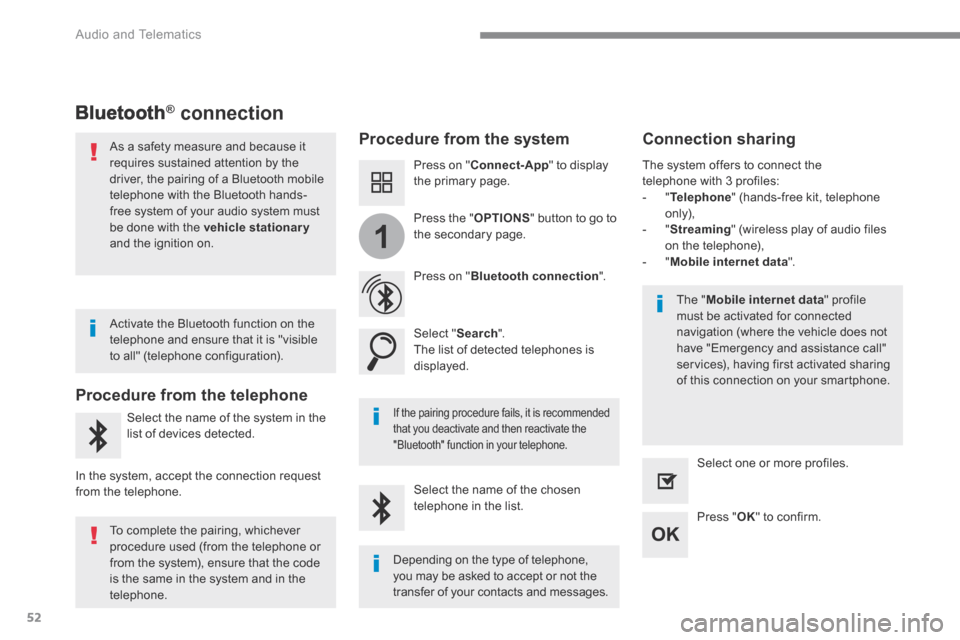
Bluetooth® connection ® connection ®
Procedure from the system Connection sharing
Press on " Connect-App " to display the primary page.
Press on " Bluetooth connection ".
Select " Search ". The list of detected telephones is displayed.
If the pairing procedure fails, it is recommended that you deactivate and then reactivate the
"Bluetooth" function in your telephone.
The " Mobile internet data " profile must be activated for connected navigation (where the vehicle does not have "Emergency and assistance call" services), having first activated sharing of this connection on your smartphone.
The system offers to connect the telephone with 3 profiles: - " Telephone " (hands-free kit, telephone only), - " Streaming " (wireless play of audio files on the telephone), - " Mobile internet data ".
Select the name of the chosen telephone in the list. Press " OK " to confirm.
Select one or more profiles.
Press the " OPTIONS " button to go to the secondary page.
As a safety measure and because it requires sustained attention by the driver, the pairing of a Bluetooth mobile telephone with the Bluetooth hands-free system of your audio system must
be done with the vehicle stationaryand the ignition on.
Procedure from the telephone
Select the name of the system in the
list of devices detected.
In the system, accept the connection request from the telephone.
Activate the Bluetooth function on the telephone and ensure that it is "visible to all" (telephone configuration).
To complete the pairing, whichever procedure used (from the telephone or from the system), ensure that the code is the same in the system and in the
telephone.
Depending on the type of telephone, you may be asked to accept or not the
transfer of your contacts and messages.


