Page 27 of 828

To remove the emergency key, press the mechanical
button on the side of the RKE Key Fob with your thumb
and pull the emergency key out with your other hand
while pushing the mechanical button.
To Lock The Doors And Liftgate
Push and release the LOCK button on the RKE Key Fob
to lock all doors and liftgate. The hazard lights will flash
once and the horn will chirp once to acknowledge the
signal. Settings in radio can change to lights only, chirp
only, or both.
If the vehicle is equipped with Passive Entry, refer to
“Keyless Enter-N-Go — Passive Entry” in “Getting To
Know Your Vehicle” for further information.Key Fob With Remote Control And Integrated Vehicle
Key
If one or more doors are open, or the liftgate is open, the
doors will lock. This is signaled by a quick flash of the
turn signals.
Vehicles Equipped With Keyless Enter-N-Go — Passive
Entry
If one or more doors are open, or the liftgate is open, the
doors will lock. The doors will unlock again only if the
key is inside the passenger compartment.
3
GETTING TO KNOW YOUR VEHICLE 25
Page 29 of 828
3. Remove the battery by turning the back cover over(battery facing downward) and tapping it lightly on a
solid surface such as a table or similar, then replace the
battery. When replacing the battery, match the + sign
on the battery to the + sign on the inside of the battery
clip, located on the back cover. Avoid touching the new battery with your fingers. Skin oils may cause
battery deterioration. If you touch a battery, clean it
with rubbing alcohol.
4. To assemble the RKE Key Fob case, snap the two halves together.
Programming Additional Transmitters
If you do not have a programmed RKE Key Fob, contact
your authorized dealer for details.
Request For Additional Remote Controls
NOTE: Only RKE Key Fobs that are programmed to the
vehicle electronics can be used to start and operate the
vehicle. Once a RKE Key Fob is programmed to a vehicle,
it cannot be programmed to any other vehicle.Separating The RKE Key Fob Case
3
GETTING TO KNOW YOUR VEHICLE 27
Page 35 of 828

REMOTE STARTING SYSTEM — IF EQUIPPED
This system uses the RKE Key Fob to start the
engine conveniently from outside the vehicle
while still maintaining security. The system has
a range of 328 ft (100 m).
The Remote Starting System also activates the Climate
Control, vented seats (if equipped) in temperatures above
80° F (26.7° C), and the optional heated seats, and
optional heated steering wheel in temperatures below
40° F (4.4° C).
NOTE:
• The vehicle must be equipped with an automatic
transmission to be equipped with Remote Start.
• Obstructions between the vehicle and RKE Key Fob
may reduce this range.
Remote Start Cancel Message — If Equipped
The following messages will display in the instrument
cluster if the vehicle fails to remote start or exits remote
start prematurely:
• Remote Start Cancelled — Door Open
• Remote Start Cancelled — Hood Open
• Remote Start Cancelled — Fuel Low
• Remote Start Cancelled — Liftgate Open
• Remote Start Cancelled — Too Cold
• Remote Start Cancelled — Time Expired
• Remote Start Disabled — Start Vehicle To Reset
The message will stay active until the ignition is placed in
the ON/RUN position.
3
GETTING TO KNOW YOUR VEHICLE 33
Page 36 of 828
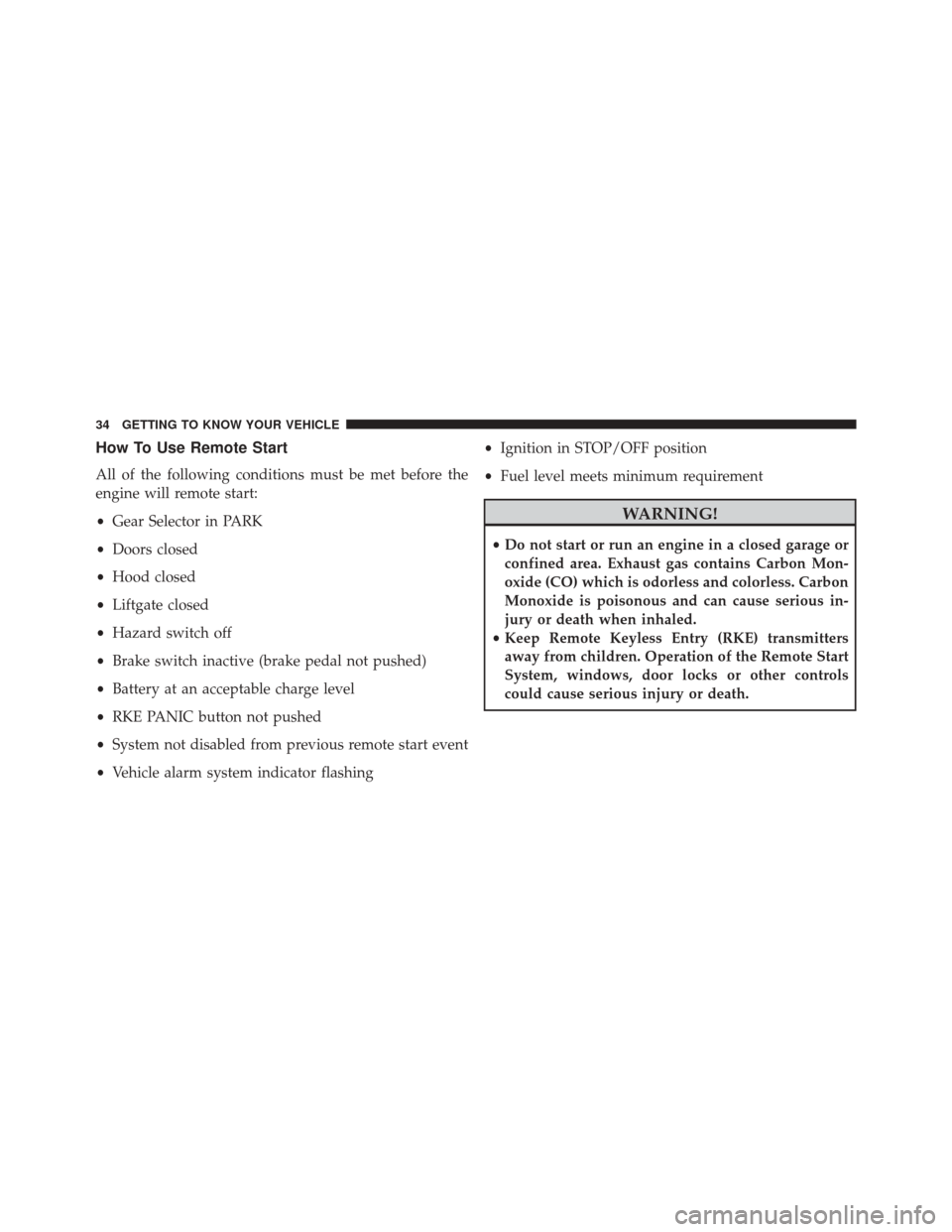
How To Use Remote Start
All of the following conditions must be met before the
engine will remote start:
•Gear Selector in PARK
• Doors closed
• Hood closed
• Liftgate closed
• Hazard switch off
• Brake switch inactive (brake pedal not pushed)
• Battery at an acceptable charge level
• RKE PANIC button not pushed
• System not disabled from previous remote start event
• Vehicle alarm system indicator flashing •
Ignition in STOP/OFF position
• Fuel level meets minimum requirement
WARNING!
•Do not start or run an engine in a closed garage or
confined area. Exhaust gas contains Carbon Mon-
oxide (CO) which is odorless and colorless. Carbon
Monoxide is poisonous and can cause serious in-
jury or death when inhaled.
• Keep Remote Keyless Entry (RKE) transmitters
away from children. Operation of the Remote Start
System, windows, door locks or other controls
could cause serious injury or death.
34 GETTING TO KNOW YOUR VEHICLE
Page 38 of 828

NOTE:For vehicles equipped with the Keyless Enter-
N-Go — Passive Entry feature, the message “Remote
Start Active — Push Start Button” will display in the 3.5”
EVIC or 7” DID until you push the START button.
Remote Start Comfort Systems — If Equipped
When Remote Start is activated, the Climate Control,
vented seats (if equipped) are also activated in tempera-
tures above 80° F (26.7° C), and the optional heated seats,
and optional heated steering wheel in temperatures
below 40° F (4.4° C).. These features will stay on through
the duration of Remote Start or until the ignition switch
is cycled to the ON/RUN position.
NOTE: The Remote Start Comfort System can be acti-
vated and deactivated through the Uconnect Settings. For
more information on Remote Start Comfort System op-
eration, refer to “Uconnect Settings” in “Multimedia.”
Remote Start Windshield Wiper De–Icer
Activation — If Equipped
When Remote Start is active and the outside ambient
temperature is less than 40° F (4.4° C), the Windshield
Wiper De-Icer will be enabled. Exiting Remote Start will
resume previous operation, except if the Windshield
Wiper De-Icer is active. The Windshield Wiper De-Icer
timer and operation will continue.
General Information
The following regulatory statement applies to all Radio
Frequency (RF) devices equipped in this vehicle:
This device complies with Part 15 of the FCC Rules and
with Industry Canada licence-exempt RSS standard(s).
Operation is subject to the following two conditions:
1. This device may not cause harmful interference, and
36 GETTING TO KNOW YOUR VEHICLE
Page 105 of 828

The heated steering wheel control button is located
within the Uconnect controls screen.
•Press the heated steering wheel button
once to
turn the heating element ON.
• Press the heated steering wheel buttona second
time to turn the heating element OFF.
NOTE: The engine must be running for the heated
steering wheel to operate.
Vehicles Equipped With Remote Start
On models that are equipped with remote start, the
heated steering wheel can be programed to come on
during a remote start. Refer to “Uconnect Settings” in
“Multimedia” for further information.
WARNING!
• Persons who are unable to feel pain to the skin
because of advanced age, chronic illness, diabetes,
spinal cord injury, medication, alcohol use, exhaus-
tion, or other physical conditions must exercise
care when using the steering wheel heater. It may
cause burns even at low temperatures, especially if
used for long periods.
• Do not place anything on the steering wheel that
insulates against heat, such as a blanket or steering
wheel covers of any type and material. This may
cause the steering wheel heater to overheat.
3
GETTING TO KNOW YOUR VEHICLE 103
Page 126 of 828
•Neutral Wipe Inhibit — The Rain Sensing feature will
not operate when the ignition is ON, and the transmis-
sion gear selector is in the NEUTRAL position, and the
vehicle speed is less than 3 mph (5 km/h), unless the
wiper control on the multifunction lever is moved, the
vehicle speed is greater than 3 mph (5 km/h), or the
gear selector is moved out of the NEUTRAL position.
• Remote Start Mode Inhibit — On vehicles equipped
with Remote Starting system, Rain Sensing wipers are
not operational when the vehicle is in the remote start
mode. Once the operator is in the vehicle and has
placed the ignition switch in the RUN position, rain
sensing wiper operation can resume, if it has been
selected, and no other inhibit conditions (mentioned
previously) exist.CLIMATE CONTROLS
Manual Climate Controls – 3 Zone — If Equipped
Manual Temperature Controls (MTC) Touchscreen
124 GETTING TO KNOW YOUR VEHICLE
Page 693 of 828
MULTIMEDIA
CONTENTS
�UCONNECT RADIOS ...................694
� PERSONALIZED MENU BAR ..............694
� CYBERSECURITY ...................... .695
� UCONNECT SETTINGS ..................696
▫ Customer Programmable Features — Uconnect 5.0
Settings ........................... .697
▫ Customer Programmable Features — Uconnect 8.4
Settings ............................ .718
� STEERING WHEEL AUDIO CONTROLS ......742
▫ Radio Operation ..................... .743�
AUX/USB/MP3 CONTROL ...............743
� UCONNECT THEATER — IF EQUIPPED .....745
▫ Getting Started ...................... .746
▫ Accessing The System From The Uconnect
Radio ............................. .747
▫ Uconnect Theater Controls ...............748
▫ Accessing The System From The Uconnect Theater
Rear Screens ........................ .749
▫ Pairing The Remote ....................750
▫ Unpairing The Remote ..................751
10