Page 192 of 539

To enable the ParkSense Active Park Assist system, push
the ParkSense Active Park Assist switch once (LED turns
on).
To disable the ParkSense Active Park Assist system, push
the ParkSense Active Park Assist switch again (LED turns
off).
The ParkSense Active Park Assist system will turn off
automatically for any of the following conditions:
•The parking maneuver is completed. •
Vehicle speed greater than 18 mph (30 km/h) when
searching for a parking space.
• Vehicle speed greater than 5 mph (7 km/h) during active
steering guidance into the parking space.
• Touching the steering wheel during active steering guid-
ance into the parking space.
• pushing the ParkSense Front and Rear Park Assist
switch.
• The Driver ’s door is opened.
• The trunk is opened.
• Electronic Stability Control/Anti-lock Braking System
intervention.
• The ParkSense Active Park Assist system will allow a
maximum of six shifts between DRIVE and REVERSE. If
the maneuver cannot be completed within six shifts, the
system will cancel and the Instrument Cluster Display
will instruct the driver to complete the maneuver manu-
ally.
The ParkSense Active Park Assist system will only operate
and search for a parking space when the following condi-
tions are present:
ParkSense Active Park Assist Switch
190 UNDERSTANDING THE FEATURES OF YOUR VEHICLE
Page 193 of 539

•The gear position is in DRIVE.
• The ignition is in the RUN position.
• The ParkSense Active Park Assist switch is activated.
• The Driver ’s door is closed.
• The trunk is closed.
• Vehicle speed is less than 15 mph (25 km/h).
NOTE: If the vehicle is driven above approximately
15 mph (25 km/h), the Instrument Cluster Display will
instruct the driver to slow down. If the vehicle is driven
above approximately 18 mph (30 km/h), the system will
cancel. The driver must then reactivate the system by
pushing the ParkSense Active Park Assist switch.
• The outer surface and the underside of the front and rear
fascias/bumpers are clean and clear of snow, ice, mud,
dirt or other obstruction.
When pushed, the LED on the ParkSense Active Park
Assist switch will blink momentarily, and then the LED
will turn OFF if any of the above conditions are not
present.Parallel Parking Space Assistance Operation/
Display
When the ParkSense Active Park Assist system is enabled
the “Active ParkSense Searching - Press OK for Perpen-
dicular Park” message will appear in the Instrument
Cluster Display. You may switch to perpendicular parking
if you desire. Push the OK button on the left side steering
wheel switch to change your parking space setting.
NOTE:
• When searching for a parking space, use the turn signal
indicator to select which side of the vehicle you want to
perform the parking maneuver. The ParkSense Active
Park Assist system will automatically search for a park-
ing space on the passenger’s side of the vehicle if the
turn signal is not activated.
• The driver needs to make sure that the selected parking
space for the maneuver remains free and clear of any
obstructions (e.g. pedestrians, bicycles, etc.).
• The driver is responsible to ensure that the selected
parking space is suitable for the maneuver and free/
clear of anything that may be overhanging or protruding
into the parking space (e.g., ladders, tailgates, etc. from
surrounding objects/vehicles).
3
UNDERSTANDING THE FEATURES OF YOUR VEHICLE 191
Page 257 of 539
Door Open Warning Light
Red TelltaleLight What It Means
Door Open Warning Light
This indicator will illuminate when a door is ajar/open and not fully closed.
If the vehicle is moving there will also be a single chime.
Trunk Open Warning Light
Red Telltale
Light What It Means
Trunk Open Warning Light
This indicator will illuminate when the trunk is open and not fully closed.
NOTE:
If the vehicle is moving there will also be a single chime.
4
UNDERSTANDING YOUR INSTRUMENT PANEL 255
Page 277 of 539

•Tire Pressure Screen With Low Tire(s) “Inflate Tire to
XX”
• Service Tire Pressure System
• Parking Brake Engaged
• Brake Fluid Low
• Service Electronic Braking System
• Engine Temperature Hot
• Battery Voltage Low
• Service Electronic Throttle Control
• Lights On
• Right Turn Signal Light Out
• Left Turn Signal Light Out
• Turn Signal On
• Vehicle Not in Park
• Key in Ignition
• Key in Ignition Lights On
• Remote Start Active Key to Run •
Remote Start Active Push Start Button
• Remote Start Aborted Fuel Low
• Remote Start Aborted Too Cold
• Remote Start Aborted Door Open
• Remote Start Aborted Hood Open
• Remote Start Aborted Trunk Open
• Remote Start Aborted Time Expired
• Remote Start Disabled Start to Reset
• Service Airbag Warning Light
• Door Open
• Doors Open
• Gear Not Available
• Shift Not Allowed
• Shift to Neutral then Drive or Reverse
• Transmission Getting Hot Push Brake
• Trans. Hot Stop Safely Shift to Park Wait to Cool
• Service Transmission
4
UNDERSTANDING YOUR INSTRUMENT PANEL 275
Page 419 of 539
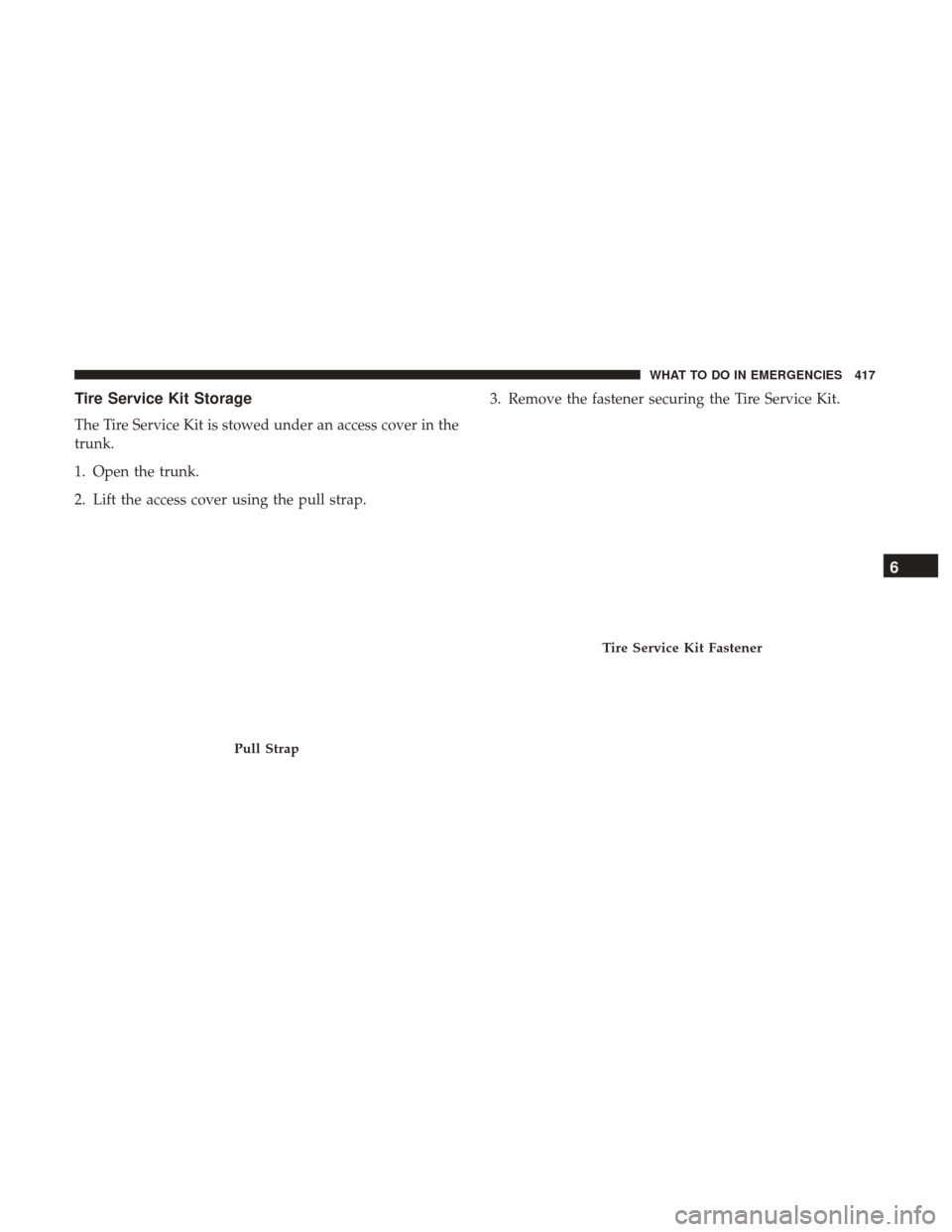
Tire Service Kit Storage
The Tire Service Kit is stowed under an access cover in the
trunk.
1. Open the trunk.
2. Lift the access cover using the pull strap.3. Remove the fastener securing the Tire Service Kit.
Pull Strap
Tire Service Kit Fastener
6
WHAT TO DO IN EMERGENCIES 417
Page 427 of 539

JACKING AND TIRE CHANGING
WARNING!
•Do not attempt to change a tire on the side of the
vehicle close to moving traffic. Pull far enough off
the road to avoid the danger of being hit when
operating the jack or changing the wheel.
• Being under a jacked-up vehicle is dangerous. The
vehicle could slip off the jack and fall on you. You
could be crushed. Never put any part of your body
under a vehicle that is on a jack. If you need to get
under a raised vehicle, take it to a service center
where it can be raised on a lift.
• Never start or run the engine while the vehicle is on
a jack.
• The jack is designed to be used as a tool for changing
tires only. The jack should not be used to lift the
vehicle for service purposes. The vehicle should be
jacked on a firm level surface only. Avoid ice or
slippery areas.
Jack Location/Spare Tire Stowage
The jack, wheel chocks and spare tire are stowed under an
access cover in the trunk. Follow these steps to access the
jack, wheel chocks and spare tire.
1. Open the trunk.
2. Lift the access cover using the pull strap.
Pull Strap
6
WHAT TO DO IN EMERGENCIES 425
Page 475 of 539

•Avoid using abrasive compounds and power buffing that
may diminish the gloss or thin out the paint finish.
CAUTION!
• Do not use abrasive or strong cleaning materials such
as steel wool or scouring powder that will scratch
metal and painted surfaces.
•
Use of power washers exceeding 1,200 psi (8 274 kPa)
can result in damage or removal of paint and decals.
Special Care
• If you drive on salted or dusty roads or if you drive near
the ocean, hose off the undercarriage at least once a
month.
• It is important that the drain holes in the lower edges of
the doors, rocker panels, and trunk be kept clear and
open.
• If you detect any stone chips or scratches in the paint,
touch them up immediately. The cost of such repairs is
considered the responsibility of the owner. •
If your vehicle is damaged due to a collision or similar
cause that destroys the paint and protective coating,
have your vehicle repaired as soon as possible. The cost
of such repairs is considered the responsibility of the
owner.
• If you carry special cargo such as chemicals, fertilizers,
de-icer salt, etc., be sure that such materials are well
packaged and sealed.
• If a lot of driving is done on gravel roads, consider mud
or stone shields behind each wheel.
• Use MOPAR Touch Up Paint on scratches as soon as
possible. Your authorized dealer has touch up paint to
match the color of your vehicle.
Wheel And Wheel Trim Care
• All wheels and wheel trim, especially aluminum and
chrome plated wheels, should be cleaned regularly with
a mild soap and water to prevent corrosion.
• To remove heavy soil and/or excessive brake dust, use
MOPAR Wheel Cleaner.
7
MAINTAINING YOUR VEHICLE 473
Page 489 of 539
Interior Fuses
The interior fuse panel is located in the passenger compart-
ment on the left side dash panel under the instrument
panel.
CavityBlade Fuse Description
F13 15 Amp Blue Low Beam Left
F32 10 Amp Red Interior Lighting
F36 10 Amp Red Intrusion Module / Siren
F37 7.5 Amp Brown Aux. Switch Bank Module (ASBM)
F38 20 Amp Yellow All Doors Lock/Unlock
F43 20 Amp Yellow Washer Pump Front
F48 20 Amp Yellow Horns
F49 7.5 Amp Brown Lumbar Support
F51 10 Amp RedDriver Window Switch / Power Mirrors – If Equipped
F53 7.5 Amp Brown UCI Port (USB & AUX)
F89 5 Amp Tan Trunk Lamp
F91 5 Amp Tan Fog Lamp Front Left
F92 5 Amp Tan Fog Lamp Front Right
F93 10 Amp Red Low Beam Right
7
MAINTAINING YOUR VEHICLE 487